Inspiration
Picture Lena. She moved to Germany, she's at about A2, and most evenings she ends up on the sofa in front of the TV. During the day she studies German on her phone. In the evening the TV speaks German fluently for an hour and never explains a word of it. Two screens, the same goal, and they've never been introduced.
She's far from alone. In 2024, 363,466 people started an integration course in Germany,⁶ and people aged 14–49 there watched 79 minutes of TV a day.⁷ The research says that time could count. Viewers pick up words from subtitled television without trying,⁸ ⁹ glossing a few keywords in the captions helps learners remember meanings,¹⁰ and testing yourself beats re-reading: a week later, 56 % recalled against 42 %.¹¹
We built Lingo to introduce the two screens: the TV teaches, and the phone helps her remember.
What it does
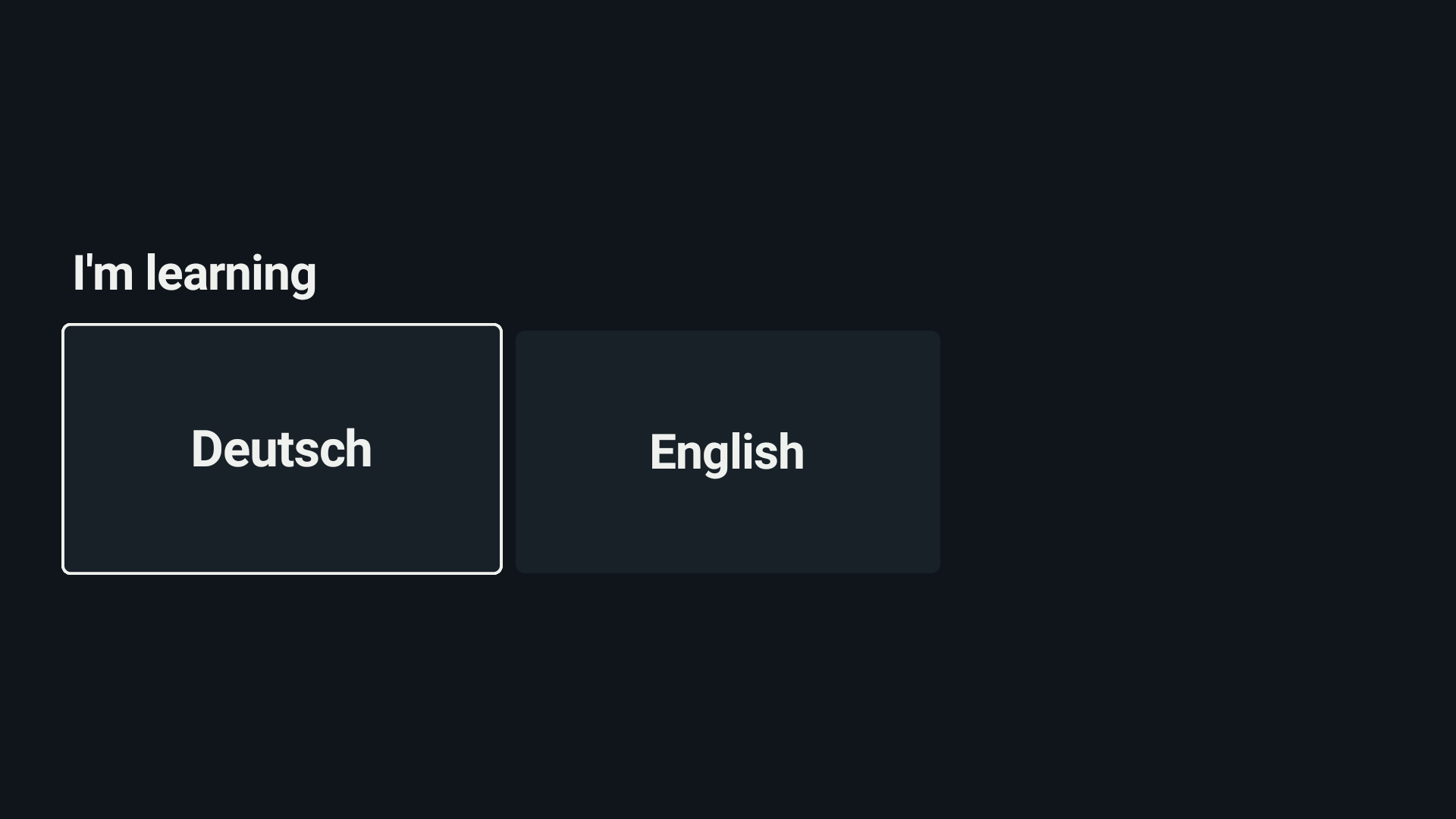
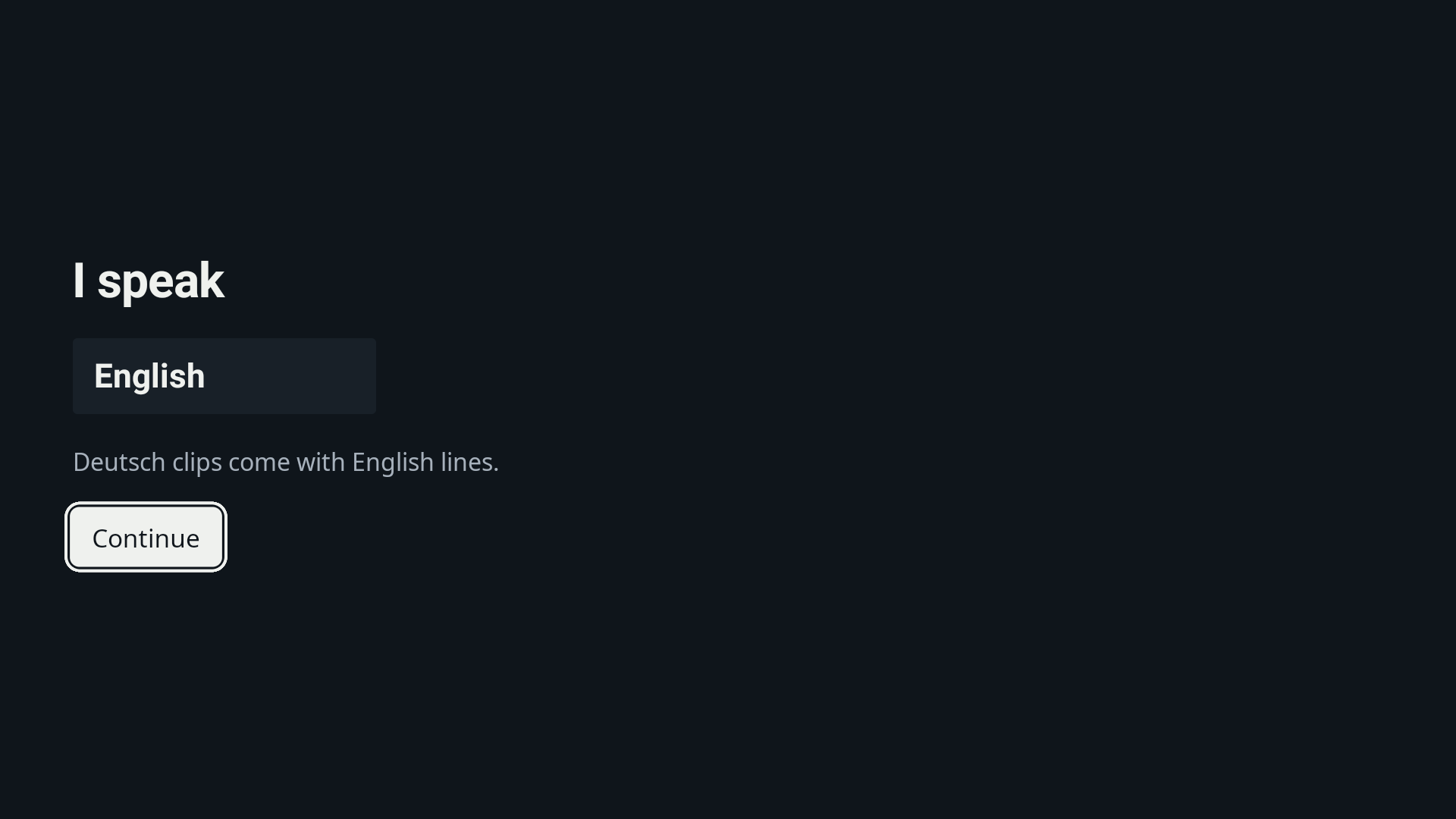
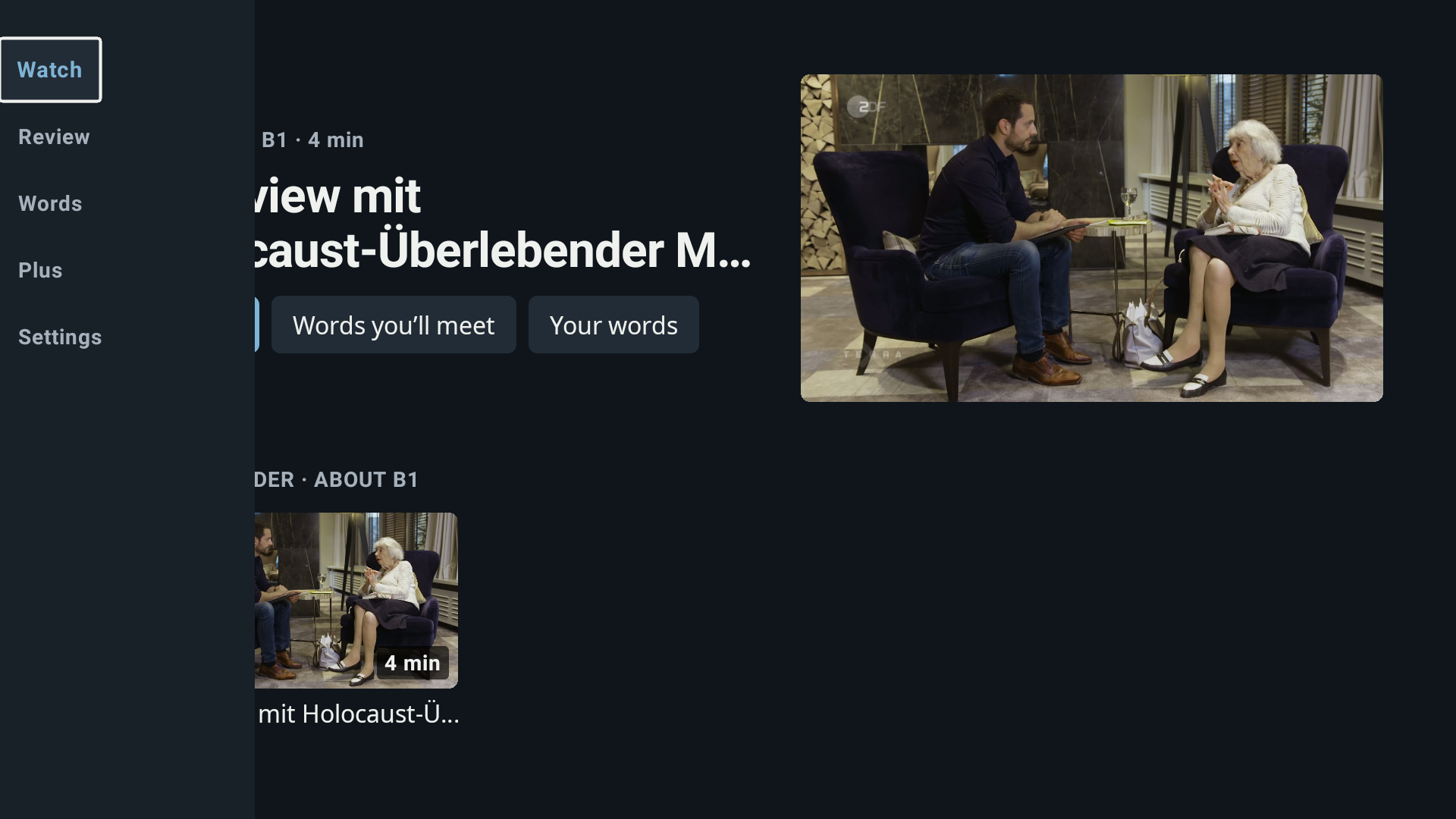
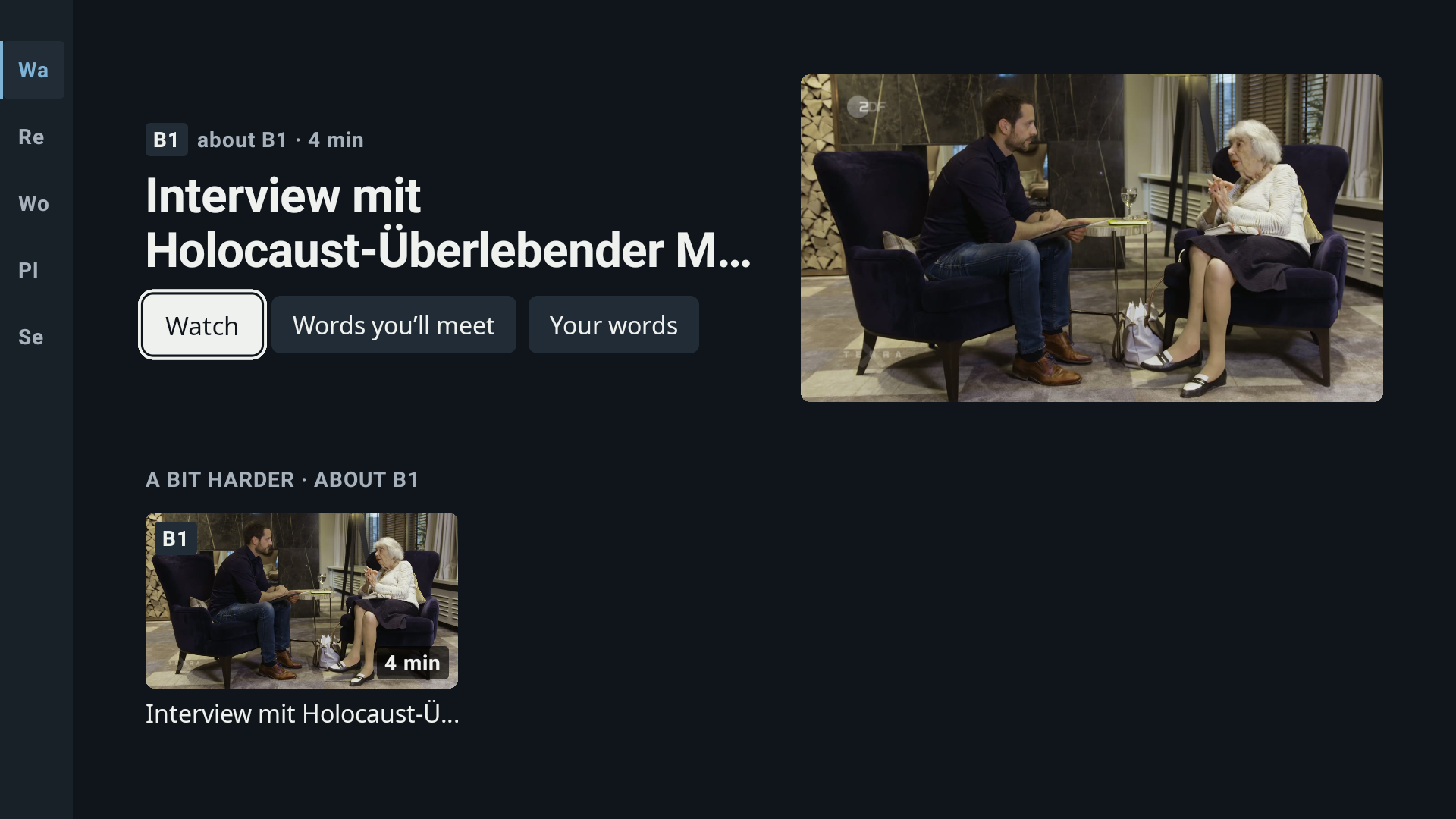
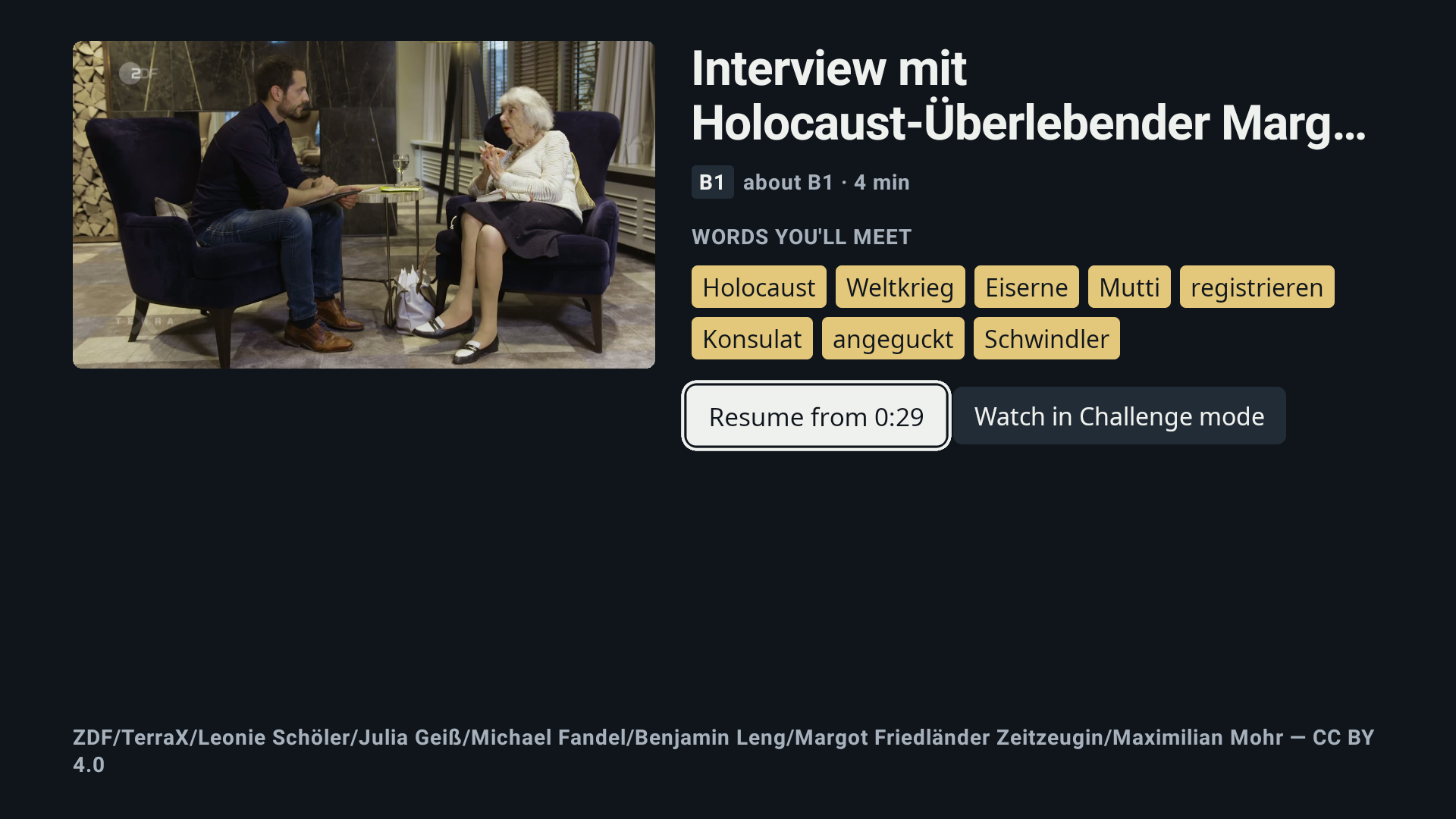
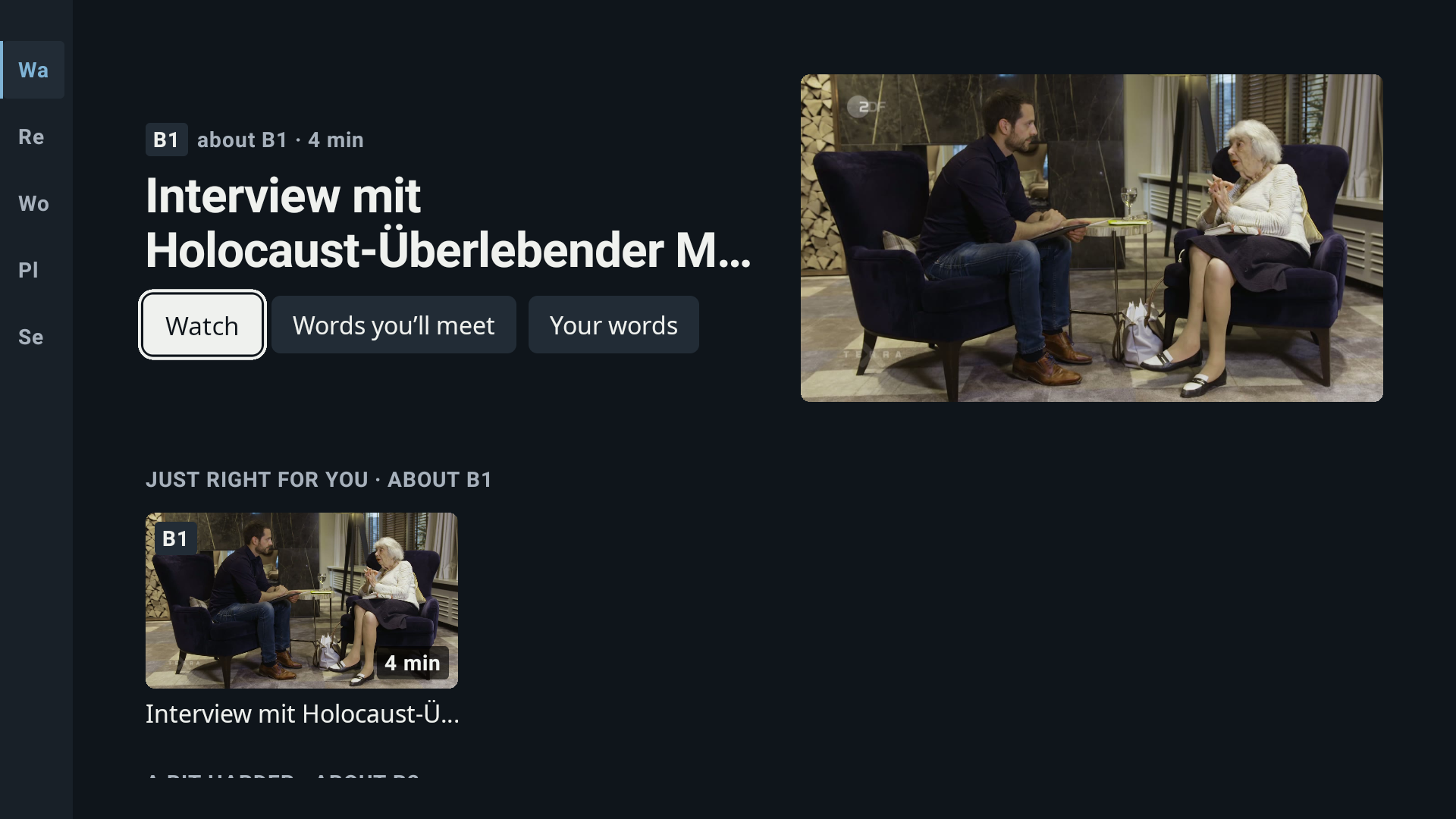
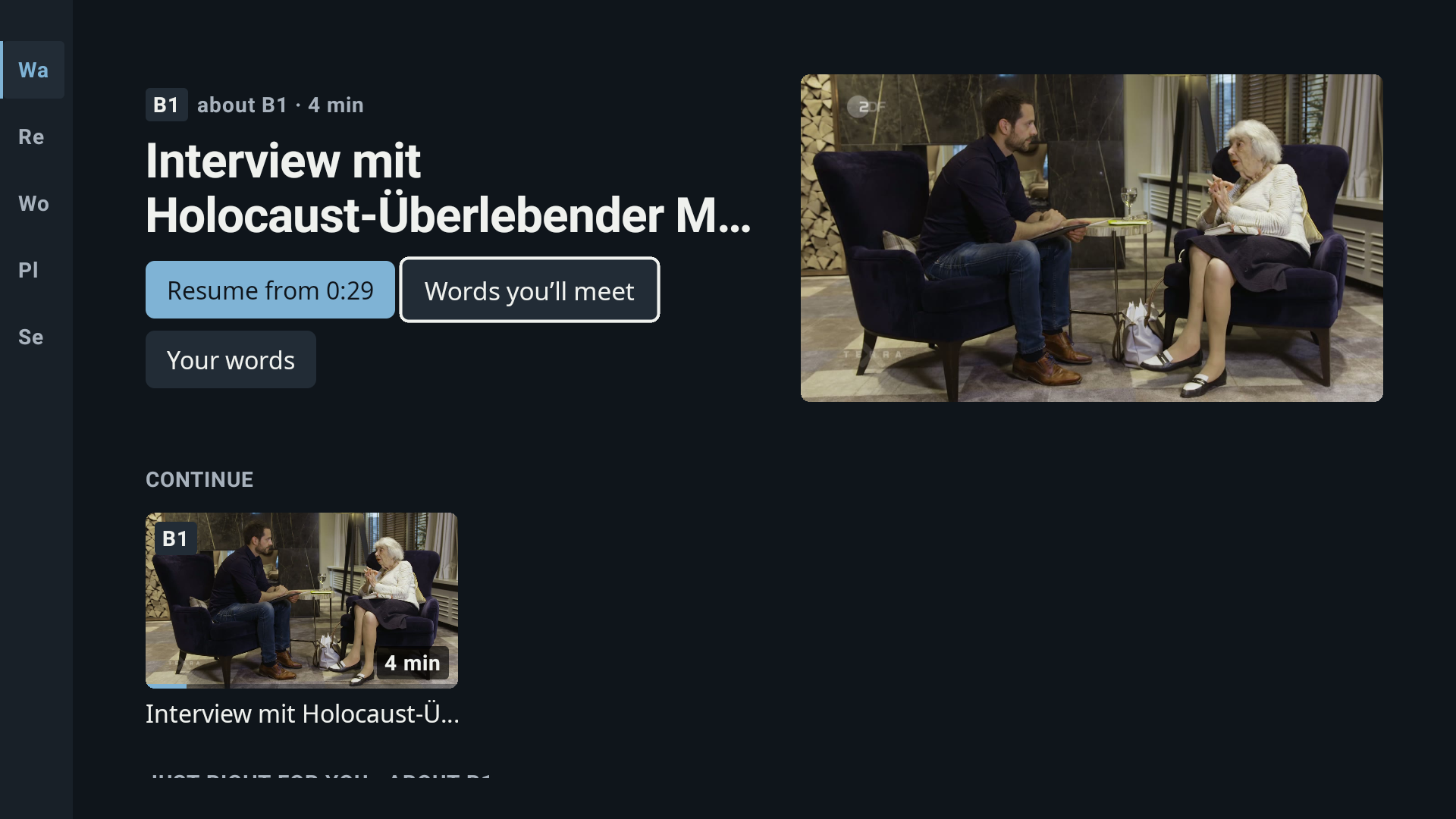
Lingo turns a 3–8 minute clip on Fire TV into a German or English lesson.
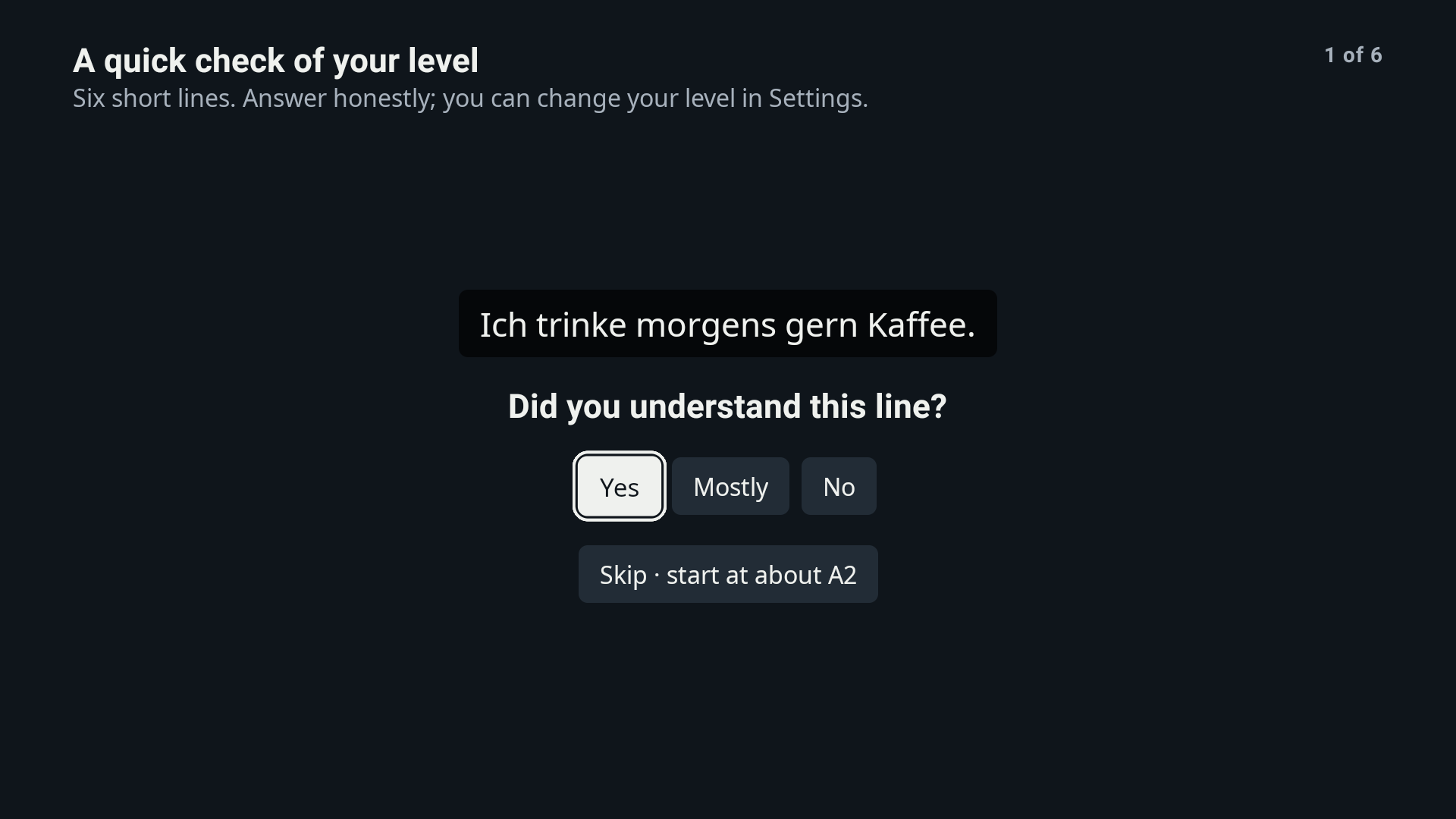
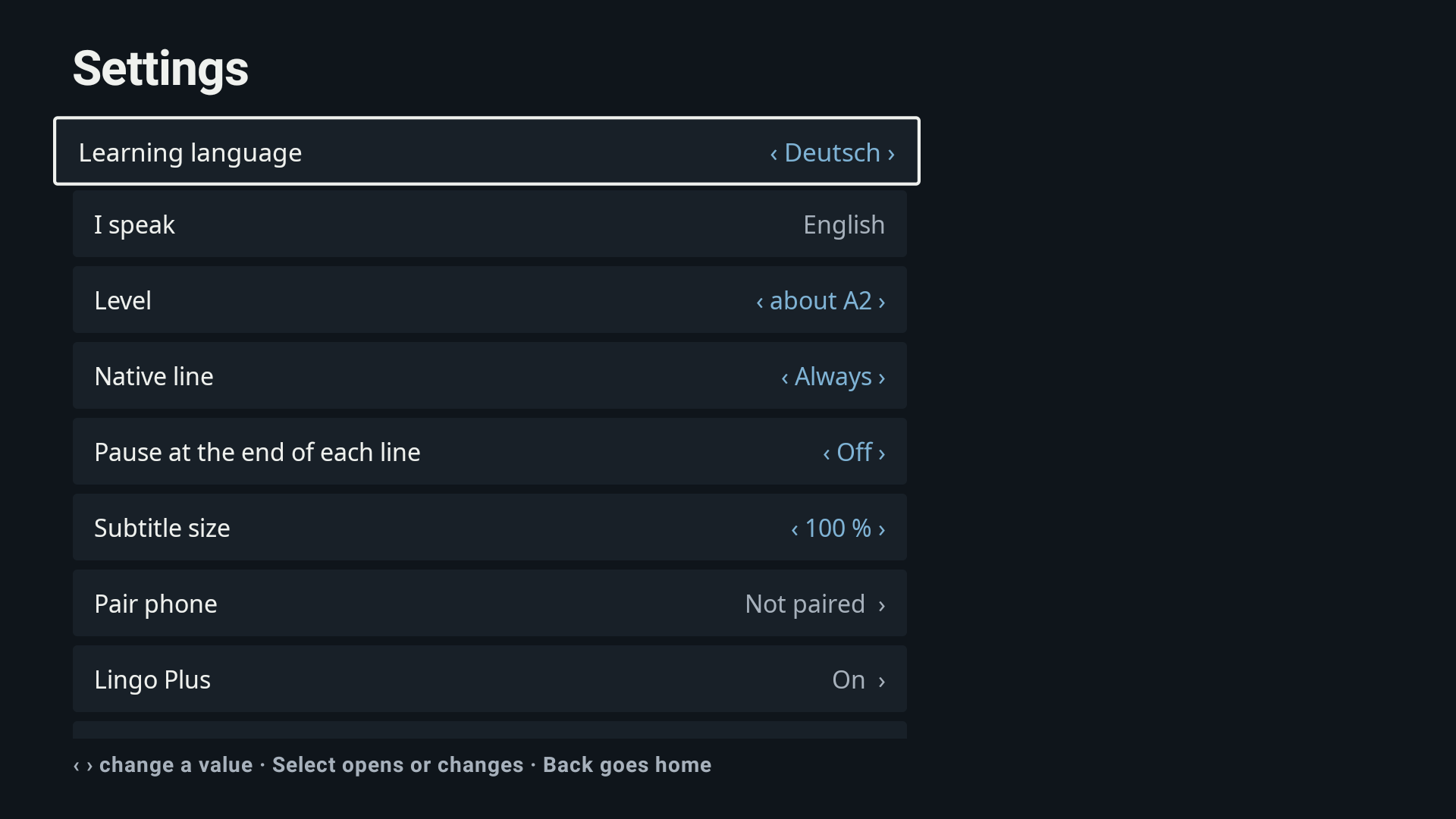
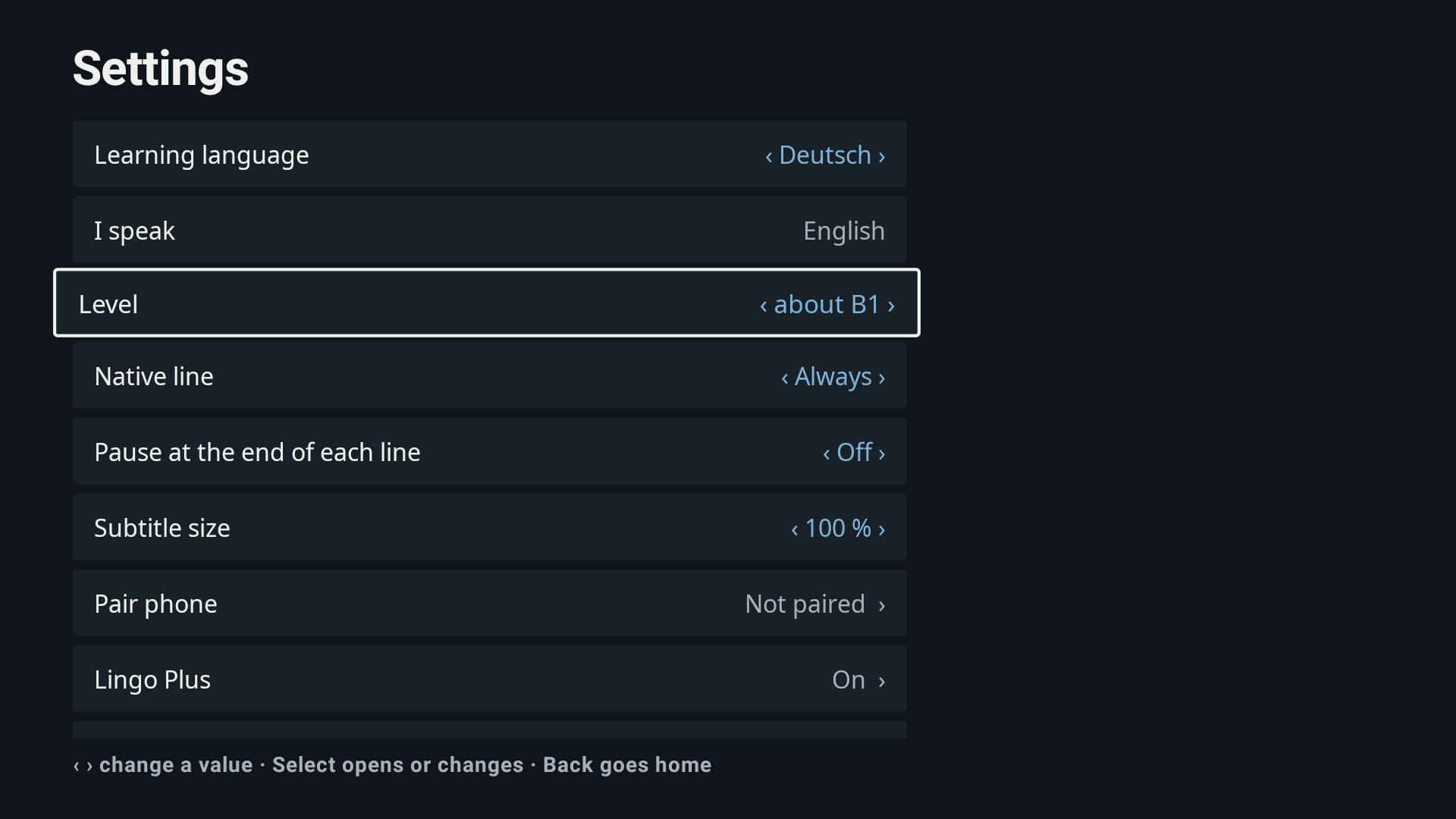
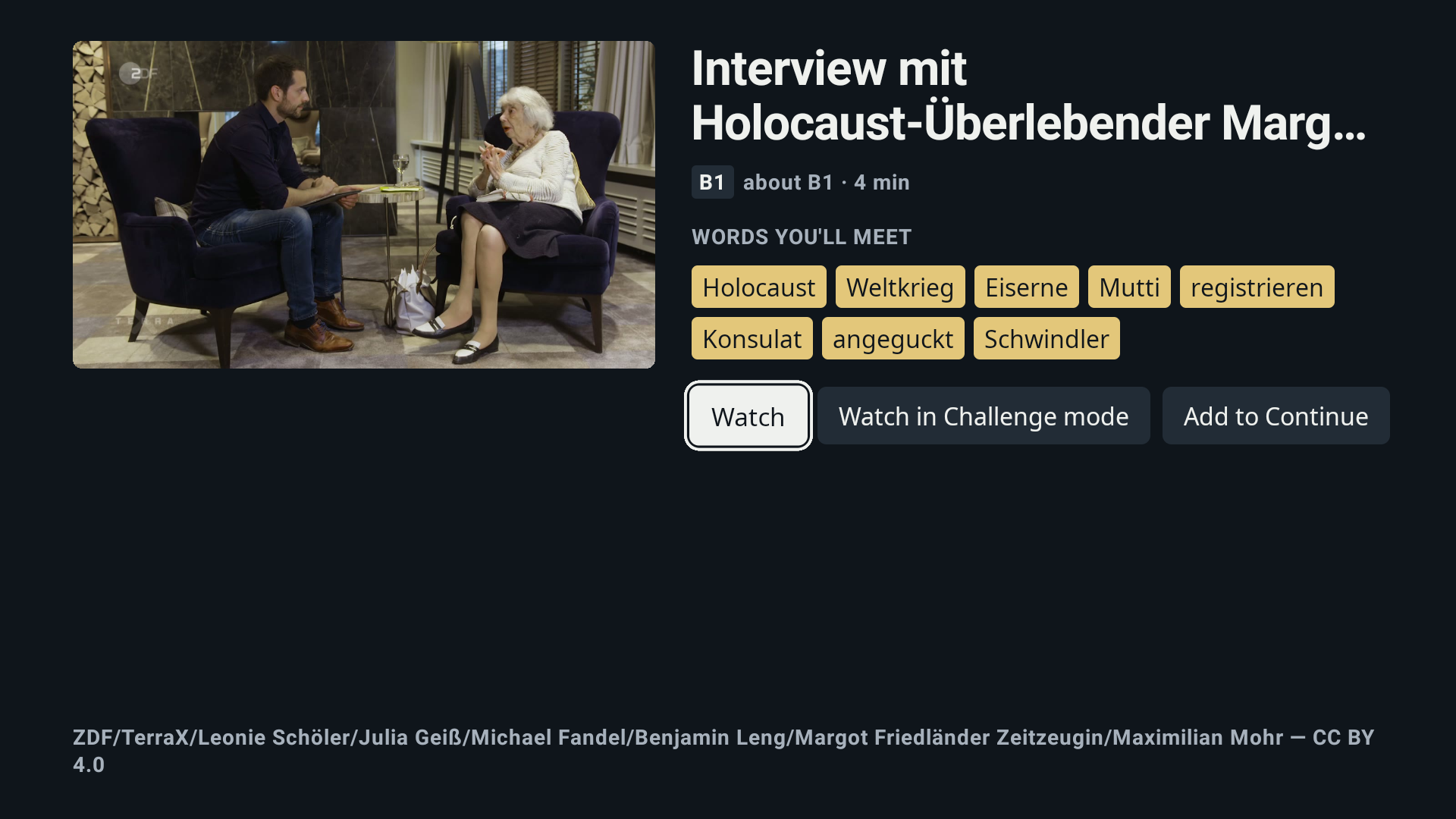
Two subtitle lines play together: the language you're learning, large and bright, and your own language, small and cool underneath. One or two words per line are marked as worth learning at your level, an approximate CEFR band worked out from word frequency.
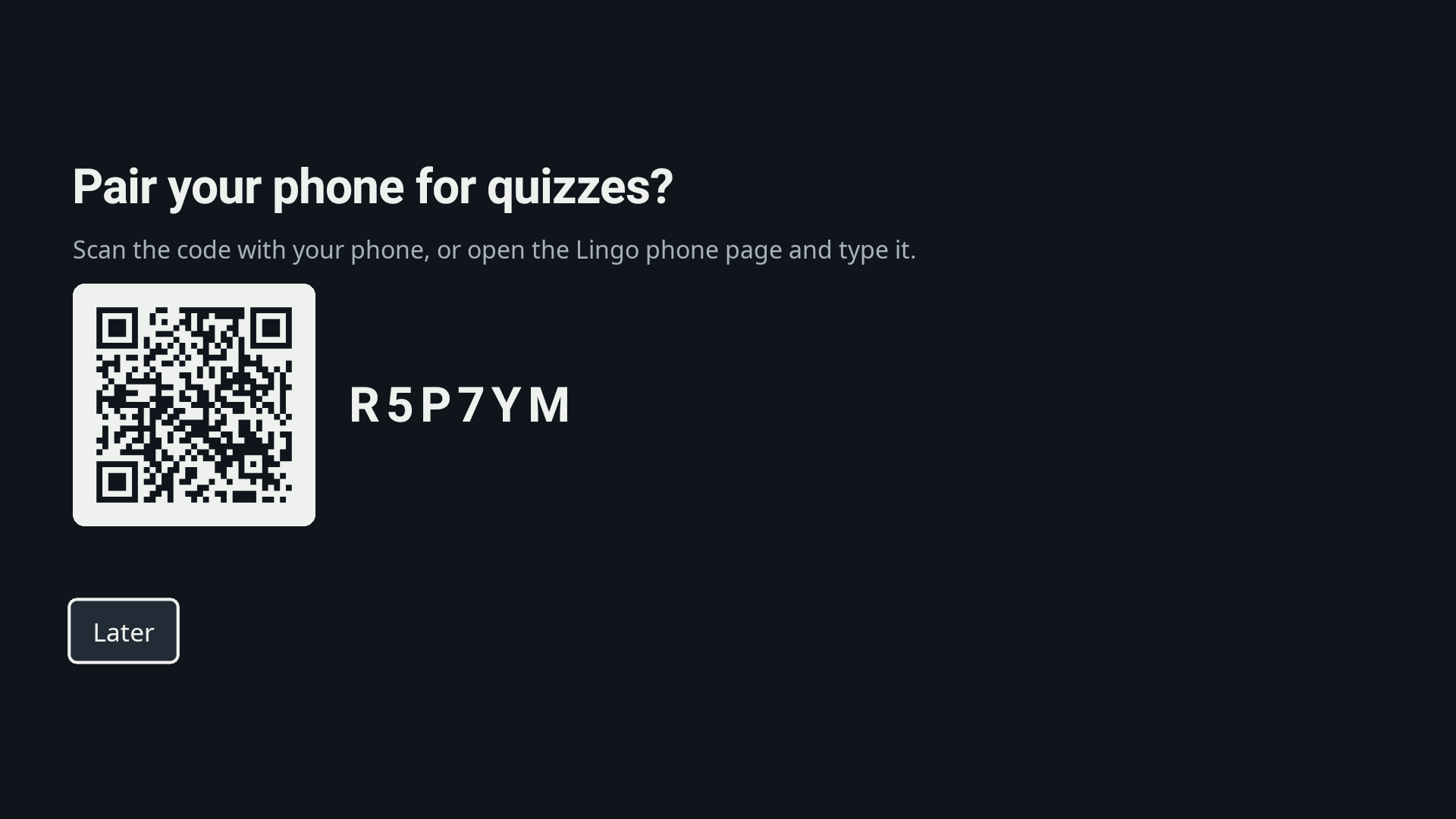
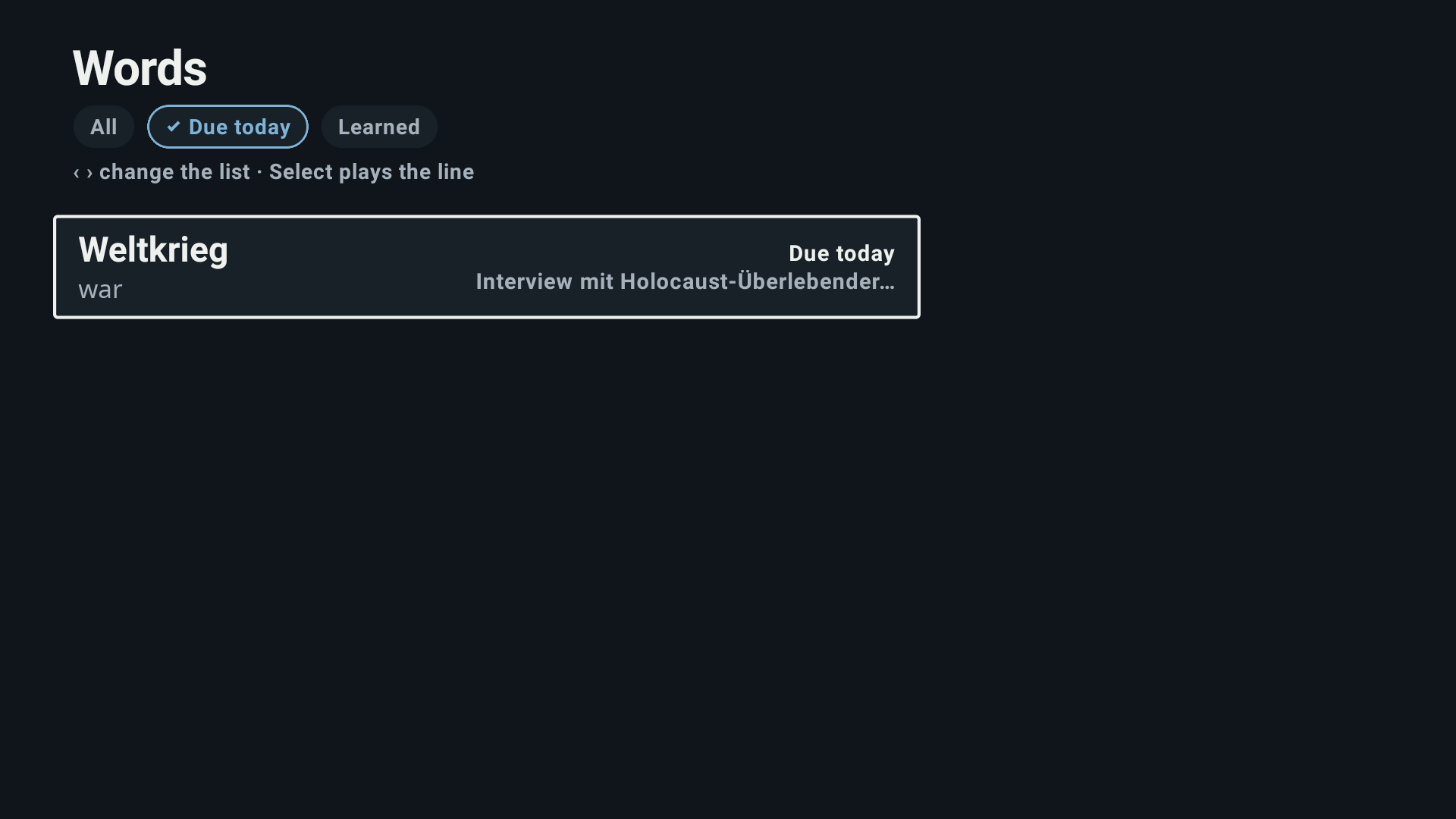
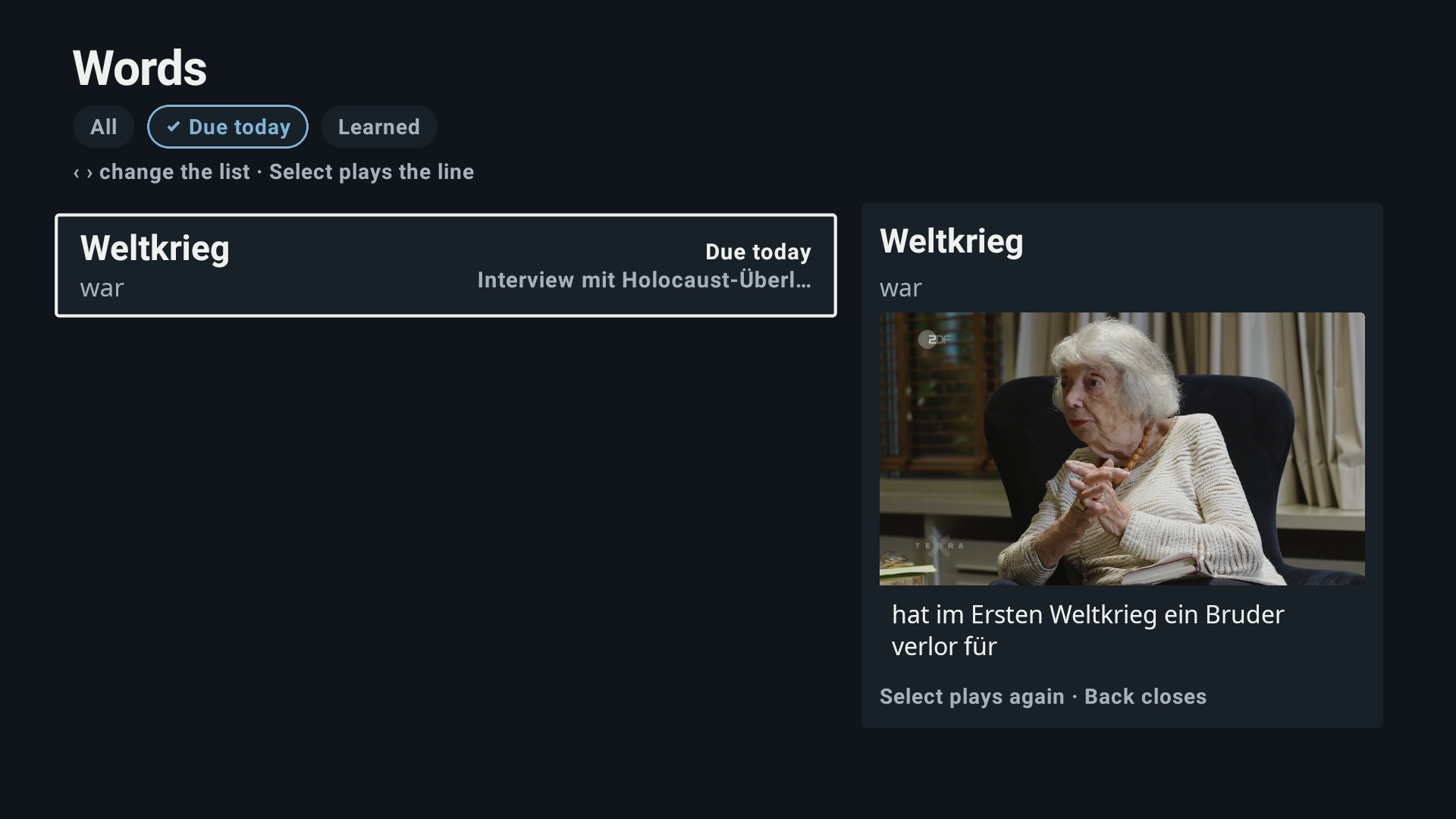
When a word catches your eye, you pause. The Explain card gives the word's meaning, one grammar note, and the line itself as the example. You save it, and in under a second it's on your paired phone.
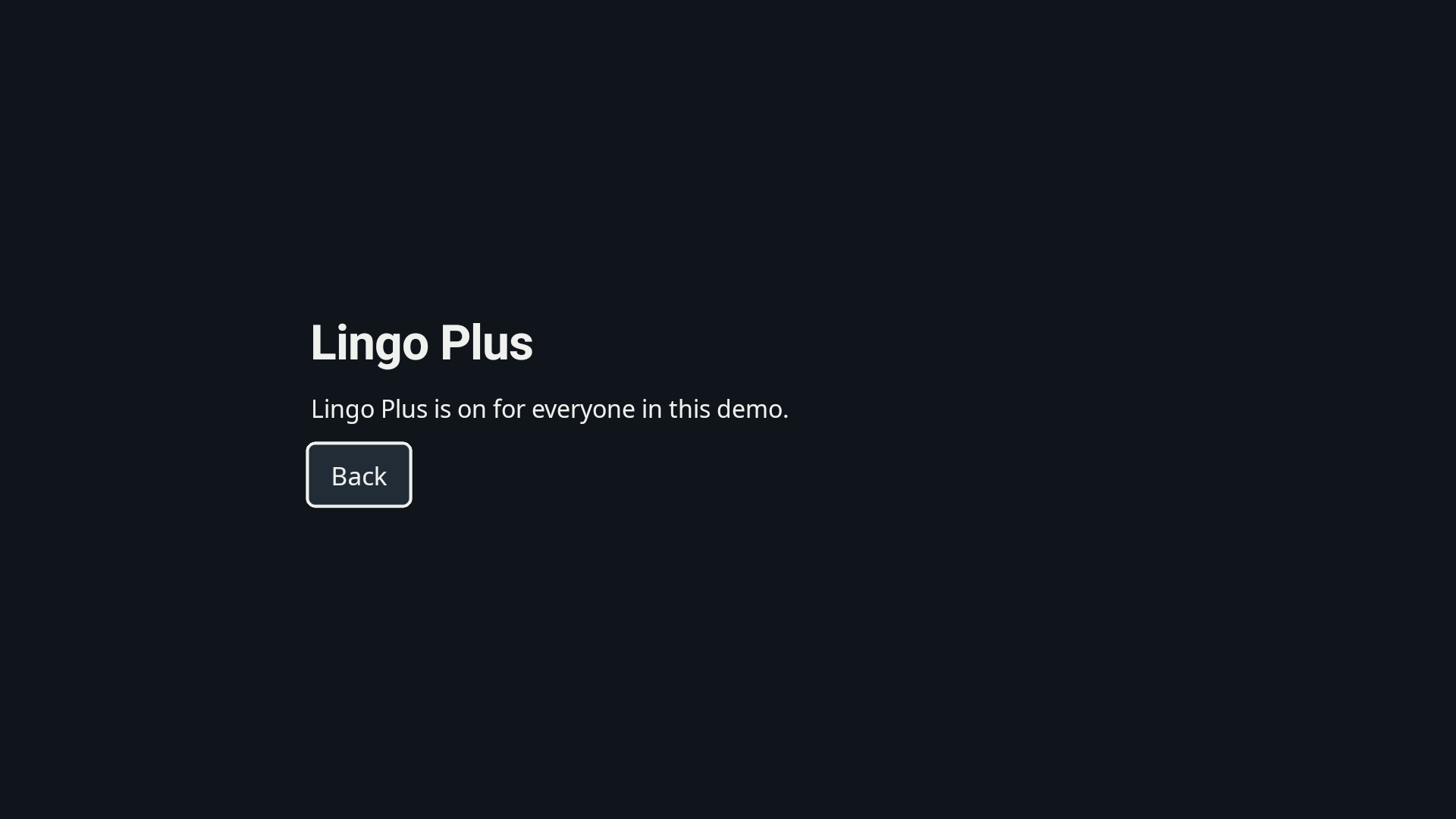
The next day, the phone quizzes you and spaces each review further out with SM-2, scheduled on the server, so the TV and the phone always agree on what's due. Lingo Plus (sandbox) adds Challenge mode, unlimited saved words and slower playback.
Who it's for: adults in Germany who are learning German (especially integration-course learners at about A2–B1) or learning English, and who own a Fire TV and a phone. It's also for the household around them: one person learning, another watching along. Nobody types on the TV; the only typing in the whole system is the 6-character pairing code on the phone.
Why not the apps that already exist: apps like Lingopie bring clickable subtitles to the TV, but that service's own page says its interactive subtitles are easier to use on a phone or computer than on the TV.¹³ Lingo is built for the remote: it chooses the words for your level, Pause explains them, and your phone takes over the review. An AWS pipeline turns any licensed clip into a lesson without hand-subtitling.
How we built it
Lingo is a pnpm + Turborepo monorepo: one TV UI package, a phone app, an API and a media pipeline.
TV (vega/expo → shared-ui → kit)      Phone (Expo)
  Home · Player(dual cues) · Explain    Join · Live saved words · Quiz (SM-2) · Progress
  Summary · Quiz · Words · Settings          │ Socket.IO room = session code
         └──────────── REST + Socket.IO ────┘
apps/api (Express, Prisma, pg-boss, Socket.IO) → packages/pipeline:
  Transcribe → segment (42×2, 20 cps) → Translate → lemmatize+rank → highlights
  → Nova Pro glosses → quiz (code) → package → publish
The pipeline gets every clip ready before anyone presses play. It's a plain command-line tool (pnpm pipeline prepare) that runs its steps in order, with no agent framework.
- Amazon Transcribe writes down what's said, with word timings.
- Our segmenter cuts the transcript into subtitle cues that keep to broadcast reading limits: at most 42 characters per line, two lines, 20 characters per second, and 1 to 7 seconds on screen.¹ A cue that breaks a limit stops the build; there is no tolerance flag.
- Amazon Translate writes the second-language line one cue at a time, so the two tracks stay aligned, using its Formality and Brevity settings.
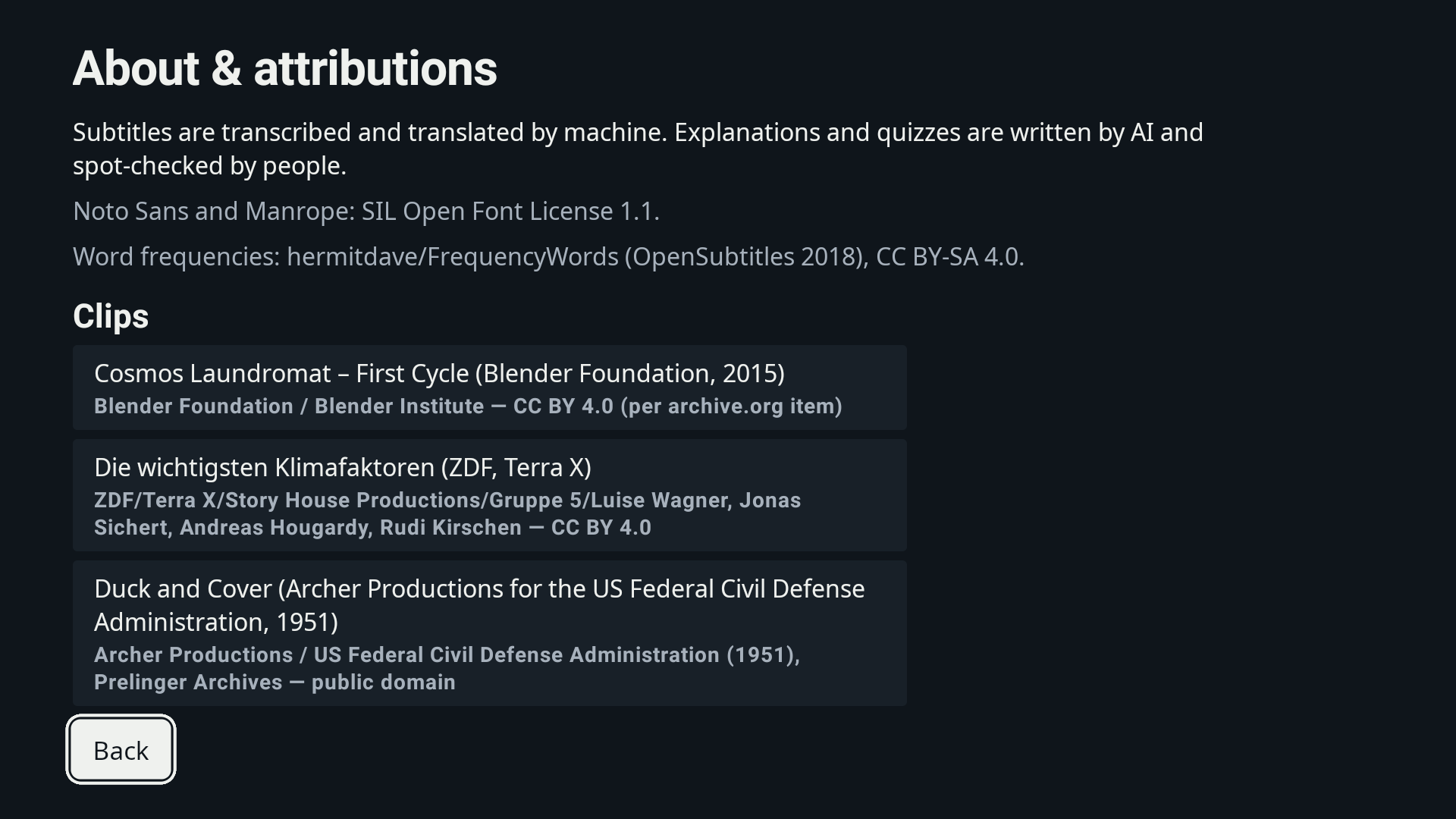
- Each word is lemmatized with simplemma and ranked against an open subtitle frequency list (hermitdave/FrequencyWords, CC BY-SA 4.0). One or two words per cue, from the band just above the clip's level, become highlights. Names and numbers never do, and at most 40 % of cues carry one.
- Amazon Nova Pro on Amazon Bedrock writes each highlight's gloss and returns its grammar facts (article, plural, verb forms), which code turns into the grammar note. It goes through the Converse API with forced tool use, Zod validation and checks in code.
- The quiz is built by code from those glosses, with no model call: "what does this word mean" and fill-the-gap items, each with the right answer and three other options taken from the clip's highlights of the same part of speech, spread across the whole clip.
- Shaka Packager packages the video and both WebVTT tracks; Amazon S3 + CloudFront serve them. The AWS stack is AWS CDK.
The API (Express, Zod, Prisma on PostgreSQL, pg-boss, Socket.IO) keeps learners, saved words and reviews. Spaced repetition is literal SM-2, the published scheduling algorithm,⁴ and it runs on the server.
TV and phone share one Socket.IO room per 6-character session code (QR or typed). A word saved on the TV reaches the phone in under one second at p95 in our integration test.⁵
One UI for Fire OS and Vega. All TV screens live in one shared-ui package, which CI keeps free of imports that can't run on Vega. The Vega app's own imports are checked against Amazon's supported-library list, and the platform apps are thin entries. Playback and subtitle parsing come from vega-media-kit, our MIT-licensed open-source library.
Vega OS (experimental). The same shared-ui screens build with React Native for Vega 0.83 and run on the Vega Virtual Device (SDK 0.24, 2026-10-14). Home, the rail, Clip and Words render with the live catalog. Video playback is off on Vega until the kit's player is rewritten, and the Player says so on screen. The kit's Vega adapter is experimental and not yet verified on a device.
Challenges we ran into
- Hesitations became sentences. Amazon Transcribe put a full stop after a hesitation ("hat.", "aber."), which produced one-word cues padded to a second. We now repair a stop when the next word continues the clause, and let pauses (not only character counts) end a cue.
- Neighbouring lines changed register. Translating each subtitle on its own made lines from the same conversation jump between formal "Sie" and casual "du". Amazon Translate's Formality and Brevity settings fixed the register and length while keeping the two tracks aligned one-to-one.
- The first glosses weren't good enough. On our first quality check, Amazon Nova Lite's glosses for the English clip scored about 6 of 15. We built a scored set of test words, added checks in code (no invented words, the word itself and not its neighbour), and measured Nova Lite, Nova 2 Lite and Nova Pro on it. Nova Pro scored best. It then produced no valid quiz plan in three real runs, so code now builds the quiz from the checked glosses. The check passed on human-scored sheets for both languages on 2026-10-10.
- Remote keys work differently on each OS. Plain React Native on Fire OS has no TV event handler, so we moved the Fire OS app to react-native-tvos. On Vega, a key handler can observe keys but not consume them, so word focus in the subtitle uses the platform's own focus on per-word buttons instead of custom key handling.
Every friction point is logged in docs/friction.
Accomplishments that we're proud of
- A hard subtitle gate. Every target-language cue keeps to 42 characters × 2 lines, 20 characters per second and 1–7 seconds, and it passes on real broadcast clips, not just test fixtures.
- A save on the TV reaches the phone in under a second at p95, proved by an integration test rather than a demo.
- One TV UI, written once for Fire OS and Vega, with the platform differences (playback speed, where word focus lives) in a single capabilities file.
- An open-source library. vega-media-kit is MIT-licensed (v0.1.0, on npm as
@moizp/vega-media-kit), and we sent an upstream fix to an Amazon sample.
What we learned
- Subtitles have to follow how people really talk. Real speech needs pauses and speaker changes in the segmenter. Characters and duration alone produce subtitles a viewer can't read.
- Check the platform before designing for it. Vega's W3C media package lists
playbackRateas unsupported, so slower playback is a Fire OS feature for now. - Choose the model by measurement, and let code do what code can. We started on Amazon Nova Lite, whose model card lists Bedrock structured outputs as not supported, so we forced the schema with tool use plus Zod validation; that path carried over unchanged to Nova Pro. The quiz needed exact rules (part of speech, three options, spread over the clip), and a deterministic planner in code applies them directly.
What's next for Lingo
- More languages, through Amazon Translate: the pipeline already takes the target and native language as parameters.
- Content Launcher, so a viewer can ask for a clip by voice and land in Lingo.
- Fire TV Personalization, so your place in each clip is kept.
- Video on Vega, and Lingo on Vega devices: today it runs on the Vega Virtual Device, without video.
Lena still watches TV most evenings. Now a little more of it makes sense every night.
Sources
- ¹ Timed Text Style Guide, English (USA) (42 characters per line, 20 characters per second)
- ⁴ SM-2 as described in an open-source flashcard app's FAQ
- ⁵ Lingo repo: decision 0005 and
apps/api/test/realtime.test.ts - ⁶ BAMF, Integrationskursgeschäftsstatistik 2024
- ⁷ AGF Videoforschung, TV year 2024
- ⁸ Peters & Webb (2018), Studies in Second Language Acquisition
- ⁹ Rodgers & Webb (2020), ITL
- ¹⁰ Montero Perez, Peters & Desmet (2018), Computer Assisted Language Learning
- ¹¹ Roediger & Karpicke (2006), Psychological Science
- ¹³ What is Lingopie? (read 2026-10-14)
Built With
- amazon-web-services
- appstore
- bedrock
- cloudfront
- expo.io
- express.js
- ffmpeg
- iap
- node.js
- pg-boss
- postgresql
- prisma
- react
- react-native-tvos
- s3
- simplemma
- socket.io
- typescript
- vega
- vega-media-kit
- zod

Log in or sign up for Devpost to join the conversation.