Inspiration
Studying STEM subjects you hit a wall. You read the textbook, copy the board notes, open the PDF — and remember almost nothing the next day. Passive input alone doesn't build real understanding.
Cognitive science is clear: active recall and spaced repetition are the most effective ways to retain knowledge, and the act of solving a problem is the fastest path to genuine understanding. But creating practice problems from your own material is slow and hard, and off-the-shelf problem sets never match what you actually studied.
There's a second gap too: the best study tools are often paywalled, cloud-locked, or useless without a stable connection — exactly the students who can't rely on those things are left out. Lily Memo runs entirely in the browser, works offline, and is free to use in English with zero setup (no API key, no account). Bring any material — typed notes, PDFs, photos of textbooks — and the AI reads it and generates explanations, diagrams, quizzes, and full exam-style problem sets in real time. Your own study material becomes the best problem set you've ever had.
What it does
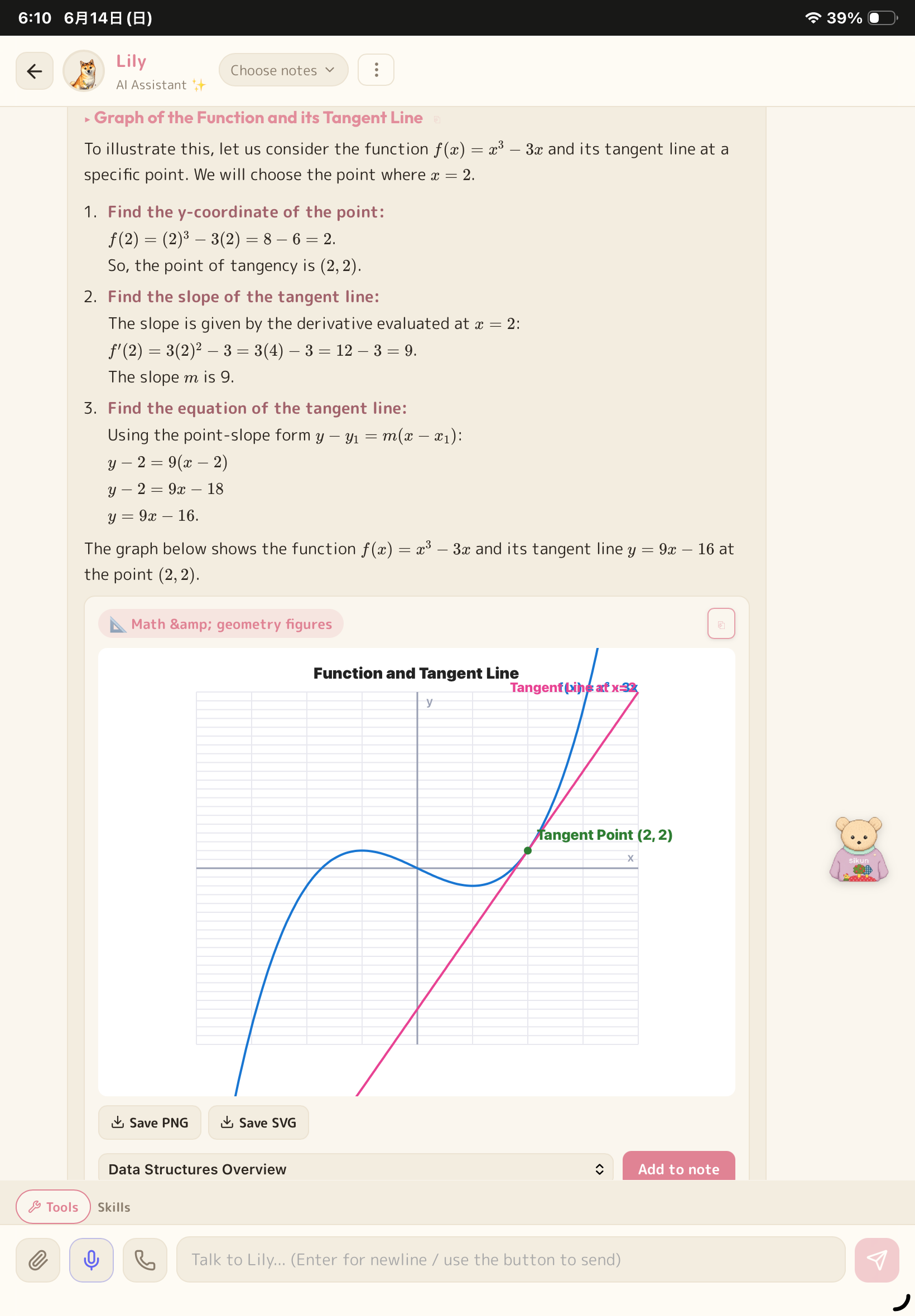
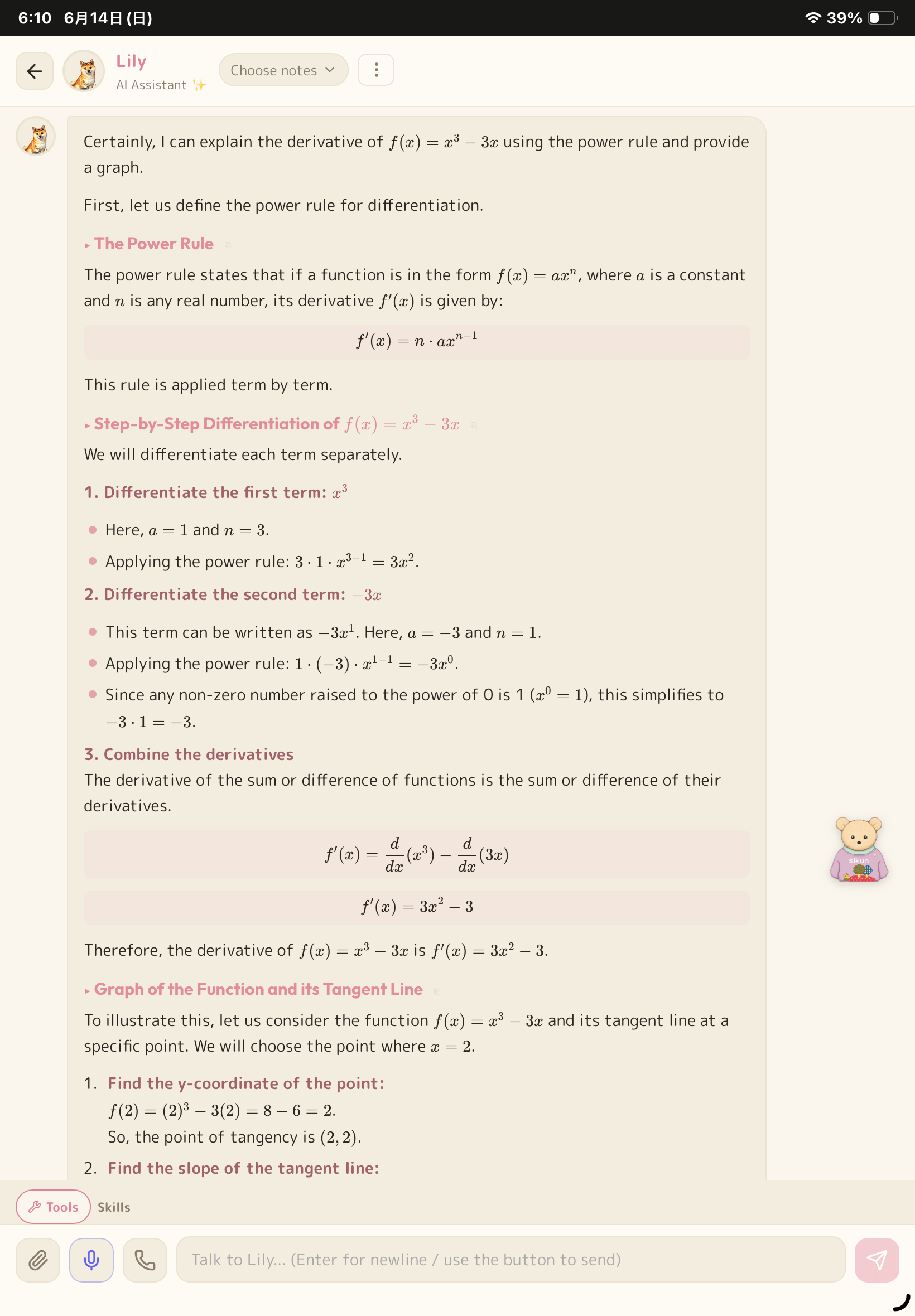
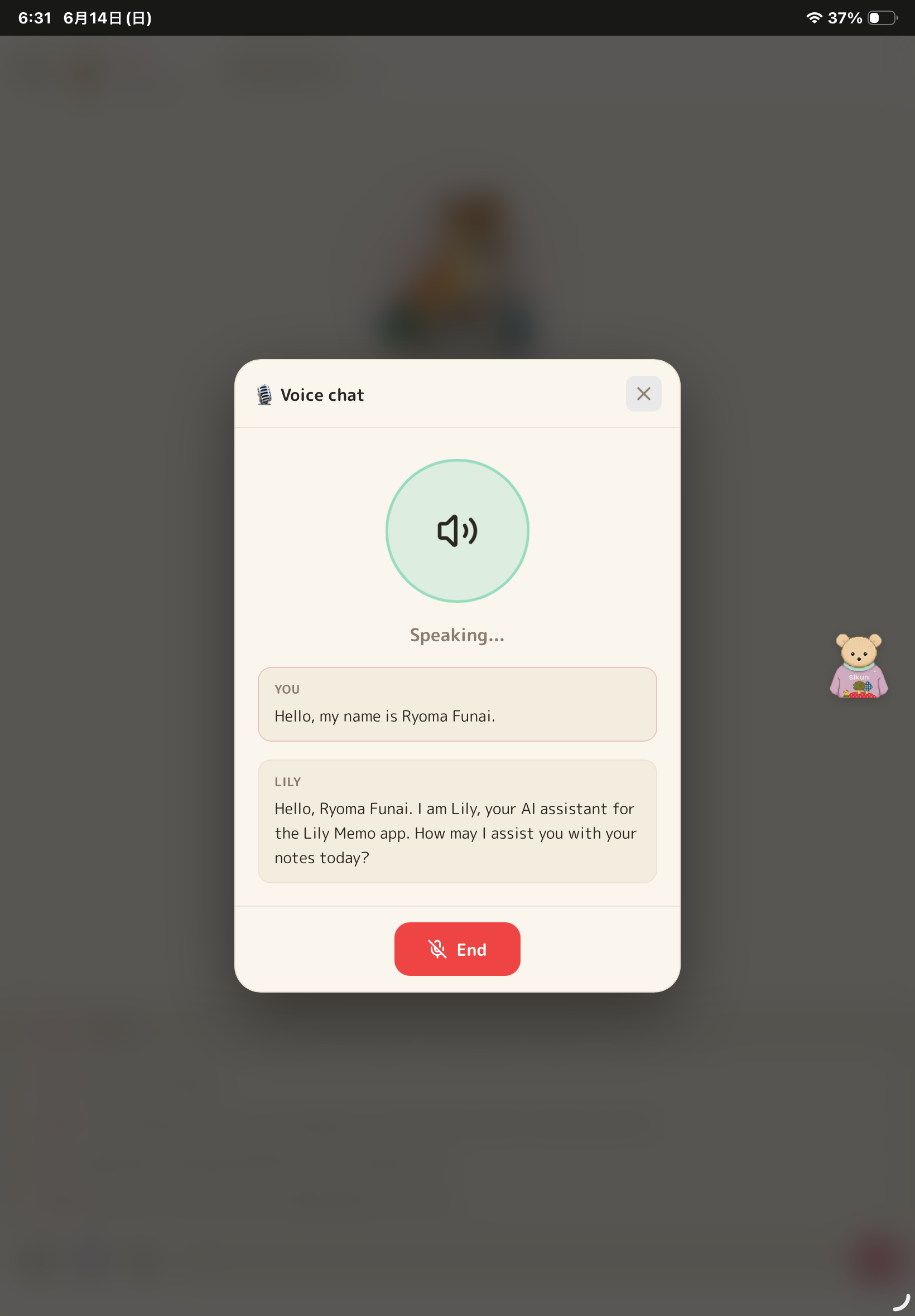
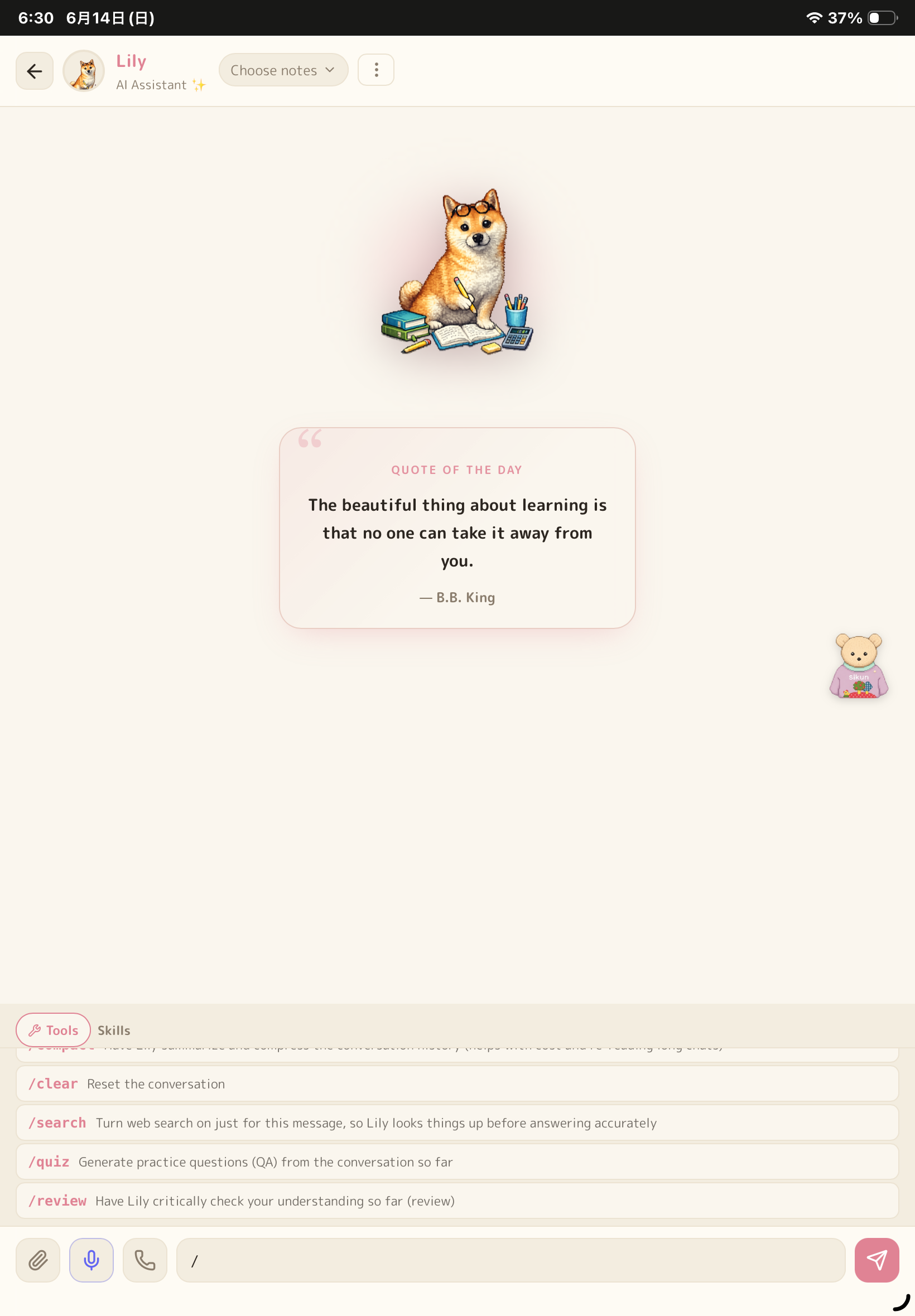
AI tutor "Lily" reads your notes, PDFs, and images before answering. She generates Mermaid diagrams, Chart.js graphs, geometry figures, formatted tables, and 6 kinds of interactive study cards — short-answer, fill-in-the-blank, multiple choice, true/false, ordering, and flashcards — all inserted directly into your notes with one tap. Lily has an accuracy-first persona: she corrects mistakes instead of agreeing, and flags uncertainty instead of guessing.
Custom AI skills — beyond chatting, you can give Lily reusable "skills": instruction templates with their own reference material (a PDF, a URL, or pasted text). Three are built in — a one-on-one tutor, a memorization coach, and an English coach — and you can author your own. This is how the same app becomes a personalized tutor for your course, not a generic chatbot.
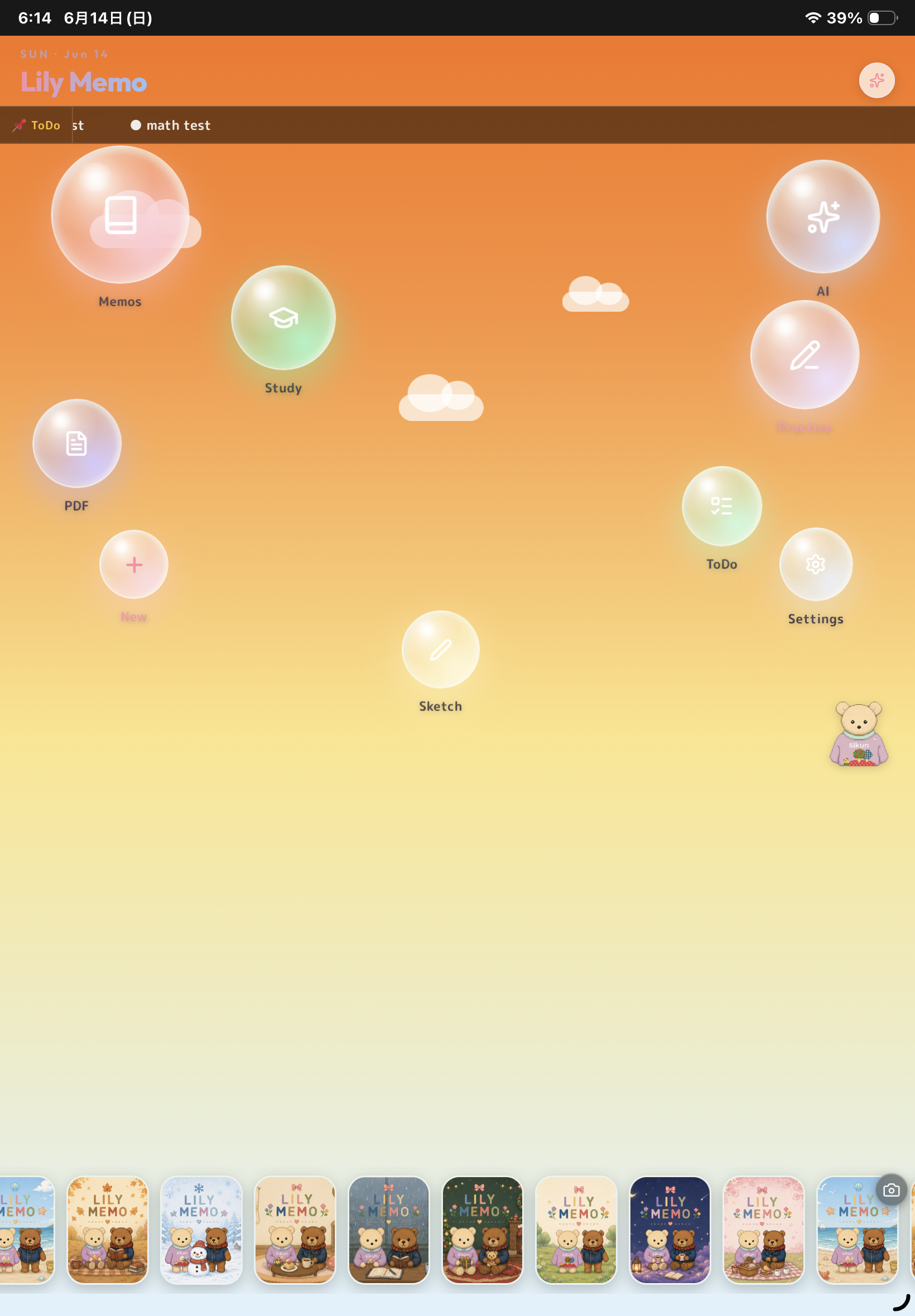
Floating character "Sikun" is a lightweight AI that lives on screen — draggable anywhere, always one tap away without leaving what you're doing. Sikun reads your open note for instant answers, summaries, and to-do extraction, reads PDF pages to explain or translate, and can write annotations (highlights, underlines, arrows, labels) directly onto the PDF. Animated frames and time-of-day greetings give it personality; anything heavy is automatically handed off to Lily.
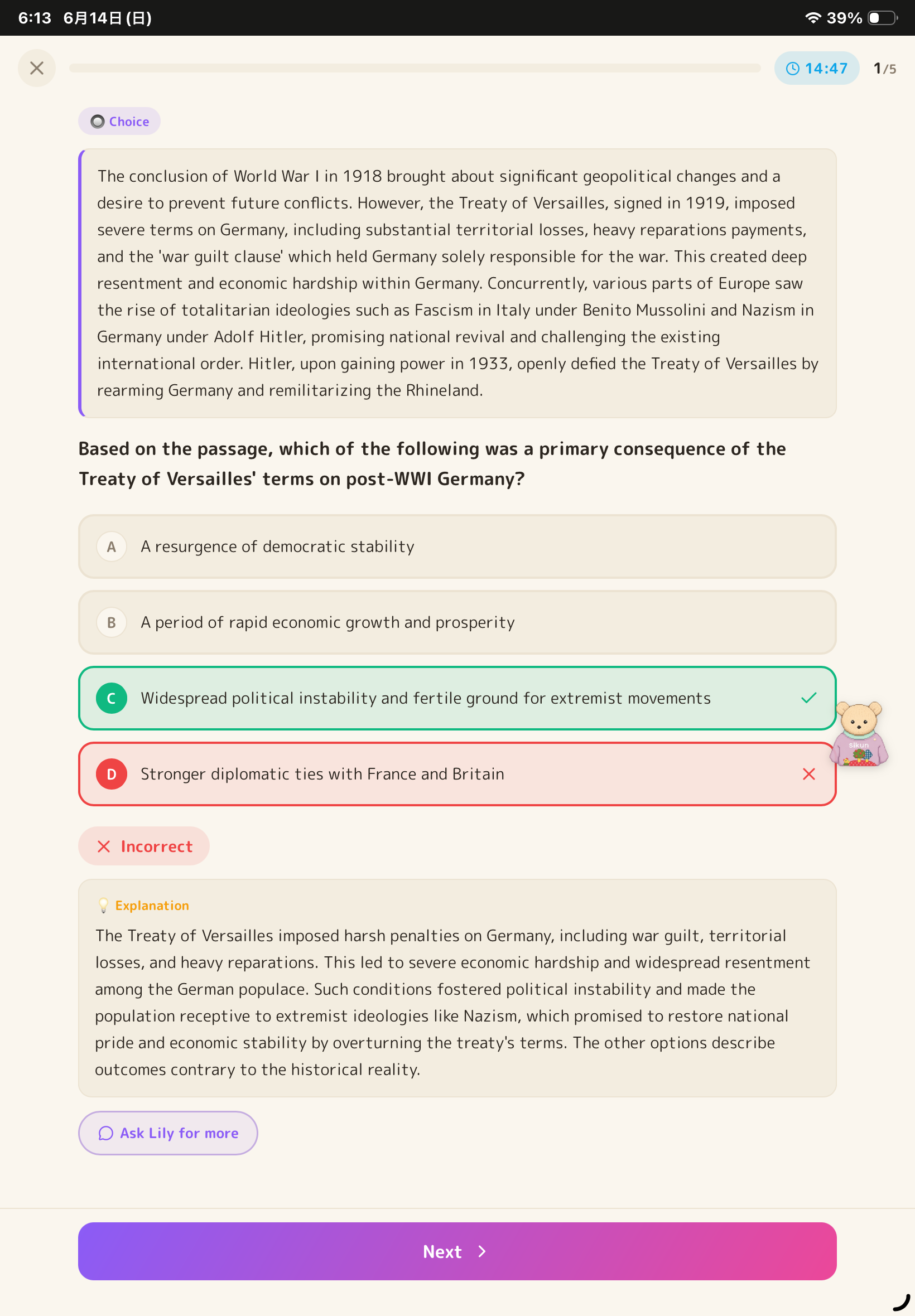
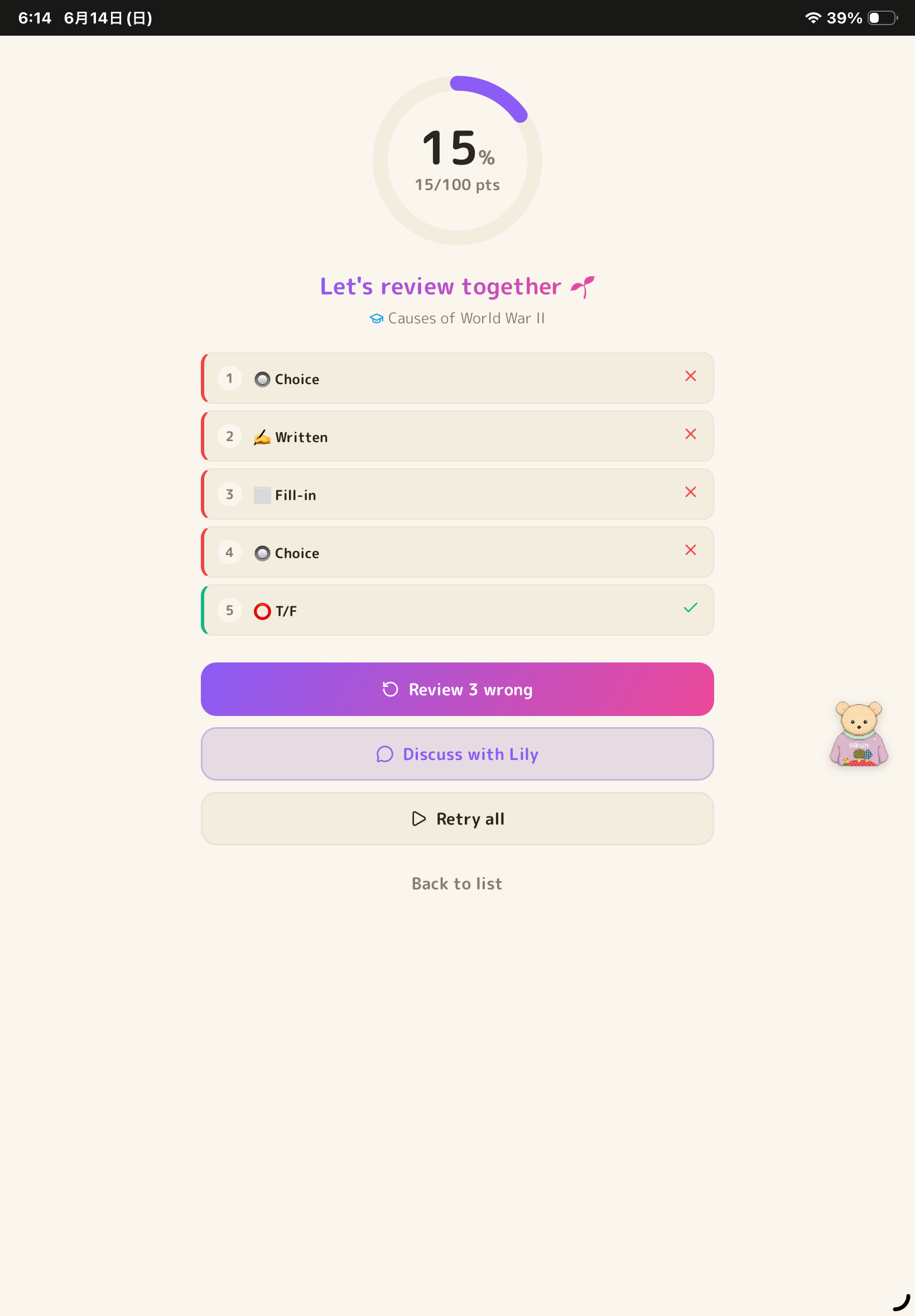
Practice problem sets — describe what you want ("20 questions on the chain rule" or "15 multiple-choice from chapter 3 of this PDF") and get a full mixed-format set: multiple choice, written, fill-in-the-blank, true/false, and reading-passage questions, including multi-part (大問) formats. You solve them in a focused full-screen UI with scoring, explanations, attempt history, and an optional "brutal" (鬼) difficulty tier. The generator self-verifies every question for self-containment, a unique correct answer, and plausible distractors before it reaches you.
PDF study tools — a full in-browser viewer with highlights, pen, and a built-in timer, plus one-tap PDF → Markdown conversion: each page is rendered to an image and transcribed by Gemini's vision model in batches, so even scanned and handwritten PDFs become editable notes. You can also build a PDF from photos (with rotation) right inside the app.
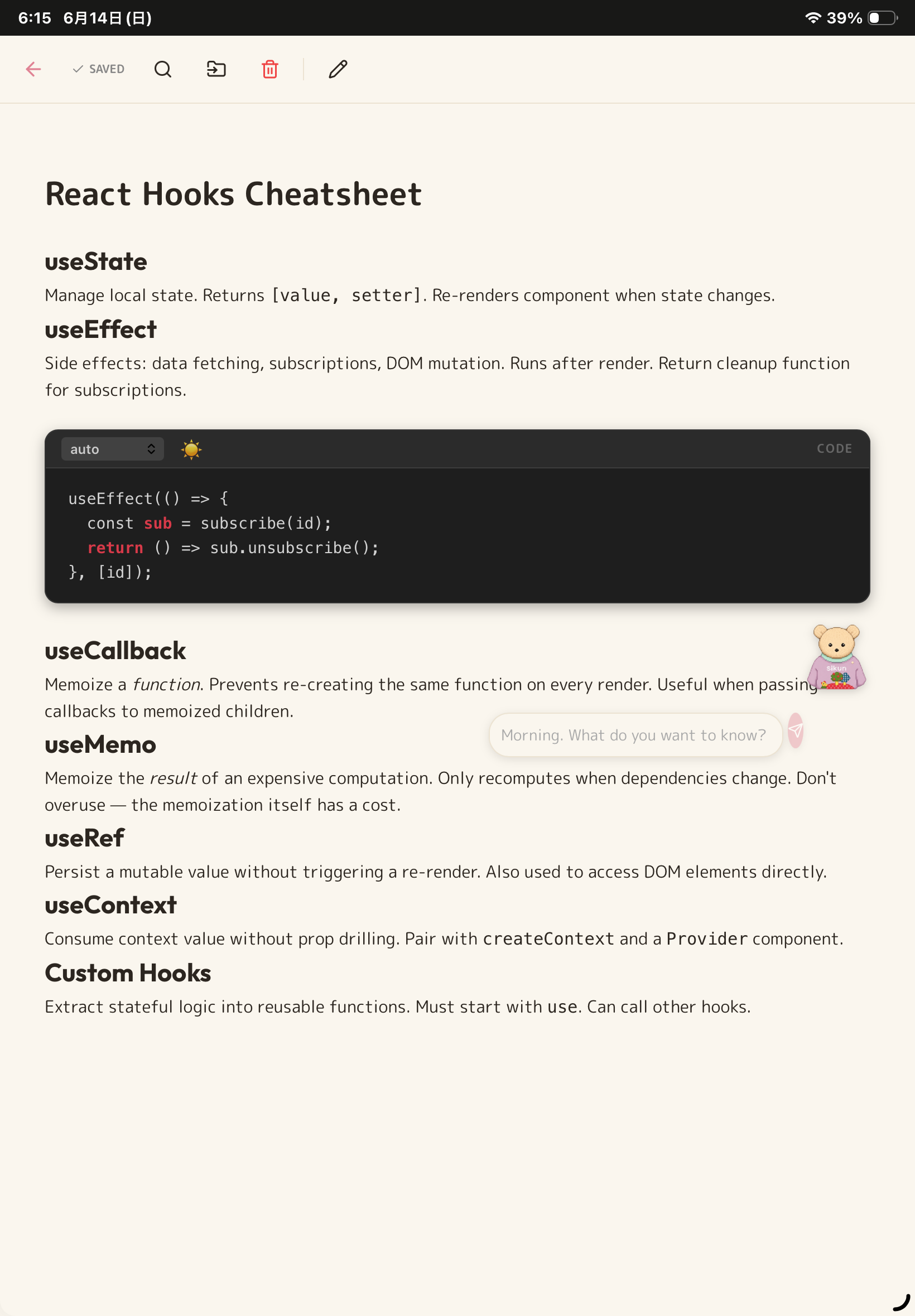
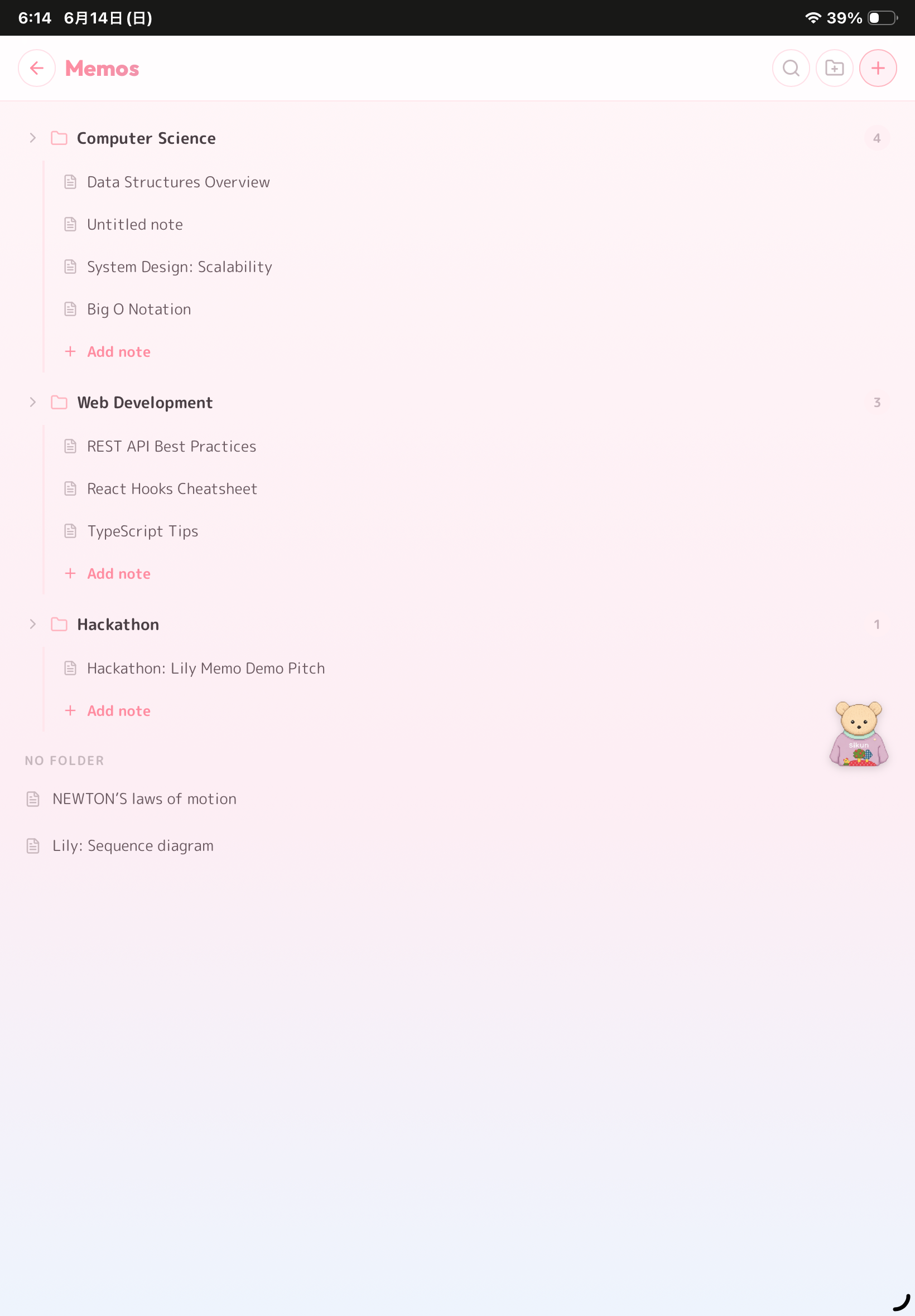
Rich, connected notes — LaTeX math (KaTeX), code blocks, tables, hand-drawn sketches and handwriting blocks, images, and [[wiki-style]] links between notes. A knowledge-graph view renders your notes and folders as an interactive starfield so you can see how ideas connect. Everything is stored locally in IndexedDB — fully offline.
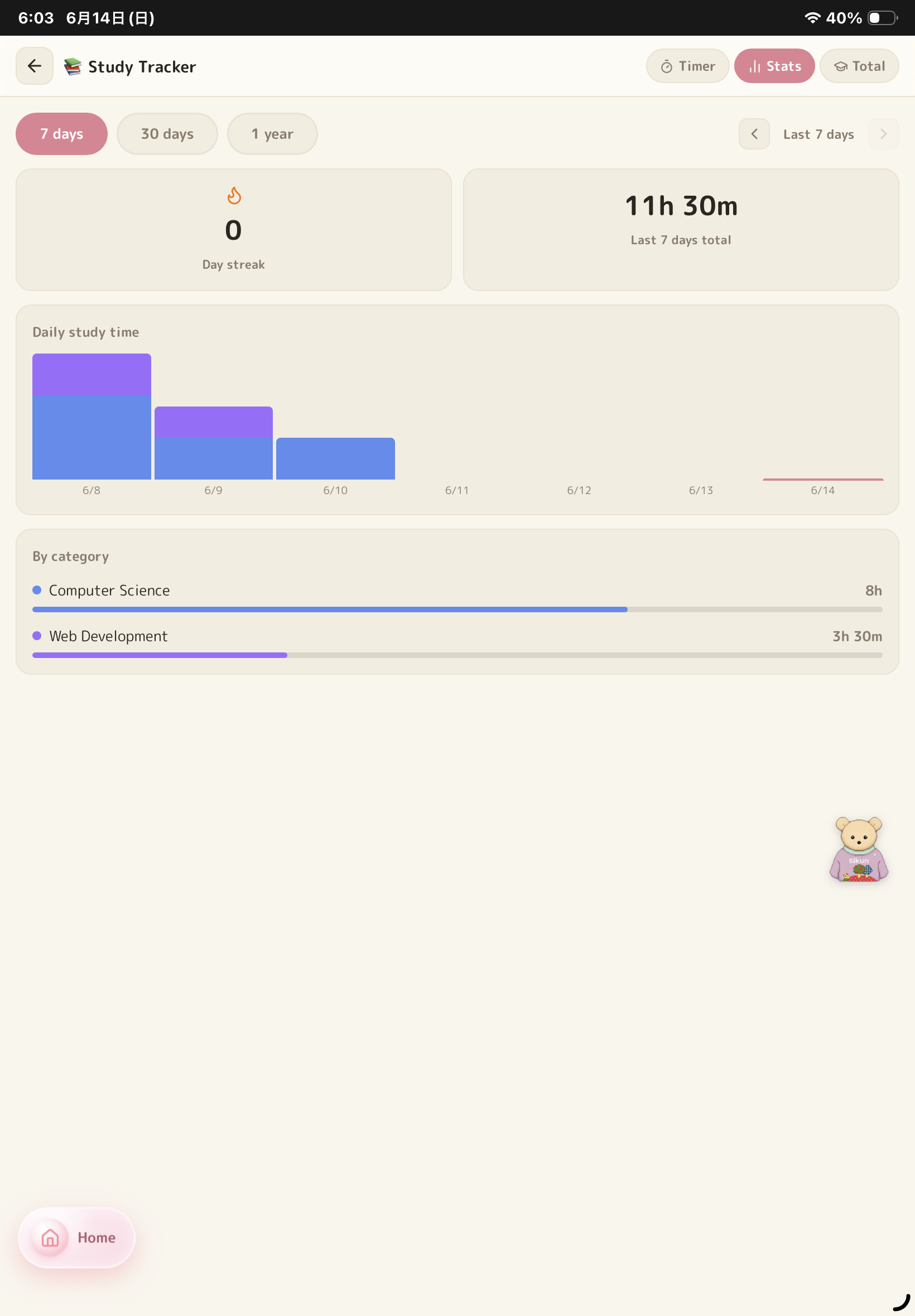
Focus & study tracking — a distraction-free Focus Mode with a Pomodoro timer and built-in brown-noise generator, per-subject time tracking, daily/weekly/monthly charts, a level system (Lv 1–500), 50+ unlockable badges across themed trophy rooms with confetti, and streaks. Screen Wake Lock keeps the display on while you work. Tasks and a weekly calendar round out the planning side.
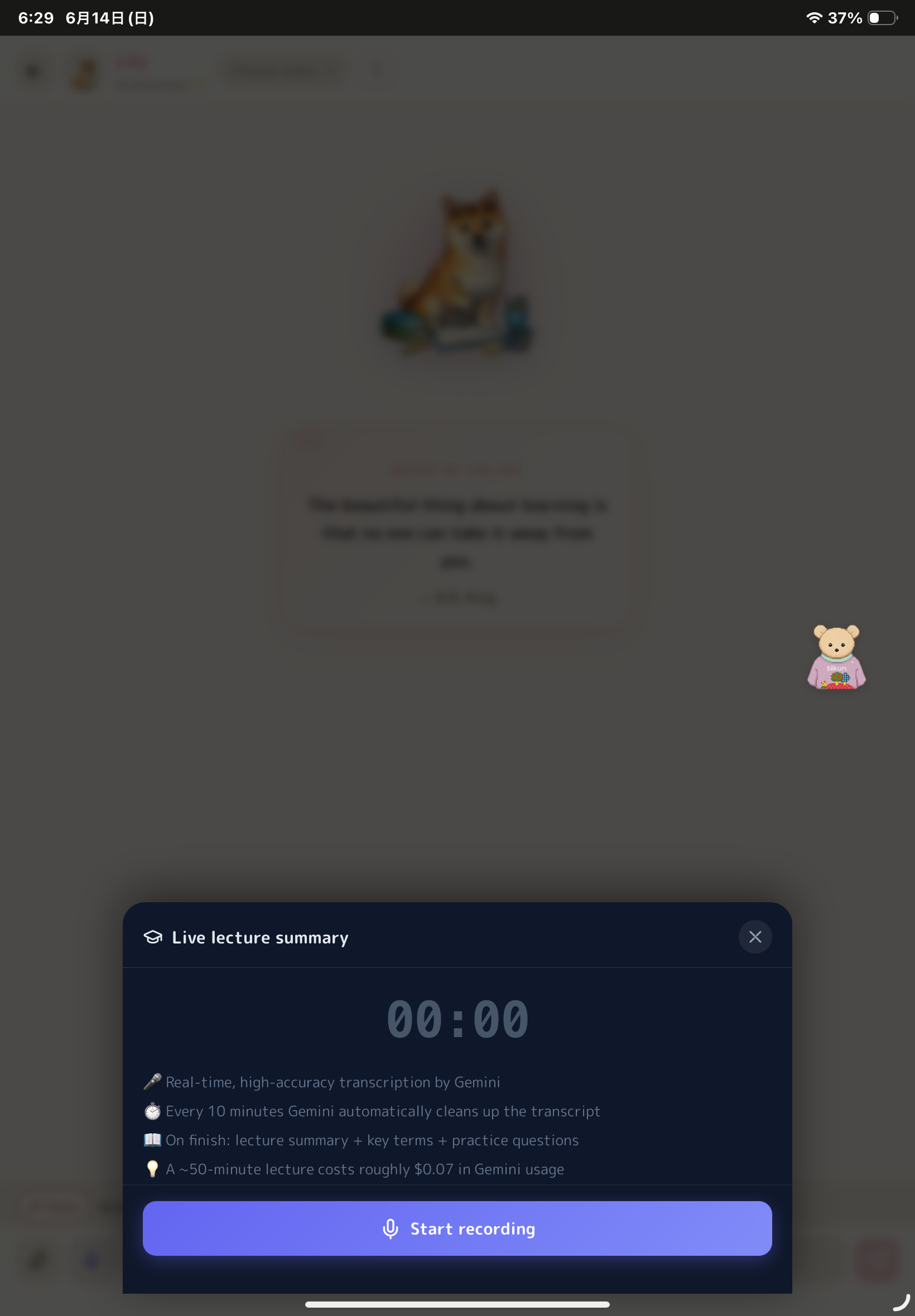
Private by default, synced when you want it — all your data lives on your device. Optional cross-device live sync (via a sync key) keeps notes, problem sets, tasks, badges, and study history consistent across devices, and a one-click JSON backup lets you export or move everything yourself. (A lecture-recording mode that turns class audio into Cornell-style notes and quizzes is also included.)
How we built it
- Next.js 16 / React 19 / TypeScript — installable, offline-capable PWA
- Gemini 2.5 Pro / Flash / Flash-Lite — 3-tier model selection with extended thinking and vision input (PDFs, photos)
- TipTap — custom editor nodes for Mermaid, Chart.js, geometry canvas, Q&A/quiz cards, tables, and handwriting
- Dexie (IndexedDB) — local-first storage, zero connectivity required
- Upstash Redis — optional cross-device sync with a Lua compare-and-set script + last-write-wins merge
- pdf.js / KaTeX / Mermaid / Chart.js / Web Audio API
Challenges we ran into
Cross-device ID collision — IndexedDB assigns per-device auto-increment numeric IDs, so the same note has a different ID on every device. Syncing required enriching each record with a UUID-based syncId and doing a two-pass translate (local ID → syncId on push, syncId → local ID on pull). The most structurally complex part of the project.
Concurrent push data loss — two devices pushing at once caused a read-modify-write race where the second write silently overwrote the first. Solved with a Lua compare-and-set script executed atomically via Redis EVAL.
Faithful PDF → Markdown — Gemini wanted to summarize instead of transcribe. Fixed with explicit prohibitions in the prompt: no summarizing, reproduce the original structure, render all math as LaTeX.
The "agreeable AI" problem — LLMs tend to validate the user even when the user is wrong, which is poison for a study tool. We built Lily's system prompt to always correct errors and explicitly label uncertainty as uncertainty — getting that to feel helpful rather than pedantic took a lot of prompt iteration.
Making it work for everyone — keeping the whole thing offline-first and zero-config (server-proxied AI in English mode) meant the app had to degrade gracefully with no network, no account, and no API key.
Accomplishments that we're proud of
- One coherent learning loop, no app-switching: take notes → get instant help from Sikun → generate a full practice set → solve it → track your focus time → earn a badge.
- Accessible by design: free, offline-capable, zero-setup English mode — usable by students without paid tools or a reliable connection.
- Sync that actually works: concurrent-write safety, deletion propagation, and cross-device ID resolution — problems most hobby projects never even attempt.
- An AI tutor that pushes back instead of just agreeing, plus user-authored skills that make it personal to each course.
- A full-featured editor, multi-agent AI, and sync — running entirely in the browser with nothing to install.
What we learned
- Local-first + cloud sync is an architecture problem, not a feature. Building on auto-increment numeric IDs makes adding sync painful later; UUID-based identifiers from day one would have saved significant time.
- What the model must NOT do matters as much as what it should. Explicit prohibitions (no summarizing, no agreeing with wrong premises) were the single biggest lever for output quality.
- AI persona design is product design. How Lily communicates corrections and uncertainty matters as much as whether her answers are technically correct.
- Reducing friction is the real feature. A floating helper, one-tap insertion, and zero-config setup did more for "will a student actually use this" than any individual capability.
What's next for lily-memo
- Collaborative study — share notes and problem sets within a group using a shared sync key
- Anki export — export generated cards as an Anki deck for spaced repetition outside the app
- Adaptive practice — wrong answers automatically resurface in later sessions via a built-in spaced-repetition system
- Better handwriting OCR — Mathpix-style recognition for handwritten equations
Built With
- gemini-api-key
- indexdb
- mermaid
- next.js
- pdf.js
- react
- tiptap
- typescript
- vercel


Log in or sign up for Devpost to join the conversation.