-
-

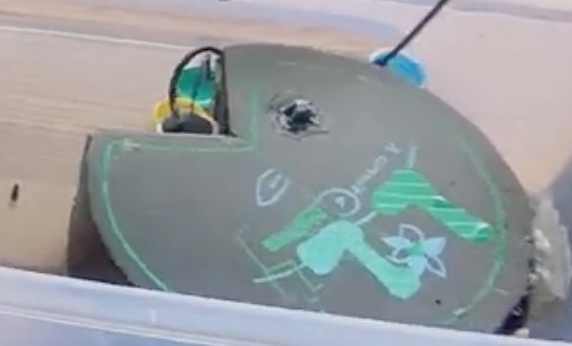
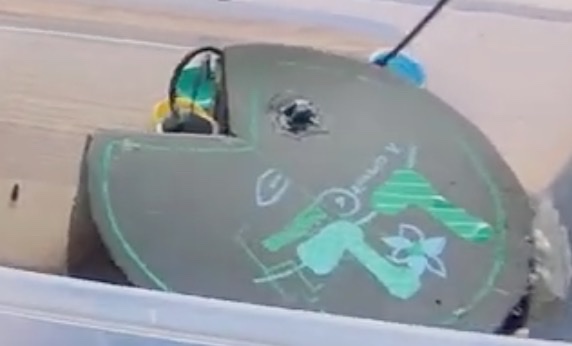
our logo
-
-
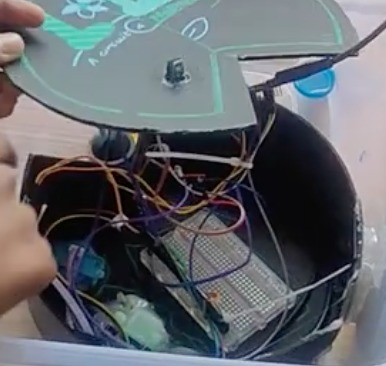
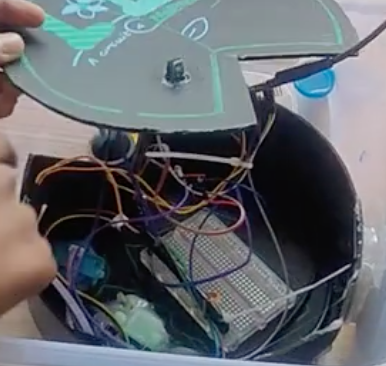
our bot inside
-
-
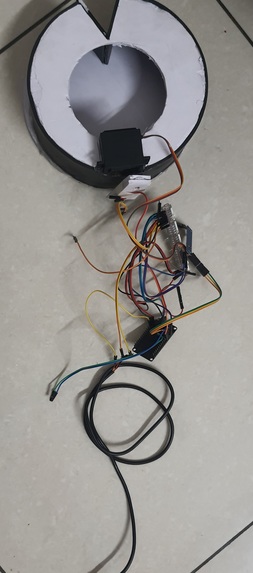
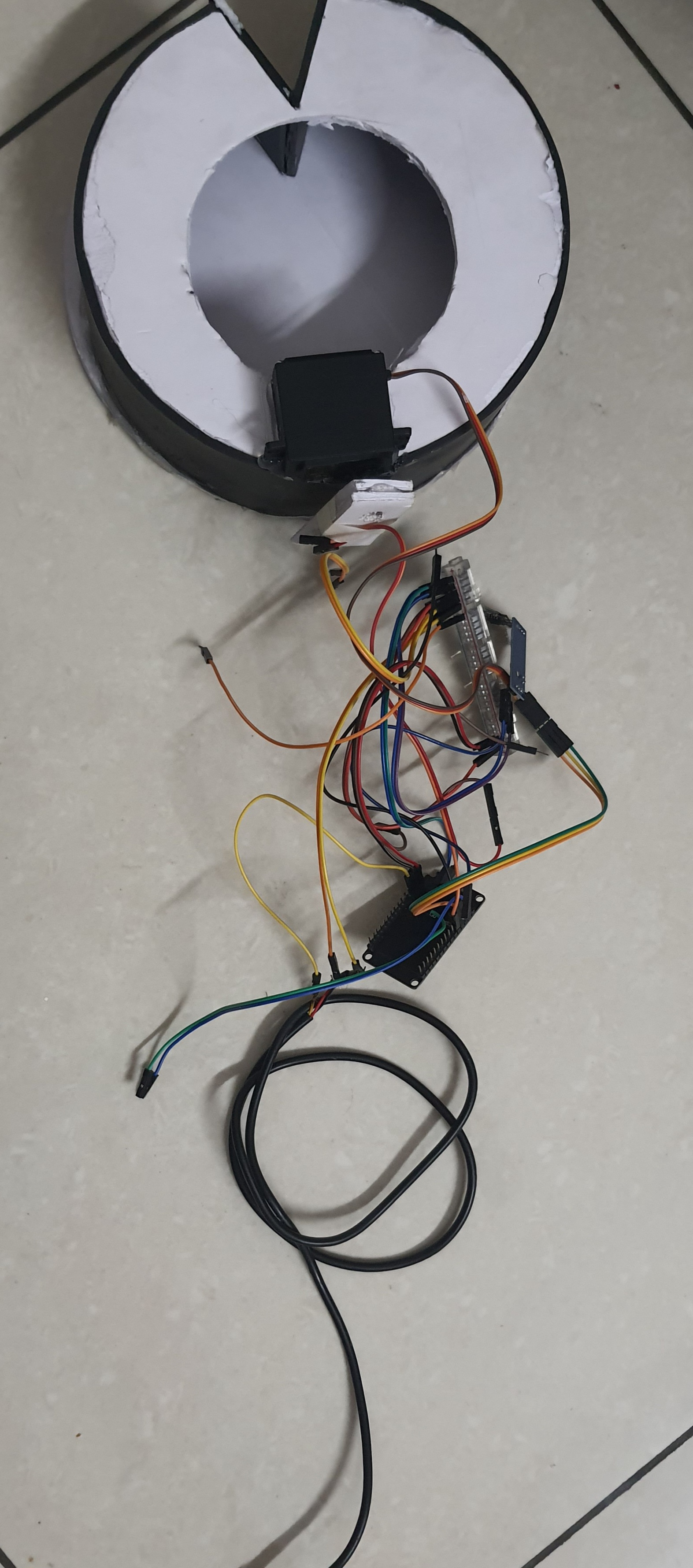
The updated circuit

Inspiration
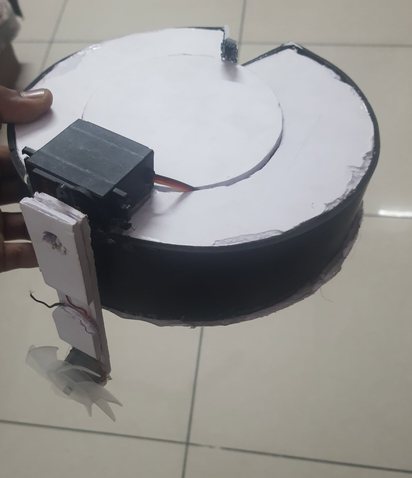
our inspiration:- when i was a kid i used to play tennis near a lake and almost a decade later that lake is now dead full of plastics and algae then a year later there were restoration efforts but they only cleaned the parts around the lake rather than the lake itself they claimed they dont really know what to do as they are not aware of the problems and so we created this lily to make awareness of the wrongs and maybe help clean slightly
ARDUINO IDE CODE
This code sets up an ESP32-based system to read data from multiple environmental sensors (DS18B20 temperature sensor, soil moisture sensor, turbidity sensor, and water flow sensor) and display the results on a web page.
Key Features: Wi-Fi Connection:
The ESP32 connects to a Wi-Fi network using the WiFi.begin() method. It keeps trying to connect until a connection is established, and then it prints the local IP address. Sensor Readings:
DS18B20 Temperature Sensor: The temperature is read from the DS18B20 sensor using the 1-Wire protocol. The temperature is returned in Celsius. Soil Moisture Sensor: Analog data from the soil moisture sensor is read using analogRead(), and the raw value is converted into a percentage from 0 to 100. Turbidity Sensor: The turbidity sensor also provides an analog output that is mapped to a voltage (0–3.3V). Water Flow Sensor: The water flow sensor works by counting pulses, and the flow rate is calculated based on the number of pulses in a specific time period (1 second in this case). Web Server:
The ESP32 runs a basic web server on port 80, serving a simple HTML page with the sensor data. When a client (e.g., a web browser) connects, the server sends the sensor readings as a formatted HTML page. Interrupt for Flow Rate Calculation:
An interrupt is attached to the water flow sensor pin to count pulses. Each pulse corresponds to a specific volume of water flowing. The flow rate is updated every second based on the pulse count.
HTML Display:
The server generates an HTML page displaying the sensor values (temperature, soil moisture, turbidity, and water flow rate) and sends this to the connected client as a response. Workflow.
Initialization: On startup, the ESP32 connects to Wi-Fi, initializes the sensors, and starts the web server. Sensor Data Collection: The loop() function continuously reads data from the sensors and updates the flow rate every second. Web Server Response: When a client accesses the web page, the ESP32 responds with an HTML page containing the latest sensor data. Interrupt Handling: The interrupt service routine (pulseCounter()) is called each time a pulse is detected on the water flow sensor, updating the flow rate calculation. Summary: The code creates an IoT device with an ESP32 that collects data from environmental sensors and displays it on a web page. It connects to Wi-Fi, reads sensor data, calculates the flow rate, and presents the data to users through a simple web interface.

Log in or sign up for Devpost to join the conversation.