-
-
Thumbnail
Inspiration
Initially, what inspired me to undertake this project was the frustration I experienced due to poor connectivity in my home country, Zambia. I work as a Telecom Engineer for a power company, and my job often necessitates my travelling to configure and troubleshoot the network for our SCADA systems at different power stations.
During many of these visits, my work was repeatedly interrupted by abysmal network quality. Because of this, I was losing productivity because I couldn't use online tools, like search engines and LLMs, that could help me perform my job functions efficiently. As many of these power stations were located in rural areas, these travels exposed me to how difficult it is to access information in communities that are lagging behind in terms of network connectivity.
I began to investigate the challenges that professionals face in doing their work in the most vulnerable parts of the country. I talked to friends and family who work as teachers, doctors and nurses in rural areas. I was told that accessing vital information was hard. Simple tasks like searching for medical definitions, lesson content, or government information would require them to rely on patchy mobile data.
In thinking of solutions, I first thought of providing network connectivity in these areas via mobile networks, mesh networks, or satellite links. I used tools like cellular tower mappers to identify dead zones in coverage and explored ways to extend coverage to underserved areas. However, I quickly realised this would be an expensive and time-consuming solution that relied on infrastructure outside my control.
Upon further brainstorming, I asked myself—what if there was no need for network infrastructure at all? What if the critical resources and compute power people needed were made locally available in their homes, schools, clinics, or offices?
This led me to consider an affordable offline solution that could bring the power of language models directly to edge devices. I explored the idea of running a Small Language Model (SLM) on low-cost, widely available computers. The goal was to create a lightweight AI that could run entirely offline, serve and provide people in rural or offline contexts with intelligent support for their day-to-day tasks—without ever needing to connect to a wide area network.
What it does
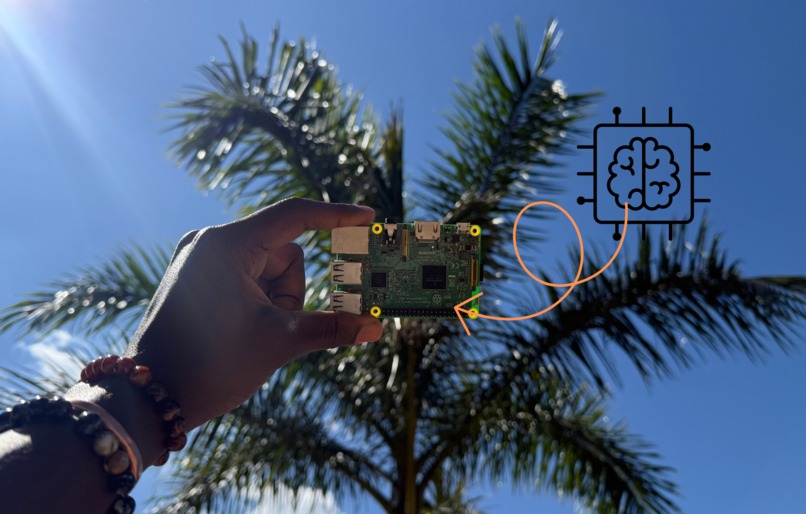
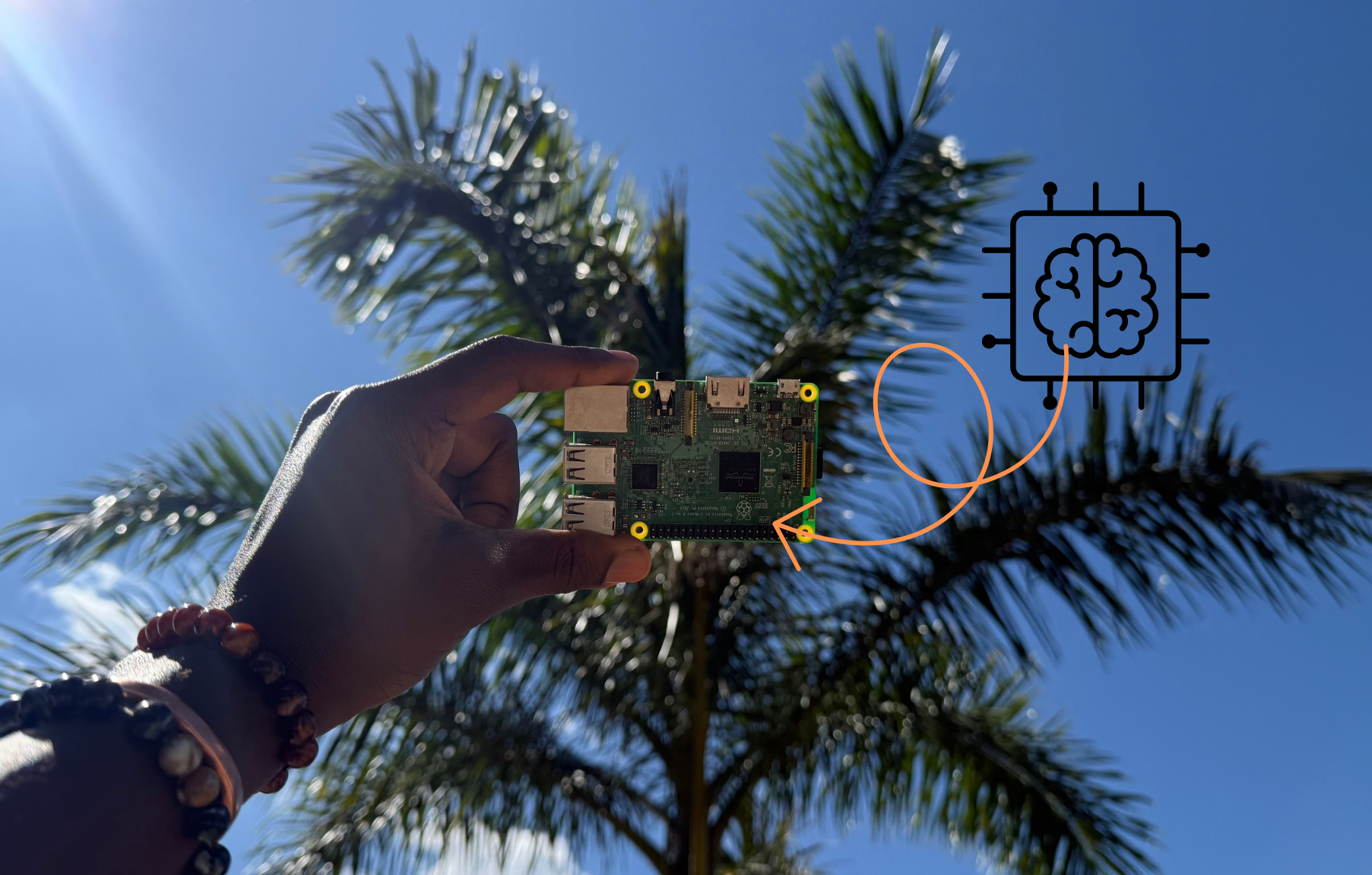
It is a lightweight AI that runs locally on an IoT device. The AI is an open-source Small Language Model (SLM) produced by LiquidAI, and in this case, the IoT device is a 7-year-old Raspberry Pi 3b.
The AI application is containerised using Docker and runs locally on a Raspberry Pi. It uses FastAPI, a modern Python web framework, to expose a REST API that can be accessed through the browser at http://localhost:8000.
This API allows users to send prompts and receive responses from the lightweight SLM, which runs entirely on the local device. The model's output is processed and returned directly by the API. The FastAPI server runs on Uvicorn and provides an interactive Swagger UI http://localhost/docs for testing, and has an integrated HTML frontend.
How we built it
This project was built in stages, with testing at each step to ensure compatibility and ease of debugging.
1. Model Selection (SLM)
I evaluated small models on Hugging Face under 1B parameters. I chose the Liquid AI 350M model for its low memory footprint and acceptable performance. Initial tests were done in Google Colab to observe the model's performance.
2. Local Testing on Linux
I then created a Python virtual environment, installed dependencies (torch, accelerate and the LiquidAI transformer) on my PC, and verified the model could run locally via the CLI for prompt-response interaction.
3. API Integration with FastAPI
A FastAPI main.py file with a POST endpoint to accept prompts and return responses was then integrated into the application. Uvicorn was used to serve the API locally at localhost:8000. Functionality was verified via the /docs Swagger UI, and I then used an LLM to produce a minimal HTML frontend for a more user-friendly interface. After conducting user tests, I decided it would be better for usability to access the app via a web browser than via the CLI.
4. Docker Containerisation
I wrote a Dockerfile to containerise the FastAPI app. The image was built and tested locally, then pushed to Docker Hub for easy access across machines. I dockerised the application because I wanted the application to run seamlessly regardless of the computing environment.
5. Raspberry Pi Deployment
The image was pulled to a Raspberry Pi 3B (1GB RAM, quad-core CPU, 16GB microSD). The container was run on the Pi and accessed via browser on my PC using the Pi's local IP address: http://<raspberrypi-ip_address:8000>. Despite hardware limitations, the system ran the lightweight inference.
For further details about the SLM app and instructions on how to run it on your device, please visit my GitHub repository.
Challenges we ran into
Hardware and Process Power Limitations
Running the 350M parameter model demanded a lot from the Raspberry Pi 3B. The limited CPU and RAM, and lack of a GPU, meant long inference times. I reduced background services to increase responsiveness and prevent crashes.
Model Limitations
The 350M parameter model can be prone to hallucination. On my PC, larger models like 700M and 1.2B models produced by LiquidAI performed significantly better. However, these models would struggle to run on a Raspberry Pi.
Docker Image Compatibility
ARM-specific build issues with PyTorch and related libraries led me to build my image specifically for the ARM processor in the Pi with docker buildx.
Accomplishments that we're proud of
Achieving a fully offline AI assistant, with no reliance on cloud APIs — a key breakthrough for settings lacking in network connectivity.
Use of a very inexpensive and low-power device, the Raspberry Pi has only 1GB of RAM and 16GB of storage. It uses between 230mA (1.2W) and 720mA (3.6W) and costs <$35. Running a language model on this device without much optimisation has been a very rewarding build.
Accessibility on the local network via FastAPI interface allowed any device on the local network to access the assistant via browser. This increases its scope of usability.
Providing proof of concept for Edge AI in Africa. This project demonstrated that useful AI applications can run on cheap hardware, making intelligent tools feasible in underserved communities.
Performance Tests
These figures were observed during inference of a moderately sized prompt using a small language model (Liquid-AI SLM) on a Raspberry Pi 3B.
| Metric | Observed Value |
|---|---|
| Model Inference Time | ~594 seconds (9 min 54 sec) |
| Average CPU Utilization | 95–100% |
| RAM Utilization (max) | ~790MB |
What we learned
The Philosophy of Resourcefulness: Constraints drove innovation. I learned how to make the most of limited resources by simplifying the project and finding creative uses for things I already possessed. I have been using this Raspberry Pi for 7 years, and it has been lovely to utilise it yet again for a new chapter in its life. Additionally, all the tools I used were open source - I strategically chose this to ensure this project is as low-cost and accessible as possible. I believe doing things this way promotes self-reliance amongst us African people.
Optimising for Edge Computing: This exposed me to technical and practical skills in model optimisation, dependency management, and containerisation on Linux systems. As well as giving me much-needed Python coding and systems thinking practice.
Community-Driven Insights: Involving potential users directly led to smarter design decisions. Interviews with friends who work in rural areas are what made me decide to make the app accessible via web browser as opposed to the CLI, which they found intimidating to operate.
What's next for Lightweight AI for Rural Africa
Custom Model Training
Fine-tuning different versions of the model using relevant datasets (education, health, agriculture) could better support specific tasks. Additionally, I would aim to build or fine-tune models in local languages like Bemba, Nyanja, Swahili, and Tonga to make it accessible to more people.
Deployment in Rural Schools & Clinics
A good next step is a live pilot in locations with unreliable connectivity, to assess impact and refine the solution. The Docker image of the app is already publicly available; however, I need to make a setup guide so others can deploy this solution in their communities.
Enhanced User Interface
I also plan to improve the UI.


Log in or sign up for Devpost to join the conversation.