
Inspiration
LightScroll started with two friends frustrated by how easy it was to ignore screen-time limits. Existing tools relied heavily on willpower, so we began creating informal accountability systems over WhatsApp.
That led to a simple idea:
What if healthier screen habits were social by default?
Our mission became to make room for life beyond the screen, not by treating technology as the enemy, but by helping people use it more intentionally.
What it does
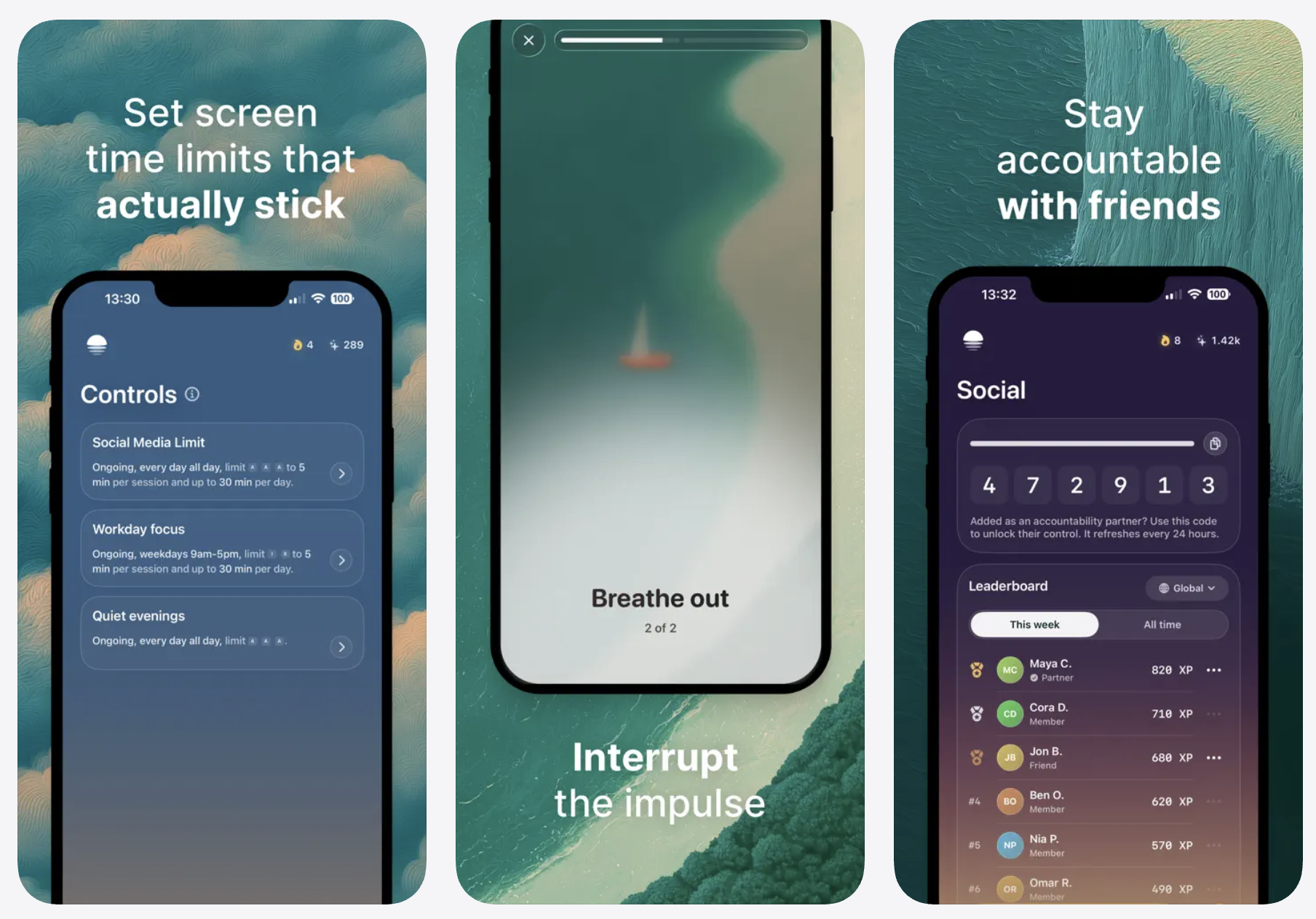
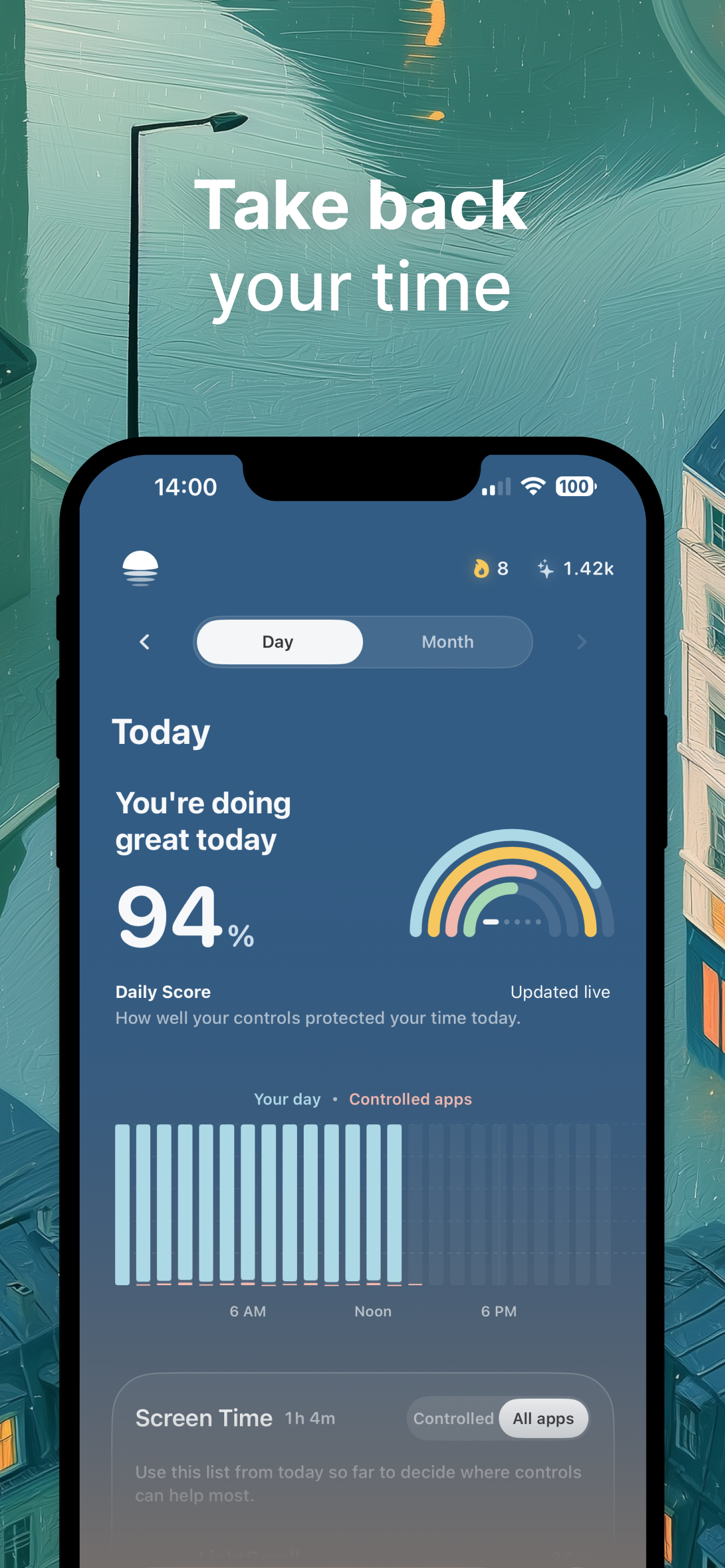
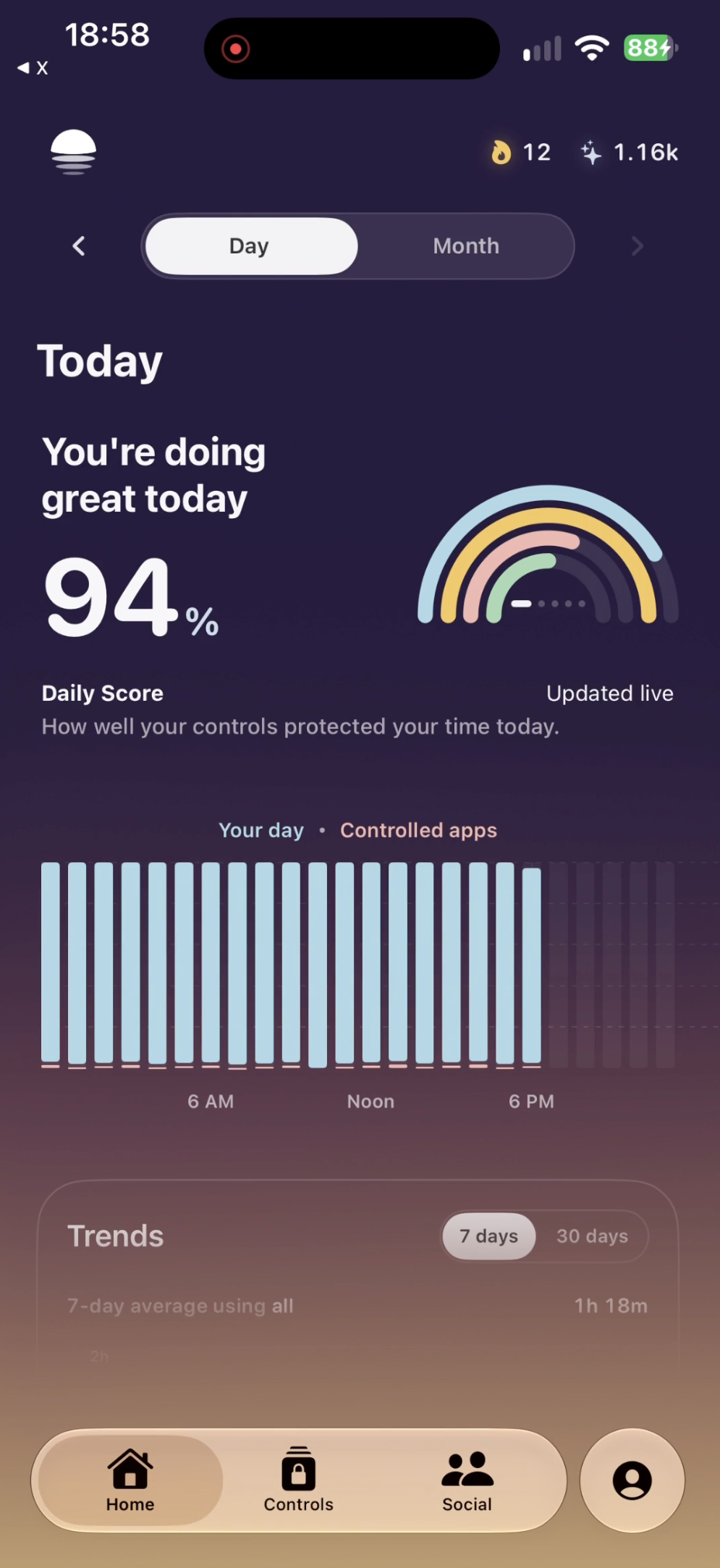
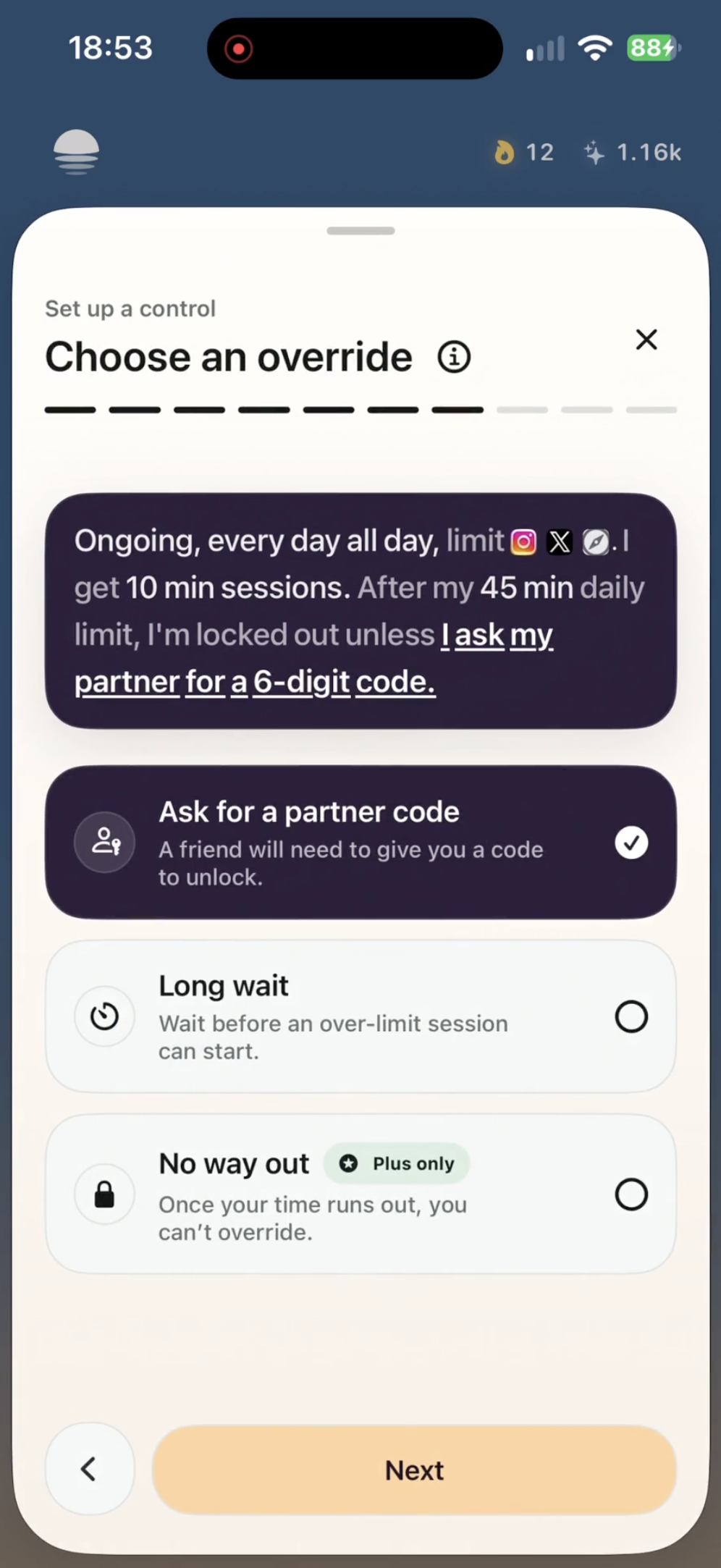
LightScroll helps people reduce distracting screen time through friction, limits, and social accountability.
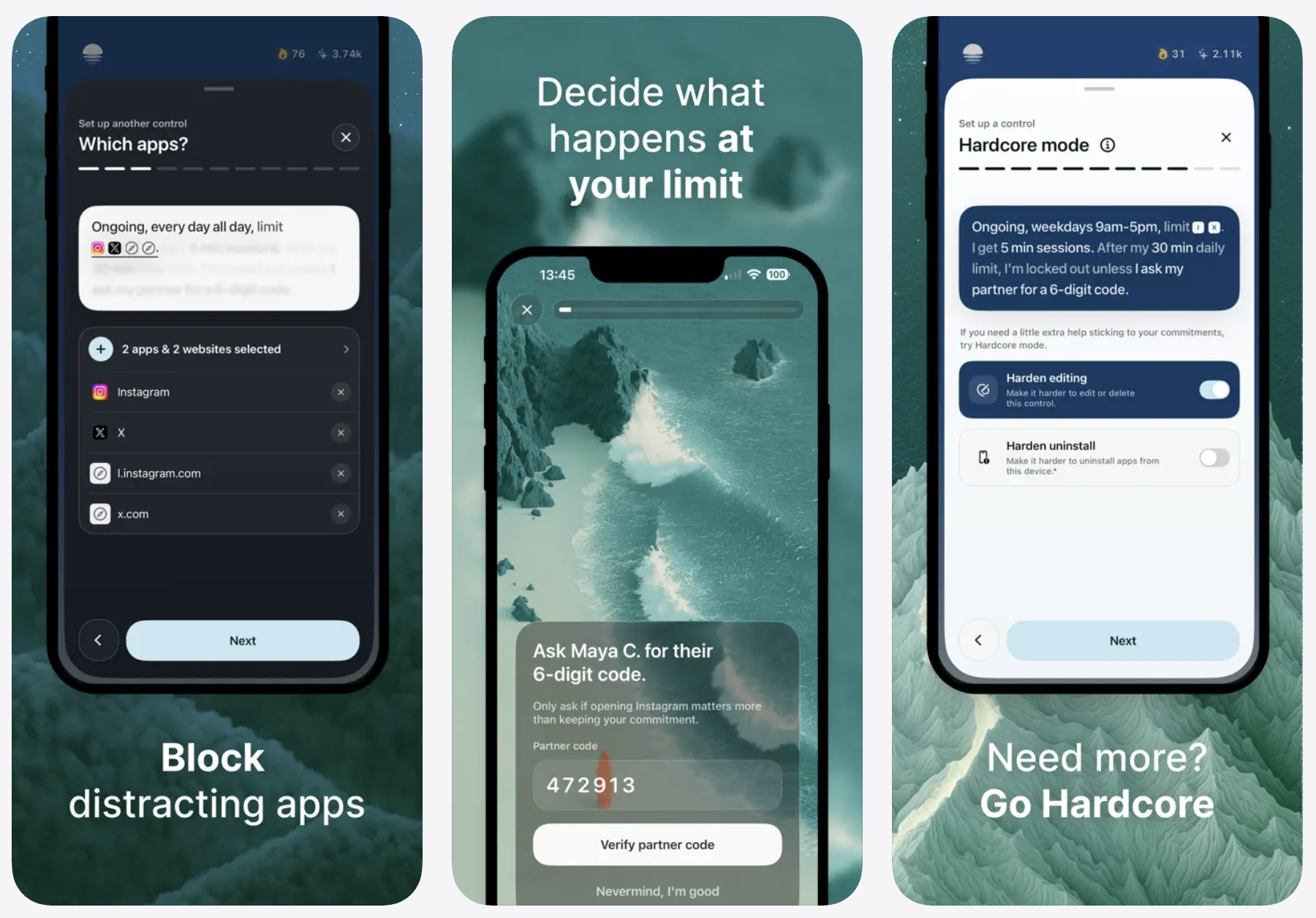
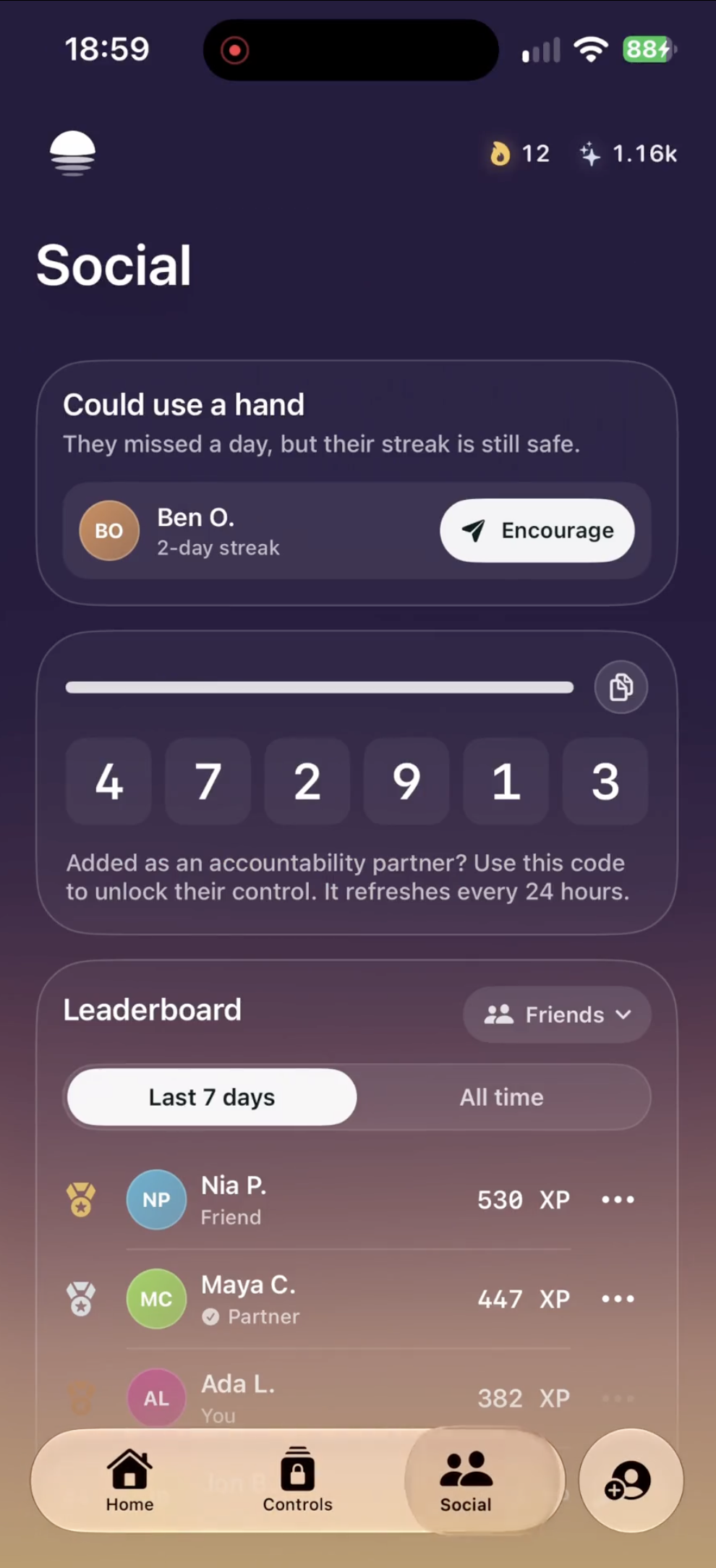
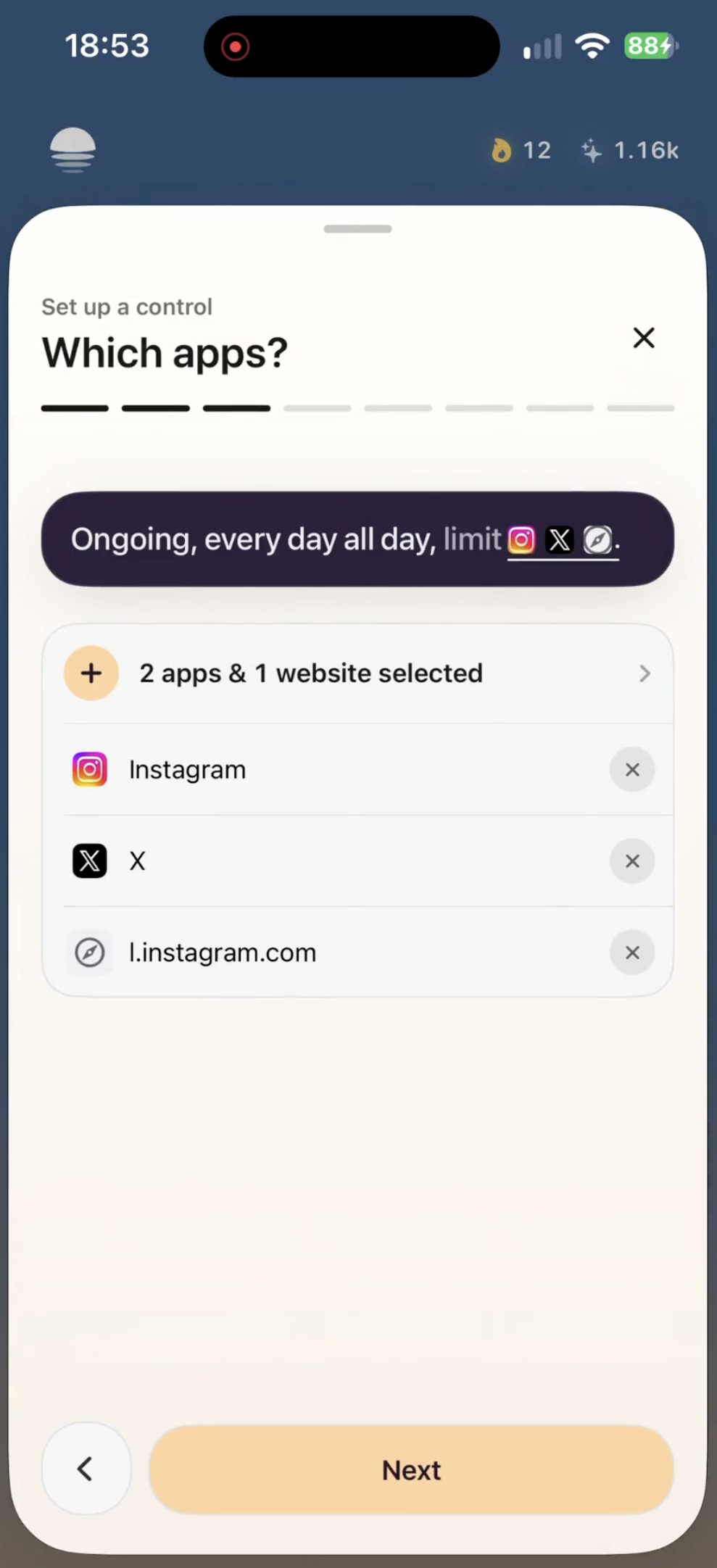
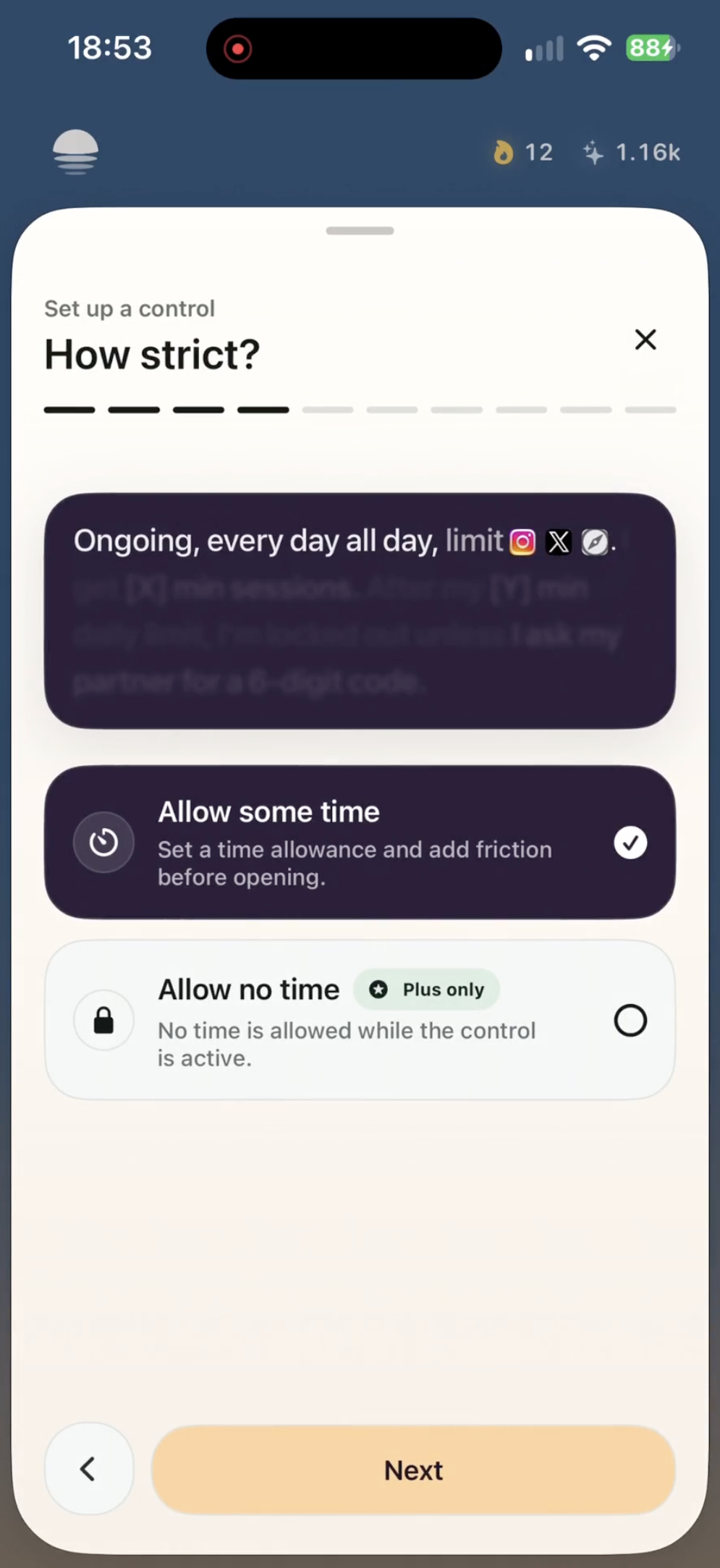
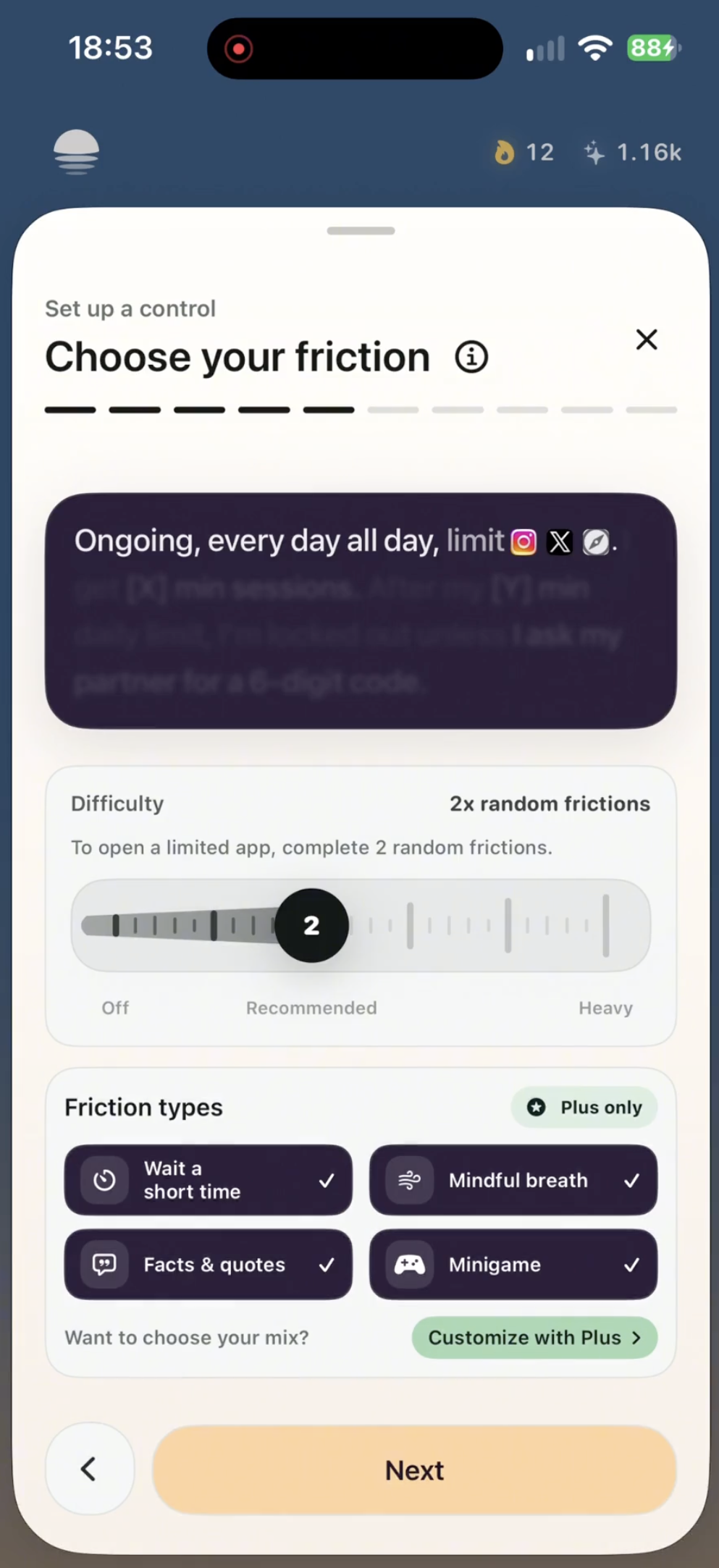
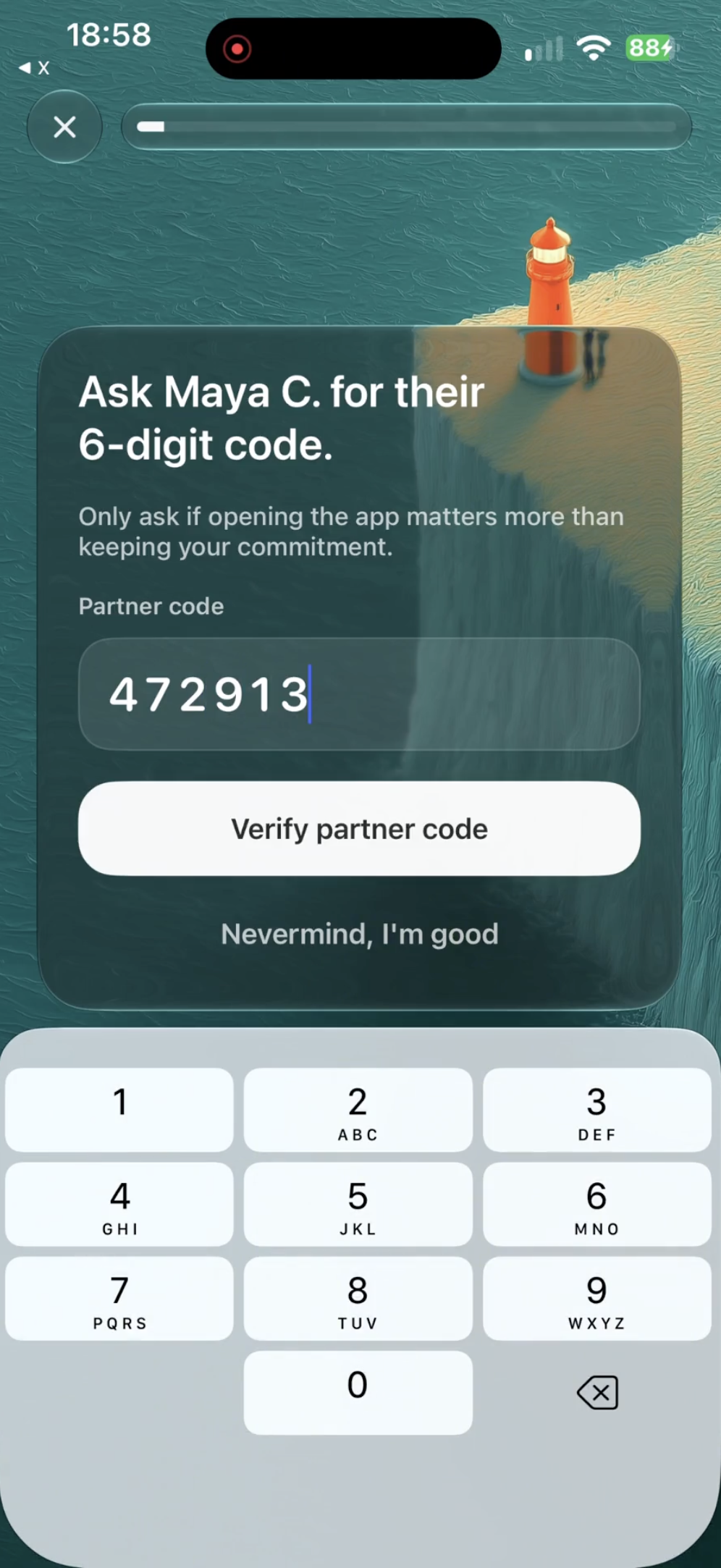
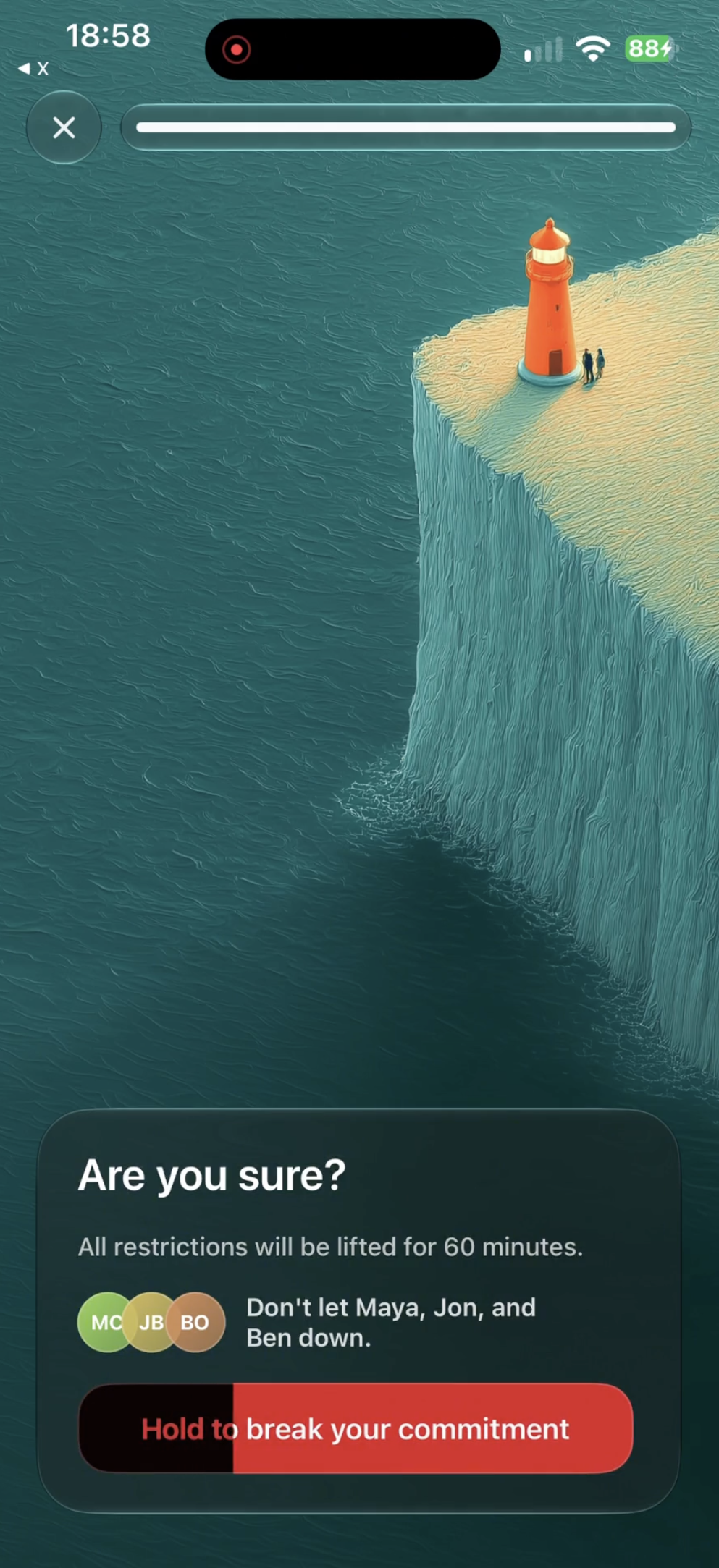
Users choose distracting apps and websites, set boundaries, and add deliberate friction before opening them. For stronger accountability, a trusted friend can hold an unlock code required to override a limit.
Instead of relying on willpower alone, LightScroll makes the people who care about you part of the process.
How we built it
We built LightScroll as the product we wanted ourselves.
We started as our own first users, tested ideas every day, and gradually expanded testing to friends and family while rapidly refining the experience across iOS and macOS.
The entire product has been built with Codex, initially using GPT-5.5 and now GPT-5.6. AI accelerated implementation, planning, debugging, and code review, while product strategy, UX, and design remained human-led.
Challenges we ran into
The hardest challenge was balancing accountability with autonomy.
Too little friction makes limits easy to ignore. Too much makes the product feel punitive.
We iterated constantly to find a middle ground where LightScroll creates just enough resistance to interrupt an impulse while still leaving the user in control.
Accomplishments that we're proud of
We're proud that LightScroll approaches screen-time management differently: not simply as blocking, but as a shared behavior-change system.
We're also proud that a two-person team was able to build and ship a polished, multi-platform Apple product entirely with Codex while maintaining a high bar for design and user experience.
What we learned
We learned that AI doesn't just let small teams build faster. It lets them spend more time thinking about what should be built.
By reducing the cost of implementation and iteration, we were able to devote more attention to product quality, user feedback, and the small details that make software enjoyable to use.
What's next for LightScroll (iOS/macOS)
We're continuing to improve LightScroll across iOS and macOS, with a focus on deeper social accountability, more flexible ways to control distracting apps and websites, and an increasingly polished experience.
Ultimately, we want LightScroll to become something people genuinely enjoy using, and something that helps create a little more time for work, relationships, creativity, and life beyond the screen.
Built With
- codex


Log in or sign up for Devpost to join the conversation.