-
Project Title & Theme
-
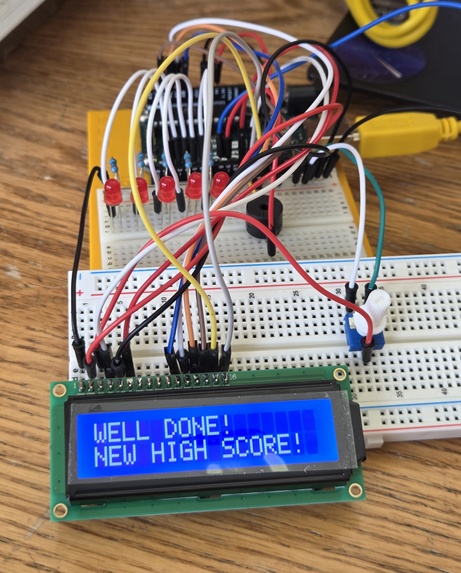
Final Project
-
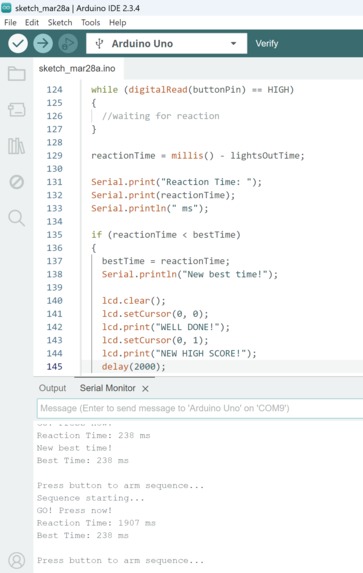
Snippet of Arduino Code
-
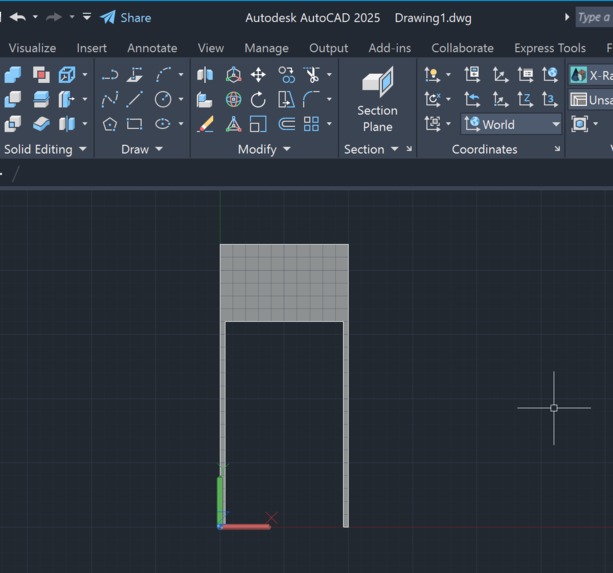
AutoCAD Designing
-
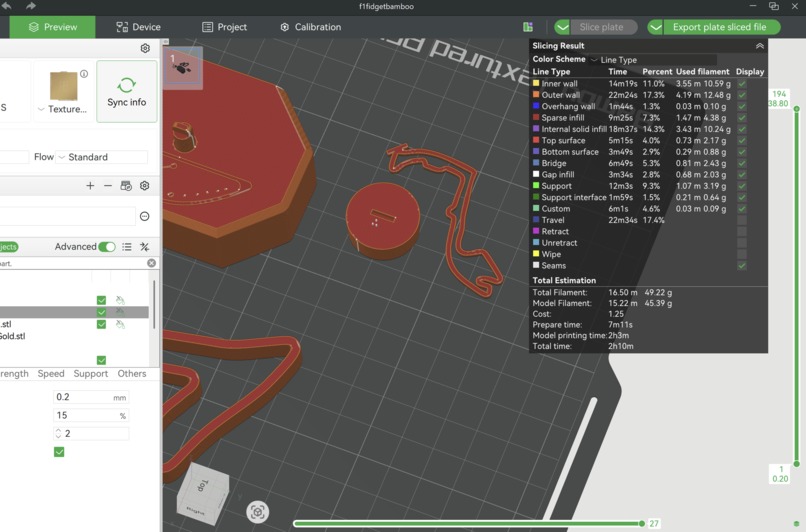
3D Printing for extra pazazz to the Theme
-

F1 Grand Prix Themed Outfit

Inspiration
I wanted to recreate one of the most intense moments in racing: the start. In F1, the race can change in a split second when the five red lights go out. That mix of anticipation, reaction time, and the risk of a jump start inspired this project.
I wanted to build something that was interactive, easy for people to understand, and visually connected to the F1 theme right away. The starting light gantry felt like the perfect moment to capture.
I also wanted this project to be a chance to explore circuitry and software together. Rather than just writing code, I wanted to push myself to grow my skill set in electronics, programming, and debugging. This project gave me a way to learn how hardware and software interact in a real system while still building something fun, interactive, and strongly connected to the Formula 1 theme.
What it does
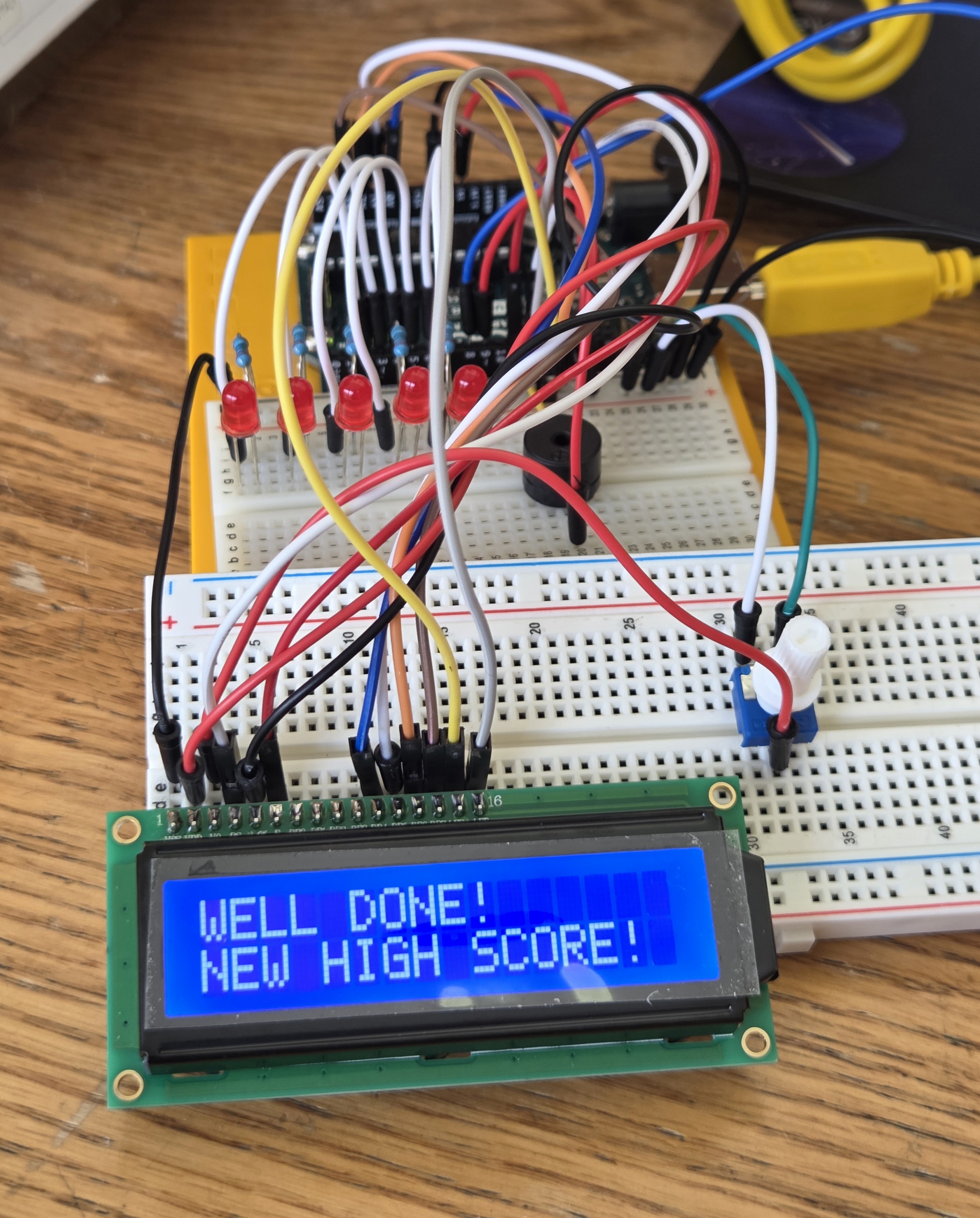
The system lights up five LEDs one by one like an F1 starting gantry.
- Waits a random amount of time before "lights out"
- Measures how fast the player reacts
- Detects jump starts if the button is pressed too early
- Displays race status and reaction time on a 16x2 LCD
- Uses a buzzer to make the experience more dramatic
It turns a simple Arduino circuit into a mini F1 reflex challenge.
How I built it
I built the project using an Arduino Uno, LEDs, resistors, a pushbutton, a buzzer, and a 16x2 LCD on a breadboard and started by building the core circuit. I added the pushbutton for player input, tested the buzzer for race-start audio and connected the 16-pin LCD to display messages and reaction times.
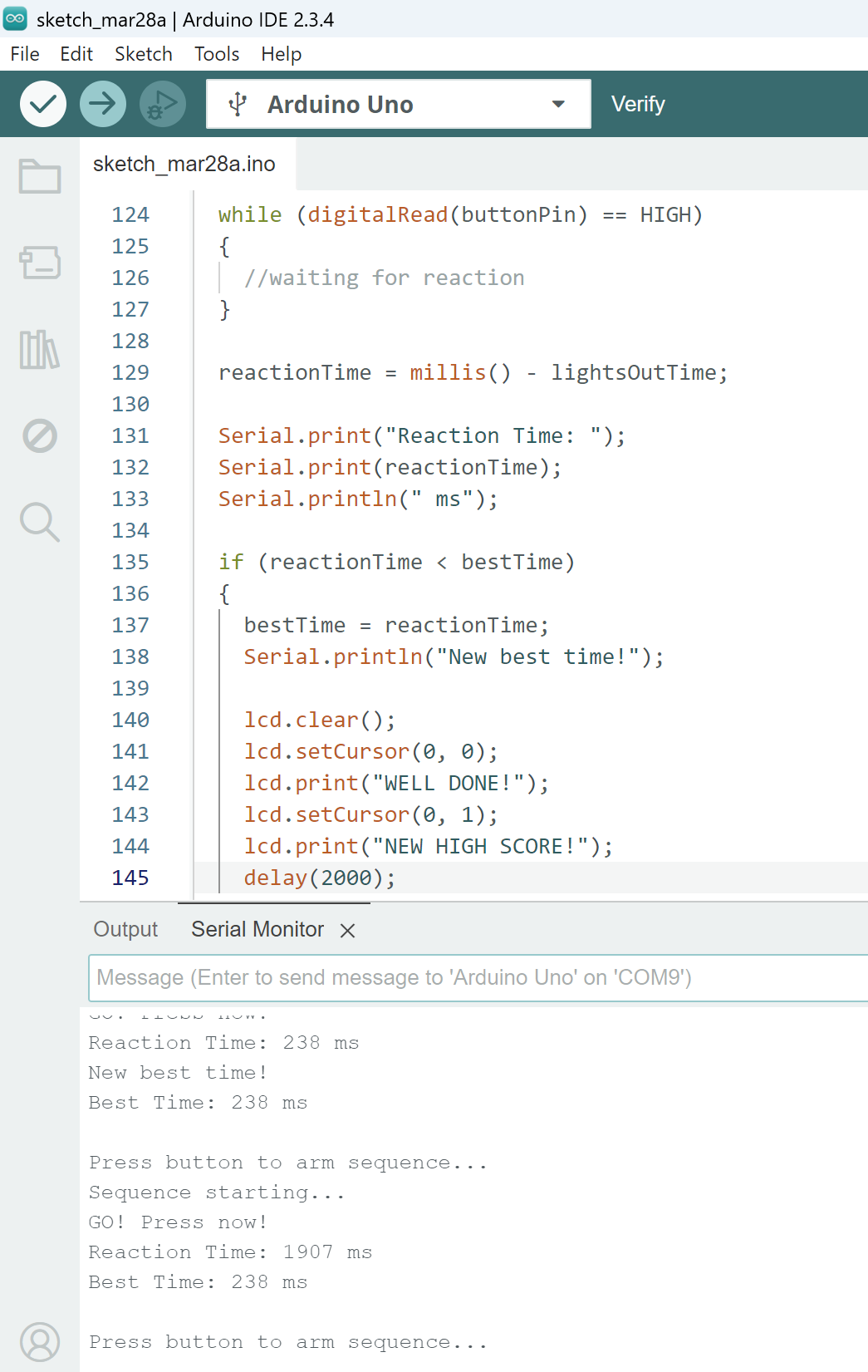
Next, I wrote the game logic in Arduino IDE / C++ to turn on the five LEDs in sequence, introduce a random delay before the start, record the exact moment the lights go out, calculate reaction time when the player presses the button, etc.
The core timing idea is: Reaction Time = Button Press Time − Lights Out Time
I also added logic for jump-start detection and best-time tracking to make it feel more like a real challenge instead of just a blinking-light demo.
Challenges I ran into
One of the biggest challenges was getting all of the hardware pieces to work together cleanly. The LEDs and serial output worked first, but the buzzer and LCD took extra troubleshooting. I had to adjust the program flow multiple times and add short delays to have the project running accurately. I also had to carefully manage pin assignments, wiring, contrast adjustment on the LCD, and button behavior.
Another challenge was making the project feel truly F1-themed instead of just a generic reaction timer, which I solved by focusing on the exact race-start experience: five lights, random lights out, and jump-start penalties.
Accomplishments that I'm proud of
- Fully interactive and easy for anyone to try
- Clearly connected to the Formula 1 theme
- Able to measure reaction time accurately
- Able to detect false starts / jump starts
- Enhanced the project with both LCD feedback and sound
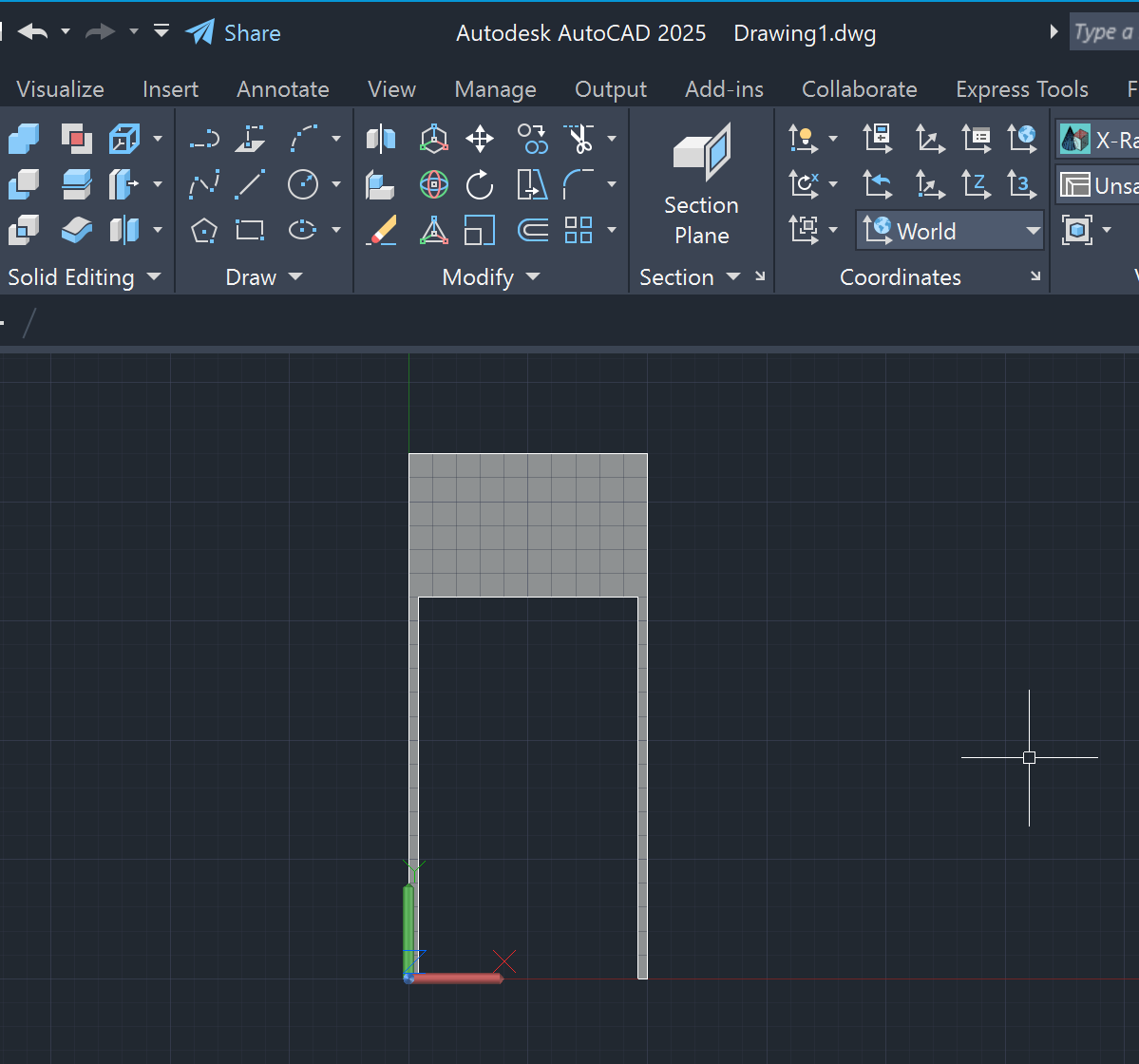
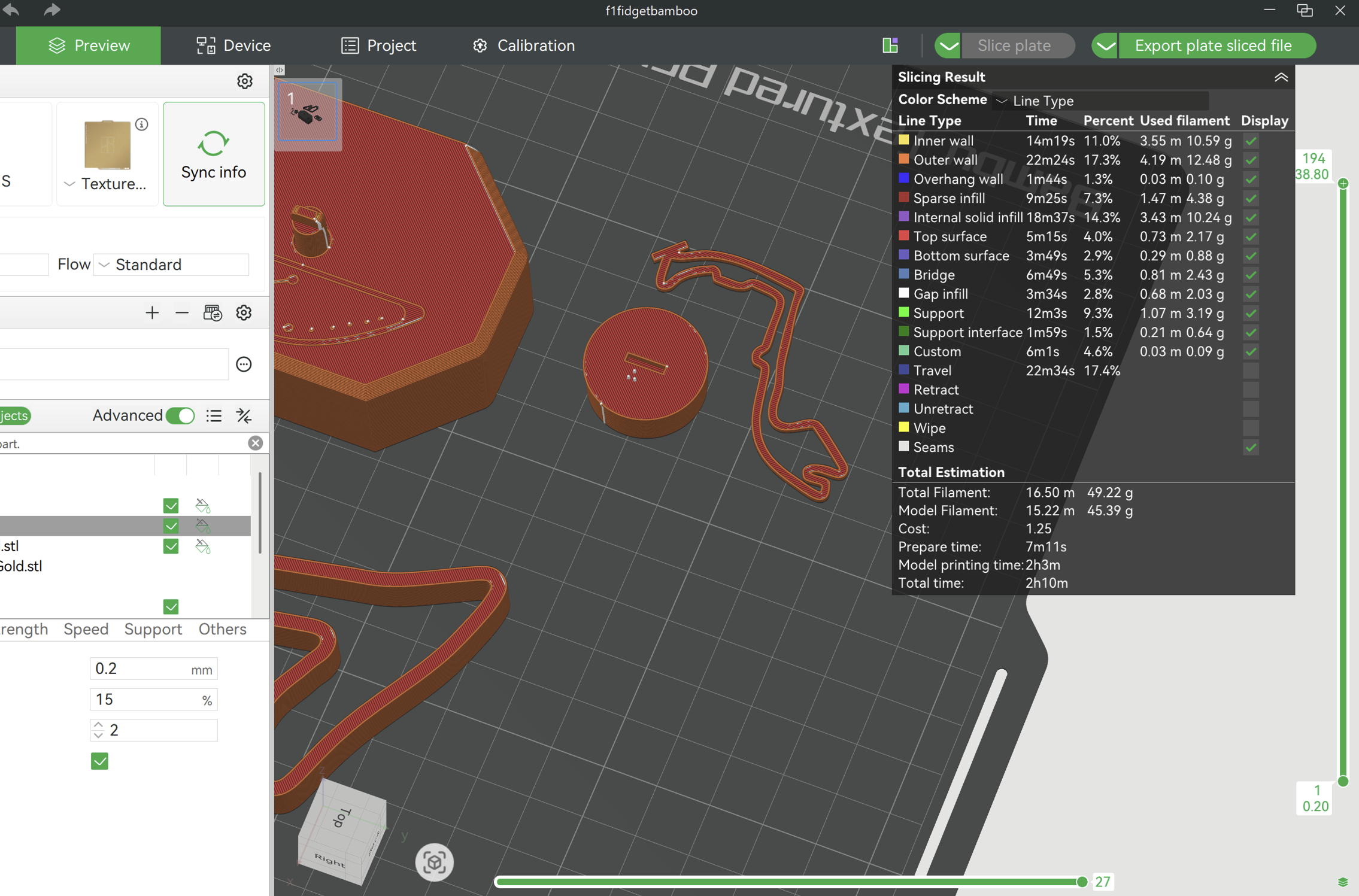
- Got to learn and put to use AutoCAD and 3D printing
What I learned
This project taught me a lot about:
- Arduino programming in C++
- Wiring and debugging circuits step by step
- Handling digital input
- Sequencing outputs across multiple LEDs
- Using an LCD to improve the user experience
- Thinking about timing and event-driven logic
- Designing a project around a strong theme
- 3D printing and AutoCAD
I also learned how important iteration is. Testing one part at a time made the whole project much easier to debug and improve.
What's next for Lights Out: F1 Start Simulator
Next, I would like to improve both the presentation and gameplay. Possibly:
- Adding a 3D-printed F1 start gantry housing
- Building a track-themed display base
- Creating a 2-player mode for head-to-head reaction battles
- Adding a leaderboard The long-term goal would be to turn it into an even more immersive, competitive, and visually impressive game-play.
Built With
- 3dprinting
- arduino
- autocad
- c++
- circuits
- lcd


Log in or sign up for Devpost to join the conversation.