Inspiration
Lighting in Horizon Worlds is often treated as an afterthought, but it’s one of the most powerful ways to shape mood, realism, and usability. I wanted to share a professional lighting process that’s easy for Horizon creators to apply.
What it does
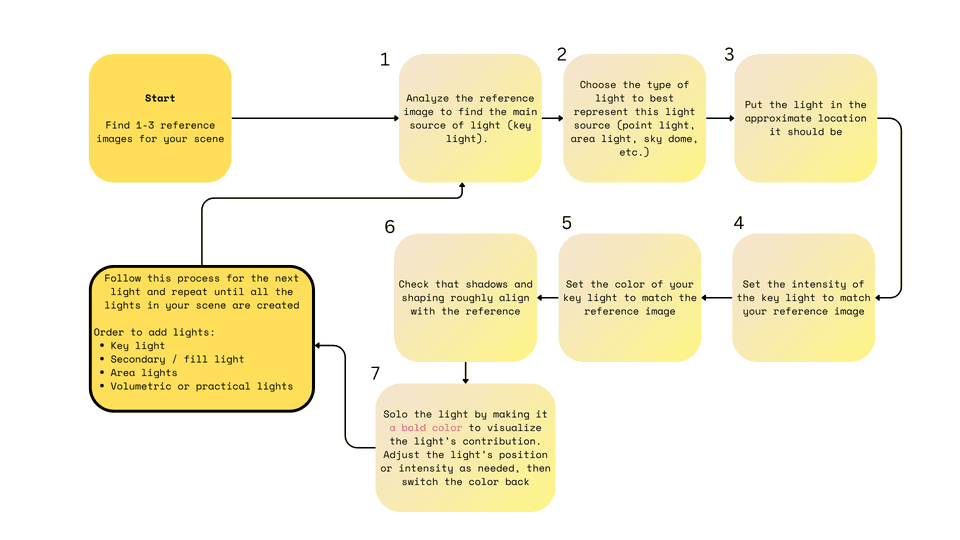
The tutorial teaches creators how to intentionally light their worlds by breaking lighting down into key concepts (like key and fill lights) and pairing them with Horizon’s available tools (like sky domes, area lights, and spotlights). The process is step-by-step and repeatable, so creators can apply it to any world, no matter the style.
How we built it
First I read several books on lighting in different industries - theatre, animation, and games. I combined industry lighting theory with Horizon-specific tools, then structured it into a clear, practical workflow. The tutorial includes:
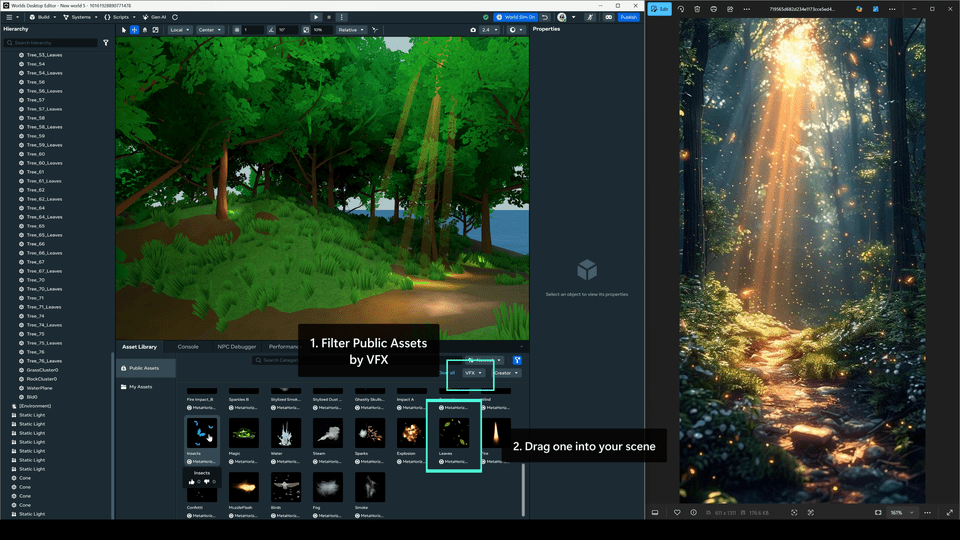
- Written steps with examples.
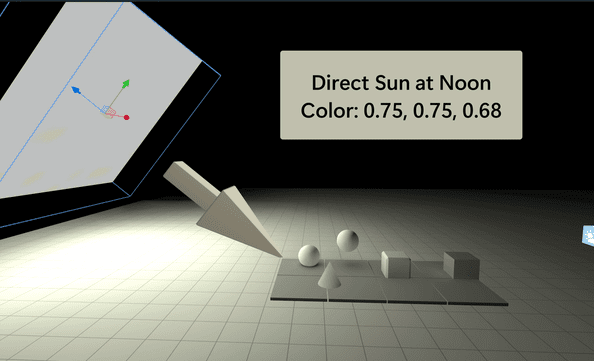
- Reference images and color tables.
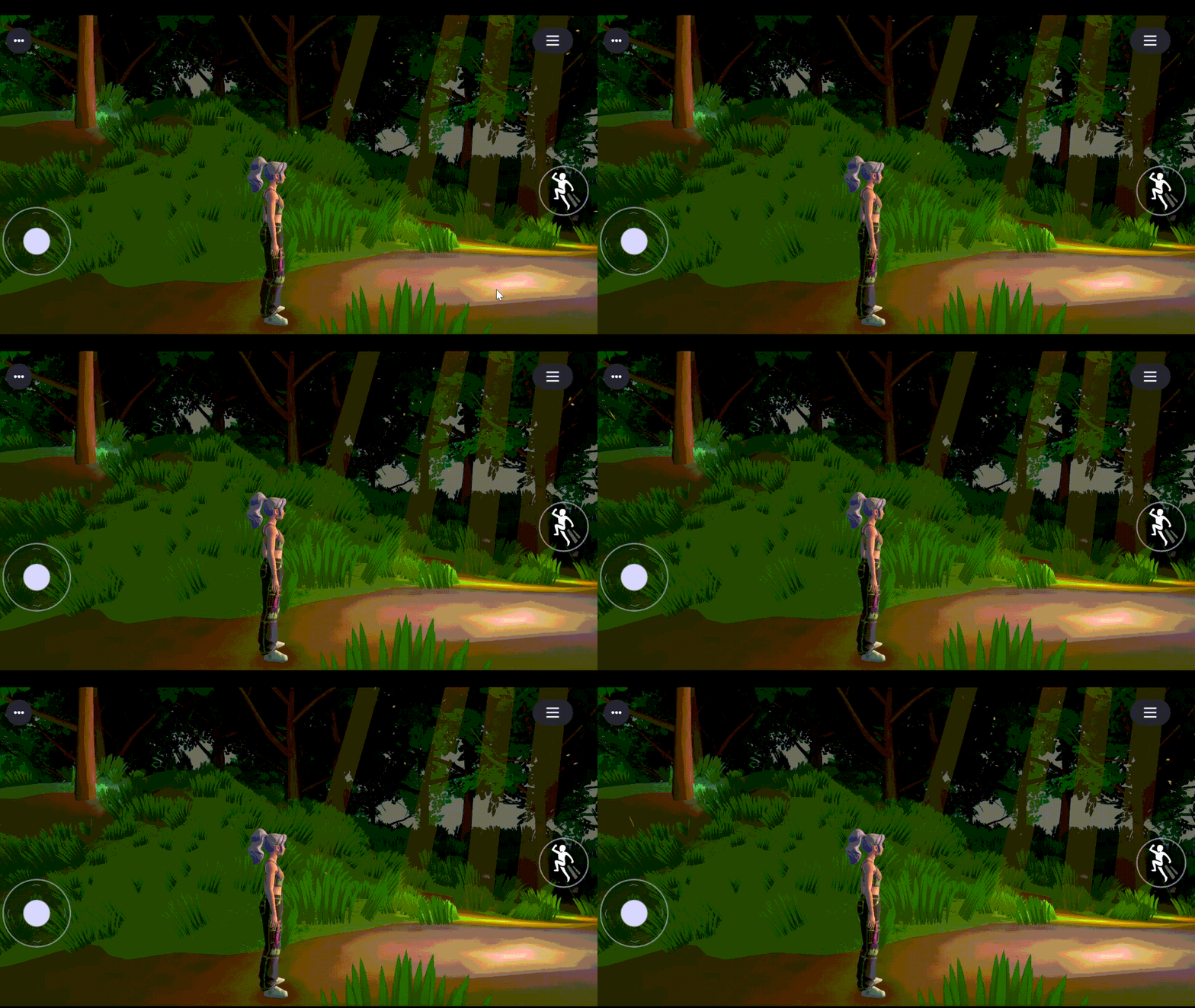
- A walkthrough video showing the process in action.
Challenges we ran into
The main challenge was balancing theory with practice. Too much theory can feel boring, but too little makes the tutorial shallow. I solved this by blending real-world lighting principles with direct Horizon applications, so creators see both the “why” and the “how.”
Accomplishments that we're proud of
The tutorial makes professional lighting techniques accessible to Horizon creators, even if they don’t have a background in design.
What we learned
How to translate film and stage lighting language into Horizon’s unique toolset. Ways to make tutorials more visual and engaging (case studies and side-by-side examples). The importance of lighting not just for realism, but also for gameplay readability and atmosphere.
What's next for Lighting Like a Pro - A Step-by-Step Process
What’s next for Lighting Like a Pro is seeing how other creators use it. I’d love to see worlds that take these techniques and put their own spin on them.


Log in or sign up for Devpost to join the conversation.