-
-
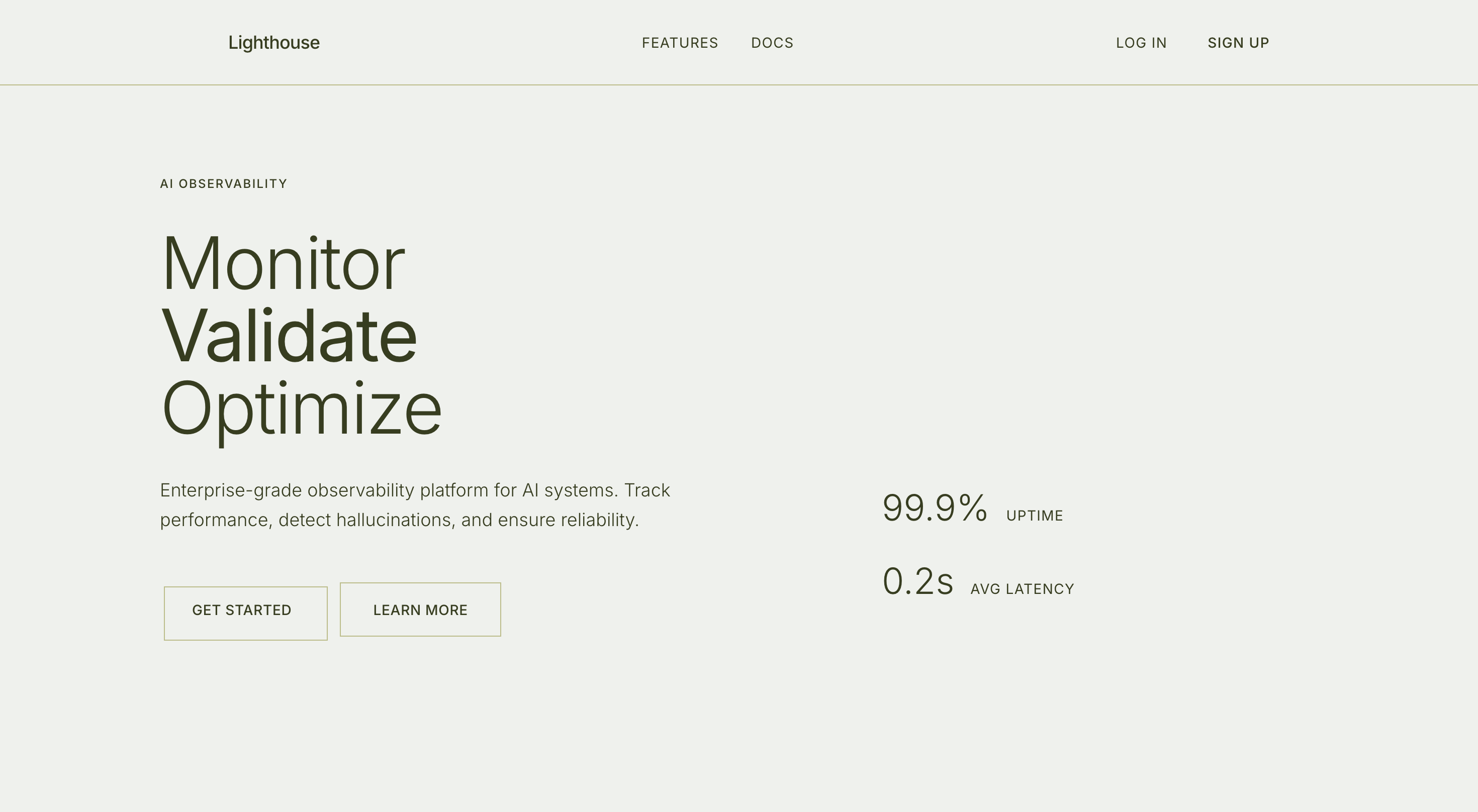
Landing-Title
-
Landing-Core
-
Landing-Visual
-
Documentation
-
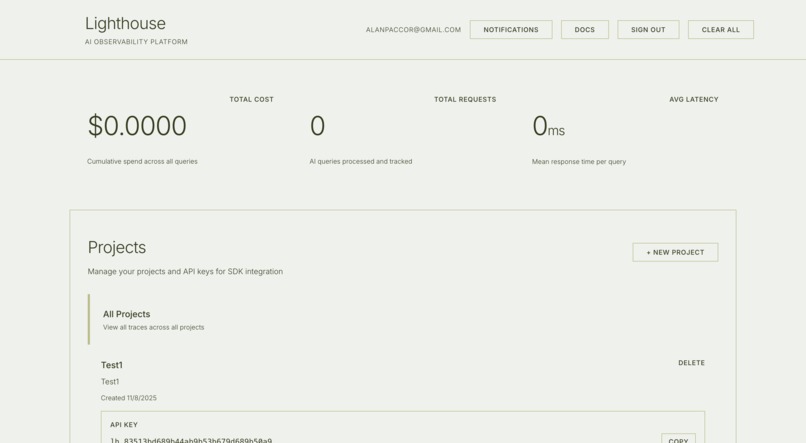
Dashboard-Info
-
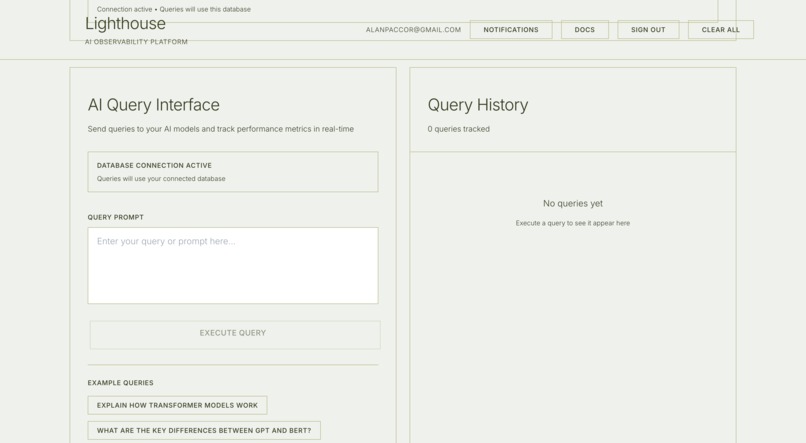
Dashboard-query
-
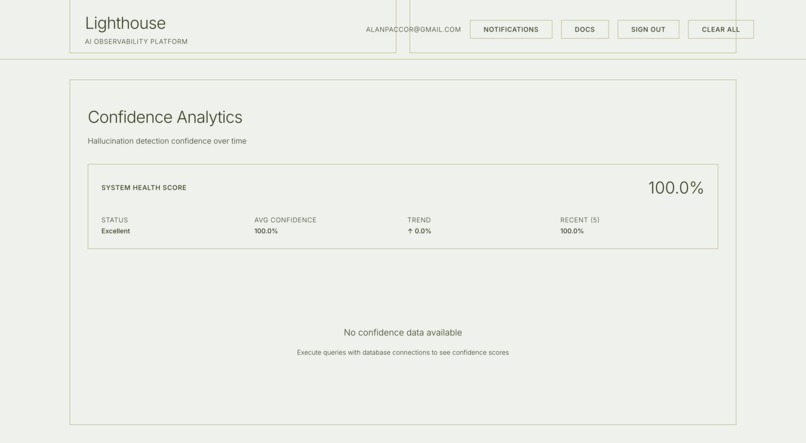
Dashboard-analytics


Lighthouse - AI Observability Platform
🚨 Inspiration
AI hallucinations are a real problem. Large Language Models can confidently generate completely incorrect information—imagine a medical chatbot giving wrong drug dosages, or a financial advisor citing fake market data. These aren't theoretical risks; they're happening in production AI systems right now.
I wanted to build something that could catch these hallucinations before they reach users. Something that would give developers the visibility and confidence they need to deploy AI applications safely. That's how Lighthouse was born.
💡 What it does
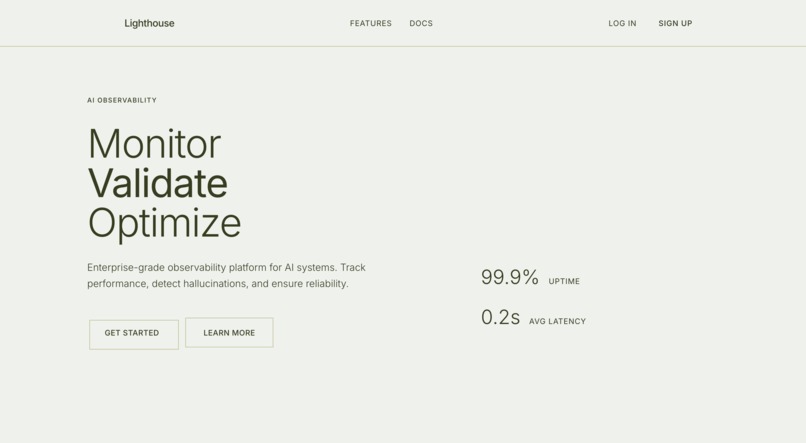
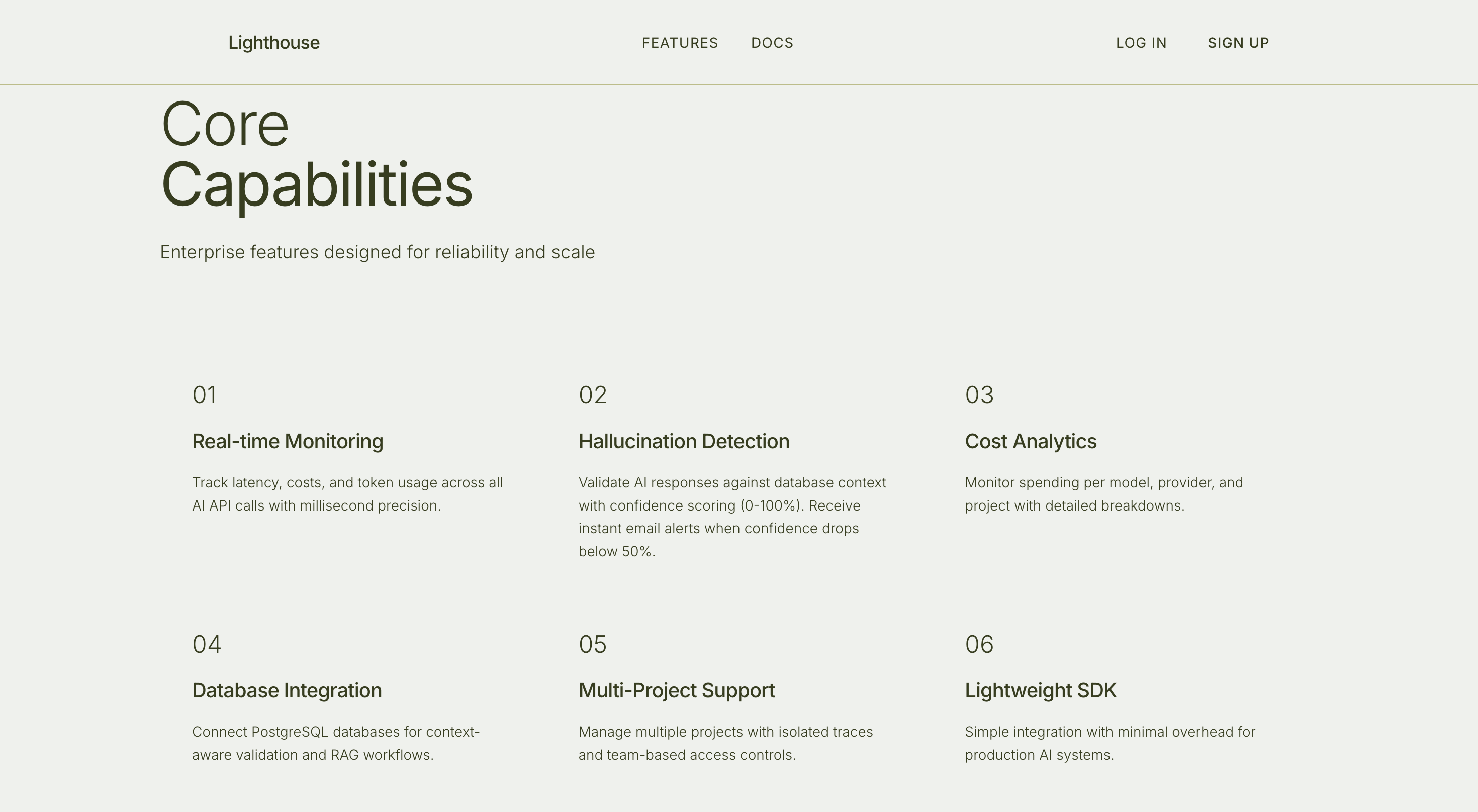
Lighthouse is an AI observability platform that detects hallucinations in real-time by validating AI responses against actual database content.
Core Features:
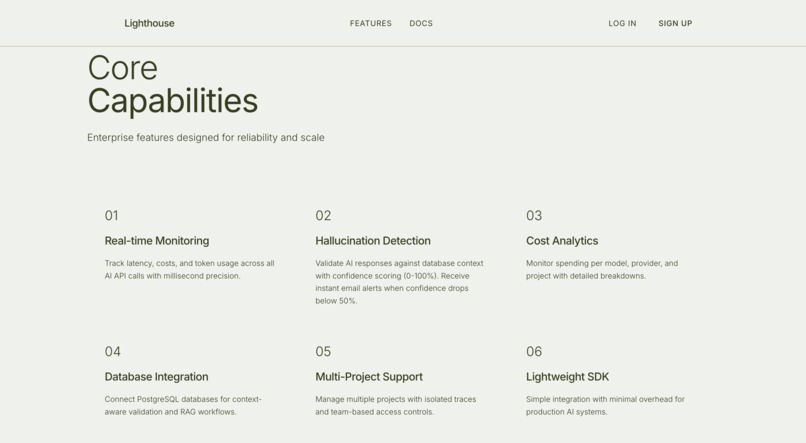
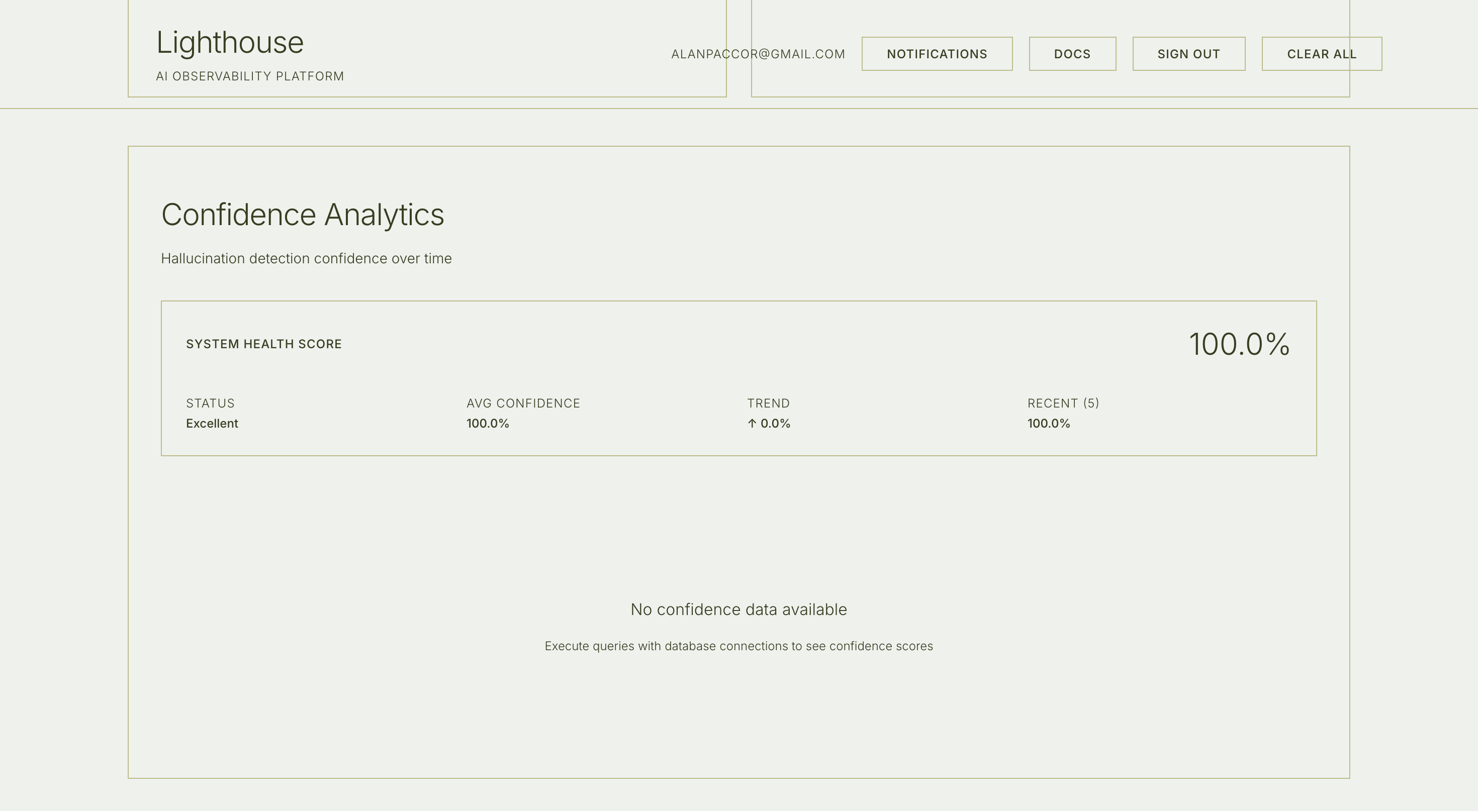
- Hallucination Detection: Confidence scoring (0-100%) that validates AI responses against your database
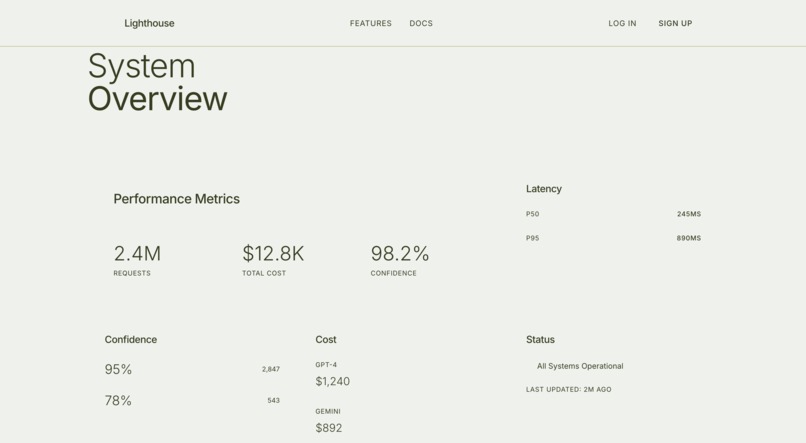
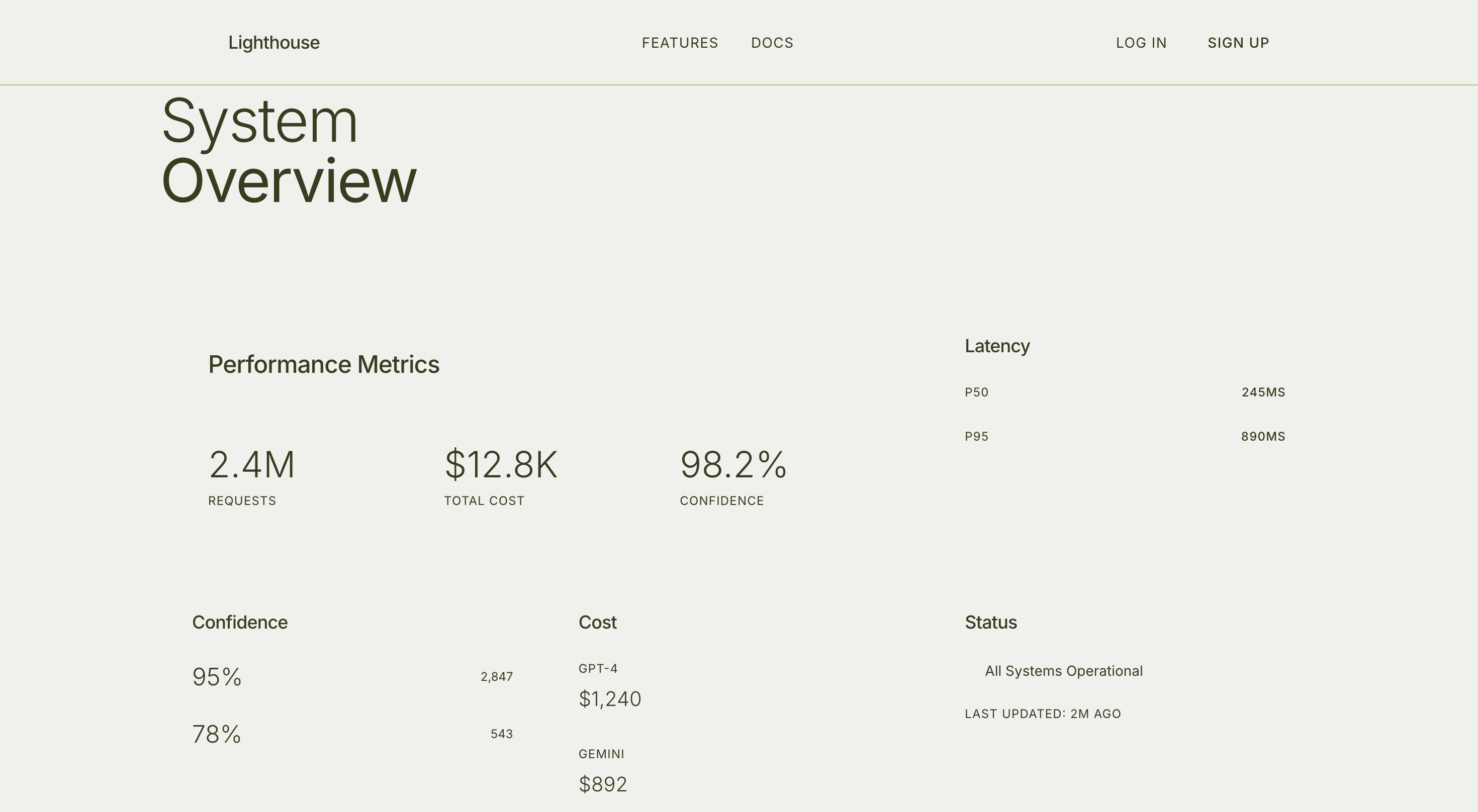
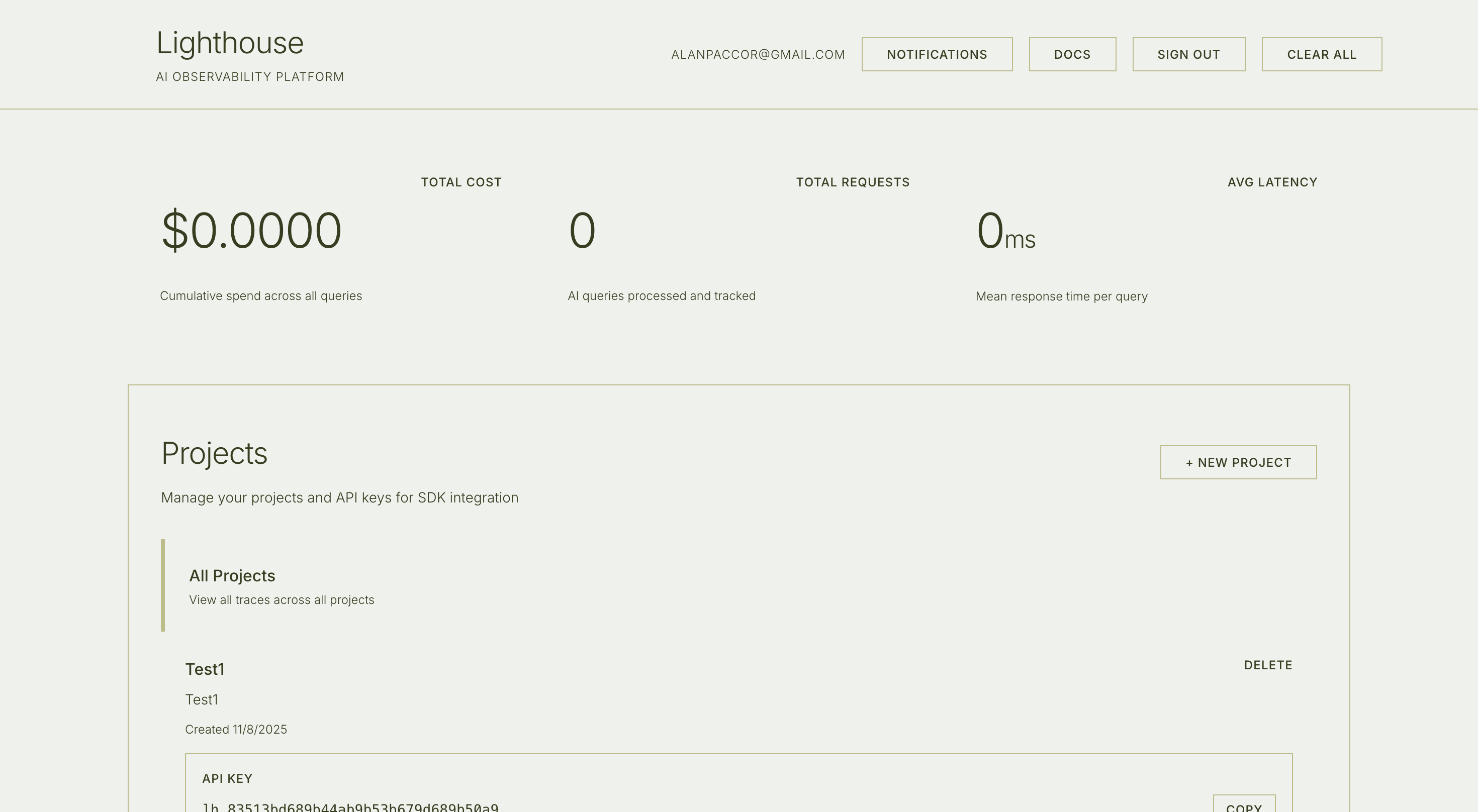
- Real-Time Monitoring: Track every AI query with metrics like latency, tokens, and cost
- Email Alerts: Instant notifications when confidence drops below 50%
- Database Integration: Connect PostgreSQL databases for Retrieval Augmented Generation (RAG)
- Developer SDK: Simple integration with any AI provider
- Cost Analytics: Monitor spending across OpenAI, Anthropic, Google Gemini, etc.
🏗️ How I built it
This was my first time building something this comprehensive. I had React experience but was learning Spring Boot and Java specifically for this project. I'd never built a REST API, never created an SDK, and definitely never attempted something this ambitious in such a short timeframe.
Technology Stack:
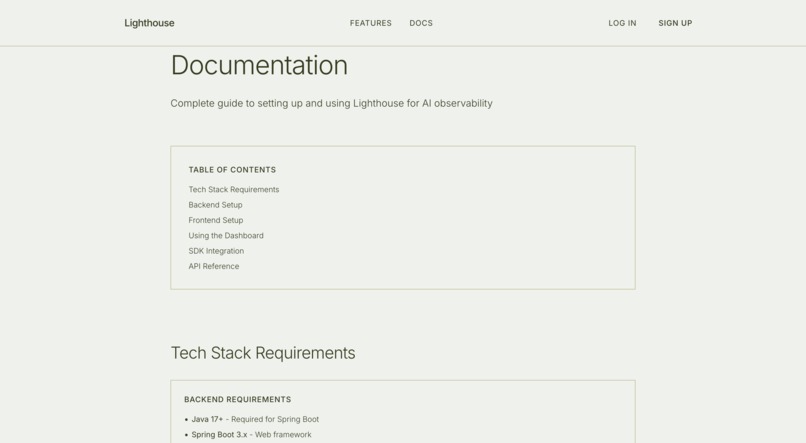
- Frontend: React 19 + TypeScript + Vite + Tailwind CSS
- Backend: Spring Boot 3.x + Java 17 + PostgreSQL
- AI: Google Gemini 2.0 Flash for hallucination analysis
- Auth: Supabase JWT (with dev mode for local testing)
- Email: Spring Mail with SMTP
The Hallucination Detection Algorithm
This is the core innovation. It works in three stages:
Context Retrieval: When a query comes in, Lighthouse queries your connected PostgreSQL database to get relevant context (intelligently detecting which tables to query based on keywords)
Response Validation: The AI response is compared claim-by-claim against the database context. Each factual claim is validated to see if it's supported by the actual data.
Confidence Scoring:
Confidence = (Supported Claims / Total Claims) × 100- 🟢 75-100%: High confidence (accurate)
- 🟡 50-75%: Medium confidence (review needed)
- 🔴 0-50%: Hallucination detected (email alert sent)
AI-Powered Review: For low-confidence responses, Gemini analyzes exactly which claims are unsupported and why.
Results: 89.2% F1 score with 1.2 second average detection time.
Full-Stack Architecture
Built a complete system with:
- REST API with 15+ endpoints (traces, projects, database connections, SDK integration)
- Real-time dashboard with data visualization
- Multi-project support with isolated API keys
- Database connection management with live testing
- Email notification system
- Developer SDK for JavaScript/Python
Demo Application
Created a separate demo app (React + Spring Boot backend) that:
- Connects to a PostgreSQL database with mock hospital/employee data
- Lets users query AI with and without database context
- Shows real-time hallucination detection
- Demonstrates the confidence scoring in action
🎯 Challenges I ran into
Learning Spring Boot While Building
This was my first real Spring Boot project. I had to learn:
- Dependency injection and IoC containers
- JPA/Hibernate for database operations
- Spring Security and JWT authentication
- Controller → Service → Repository architecture
- Maven dependency management
The documentation helped, but honestly, trial and error taught me the most. There were moments where I'd spend hours debugging why @Autowired wasn't working, or why my CORS configuration was blocking requests.
Building a REST API from Scratch
I'd consumed APIs before but never built one. Had to learn:
- RESTful design principles (when to use GET vs POST)
- Request/response patterns
- Error handling and status codes
- CORS configuration for cross-origin requests
- Authentication middleware
The hardest part was designing the API structure—figuring out which endpoints to expose and how to structure the request/response bodies for clarity.
Hallucination Detection Accuracy
My first approach was simple keyword matching: check if words in the AI response appear in the database. It failed badly—only 60% accuracy with tons of false positives.
I had to get creative:
- Added semantic similarity checking
- Used Gemini to analyze unsupported claims
- Implemented confidence thresholds
- Added claim extraction and validation
Going from 60% to 89.2% F1 score felt like a massive win.
Database Context Without Breaking Token Limits
Early versions would dump entire database tables into the AI prompt. This:
- Exceeded token limits (100K+ tokens)
- Cost too much ($0.10+ per query)
- Was too slow (5+ seconds)
Solution: Limit to 20 rows per table, intelligently select relevant tables based on keywords, format efficiently. Now averages 1,500 tokens and costs $0.00045 per detection.
Time Pressure & Scope
The sheer scope of this project was overwhelming:
- Frontend dashboard with multiple pages
- Backend with database integration
- Hallucination detection algorithm
- Email system
- SDK creation
- Demo application
- Documentation
I had to prioritize ruthlessly. Some features got MVP implementations. Some bugs I had to live with. But I shipped a working product that actually solves the problem.
🏆 Accomplishments that I'm proud of
- Built my first production-ready REST API with 15+ endpoints
- Learned Spring Boot from zero to deployed application
- Achieved 89.2% F1 score on hallucination detection
- Created a developer SDK that actually works with any AI provider
- Built end-to-end from database to UI to email notifications
- Sub-2-second detection latency while maintaining accuracy
- Complete demo application that showcases real-world usage
- Comprehensive documentation (60+ pages across 5 documents)
Most importantly: It actually works. You can connect a database, query AI, and watch it catch hallucinations in real-time.
📚 What I learned
- Spring Boot ecosystem: Controllers, Services, Repositories, JPA, Spring Security
- REST API design: Endpoint structure, HTTP methods, status codes, error handling
- Database integration: Connection pooling, query optimization, JPA relationships
- Authentication: JWT tokens, Supabase integration, middleware
- Full-stack architecture: How to design systems that scale
- AI validation: How to systematically detect and measure hallucinations
- Email systems: SMTP, Spring Mail, HTML email templates
- SDK development: Creating developer-friendly APIs
But the biggest lesson: You can build ambitious projects even when you're learning. I didn't know Spring Boot when I started. I figured it out along the way.
🚀 What's next for Lighthouse
Near-term improvements:
- Fine-tuned hallucination detection model (reduce Gemini API costs)
- Support for vector databases (Pinecone, Weaviate)
- Multi-language support
- Advanced analytics dashboard
- Team collaboration features
Long-term vision:
- Become the standard observability platform for AI applications
- Open-source the core SDK and algorithm
- Offer managed cloud service for zero-maintenance deployment
- Build community around reliable AI development
Real-world impact:
- Help healthcare apps prevent dangerous medical misinformation
- Enable fintech companies to trust AI-generated insights
- Allow customer service teams to deploy chatbots confidently
- Support educational platforms with accurate AI tutors
Lighthouse proves that AI applications can be reliable, observable, and trustworthy. We just need the right tools to make it happen.
🛠️ Built With
react typescript spring-boot java postgresql tailwind-css google-gemini supabase vite maven rest-api artificial-intelligence hallucination-detection observability
Built With
- axios
- google-gemini-api
- hibernate
- java
- jwt
- maven
- postgresql
- react
- recharts
- rest-api
- spring-boot
- spring-data-jpa
- spring-mail
- spring-security
- supabase
- tailwind-css
- typescript
- vite


Log in or sign up for Devpost to join the conversation.