Inspiration
I built Lighthouse because I wanted to solve a problem I see in education: students can struggle without anyone noticing until the problem becomes much bigger.
I wanted to create something that doesn't just identify a student as “at risk,” but actually helps the school understand what is happening and take action.
My idea was to create a complete support journey where a student's voice can lead to real help—from the student, to the administrator, to the teacher, to the parent, and finally to a measurable outcome.
What it does
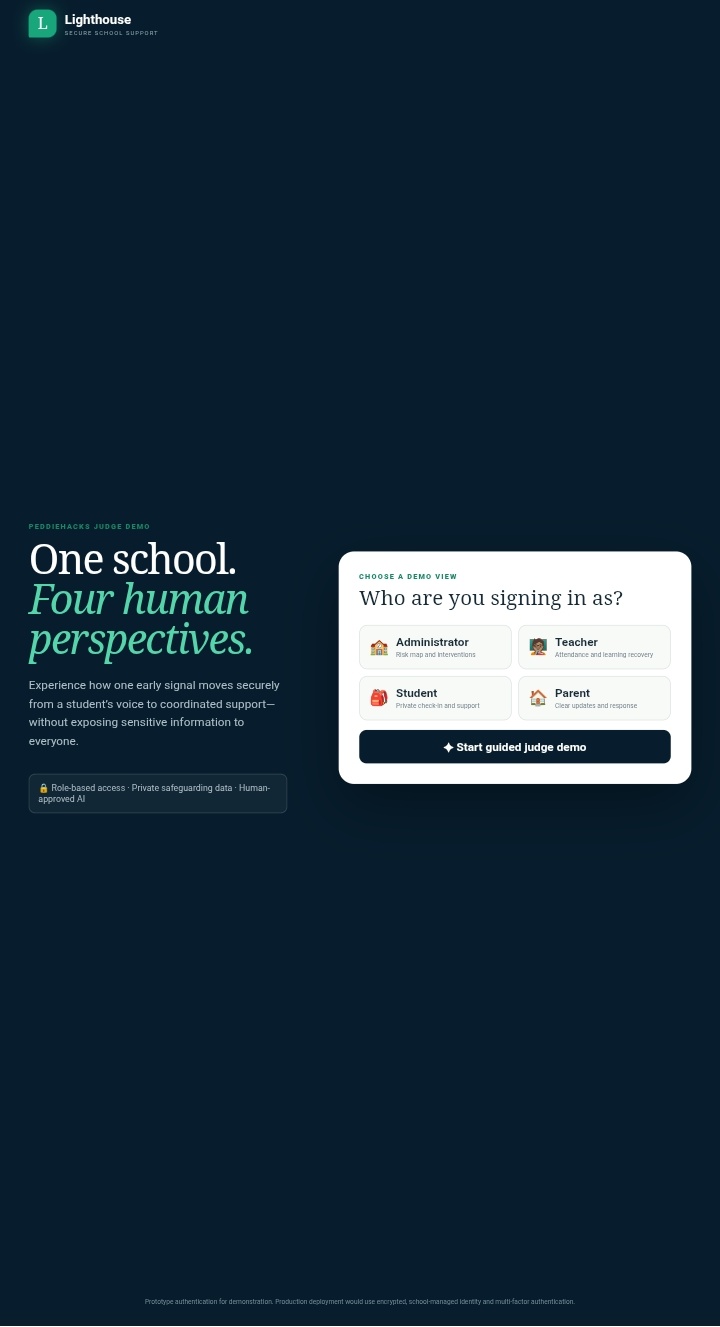
Lighthouse is an AI-powered student support platform connecting students, teachers, parents, and administrators.
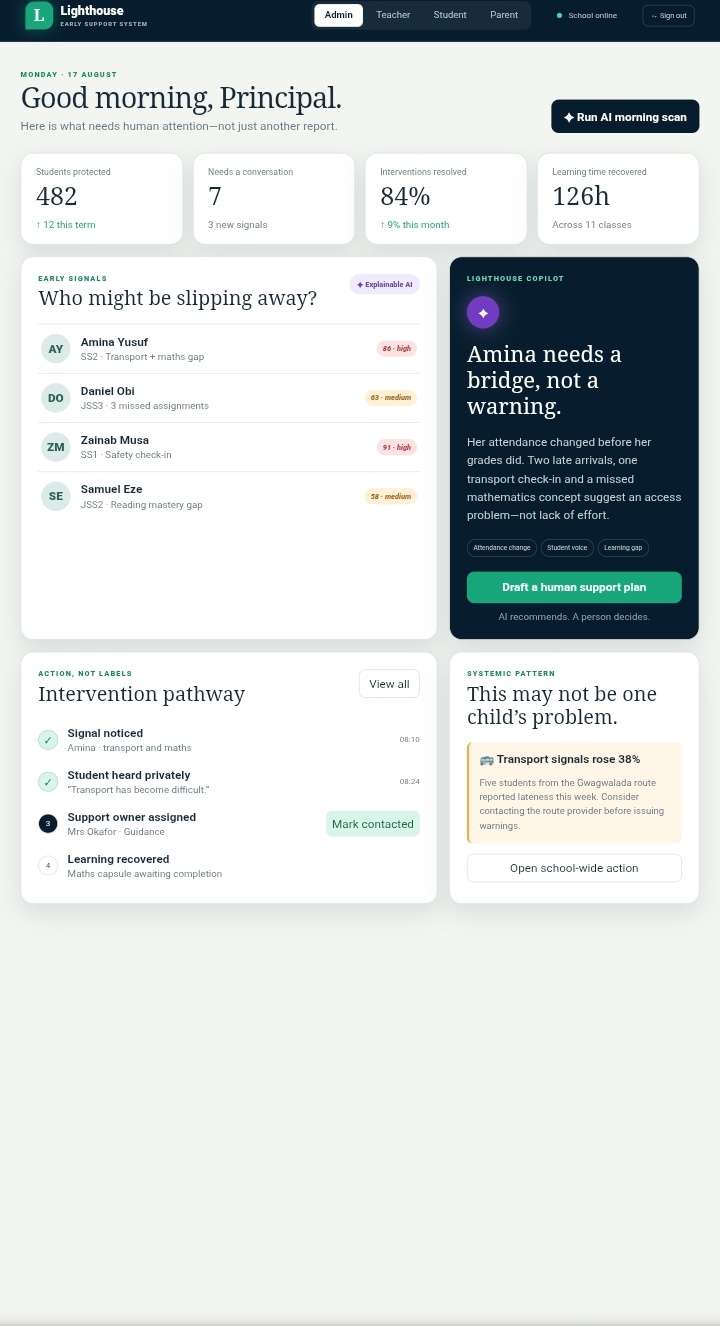
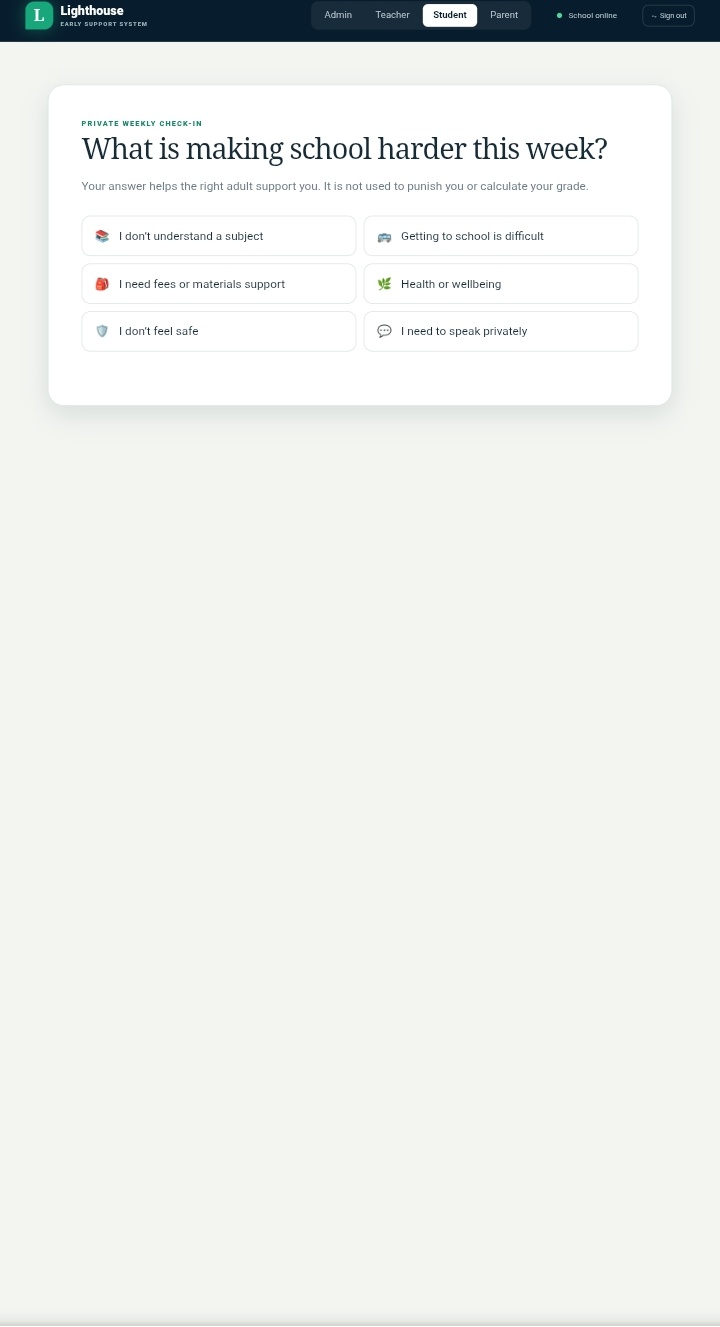
A student can report something affecting them, such as a transportation problem. The administrator can see the signal, generate and approve a support plan, and assign an action to a teacher.
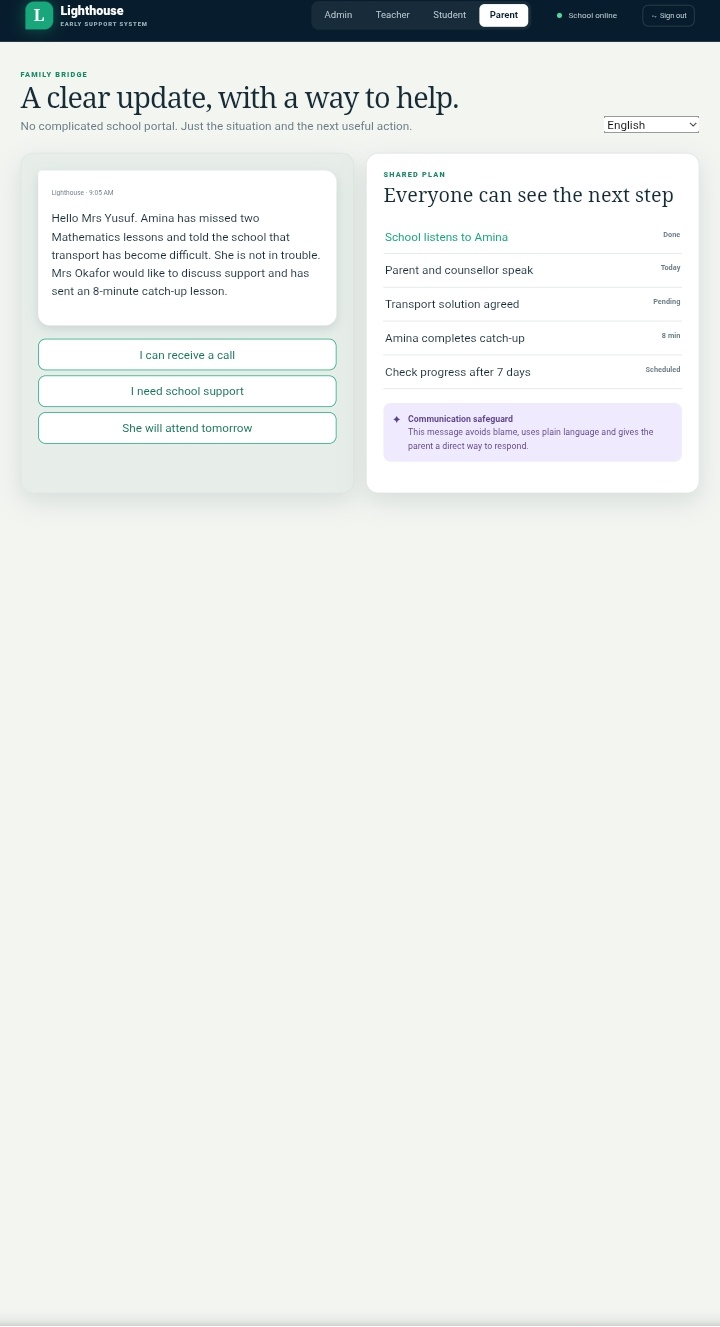
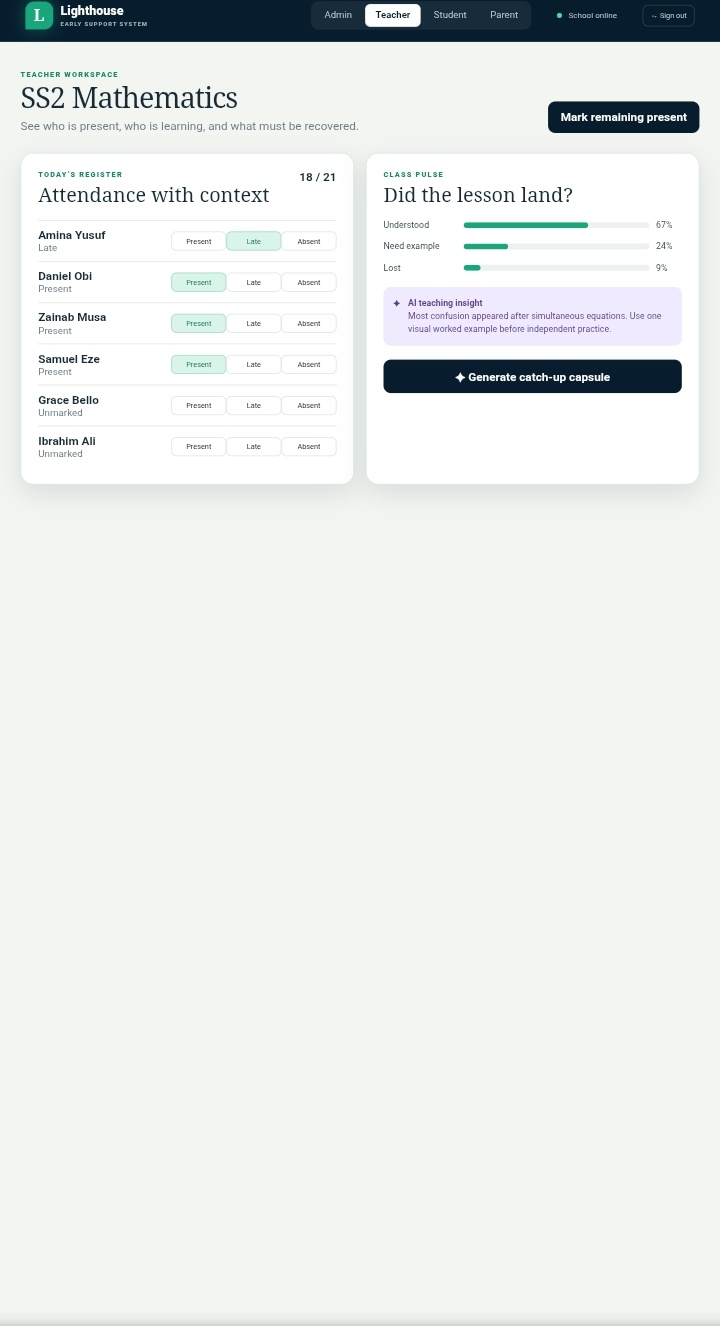
The teacher can generate and approve a catch-up lesson, which then becomes available to the student. Parents can also communicate when they need school support, while administrators can track the outcome after seven days.
I designed Lighthouse so that it doesn't stop at identifying a problem. It follows the student through the actual support process.
How I built it
I built Lighthouse as a web application with separate experiences for students, teachers, parents, and administrators.
I connected the different roles so that actions taken by one user are reflected in the appropriate parts of the system. I also integrated AI into the workflow to help generate support plans and catch-up lessons, while keeping final approval with a human.
I then deployed the application so the entire workflow could be demonstrated online.
Live demo: https://studybridge-peddiehacks-2026.onrender.com/
Challenges I ran into
One of my biggest challenges while coding was working with the limitations of the development environment. Some Python packages and tools I initially wanted to use were not available, so I had to change my approach and work with what the environment supported.
I also had to debug the connection between the different user roles. I wanted an action taken by a student to correctly appear when I switched to the administrator, teacher, or parent.
Deployment was another challenge. Some things worked during development but behaved differently after deployment, so I had to repeatedly test, debug, and fix issues before getting the complete workflow working.
A lot of the process was honestly try, break, debug, and try again.
Accomplishments I'm proud of
I'm most proud that I was able to turn my idea into a working end-to-end experience.
Instead of creating four dashboards that work independently, I made the different roles interact with each other. A transportation problem reported by a student can become a live administrator signal, turn into a support plan, become a teacher assignment, produce a catch-up lesson, reach the student, receive parent input, and eventually have an outcome recorded.
I'm also proud of using AI as an assistant rather than allowing it to make important decisions on its own.
What I learned
I learned that building AI into a real application is very different from simply asking an AI model a question.
I had to think about how the AI output would actually be used, how different users would interact with it, and how to make the whole experience understandable.
I also learned a lot about debugging, deployment, connecting different parts of a web application, and adapting when the tools I originally planned to use weren't available.
Most importantly, I learned that having a good idea is only the beginning. I had to turn that idea into something people could actually interact with.
What's next for Lighthouse
If I continue developing Lighthouse, I want to take it beyond this demonstration and make it something schools could actually use.
I would add stronger authentication and privacy controls, real school-system integrations, SMS/WhatsApp communication, better AI evaluation, and testing with real teachers and students.
I would also improve the outcome tracking so schools can see whether the support actually helped the student.
My vision for Lighthouse is simple: notice earlier, support better, and make sure no student quietly falls through the cracks.
Judge Demonstration
Demo Credentials
Role| Login| Password Administrator| "LH-ADMIN"| "2026" Teacher| "LH-TEACHER"| "2468" Student| "LH-STUDENT"| "1357" Parent| "LH-PARENT"| "8642"
Recommended demonstration
- Log in as Student.
- Report a transportation problem.
- Switch to Administrator — the signal appears in Live Activity.
- Generate and approve a Support Plan.
- Switch to Teacher — the assigned action appears.
- Generate and approve the Catch-Up Lesson.
- Switch back to Student — the plan and lesson appear.
- Switch to Parent and select “I need school support.”
- Return to Administrator — the parent response appears.
- Record the seven-day outcome.
This is the part I'm most excited for judges to see because it demonstrates the complete Lighthouse journey, rather than just showing individual features.
Built With
- css
- express.js
- groq
- groq-whisper
- html
- javascript
- node.js
- postgresql
- render


Log in or sign up for Devpost to join the conversation.