-
-
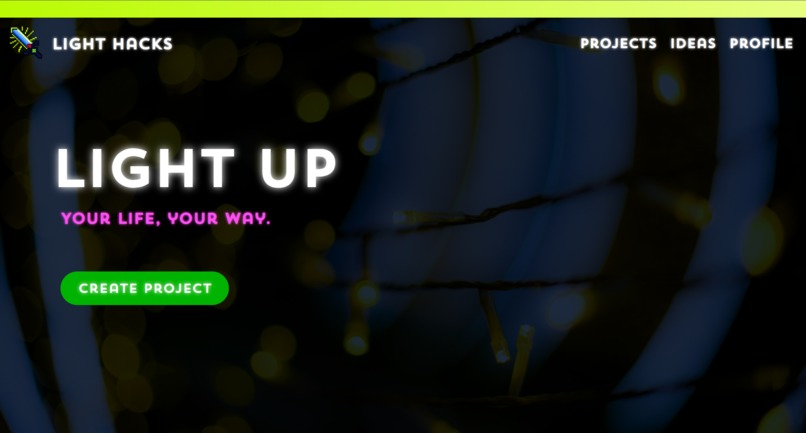
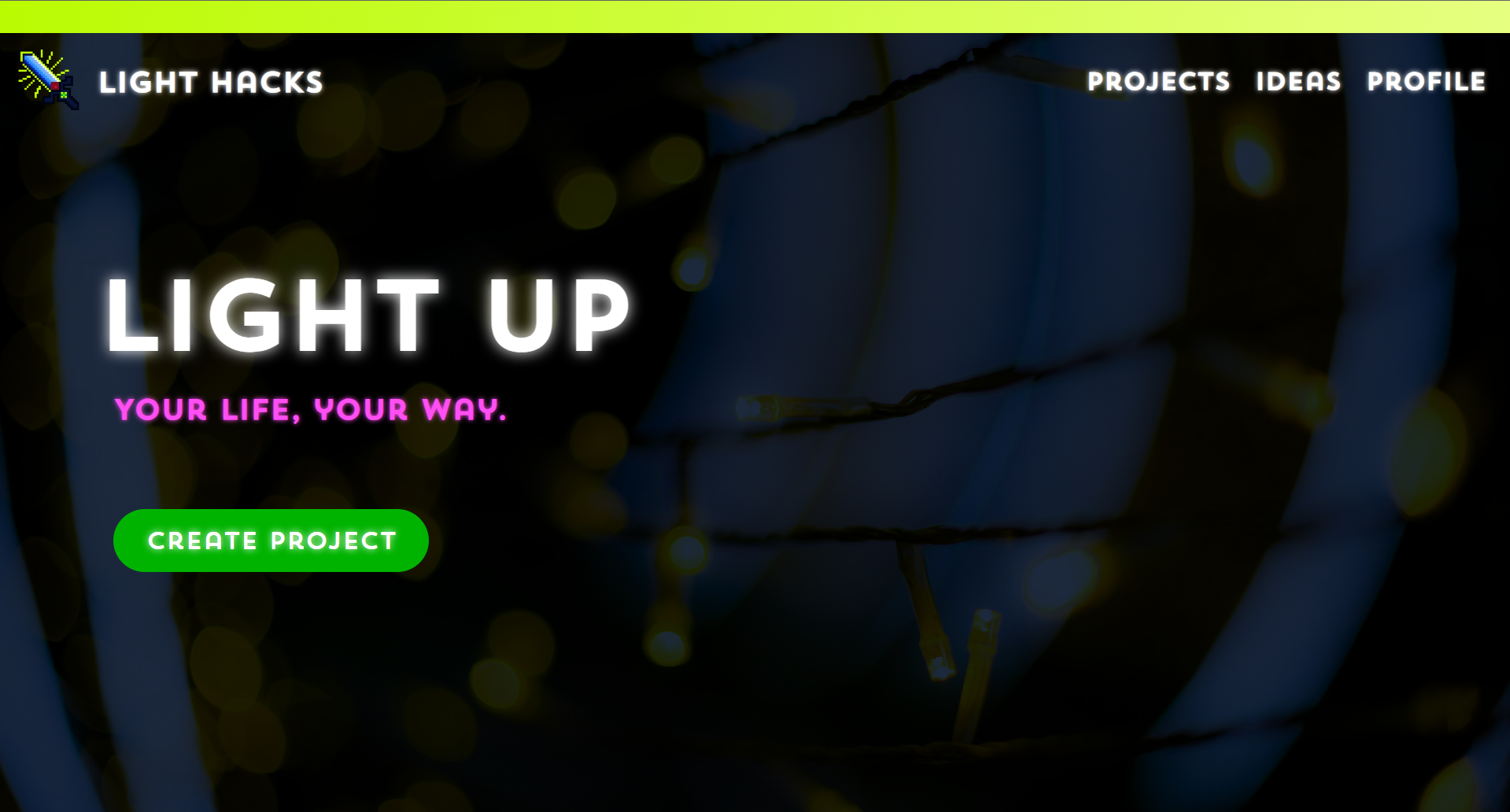
Home Page
-
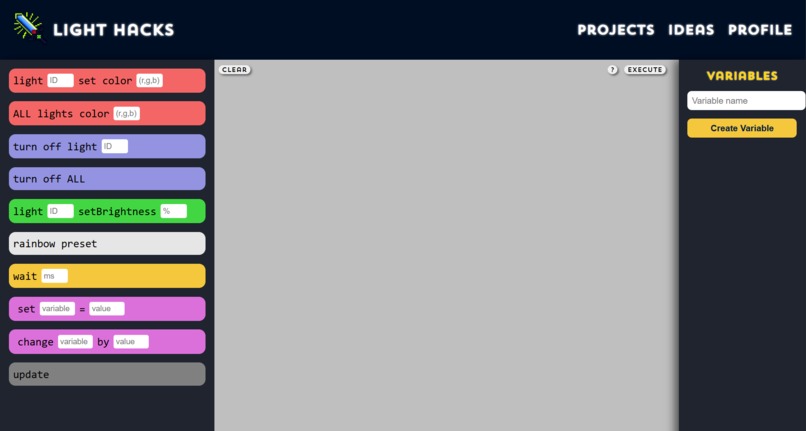
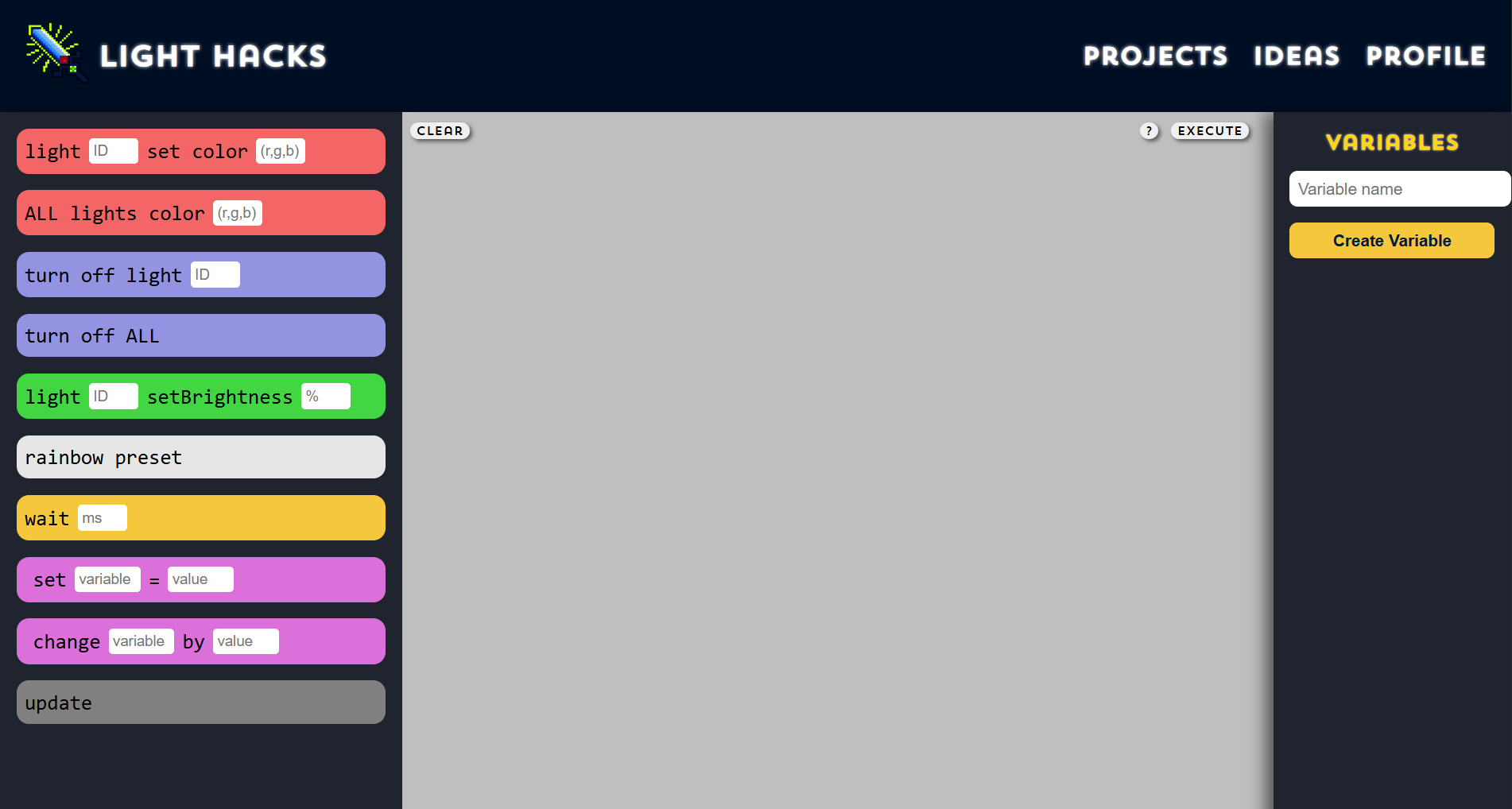
User's Workspace
-
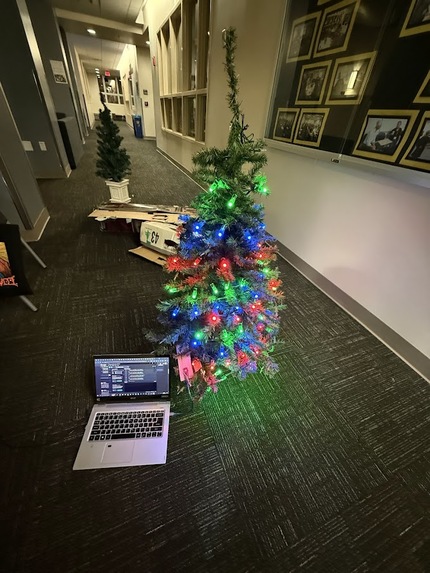
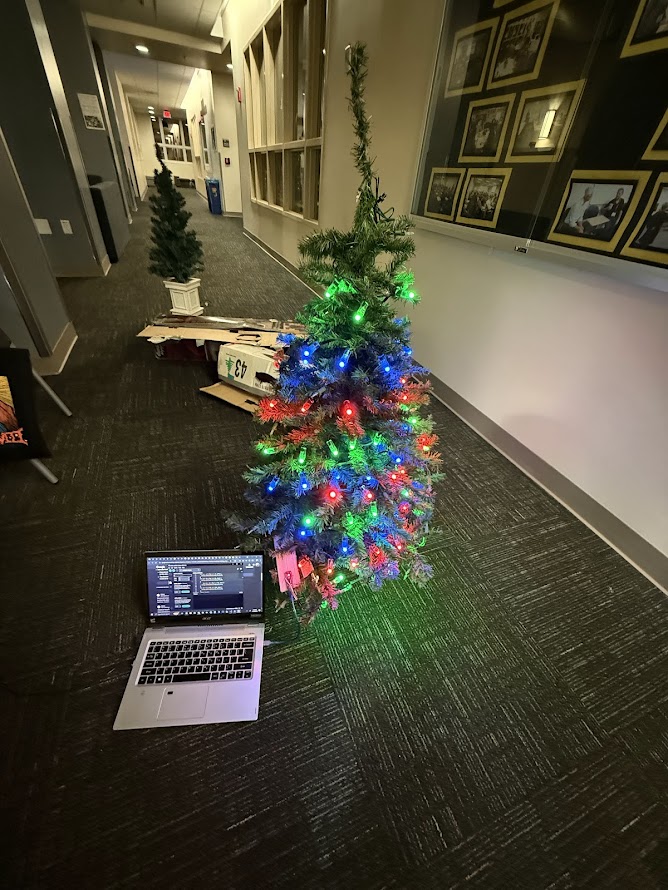
Placed lights in a 10x10 grid for demo; Used Arduino IDE connected to DrippyTree
-
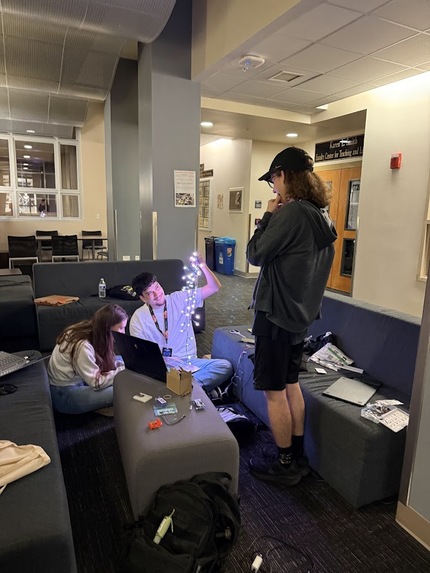
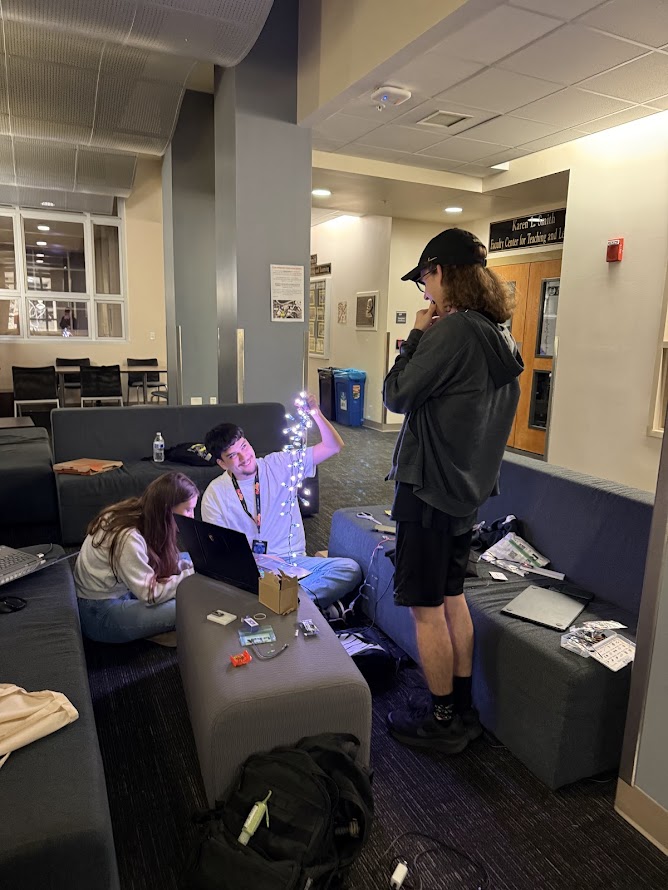
First light!
🎵It's Tiiiime🎵...
With the holiday season right around the corner (yay!), streets and homes start lighting up in that cozy, nostalgic glow. We know we love putting up our lights, but we realized something's missing. Part of why we all think of lights as a holiday-thing is because they bring people together... but how can we go beyond that? We wanted to find a way to bring more people together in that festive spirit and get to interact with their light displays. It shouldn't have to take a master programmer to customize their lights and share that creativity with other people. So this holiday season, we're excited to present Light Hacks!
What is Light Hacks?
Light Hacks allows users to interact with their light systems using an intuitive block code interface. It allows anyone from anywhere to log in and start designing, even if they have absolutely ZERO programming experience. The user can control color, brightness, speed, and more with a quick tutorial explaining how to achieve their desired pattern. In the process, they get a little taste of coding without the frustration of typing and endless tutorials. Hackers can save previous projects to load them again or create a new project in their personal workspace. If the user needs some help, they can look over at the "Ideas" tab for community inspiration! If the system is a public display, users can wait in a queue so their display isn't overwhelmed.
How was it built?
We started by creating a frontend with HTML, CSS, and JavaScript that takes in light pattern sequences, and from there we sent it to our backend database built using Python. We then used our backend to grab the sequences from the database and pushed it to our arduino. We built Light Hacks physically with an Arduino Nano to connect the lights to the world.
Overcoming Obstacles
At the beginning, our lights were the main issue. With one pair not working and another being on its way with same-day delivery, we had one working string to test. The website’s code blocks and the idea of the blocks’ designs also gave us challenges. There’s a lot of variability and interaction, making it difficult to find a way to correctly collect the data. Finally, the primary obstacle was getting the frontend and backend connected. How do you feed code blocks that only makes sense to humans into computer-readable code? Send that remotely too? This obstacle had the issue of problems completely changing the direction the solution was facing, with complexity rising as different perspectives had to be figured out. The Arduino handling switch cases was a crucial part of the final design. We weren't sure how to create a queue system to accept multiple sequences and only output one after the other. Our original idea for interpreting the code blocks was to convert it directly to C/Arduino code, which ended up not working. Jay came up with a smart solution involving creating our own custom commands that are passed to a backend python script which makes it very easy to control the lights.


Log in or sign up for Devpost to join the conversation.