-
lightcms
-
lightcms editor
Inspiration
Writing and maintaining documentation or blog content is an essential part of building software, but the experience is often unnecessarily complicated.
Most developers rely on static site generators like Astro, Hugo, VitePress, or Eleventy to publish content, while using separate tools to write and manage it. Although these tools work well, the writing experience can feel disconnected from the actual publishing workflow.
I wanted to build something that keeps the simplicity of a modern writing workspace with the flexibility and experience nowadays. Something that lets people to focus on writing rather than making them a developer.
What It Does
LightCMS is a lightweight, Git based headless CMS that works with virtually any static site generator or framework that supports file-based content.
It provides a modern, distraction-free content management experience without introducing a proprietary content storage layer.
Some of its key features include:
Git based storage: Your content lives in your Git repository, giving you full version history and audit ability history.
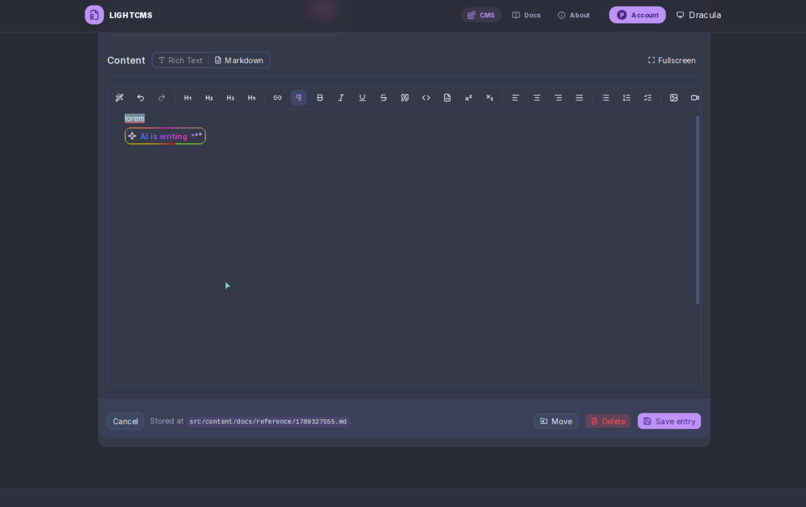
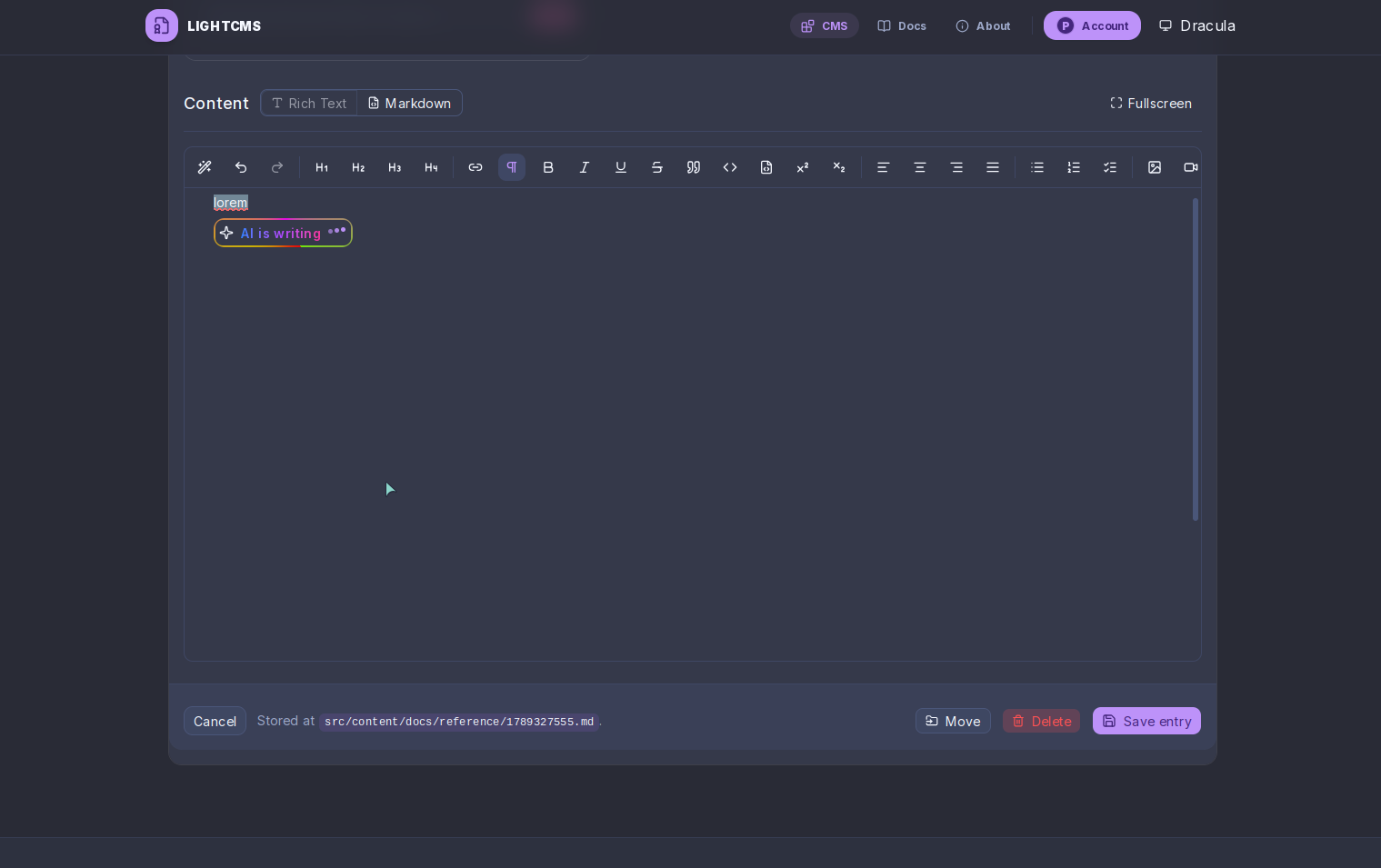
Modern WYSIWYG editor: A clean, intuitive writing experience that makes managing Markdown content and front matter much easier.
AI Copilot: An integrated writing assistant that helps with drafting, refining, and brainstorming content without leaving the editor.
Framework agnostic: Works with Astro, Hugo, VitePress, Eleventy, and other static site generators.
Self hostable: You can run your own instance and retain control over your content and infrastructure.
The goal is to make content management feel as natural as writing in a modern document editor while keeping everything developer-friendly.
How I Built It
LightCMS is built around the idea of jamstack.
Instead of introducing another database or proprietary content format, it uses Git repositories as its primary storage layer. This makes content portable and integrates naturally with existing development workflows.
The core application is built using SvelteKit, with several technologies working together:
SvelteKit for the application and server-side functionality.
Better Auth for authentication.
Octokit for interacting with GitHub repositories and managing content.
Skeleton UI for the interface and reusable components.
Probot for GitHub App integration.
The editor is designed to provide a WYSIWYG writing experience while preserving the underlying Markdown and front matter structure.
I also integrated an AI Copilot directly into the editing workflow, making AI assistance part of the writing process rather than a separate tool.
Challenges I ran into
One of the biggest challenges is to integrate major git forges. Like Bitbucket GitLab, Forgejo
Accomplishments That I'm Proud Of
I'm particularly proud of being able to build a complete content management experience on top of Git without requiring users to migrate their content to a separate database.
A few things I'm especially happy with:
Building a modern user experience for writing content.
Integrating an AI Copilot directly into the writing workflow.
Keeping the platform compatible with different static site generators rather than locking users into one ecosystem.
Making self hosting possible while keeping the overall experience simple.
Bringing together authentication, GitHub integration, content editing, and AI assistance into one cohesive application.
Most importantly, LightCMS is something I built to solve a problem I personally experienced while maintaining my own projects.
What I Learned
Building LightCMS taught me a lot about the challenges of building niche products.
I gained a deeper understanding of GitHub's APIs, repository permissions, Git-based content workflows, authentication, and the complexities of building a reliable WYSIWYG editor.
I also learned that building a good developer tool isn't just about exposing powerful functionality. The real challenge is hiding unnecessary complexity and making those capabilities accessible through a pleasant user experience.
Integrating AI into an existing workflow also reinforced an important idea: AI is most useful when it assists users where they already work, rather than forcing them to switch between different tools.
Built With
- better-auth
- drizzle
- github
- postgresql
- resend
- svelte

