-
-
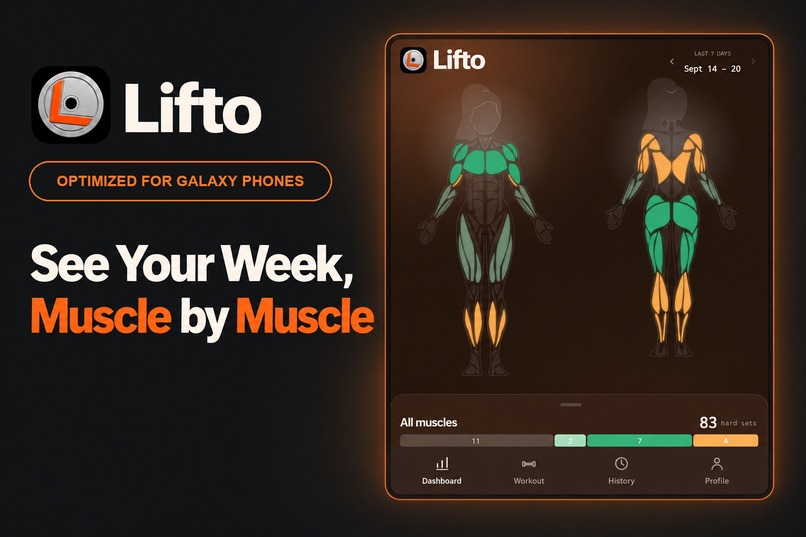
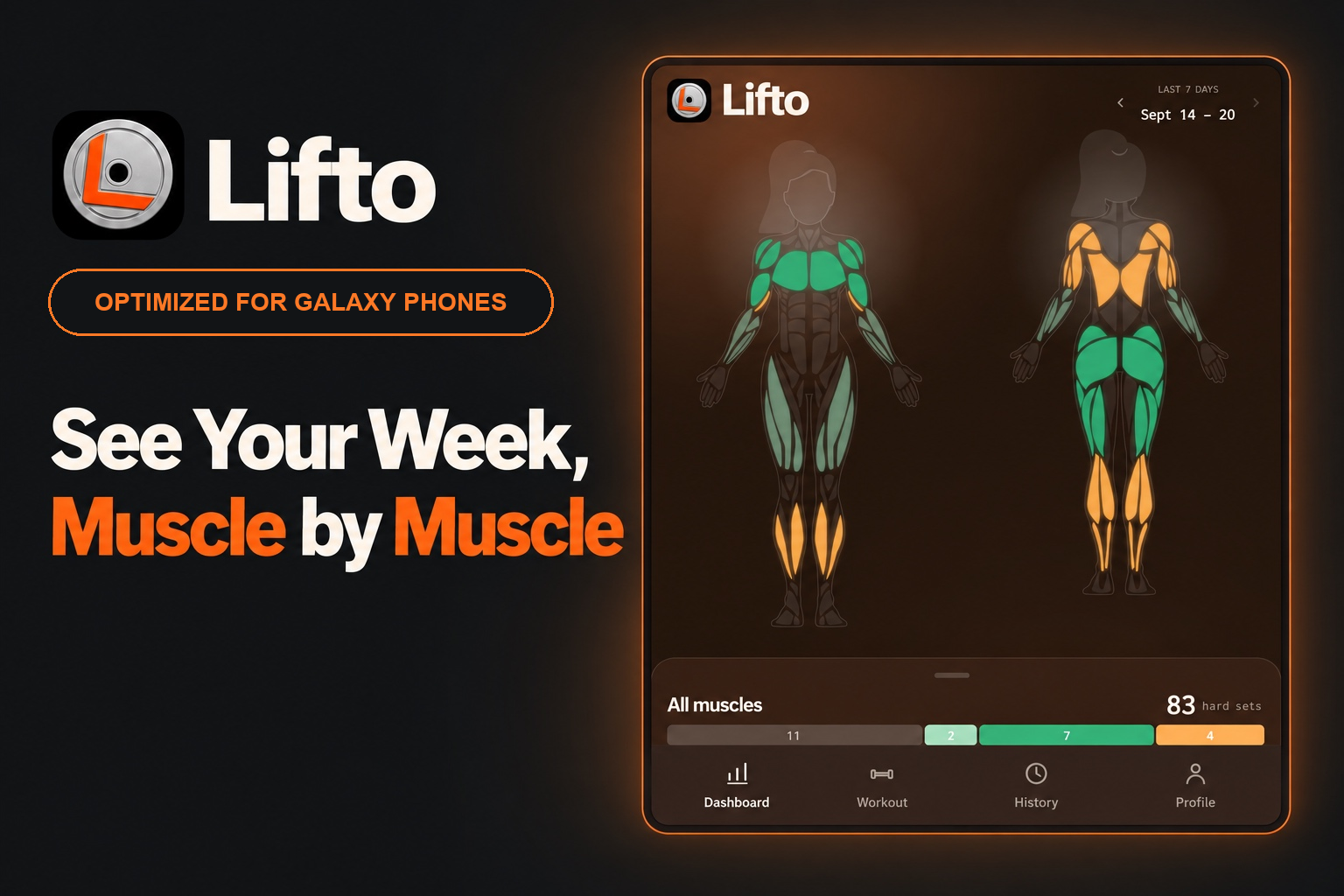
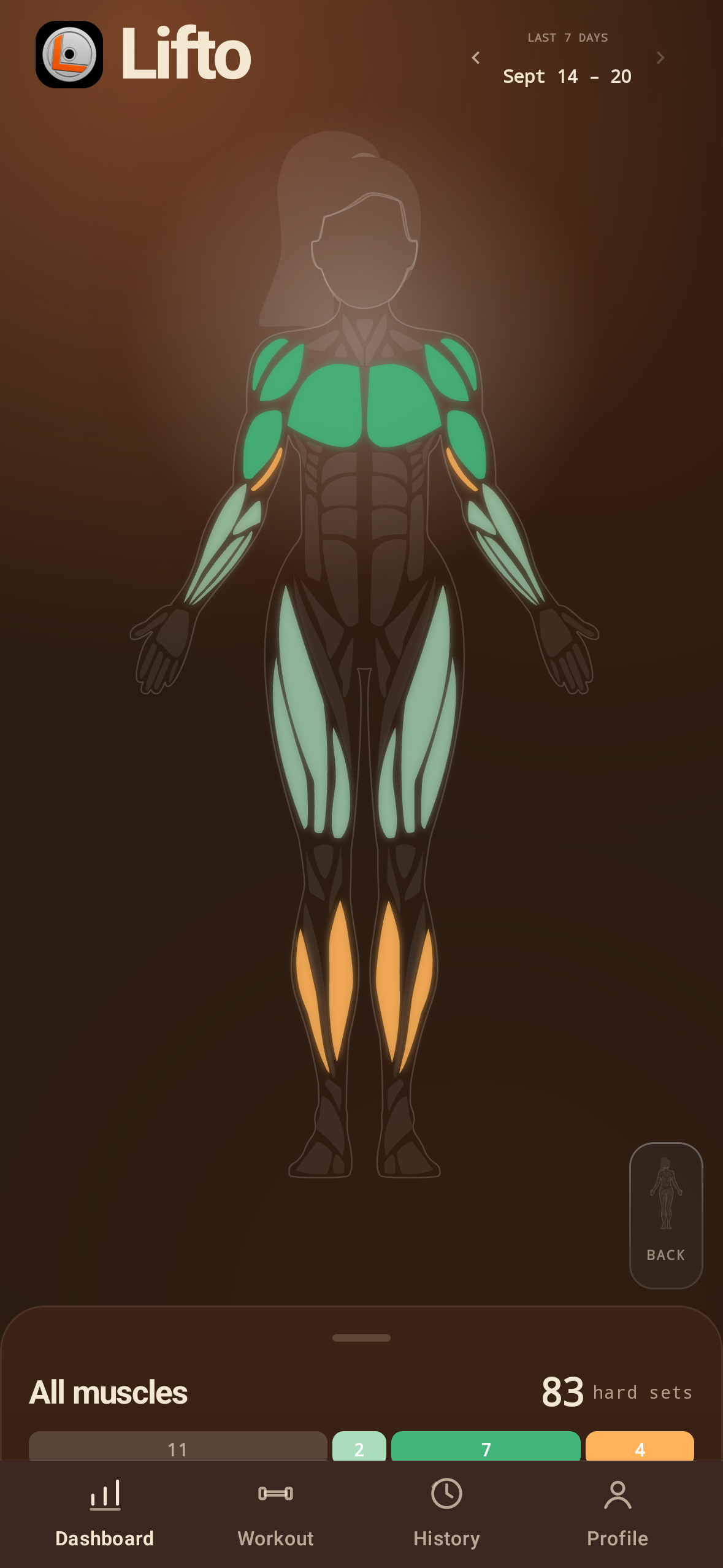
See which muscles you trained this week, with a clear, spacious layout optimized for Galaxy phones.
-
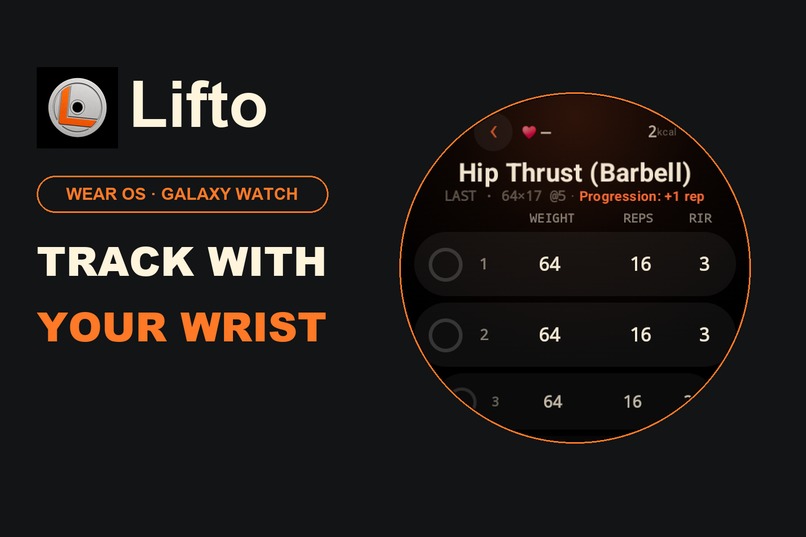
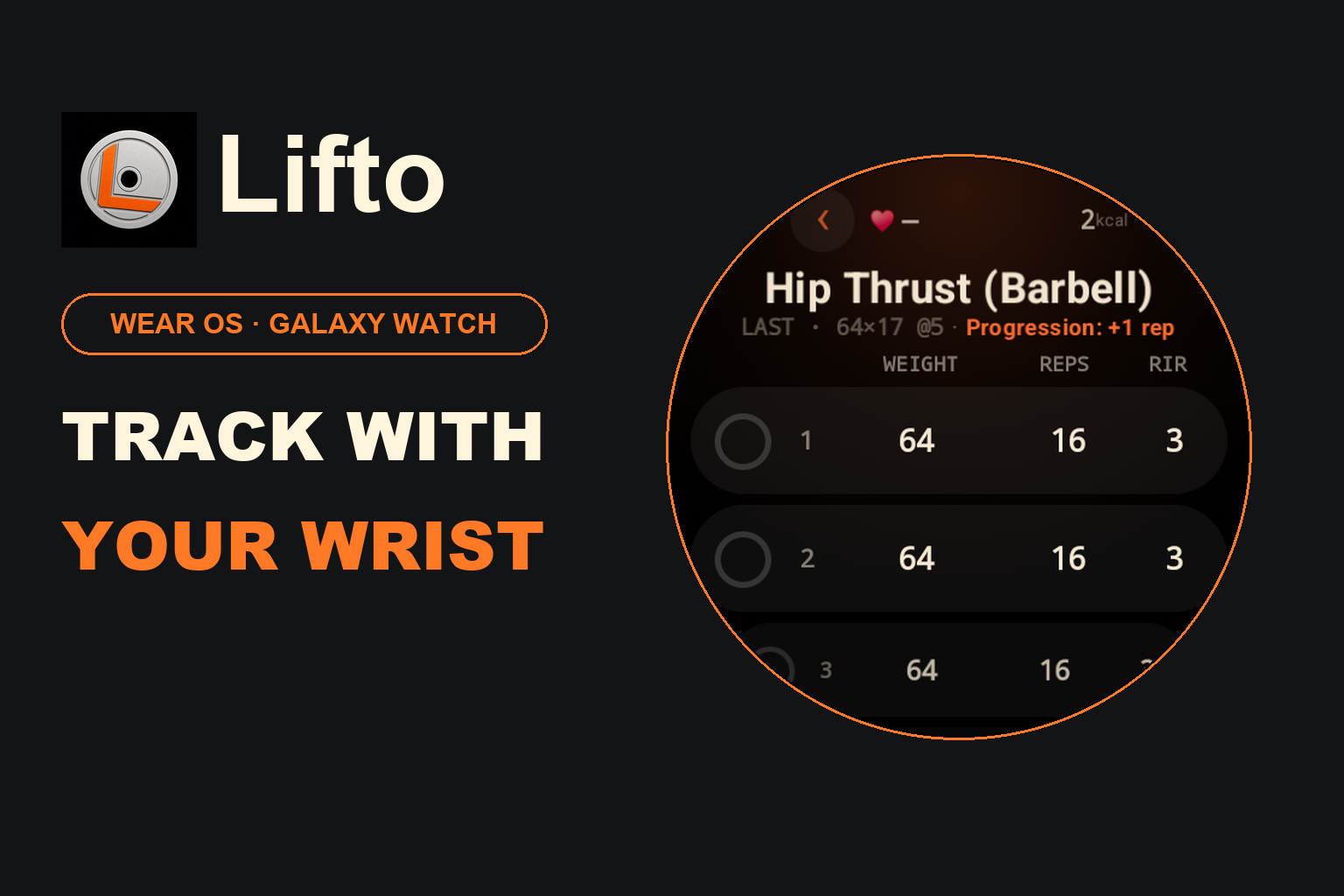
Track your sets from your wrist, check your previous performance, and see your next suggested target.
-
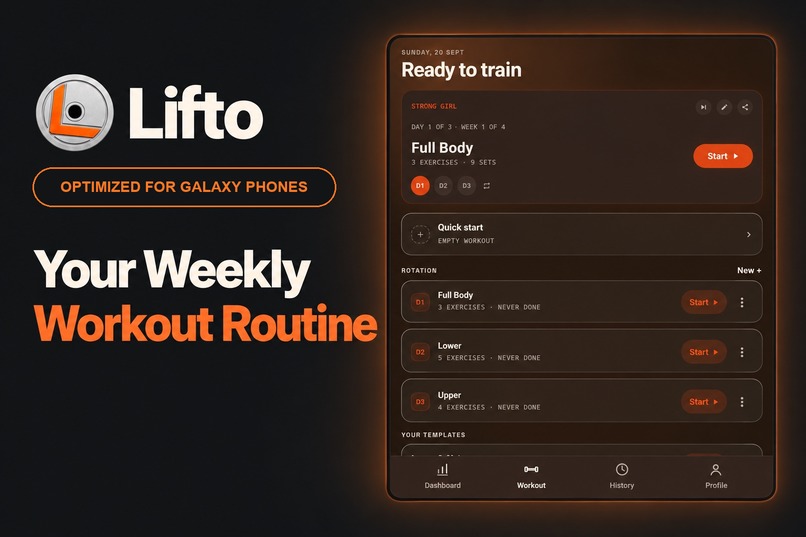
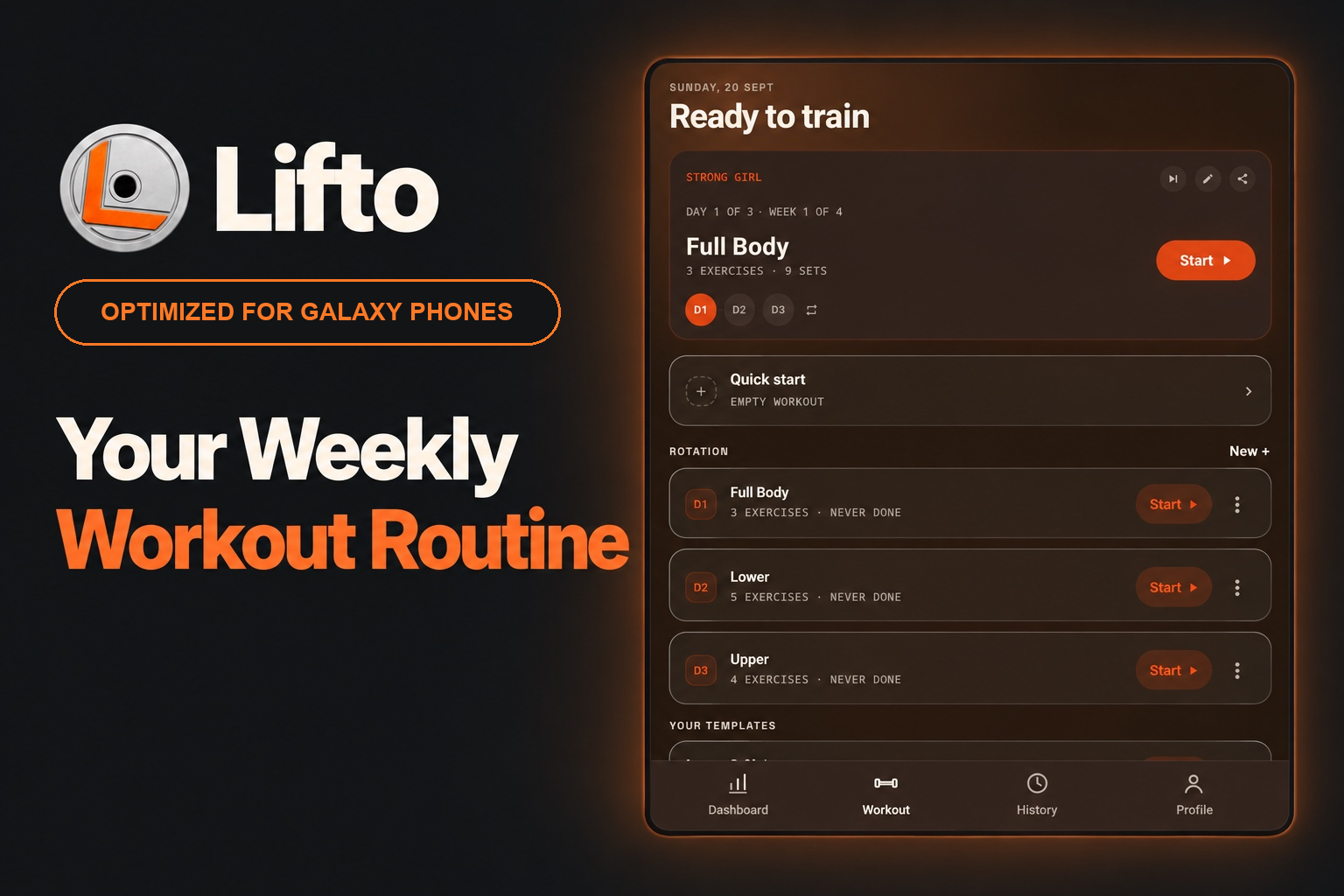
Build a training program around the days you can train, and know which workout comes next.
-
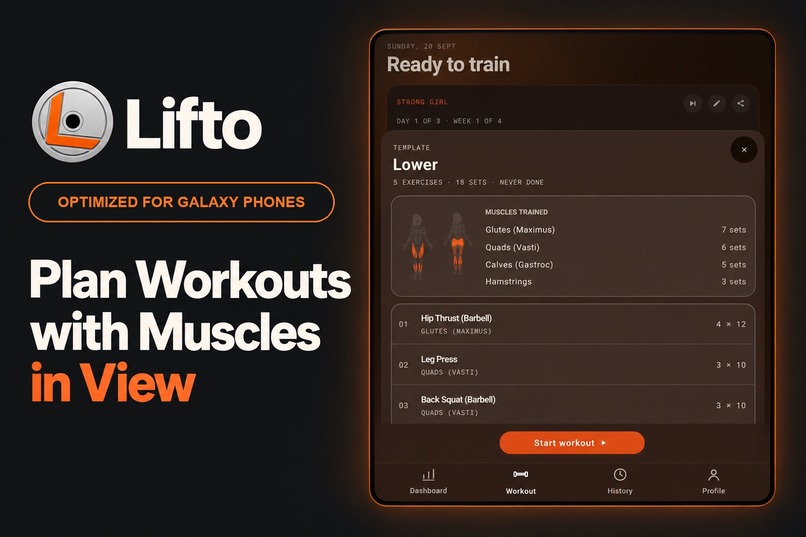
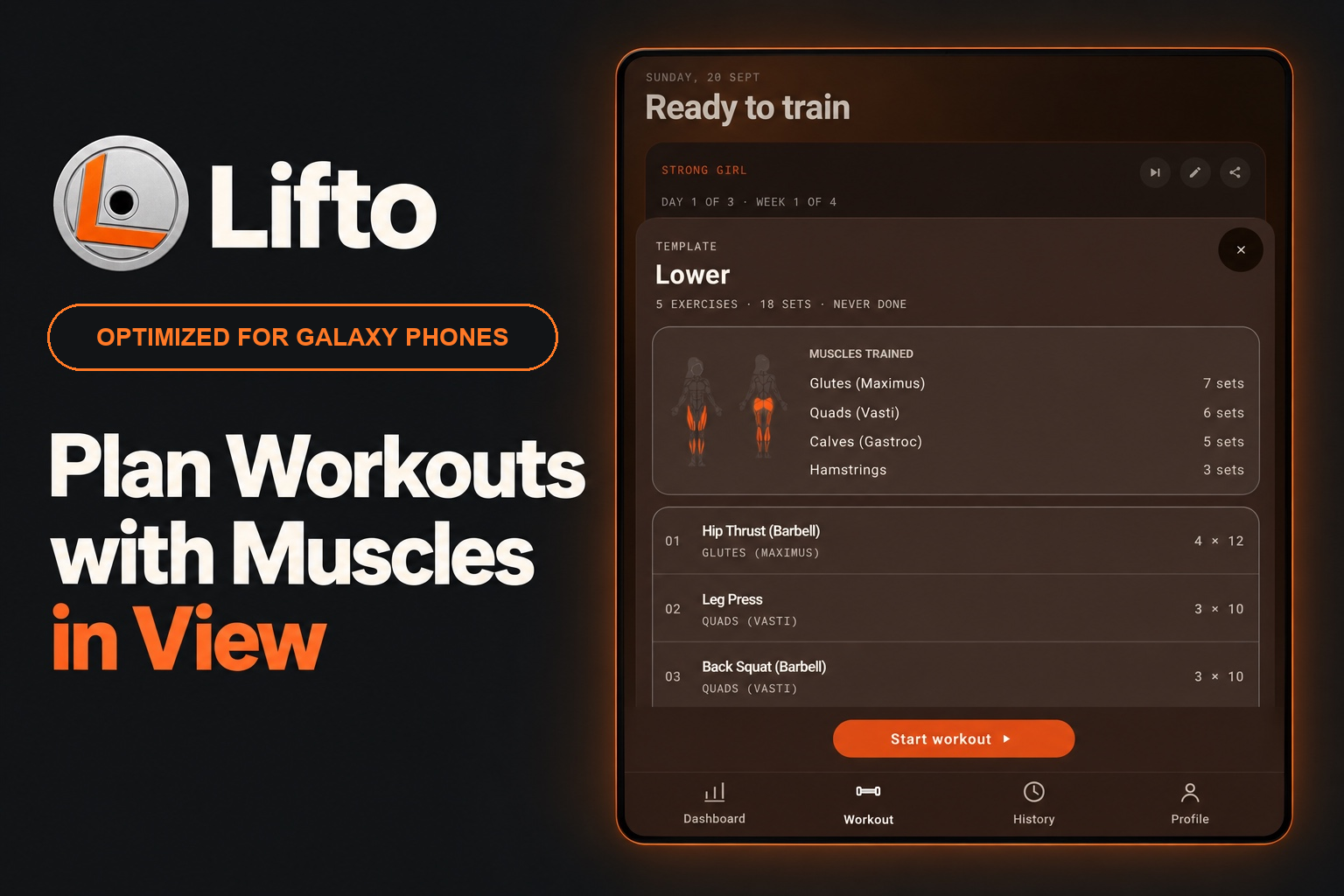
Choose your exercises and see which muscles your workout targets, all on one screen.
-
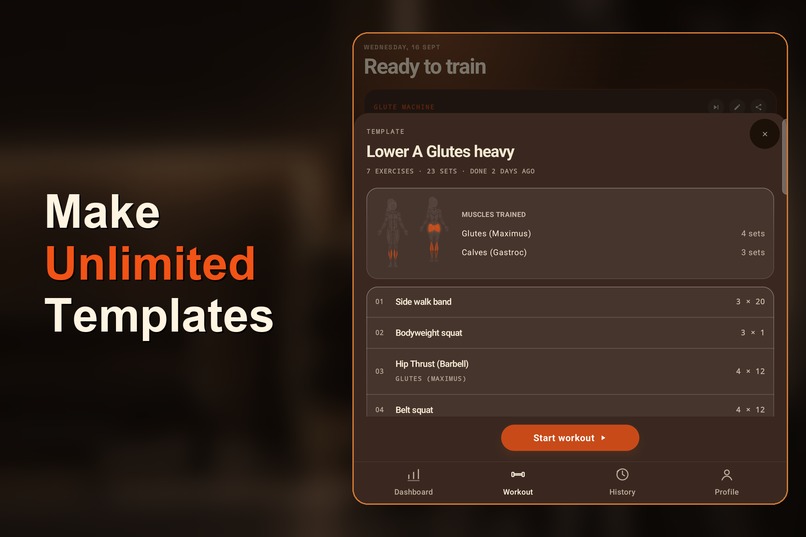
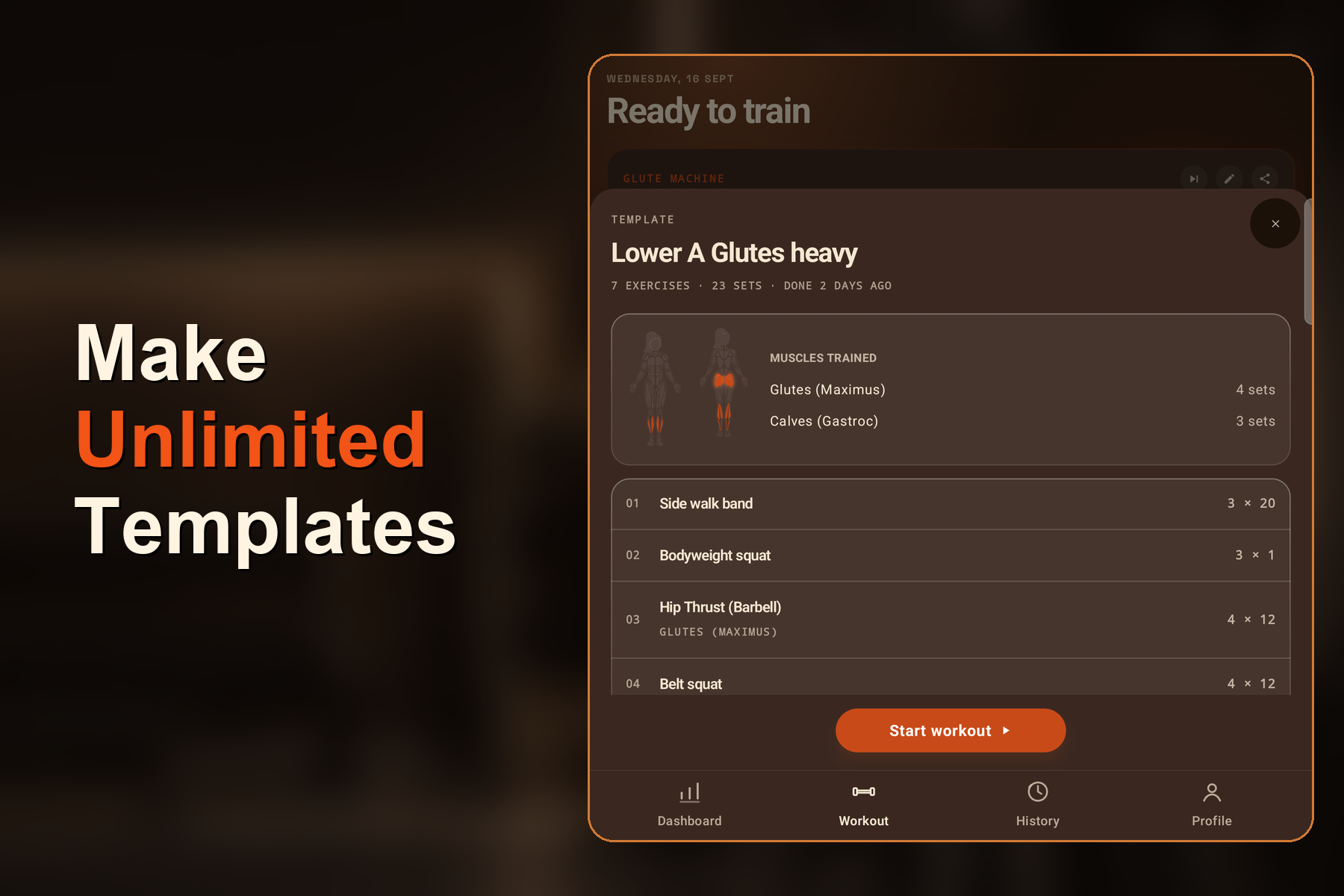
Save reusable workouts tailored to your goals, so your next session is ready when you are.
-
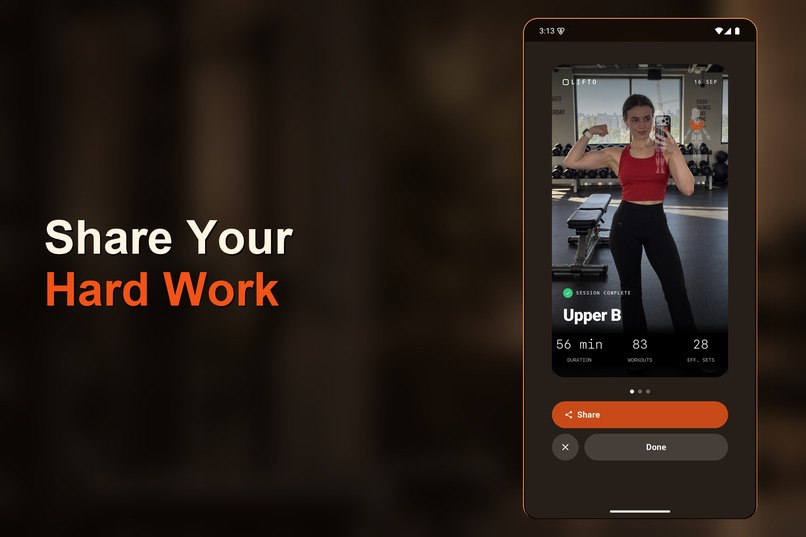
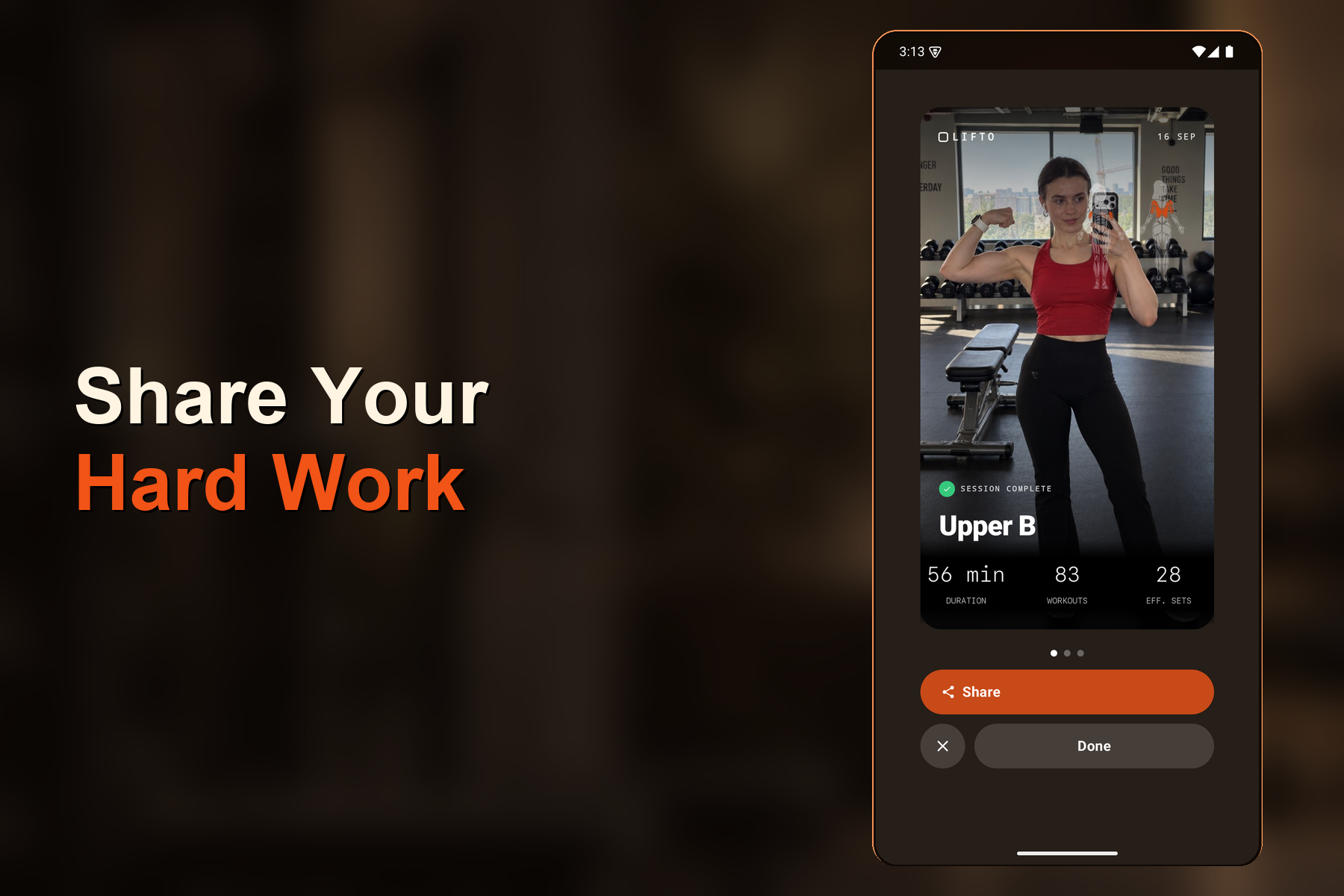
Celebrate a completed workout with a shareable photo and your session stats.
-
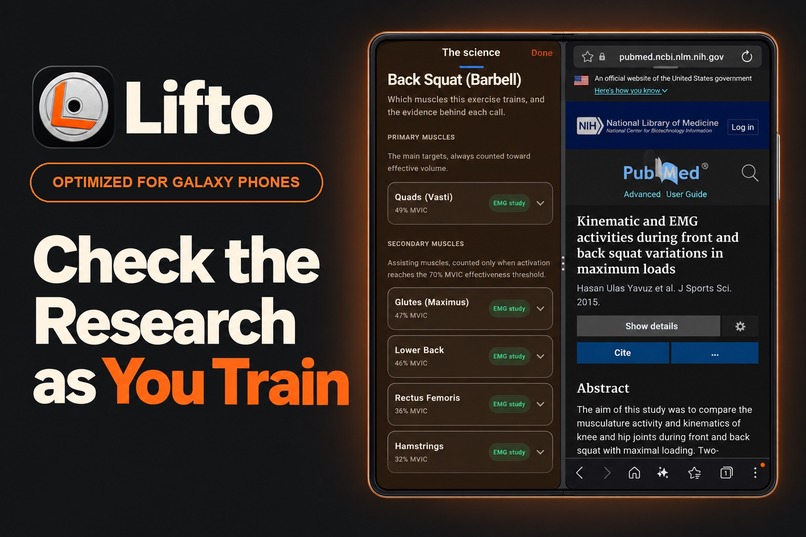
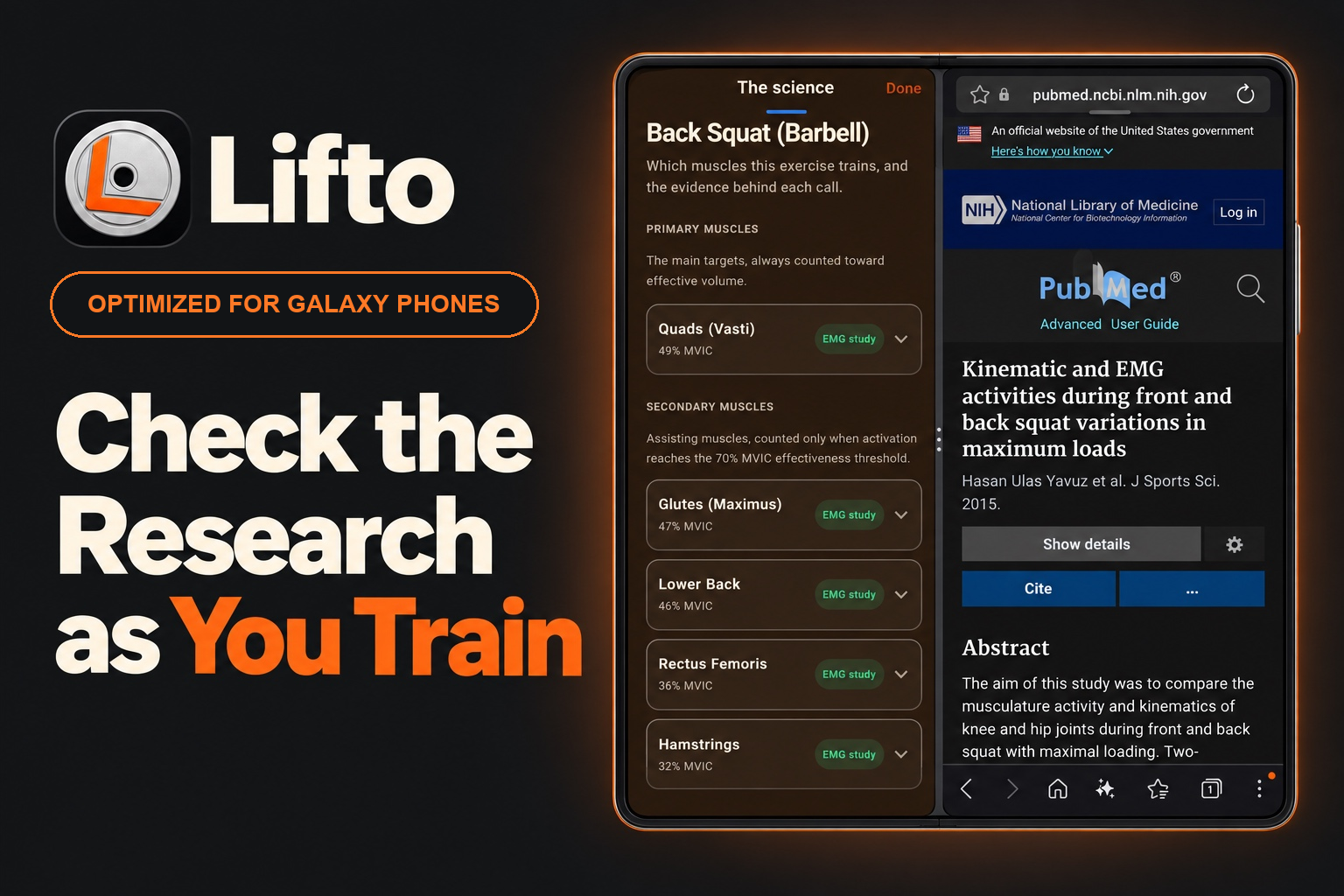
Explore the research behind each exercise's muscle mapping, with Lifto and the study side by side using Galaxy multi-window.
-
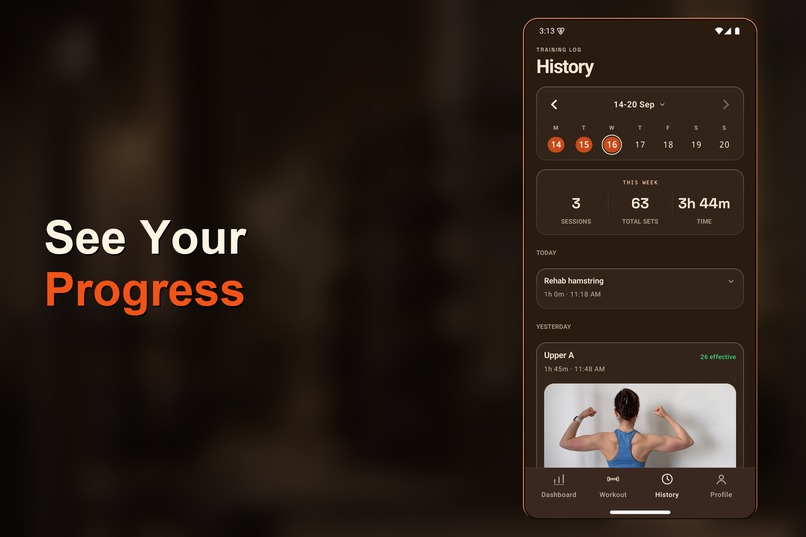
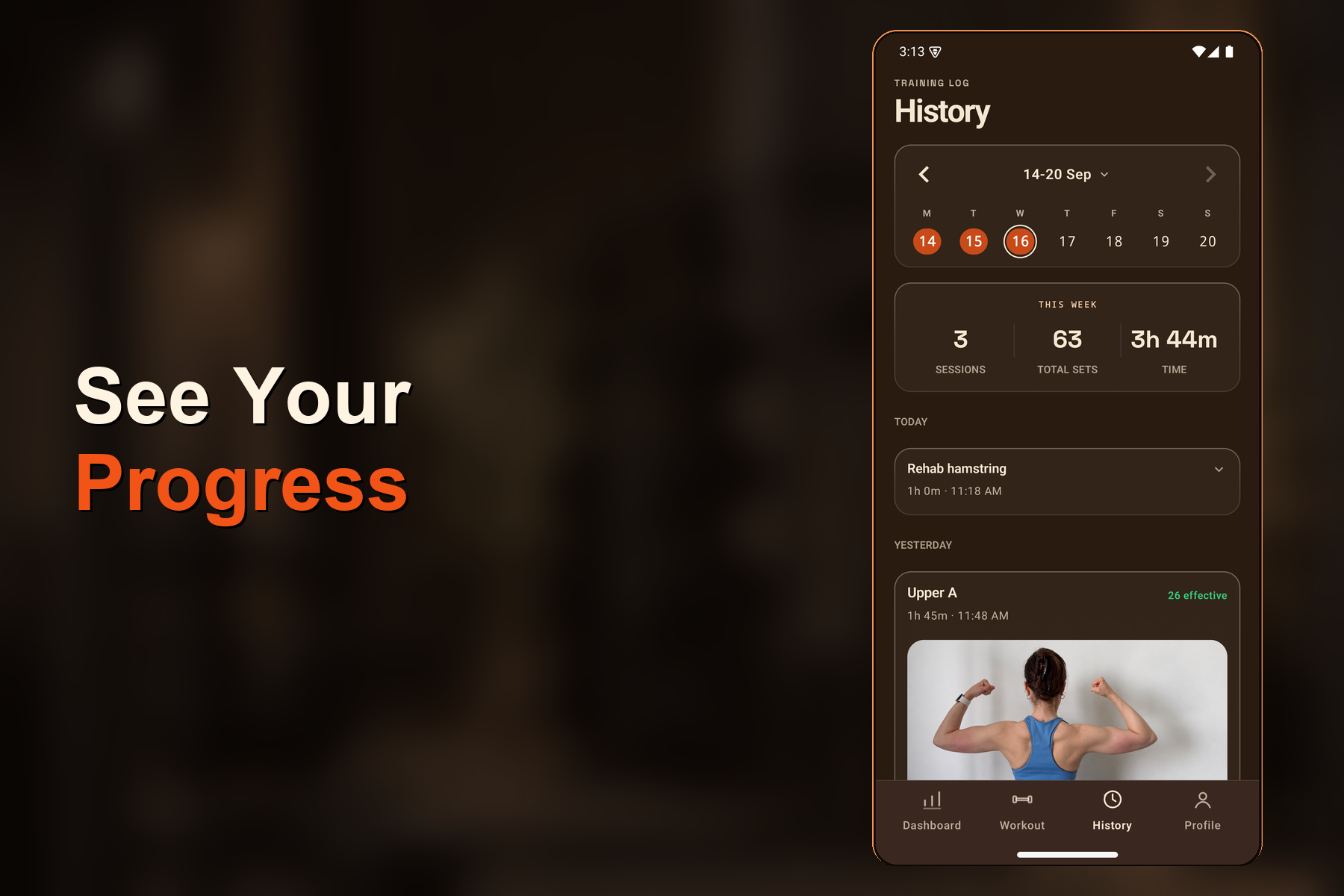
See your completed workouts, weekly sets, and training time in one place.
-
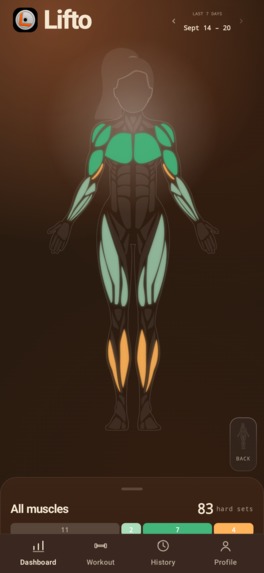
Lifto's muscle-map dashboard in dark mode, captured directly on a Samsung Galaxy device.
-
Lifto: plan your training, track your workouts, and follow your progress.
Inspiration
We built Lifto to combine the flexibility of a personal workout log with research-backed tools for building muscle and strength. Choose your exercises, organize your program, and track your progress with training data you can explore down to each muscle.
Galaxy is a natural fit for that combination. Galaxy phones make workout logging quick during training, while Galaxy foldables use the larger screen to show more of your routine and progress at once. Lifto adapts to both screen sizes with responsive layouts and native Android interactions.
What it does
Lifto is a strength-training app for people who want control over their workouts and detail behind their progress.
Build your own program. Create workout routines, choose your exercises, and organize training blocks around your goals. Your program stays yours to customize.
Log your lifts. Record weight, reps, and effort with previous values ready for the next set. Keep rest timers, supersets, and lifting calculators within your workout.
Track your progress. Follow changes in weight, reps, and training volume across sessions. Review your workout history and the work completed for each muscle.
Use research to guide your training. Compare weekly muscle volume with study-backed ranges. Explore which exercises contributed and open the research behind Lifto's exercise data.
Get more from your Galaxy display. On an expanded foldable screen, review the front and back muscle maps together. Keep a broader view of your training while exploring individual muscle groups.
Workout data stays on the device, with optional account sync across supported devices.
How we built it
We built the Android experience with Kotlin and Jetpack Compose, using Room to keep workout data on the device. The interface responds to available screen space, giving the muscle maps a side-by-side layout on larger displays.
The Galaxy Store edition uses Samsung In-App Purchase with RevenueCat to manage Lifto Pro access. Eligible users can explore Pro through the annual plan's 14-day free trial.
Challenges we ran into
Combining detailed training analysis with convenient workout logging was the central design challenge. Someone recording a set needs quick access to weight, reps, and rest time. Someone reviewing a program needs exercise history, muscle volume, and context for those numbers.
We used progressive disclosure to keep the workout focused and make deeper analysis available when needed. On larger Galaxy displays, the muscle dashboard adapts to show both body views together, making better use of the space without changing the training data underneath.
Accomplishments that we're proud of
We brought customizable workout planning, set logging, progression tracking, and research-backed muscle analysis into one app. Lifters can follow their own routines while exploring the training behind their progress.
We also launched a dedicated Galaxy Store edition with adaptive Android layouts and Samsung In-App Purchase. Galaxy users can download Lifto, try Pro, and manage their subscription through Samsung's store.
What we learned
Customization and guidance work well together. Lifters can keep control of their program while using research-based reference ranges and exercise data to inform changes.
Building for Galaxy also reinforced the value of adapting the content to the display. The larger layout lets us present more training information at once while keeping the same familiar controls and muscle data.
What's next for Lifto
Our next focus is refining program customization, progress analysis, and adaptive layouts across Galaxy devices. We want to make Lifto increasingly useful for lifters who build their own routines and follow their progress over months of training.
Built With
- jetpack
- kotlin
- revenuecat
- room

Log in or sign up for Devpost to join the conversation.