About LifeSim
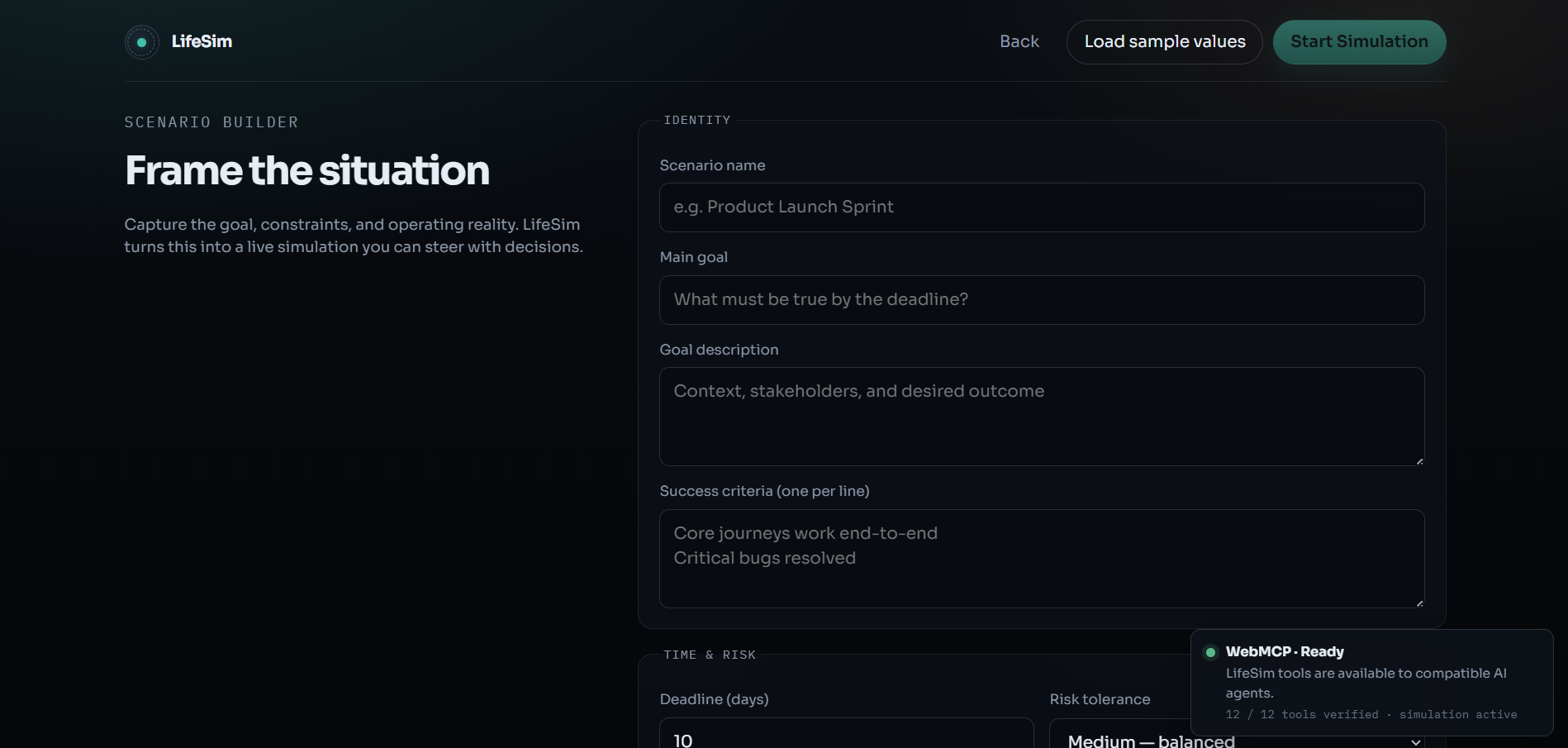
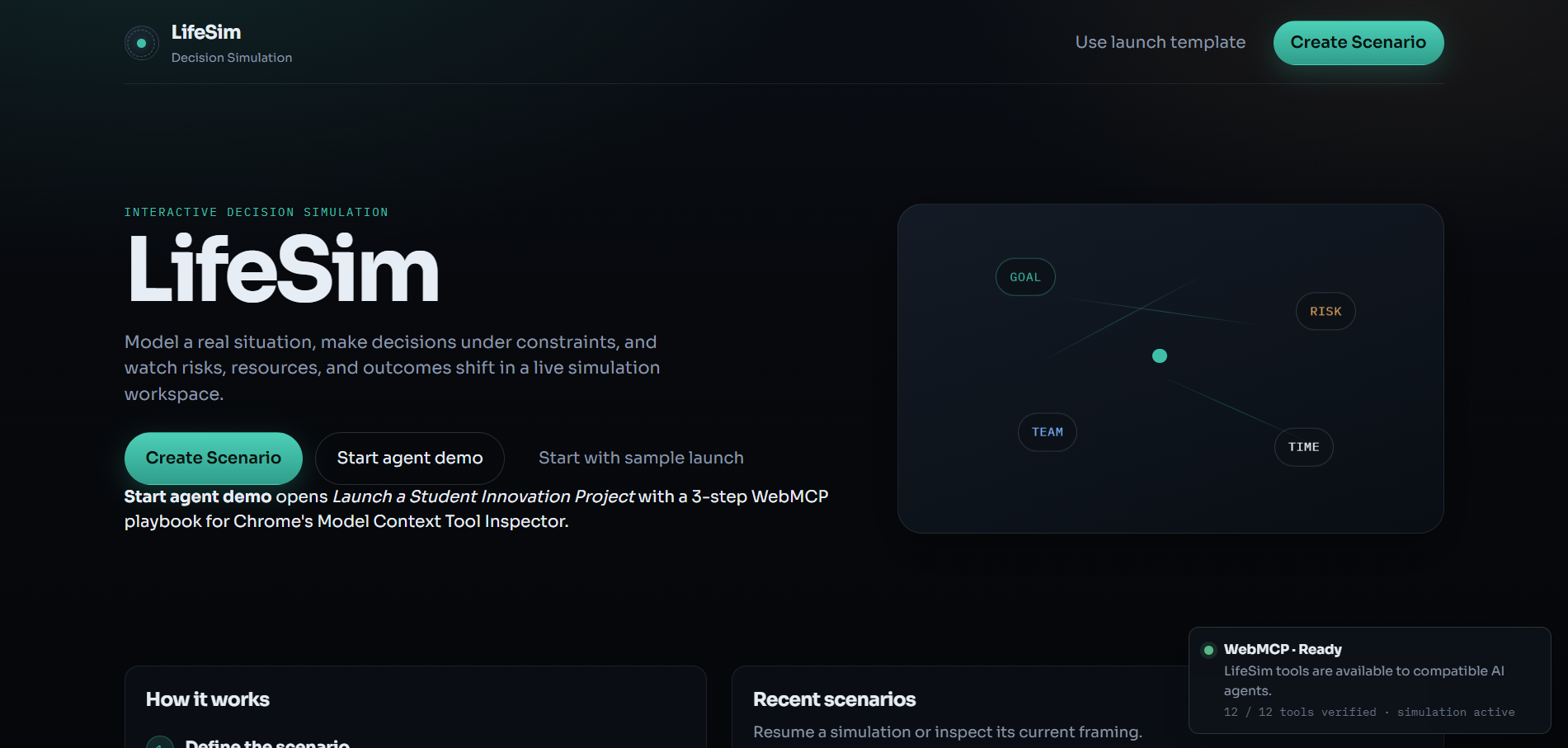
LifeSim is an interactive project-management simulation where an AI agent helps a human make strategic decisions for a student innovation project.
The idea came from a simple question: what would happen if an AI agent could not only give advice, but actually understand the current state of a live simulation, compare possible decisions, preview their consequences, and then act with the user's confirmation?
What we built
LifeSim uses WebMCP to expose structured tools that allow an AI agent to interact with the simulation.
The agent can:
- inspect the current simulation state;
- see tasks, team information, resources, risks, deadlines, and success probability;
- retrieve the decisions currently available;
- compare different strategic options;
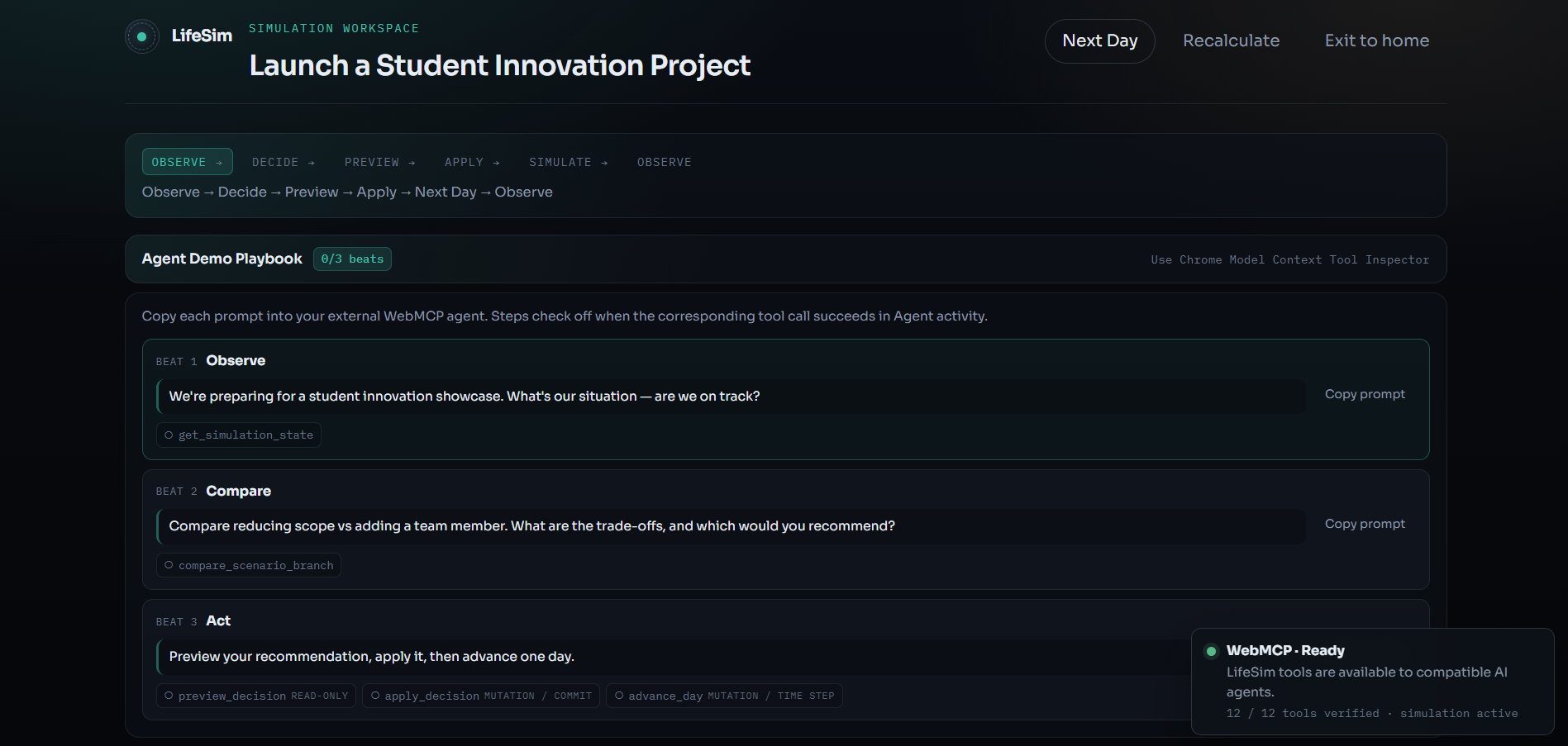
- preview the consequences of a decision;
- apply a confirmed decision;
- advance the simulation.
The core WebMCP tools include get_simulation_state and get_available_decisions. These tools return real data from the running simulation instead of relying on a static description.
Human-in-the-loop
An important part of LifeSim is keeping the human in control.
The AI agent can analyze the situation and recommend an action, but consequential state changes go through an explicit preview and confirmation flow. This makes the agent's actions visible and understandable instead of allowing decisions to happen silently.
The interface also shows Agent Activity so that users can see what the agent is doing and how successful tool calls affect the simulation.
What we learned
Building LifeSim helped us understand how WebMCP can connect an AI agent with a real interactive web application through structured tools.
Instead of treating an AI agent as a separate chatbot, WebMCP allows the agent to work with the application's actual state and capabilities.
We also learned the importance of designing clear tool interfaces and making state-changing actions observable and controllable.
Challenges
One of the main challenges was making sure that the AI agent, WebMCP tools, and simulation UI remained synchronized.
We tested the project through multiple demo steps and verified that the WebMCP tools returned the expected simulation data and that the project could successfully build and run.
We also had to work around an API quota limitation during development. Because the core WebMCP functionality is independent from that limitation, we focused on making the underlying simulation, tools, validation, and agent workflow reliable.
Why WebMCP matters
LifeSim demonstrates how WebMCP can let an AI agent interact with a live web application through structured tools while keeping the human in control of consequential actions.
The goal is not simply to make an AI that talks about a simulation, but an AI that can understand the application's state, reason about available actions, and interact with the application through explicit, verifiable tools.
Built With
- openai
- typescript
- vite
- webmcp

Log in or sign up for Devpost to join the conversation.