-
-
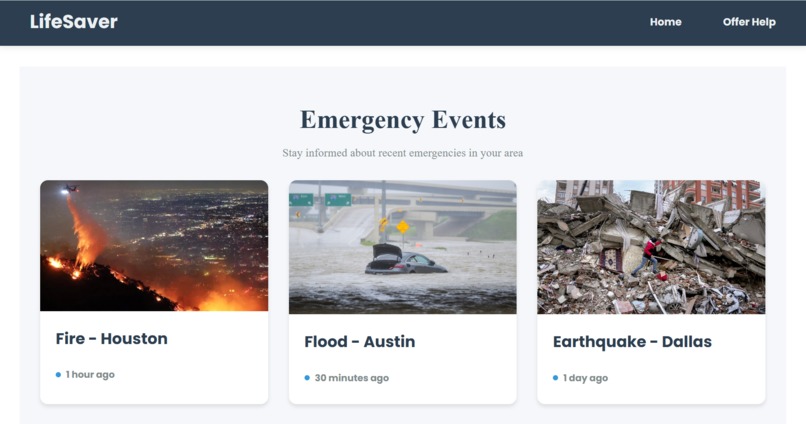
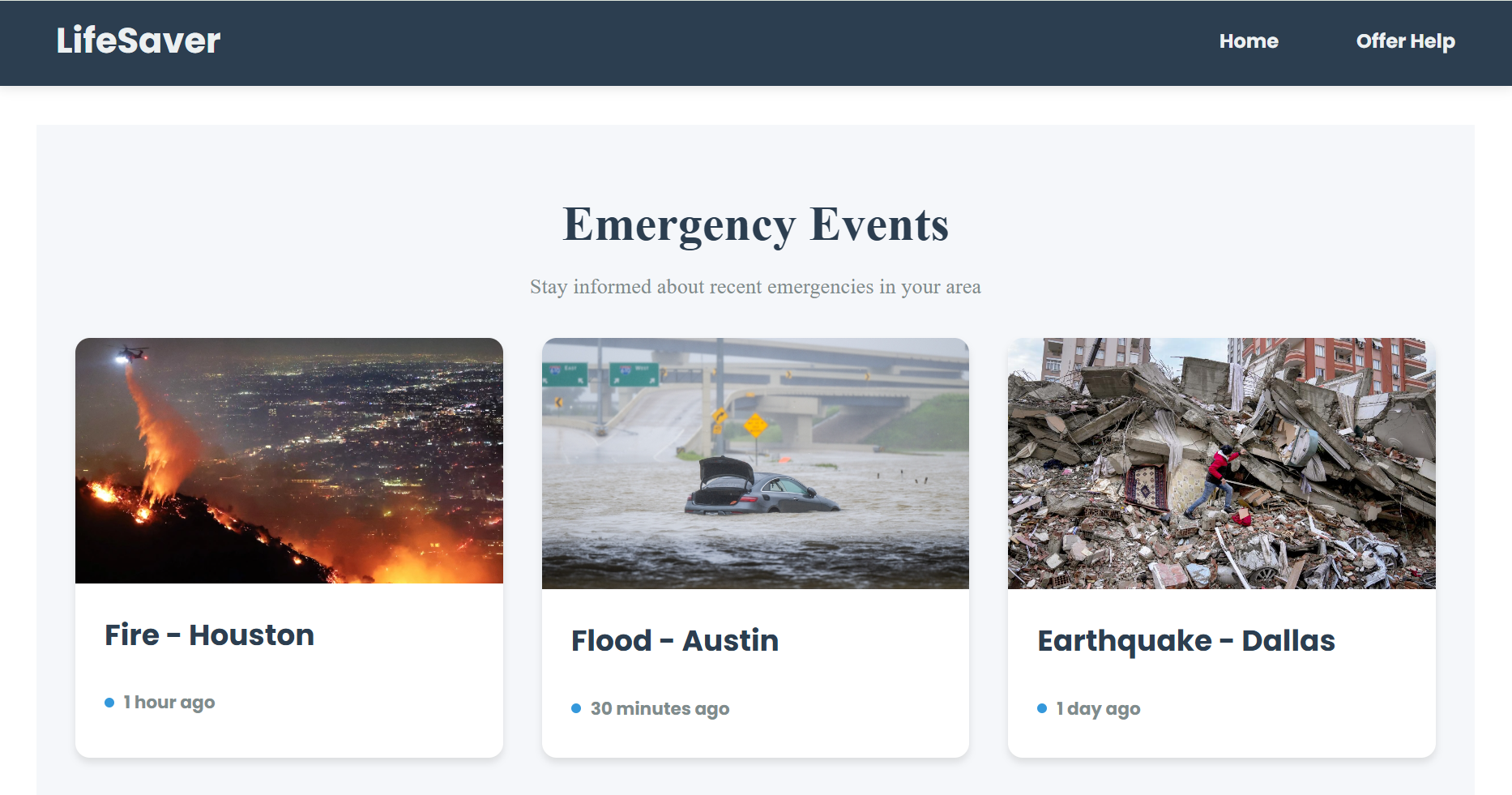
Events that are local to you.
-
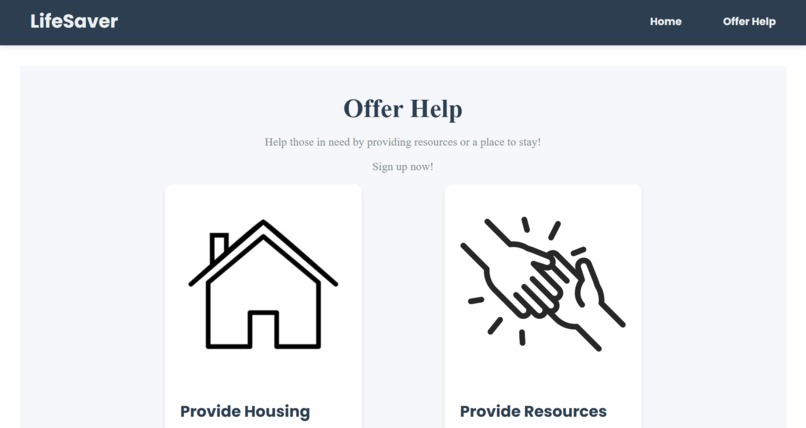
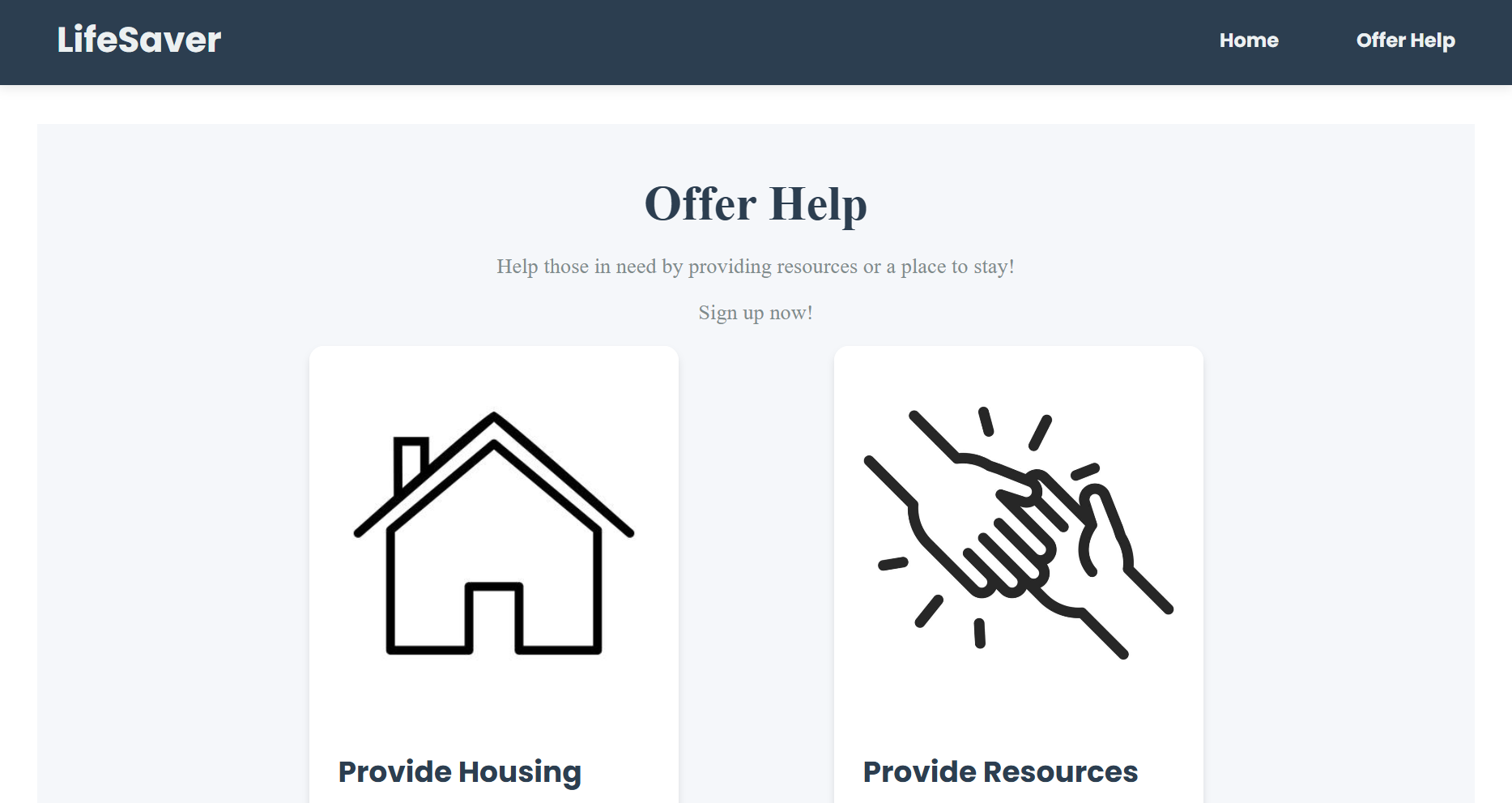
Offer help to those in need.
-
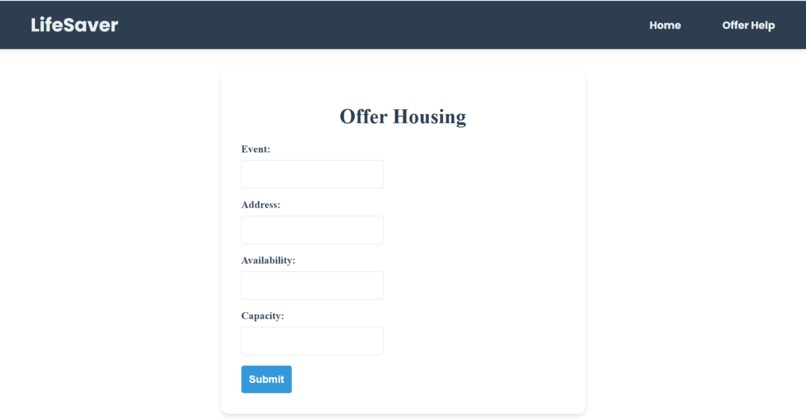
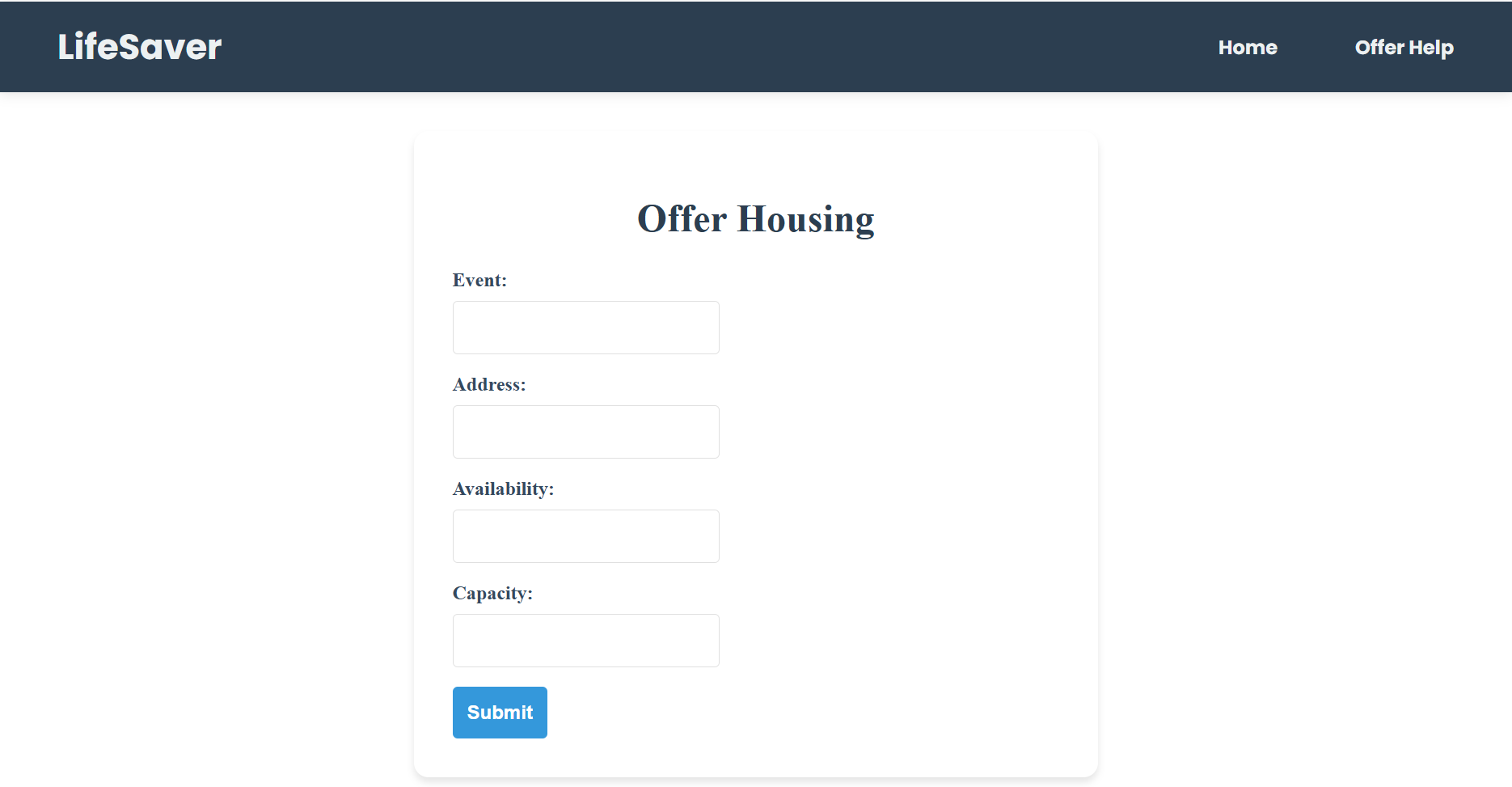
Provide information about housing.
-
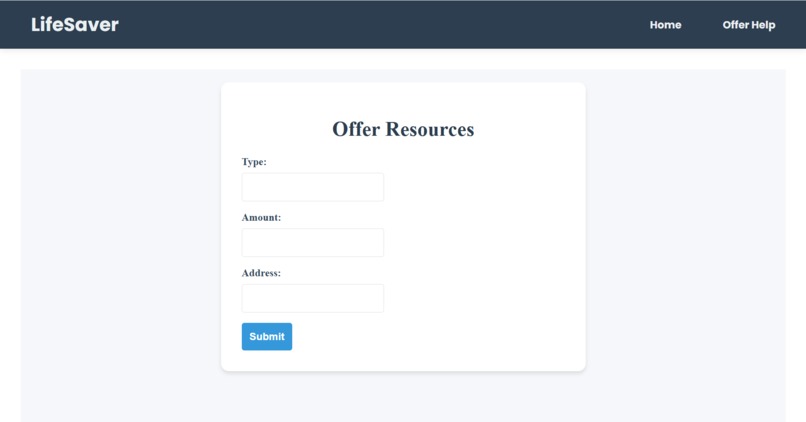
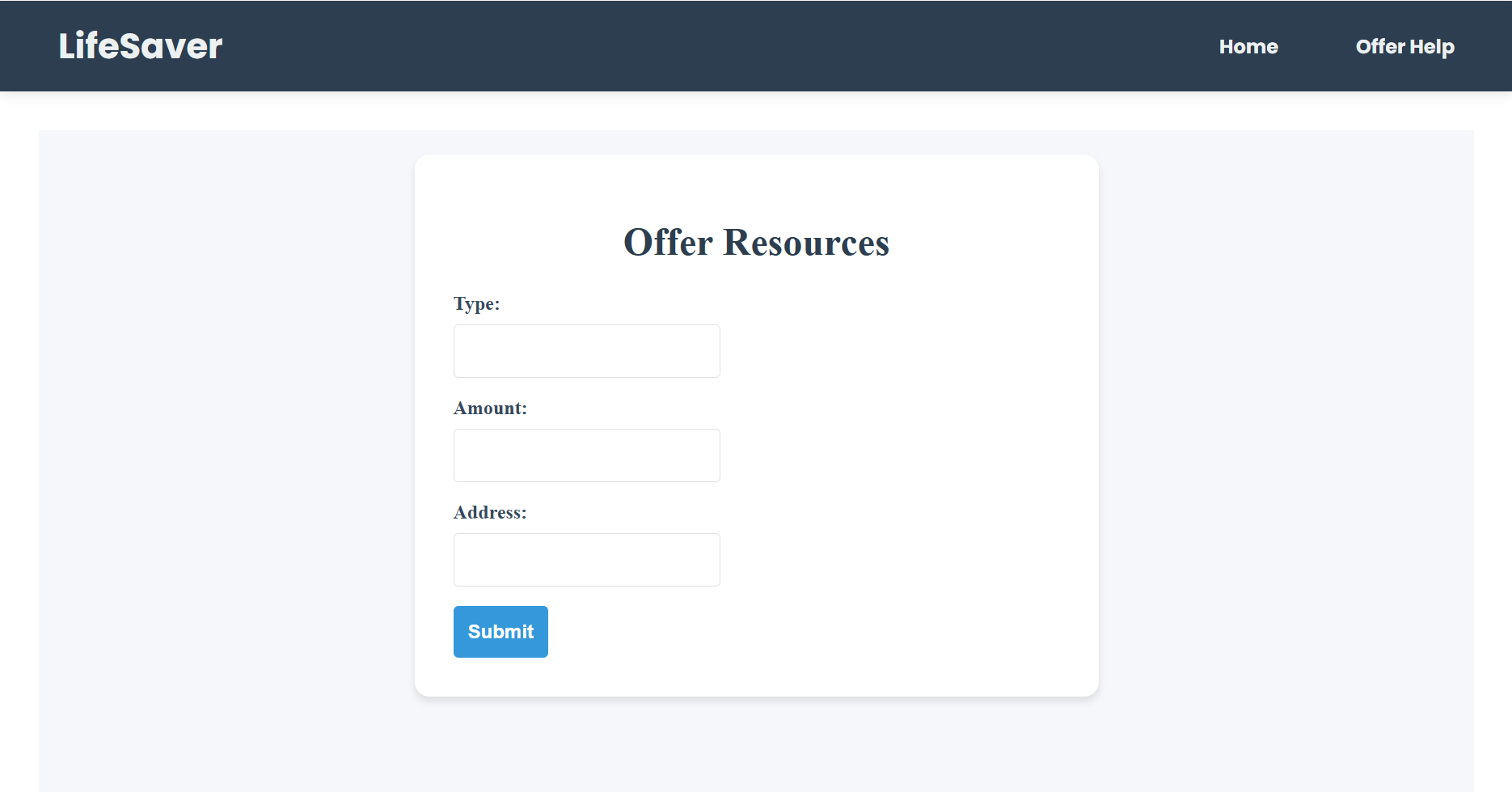
Provide information about resources.
Inspiration
One of our team members was in Los Angeles while the fires were starting. This inspired the team to create an app to alert those during emergencies as well as offer them help with any resources or shelter needs they might have.
What it does
Our app is meant to create a user base where users can offer to help those in need during disasters or emergencies by offering housing or resources. This app would be a go-to and have immediate positive effects on its user.
How we built it
We built this application using react, node.js, javascript, posgresql, and render. We split our group into different sections of front-end, such as design and implementation, as well as back-end, such as database and function.
Challenges we ran into
We had trouble connecting the database to our front-end, resizing some of our components, and creating pages depending on an event id. We were able to solve these problems and are still working on advancing our app even more.
Accomplishments that we're proud of
We all accomplished many new things such as staying late just to go home with the ease of mind that we were able to finally connect our database to front-end and also getting our front-end user interface to look better and nicer and more appealing to users.
What we learned
We learned many new skills as we had three teammates who had never been to a hackathon and never had to code a project under so much pressure of a time limit. We were able to achieve new things and grow our skillsets in ways that we might not have been able to if we weren't under a time restriction. We were able to advance our skills in JavaScript, database creation and connection, and UI.
What's next for LifeSaver
We want to implement a connection from the government to display emergencies from resources such as amber alerts so our website is automated, we also want to improve our location detection as well as add a changeable radius. Finally, we want to implement user authentication for users to be able to sign up as well as fill out the forms effectively and connect it all to the database.


Log in or sign up for Devpost to join the conversation.