-
-
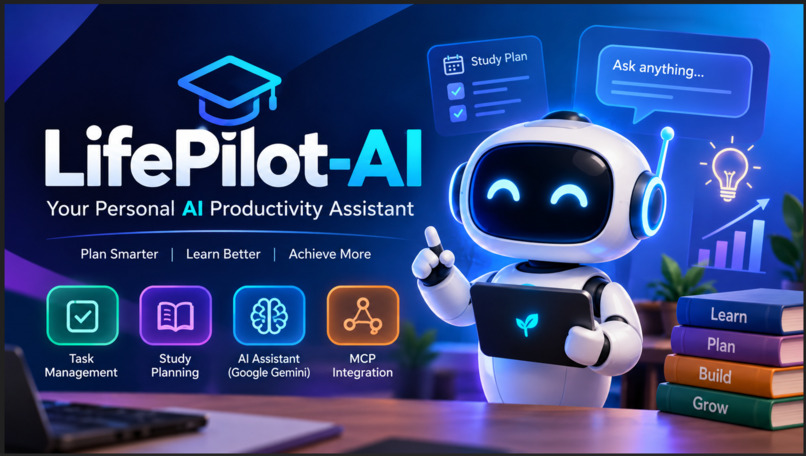
Project thumbnail
-
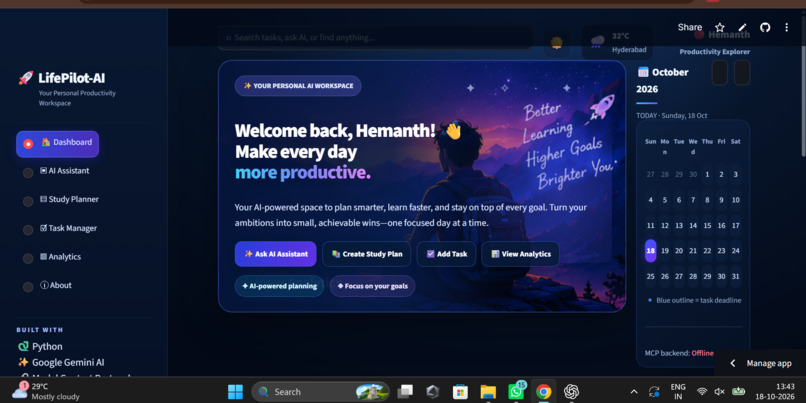
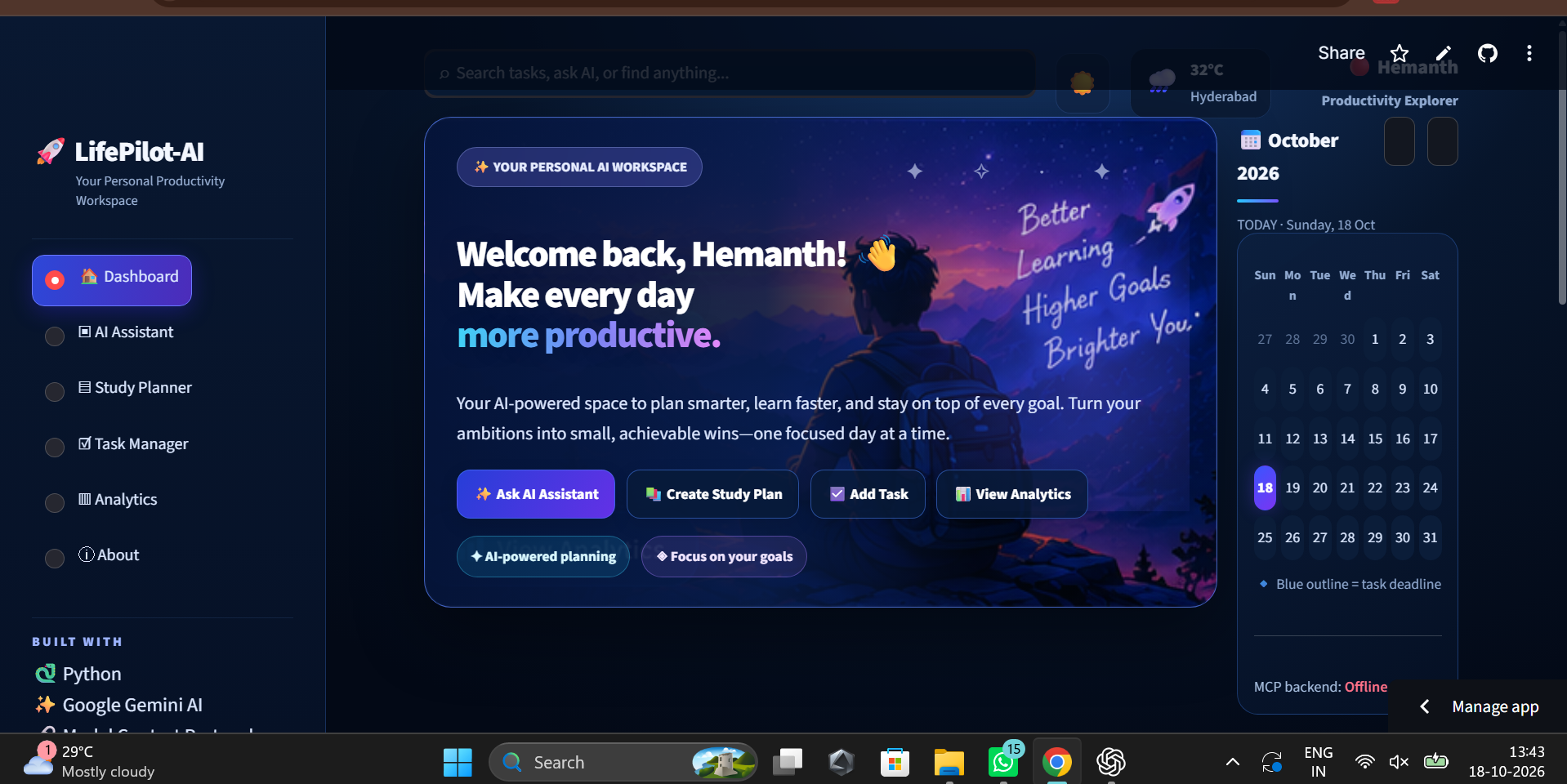
Dashboard
-
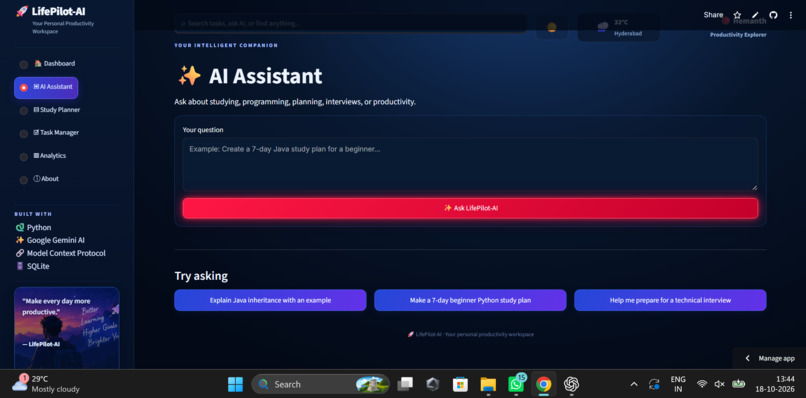
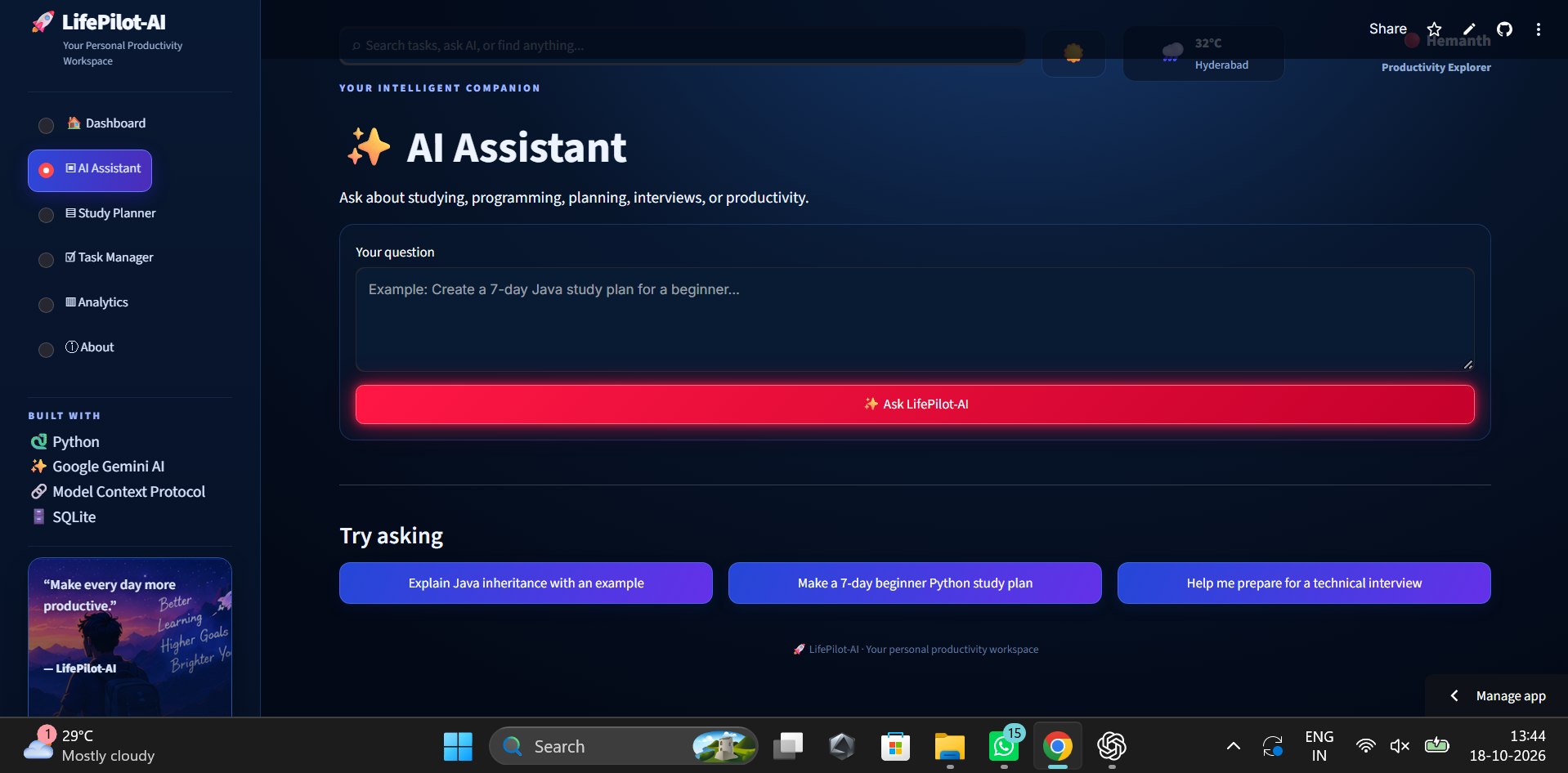
AI Assistant
-
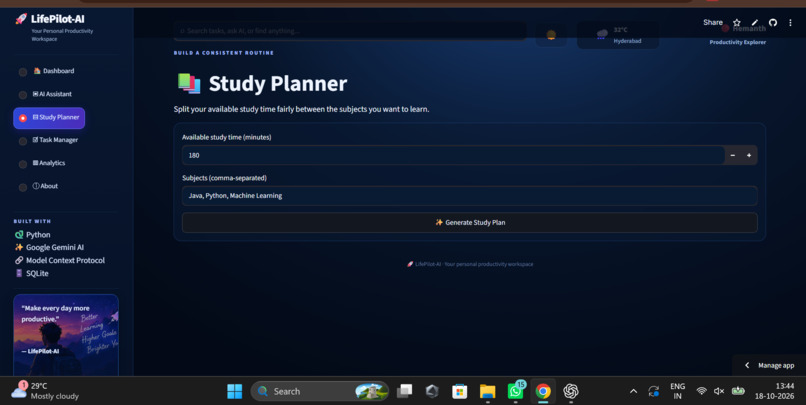
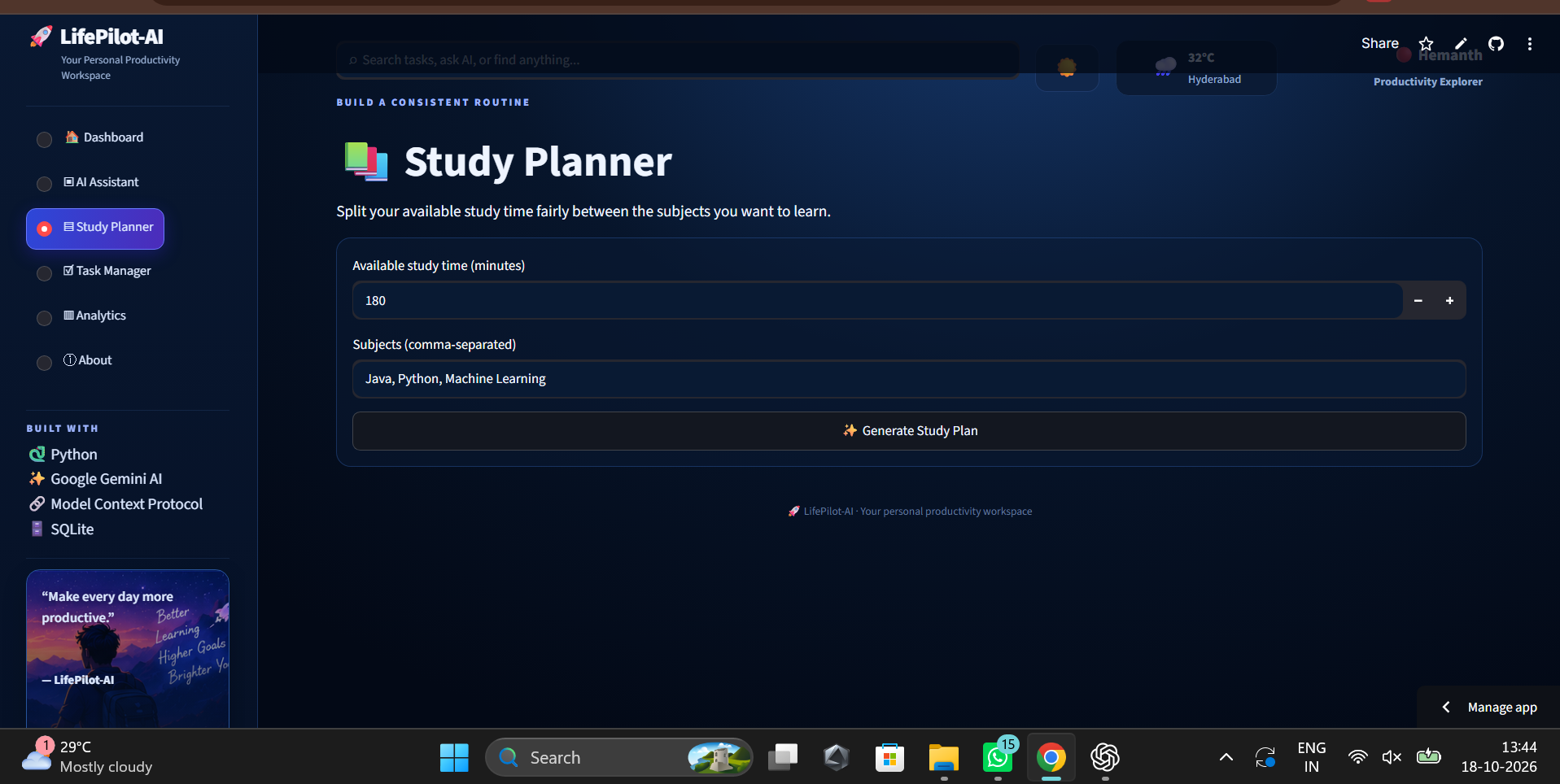
Study Planner
-
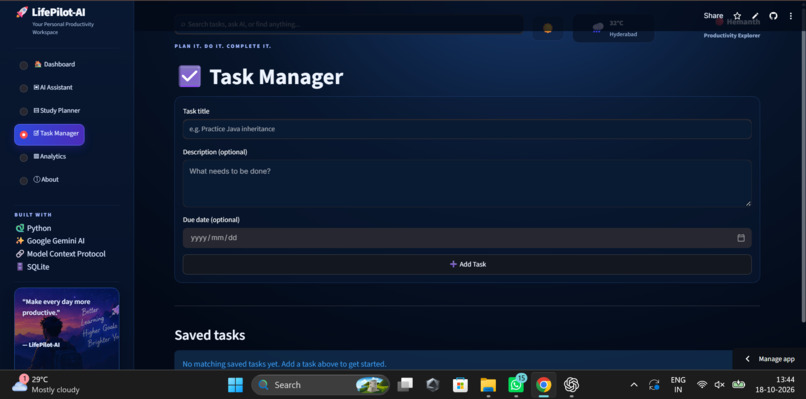
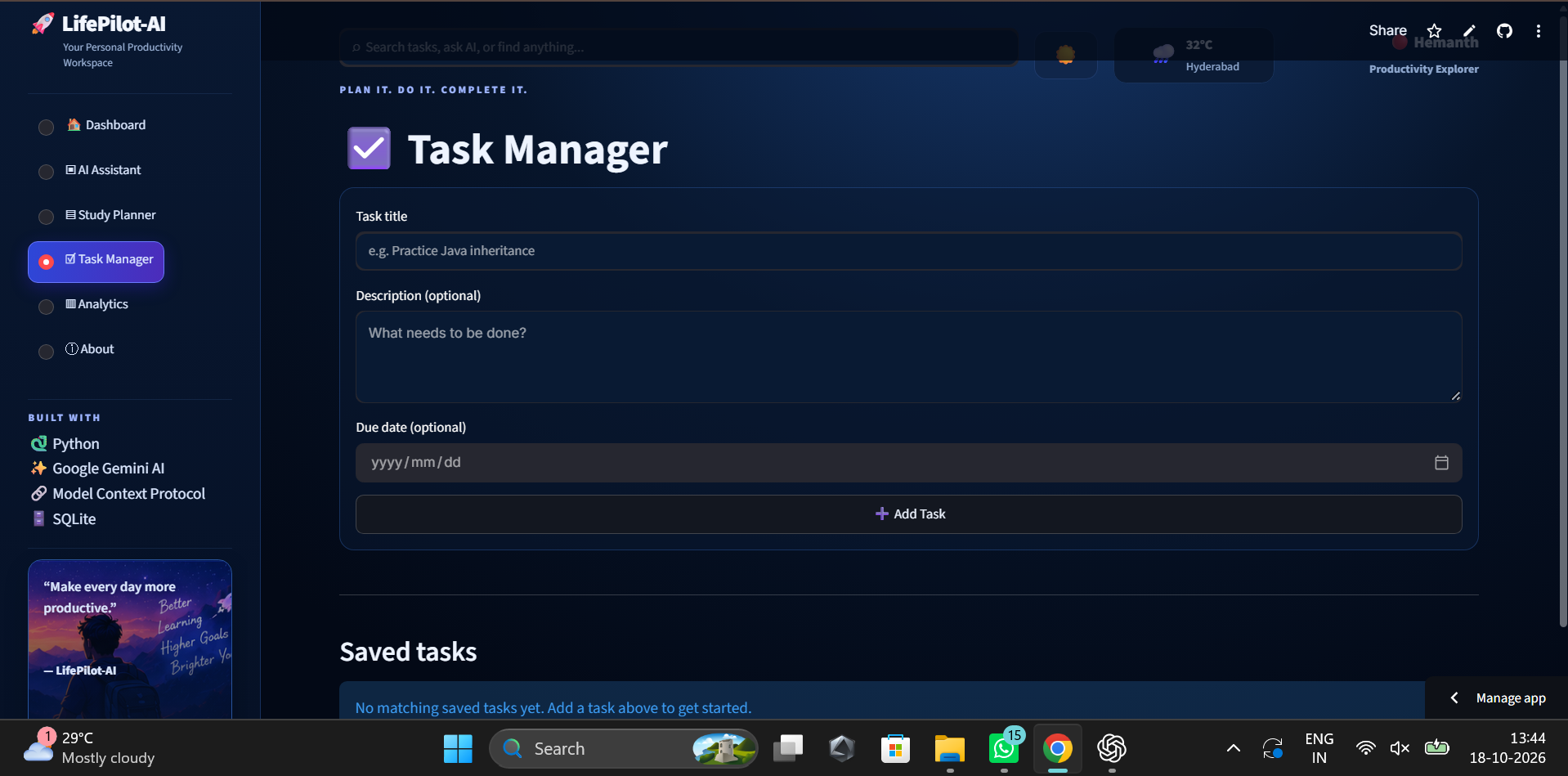
Task Manager
-
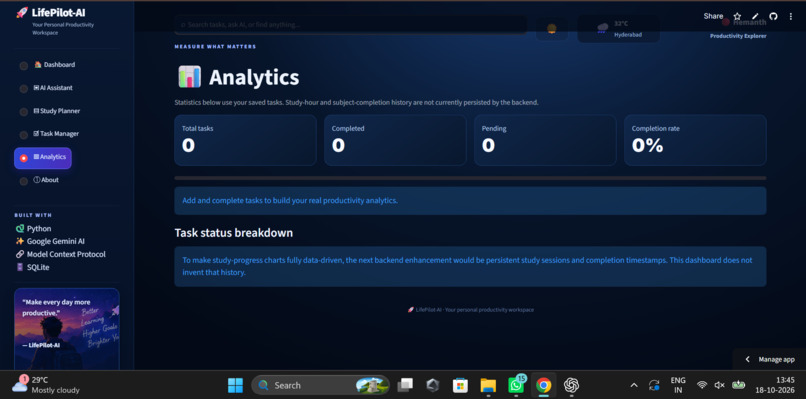
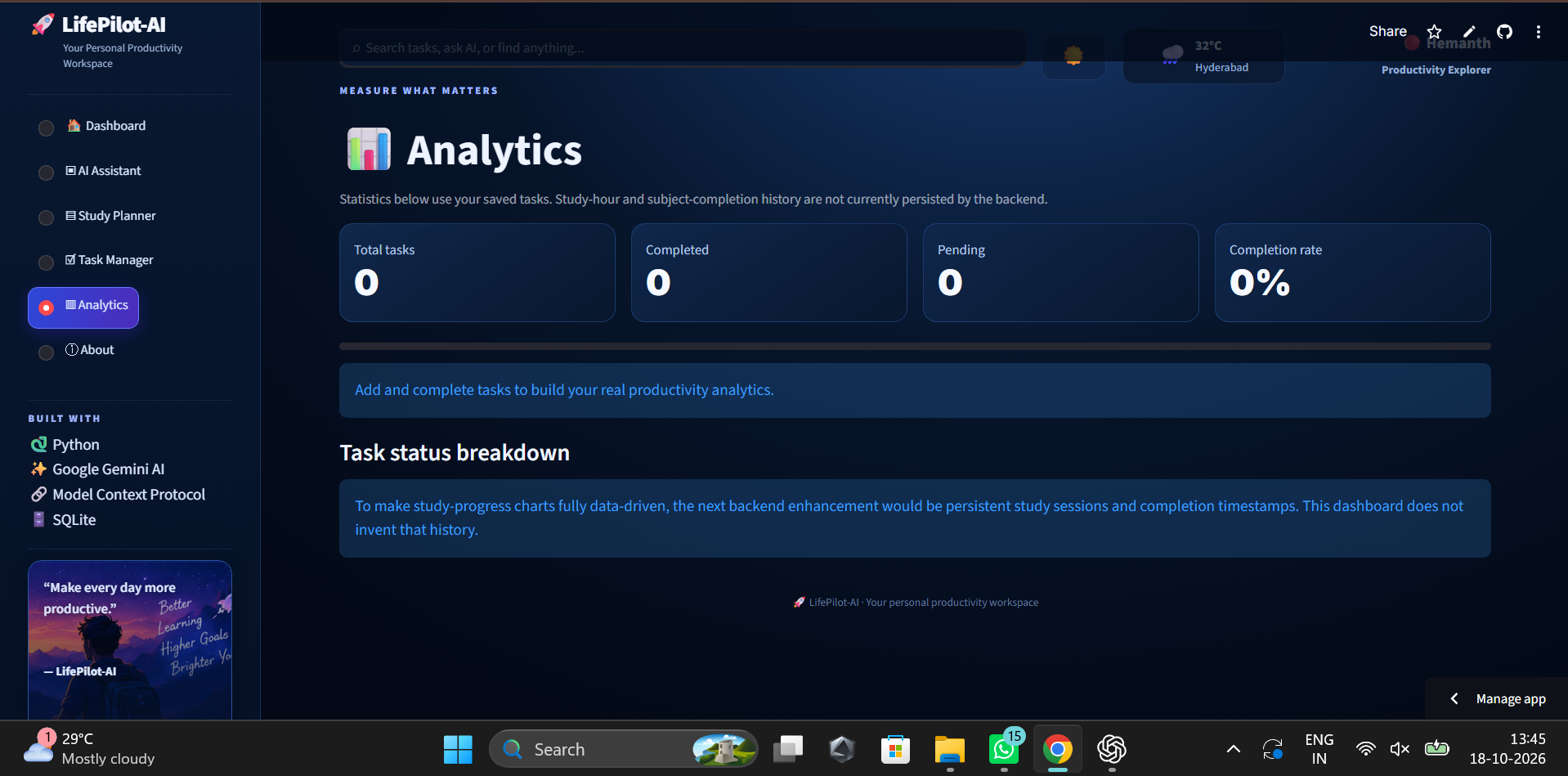
Analytics
-
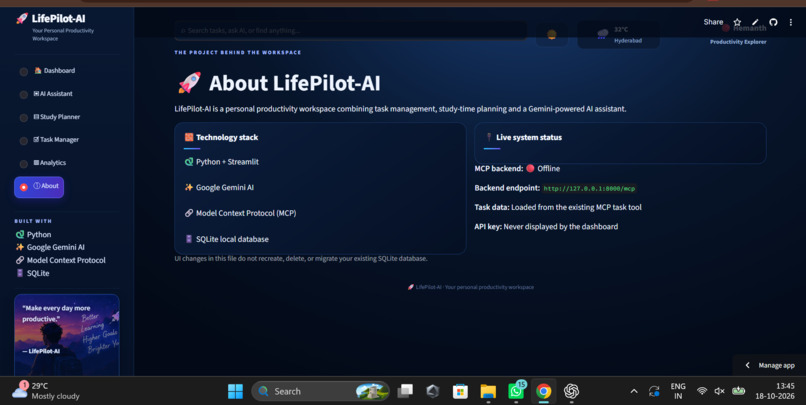
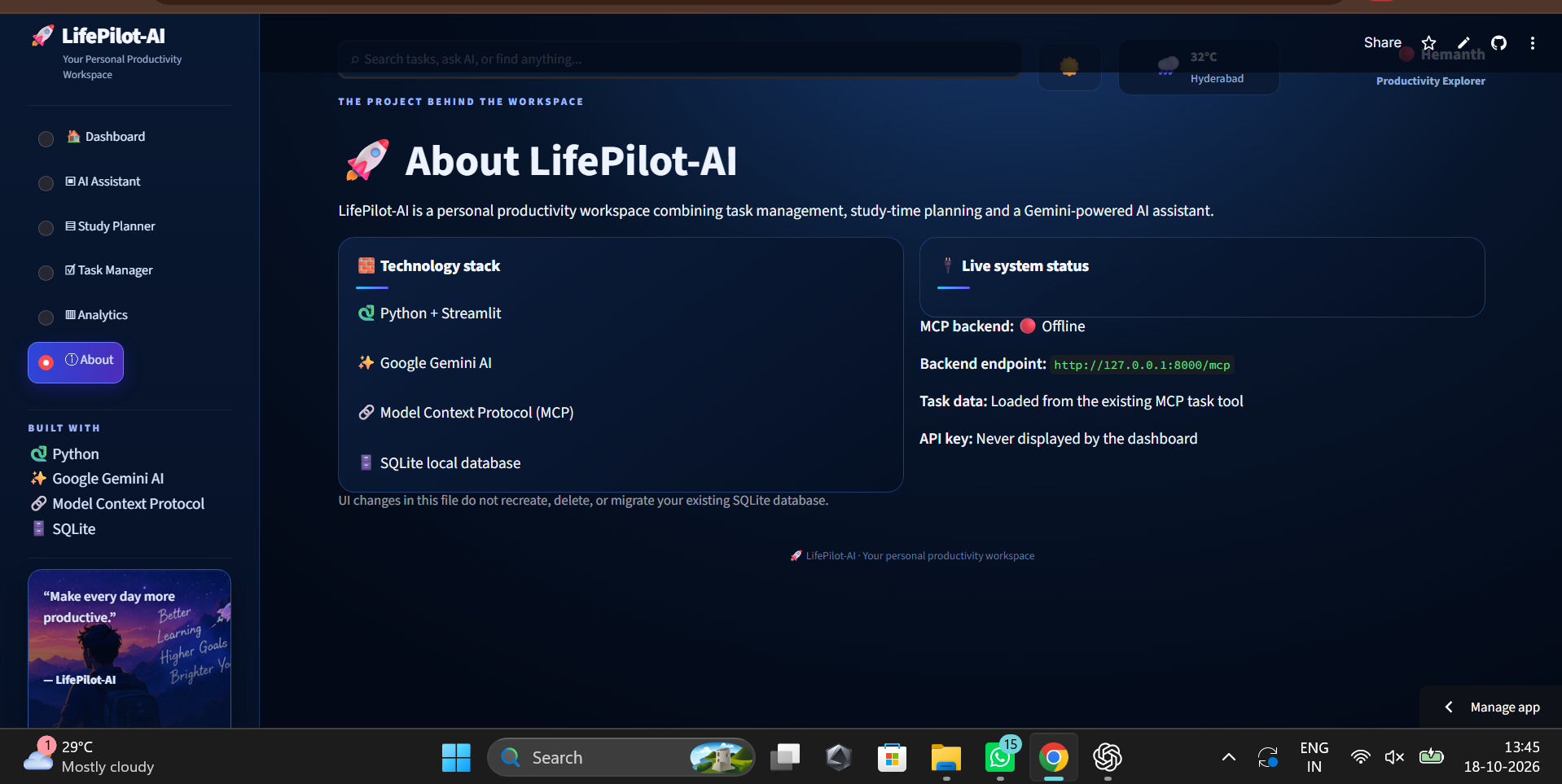
About page
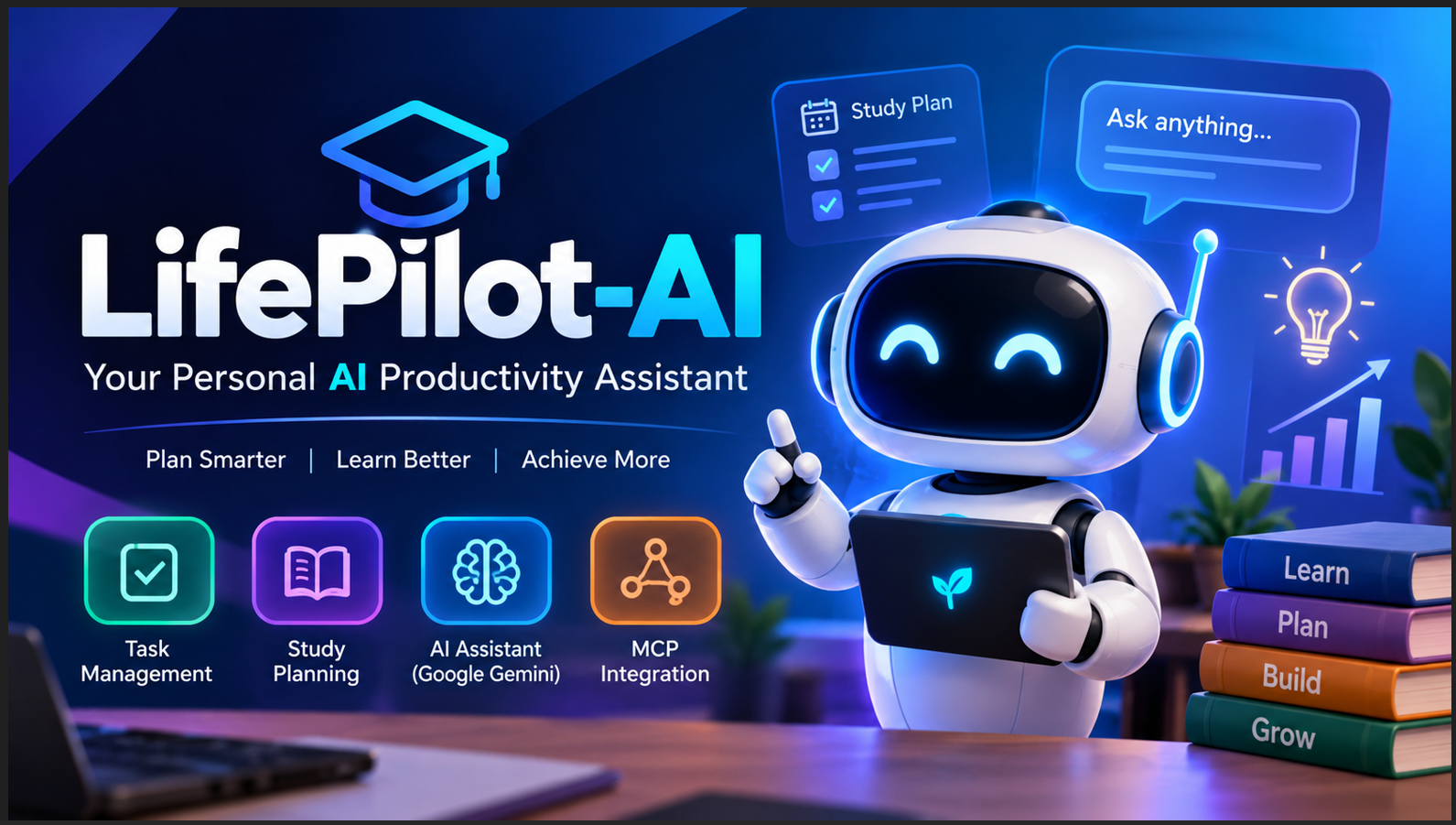
Inspiration
What it does
How we built it
Challenges we ran into
Accomplishments that we're proud of
What we learned
What's next for LifePilot-AI
Inspiration
LifePilot-AI was inspired by the challenge students face in managing their tasks, organizing study time, and finding reliable learning guidance. I wanted to build one intelligent assistant that brings these activities together.
What it does
LifePilot-AI is an AI-powered personal productivity and study assistant. It helps users:
- Manage tasks by adding, viewing, completing, and deleting them.
- Calculate study time across multiple subjects.
- Get AI-powered study guidance and explanations using Google Gemini.
- Access productivity tools through the Model Context Protocol (MCP).
How I built it
I built LifePilot-AI using Python, Streamlit, Google Gemini, SQLite, and the Model Context Protocol (MCP). Streamlit provides the user interface, Gemini powers AI study assistance, SQLite stores task data, and MCP exposes productivity tools through a dedicated server.
Challenges I faced
One of my main challenges was integrating the AI model with the application and resolving deployment and dependency issues. I also worked on making the application accessible through a live web demo.
What I learned
This project helped me gain practical experience with AI integration, Python application development, MCP tools, database operations, dependency management, and cloud deployment.
What's next
I plan to improve the user experience, strengthen data persistence, expand productivity features, and explore integrations with Amazon developer technologies.## MCP Server and Architecture
LifePilot-AI uses the Model Context Protocol (MCP) to connect its Streamlit application to a separately hosted Python backend. The backend is built with FastMCP and uses Streamable HTTP transport. It exposes productivity tools for task management and AI-assisted study planning.
The MCP server is hosted on Render, while the Streamlit interface is deployed separately. Google Gemini provides AI-powered assistance.
The project source code, setup files, and MIT License are available in the public GitHub repository.
GitHub: https://github.com/hemanthmaddula146-sudo/LifePilot-AI
Live Demo: https://lifepilot-ai-hemanth.streamlit.app
Built With
- 1.python
- 2.streamlit
- 3.google
- 4.sqlite
- 5.render
- 6.mcp


Log in or sign up for Devpost to join the conversation.