
Inspiration
I built LifePal because I kept seeing the same problem with productivity tools. Tasks lived in one app, habits in another, schedules somewhere else, focus tools somewhere else, and AI assistants usually had no real understanding of the bigger picture. The result was more switching, more planning, and sometimes even more overwhelm. I wanted to build something that felt less like another productivity system to maintain and more like a companion that could help someone move through their day. That idea became LifePal. LifePal is built around a simple goal: help people turn good intentions into actual progress. Instead of waiting until the product felt perfect, I decided to ship it early, put it in front of real users, and keep improving it based on what I learn. That mindset has shaped the entire project.
What it does
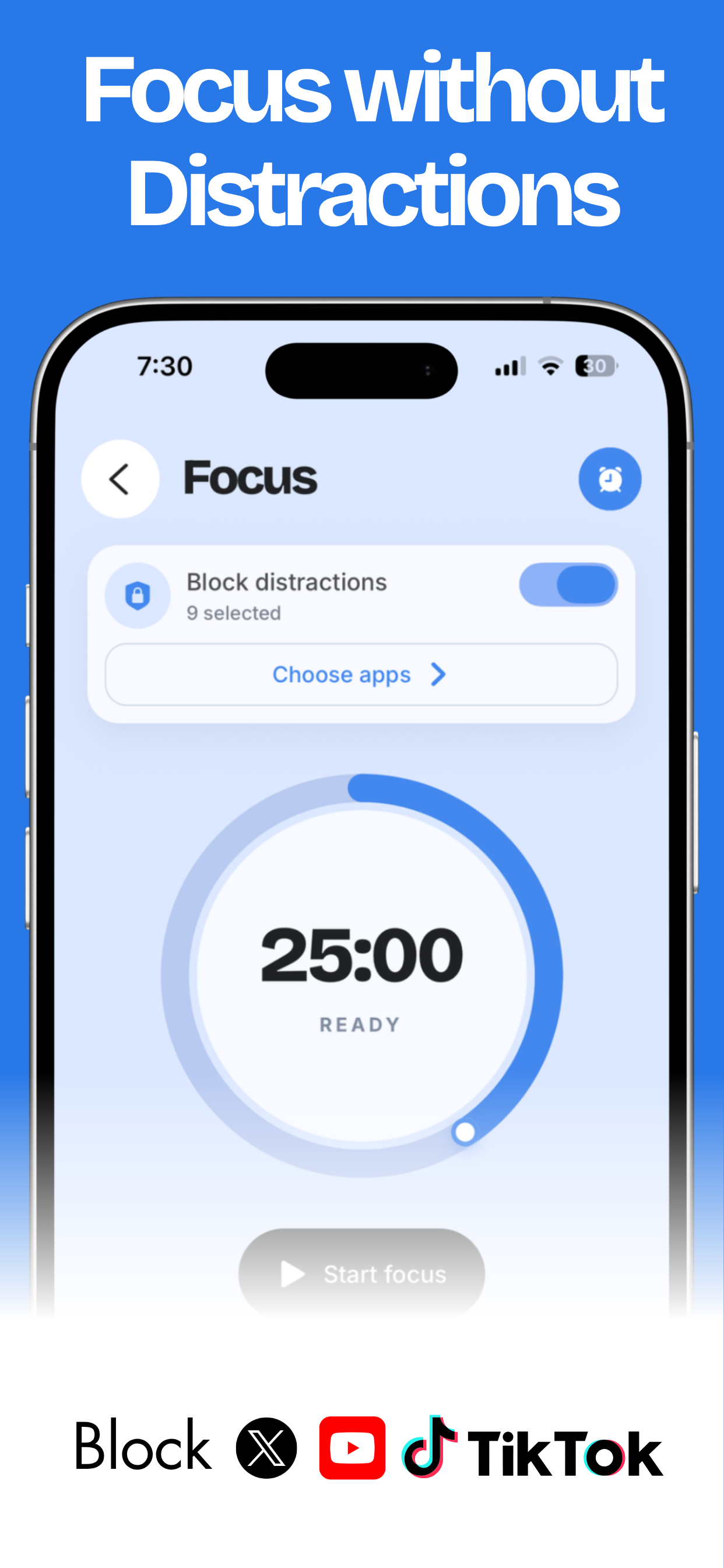
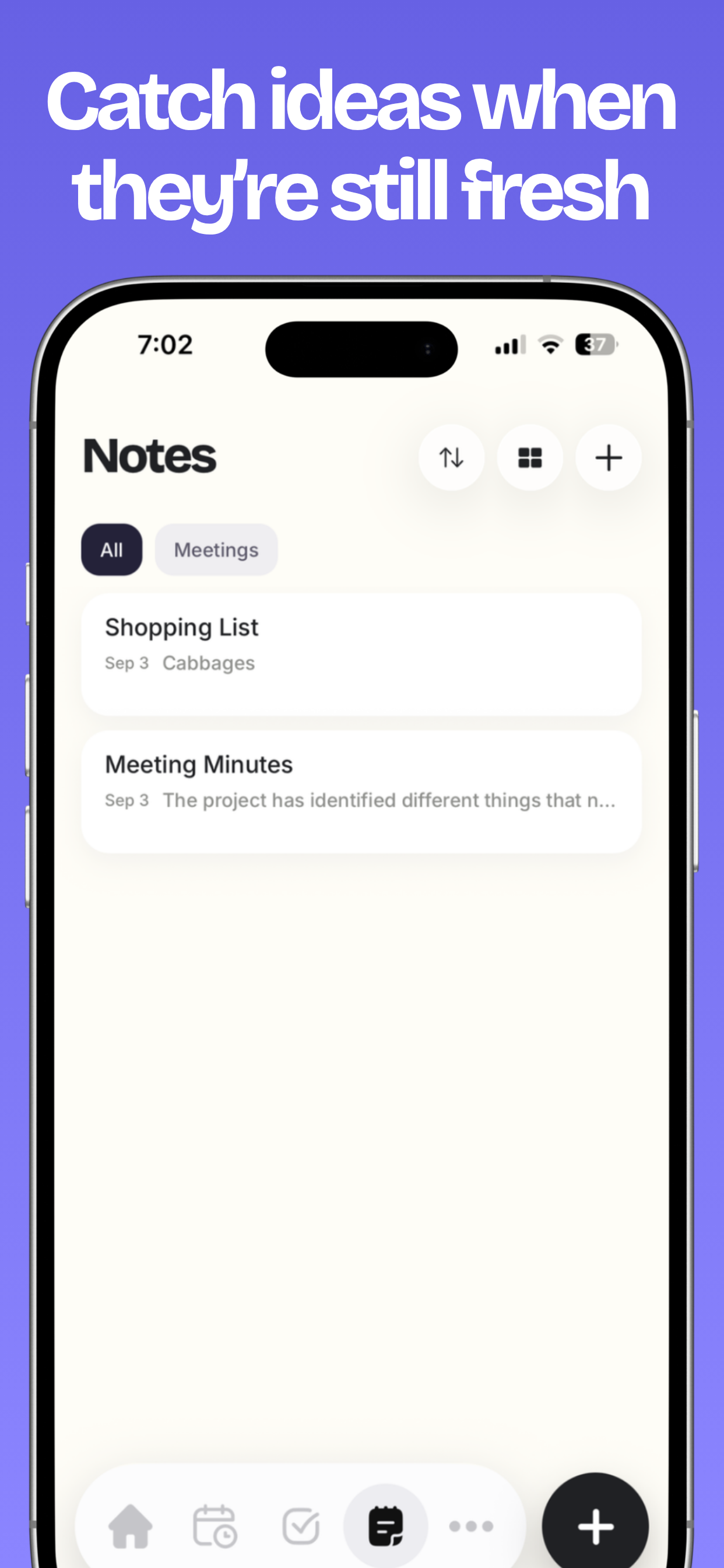
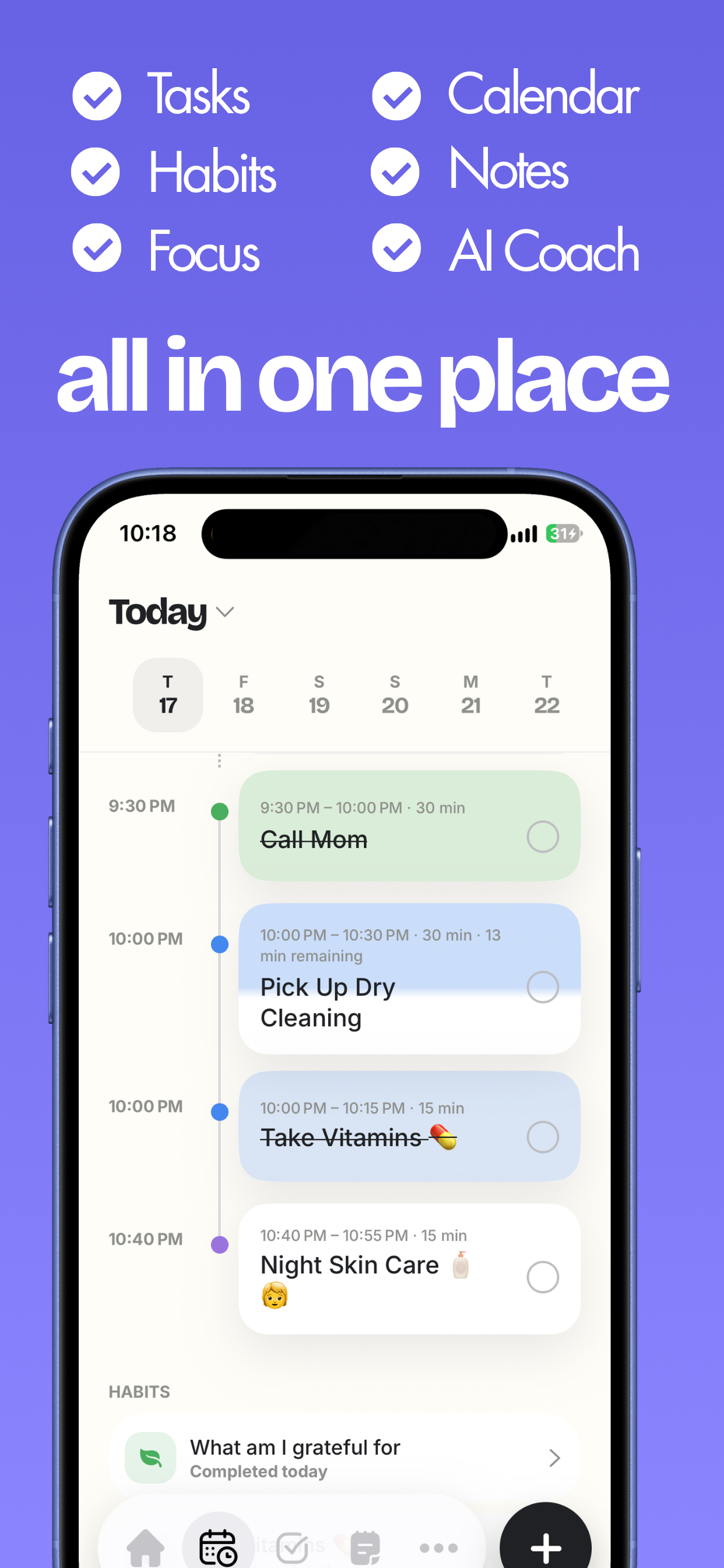
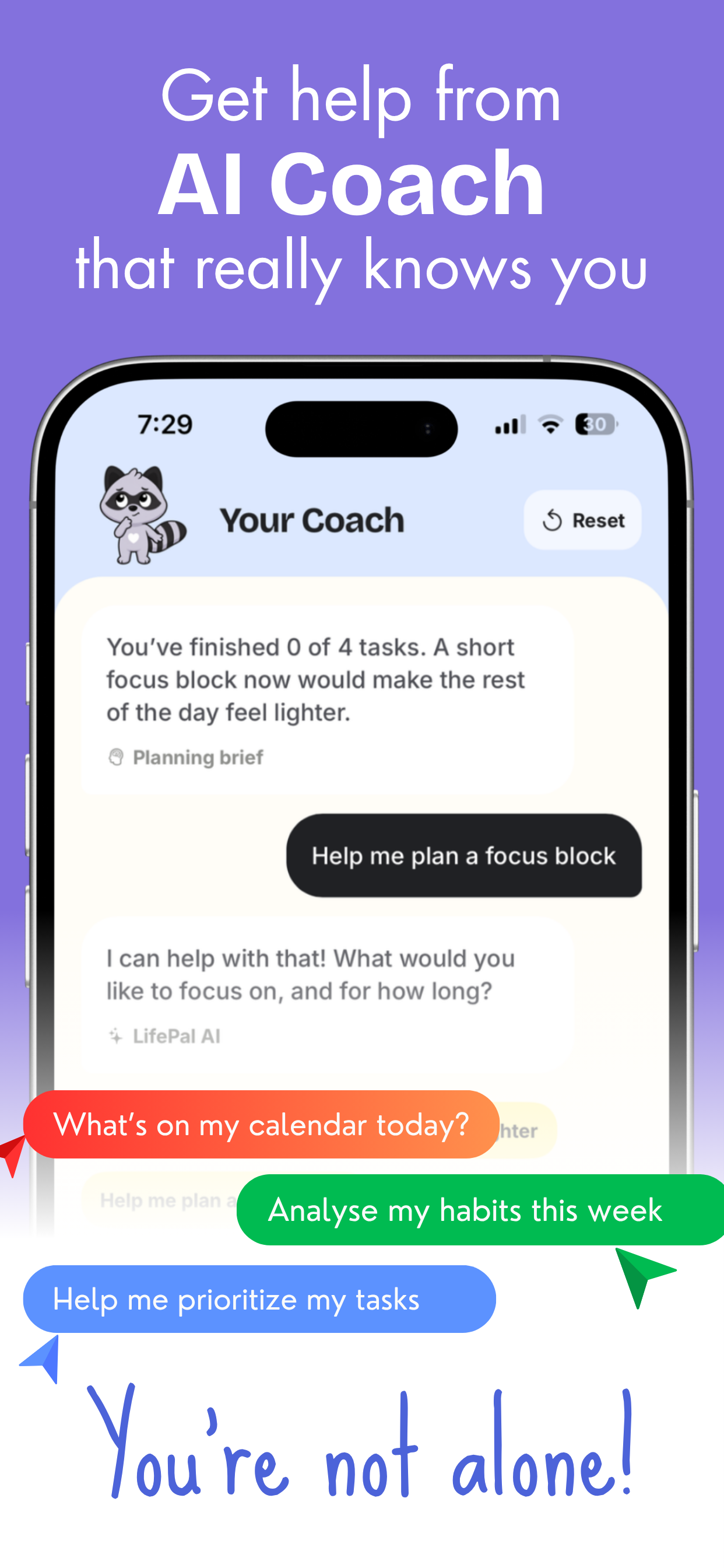
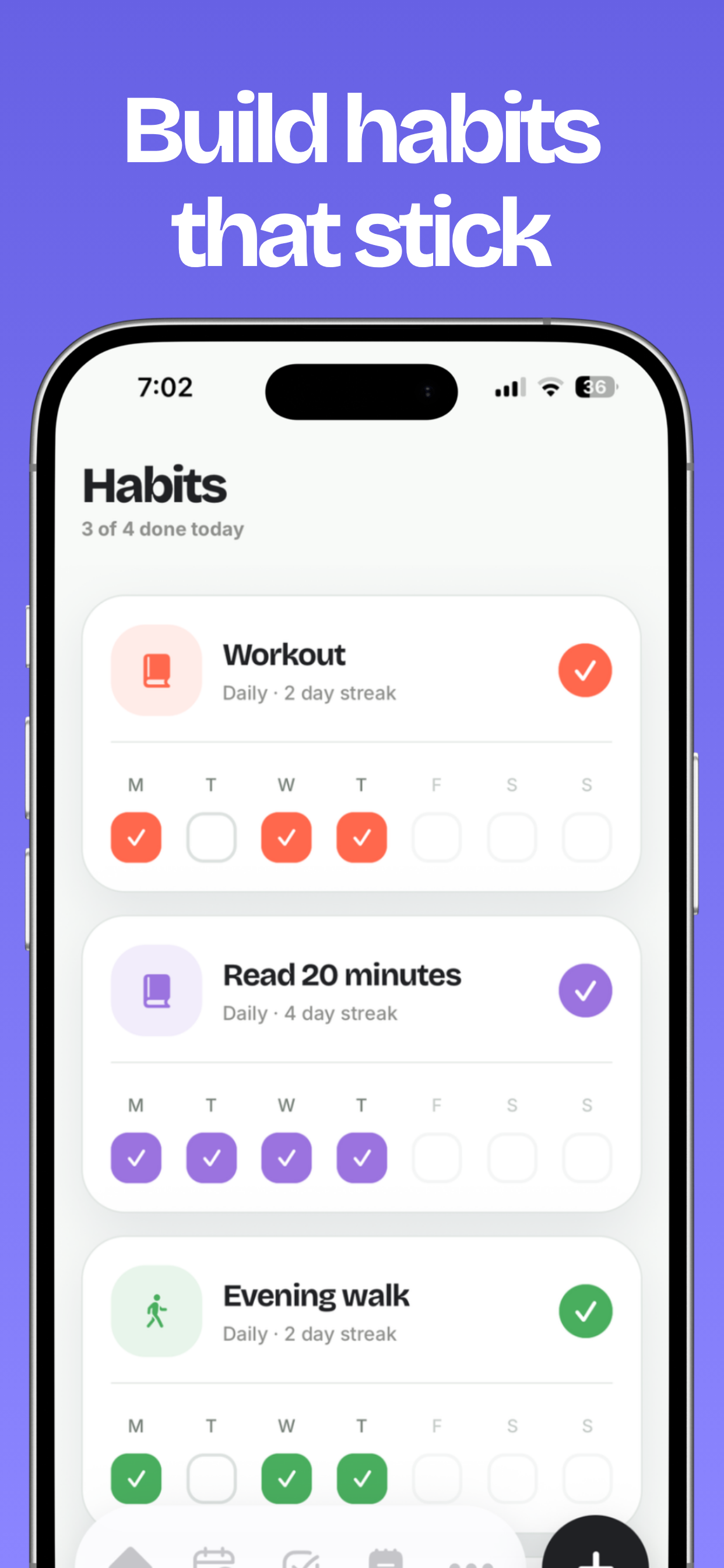
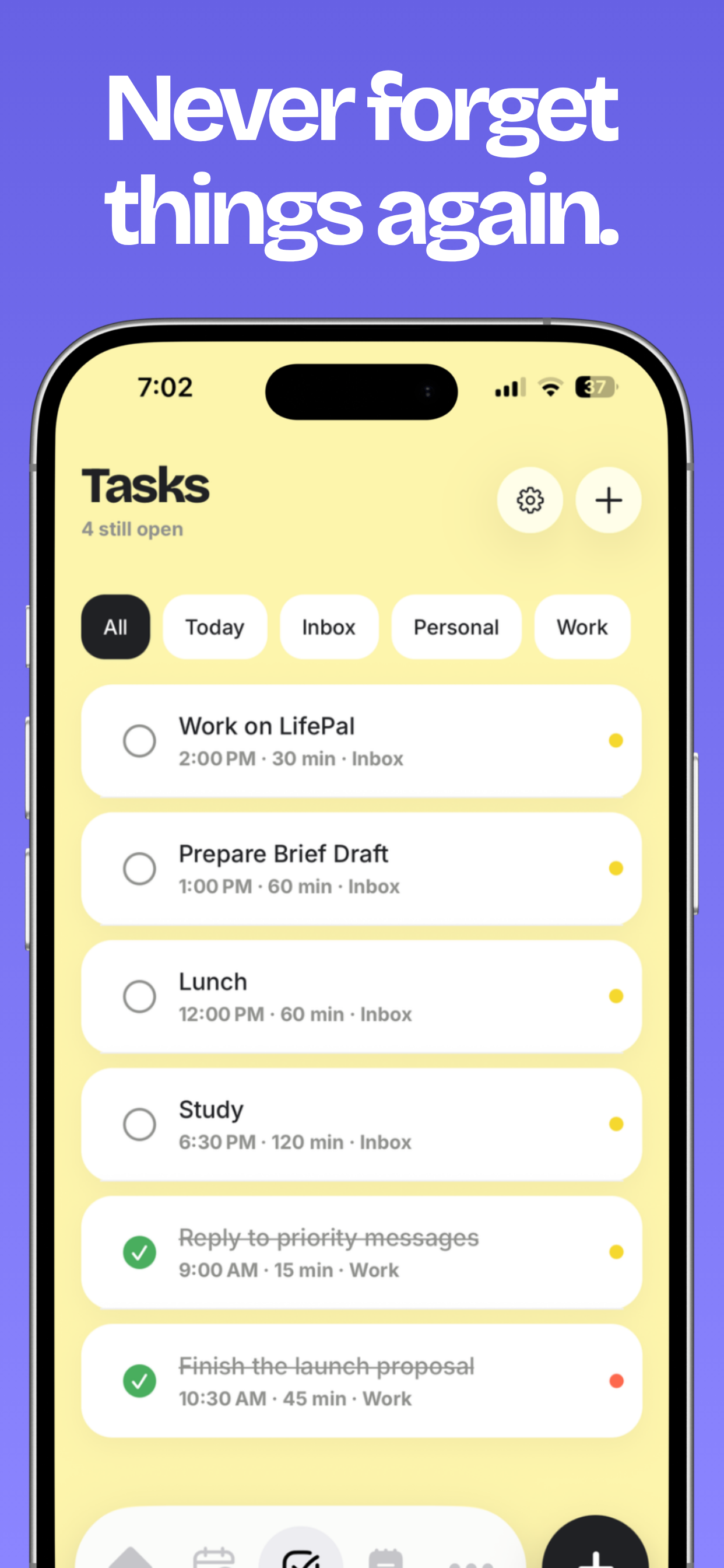
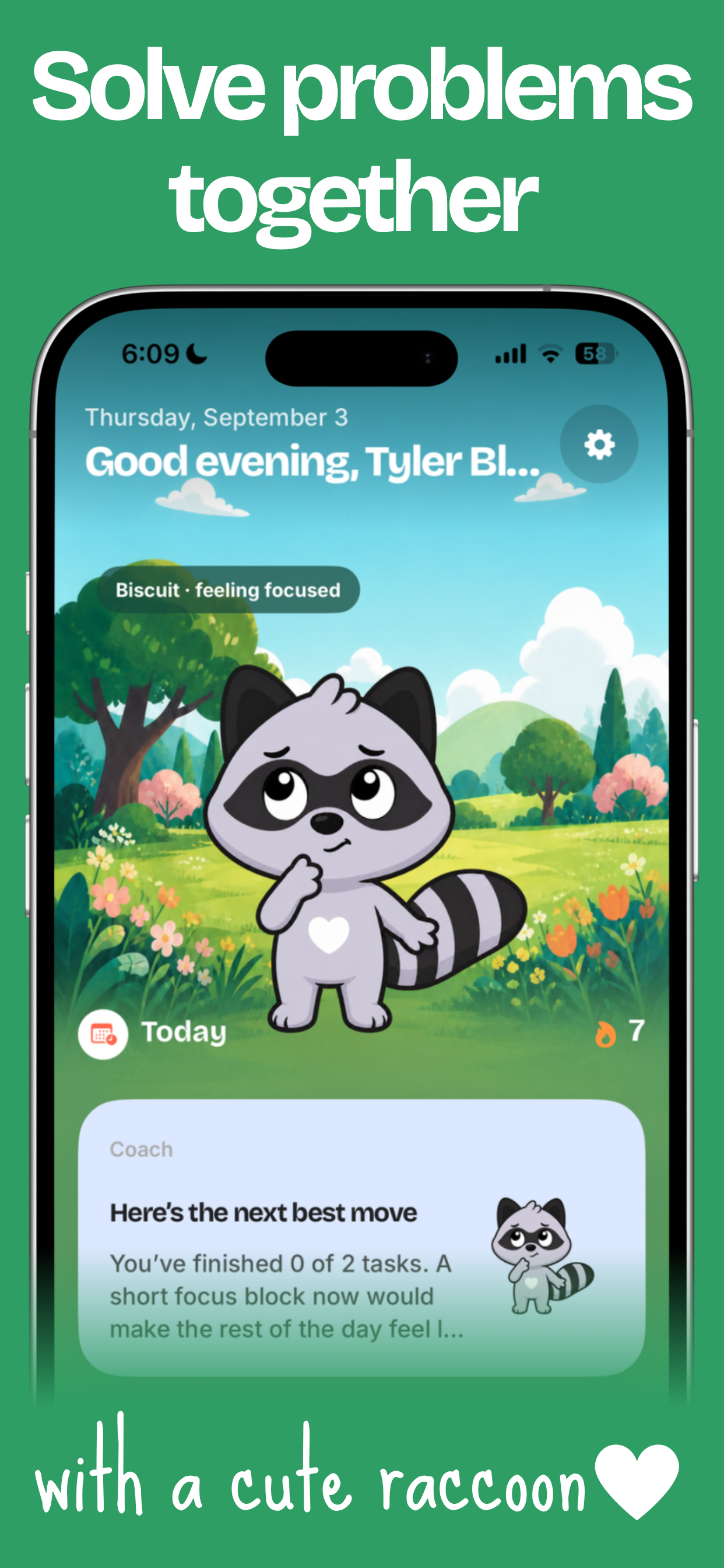
LifePal is an AI-powered daily planner, routine builder, and productivity companion. It helps users capture what they need to do, plan their day, build habits and routines, stay focused, and get AI guidance based on what is actually happening in their life. Users can capture tasks using text or voice, organize priorities, plan their schedule, build recurring routines, track habits, run focus sessions, and manage distractions. The AI companion is designed to understand the user's productivity context and help with questions like:
What should I focus on next? How can I fit everything into my day? What should I postpone? Why do I keep falling behind on this routine? How can I make today's plan more realistic?
The goal is not to create another place where people collect unfinished tasks. The goal is to help users actually follow through.
LifePal also includes a virtual companion and small rewarding interactions that are meant to make productivity feel more motivating and less mechanical.
How we built it
I built LifePal primarily with React Native and Expo, with a strong focus on creating a polished iOS experience. I wanted the app to feel fast and dependable, so the core experience is designed around an offline-first approach where possible. For the backend i used Firebase.
LifePal brings together several systems in one product:
Tasks and daily planning Habits and routines Scheduling and time blocking Focus sessions Distraction management Voice and quick capture AI productivity guidance Personalized productivity context Progress and motivation systems
For subscriptions and monetization, I integrated RevenueCat to manage purchases, premium access, trials, and subscription state. RevenueCat has been important because I did not want subscription infrastructure to become a major engineering distraction.
As an indie developer, every hour matters. Using RevenueCat means I can spend more time improving the actual product while still having a reliable subscription system underneath it. It also gives me the flexibility to experiment with pricing, paywalls, trials, and premium features as I learn how users interact with LifePal. I also added analytics so I can understand onboarding completion, feature usage, activation, retention, trial starts, and subscription behavior. That feedback loop is becoming a major part of how I decide what to build next.
Challenges we ran into
One of the biggest challenges was deciding how much LifePal should do without making it feel overwhelming. An all-in-one productivity app can easily become a collection of disconnected features. I had to keep asking myself whether each feature actually helps the user make progress or whether I am simply adding more functionality. Another major challenge was AI. It is easy to put a chatbot inside an app. It is much harder to build an assistant that understands tasks, habits, schedules, routines, and progress well enough to give useful advice. I am still early in that journey, but building that deeper context is one of the most important parts of LifePal.
Monetization has also been a challenge.
I have had to think through questions like:
Should LifePal be freemium or use a stronger paywall? Should I offer a free trial? When should users see the paywall? Which features should stay free? Which features provide enough value to justify a subscription? How do I monetize without hurting the user experience?
RevenueCat has made it much easier to experiment with these questions without rebuilding the subscription system every time.
There have also been plenty of technical challenges.
I have dealt with React Native issues, Expo builds, iOS entitlements, provisioning, analytics integrations, offline data, subscription state synchronization, and all the small problems that appear when many systems have to work together inside one app.
The hardest challenge, though, has probably been resisting the urge to keep building privately.
There is always another feature to add, another screen to polish, another bug to fix, and another reason to delay launch.
Shipaton pushed me toward the opposite mindset.
Ship the product. Let people use it. Learn. Improve it. Repeat.
Accomplishments that we're proud of
I'm very proud first of all that LifePal is a real product on the app store. I am also happy to have connected with other shipatons and learnt so much from them. One in particular is Austin Blake who has been very helpful and hosted livestreams rating apps for shipaton and that was so nice. For LifePal, many users are using it daily, and we have 9 ratings and reviews and all are 5 stars.
What we learned
The biggest lesson has been that shipping teaches you things that building alone never can.
Before launch, I could spend days debating whether a feature, paywall, onboarding flow, or design decision was correct.
Once real people use the product, those questions become much easier to answer.
I learned that the first version does not need to represent the final vision.
It just needs to be good enough to create real value and generate real feedback.
What's next for LifePal - AI Planner & Routine
My Goal is for LifePal to have 1,000 users in the next 3 months, and grow it to 5 MRR in 3 months.
Built With
- expo.io
- firebase
- react-native
- revenuecat
- swift


Log in or sign up for Devpost to join the conversation.