-
-
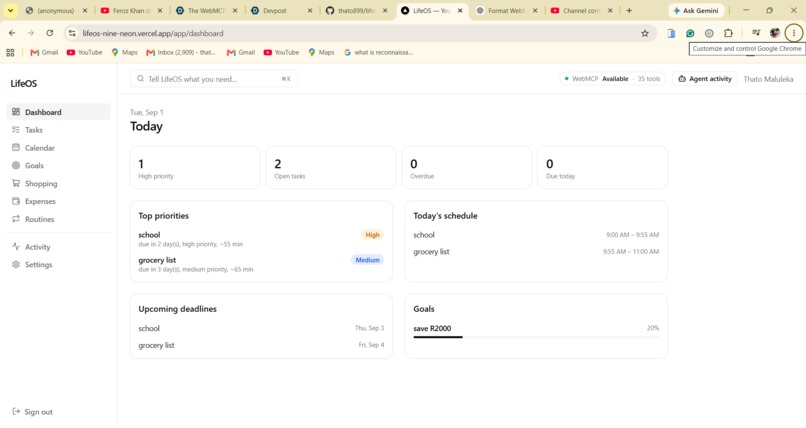
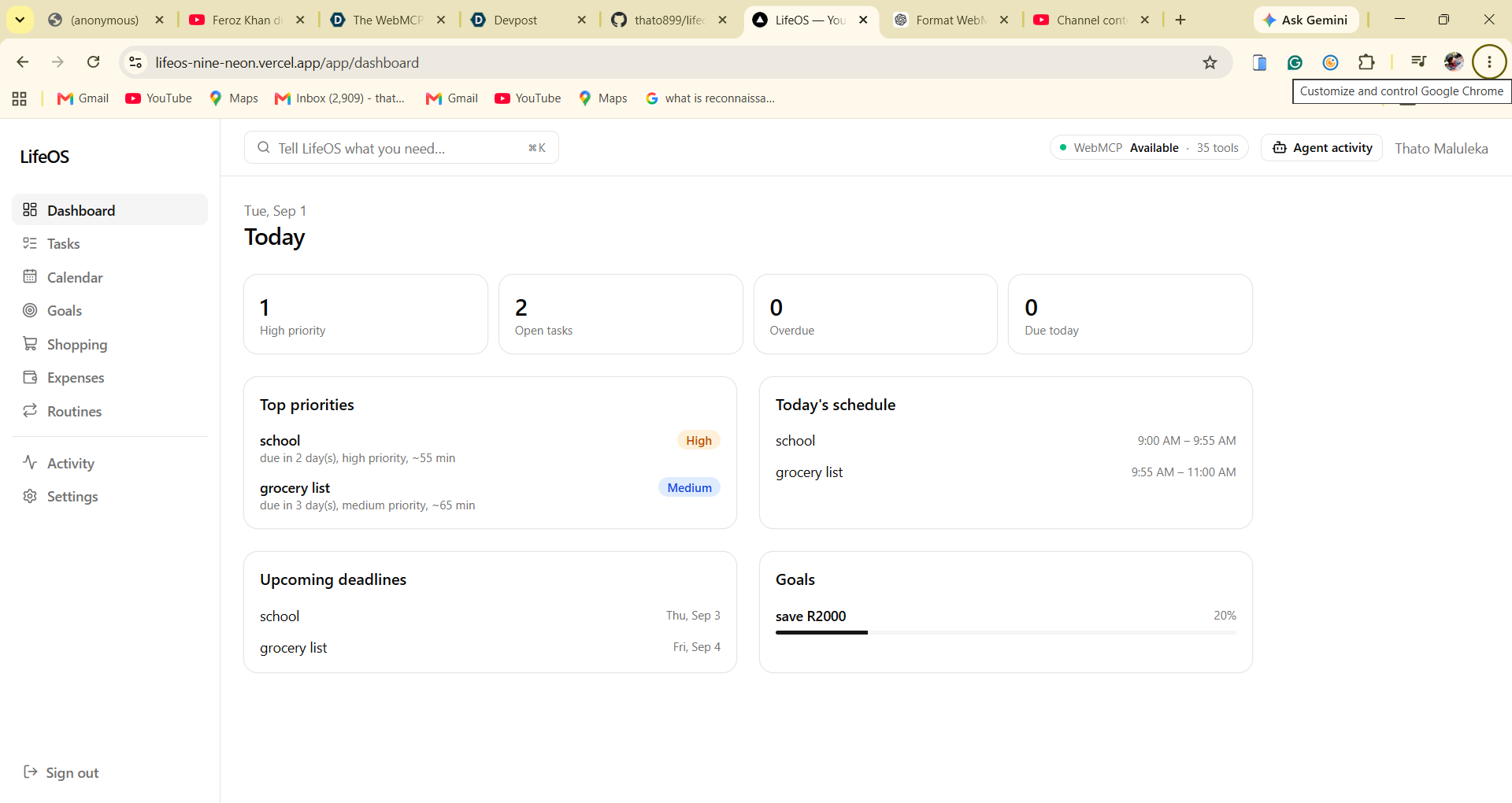
Dashboard
-
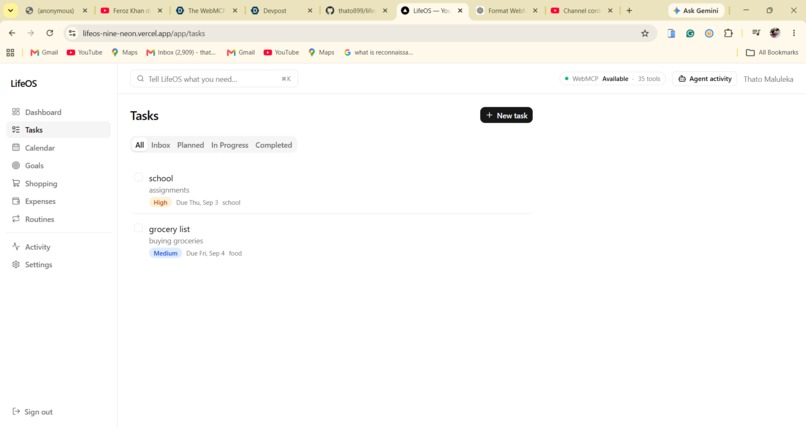
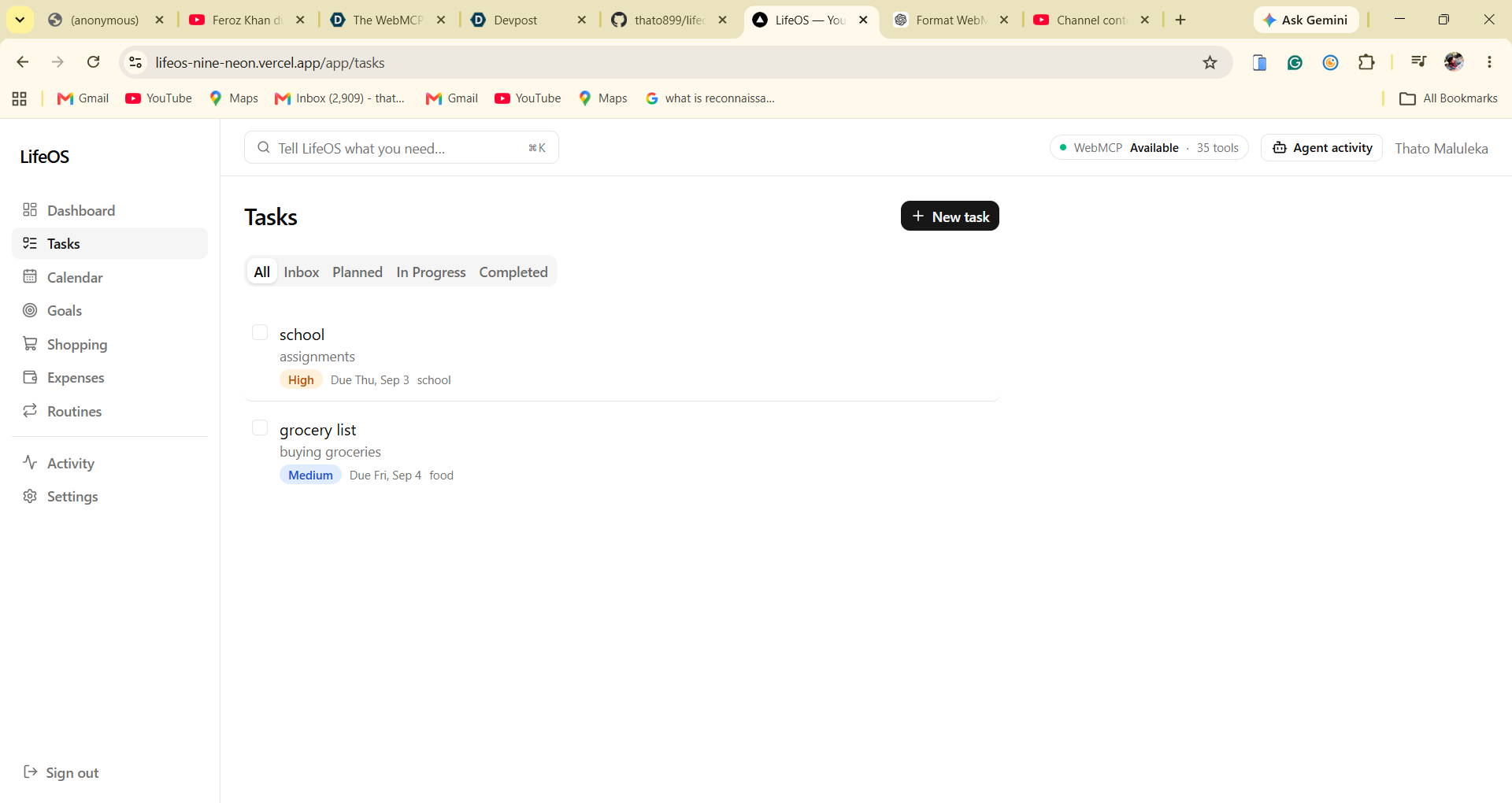
Tasks
-
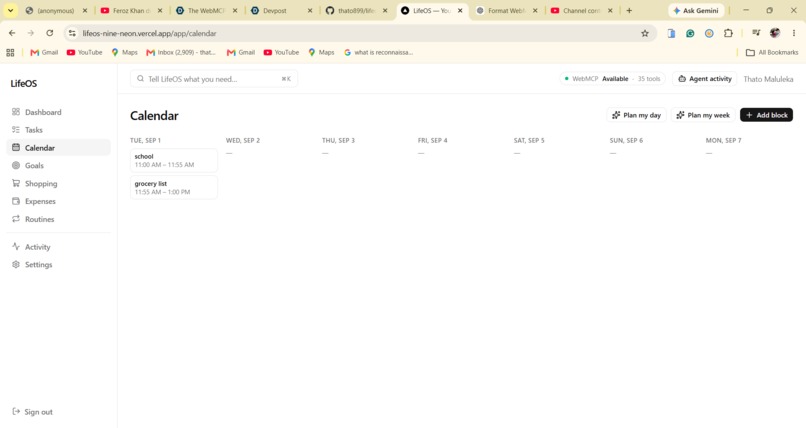
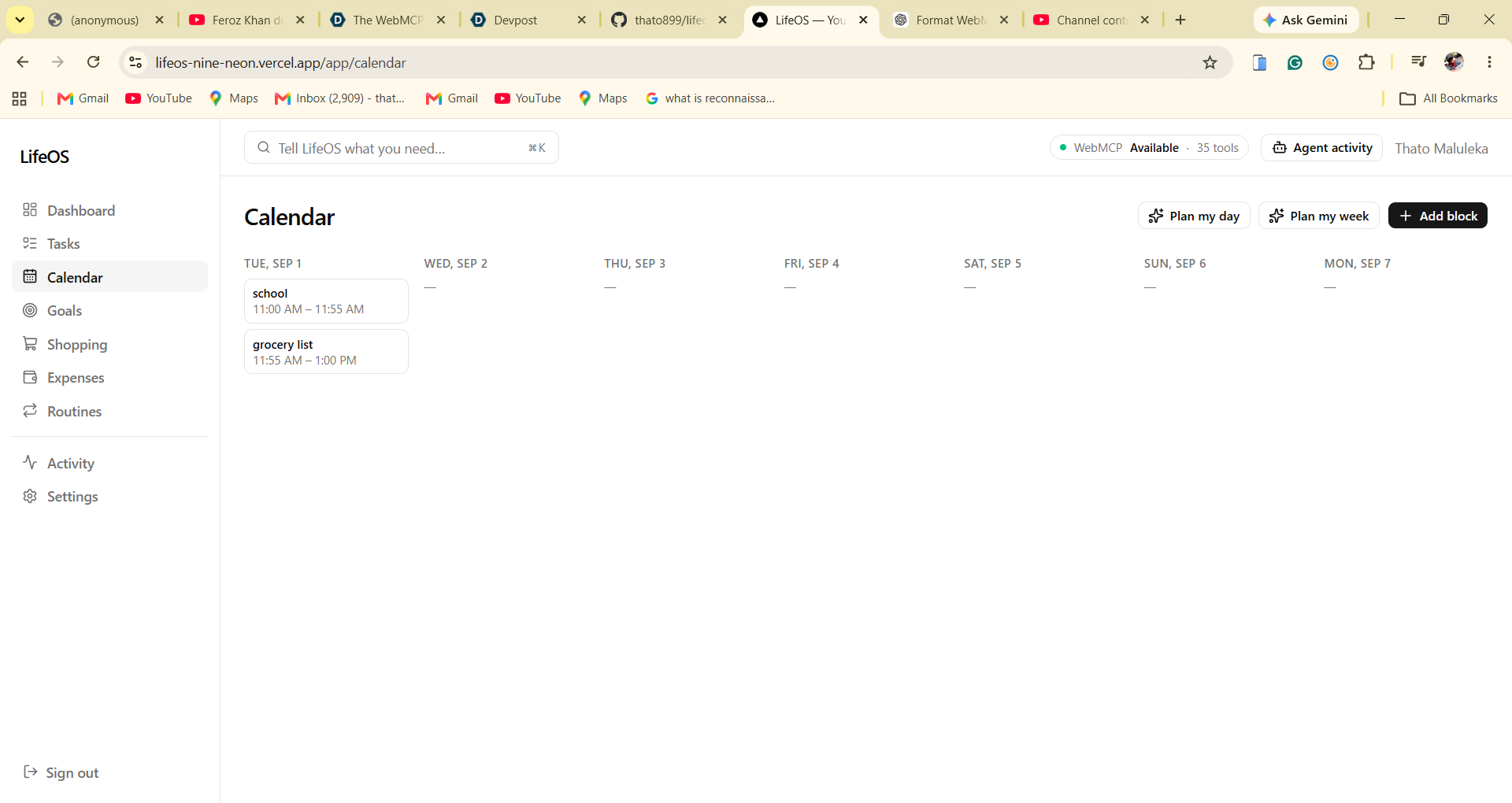
Calender
-
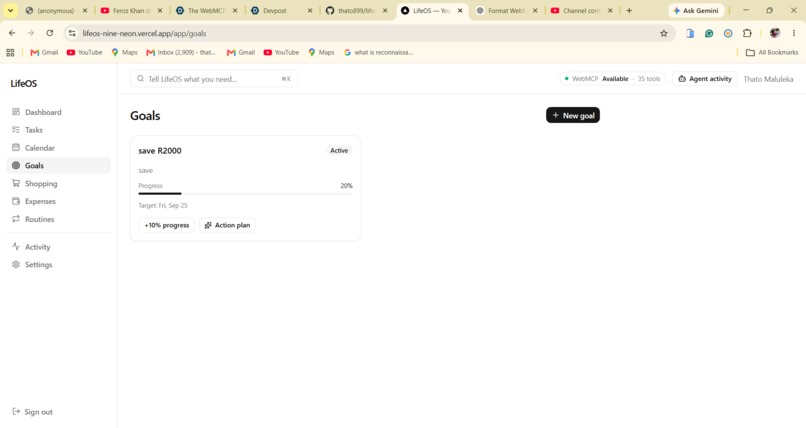
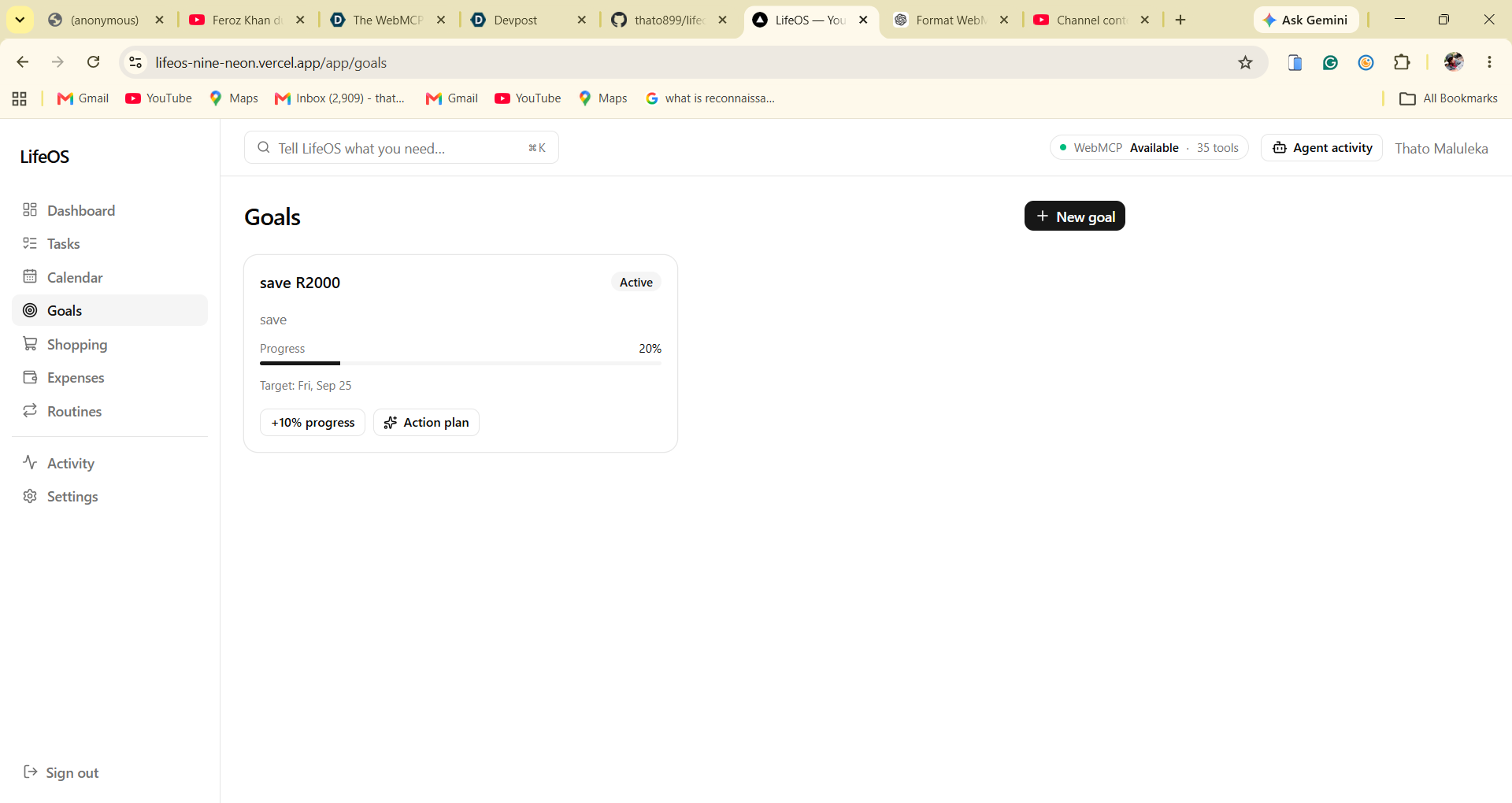
goals
Inspiration
Every "AI agent" bolted onto a personal productivity app treats the agent like a second-class user: it has to look at the same UI a human sees, guess which button does what, click around, and hope nothing changed underneath it. We wanted to try the opposite: what if the agent and the human were first-class citizens of the same app, sharing the same underlying actions instead of the agent faking a human?
WebMCP made that possible. Instead of screen-scraping or blind automation, a website can expose real, typed, described tools directly via document.modelContext.registerTool(). That's a fundamentally different relationship between a person, their agent, and their software — so we built LifeOS to explore it end to end, on a domain everyone actually needs: a personal command center for tasks, calendar, goals, shopping, expenses, and routines.
What it does
LifeOS is a full personal productivity app — tasks, calendar/schedule, goals with action plans, shopping lists, expense tracking, and recurring routines — with a complete, polished manual UI. On top of that, it exposes 35 real WebMCP tools across three risk tiers:
- Read (14 tools): get_today_overview, get_tasks, get_schedule, get_goals, get_shopping_list, get_expenses, get_routines, analyze_day, identify_conflicts, prioritize_tasks, analyze_spending, plan_my_day, plan_my_week, and more.
- Write (17 tools): create_task, update_task, complete_task, reschedule_task, create_goal, update_goal_progress, record_expense, create_routine, and more.
- Needs approval (4 tools): delete_task, apply_schedule_plan, set_budget, delete_budget — destructive, irreversible, or financial-target changes always pause for a human click before they happen.
An agent can read your day, spot schedule conflicts, propose and apply a week plan, log an expense, or build a goal's action plan by calling a described tool with a validated schema — the same way it would call any API, except the API is the website you're looking at, and every change shows up instantly in the human UI too.
How we built it
Next.js 16 (App Router) + PostgreSQL via Prisma 7 + Auth.js v5, deployed on Vercel with Prisma Postgres. The core architectural rule: a human clicking a button and an agent calling a WebMCP tool both end up calling the exact same function in src/services/*. There is no separate "agent path" that can drift from what the UI does — lib/actions (Server Actions for the human UI) and webmcp/ (tool definitions + dispatcher for the agent) are both thin callers of one shared service layer, validated by the same Zod schemas either way.
Client-side, components/webmcp/ registers all 35 tools with document.modelContext.registerTool() on mount, exposes a live "WebMCP status" pill in the header, and ships a tool inspector at /app/activity that lists every registered tool with its schema and last-run time — useful for demoing and for debugging what the agent actually sees.
Challenges we ran into
- Approval gating without breaking the "same function" rule. Destructive/financial tools (delete_task, set_budget, etc.) needed a human-in-the-loop approval step without forking the code path — we solved it with an approval state machine in the tool dispatcher that pauses before calling the shared service, rather than duplicating logic per surface.
- Prompt-injection defense. Any tool argument or stored content an agent reads (task titles, notes) has to be treated as untrusted data, never re-executed as instructions. We leaned on the WebMCP spec's
annotations.readOnlyHint/annotations.untrustedContentHintfields and scoped every query to the authenticated user. - Two real Next.js 16 / Prisma 7 issues surfaced while wiring generated Prisma output into a fresh Vercel deploy (a gitignored generated-client path breaking on
npm install, fixed via apostinstall: prisma generatestep) — documented in git history for anyone hitting the same thing. - Verifying WebMCP itself.
document.modelContextis only available behind an active origin trial / Chrome flag (chrome://flags/#enable-webmcp-testing) or ChatGPT's in-app browser, so we were careful to only claim what we could actually verify live, and documented what still needs a WebMCP-flagged browser to confirm.
Accomplishments that we're proud of
- 35 real tools, not a toy demo — spanning read, write, and approval-gated actions across six real productivity domains.
- Zero drift between what a human can do and what the agent can do: one service layer, one set of Zod schemas.
- A real approval flow that actually blocks a destructive action until a human clicks "Approve" — verified with a Playwright end-to-end test that drives a real browser against a real server.
- 46 unit + integration tests plus a 3-test real-browser e2e suite, all green against a real Postgres database.
What we learned
Building the agent and human paths as two callers of one service layer, instead of two apps, was the single best decision — every feature we added to the UI was already agent-usable, and every bug we didn't have (an "agent version" of a feature quietly diverging from the human version) is a bug class WebMCP's model naturally avoids for you.
What's next for LifeOS
Multi-agent collaboration (a scheduling agent and a budgeting agent negotiating a shared calendar), richer WebMCP annotations for finer-grained trust, and expanding the risk-tiered approval model to cover shared/family accounts.
Built With
- auth.js
- next.js
- playwright
- postgresql
- prisma
- react
- shadcn/ui
- tailwind
- typescript
- vercel
- webmcp
- zod

Log in or sign up for Devpost to join the conversation.