-
-
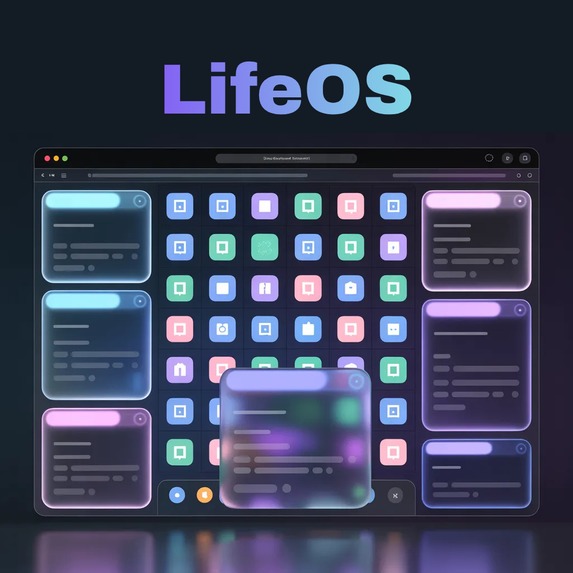
LifeOS, an AI-powered personal operating system that runs in your browser
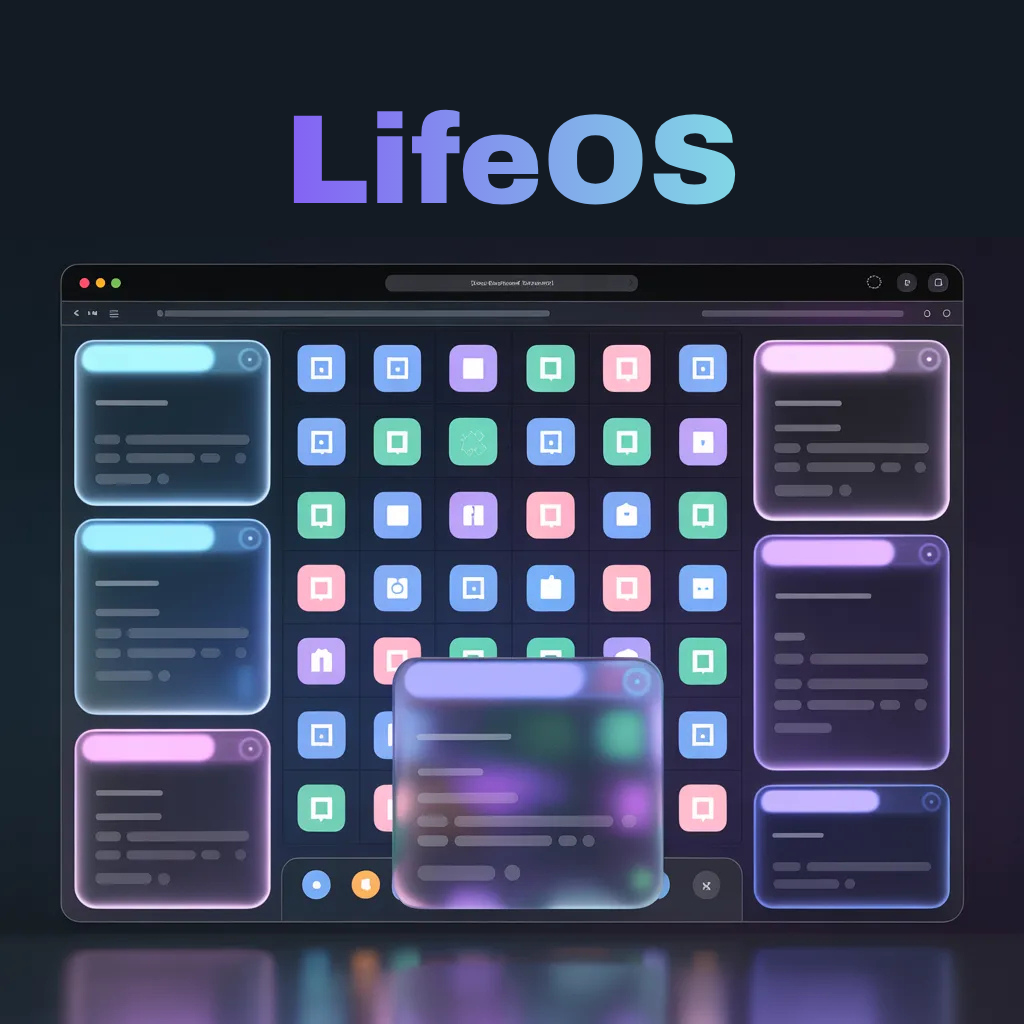
LifeOS — Devpost Project Story
Category: Surprise Us!
🌟 Inspiration
We all have the same 24 hours. But most of us spend half of them overwhelmed, scattered, and context-switching between a dozen apps just to get through the day.
I wanted to build something that felt like the future — not another productivity app with a checklist, but a completely new way to interact with your own life. What if your personal operating system was powered by AI? What if instead of managing your apps, your apps understood you?
That's how LifeOS was born.
💻 What It Does
LifeOS is an AI-powered personal operating system that runs in your browser. It looks and feels like a real desktop OS — complete with a menubar, a floating dock, draggable windows, and a real-time clock — but everything inside is driven by Gemini AI.
It comes with 5 built-in AI-powered apps:
🧠 AI Brain Your smartest friend, always on call. Ask anything — get a sharp, direct answer instantly. No fluff, no search results — just intelligence.
✅ Task Agent You type one big goal. LifeOS breaks it down into a prioritized, step-by-step action plan with deadlines and difficulty levels — displayed as a visual board. It's like having a personal project manager who never sleeps.
🎯 Daily Mission One click. Gemini analyzes the time of day and generates your personalized mission: 3 concrete tasks, 1 focus word, and 1 motivational quote. Your day, structured in seconds.
💬 Mood Check You describe how you feel in one sentence. LifeOS reads your energy level and gives you 3 brutally honest, sometimes funny recommendations tailored to your current state. Because sometimes you need someone to tell you to drink water and go outside.
💥 Chaos Mode A big red button. Click it. Receive a randomly generated message that is either profoundly wise or absolutely unhinged. You never know what you'll get — and that's the point.
🛠️ How I Built It
I built LifeOS entirely through MeDo, using structured multi-turn conversations to generate the full application.
The process:
- I started by describing the OS concept — the desktop metaphor, the dock, the draggable windows — and MeDo generated the complete interface structure
- I then integrated the Gemini API (gemini-1.5-flash) to power all 5 apps with distinct, carefully crafted prompts for each module
- I used iterative MeDo conversations to refine the UI — adding glassmorphism windows, animated backgrounds, glowing icon effects, and the macOS-style floating dock
- Each app window was built and tested individually, then integrated into the unified desktop environment
The most impressive thing MeDo generated: the fully functional draggable window system with taskbar integration — all from a single conversational prompt.
🚧 Challenges I Ran Into
The biggest challenge was making the interface feel like a real operating system, not just a webpage with some buttons. Getting the draggable windows, the layering (z-index management when clicking windows), and the dock interactions to all work together took several iterations with MeDo.
The second challenge was crafting the right Gemini prompts for each module. The Mood Check and Chaos Mode required very specific personality instructions — I wanted the AI to feel like a character, not a generic assistant.
🏆 Accomplishments I'm Proud Of
- Built a fully functional browser-based OS experience — something most people have never seen as a web app
- 5 distinct AI personalities in one interface — each module has its own tone and purpose
- The Chaos Mode feature — simple concept, infinite entertainment, genuinely useful for breaking mental blocks
- Going from idea to deployed app in under 24 hours using only MeDo conversations
📚 What I Learned
MeDo is at its best when you think in systems, not features. Describing the experience you want — "it should feel like a real OS from 2050" — gets better results than listing technical specs. The more cinematic and specific your prompt, the more impressive the output.
I also learned that the most memorable apps aren't always the most complex — they're the ones with a clear identity and a moment that makes you smile. Chaos Mode took 10 minutes to build and it's everyone's favorite feature.
🔮 What's Next for LifeOS
- User profiles — personalize your OS with a name, avatar, and custom wallpaper
- Memory module — LifeOS remembers your previous goals, moods, and tasks across sessions
- Focus Timer — built-in Pomodoro timer integrated with Task Agent
- Notification system — AI-generated reminders and daily check-ins
- Mobile version — LifeOS as a PWA on your phone
🔧 Built With
- MeDo (Baidu) — AI-powered full-stack app generation
- Gemini API (Google) and Groq AI— Powers all 5 AI modules
- React — Frontend
- CSS Glassmorphism + Animation — UI design
- Web APIs — Real-time clock, drag-and-drop windows
LifeOS — Your life. Upgraded. 🚀

Log in or sign up for Devpost to join the conversation.