-
-
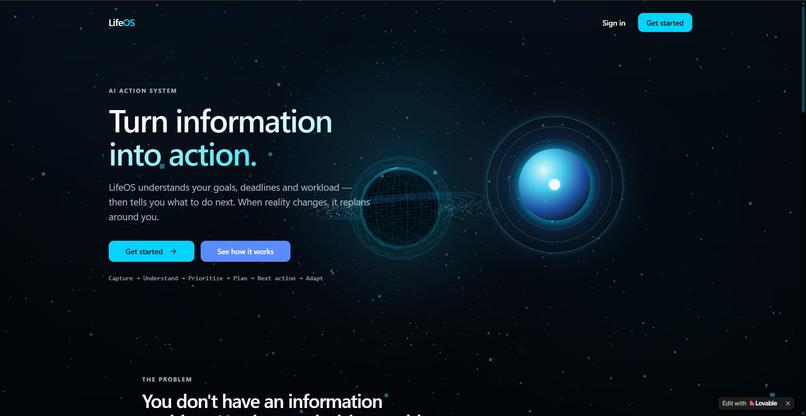
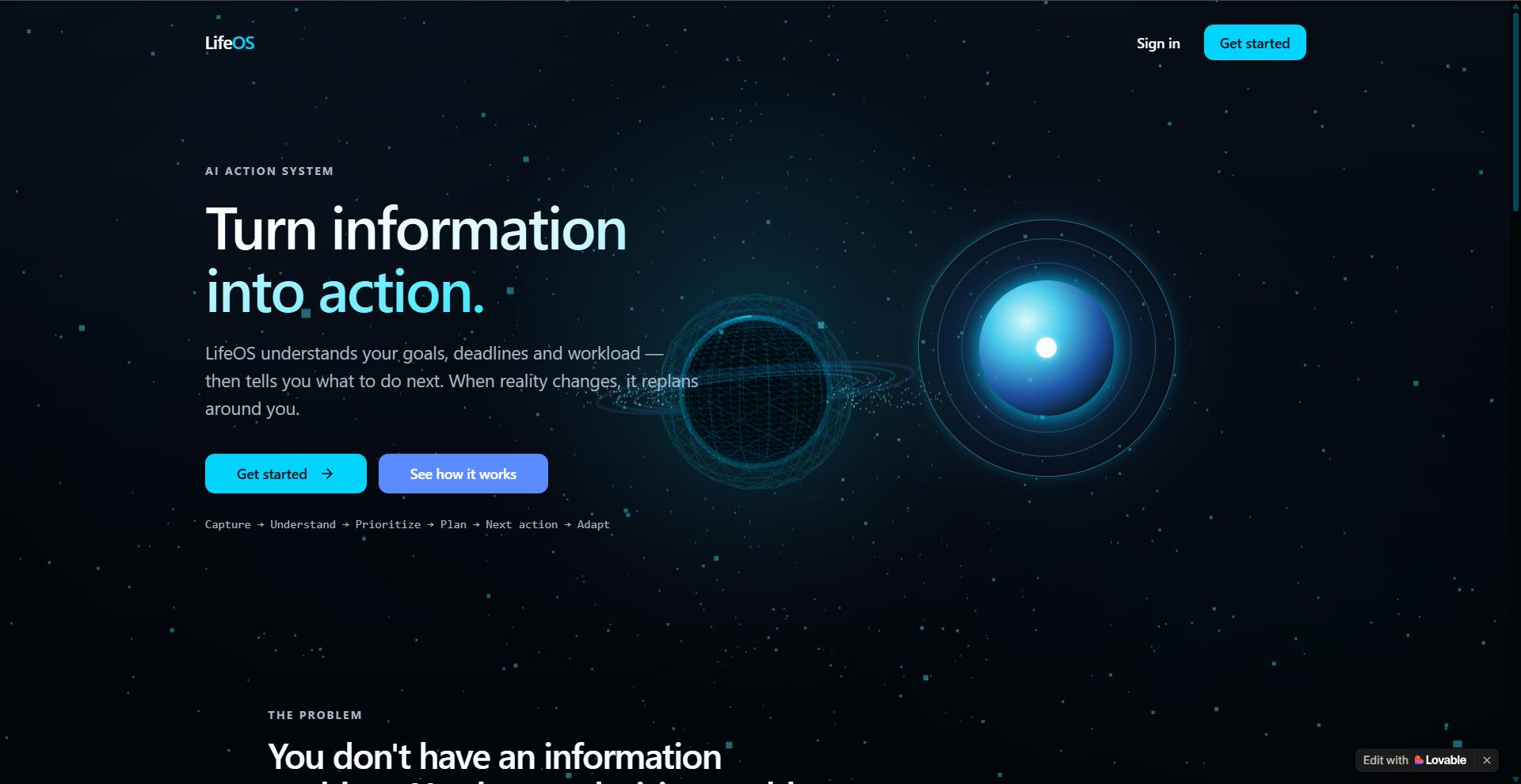
Landing Page
-
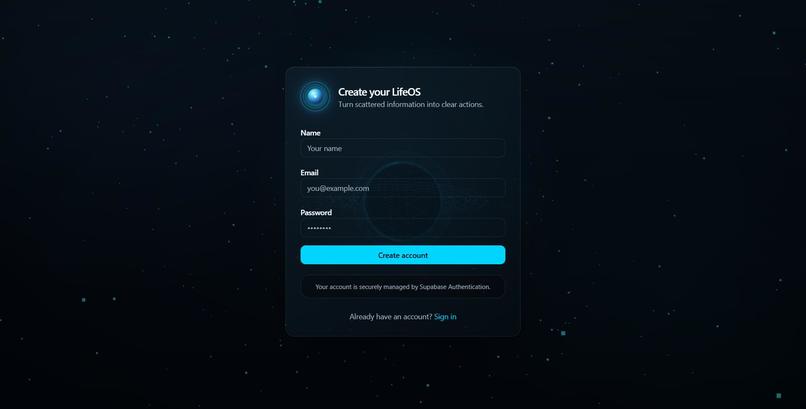
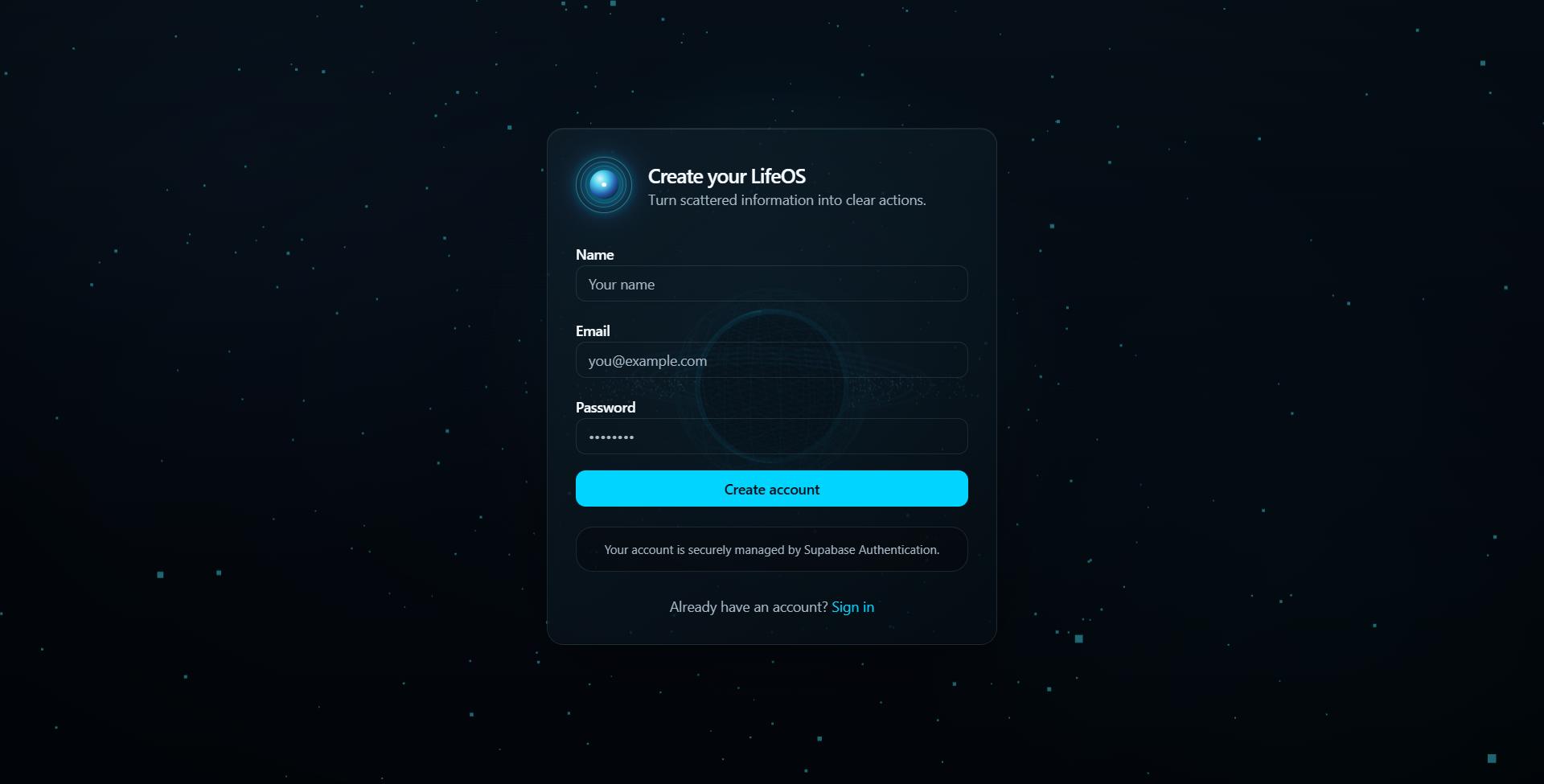
Registration Page
-
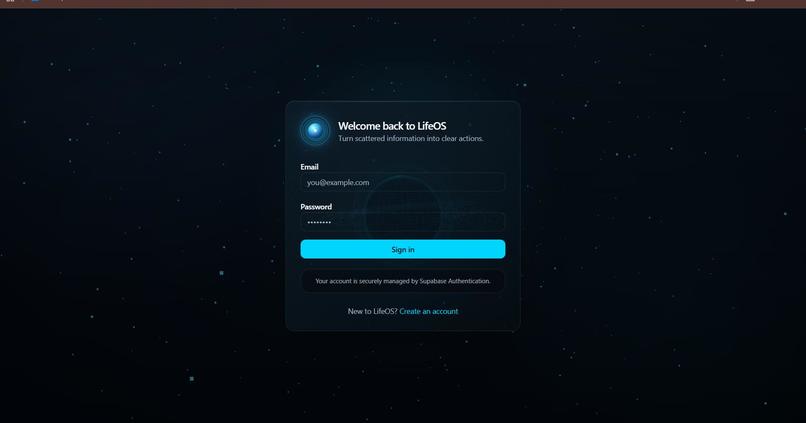
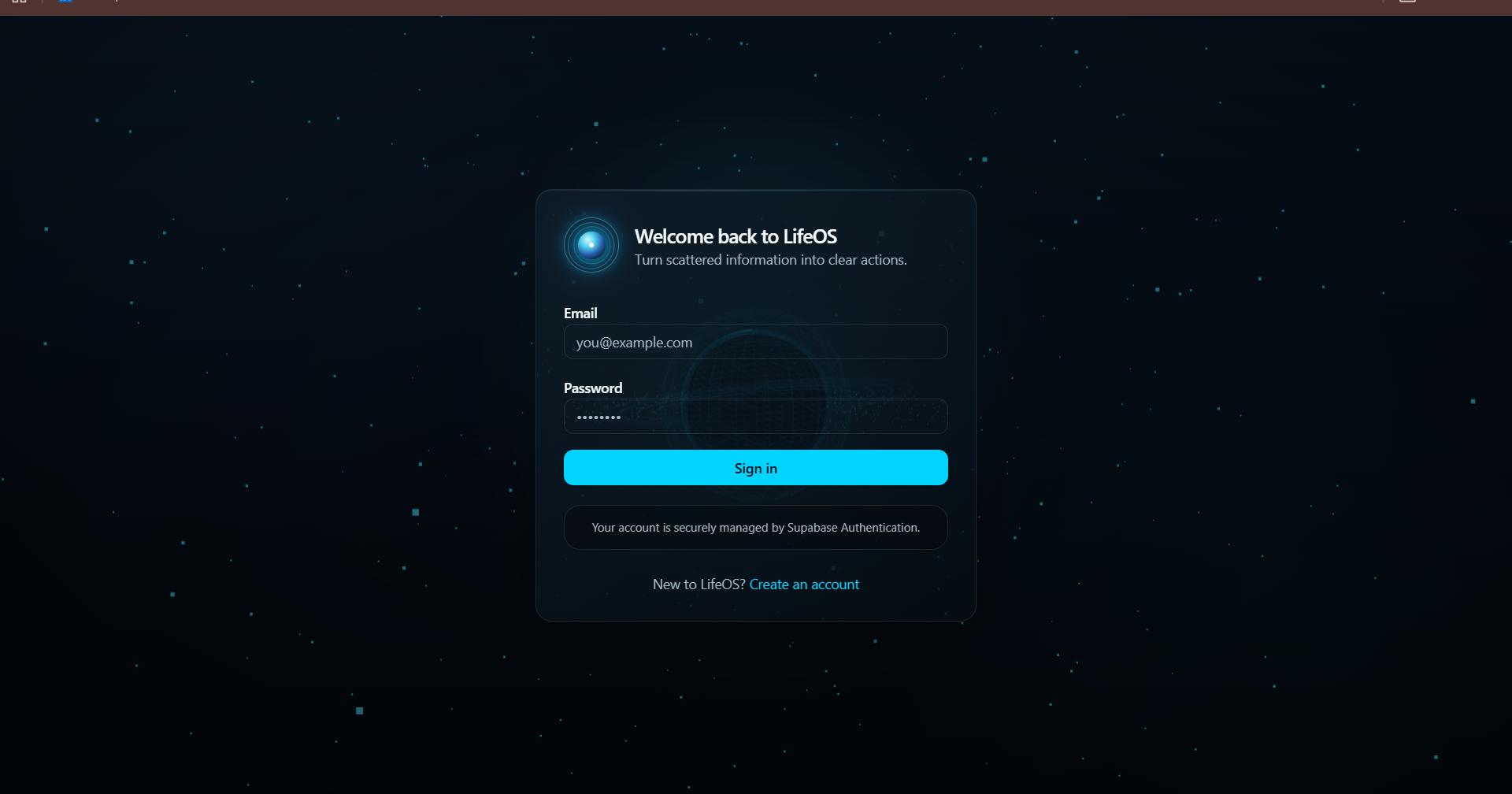
Login Page
-
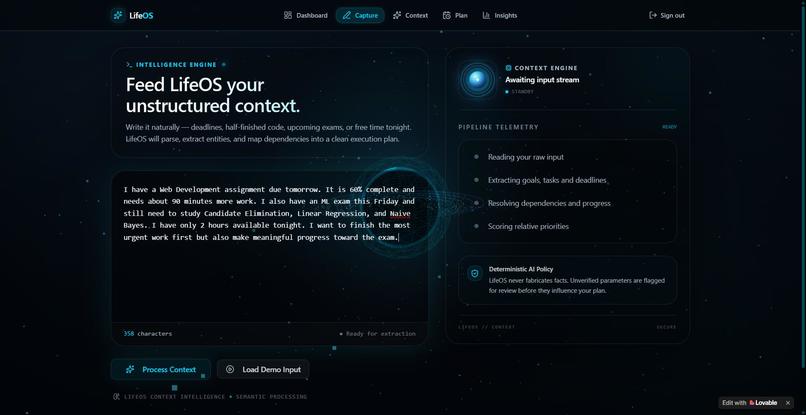
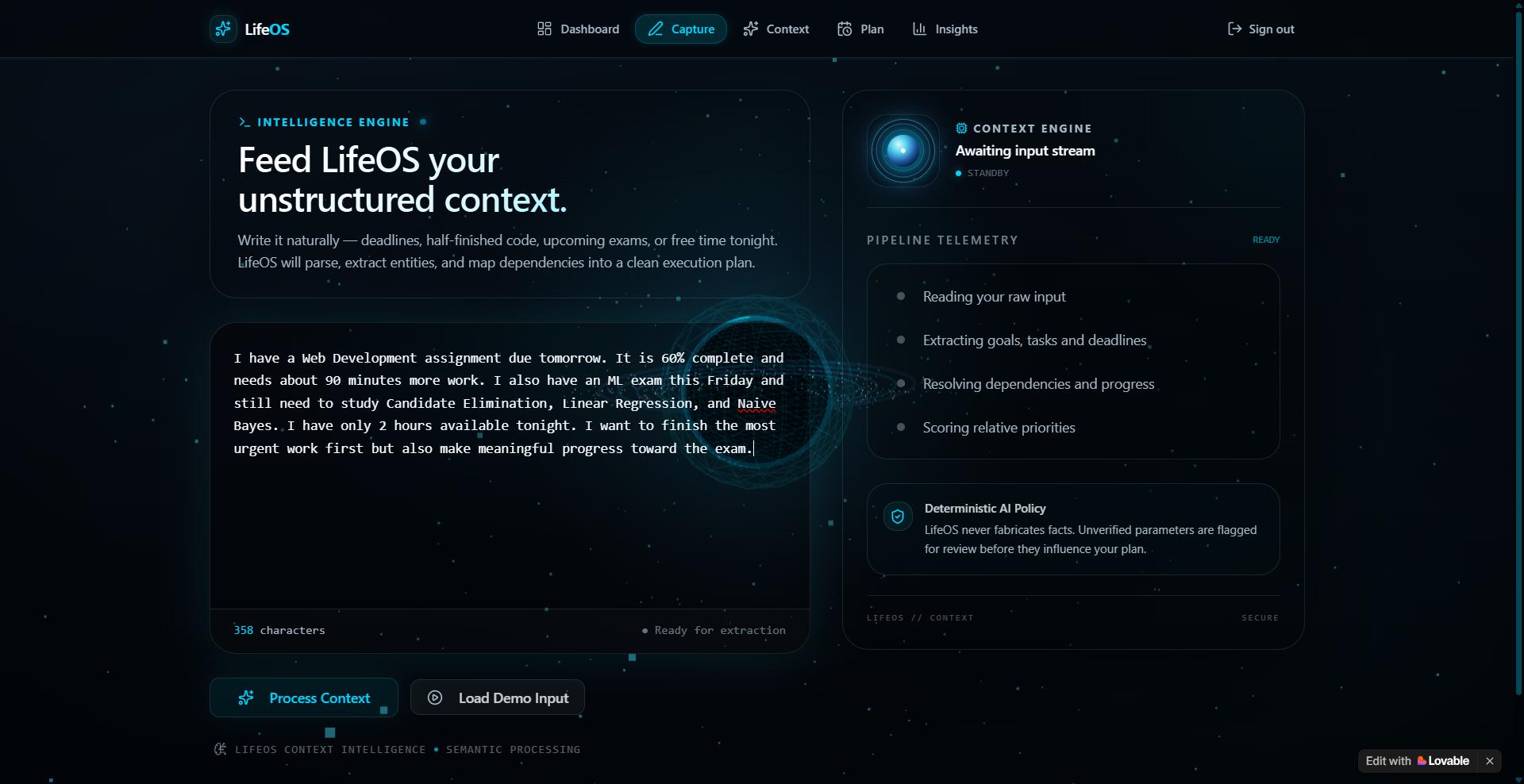
Capture Page
-
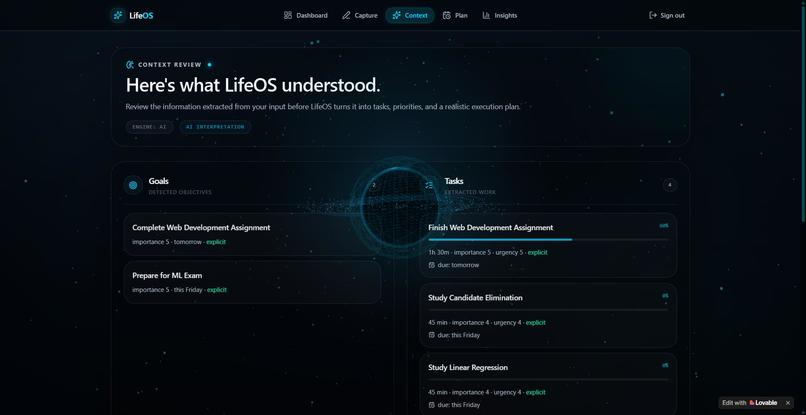
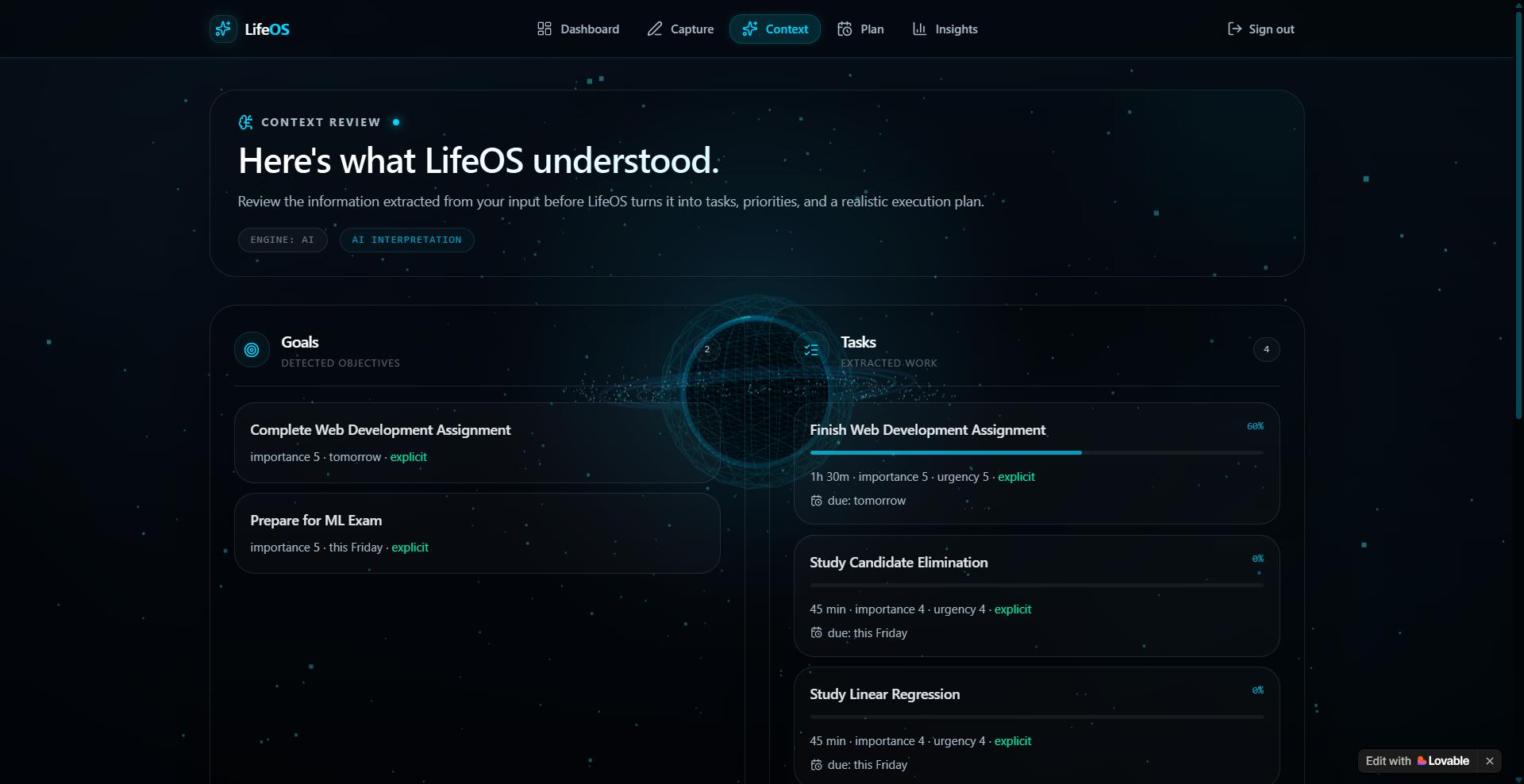
Understanding Page
-
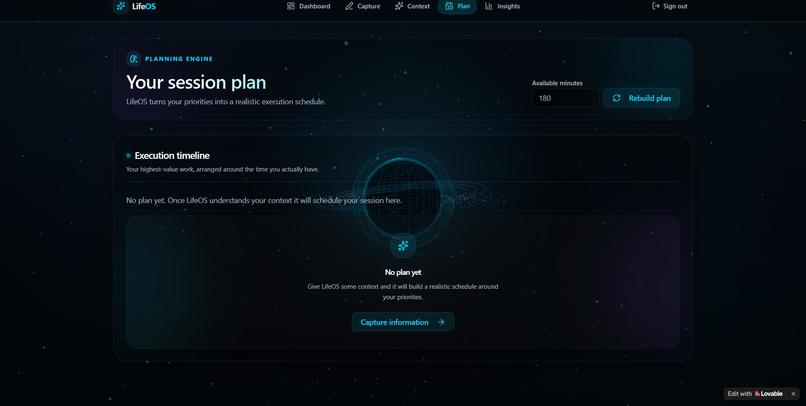
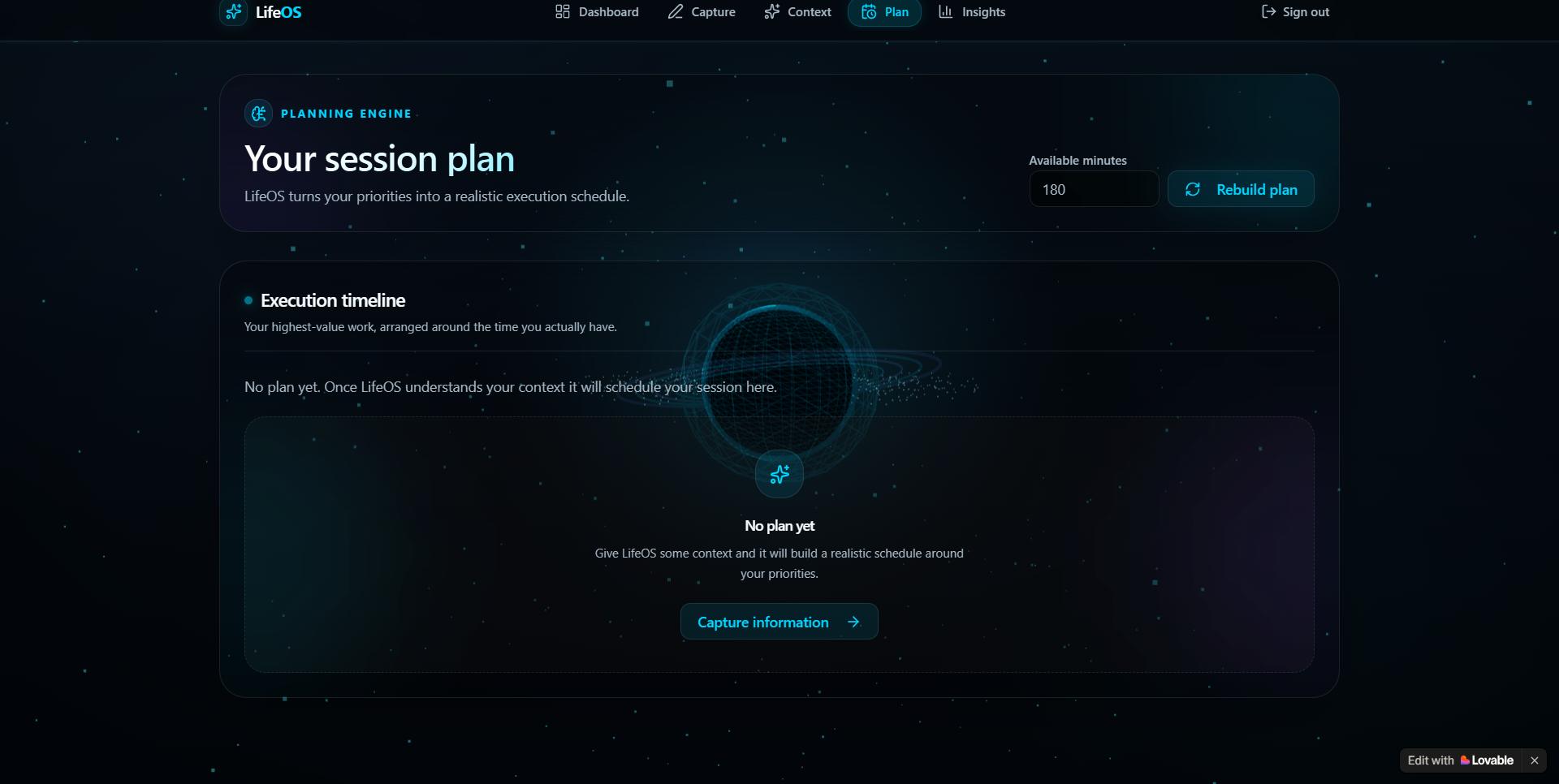
Plan Page
-
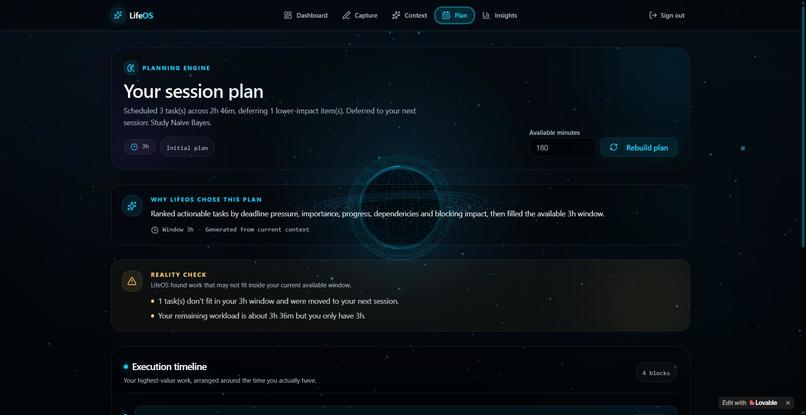
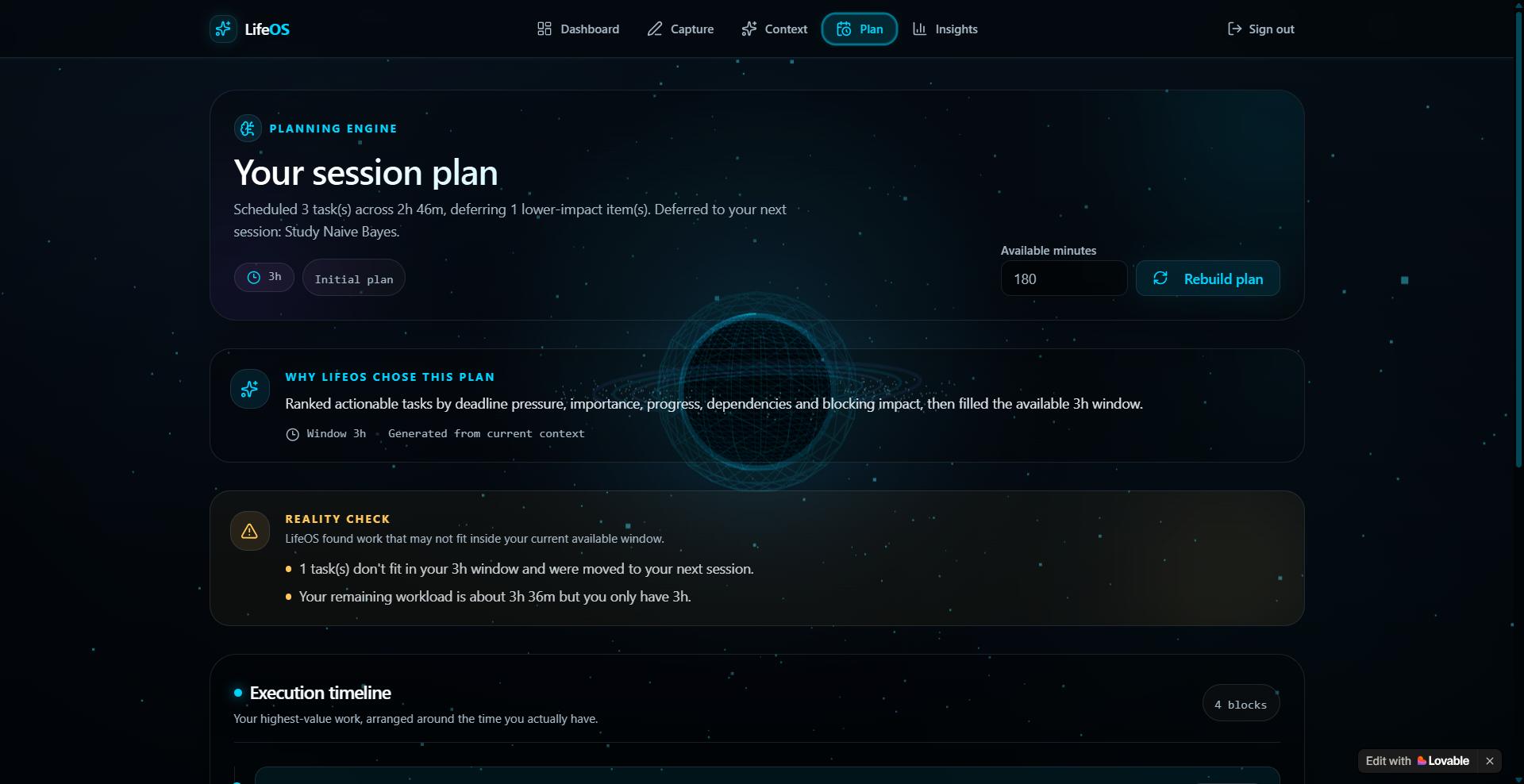
Session Plan
-
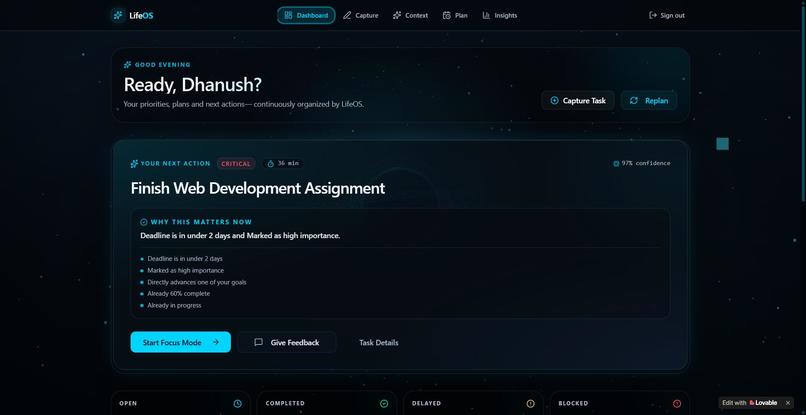
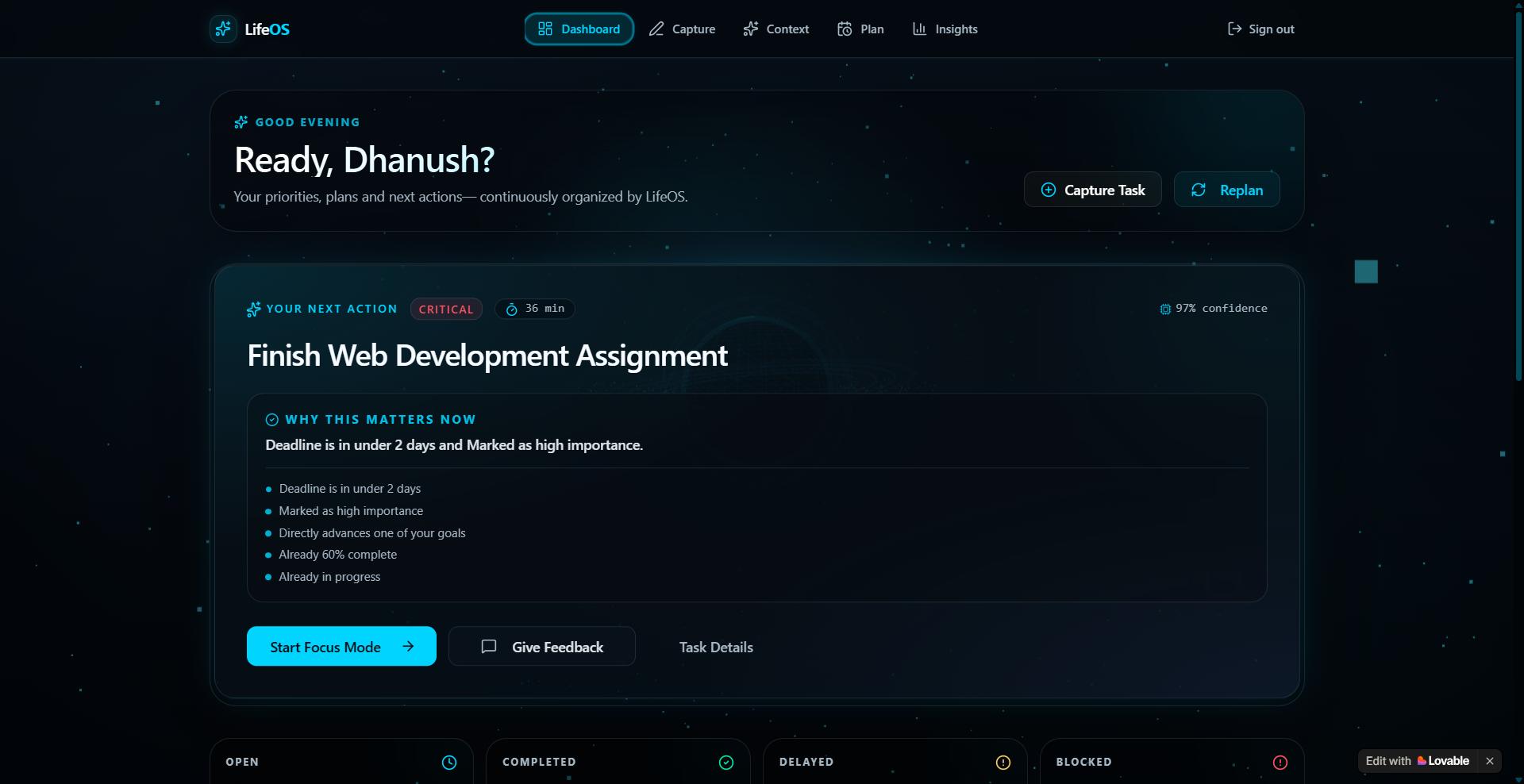
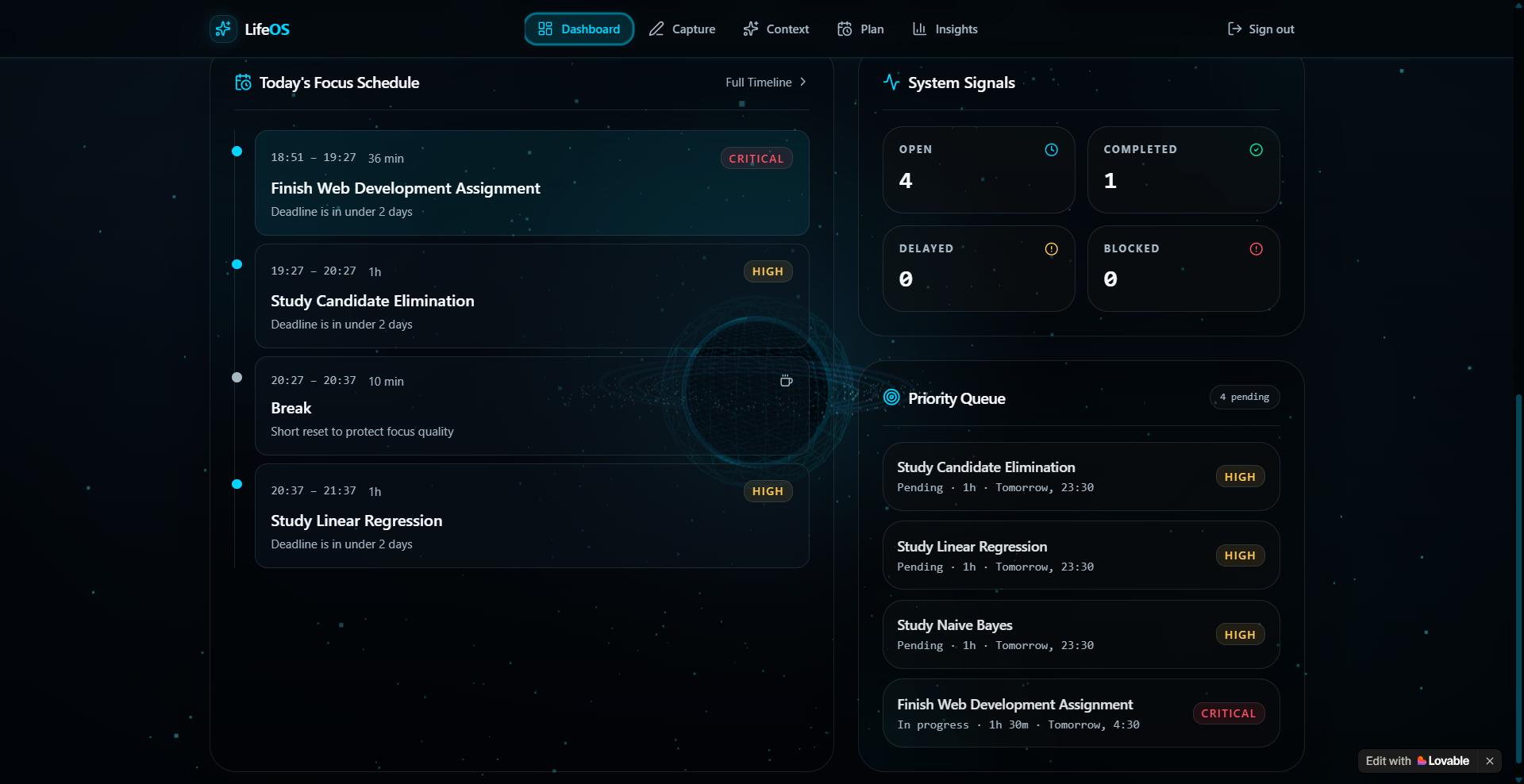
Dashboard Page
-
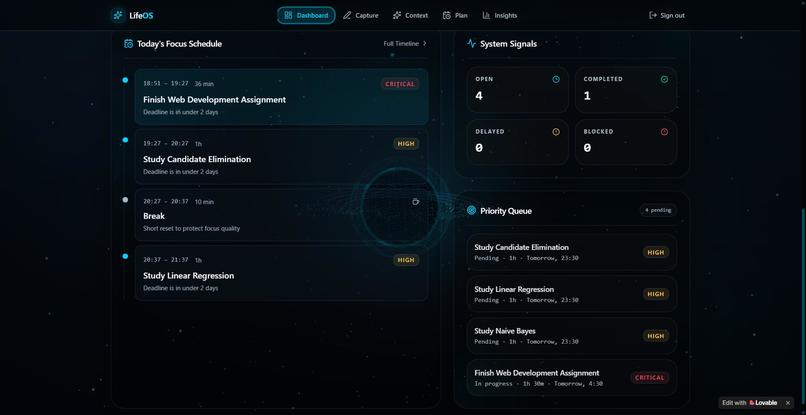
Tasks
-
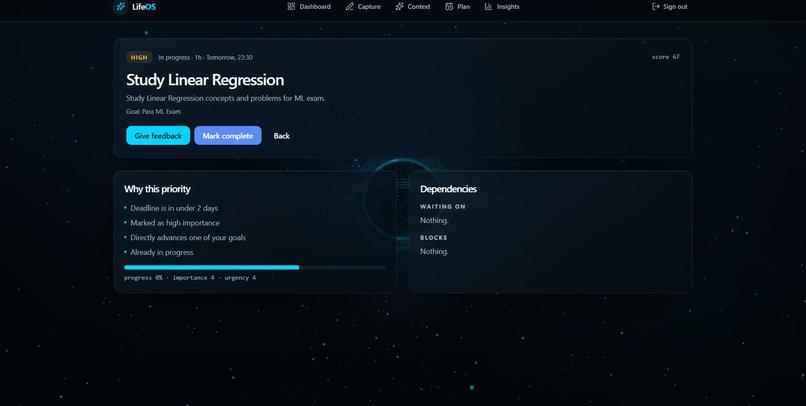
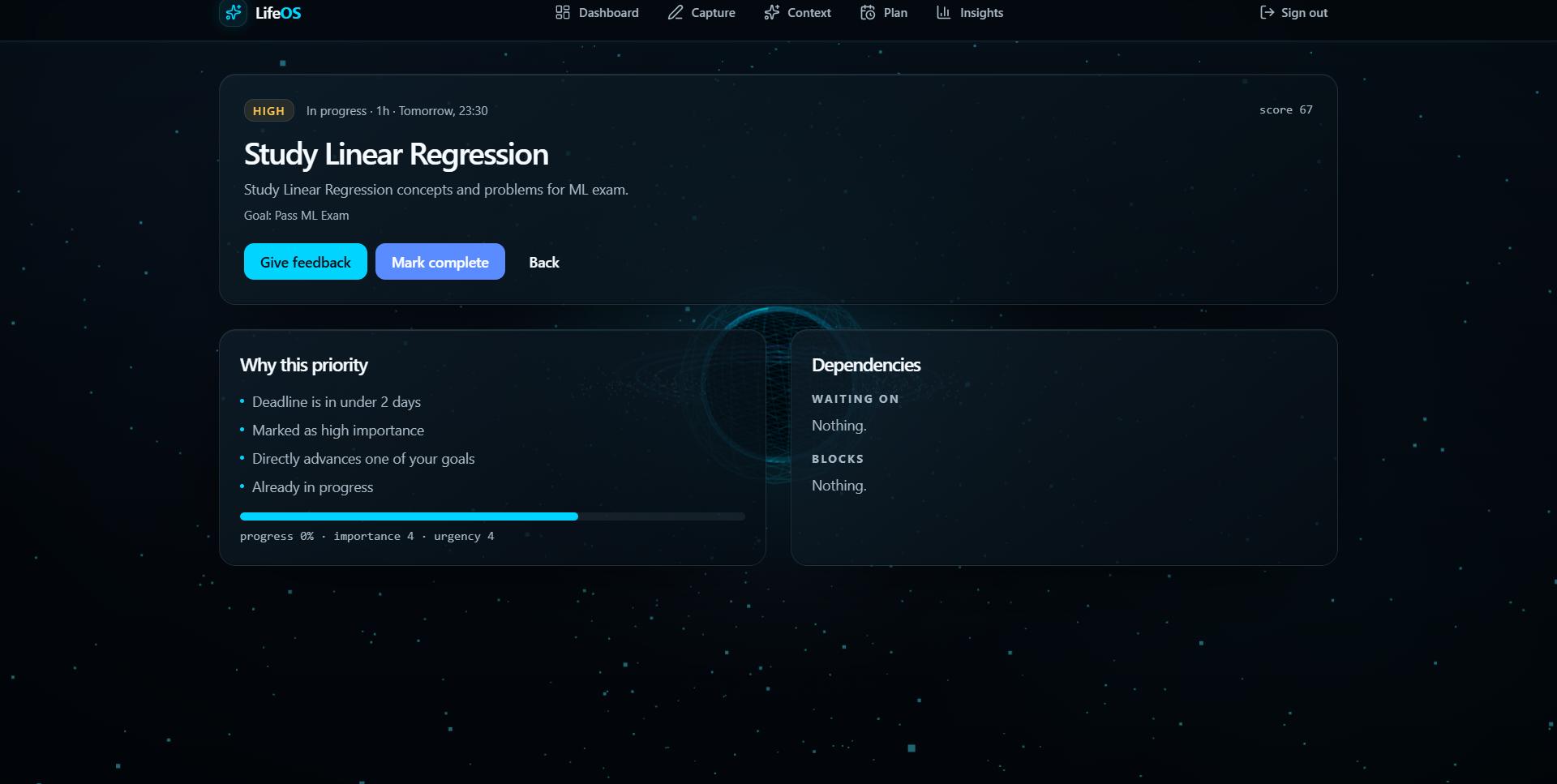
Task(main) Page
-
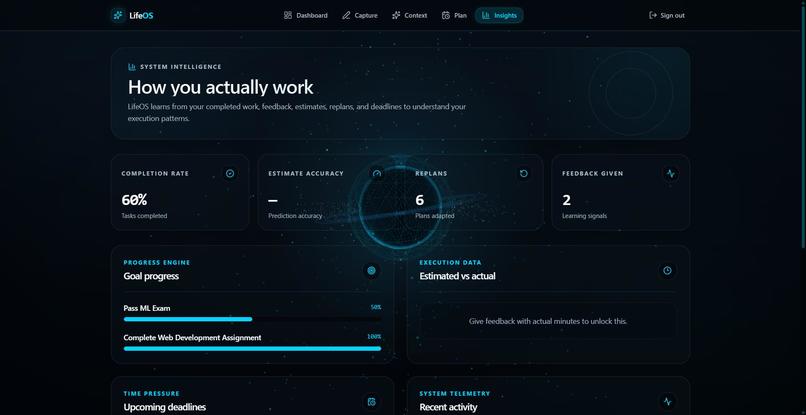
Working Page
-
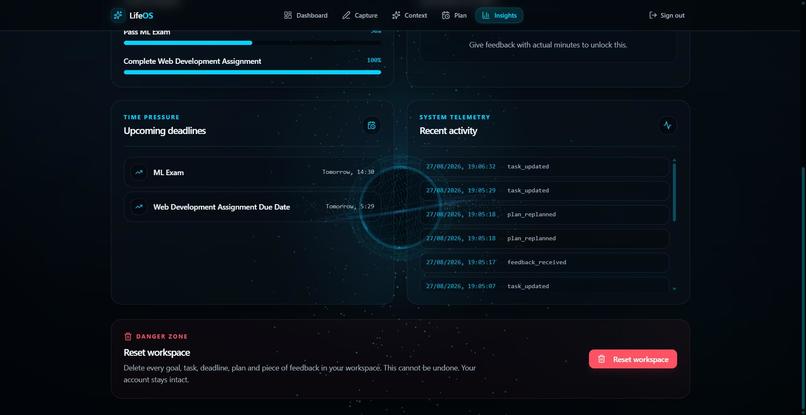
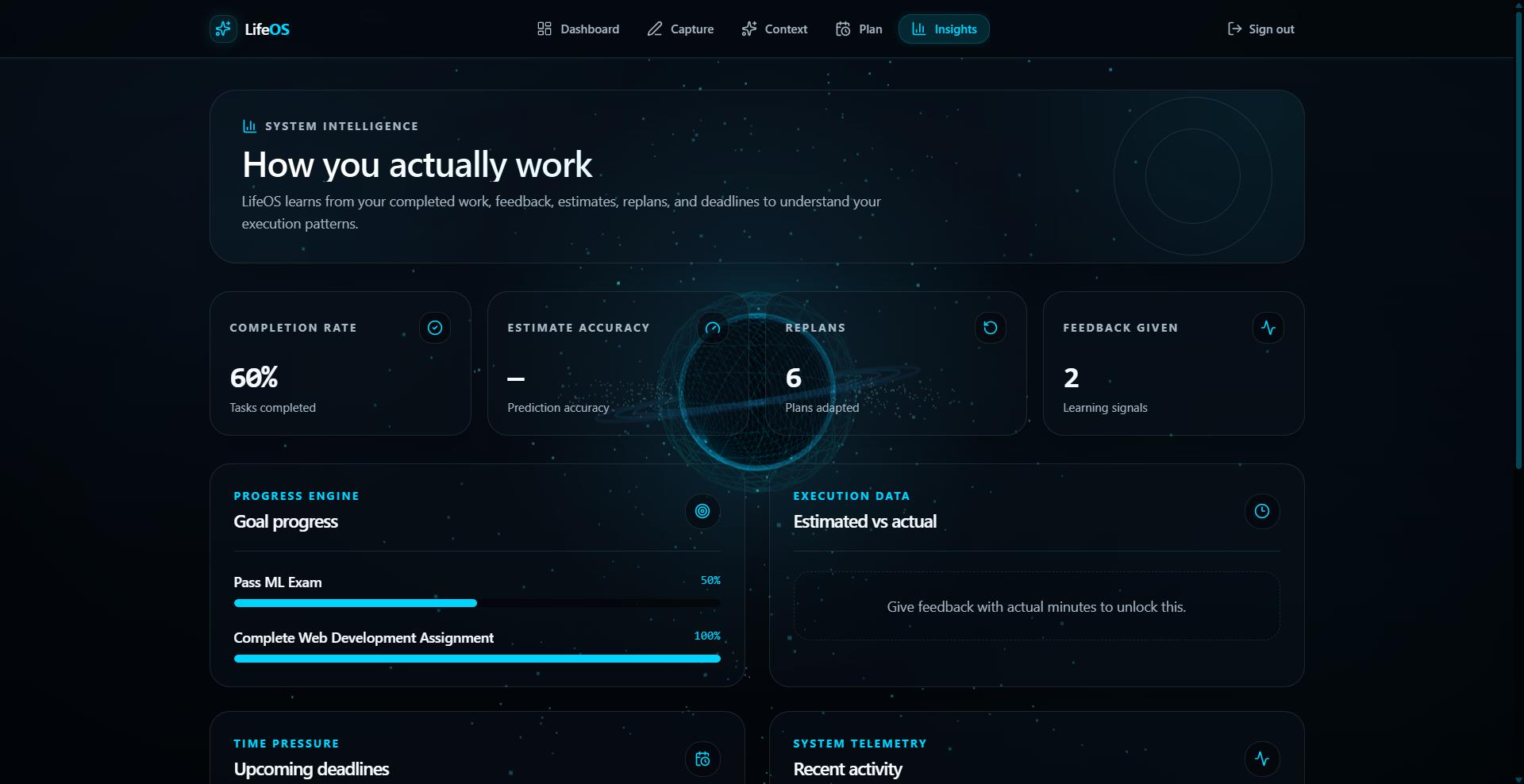
Insights Page
-
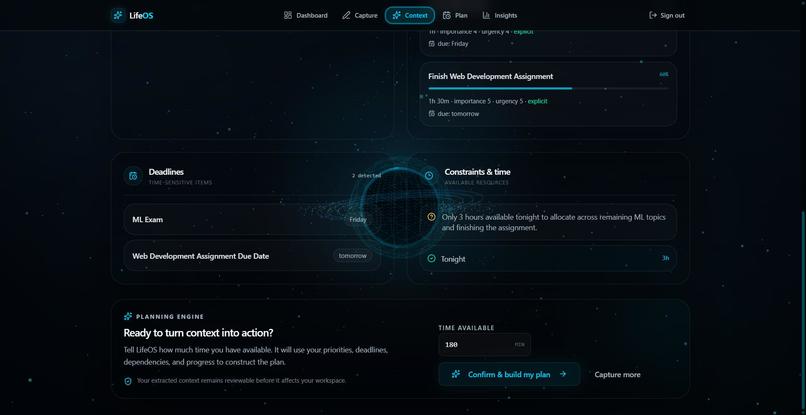
Analysis
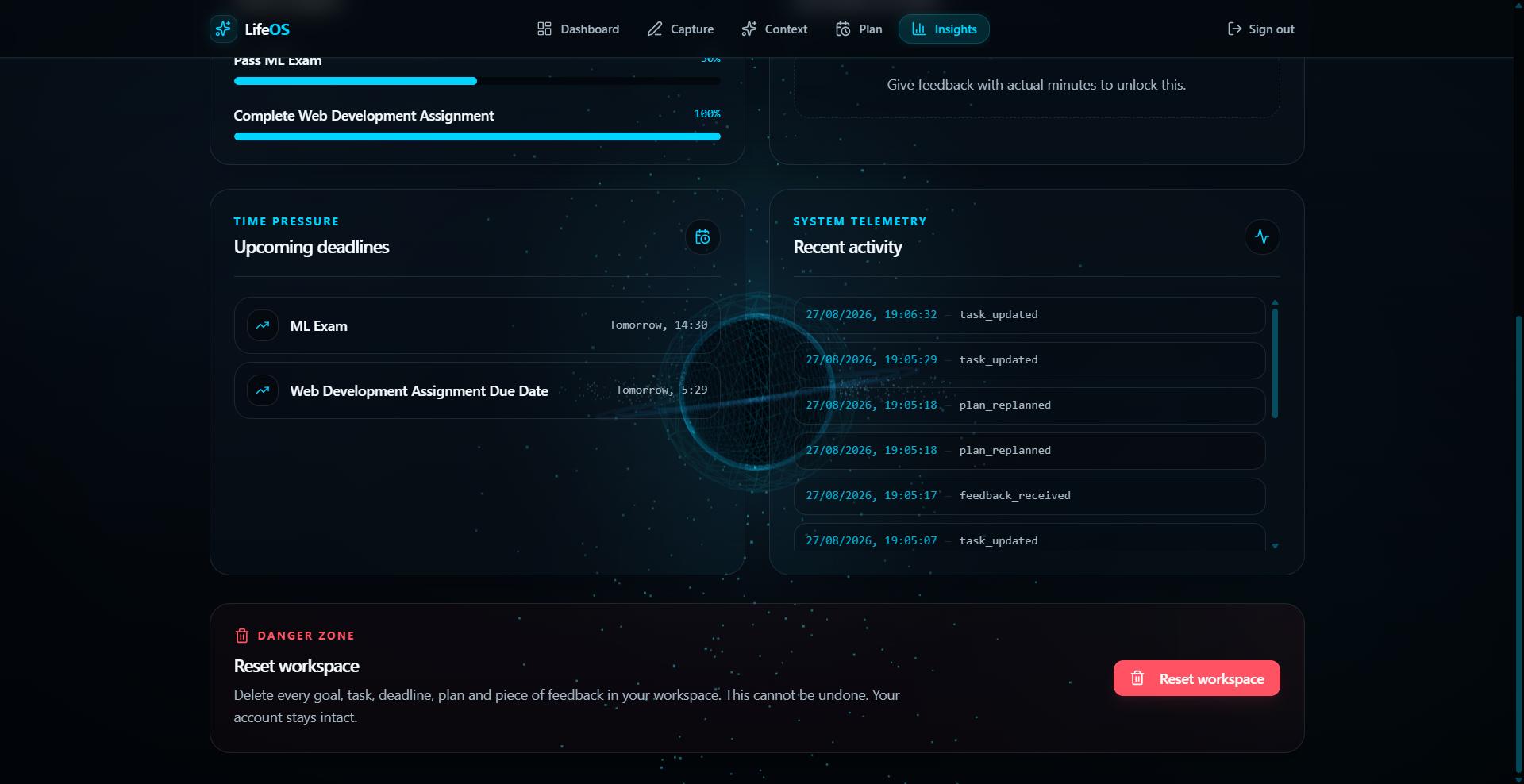
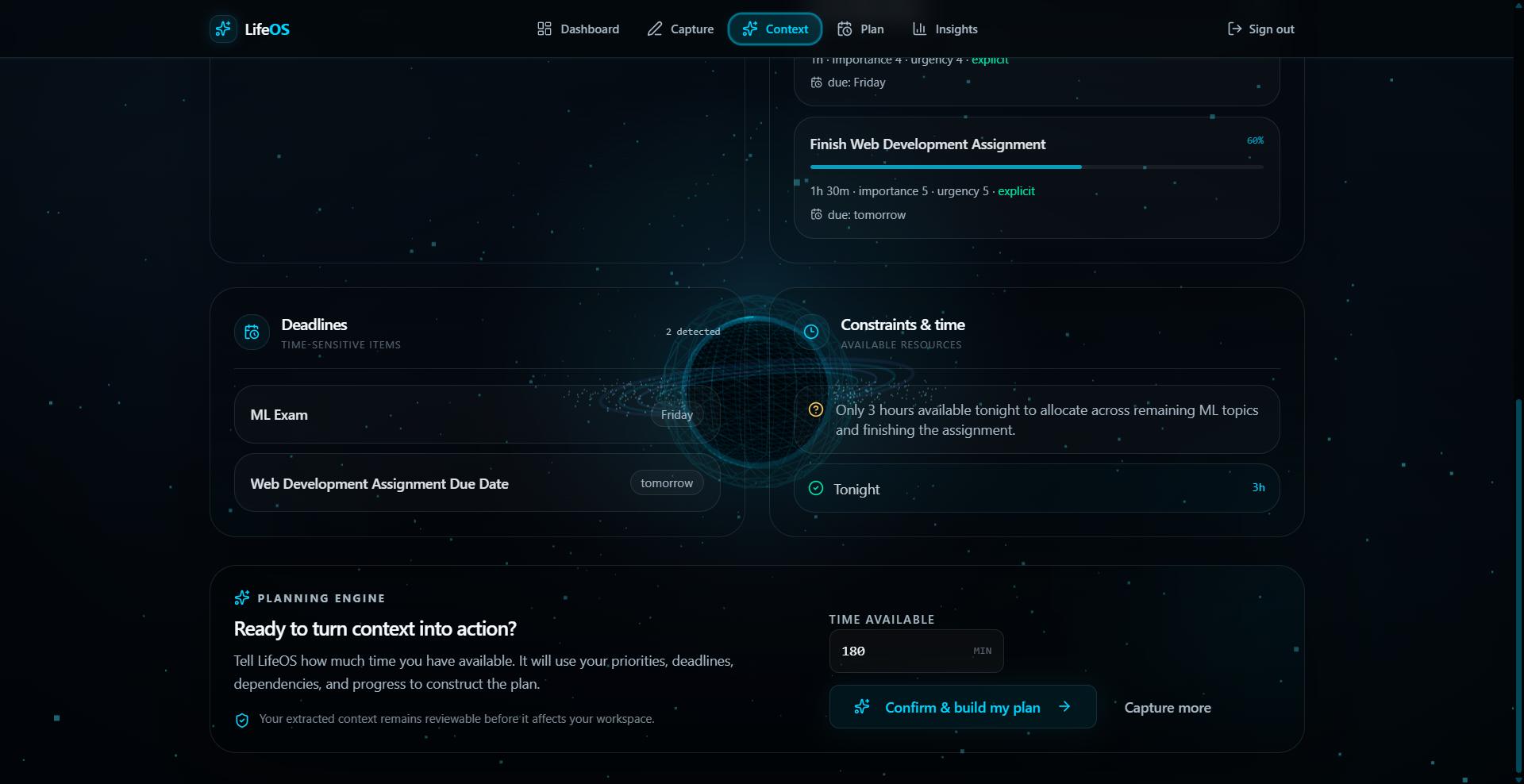
🧠 LifeOS — Turning Chaos Into the Next Move
💡 Where the Idea Came From
There is no shortage of productivity apps.
We have task managers, calendars, notes, reminders, project boards, and AI assistants.
But after putting everything into these tools, one question still remains:
“What should I do next?”
That question became the starting point for LifeOS.
As a student, I often found myself looking at multiple deadlines, assignments, exams, projects, and unfinished work at the same time. The problem wasn't knowing that these things existed. The problem was deciding what deserved attention first.
I realized that productivity is not only about managing information.
It is about making decisions under constraints.
So I started building LifeOS — an AI Personal Action System designed to turn messy information into context, priorities, realistic plans, and a clear next action.
⚡ The Core Idea
LifeOS is built around a simple transformation:
MESSY INFORMATION
        ↓
     UNDERSTAND
        ↓
     PRIORITIZE
        ↓
       PLAN
        ↓
    NEXT ACTION
        ↓
       ACT
        ↓
      ADAPT
Instead of forcing users to manually organize everything first, LifeOS accepts natural-language context.
For example:
“My ML exam is Friday. My web assignment is due tomorrow and it's 60% complete. I have two hours tonight.”
From that, LifeOS can identify:
- What needs to be done
- Which deadlines are approaching
- How much work is already completed
- How much time is available
- What should receive attention first
The result is not simply another task list.
It is a decision:
“Here is what you should do next.”
🎯 Why Not Just Build Another To-Do App?
A traditional productivity tool might show:
☐ Complete assignment
☐ Study Naive Bayes
☐ Study Linear Regression
☐ Practice questions
☐ Work on project
The user still has to make the decision.
LifeOS tries to move one step further:
┌───────────────────────────────┐
│          NEXT ACTION          │
│                               │
│   Complete the assignment.    │
│                               │
│   HIGH PRIORITY               │
│                               │
│   Due tomorrow                │
│   Already 60% complete        │
│   Fits the available time     │
└───────────────────────────────┘
The goal is to reduce decision fatigue and make it easier to start.
🧠 Where AI Comes In
I integrated Google Gemini into the workflow because natural-language context is messy.
Users don't naturally think in database fields like:
deadline = tomorrow
progress = 60%
available_time = 120 minutes
priority = high
They say:
“My assignment is due tomorrow, I'm around 60% done, and I only have two hours tonight.”
Gemini helps LifeOS understand this kind of language and extract useful structured context.
AI is used for tasks such as:
- Understanding natural-language input
- Extracting tasks
- Identifying goals
- Detecting deadlines
- Interpreting progress
- Supporting recommendations
- Generating explanations
But I didn't want the application to become:
Input → LLM → Random Answer
Instead, I designed a hybrid approach:
Natural Language
       ↓
   Gemini AI
       ↓
Structured Context
       ↓
Application Logic
       ↓
Priority + Planning
       ↓
Next Action
This lets AI handle language understanding while application logic can handle structured decisions and constraints more predictably.
📅 Planning Around Real Constraints
One of the things I wanted to avoid was an unrealistic AI-generated schedule.
If someone has three hours available, the system shouldn't pretend they have six.
LifeOS considers factors such as:
- Available time
- Task duration
- Deadlines
- Priority
- Progress
- Dependencies
- Breaks
This changes planning from:
“Here is everything you should do.”
to:
“Here is what can realistically fit right now.”
If everything cannot fit, the system can make that limitation visible rather than hiding it behind an attractive schedule.
🔄 The Idea That Became the Differentiator
The more I worked on LifeOS, the more I realized something important:
A plan is only useful until reality changes.
You might plan to spend 45 minutes on an assignment.
Then it takes 90 minutes.
Your available time changes.
A deadline gets closer.
A new task appears.
A traditional static plan starts becoming irrelevant.
That led to the adaptive principle behind LifeOS:
PLAN
 ↓
ACT
 ↓
REALITY CHANGES
 ↓
REASSESS
 ↓
REPLAN
 ↓
NEW NEXT ACTION
The long-term vision is for LifeOS to continuously respond to changing circumstances instead of treating the original plan as permanent.
When reality changes, the system should adapt — not blame the user for missing the plan.
🛠️ How I Built It
LifeOS is a full-stack application.
Frontend
- React
- TypeScript
- Vite
- Tailwind CSS
- shadcn/ui
The frontend focuses on an action-oriented experience where the user can move from context to analysis, planning, and the next action.
Backend
- Python
- FastAPI
The backend connects the application workflow and handles communication between the frontend, AI services, and application logic.
AI
- Google Gemini
Gemini provides the natural-language understanding and reasoning capabilities needed to turn unstructured user input into useful context.
Deployment
- Vercel
- GitHub
The project is publicly deployed so the core experience can be tested as a real application rather than only as a local prototype.
🔨 The Challenges
The hardest part wasn't getting an AI model to generate text.
The hard part was figuring out what the AI should actually do inside a product.
I faced several challenges while building LifeOS.
1. Turning messy language into useful structure
Users don't provide information in a perfectly organized format. Dates, priorities, progress, and available time can all appear naturally inside a paragraph.
The system needed to turn that into something the rest of the application could actually use.
2. Combining AI with deterministic logic
I learned that an LLM does not need to control every decision.
Some parts are better handled through predictable application logic, especially when dealing with constraints such as time and task duration.
3. Making recommendations explainable
I didn't want LifeOS to simply say:
“Do this.”
It should also be able to communicate:
“Why this?”
Deadline proximity, urgency, progress, and available time can all contribute to that decision.
4. Building the full-stack connection
Connecting React, FastAPI, AI services, API requests, state management, environment variables, CORS, and deployment introduced several practical problems.
Debugging those issues taught me that building an AI product is much more than connecting an API to a button.
5. Designing for the real world
The biggest conceptual challenge was accepting that users don't operate according to perfect schedules.
That is why adaptation became a central part of the product direction.
📚 What I Learned
Building LifeOS taught me several things that I would not have learned by simply experimenting with an AI API.
AI needs a meaningful job.
Adding an LLM doesn't automatically create an AI product.
The AI needs to solve a real part of the user's problem.
Context is more valuable than isolated tasks.
A task's importance depends on its deadline, progress, available time, and relationship to everything else happening.
Planning and prioritization are different.
Knowing what matters most doesn't automatically tell you what can realistically fit into the next two hours.
Explainability matters.
Users are more likely to trust a recommendation when they understand the reasoning behind it.
Real life is dynamic.
The best plan isn't necessarily the plan that looks perfect initially.
The better system is one that can respond when circumstances change.
🚀 What Comes Next
The current MVP focuses on the core action workflow.
The next stage is making the adaptive loop more complete:
Understand
    ↓
Prioritize
    ↓
Plan
    ↓
Act
    ↓
Measure Change
    ↓
Recalculate
    ↓
Replan
    ↓
Next Action
Future versions could connect LifeOS with calendars, email, documents, GitHub, notes, and other sources of personal context.
The long-term vision is not to replace those tools.
It is to become the decision layer above them.
Imagine giving LifeOS access to everything happening around you and asking:
“Given everything happening right now, what should I do next?”
That is the problem I want LifeOS to solve.
🏆 Why LifeOS
Most AI applications follow:
USER
 ↓
QUESTION
 ↓
AI
 ↓
ANSWER
LifeOS is designed around something different:
USER
 ↓
MESSY INFORMATION
 ↓
AI UNDERSTANDS
 ↓
SYSTEM PRIORITIZES
 ↓
SYSTEM PLANS
 ↓
NEXT ACTION
 ↓
USER ACTS
 ↓
REALITY CHANGES
 ↓
SYSTEM ADAPTS
The goal isn't to give users more information.
It is to help them turn information into action.
🧠 LifeOS
Understand what matters. Know what to do next. Adapt when reality changes.
Understand. Prioritize. Plan. Act. Adapt.

