-
-
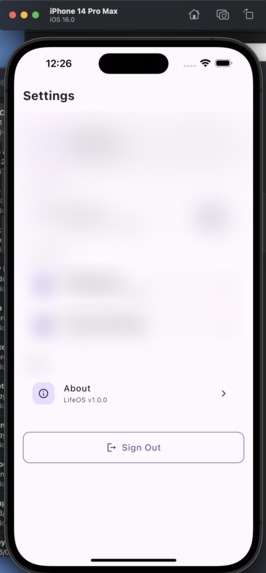
dashboard page........updgrading
-

logo
-
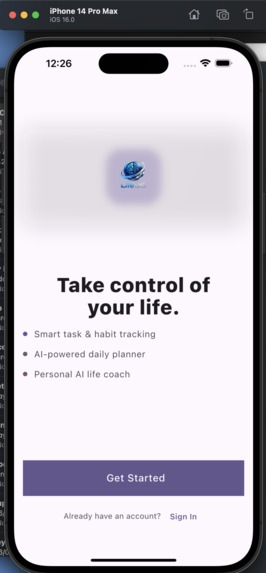
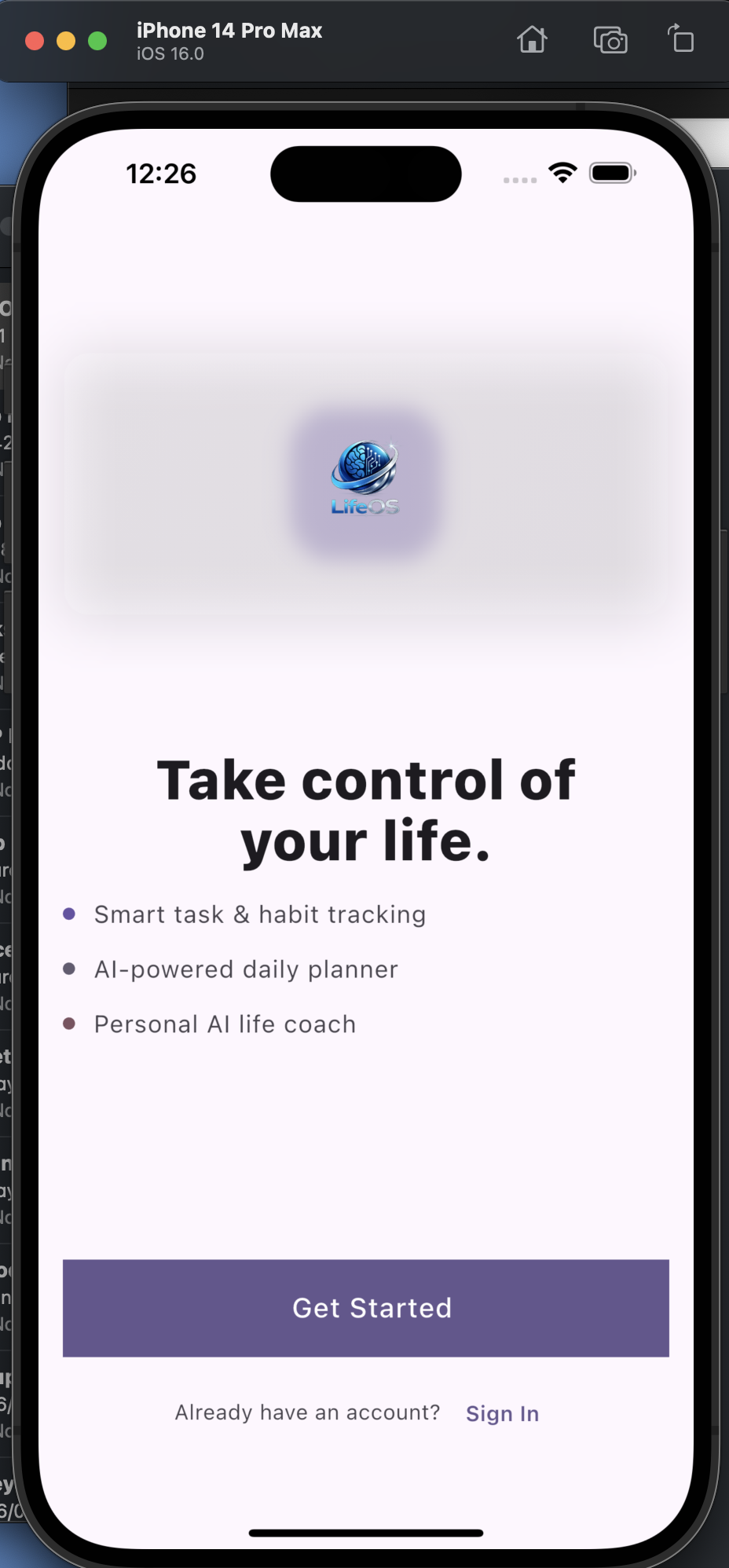
slpash
-
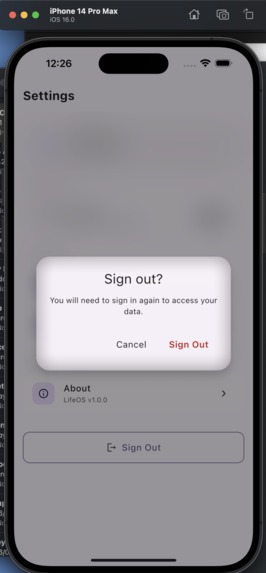
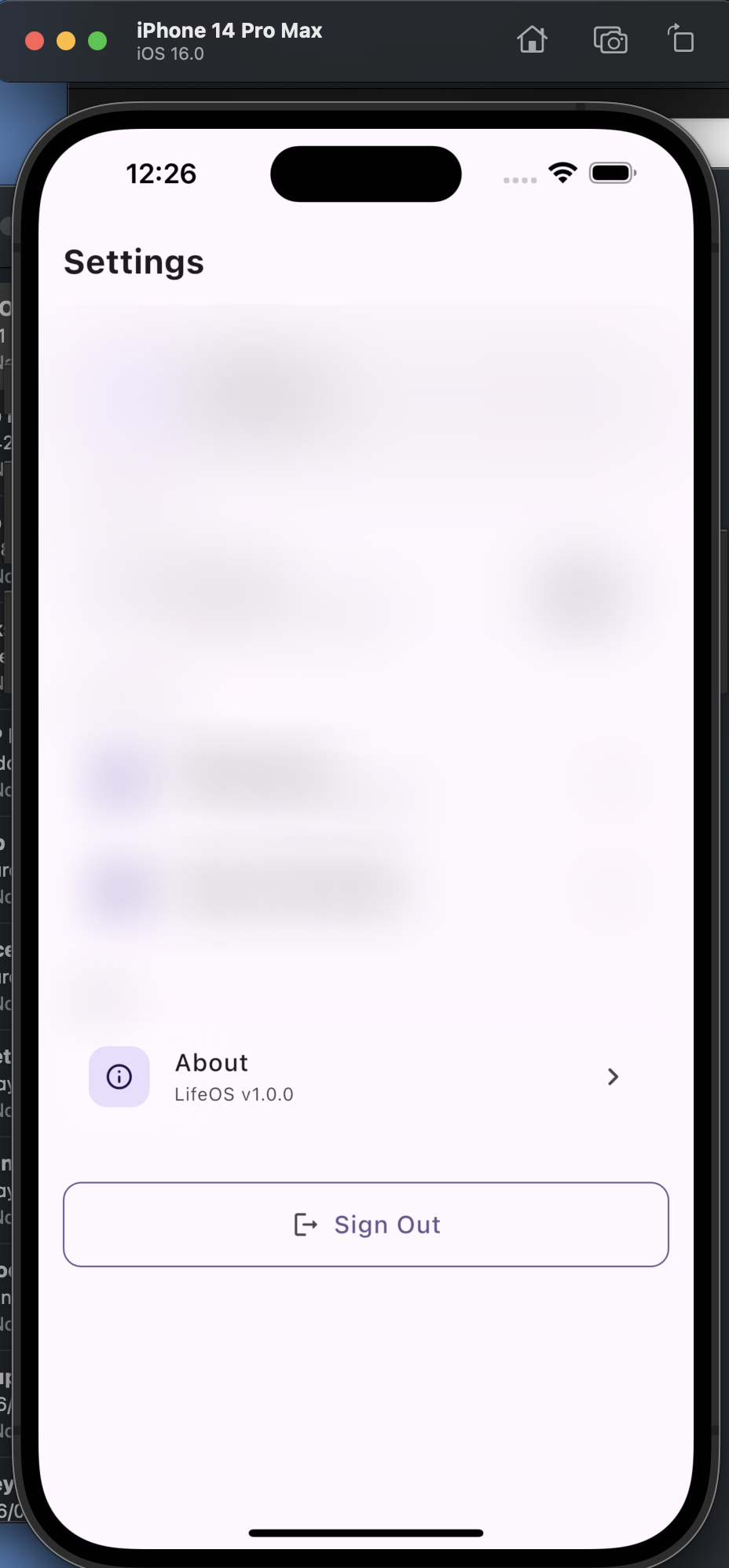
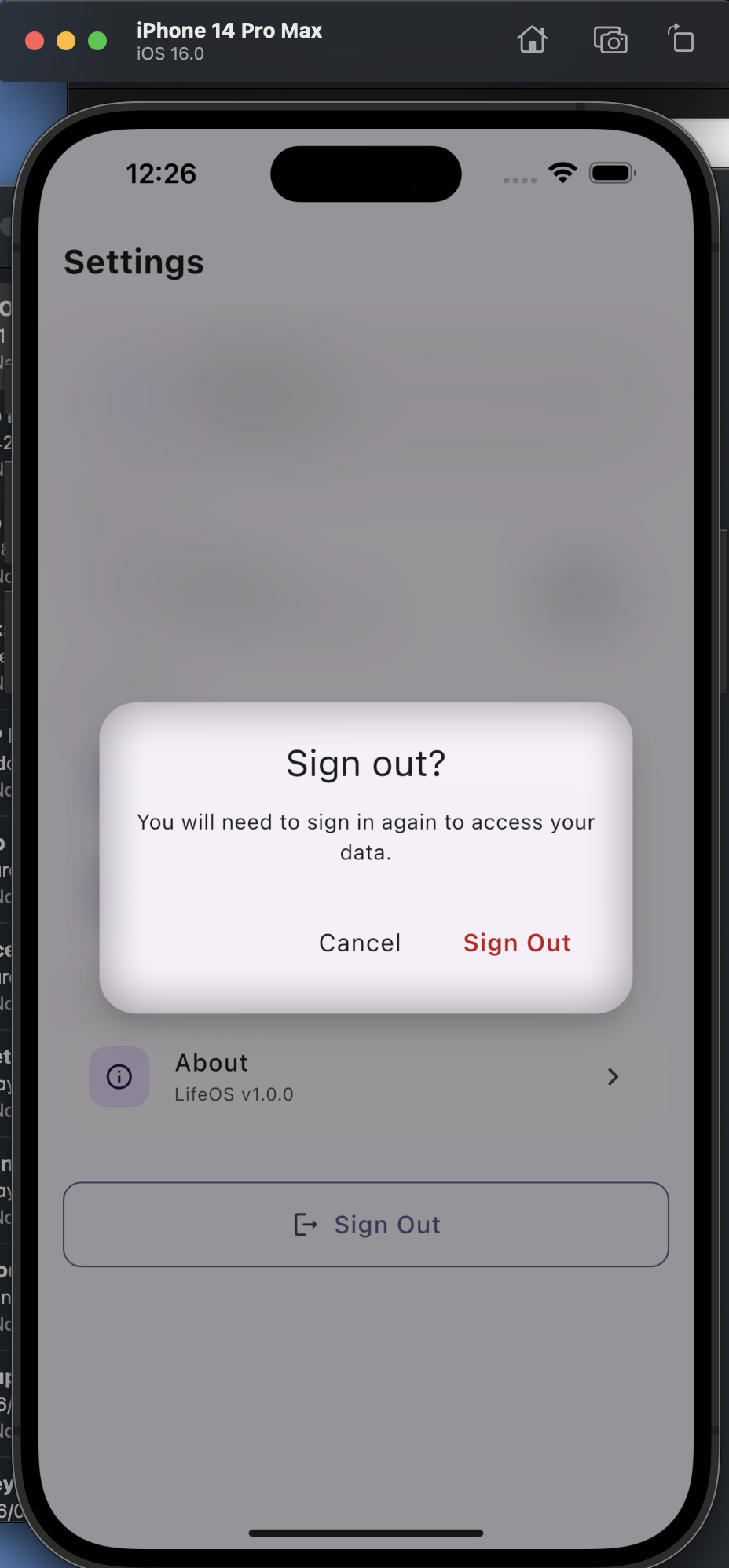
sign out
-
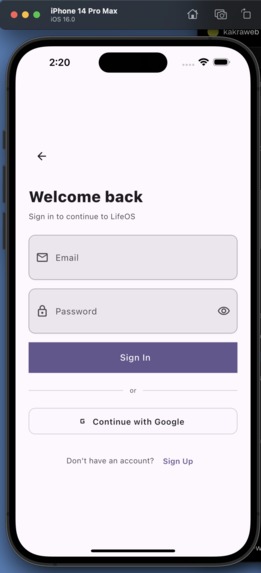
sign in
-
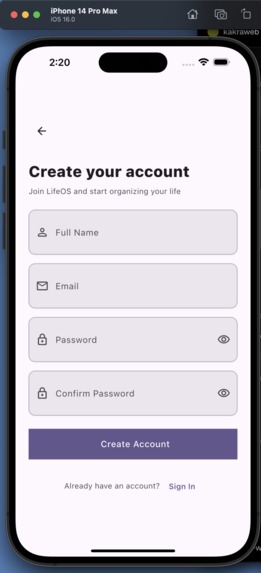
sign up

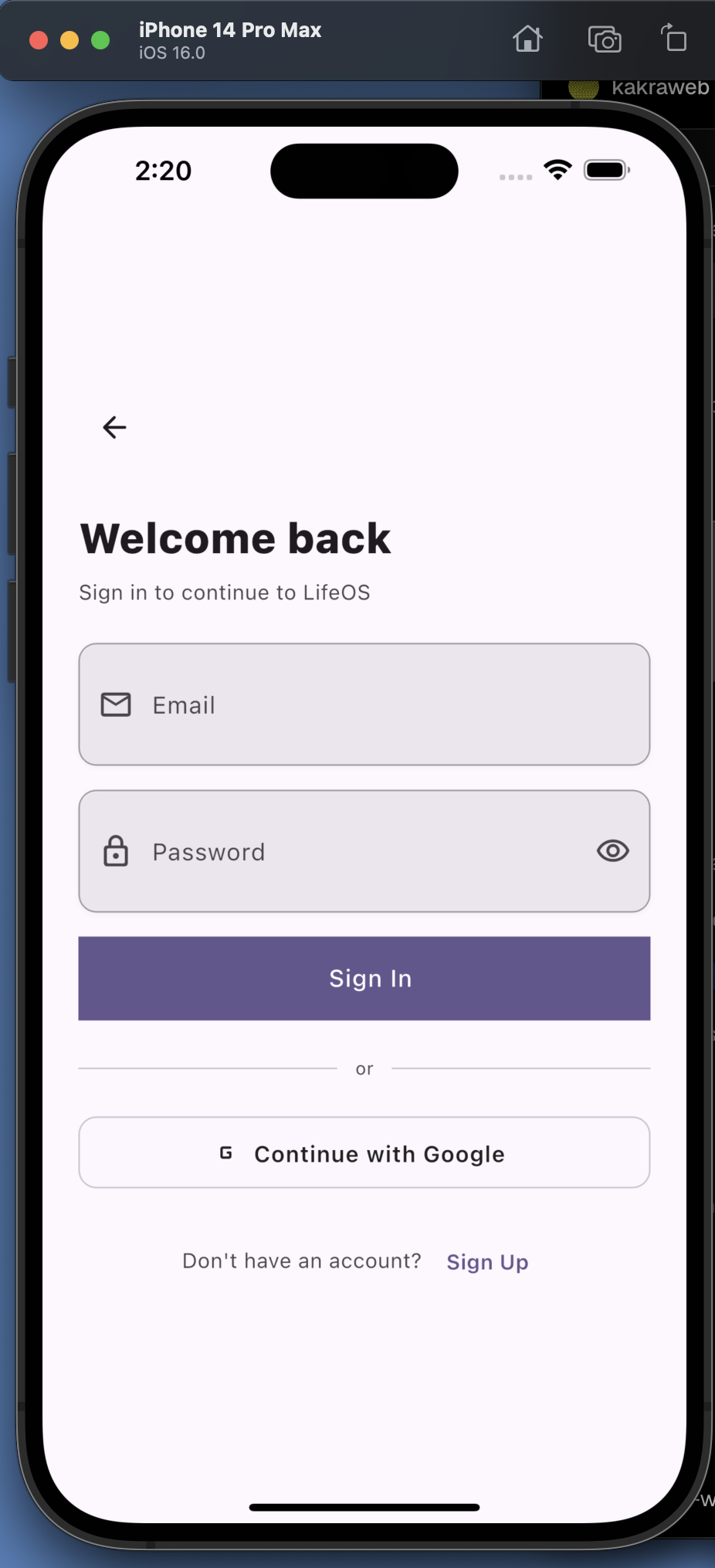
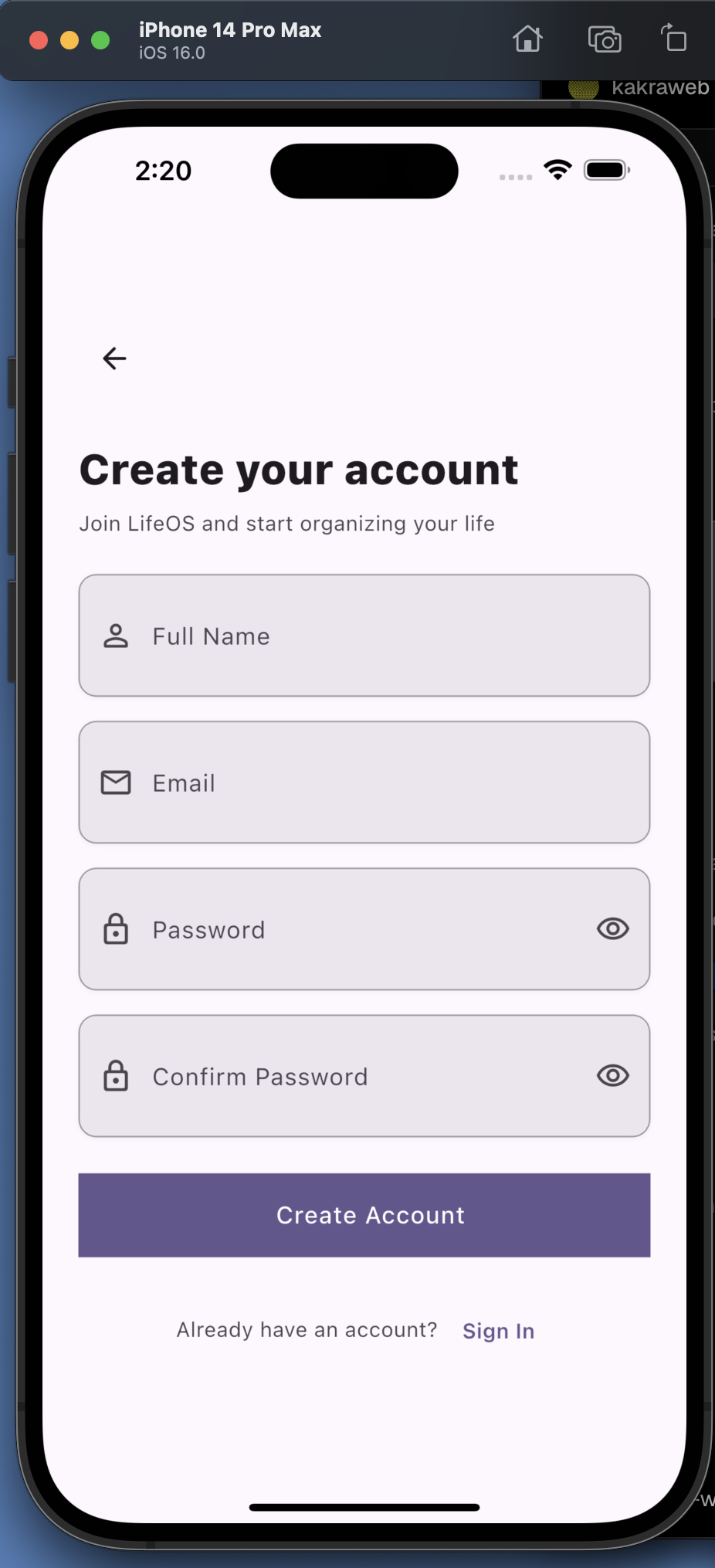
Inspiration
LifeOS AI Modern life is fragmented. I use separate apps for tasks, calendars, notes, reminders, goal tracking, and AI assistants. Constantly switching between them makes it difficult to stay organised and focused. We wanted to create a single intelligent workspace that brings everything together. LifeOS AI is designed to act as a personal operating system for everyday life, helping users organise their work, studies, and personal goals while providing AI-powered assistance when they need it.
My vision is to make productivity feel effortless by combining planning, organization, and intelligent automation into one seamless experience
What it does
LifeOS AI is an AI-powered productivity platform that helps users manage every aspect of their daily lives from one application. Key capabilities include: • 📅 Smart calendar and schedule management • ✅ Intelligent task and to-do management • 📝 Rich note-taking and organization • 🎯 Goal and habit tracking • 🤖 AI assistant for planning and productivity • 🔔 Personalized reminders and notifications • 📊 Dashboard with an overview of daily activities Rather than juggling multiple productivity apps, users can manage everything from one unified interface.
How we built it
LifeOS AI is being developed using a modern Flutter architecture to ensure a consistent experience across Android, iOS, web, and desktop.
Technology Stack • Flutter • Dart • Riverpod for state management • GoRouter for navigation • Firebase Authentication • Shared Preferences • Material 3 Design • Android Studio • VS Code/Codex • Git & GitHub The application follows a feature-based architecture, making it scalable and maintainable as new capabilities are added
Challenges we ran into
One of our biggest challenges was configuring a stable cross-platform development environment. While Android development progressed smoothly, we encountered compatibility issues between our macOS version, Xcode, and the latest Firebase iOS SDK. Resolving dependency conflicts and platform configuration required careful debugging and testing.
Another challenge was designing an architecture that could support future AI features without sacrificing maintainability
Accomplishments that we're proud of
Designed a scalable Flutter architecture from the ground up. • Established a clean feature-based project structure. • Built the foundation for a unified productivity platform instead of a single-purpose app. • Successfully configured Android development and prepared the project for future AI integration. • Created a vision that combines productivity, planning, and artificial intelligence into one cohesive experience
What we learned
Building LifeOS AI reinforced the importance of planning software architecture before adding features. We also gained valuable experience with: • Flutter application architecture • Cross-platform development • State management with Riverpod • Navigation using GoRouter • Firebase integration • Android and iOS platform configuration • Debugging dependency and build issues Most importantly, we learned that solving developer tooling challenges early creates a stronger foundation for rapid feature development later
What's next for LifeOS AI
Our roadmap includes: • AI-powered daily planning • Intelligent schedule optimization • Voice-based assistant • AI-generated task prioritization • Smart note summarization • Calendar synchronization • Habit analytics and insights • Cloud synchronization across devices • Offline-first support • Team collaboration features Our long-term vision is for LifeOS AI to become an intelligent personal operating system that helps people organize, prioritize, and accomplish more every day

Log in or sign up for Devpost to join the conversation.