-
-
LifeNavigator App
I’ve always been fascinated by the tension between productivity and self-care. Most apps either track tasks or moods, but I wanted something that felt more human—something that helps navigate real life, not just check off boxes. That’s how the idea for LifeNavigator was born: a neon-themed productivity app that doesn’t just help you do more, but helps you understand why you do what you do, and how you feel while doing it.
But coming up with the idea was the easy part.
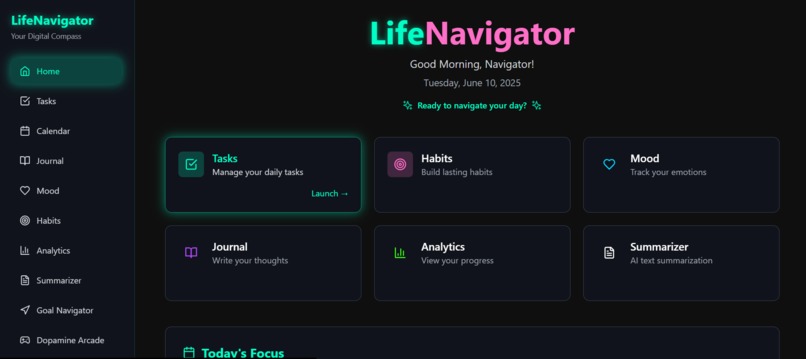
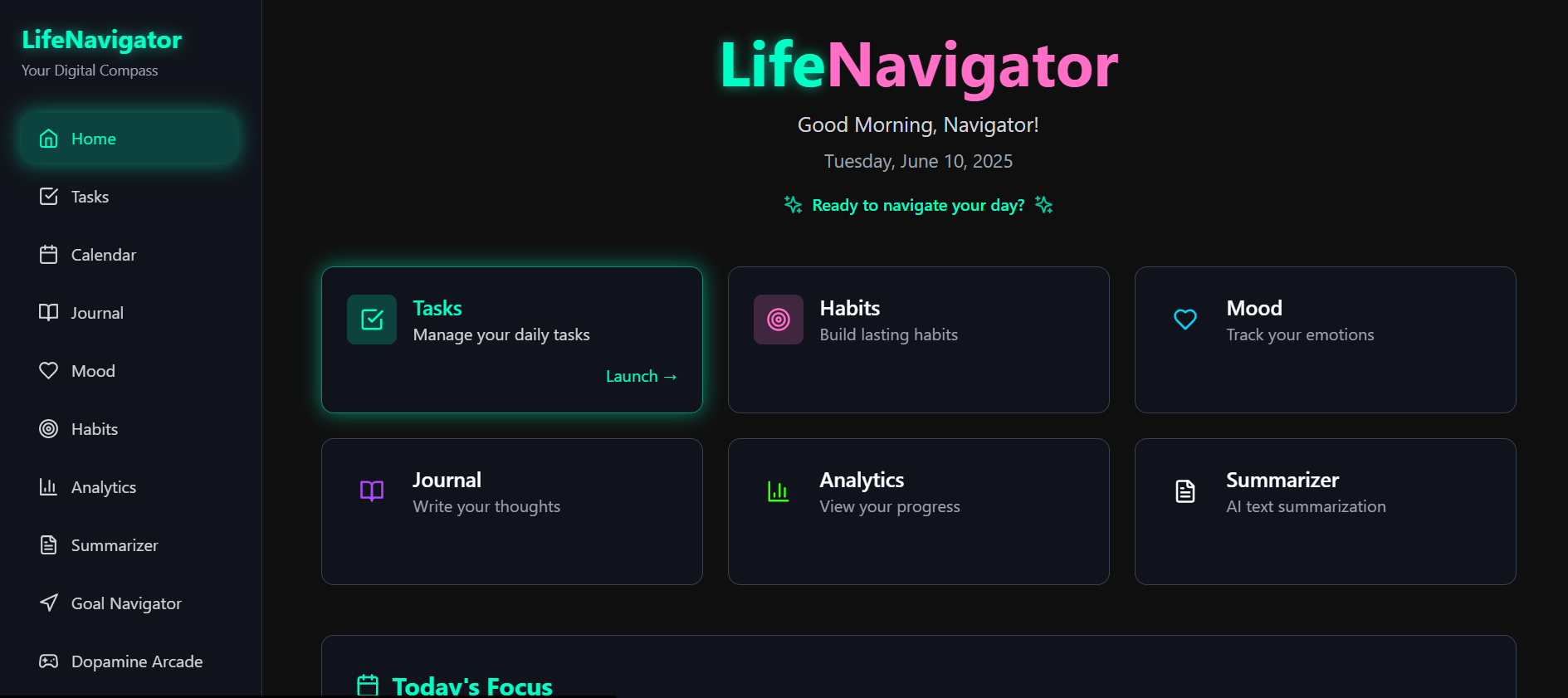
LifeNavigator is an AI-powered, neon-themed productivity app that helps users manage their daily lives with clarity and intention. It combines task management, habit tracking, journaling, mood monitoring, AI goal planning, and emotional insight — all in one seamless platform. With features like voice journaling, dopamine-driven progress visuals, and personalized AI guidance, LifeNavigator goes beyond basic productivity — it helps you understand your own patterns and behaviors.
We built LifeNavigator as a full-stack web app using: Frontend: React + TailwindCSS Backend: FastAPI (Python 3.11) Database: MongoDB AI integration: OpenAI GPT-4 for journaling emotion analysis, goal planning, and summarization Initially, I tried using Canva's AI coding tools to prototype the app, but it didn’t provide enough flexibility for a complex full-stack build. That’s when I discovered Bolt AI, which turned out to be the perfect partner. Using Bolt, I generated all core pages, connected backend endpoints, and learned how to prompt effectively with ChatGPT to get high-quality, context-aware code. I used prompts to create features like: Voice-to-text journal entries AI-powered goal breakdowns Mood/emotion tagging in journal logs A “Dopamine Arcade” screen that gamifies productivity with streaks, XP, and animations
CHALLENGES I RAN INTO: Finding a unique, meaningful idea beyond typical to-do apps Struggling with limitations in Canva code tools Learning to communicate clearly with AI — poor prompts led to poor results Connecting frontend and backend logic cohesively across several features Debugging generated code and customizing AI output for real-world use
Accomplishments that I am proud of: Turned a vague productivity idea into a cohesive, polished app Learned how to use Bolt AI and ChatGPT as true coding collaborators Successfully implemented multiple AI features that provide real value, not gimmicks Designed a beautiful dark-mode neon UI that feels fun, not corporate Created a system that promotes personal reflection and balance, not just productivity
WHAT I LEARNED: How to structure an entire full-stack app using modern tools The importance of clear, specific prompting when working with AI coding assistants That the best AI results come from human creativity + machine speed That building meaningful products is more about solving human needs than showing off tech
WHAT'S NEXT FOR LIFENAVIGATOR: Add calendar sync with Google/Apple calendars Introduce AI-generated weekly reflections based on user data Add community/accountability circles for shared habit tracking Package and publish as a mobile app with PWA support Continue refining the dopamine loop with visual and sound feedback
Built With
- boltai
- chatgpt
- fastapi
- framermotion
- html/css
- javascript
- mongodb
- motor
- netlify
- openai
- postman
- pydantic
- python3.11
- railway
- react
- tailwindcss
- vscode


Log in or sign up for Devpost to join the conversation.