-
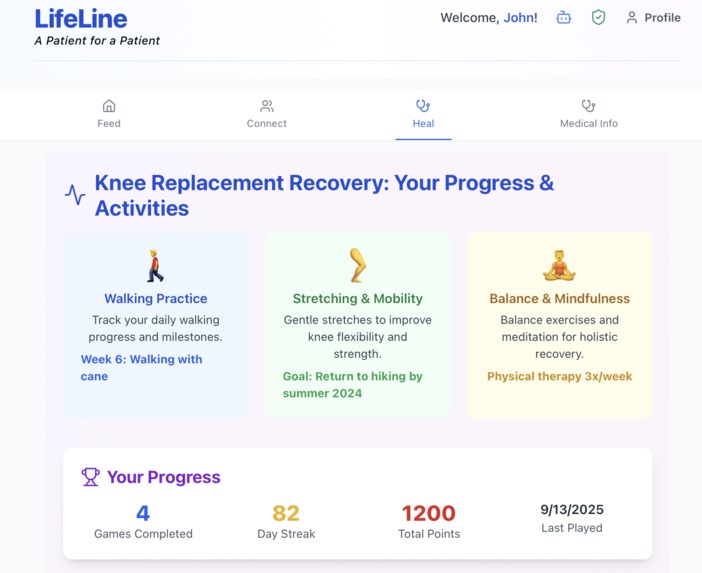
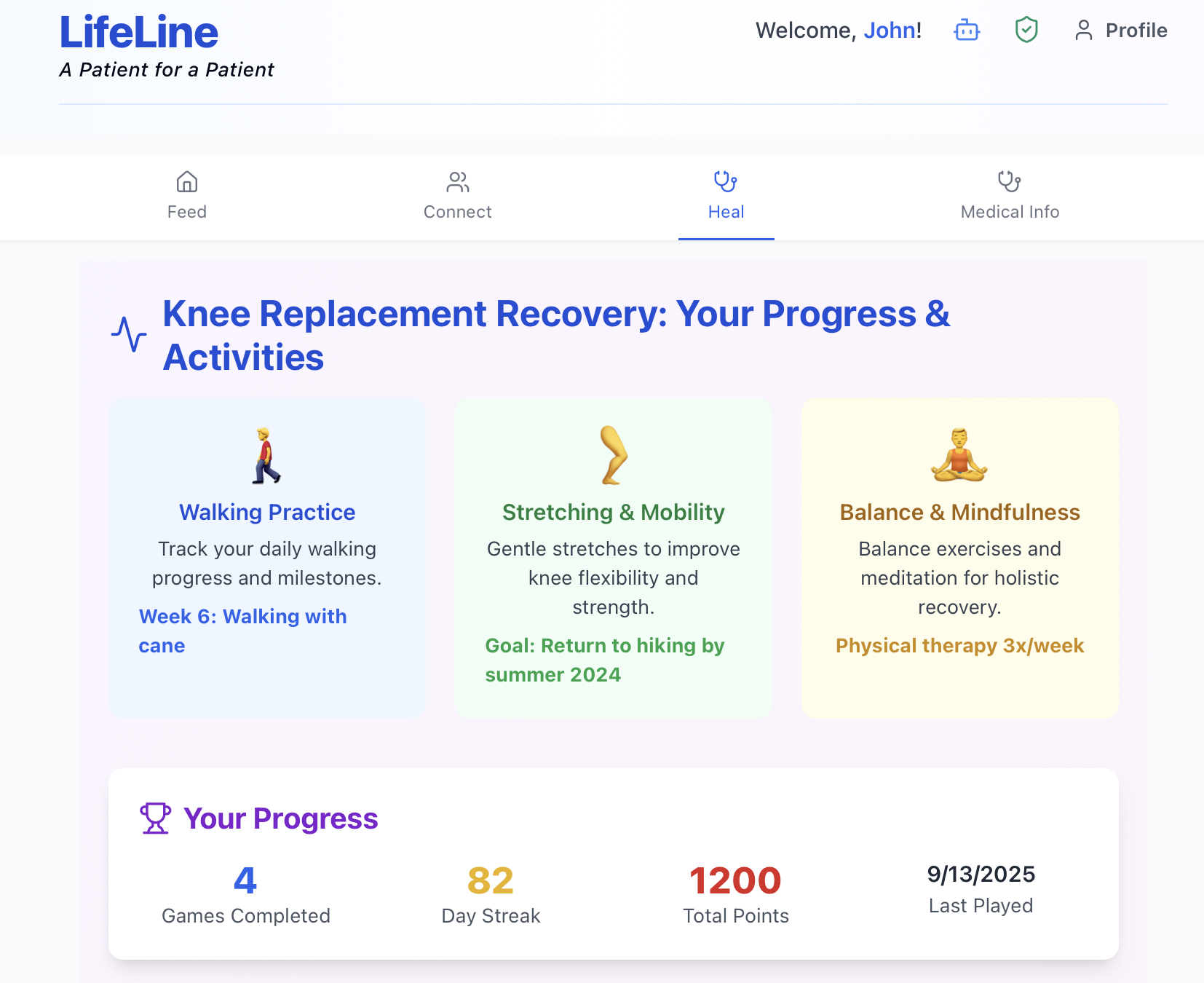
Game Dashboard
-
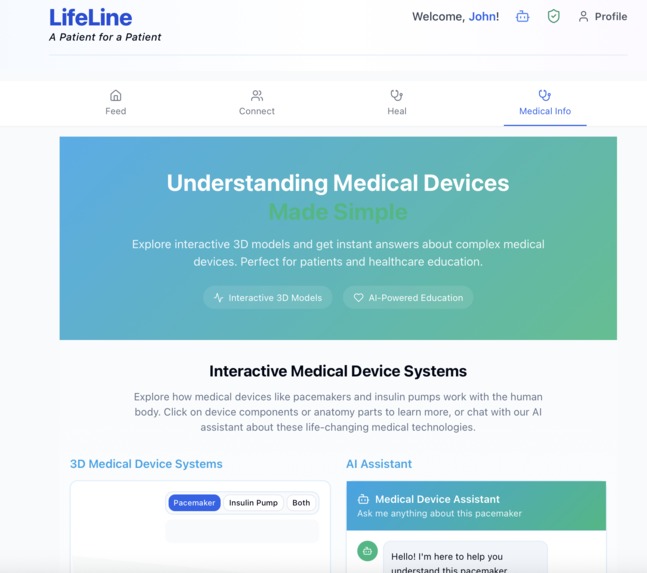
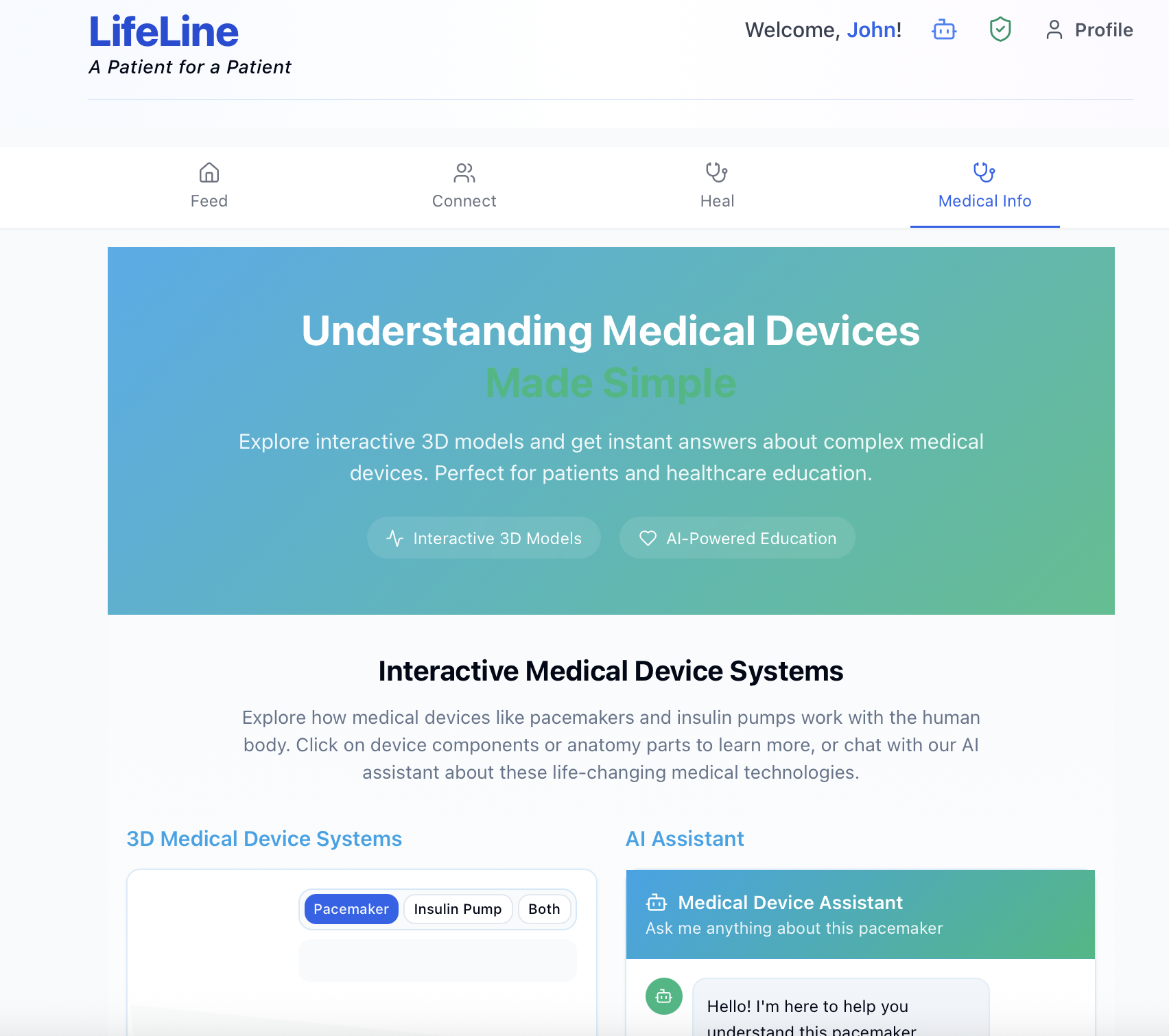
Portal for viewing the 3D model of the equipment
-
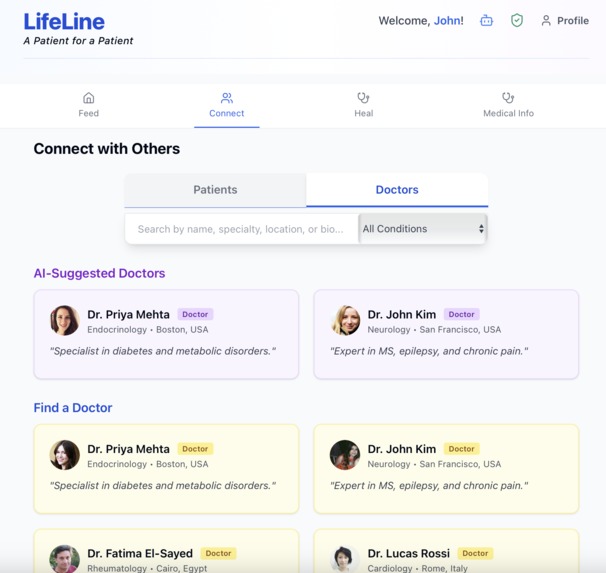
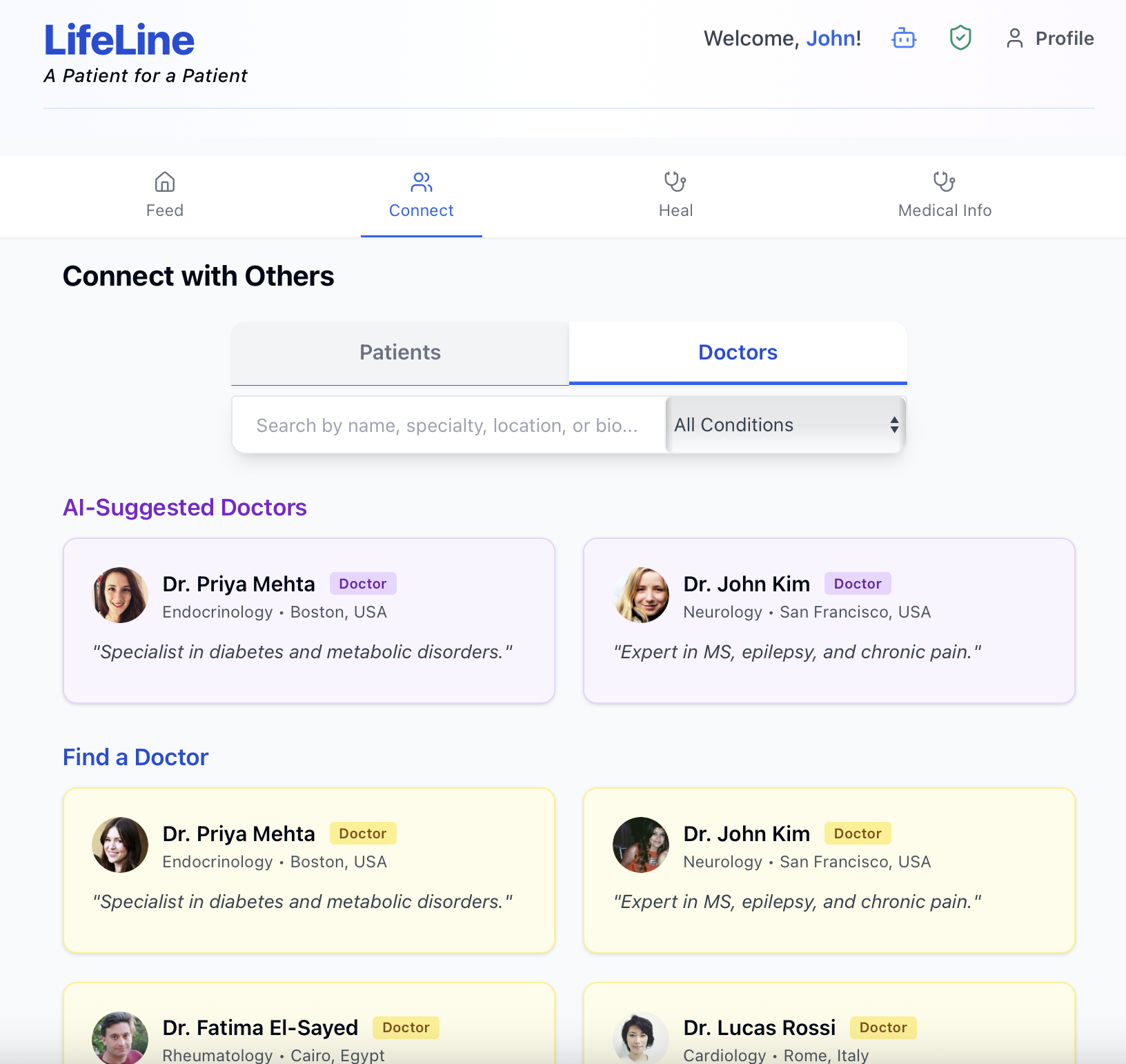
AI-suggested Doctors based on the issues that patients going through
Inspiration
Recovering from an illness or surgery can feel lonely and disorienting. LifeLine was inspired by loved ones who were looking for trusted support regarding care options, supportive communities, and trusted guidance beyond the clinic environment. Our goal was to create a warm, patient-first space that:
- Helpful for connecting people with similar experiences to learn, motivate, and heal together
- Helped to unpack relevant, trustworthy health information into layman's language — nothing diagnostic, just helpful guidance
- Identified low-cost care pathways, community resources, and philanthropic options for support
- Broke down complex medical devices and rehab concepts into digestible visuals, videos of less than 1 min, and an AI-friendly assistant
This project focused on merging empathy and technology — transforming scattered information into easy and meaningful support in moments of need.
What it does
- Patient social application with:
- onboarding experience (multi-step, validated contact, with country code & phone number) and friendly post-submit animation
- home feed: post with many types of media (images and videos) and like, comment toggle, and share
- connect: find peers with similar conditions and suggested peers to connect
- medical education: easy to learn on common rehab topics and devices
- games / heal tab: light recovery activities to keep users engaged
- AI Health Assistant in the header:
- short conversation type responses (not diagnosis, but care pathways, self and safety care, community or financial support, and learn more)
- ongoing chat with history and media input (images of equipment for reference). Find a way to render markdown to support readable tips.
- Visual-first: inline media in feed (demo SVGs and sample videos), and simple accessible UI ## How we built it
- Frontend: React 18 (TypeScript) + Vite, TailwindCSS (including Typography), lucide-react icons, react-markdown + remark-gfm.
- Backend: Flask (CORS, dotenv), MongoDB via PyMongo, structured routes under
/api. - AI: Google Gemini (google-generativeai) via backend proxies:
POST /api/ai/searchfor quick Q&A.POST /api/ai/chatfor multi‑turn, media‑aware chat (JSON or multipart form with images).
- UX details: AI modal with suggestions, markdown rendering, and concise follow‑ups; onboarding GIF then redirect; feed media grid; multi‑file composer with local previews.
- Dev setup: Vite proxy to Flask, environment vars for
GEMINI_API_KEY/GOOGLE_API_KEY(kept server‑side), and safety filters in AI calls. ## Challenges we ran into - AI output control: keeping answers short and on‑topic (tuned system prompts, temperature, and token limits).
- Safety and formatting: balancing safety settings with helpful content; using text/plain while still rendering Markdown client‑side.
- Environment and imports: resolving
ModuleNotFoundError: google, dotenv loading, and avoiding hardcoded keys. - Dev plumbing: Vite → Flask proxy alignment, CORS, and fixing a duplicate Flask route causing endpoint collisions.
- Media: supporting multi‑file uploads in the composer with safe previews and sensible size/type limits.
Accomplishments that we're proud of
- End‑to‑end AI assistant that’s empathetic, concise, and health/philanthropy‑aware.
- Multimodal chat that accepts images of medical equipment and responds with safety/usage guidance.
- Clean, approachable UX: onboarding validation + animation, media‑rich feed, and readable AI Markdown.
- Solid fundamentals: server‑side key handling, safety settings, and simple but effective content structures.
What we learned
- Prompt and safety design matter: small changes to instructions and limits greatly affect usefulness.
- Keep keys server‑side and proxy calls; never ship API keys to the browser.
- Practical UI patterns (previews, remove actions, concise toasts) reduce friction and errors.
- TypeScript ergonomics for chat history and media types help prevent edge‑case bugs.
What's next for LifeLine
- Insurance plugin (header)
- Quick coverage check and plan summary; surface in‑network providers, estimated out‑of‑pocket costs, and pre‑auth status.
- Inline suggestions in AI answers and Connect: show lower‑cost options compatible with the user’s plan.
- AI
- Streaming responses for faster perceived latency; citations and curated “learn more” links.
- RAG with trusted, health‑literacy‑friendly sources; lightweight grounding.
- Video assistance: extract key frames for image guidance on short clips.
- Social & data
- Persist chat sessions and posts in MongoDB with auth; private groups and clinician‑verified tips.
- Media storage (S3/Azure Blob) and CDN delivery; server‑side virus scanning for uploads.
- Product polish
- Accessibility (keyboard navigation, reduced motion), internationalization, and mobile optimizations.
- More recovery games and structured rehab plans with progress tracking.


Log in or sign up for Devpost to join the conversation.