-
-
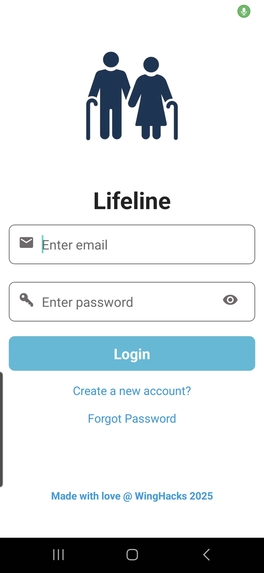
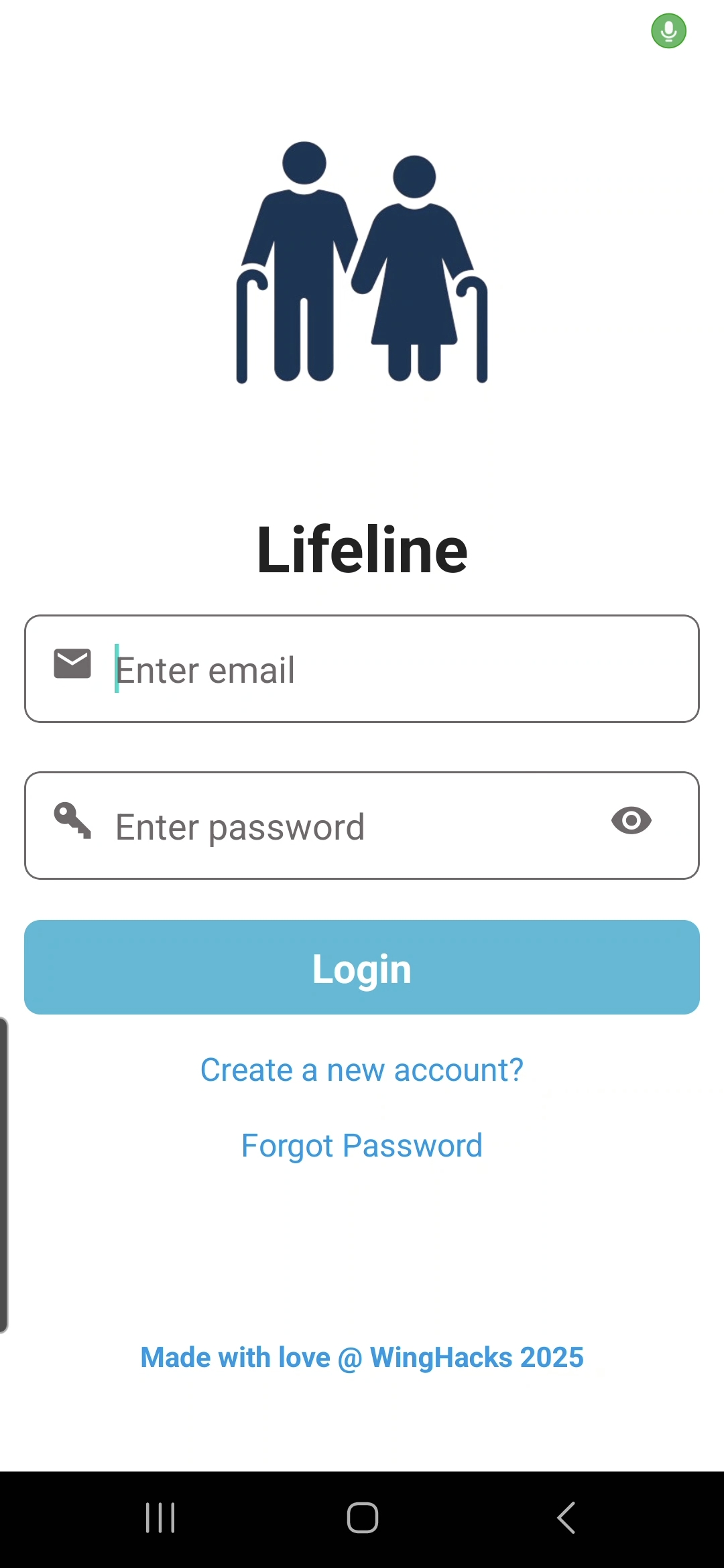
Lifeline Login Page
-
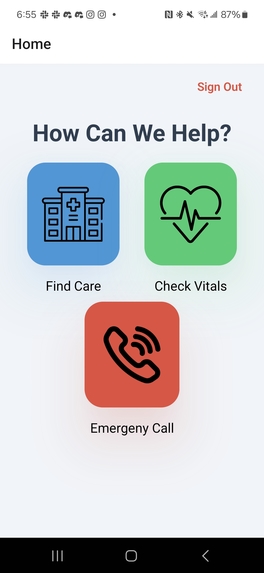
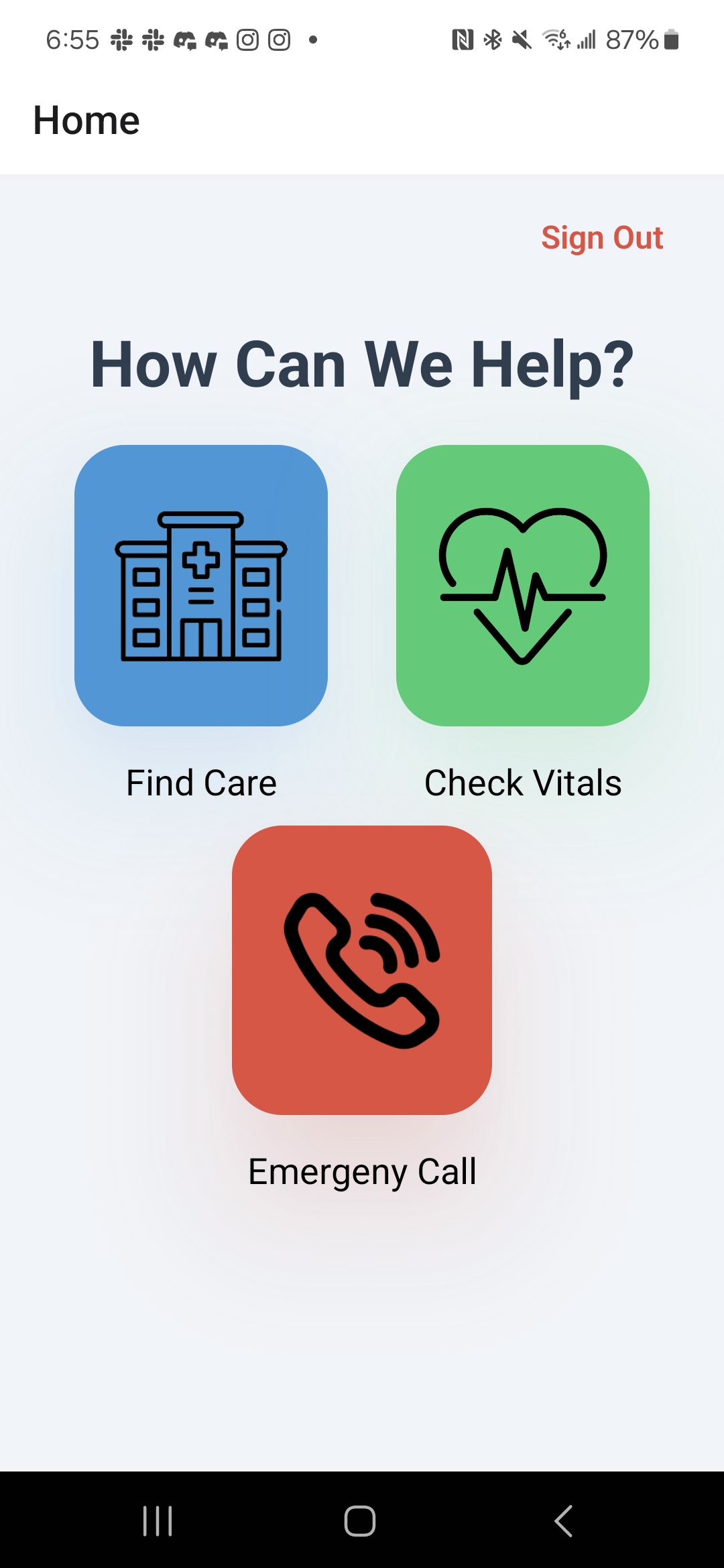
Dashboard
-
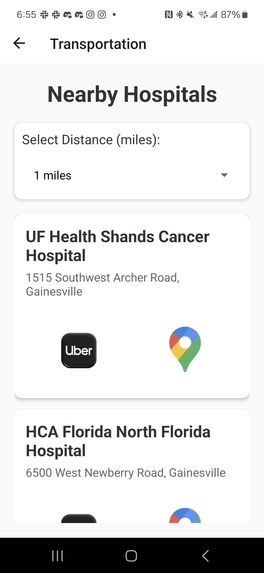
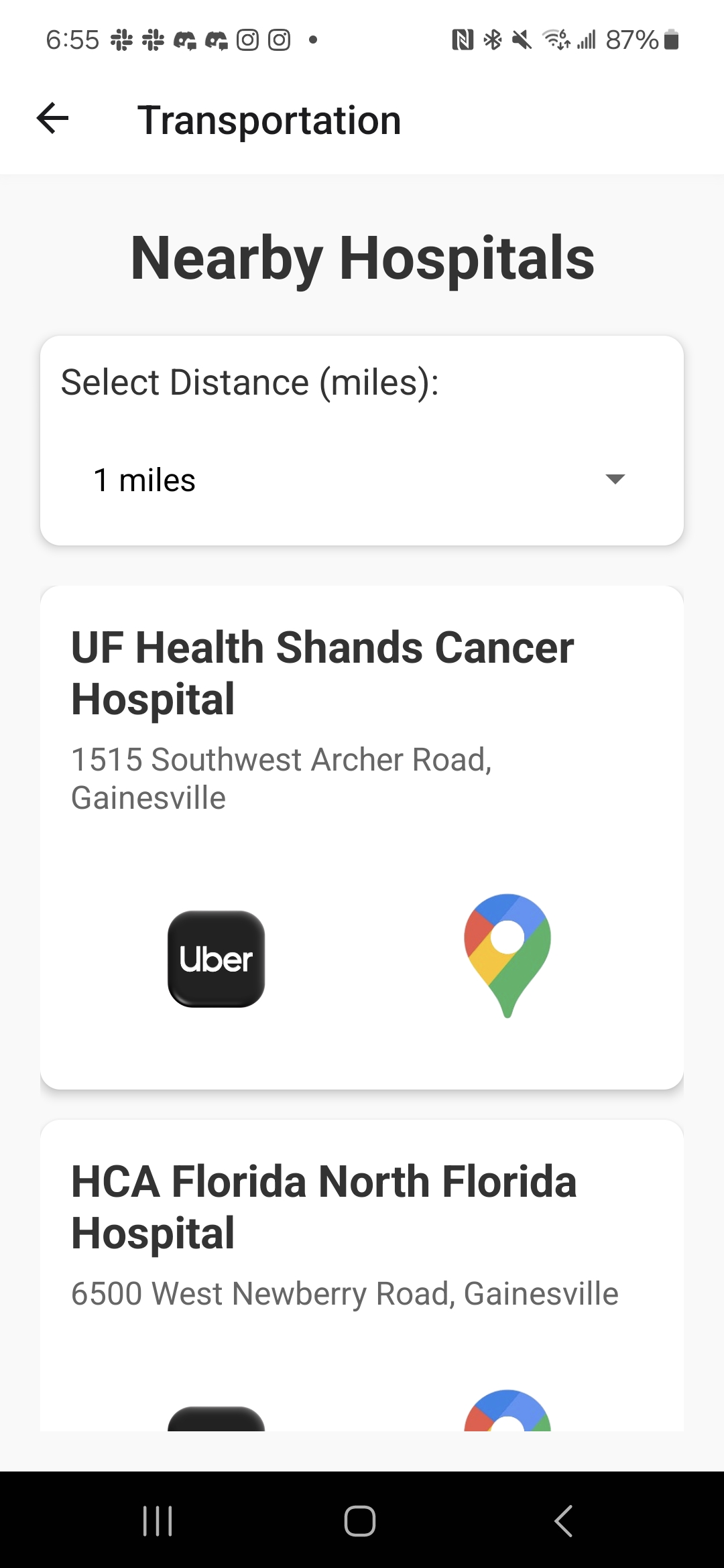
Hospital Transportation Accessor
-
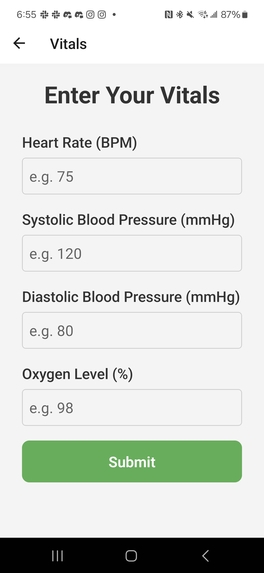
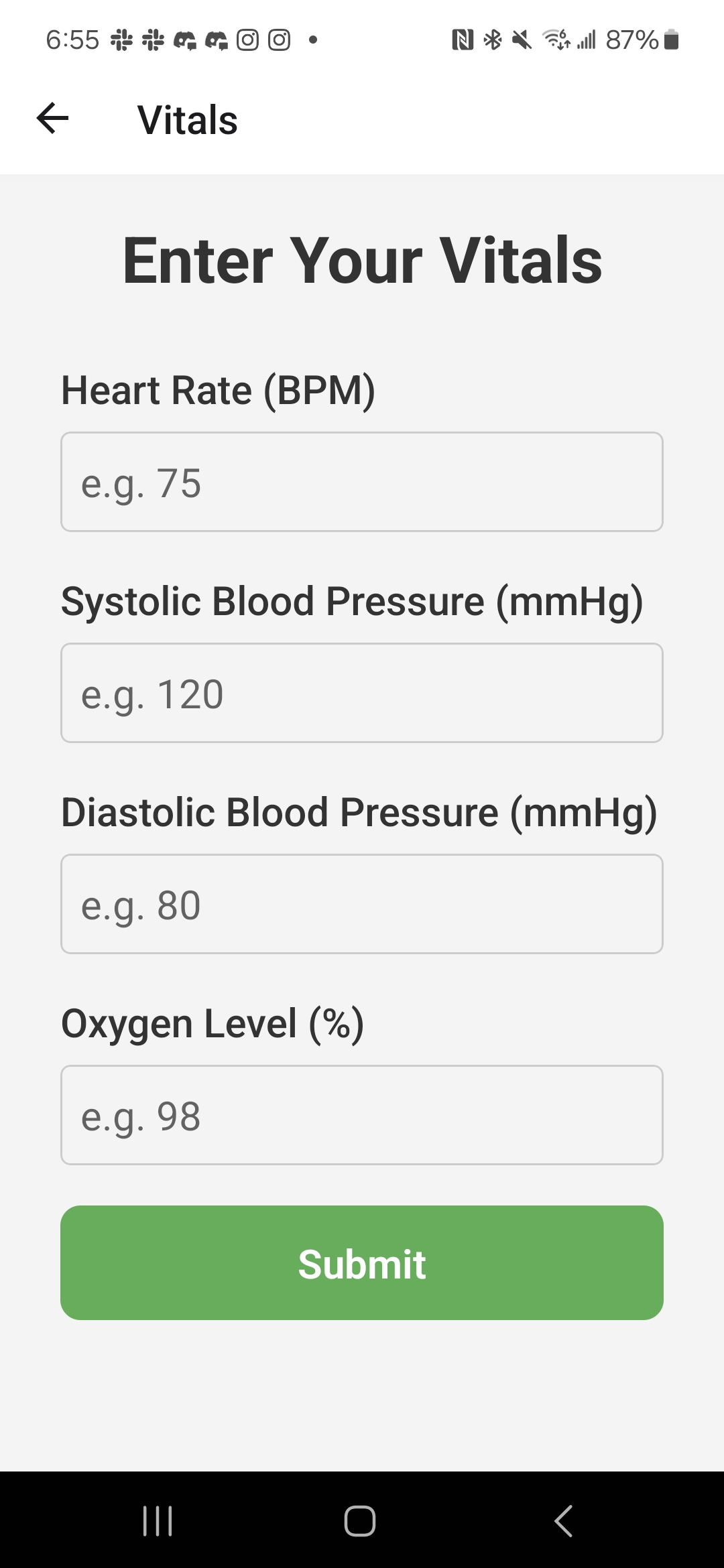
Vital Checker Page
-
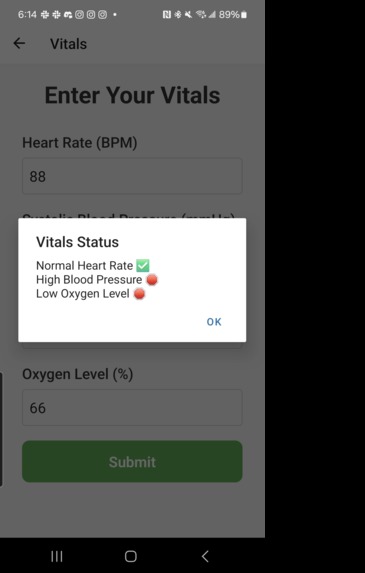
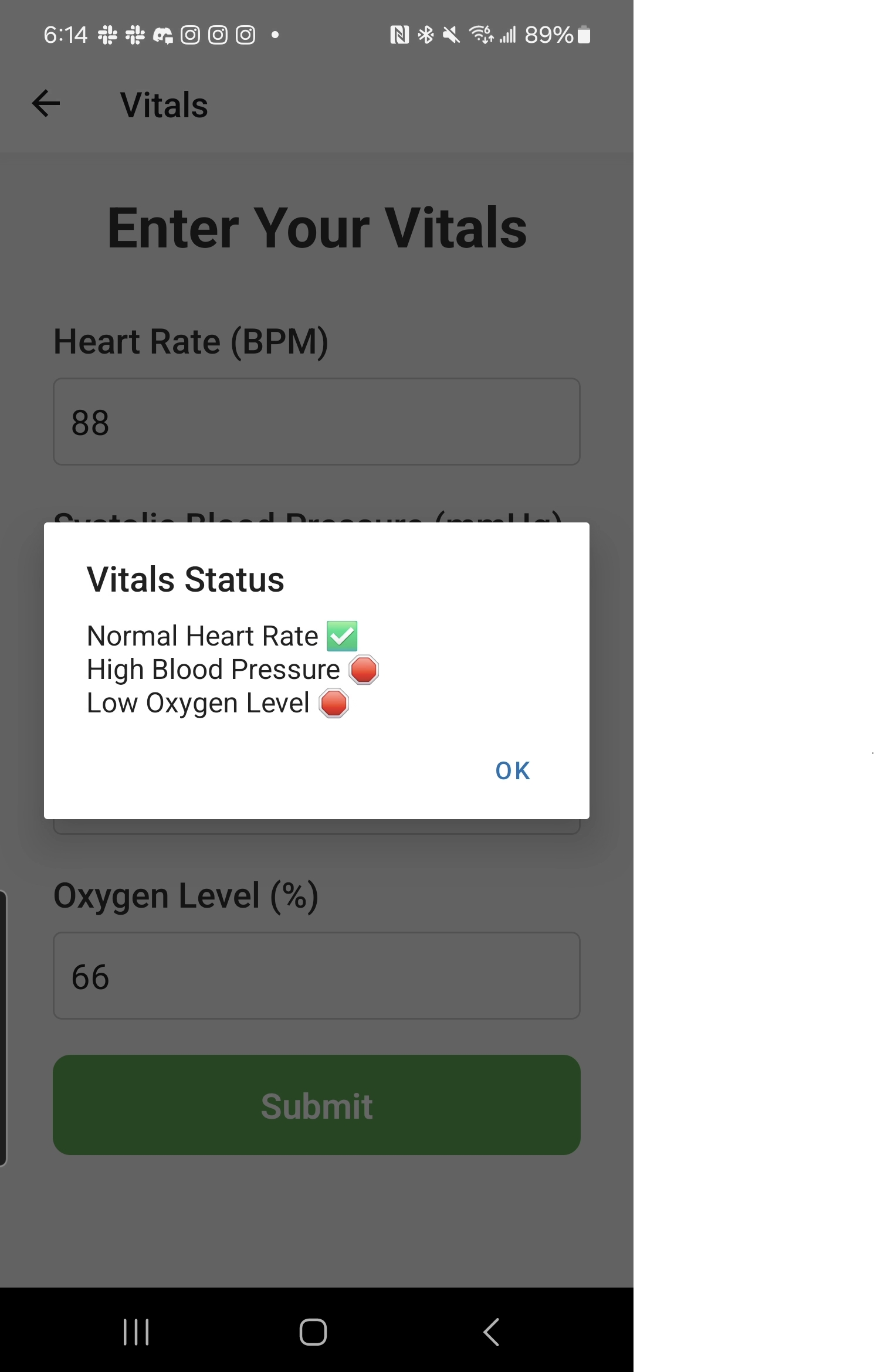
Sample Vitals Response
Inspiration
As the global population ages, many older adults face challenges in managing chronic conditions, maintaining their independence, and accessing healthcare services. Additionally, seniors are at a higher risk of falls and other emergencies, making features like emergency contact and navigation to medical services crucial for their safety. According to the 2023 Current Population Survey, approximately 28% of individuals aged 65 and older live alone, highlighting the urgent need for support in medication management and transportation in real-world scenarios. These challenges motivated us to create Lifeline, an app designed to empower elderly individuals by providing a simple, accessible platform to manage their health and access healthcare resources that are just one click away.
What it does
Our application, Lifeline, is designed to enhance the well-being and independence of elderly individuals by offering essential tools for managing their health, safety, and mobility. The home page features an easily accessible emergency call button, enabling users to quickly contact emergency services in critical situations. The app also provides real-time location services, allowing users to find nearby healthcare centers and hospitals with ease. With integrated ride services like Uber, elderly users can easily access transportation, ensuring they can reach doctors or hospitals without hassle. Additionally, the app offers vital sign tracking, allowing users to monitor their heart rate, blood pressure, and oxygen levels, while a secure login system ensures that their health data remains private and protected. By combining emergency features, health tracking, and convenient transportation, Lifeline empowers elderly users to navigate their daily lives with confidence and security, promoting their overall safety and independence.
How we built it
We used React Native and Expo to build the framework of our mobile app, ensuring compatibility for both iOS and Android platforms to reach as many users as possible. To make the app easy to navigate, we implemented a simple, intuitive interface with large text, high-contrast colors, and easy-to-understand icons.
For user authentication, we integrated Firebase to securely handle the login process, ensuring that users can easily access their personalized health information. For transportation, we utilized the Google Maps API and Directions API to provide real-time location services, allowing users to easily find nearby hospitals and receive detailed travel routes. We also integrated the mobile GPS system to enhance location accuracy, and developed an autopasting function that enables users to book an Uber ride with just one tap, simplifying the process of getting transportation.
Challenges we ran into
Developing this mobile app within such a short timeframe has been a challenging yet rewarding experience. First, we had to brainstorm and solidify the app’s core features and implementation strategies. One of the key challenges was getting familiar with Firebase for secure user authentication. In the transportation feature, we had to dive into the Google Maps and Directions APIs to understand how they work and write code that would allow us to find nearby hospitals and generate directions from the user’s current location to the target hospital.
The most difficult part of the development process was ensuring seamless communication between the front-end and back-end. Setting up our development environment to build the React Native and Expo mobile app took considerable time, and it was often a slow process to see our progress reflected on the mobile app. Despite these challenges, we managed to make significant strides toward creating an app that will help improve the lives of elderly users.
Accomplishments that we're proud of
Our key accomplishment was learning how to develop an app in a short amount of time while creating something truly impactful. We addressed a serious issue by designing an app that supports elderly users in managing their health, safety, and mobility, offering them more independence and peace of mind. It was both a challenging and rewarding experience, and we’re proud to have built a solution with real-world benefits.
Another highlight was learning how to integrate transportation features using the Google Maps API. It was really cool to see how we could help elderly users find the nearest healthcare centers and easily plan their routes, making the app even more practical and user-friendly.
What we learned
Throughout the development process, we learned how to create and apply APIs effectively. We gained experience in using Firebase for user authentication and learned how to use React Native and Expo Go. We also honed our skills in application development and adaptation, making necessary changes to meet our app’s specific needs. Time management was another key takeaway, helping us better allocate our efforts to complete the app within a short timeframe.
What's next for Lifeline
If we have more time, we envision adding new features, such as an emergency contacts tab to store family members' contact information and send alerts when the elderly face emergencies. We also plan to incorporate an overview of the user's upcoming medications and a push notification system that alerts them with reminders to take them. In the near future, we will continue testing and refining Lifeline to better serve the elderly and meet their evolving needs.


Log in or sign up for Devpost to join the conversation.