-
-
-
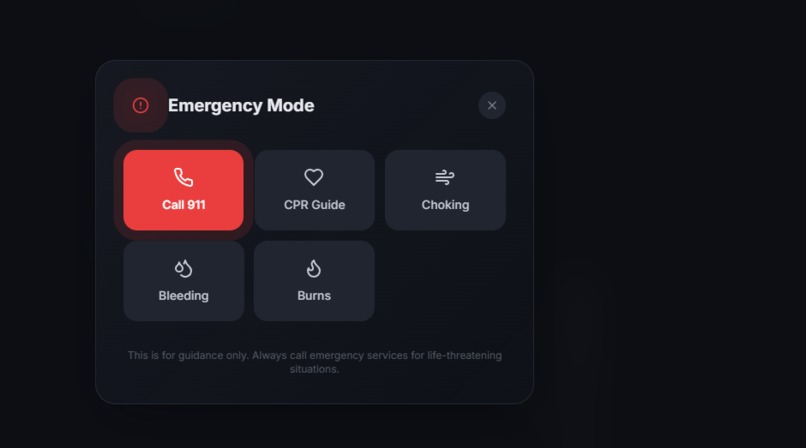
Emergency Dials
-
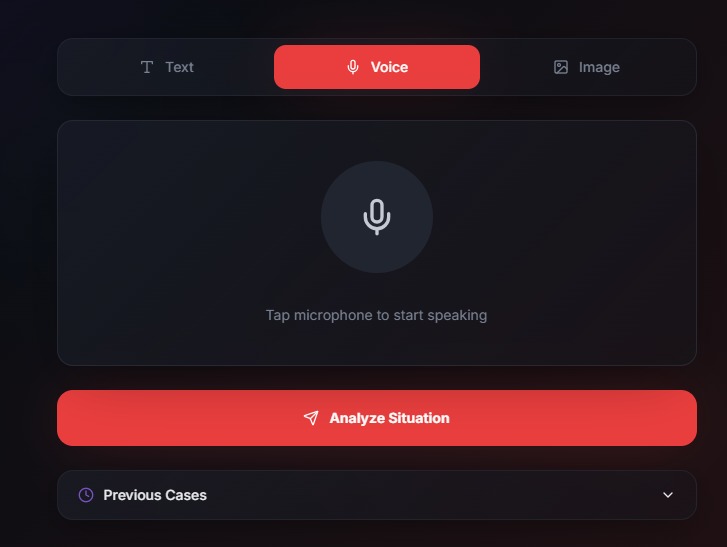
Voice Assistant
-
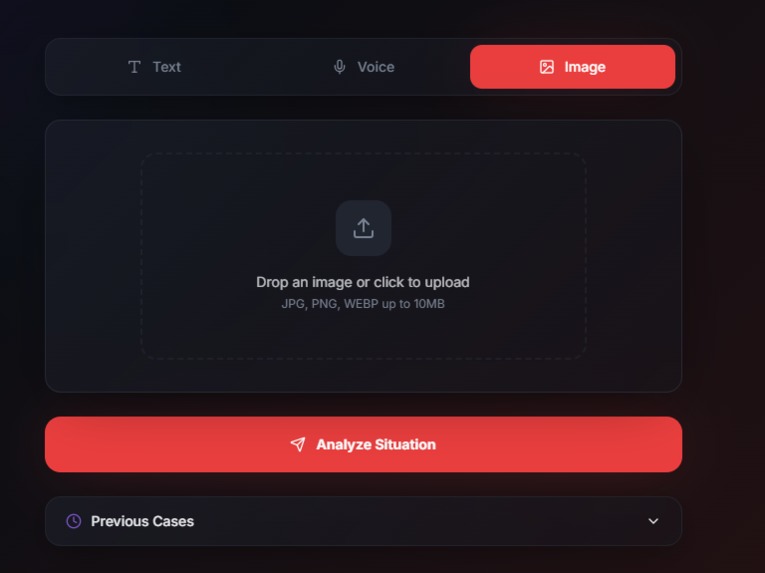
Image support
-
-
-
-
Text interface
-
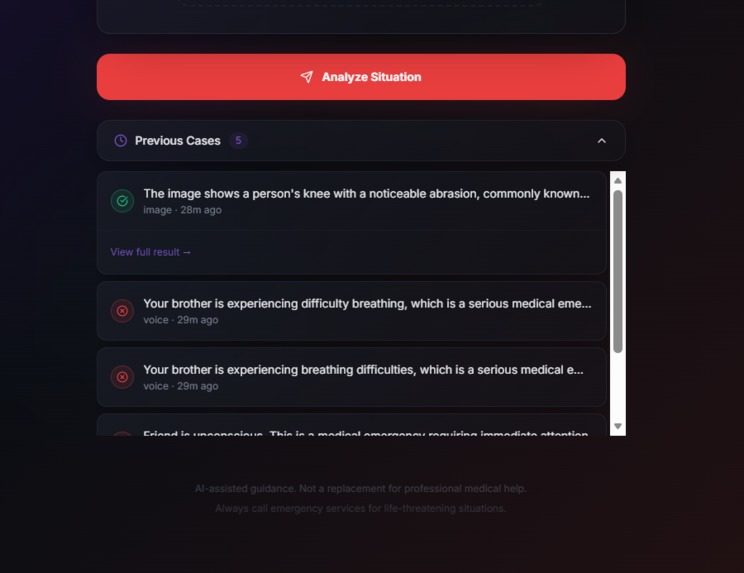
Previous cases
-
-
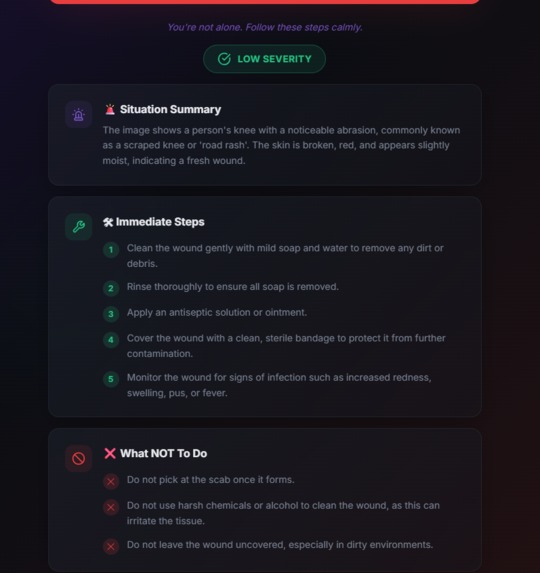
Summary of the case
Inspiration
In emergency situations, people often panic and lose precious time deciding what to do. We realized that while medical help may not always be instantly available, the right guidance at the right moment can make a life-saving difference. This inspired us to build LifeLine AI — a system that helps users stay calm and take correct actions during critical situations.
What it does
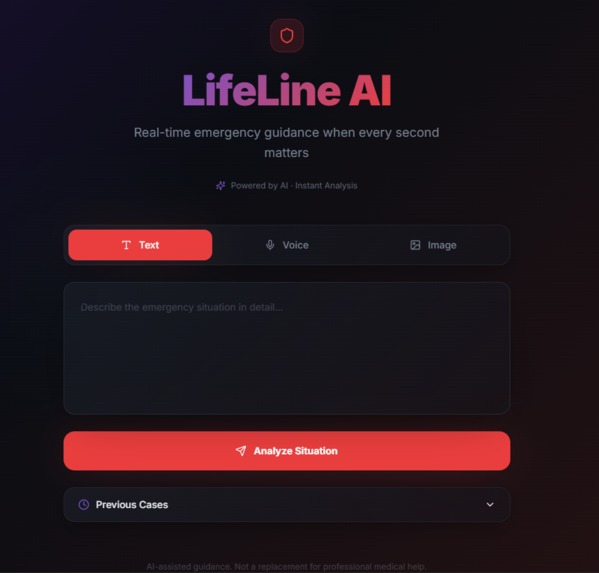
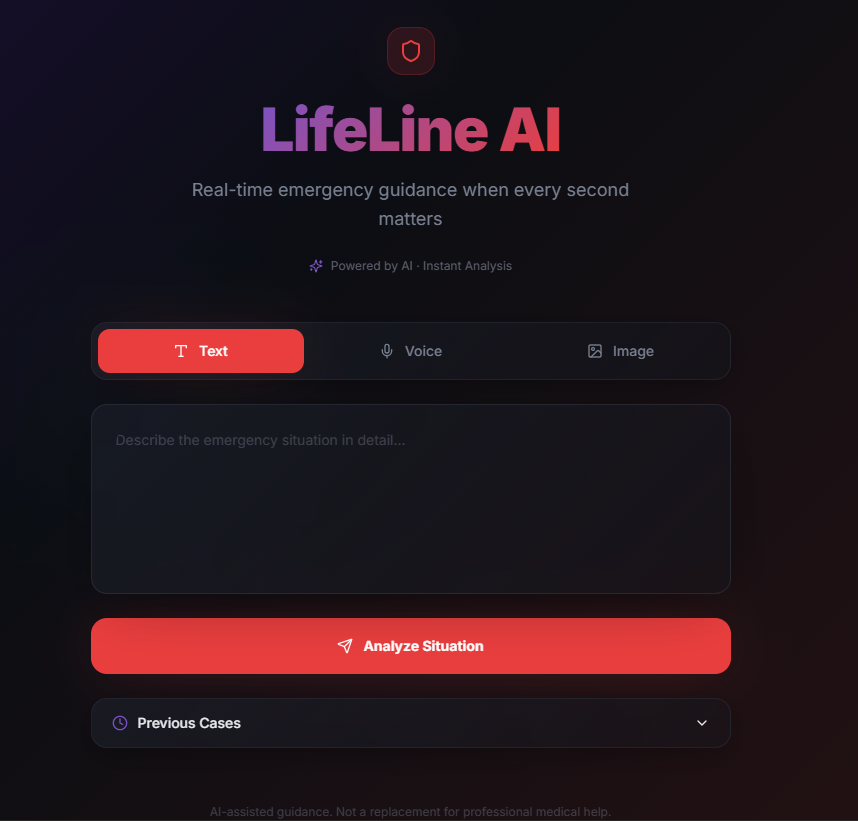
LifeLine AI is a real-time, AI-powered emergency assistant that provides structured and actionable guidance during emergencies.
Users can:
- Describe a situation using text
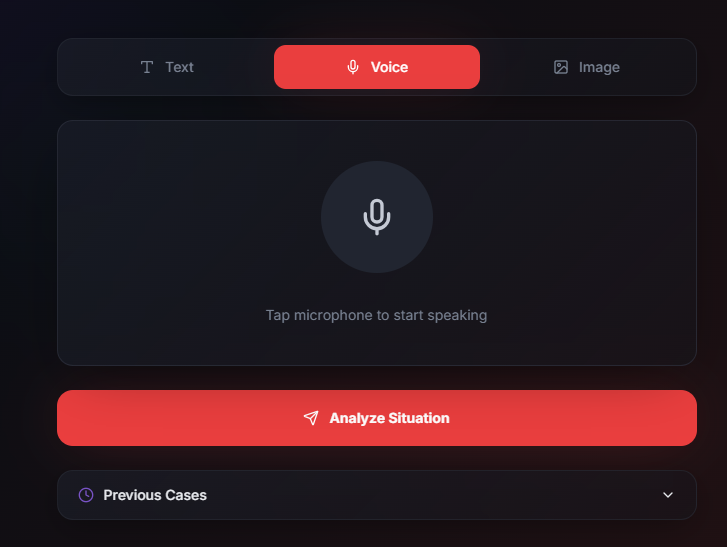
- Speak using voice input
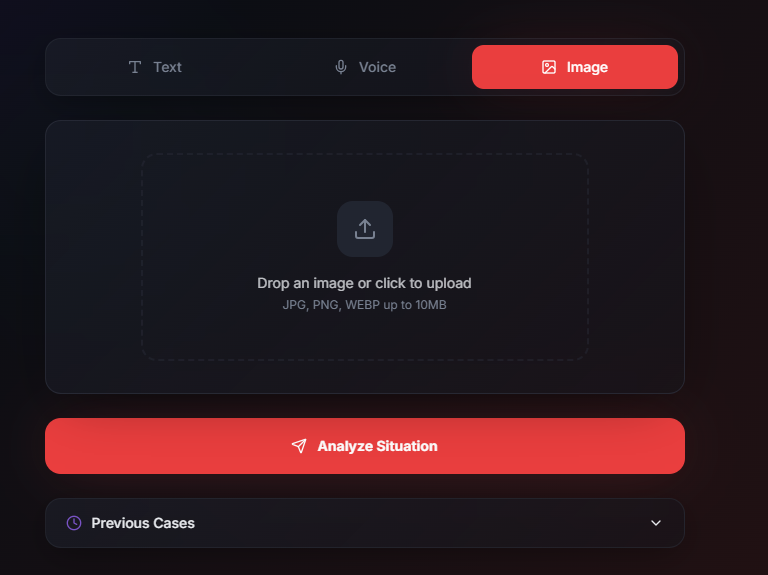
- Upload an image of an injury or emergency
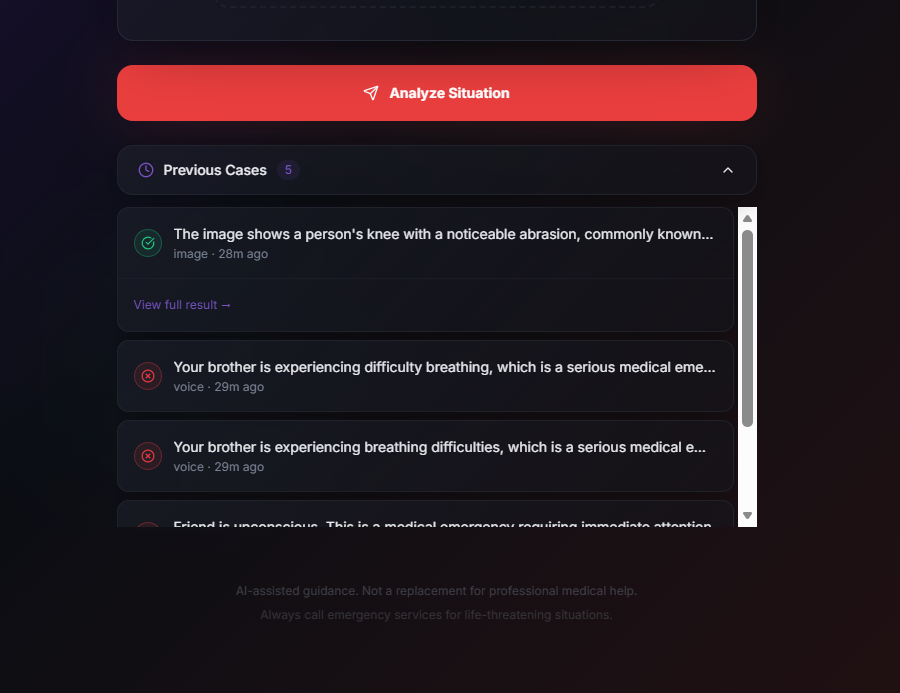
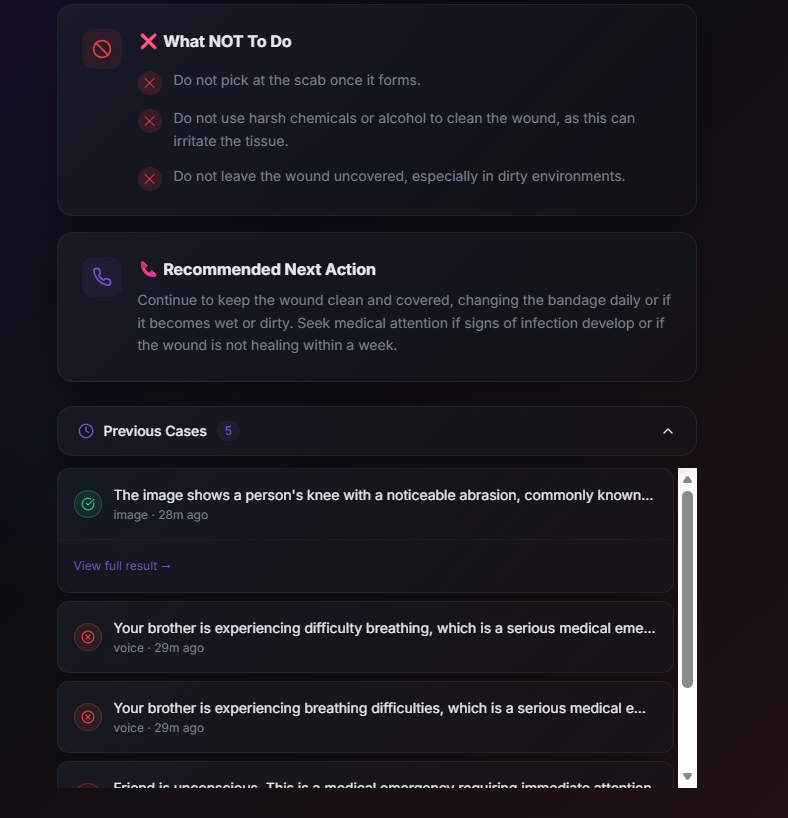
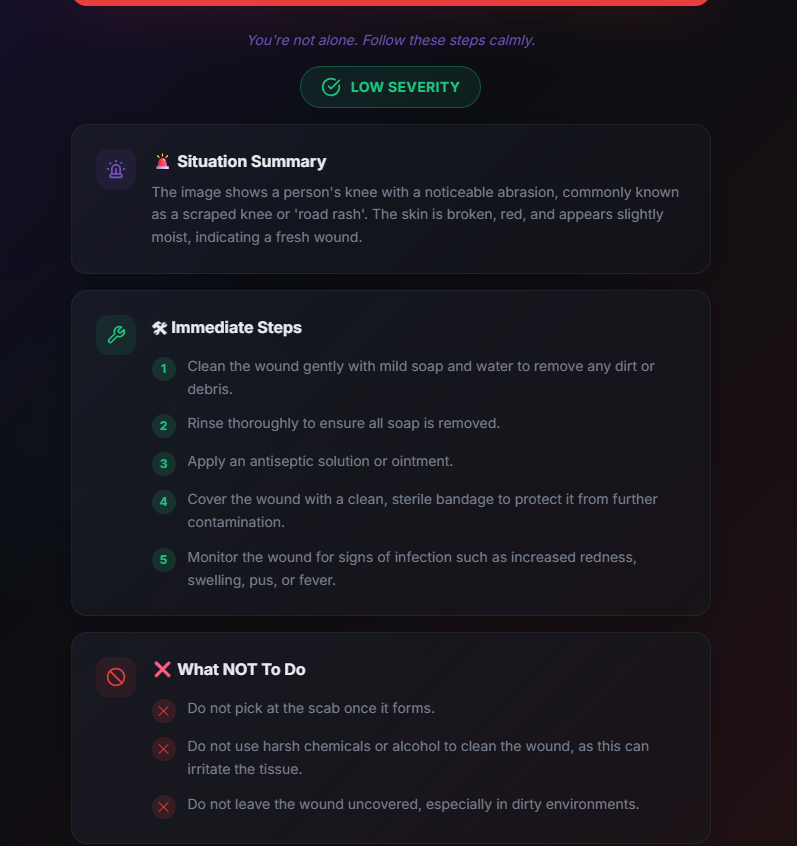
The system analyzes the input and provides:
- A clear situation summary
- Severity level (Low / Medium / High)
- Step-by-step immediate actions
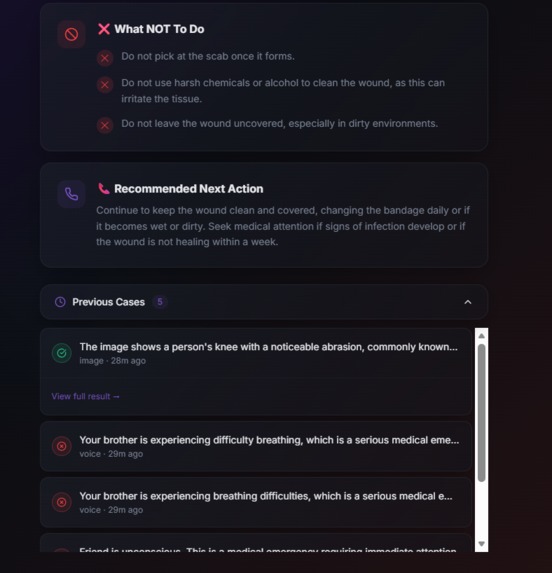
- What to avoid
- Recommended next steps
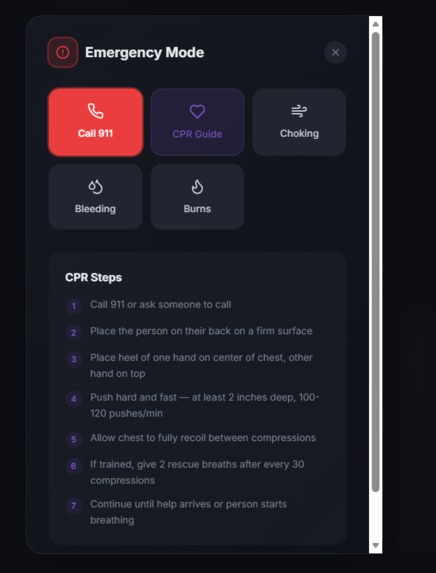
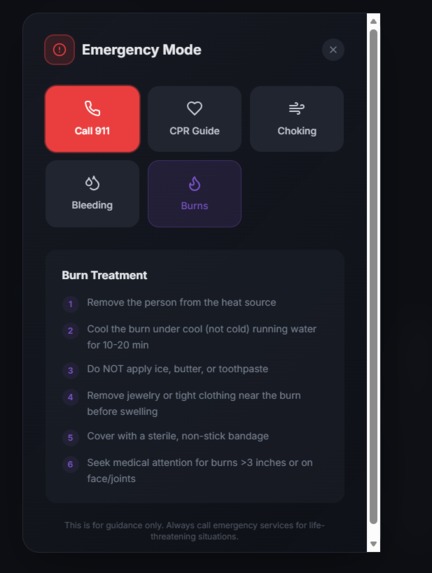
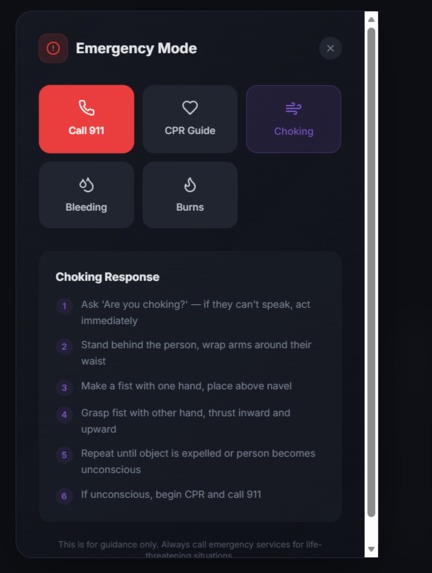
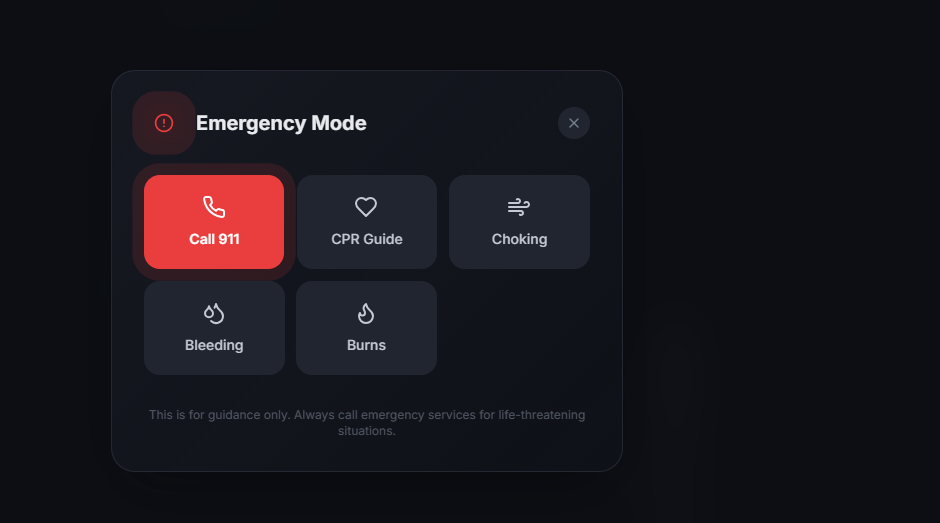
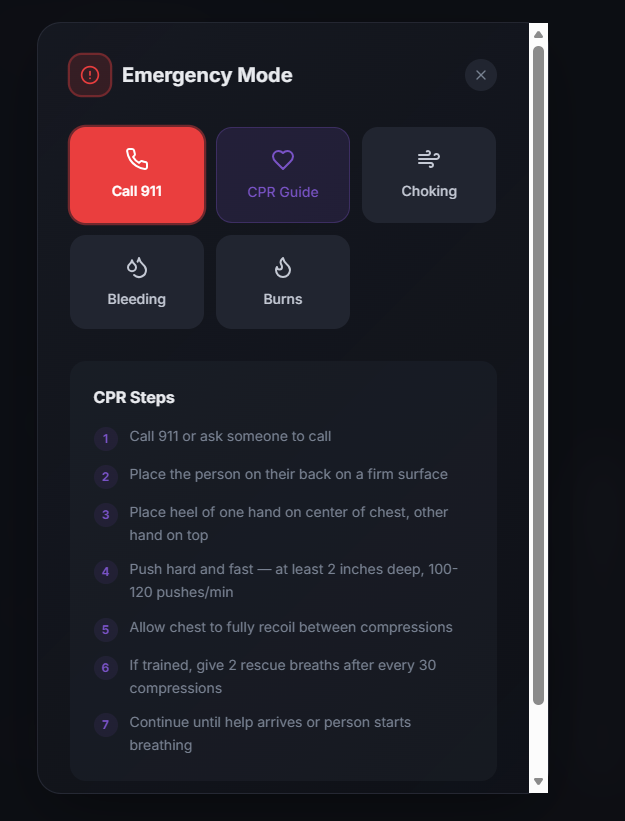
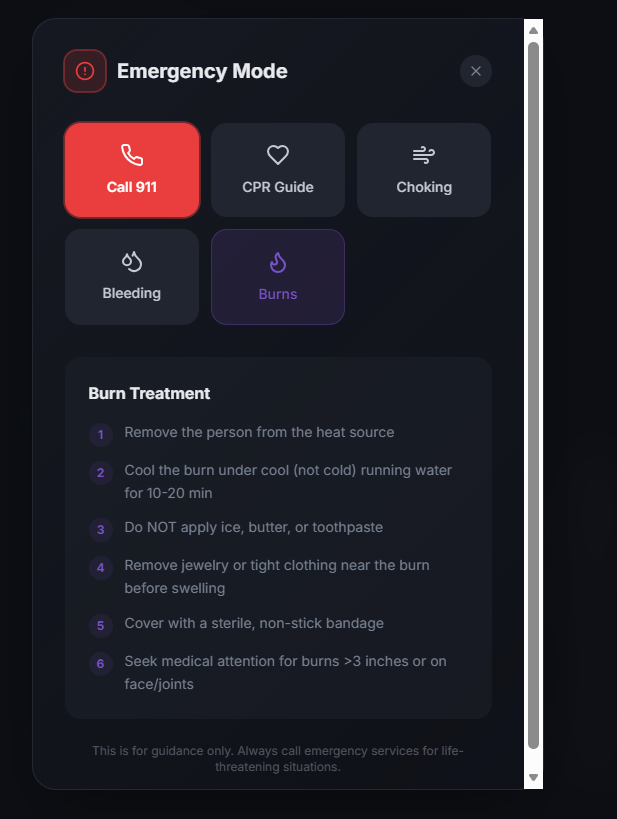
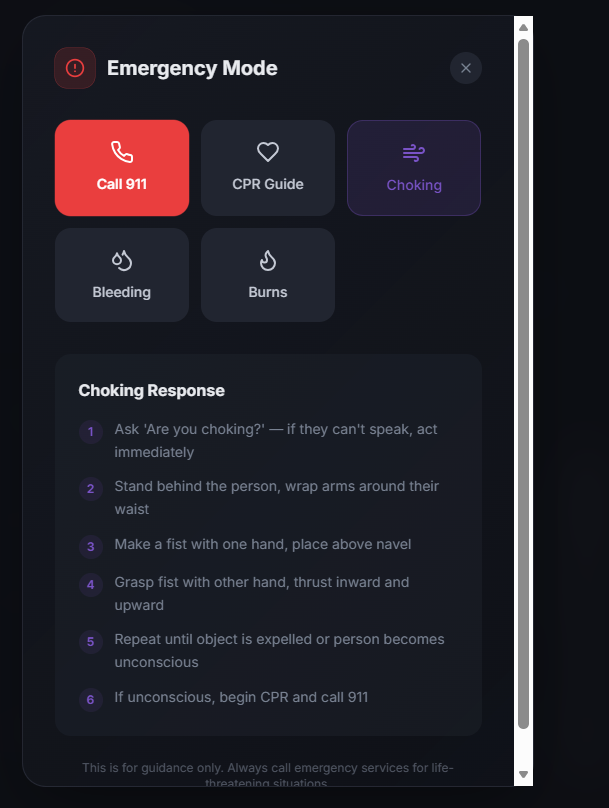
It also includes an Emergency Mode that instantly shows life-saving instructions like CPR guidance.
How we built it
We built LifeLine AI using a modern web stack:
- Frontend: React.js for a responsive and clean UI
- Backend: Node.js with Express for handling API requests
- AI Engine: OpenAI API for understanding and generating responses
- Voice Input: Browser Speech Recognition API
- Image Analysis: AI-based prompt engineering for visual understanding
We focused on combining multimodal inputs (text, voice, image) into a single intelligent system and presenting outputs in a structured, user-friendly format.
Challenges we ran into
- Designing accurate and safe AI prompts for emergency guidance
- Handling different types of inputs (text, voice, image) seamlessly
- Ensuring responses are clear and structured instead of generic
- Creating a UI that feels calm and usable during stressful situations
- Managing time constraints while maintaining quality
Accomplishments that we're proud of
- Successfully built a working multimodal AI system within limited time
- Created a clean and intuitive UI that enhances user trust
- Implemented structured emergency responses instead of plain text output
- Integrated real-time voice and image input
- Designed a solution with real-world impact and usability
What we learned
- The importance of user experience in high-stress scenarios
- How to design effective AI prompts for practical applications
- Integrating multiple input methods into a single system
- Balancing innovation with simplicity under time constraints
- Building and presenting a complete product in a short timeframe
What's next for Lifeline-AI-Assistant
- Adding location-based emergency services and contacts
- Supporting multiple languages for wider accessibility
- Improving image analysis with advanced computer vision models
- Developing a mobile app version
- Collaborating with healthcare professionals for validation and accuracy
- Expanding into a full-scale emergency response platform

Log in or sign up for Devpost to join the conversation.