Inspiration
The inspiration for LifeLine AI came from the reality that emergencies often strike without warning, and every second can be the difference between safety and tragedy. We realized that while many people carry smartphones, very few have a tool that combines instant emergency alerts, AI-driven guidance, and real-time location sharing — especially one that works both online and offline. The idea was born from wanting to create a personal guardian in your pocket, something that reacts faster than panic and smarter than generic SOS apps.
What it does
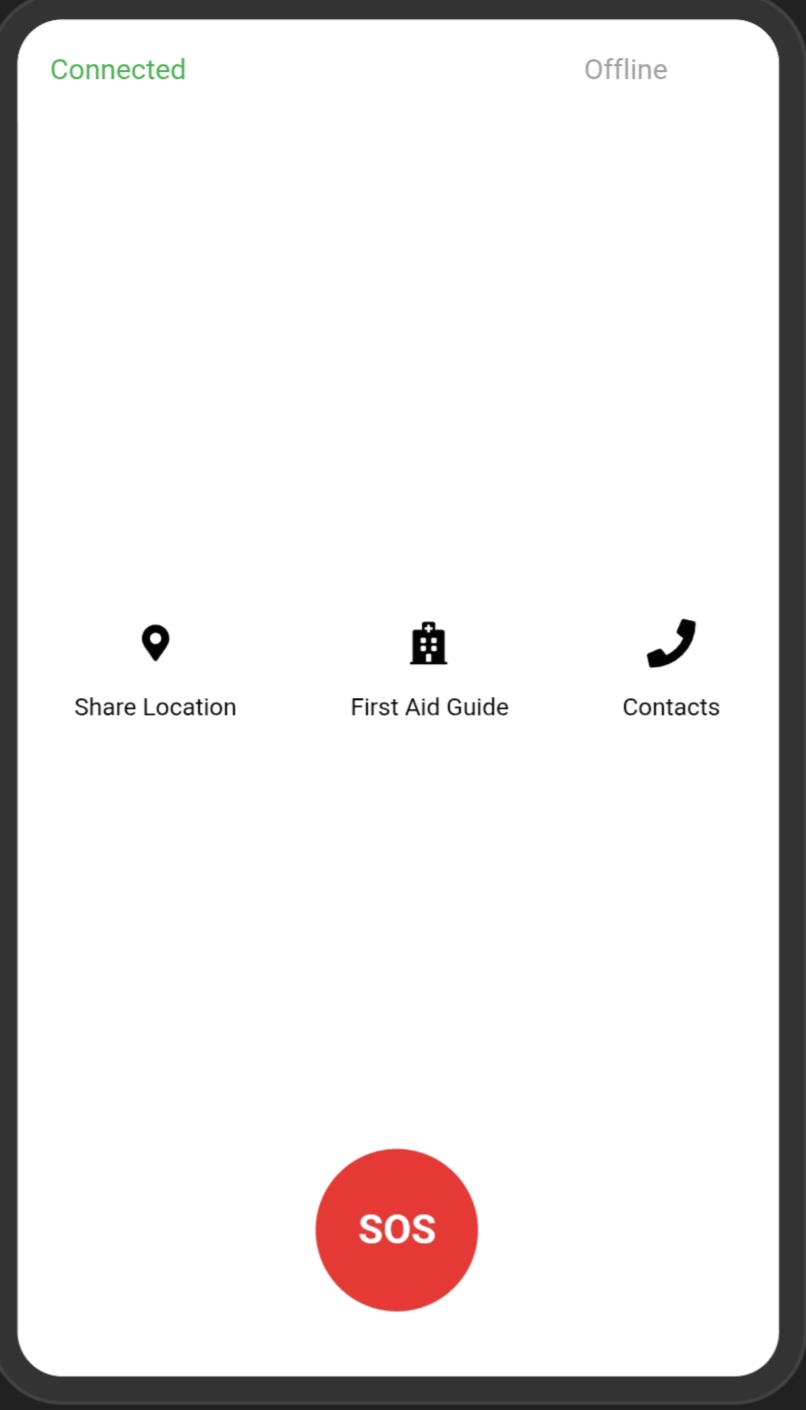
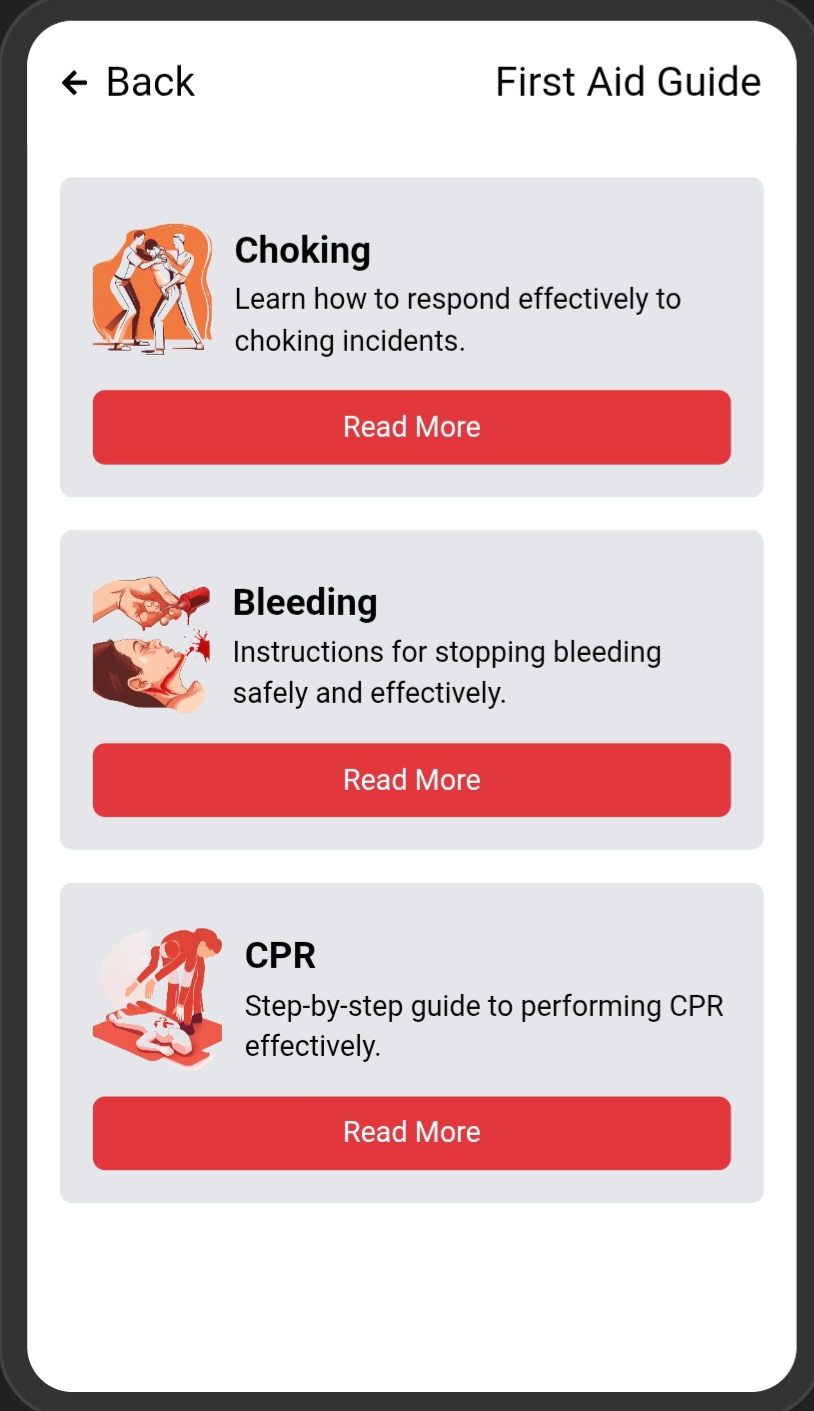
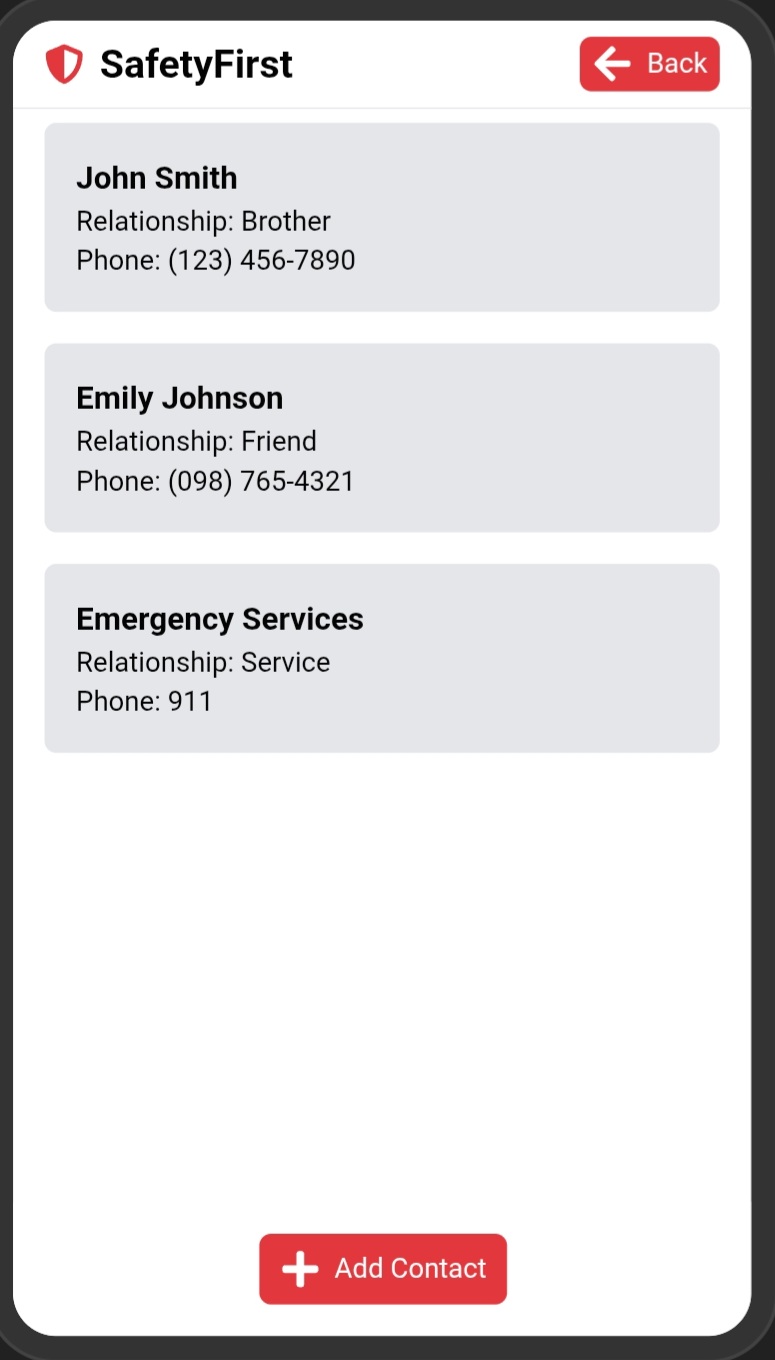
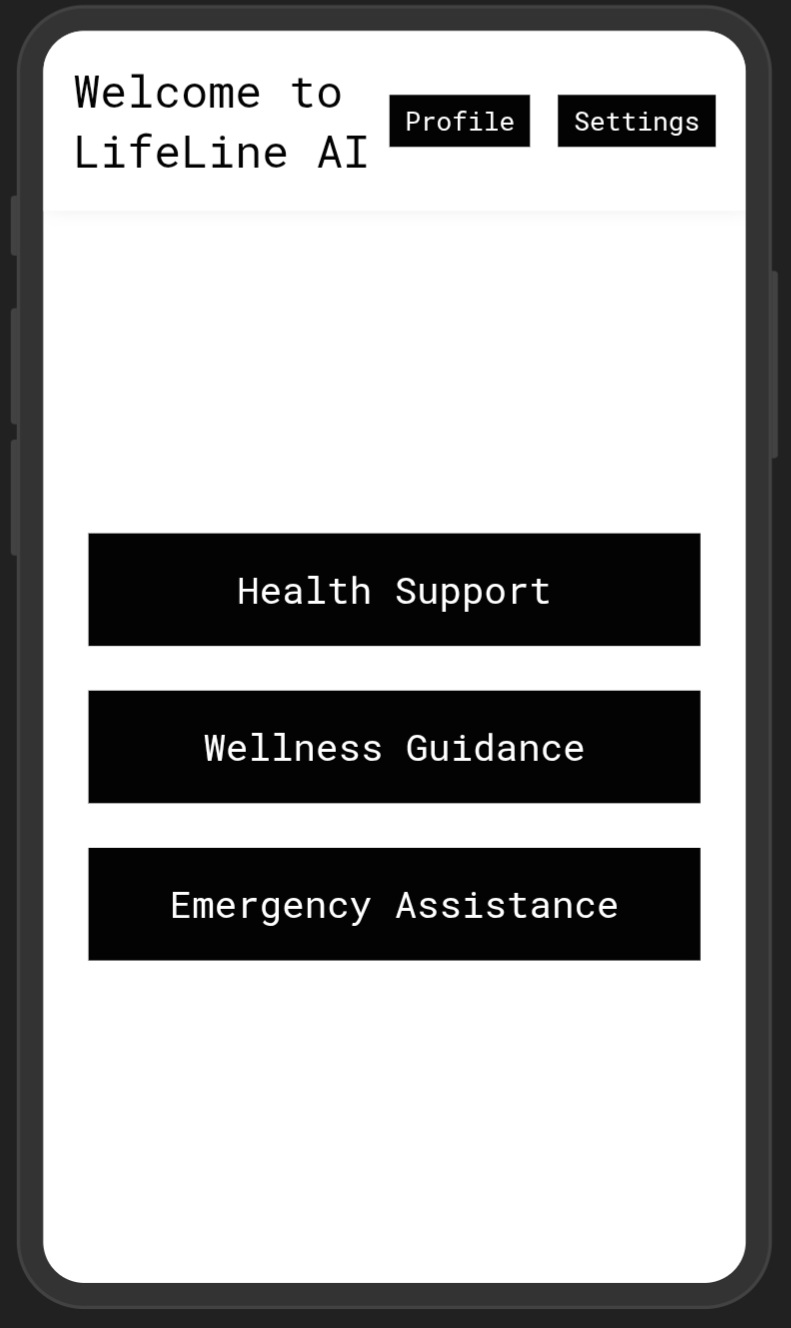
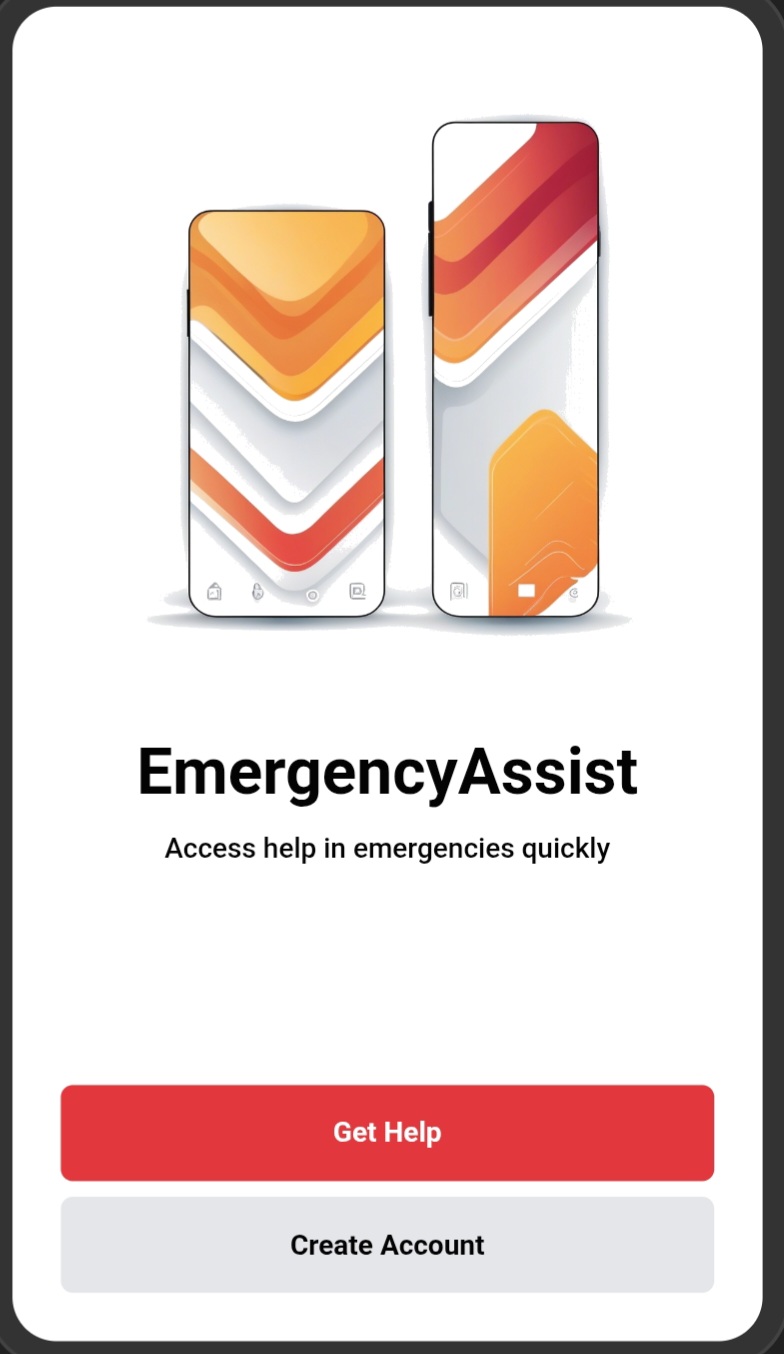
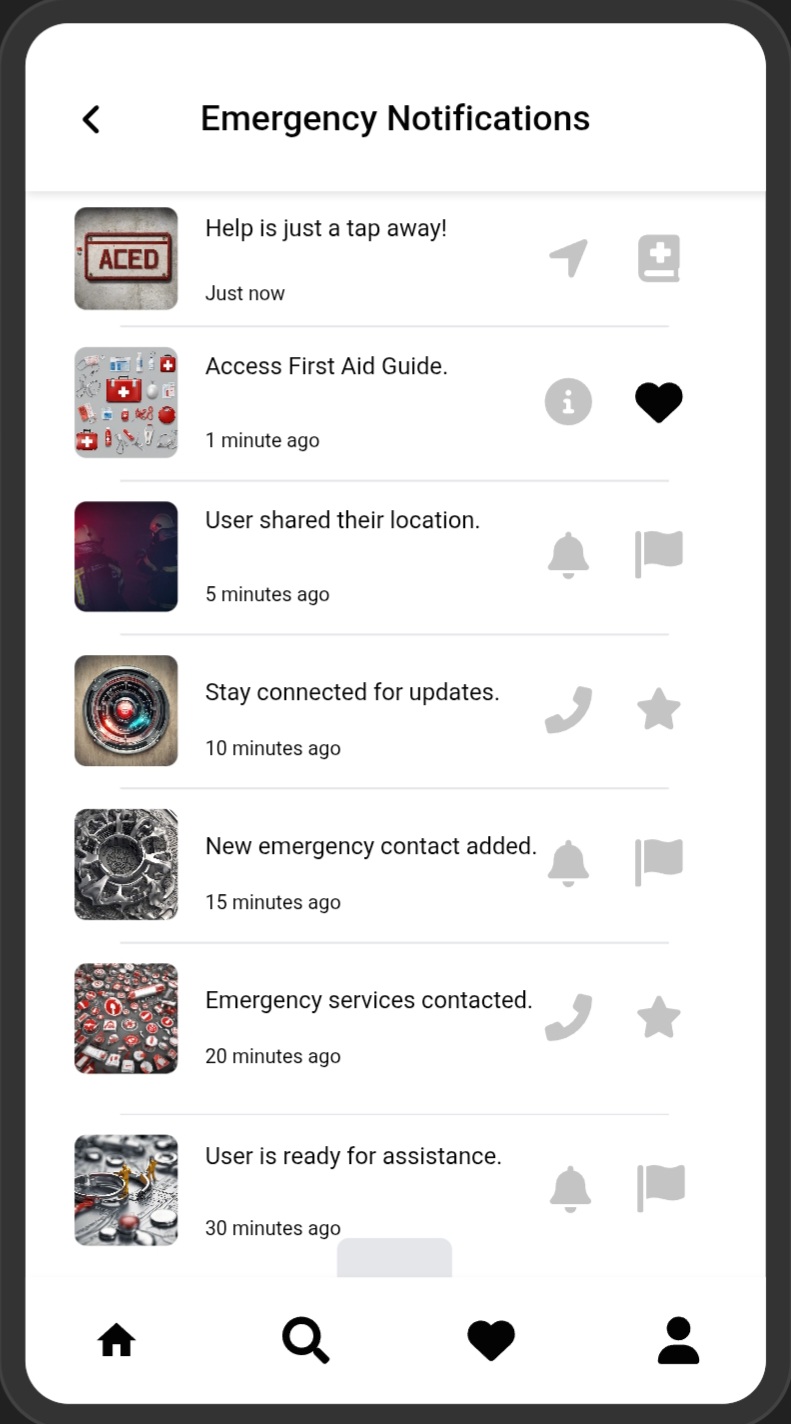
LifeLine AI is an AI-powered emergency response app that allows users to get help instantly through: One-tap Floating SOS Button – accessible from any screen. Automatic Location Sharing – sends GPS coordinates to pre-set contacts and emergency services. AI Emergency Guidance – CPR, first aid, and mental health assistance, online or offline. Voice Activation – trigger emergency mode with a simple command. Smart Contact Routing – alerts the right responders based on the type of emergency.
How we built it
Frontend: Android app in Java with a modern, minimal UI and floating overlay button. Backend: Firebase Realtime Database for instant data sync across devices. MySQL for organization-level emergency record storage. APIs Used: Google Maps API for real-time location. WhatsApp Cloud API / Twilio API for instant messaging. Offline Mode: Local SQLite database for AI guidance and storing emergency contacts. AI Module: Integrated a lightweight ONNX model for offline first-aid recommendations.
Challenges we ran into
Floating Overlay Button Stability – ensuring it stayed responsive without draining battery. Voice Command Accuracy – handling multiple languages and noisy environments. Offline AI – compressing the AI model enough to run locally without internet. Real-time Sync – keeping Firebase and MySQL data consistent under poor network conditions.
Accomplishments that we're proud of
Built a fully functional online + offline emergency app in a short time frame. Integrated voice commands, floating UI, and AI guidance — all in one app. Successfully demoed a live emergency simulation during testing. Created a solution that can be scaled globally and localized for different regions.
What we learned
How to integrate AI models into Android apps without relying solely on cloud APIs. Advanced use of Android Accessibility Service for floating buttons. Real-world considerations for emergency communication protocols. The importance of UX in high-stress situations — fewer clicks = faster help.
What's next for LifeLine AI
Wearable Device Integration – trigger SOS from a smartwatch or smart band. Community Safety Network – nearby app users can assist in emergencies. Multilingual AI Voice Guidance – expand to more languages for inclusivity. Integration with official emergency services in more countries. Machine Learning for predictive alerts — detect unusual activity and prompt preventive action.

Log in or sign up for Devpost to join the conversation.