-
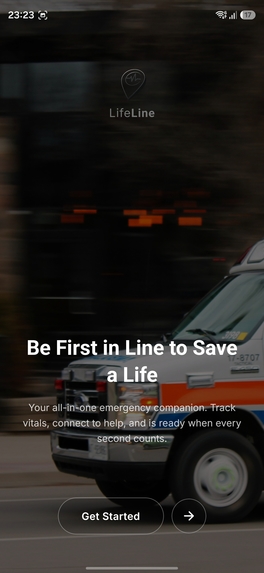
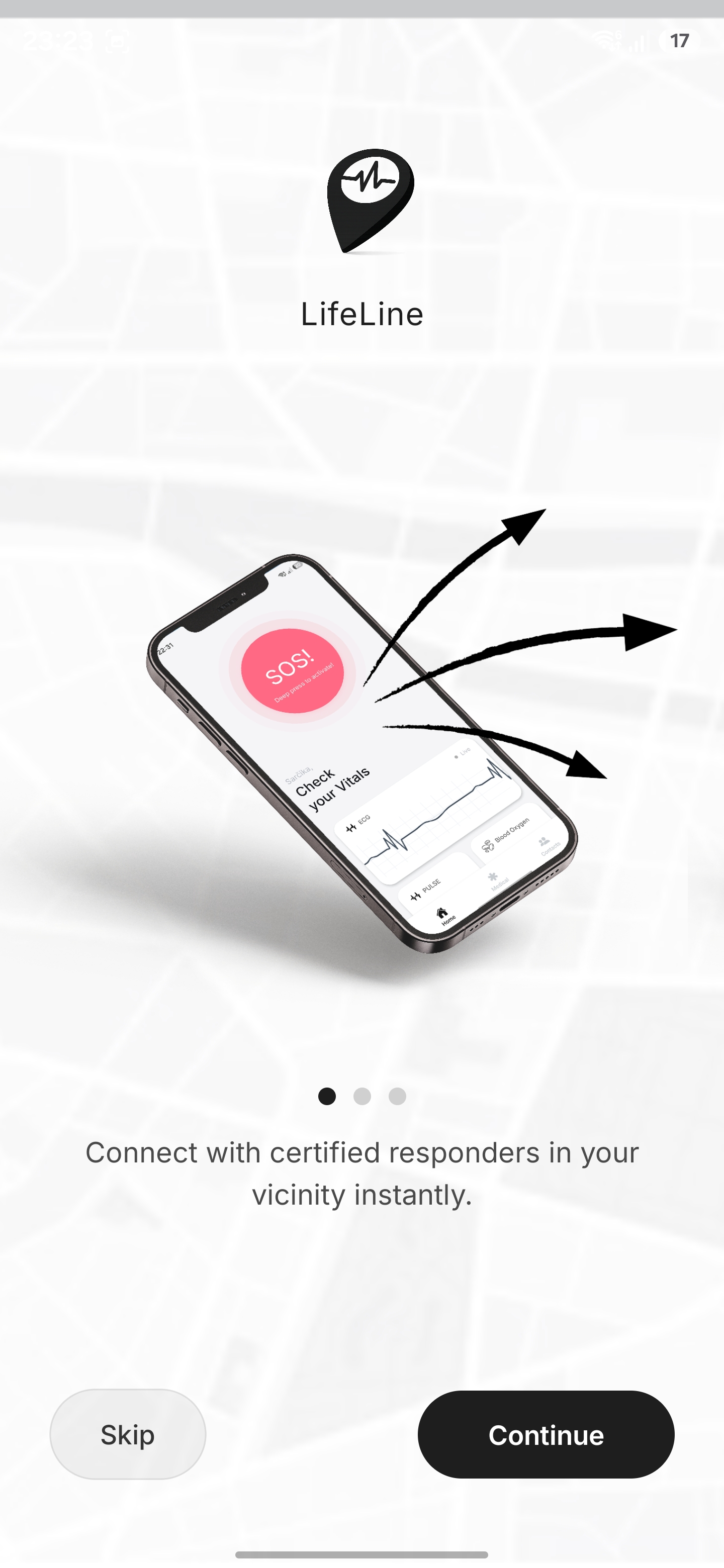
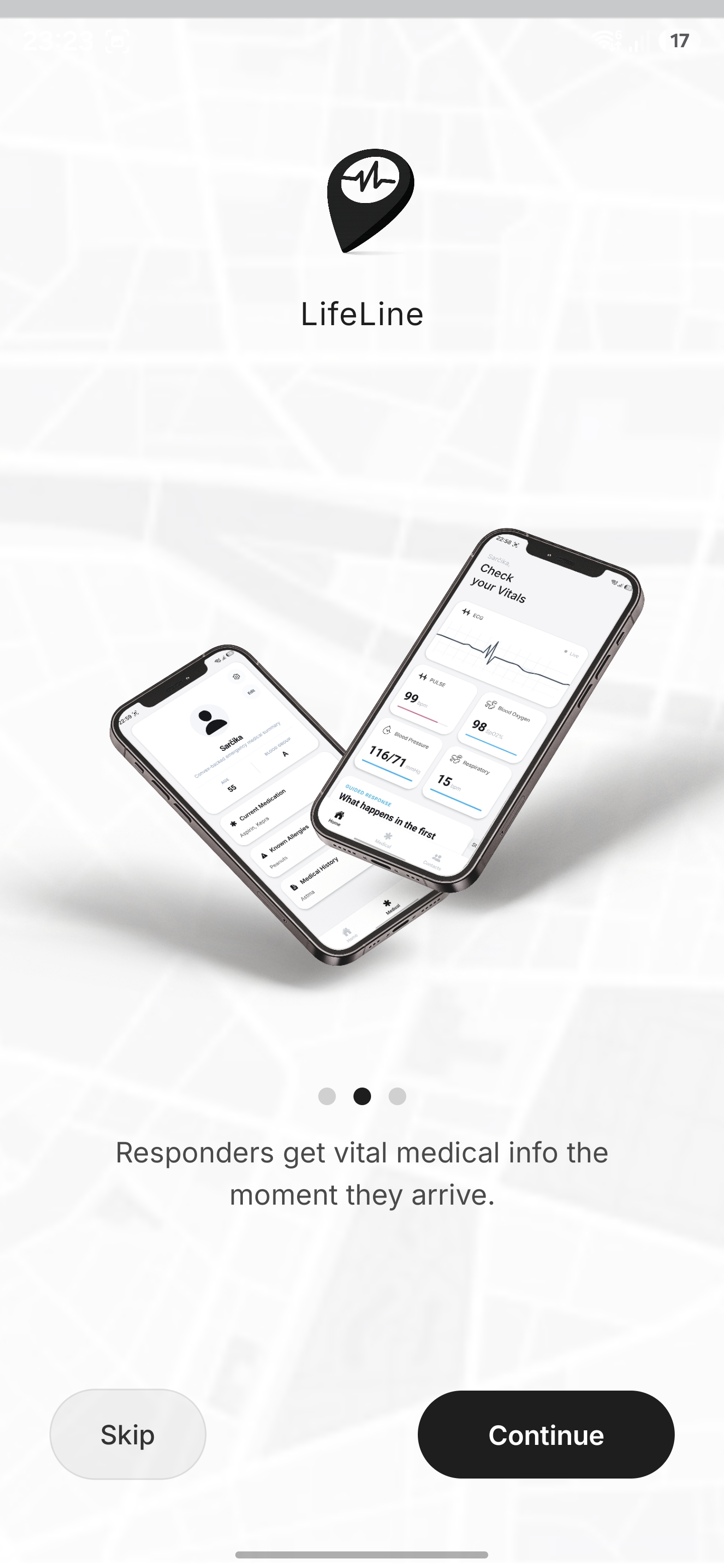
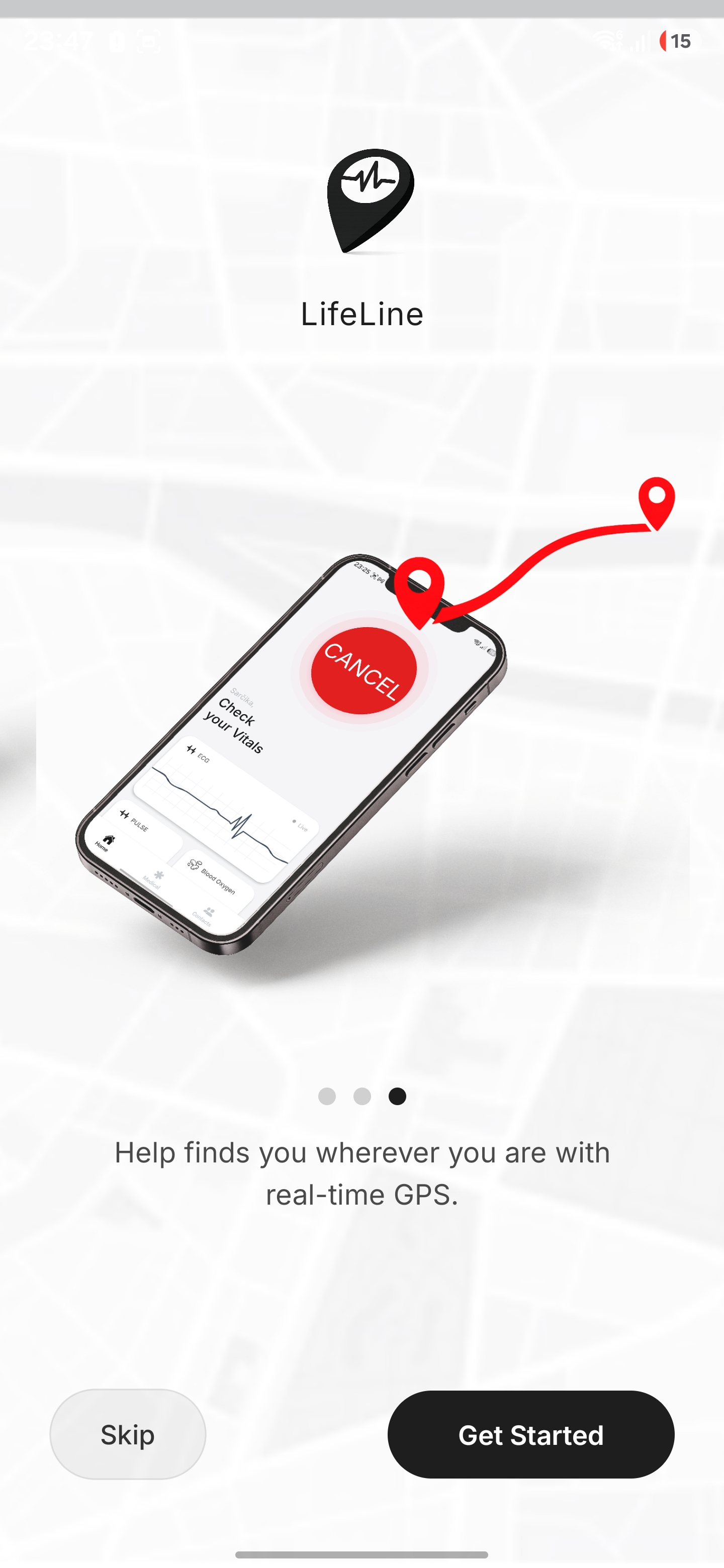
LifeLine Onboarding Process
-
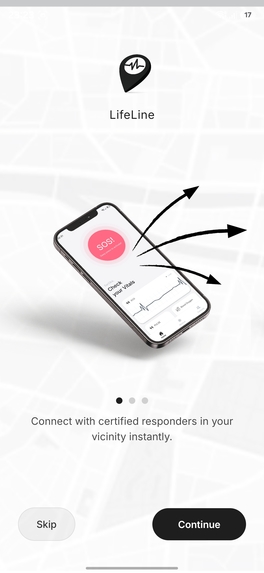
LifeLine Onboarding Process
-
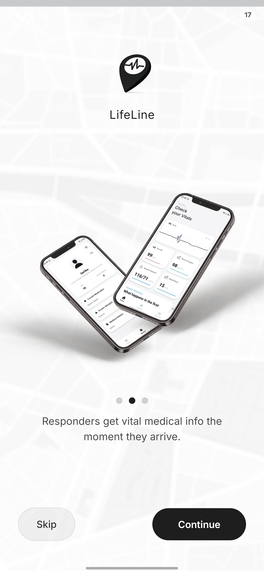
LifeLine Onboarding Process
-
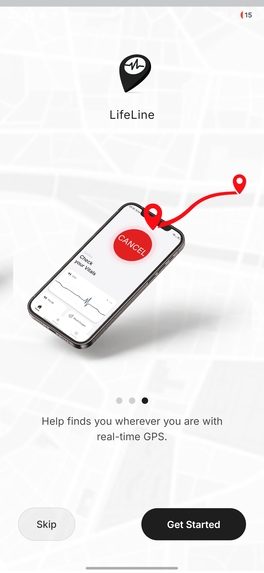
LifeLine Onboarding Process
-
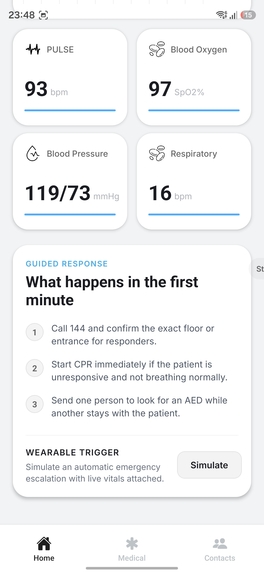
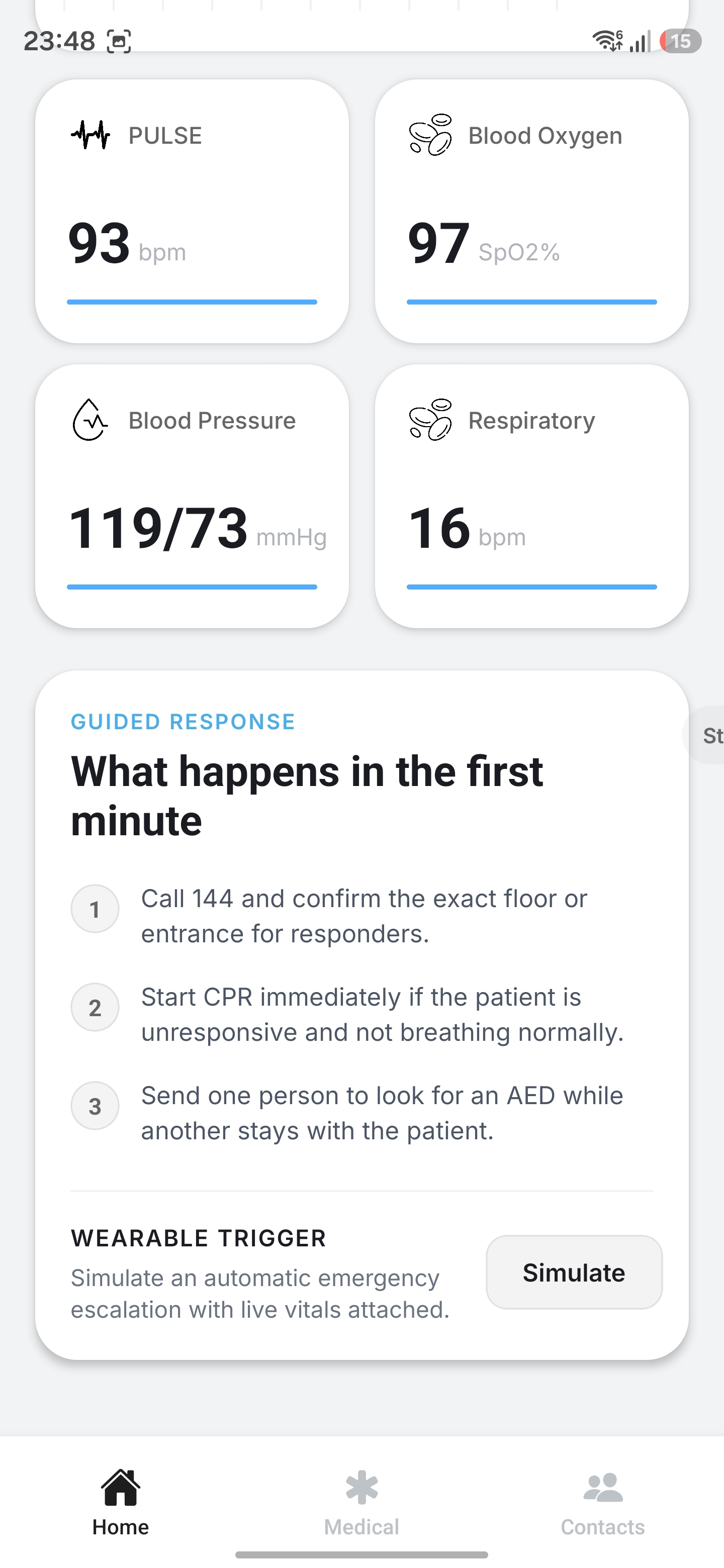
Displayed Vitals with Guided Response
-
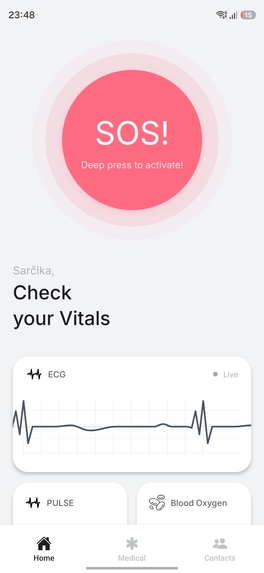
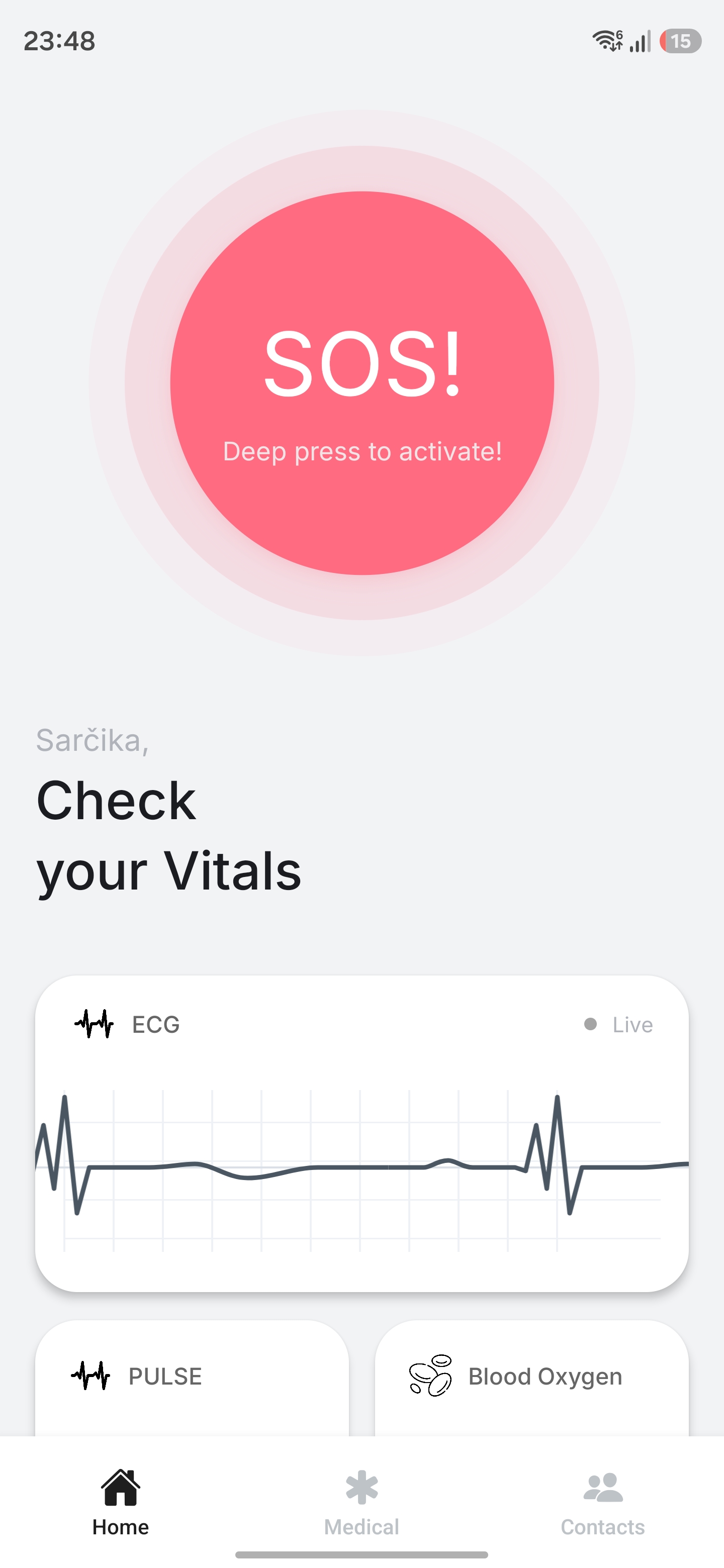
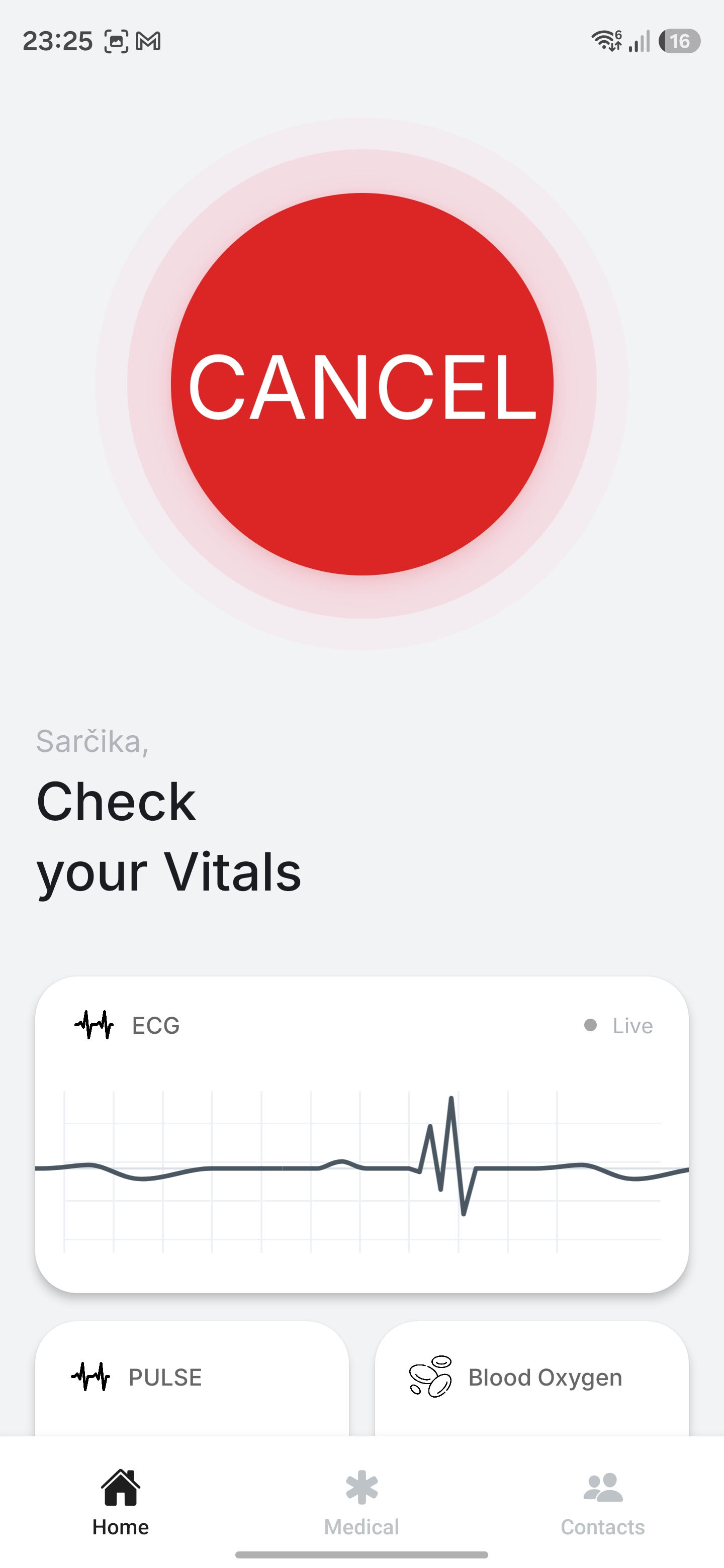
Homepage with an SOS button and vitals
-
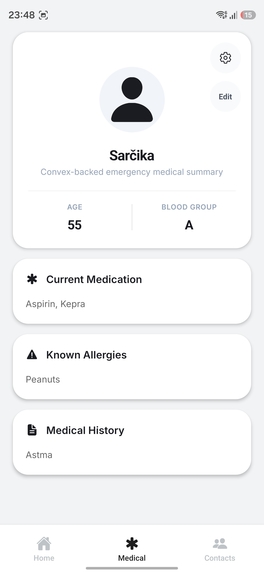
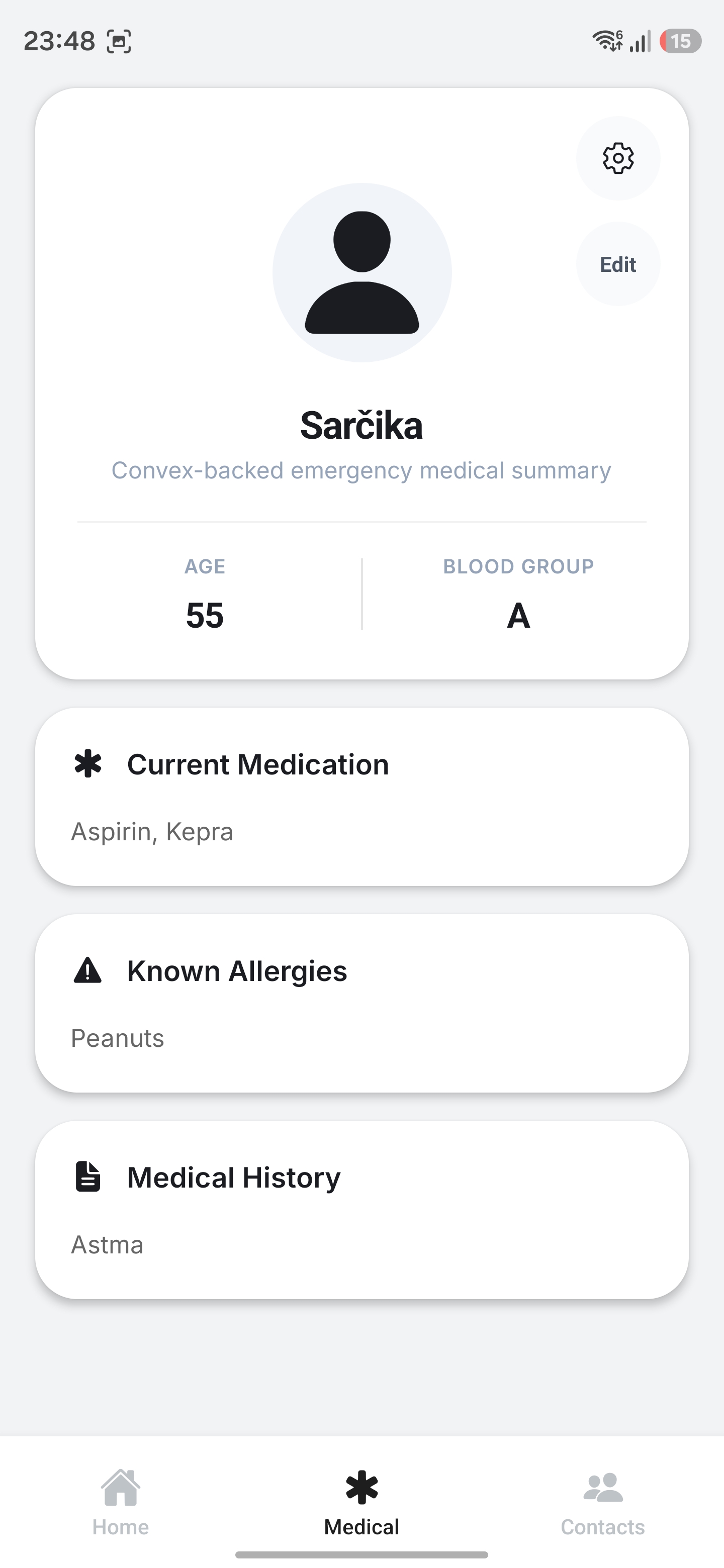
Medical Page with displayed Medical information
-
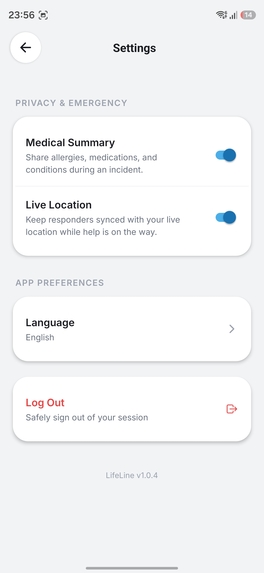
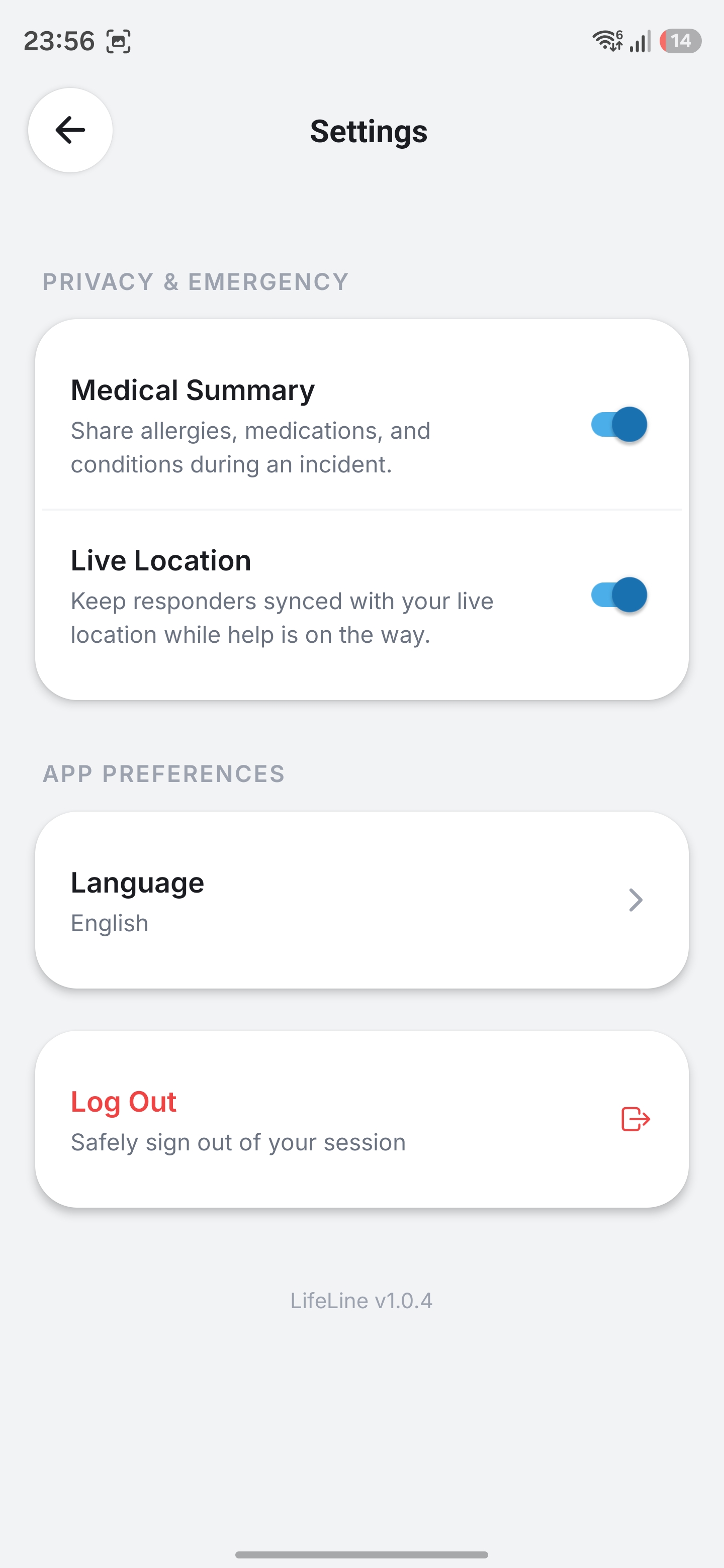
Settings Page
-
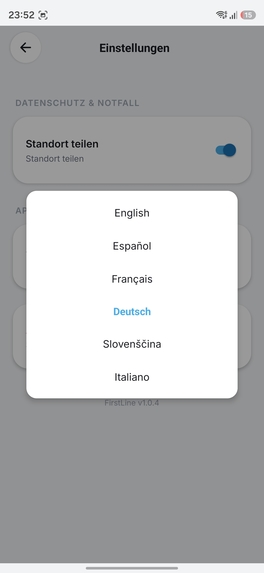
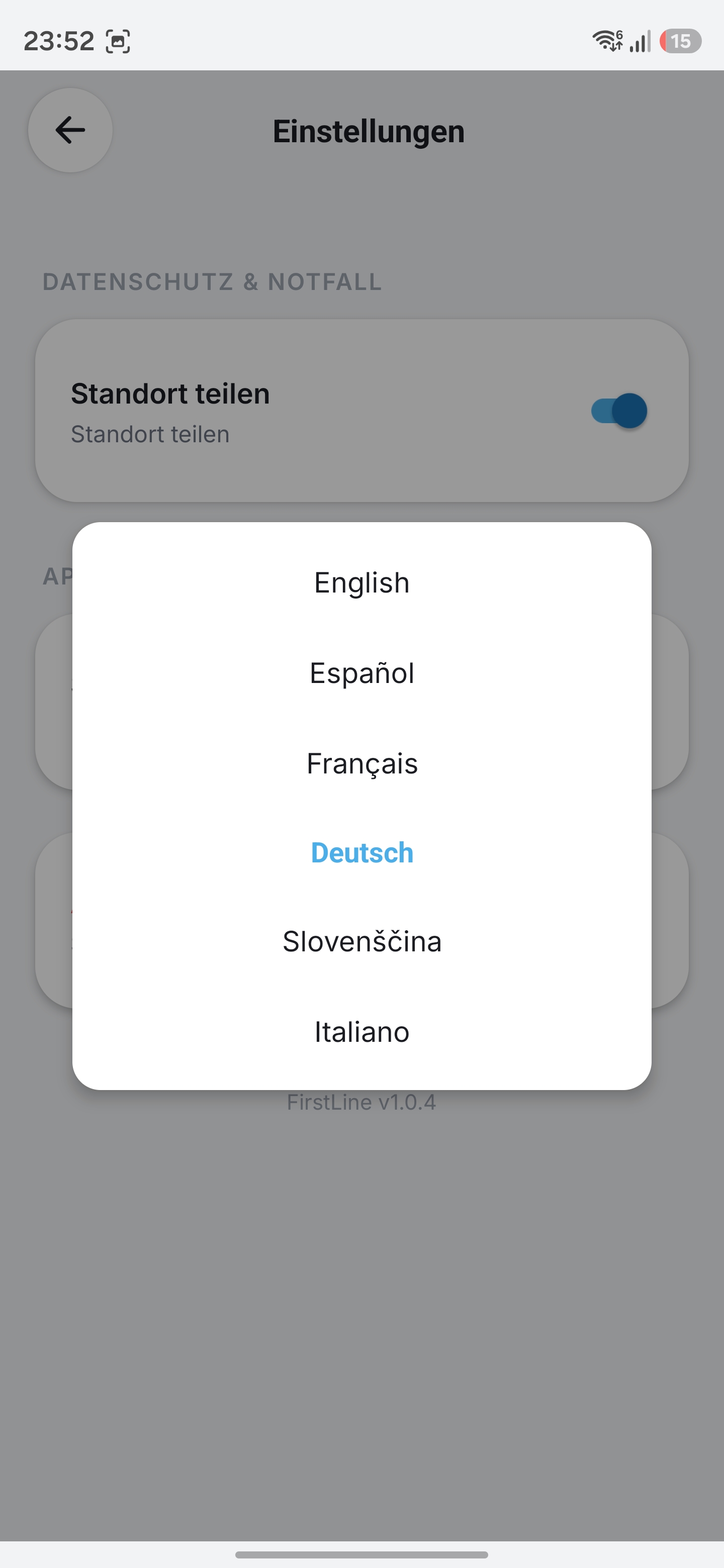
Supported Languages
-
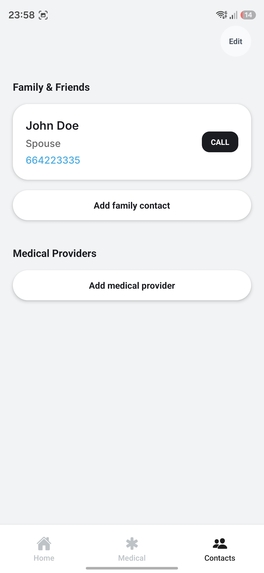
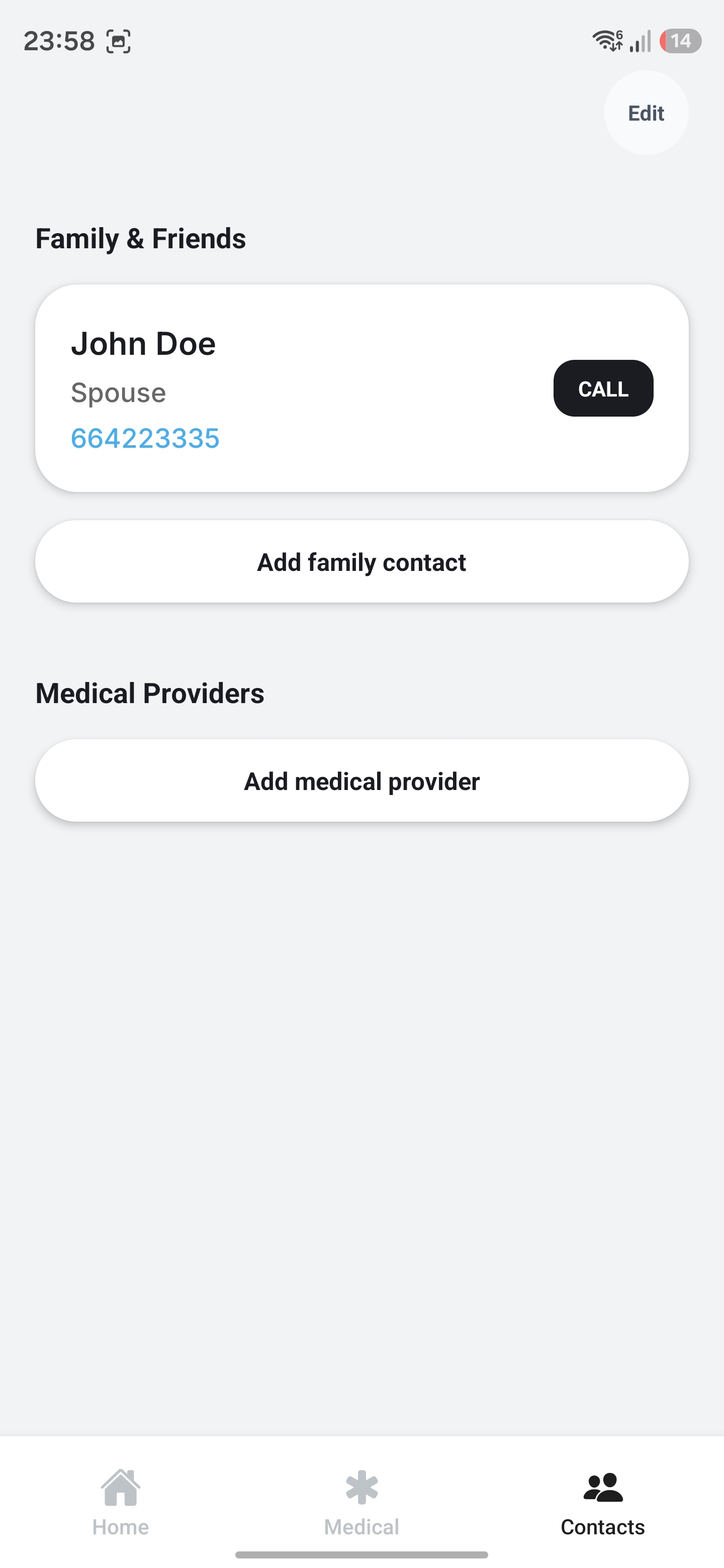
Contact Page
-
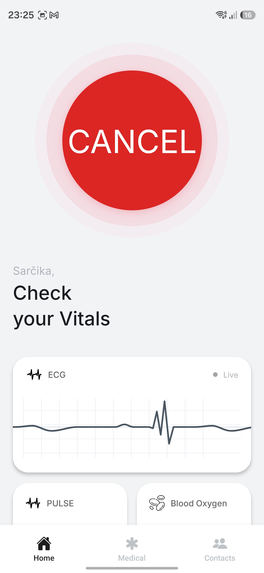
Activated Button
-
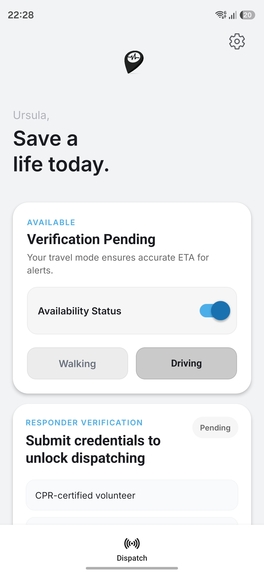
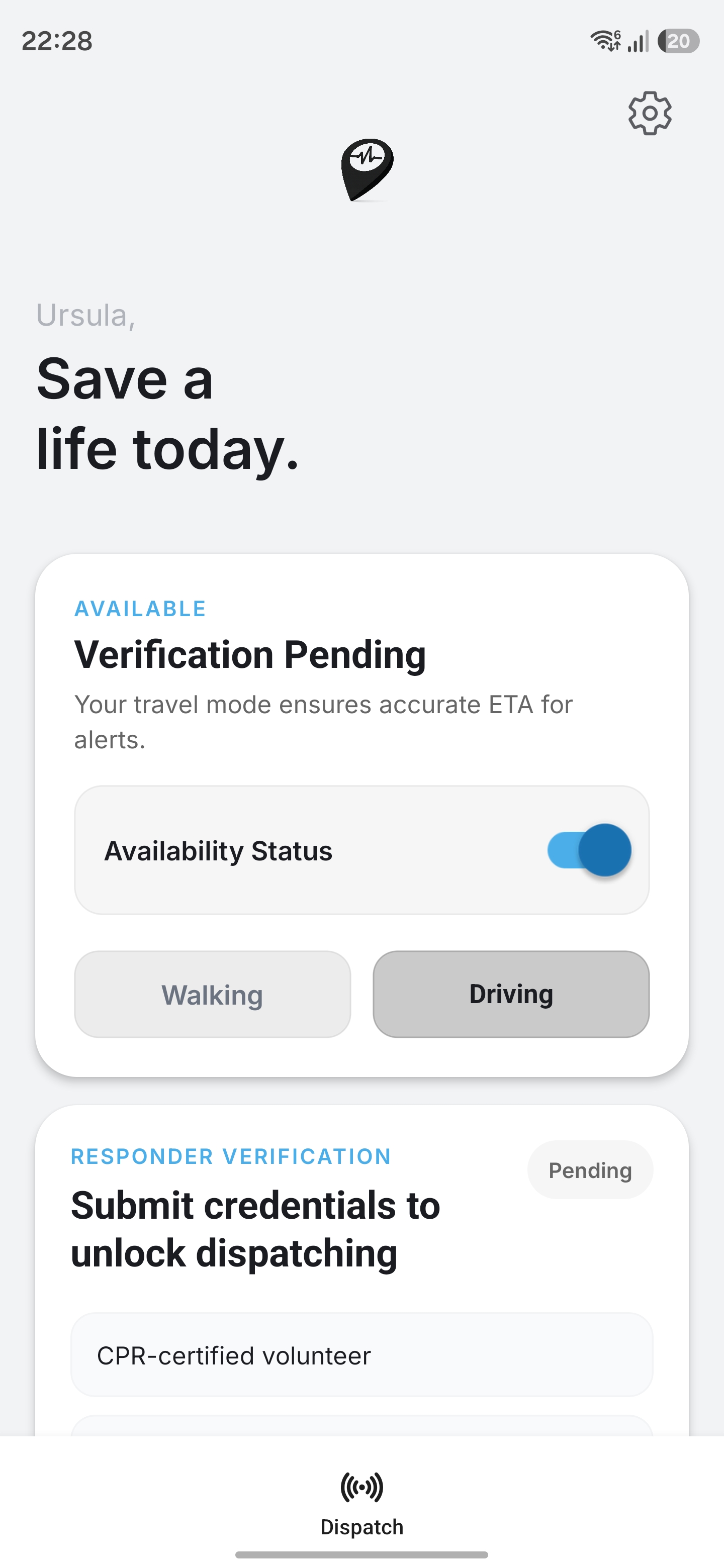
Respondents Page
-
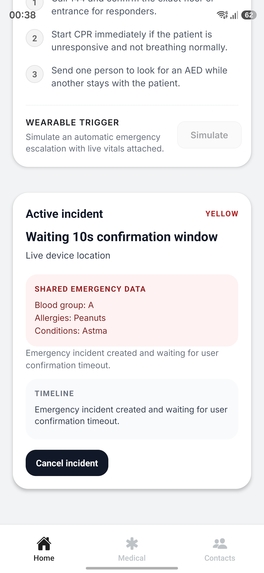
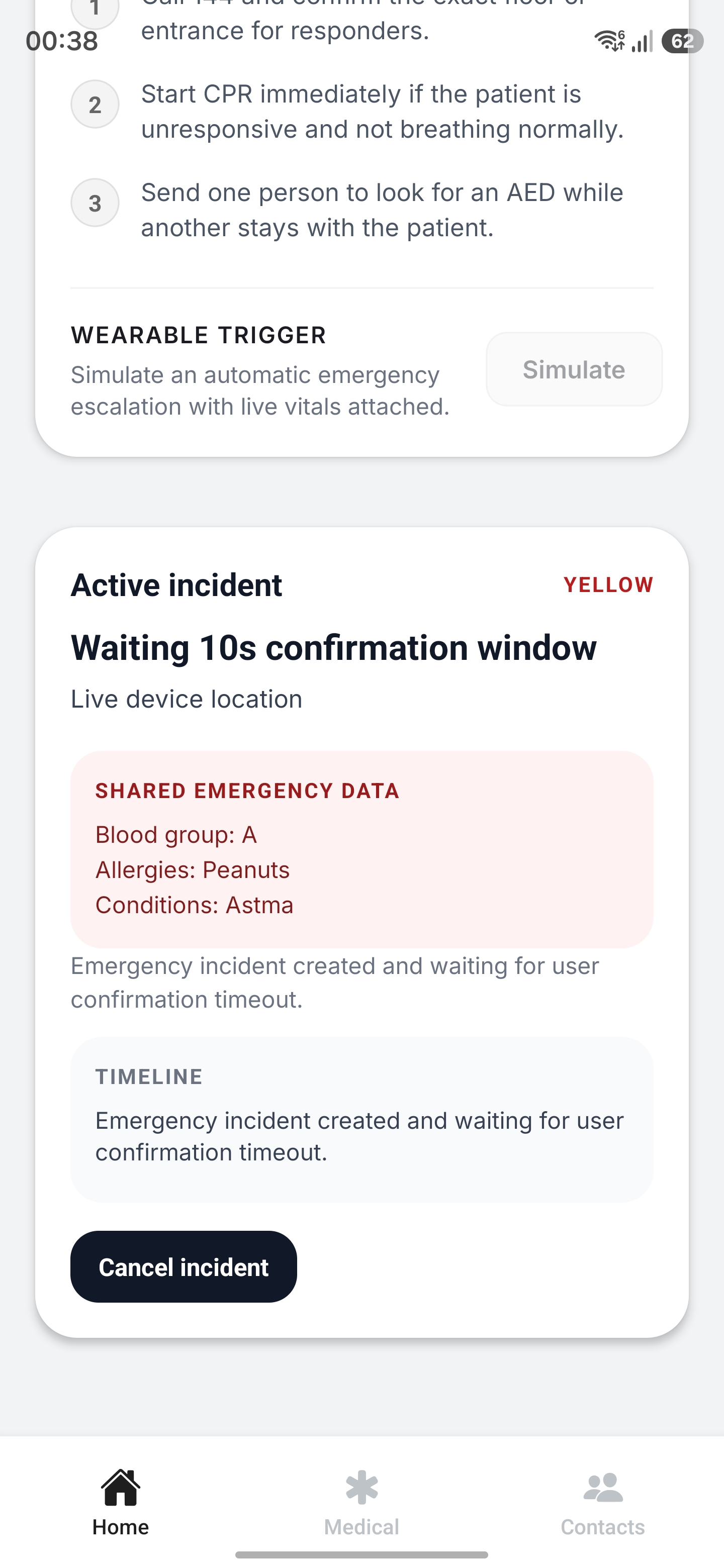
Yellow alert for 10 seconds allowing to cancel
-
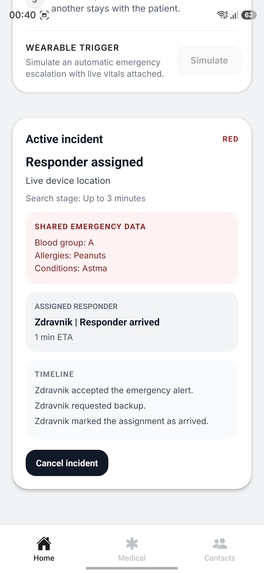
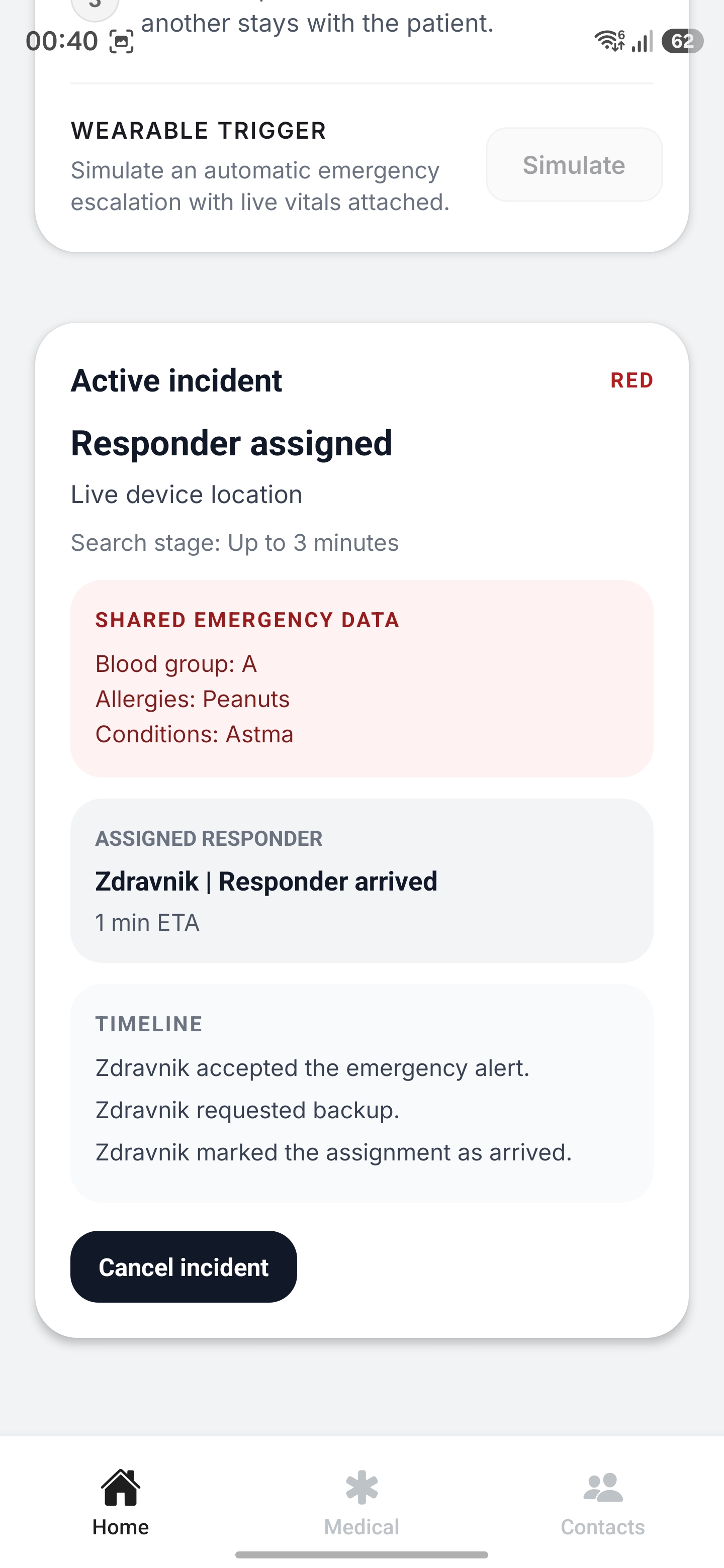
Shows red alert and user Zdravnik already responded
-
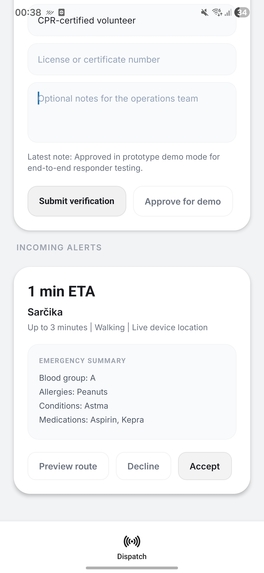
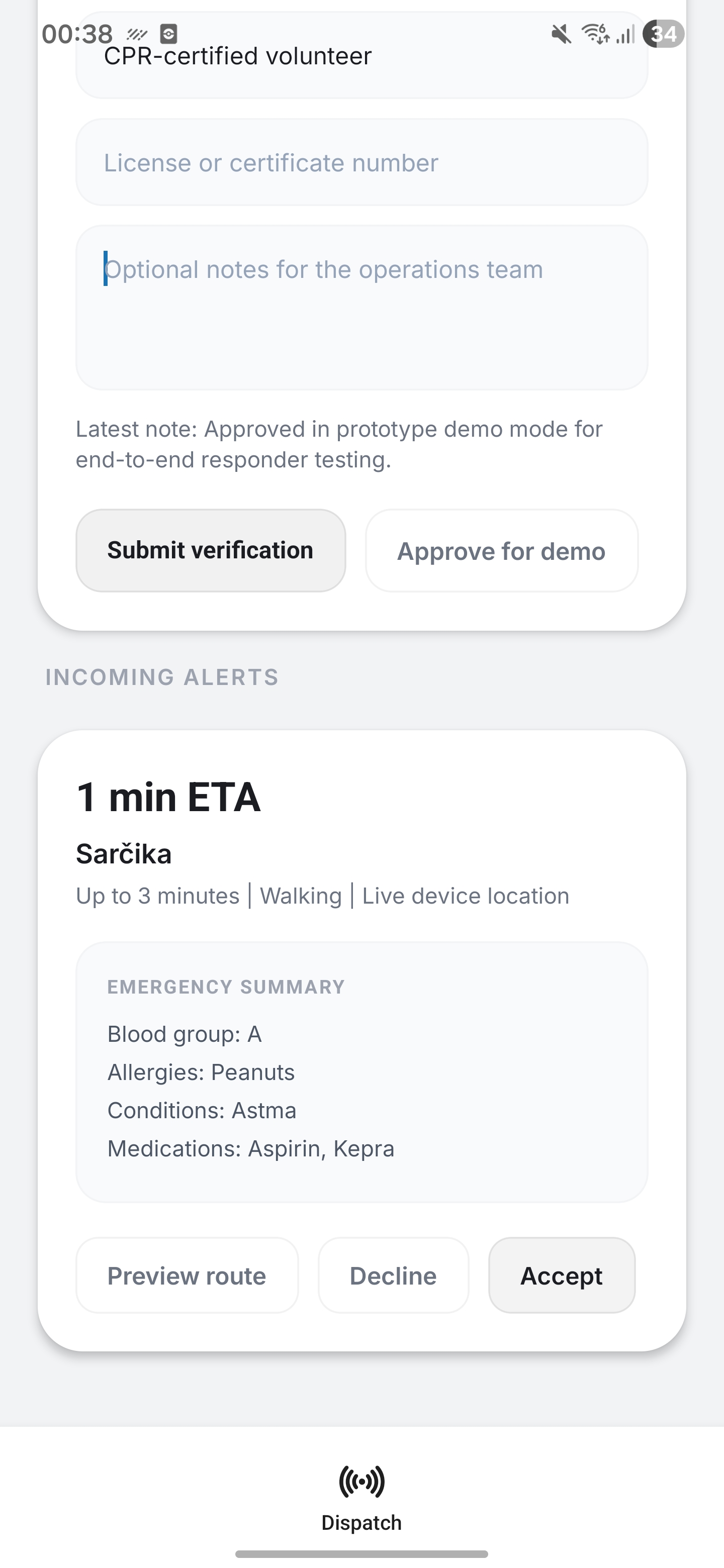
Shows new patient in need of assistance
-
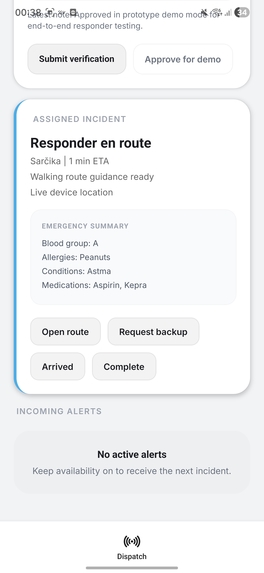
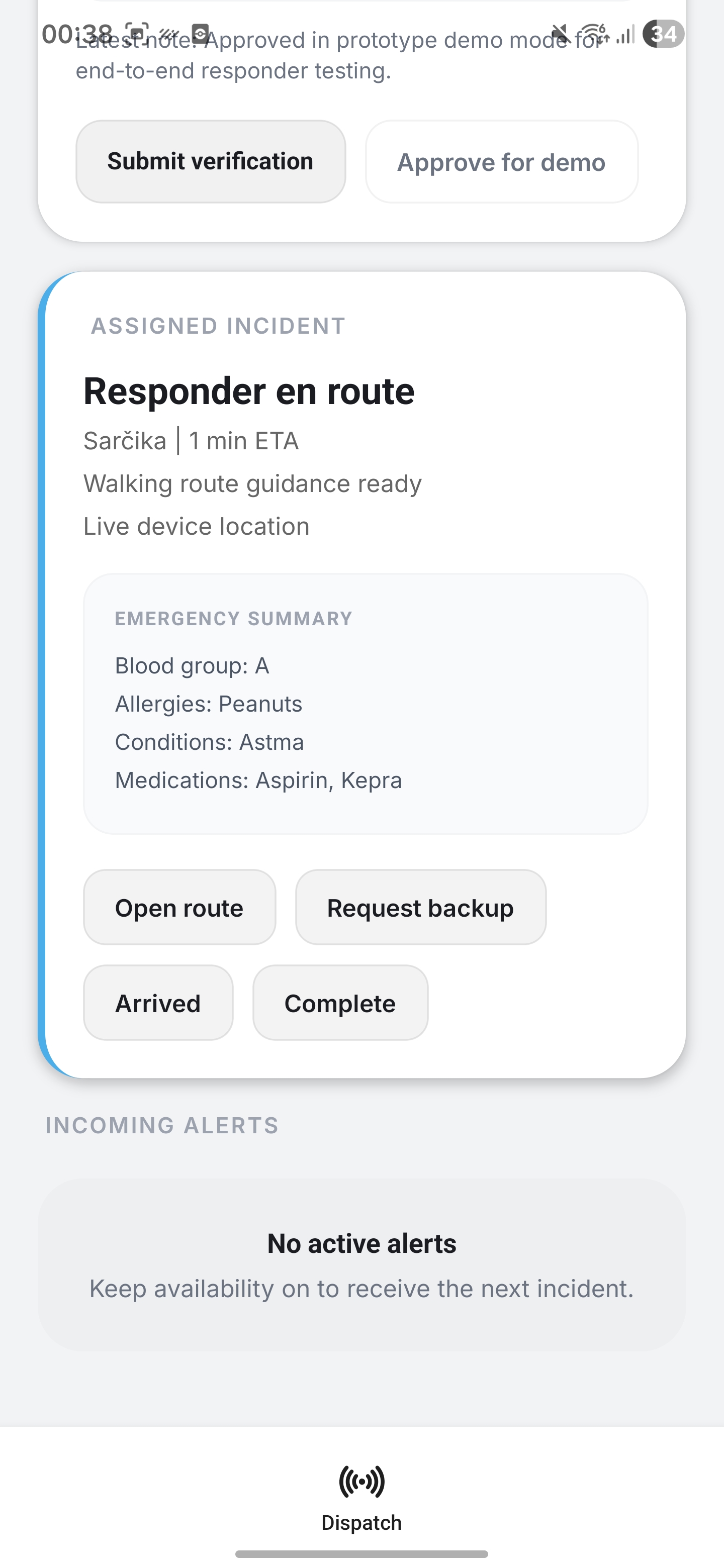
After accepting SOS call you first responder gets option for route and backup request
-
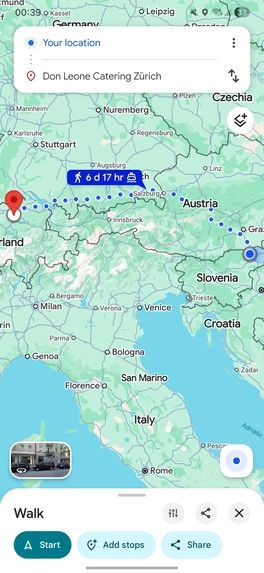
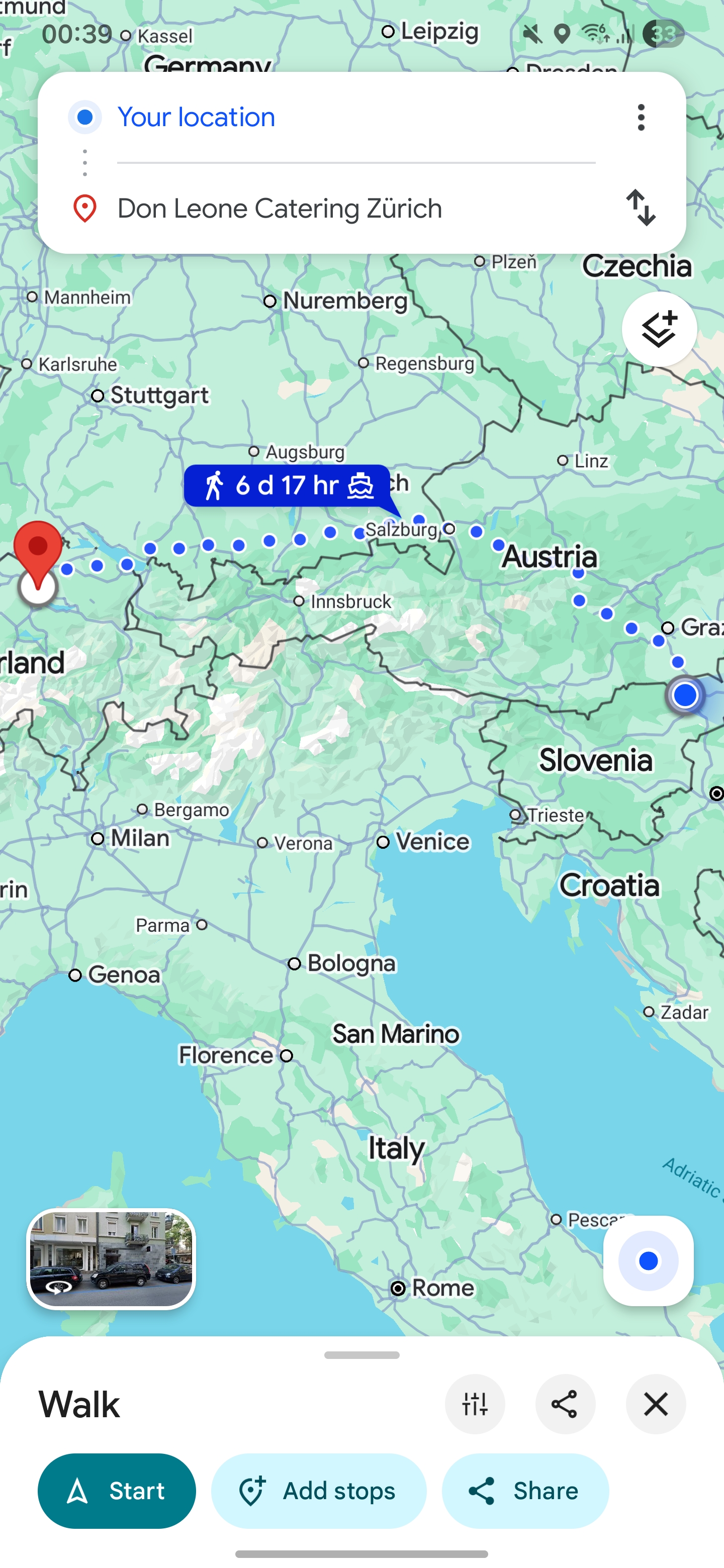
Route simply redirects to known Google maps app
Inspiration
We were inspired by the gap between the moment a medical emergency happens and the moment professional help arrives. In many emergencies, the first few minutes matter most, but bystanders often do not know what to do, and critical health information is not immediately available. We wanted to explore how technology could help bridge that gap by connecting people in distress with nearby trained responders while also surfacing the medical context that could save time and lives.
What it does
LifeLine is a mobile emergency response platform for two types of users: citizens and responders.
For citizens, the app allows a user to:
- Trigger an SOS manually
- Simulate an automatic emergency triggered by wearable health signals
- Share live location during an emergency
- Store a medical profile with allergies, conditions, medications, age, and blood group
- Save emergency contacts for family members and medical providers
For responders, the app allows a user to:
- Create a responder profile
- Submit credentials and go through a verification flow
- Set availability, travel mode, and coverage range
- Receive incident alerts in real time
- Accept or decline incidents
- Mark arrival, request backup, and complete assignments
On the backend, LifeLine tracks the incident timeline in real time and matches the patient with the fastest eligible responder based on estimated arrival time, not just straight-line distance.
How we built it
We built LifeLine as a cross-platform mobile app using Expo and React Native with Expo Router for navigation. For the backend, we used Convex to handle real-time data, incident state, responder assignment, profiles, and activity timelines.
The app combines several moving parts:
expo-locationfor live location updates- A Health Connect integration plus demo vitals simulation for wearable-triggered emergencies
- Convex mutations, queries, and scheduled functions for incident creation, confirmation timeouts, and responder dispatch
- Google Distance Matrix for route-aware ETA calculations when available, with a fallback estimation model when an API key is not configured
A key part of the project was the dispatch logic. Instead of simply notifying everyone nearby, we built an ETA-ranked system that finds verified and available responders, estimates their travel times, and notifies the fastest responder first. If they do not respond in time, the system escalates to the next fastest option.
Challenges we ran into
One of the biggest challenges was designing a dispatch system that felt realistic for a hackathon prototype. Matching by nearest distance is simple, but real emergencies depend more on arrival time, travel mode, and responder availability. Building that logic while keeping the demo reliable required several fallbacks and safeguards.
Another challenge was handling the emergency lifecycle end to end. We had to think through confirmation windows, false alarms, responder timeouts, reassignment, backup requests, and how to keep everything synchronized in real time between citizen and responder views.
We also had to be thoughtful about sensitive medical data. Even in a prototype, we wanted the app to feel responsible, so we focused on opt-in emergency sharing, verification gates for responders, and an auditable incident timeline.
Accomplishments that we're proud of
We are proud that LifeLine is more than a static concept. It demonstrates a full emergency flow:
- A citizen can trigger an incident
- Medical and location context can be attached
- A responder can be verified, become available, and receive alerts
- The system dispatches help using ETA-based ranking
- The entire event is tracked through a live incident timeline
We are also proud that we combined multiple important ideas into one experience: wearable-triggered escalation, emergency medical profiles, real-time responder coordination, and route-aware matching.
What we learned
We learned a lot about designing for high-stakes situations. In emergency workflows, speed is important, but clarity and trust are just as important. Every screen and transition has to feel obvious, reliable, and calm.
On the technical side, we learned how powerful real-time backend tools like Convex can be for building coordinated multi-user experiences. We also learned how to structure fallback logic so that the app still works in demo mode even without live health or routing integrations.
Most importantly, we learned that building health-related technology requires both technical thinking and ethical thinking. Privacy, verification, transparency, and auditability all matter just as much as features.
What's next for LifeLine
Next, we want to evolve LifeLine from a prototype into a more complete emergency support platform. Some of the next steps include:
- Integrating real emergency service infrastructure and dispatch channels
- Expanding wearable and health data integrations
- Adding push notifications, SMS, and automated emergency contact outreach
- Improving responder verification with official credential validation
- Adding multilingual support and broader accessibility features
- Building stronger privacy, security, and compliance layers for sensitive health data
- Using smarter risk detection to better identify serious emergencies from wearable trends
Our long-term vision is for LifeLine to become a trusted first-response layer that helps people get support faster in the moments when every second counts.


Log in or sign up for Devpost to join the conversation.