-
-
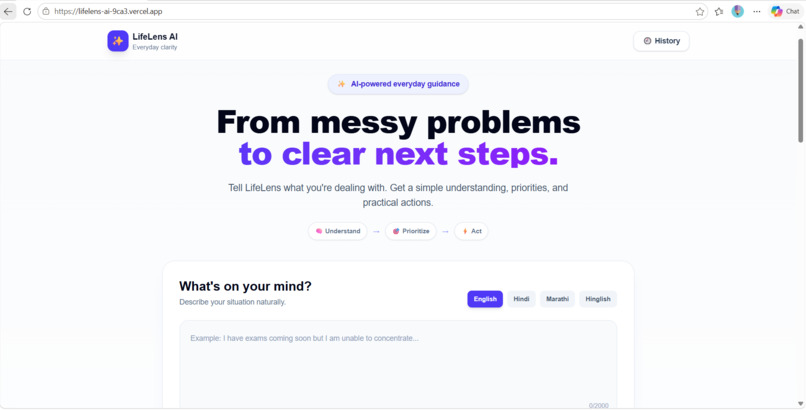
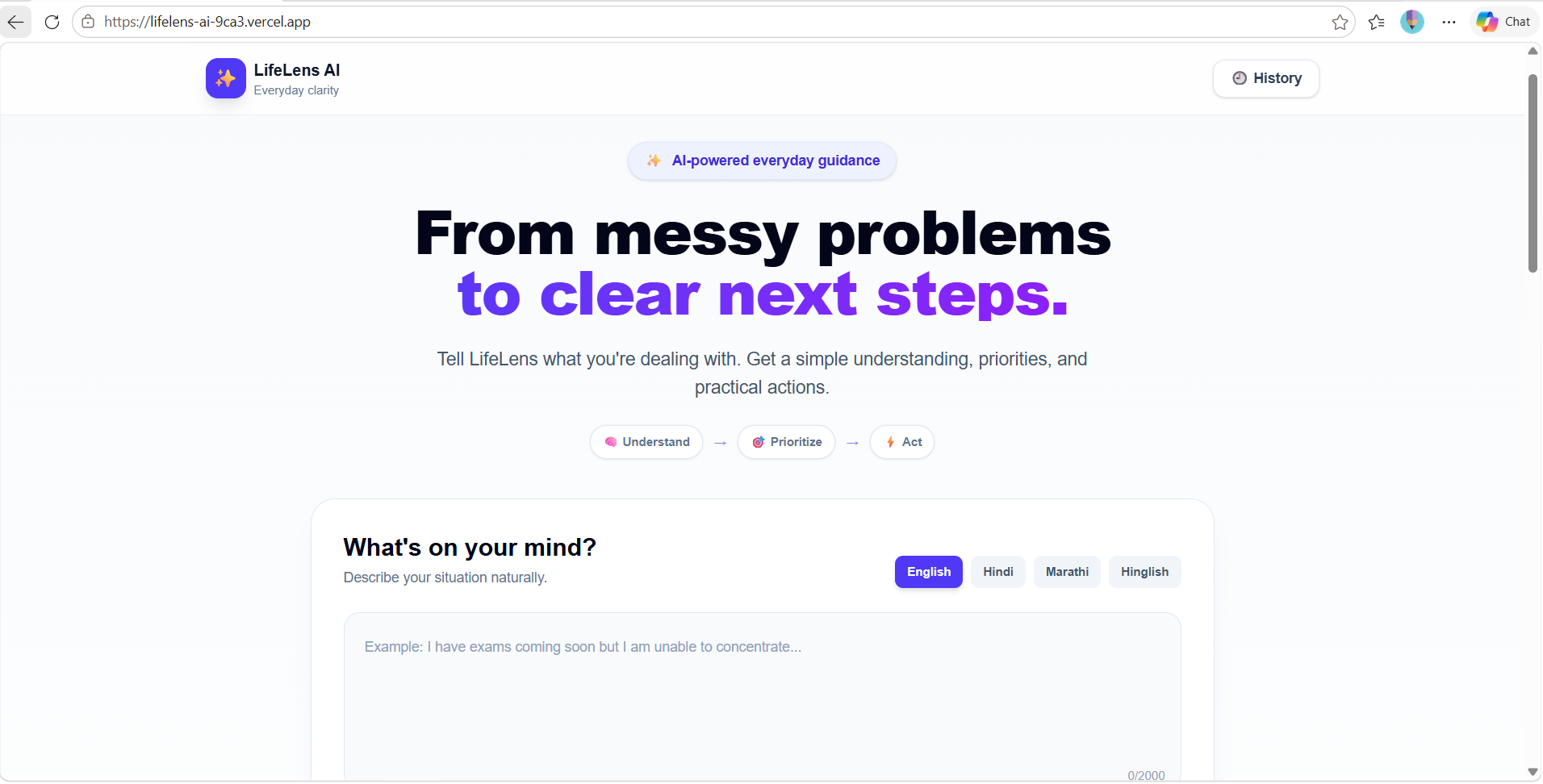
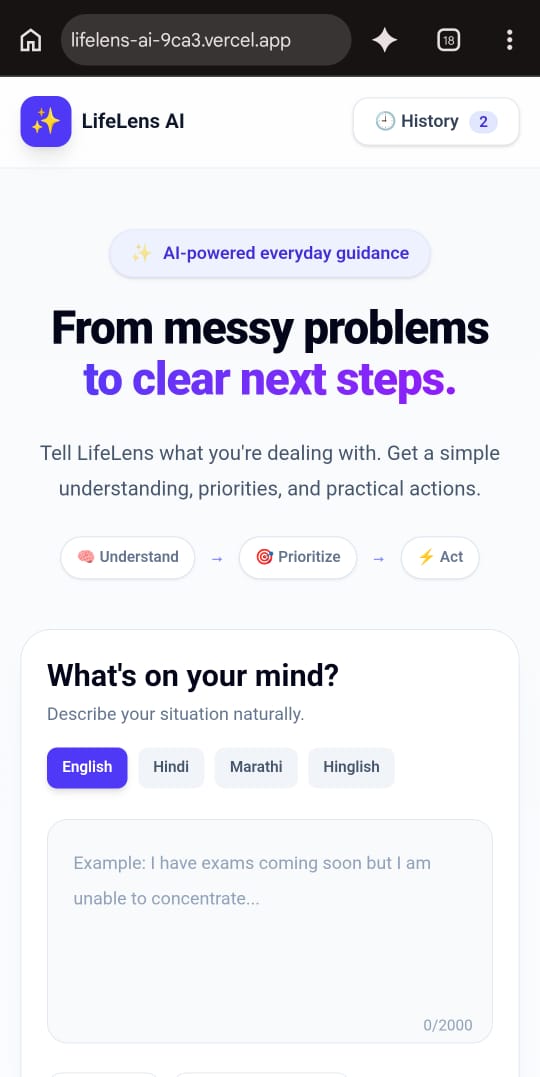
Home page: Describe your situation naturally and LifeLens AI turns it into clear next steps.
-
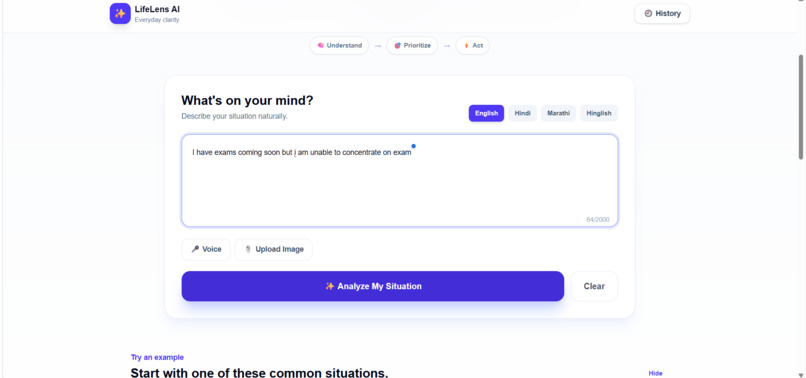
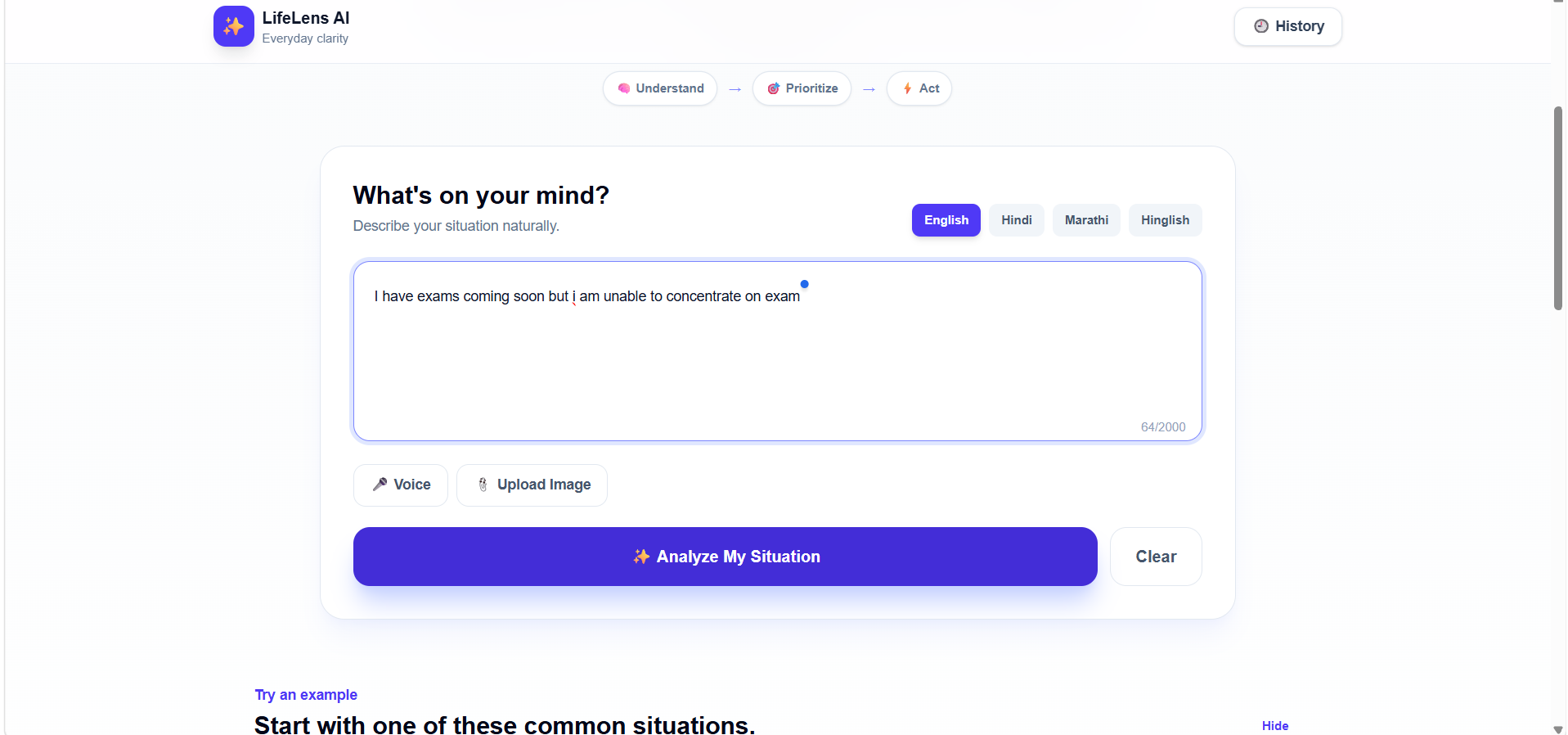
Tell: Type your problem in English, Hindi, Marathi or Hinglish, just the way you think.
-
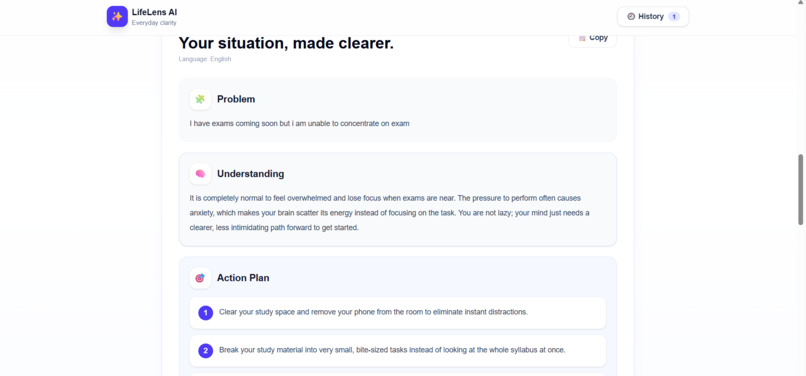
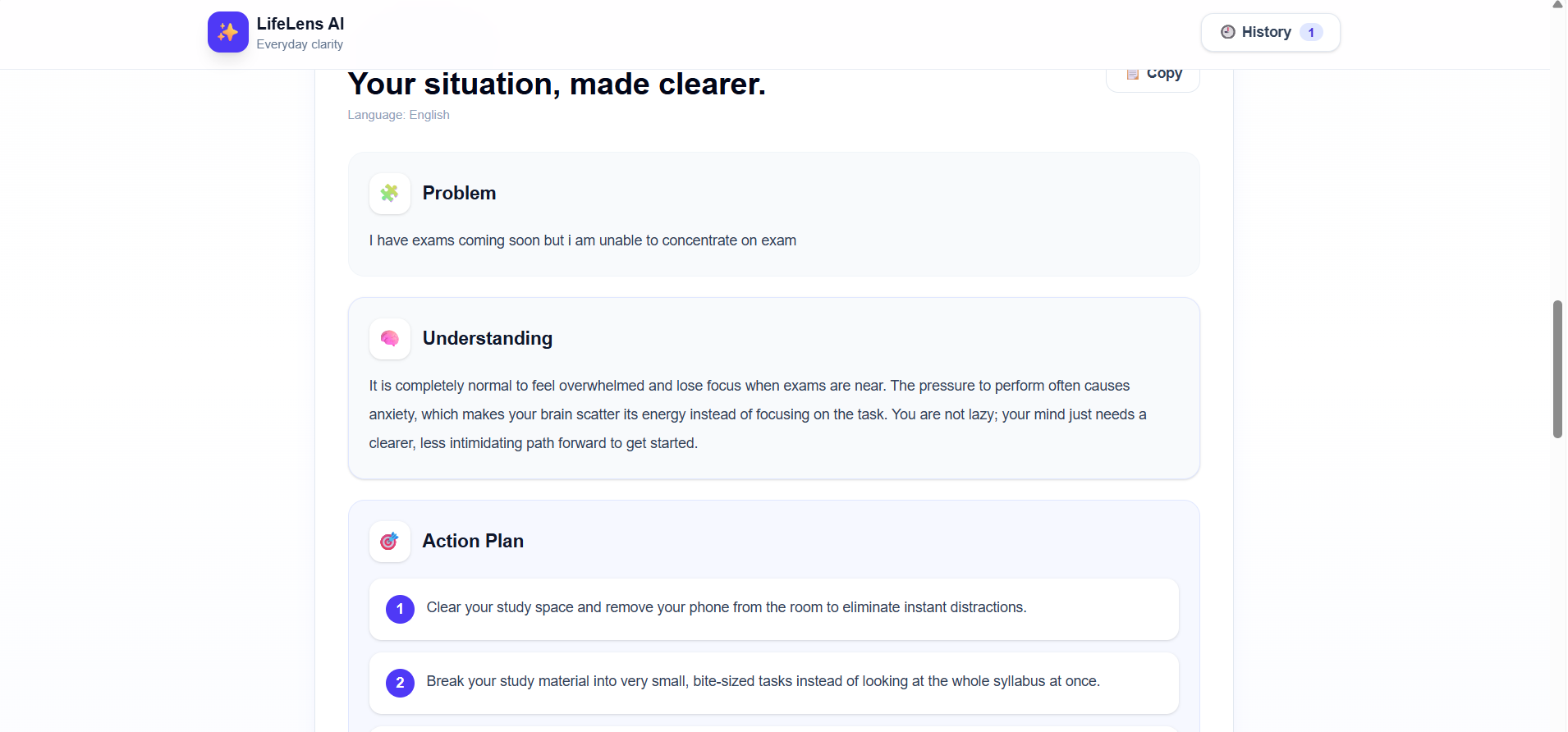
Understand and Act: Every answer is organized into Problem, Understanding and a numbered Action Plan.
-
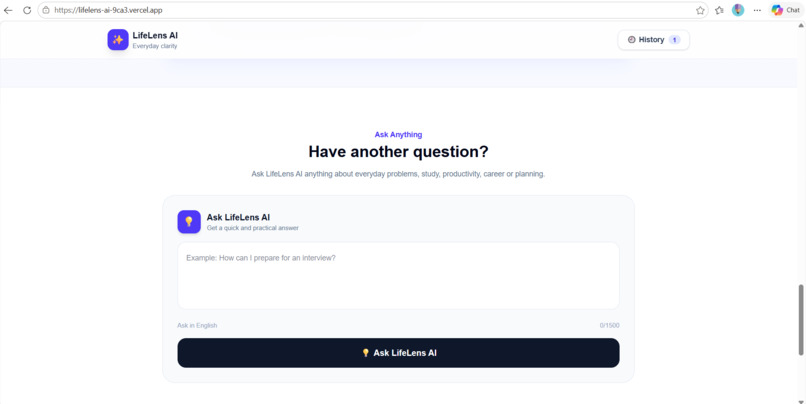
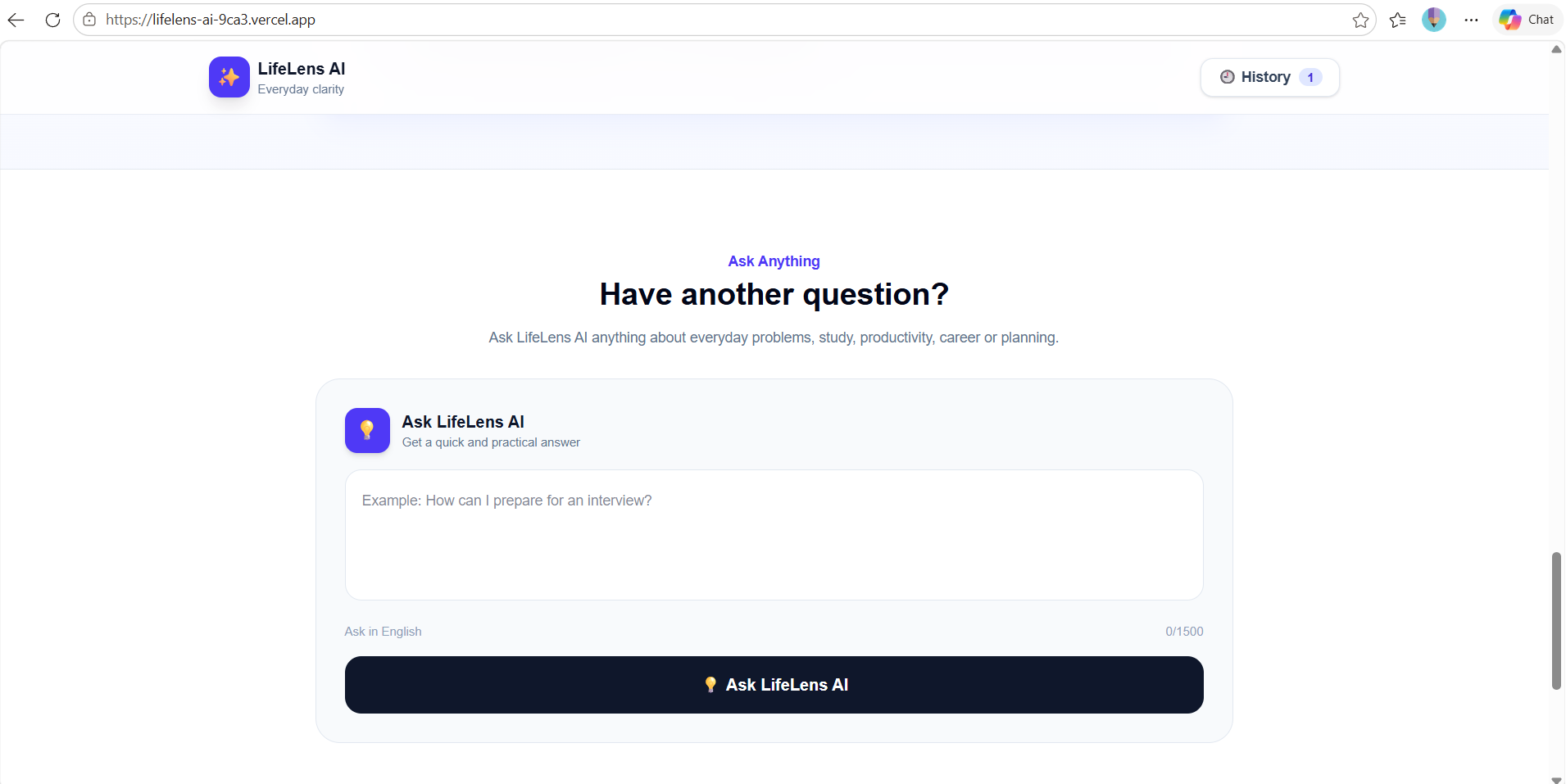
Ask Anything: Follow-up questions about study, productivity, career or planning, with quick practical answers.
-
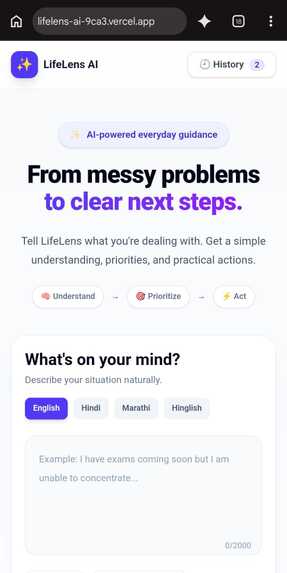
Mobile friendly: The same clean experience on smaller screens, with History to revisit earlier situations.
Inspiration
Everyone has days when too many things pile up at once: exams, deadlines, career confusion, or just overthinking. We noticed that most people don't lack information. They lack clarity on where to start. Many AI tools can answer a question, but the user still has to organize the answer into steps. We asked ourselves:
What if AI could help people not just understand their problems, but figure out what to do next? That question became LifeLens AI.
What it does
LifeLens AI is an everyday problem-solving assistant. The user describes their situation in their own words, and LifeLens turns it into four clear sections:
- 🔴 Problem: the main issue, identified
- 🧠 Understanding: what is happening and why it feels hard
- ✅ Action Plan: prioritized, numbered steps the user can actually follow
- 💡 Helpful Tip: one extra practical suggestion
The core idea is simple: Tell → Understand → Prioritize → Act.
Key features:
- 🌍 Works in English, Hindi, Marathi and Hinglish, so people can write the way they naturally think
- 💬 Ask Anything for follow-up questions
- 🕘 History to revisit earlier situations and plans
- 📚 Built-in example situations for a quick start
- 📱 Responsive, clean interface focused on clarity
How we built it
- Frontend: Next.js, React, TypeScript and Tailwind CSS
- AI: Google Gemini API through the
@google/genaiSDK - Backend: Next.js API routes (
/api/analyzeand/api/ask) that keep the API key safely on the server - Deployment: Vercel, with the Gemini key stored as a secure environment variable
- Workflow: Git and GitHub
The main work was in the prompt design. We instruct Gemini to always return the same structure (Problem, Understanding, Action Plan, Tip) in the language the user selected, so the UI can render every answer as clean, consistent cards instead of one long paragraph.
Challenges we ran into
- Structured output: Getting the AI to respond in the same four-part format every time, and not drift into long generic advice.
- Multilingual quality: Making sure Hindi, Marathi and Hinglish responses felt natural and not like literal translations.
- Keeping it simple: It was tempting to add many features. We kept removing things so the interface stays calm and easy for someone who is already stressed.
- API key security: Making sure the Gemini key never reaches the browser or GitHub.
Accomplishments that we're proud of
LifeLens AI is a first step toward an assistant that helps people not just understand their problems, but actually follow through on solving them.
- 🎤 Better voice and image input: so people can simply speak their problem or share a photo of a timetable, notes or a document.
- 📊 Progress tracking: tick off action steps and see how far you have come on each situation.
- 🔔 Smart reminders: gentle nudges based on your action plan, so good intentions turn into habits.
- 🧠 More personalized recommendations: advice that adapts to the user's goals, routines and past situations.
- 👥 Shared plans: work through a situation together with a friend, classmate or family member.
- 🌐 More Indian languages: Tamil, Telugu, Bengali, Gujarati and more, so no one is left out because of language.
- 📱 A dedicated mobile app: with offline access to saved plans.
- 🧩 Specialized workflows: focused modes for exam preparation, career decisions, time management and more.
What we learned
- Good AI products are about structure and usability, not only model power.
- Prompt design directly shapes the user experience.
- Small design choices, like numbered steps and clear sections, make advice far easier to act on.
- Supporting local languages makes a tool feel much more personal and accessible.
What's next for LifeLens AI
- 🚀 A fully working, live product. LifeLens AI is not just a prototype or a design. It is deployed on Vercel, and anyone can open it and try it right now.
- 🧩 Messy input, clean output. We got the AI to turn a confusing, rambling situation into the same four clear sections every time: Problem, Understanding, Action Plan and Helpful Tip.
- 🌍 Built for how Indians actually communicate. The app works in English, Hindi, Marathi and Hinglish, so people can describe their problems in the language they think in.
- 🎯 Focused on action, not information. Instead of a long generic answer, users get prioritized, numbered steps they can start on immediately.
- 🎨 A calm, simple experience. We resisted adding too many features, so the interface stays clear for someone who is already stressed or overwhelmed.
- 📱 Works across screen sizes. The same clean experience on desktop and mobile.
- 🔐 Secure by design. The Gemini API key stays on the server and is stored as a protected environment variable, never exposed in the browser or on GitHub.
- 💬 More than a one-time answer. Ask Anything for follow-up questions and History for revisiting earlier situations make LifeLens feel like an ongoing helper.


Log in or sign up for Devpost to join the conversation.