-
-
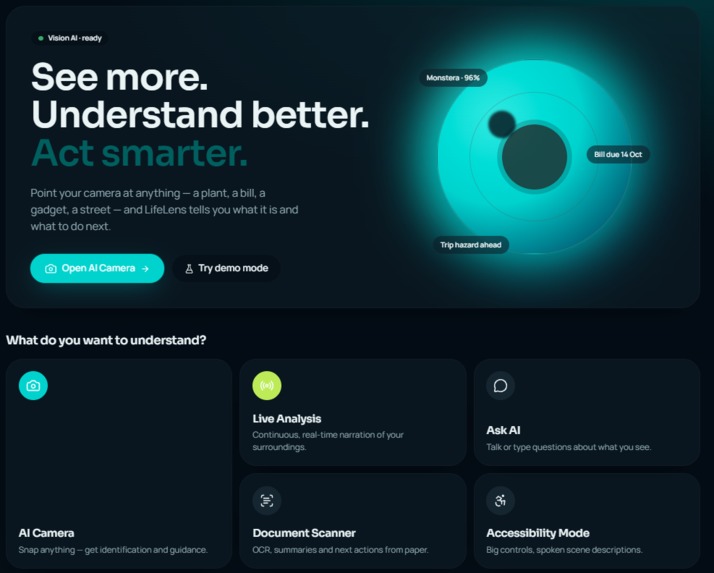
See More. Understand Better. Act Smarter
-
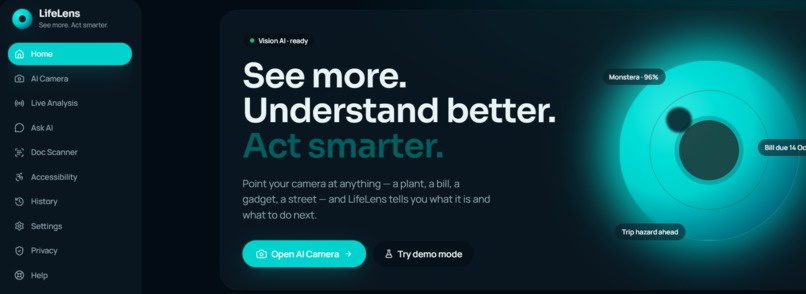
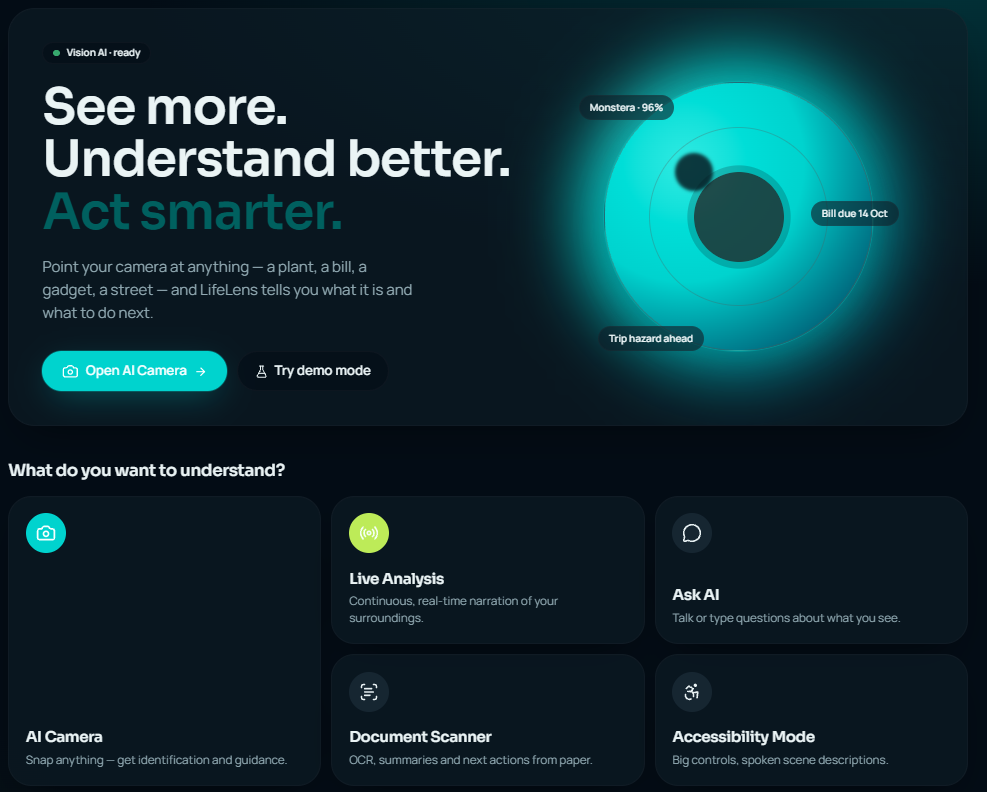
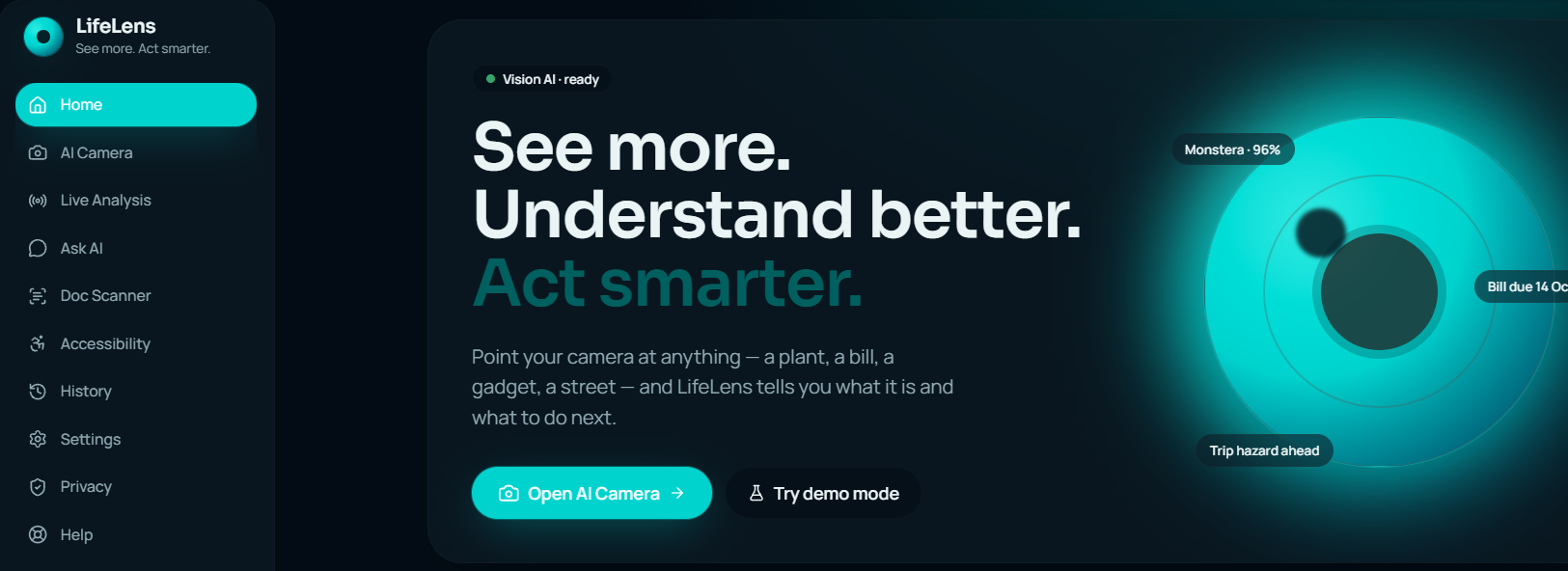
Inspiration: We wanted to make AI more useful in everyday life by helping people understand the world around them. LifeLens was inspired by the idea of turning a smartphone camera into an intelligent assistant that can see, understand, and guide users in real time.
What it does: LifeLens is an AI-powered visual assistant that can analyze images and surroundings, identify objects, read and summarize documents, answer questions, and provide step-by-step guidance. It also includes voice interaction and accessibility features to make AI easier for everyone to use.
How we built it: We built LifeLens as a responsive web application designed for mobile, tablet, and desktop. The interface combines camera/image input, AI vision analysis, OCR, natural-language interaction, voice features, and a clean real-time user experience.
Challenges we ran into: The biggest challenge was designing a simple interface for complex AI capabilities while keeping the experience fast, intuitive, and accessible across different screen sizes.
Accomplishments that we're proud of: We are proud of creating a complete AI experience that goes beyond a traditional chatbot. LifeLens allows users to see, understand, ask, and act through one simple interface.
What we learned: We learned how to combine AI capabilities with practical product design, responsive interfaces, accessibility, and real-time user interactions to solve everyday problems.
What's next for LifeLens: Next, we want to integrate more advanced multimodal AI, real-time camera understanding, offline capabilities, multilingual voice support, wearable-device integration, and personalized assistance.
Built With
- accessibility
- apis
- artificial
- camera
- cloud
- computing
- design
- first
- generative
- intelligence
- language
- learning
- machine
- mobile
- modern
- multimodal
- natural
- processing
- real-time
- responsive
- rest
- ui/ux
- vision
- voice
- web

Log in or sign up for Devpost to join the conversation.