-
-
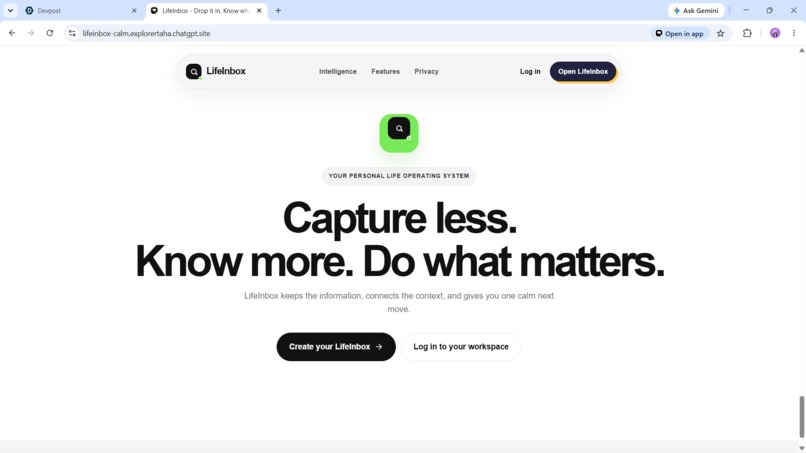
working
-
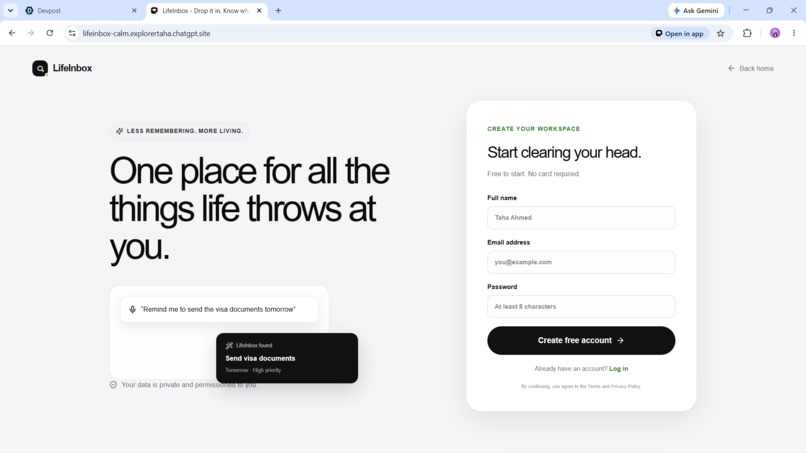
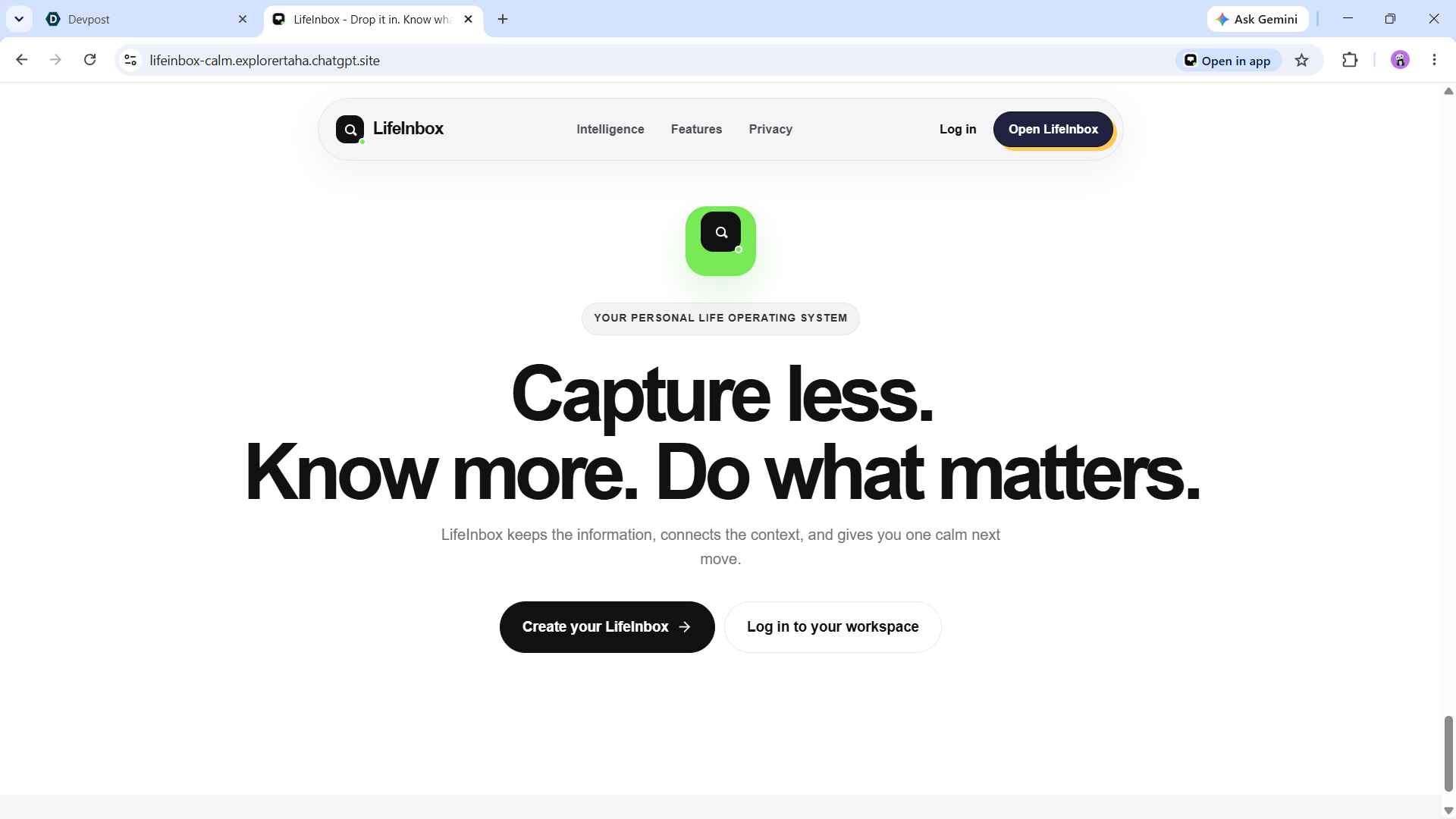
login
-
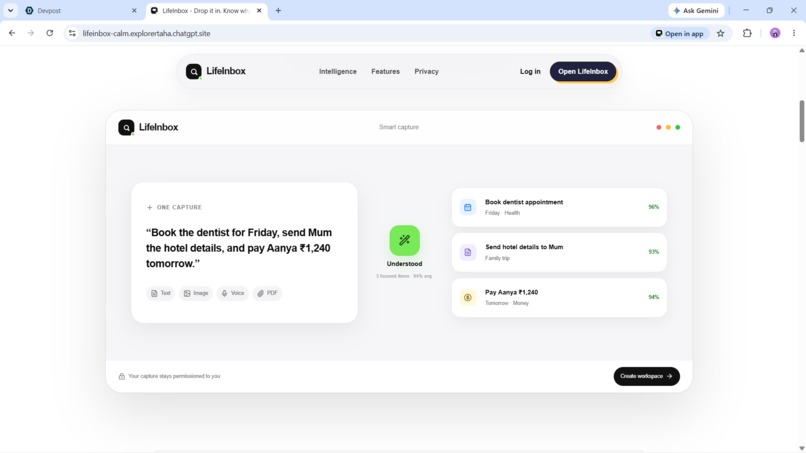
working
-
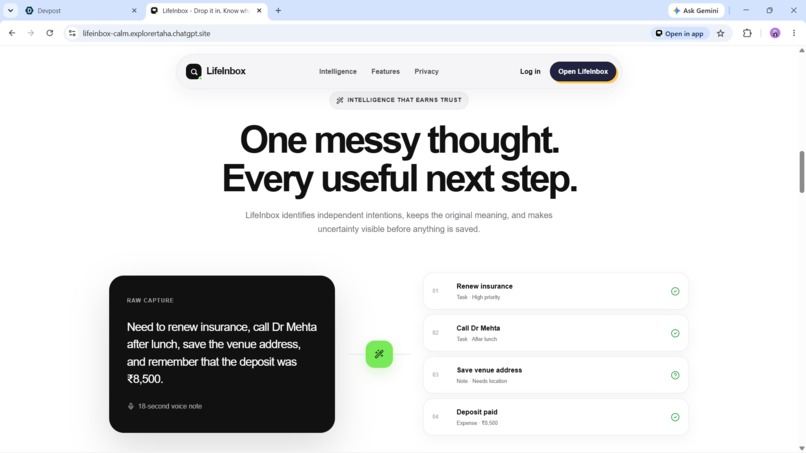
Working
-
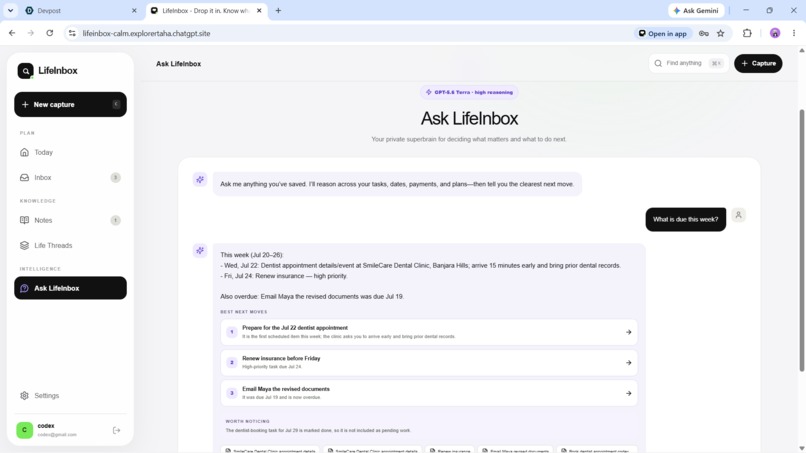
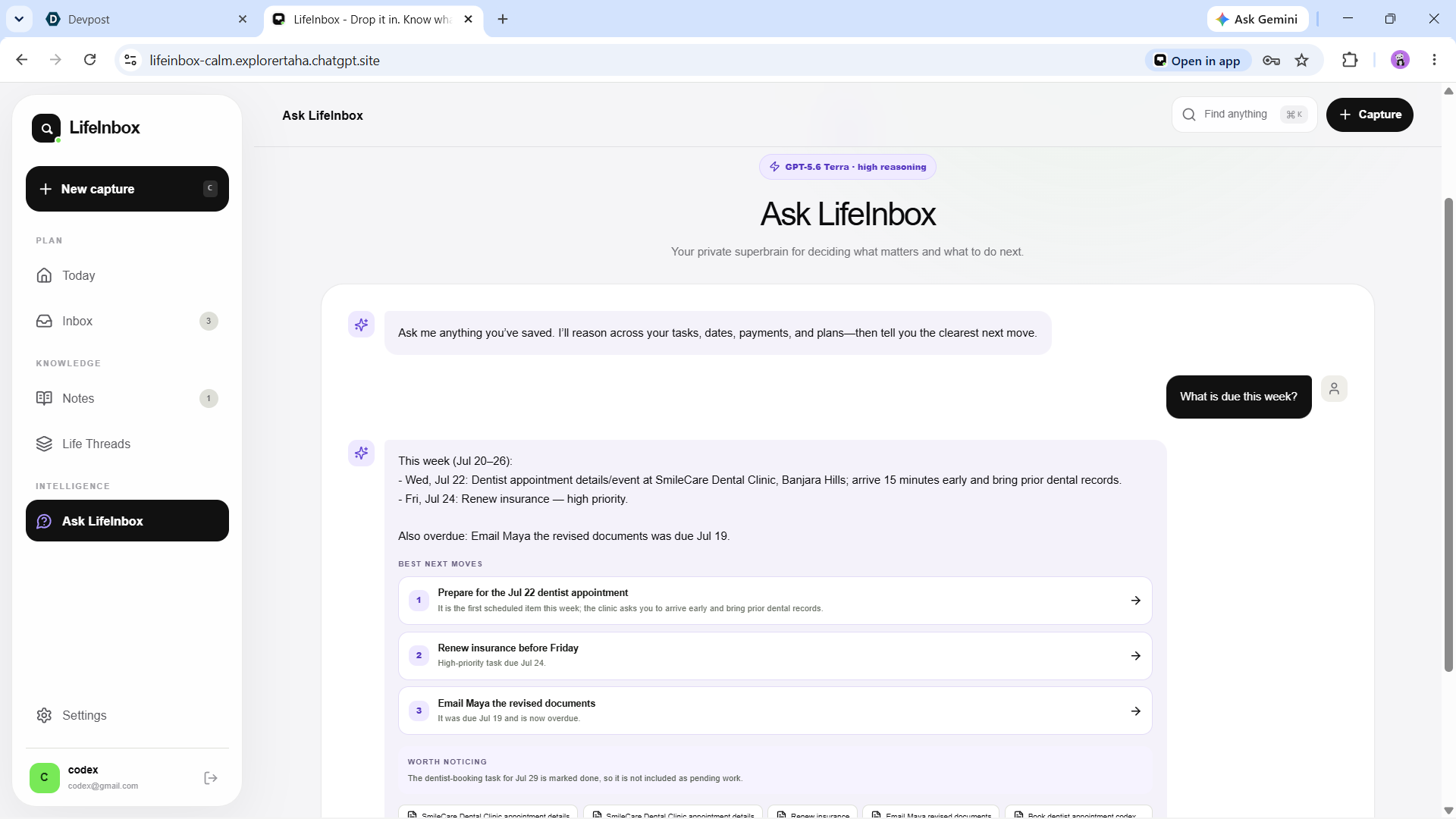
ai chatbot
-
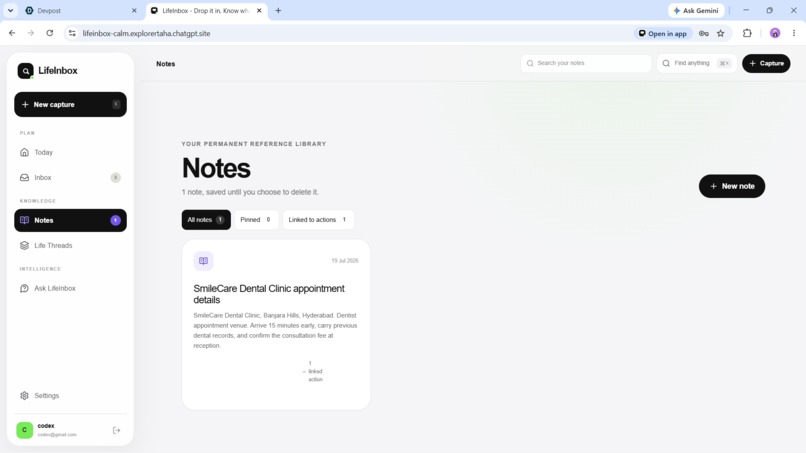
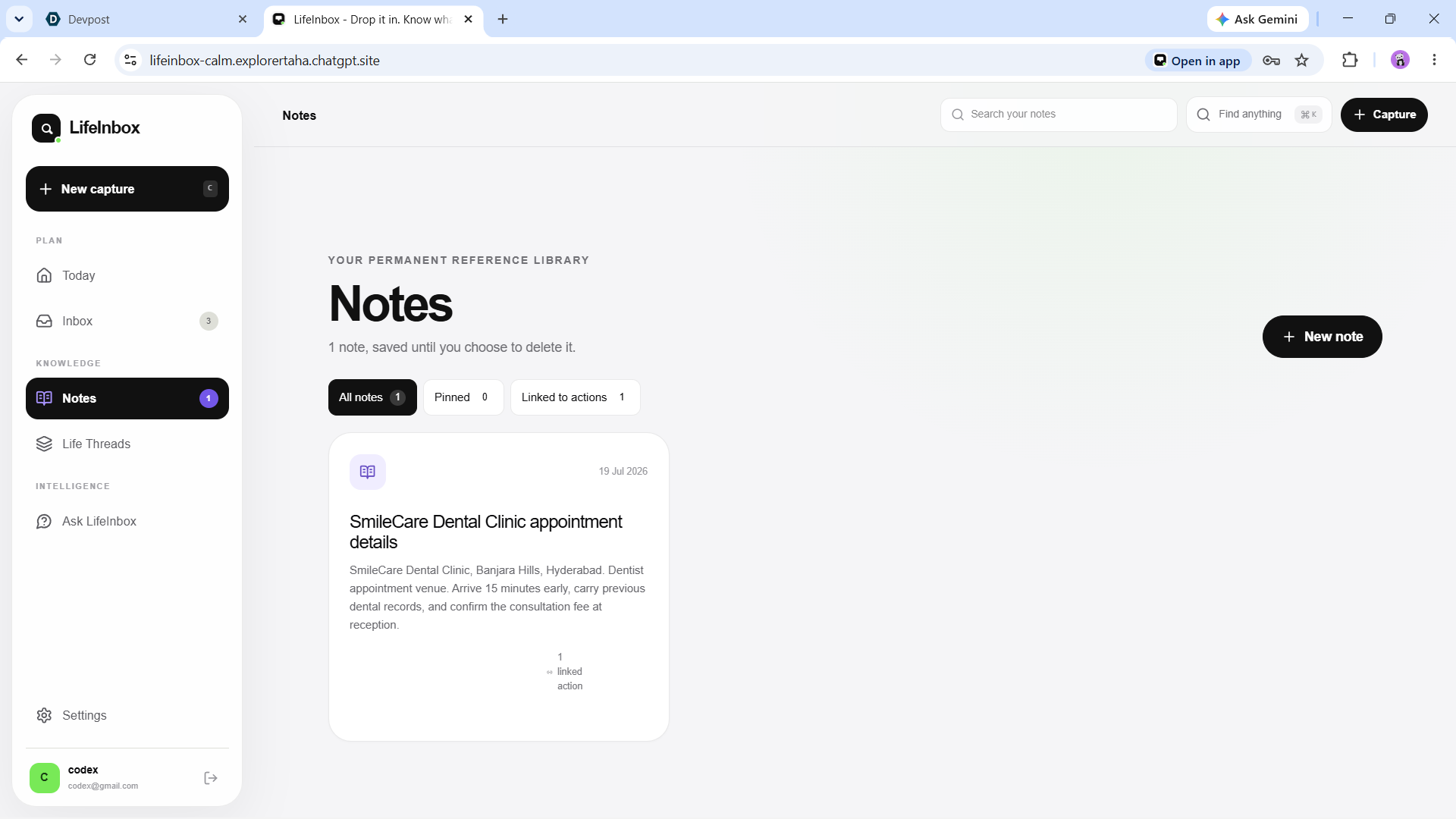
note section
-
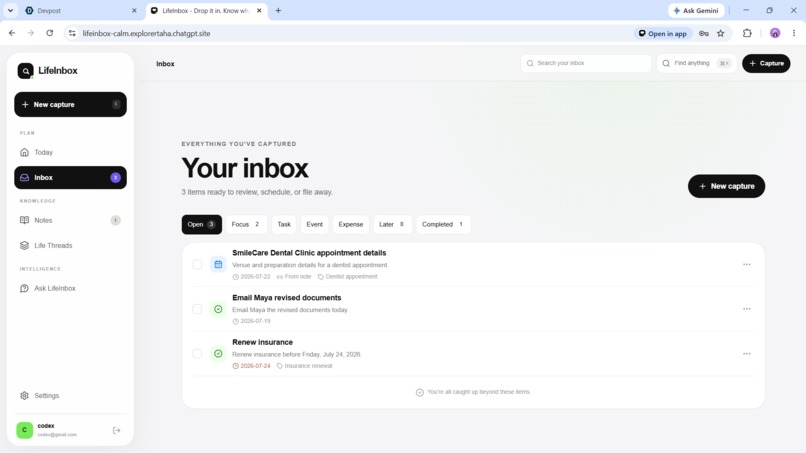
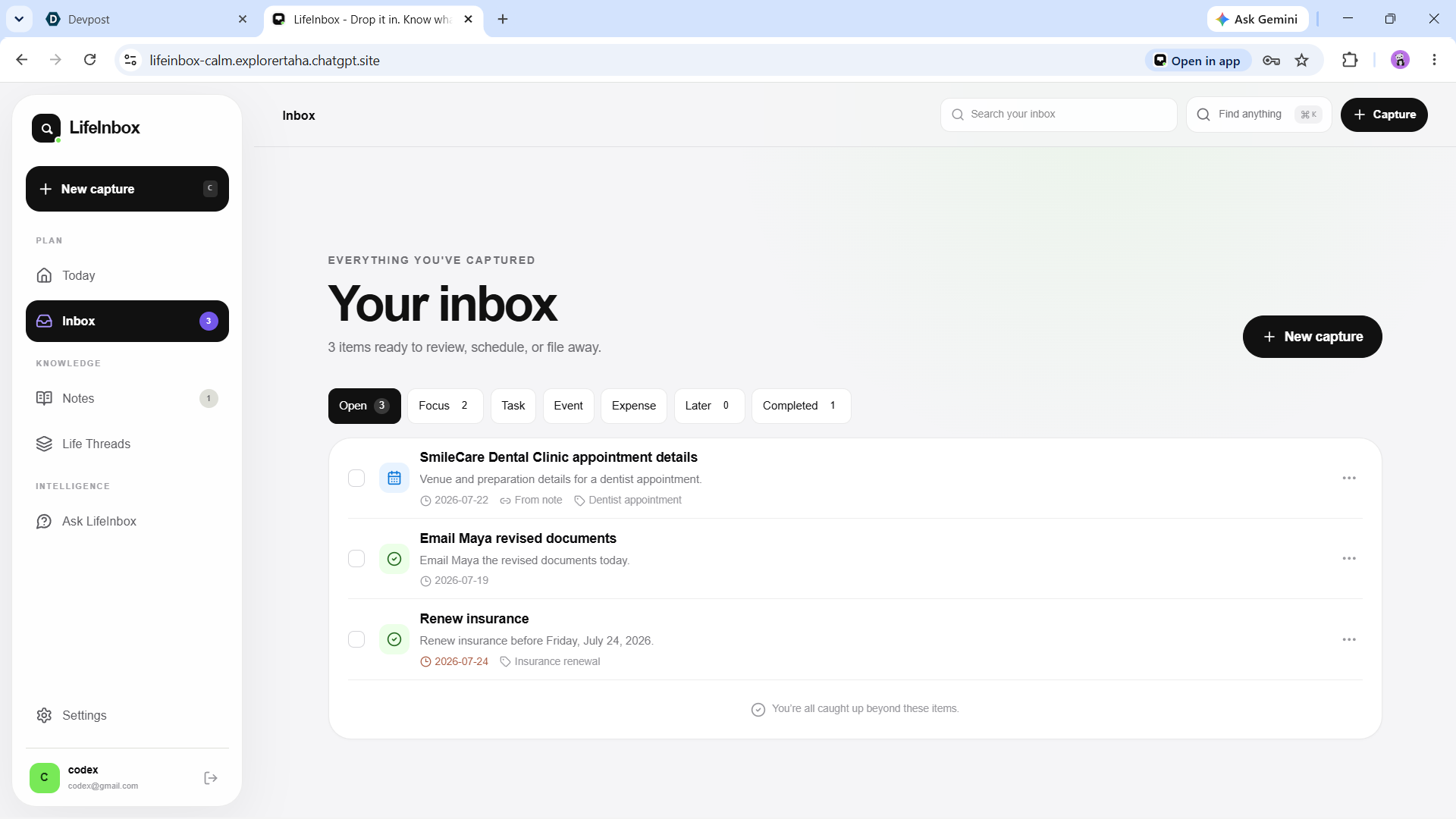
inbox section
-
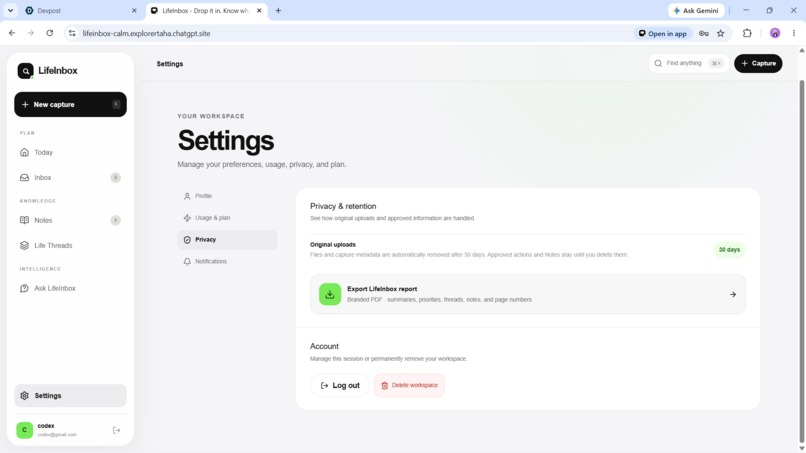
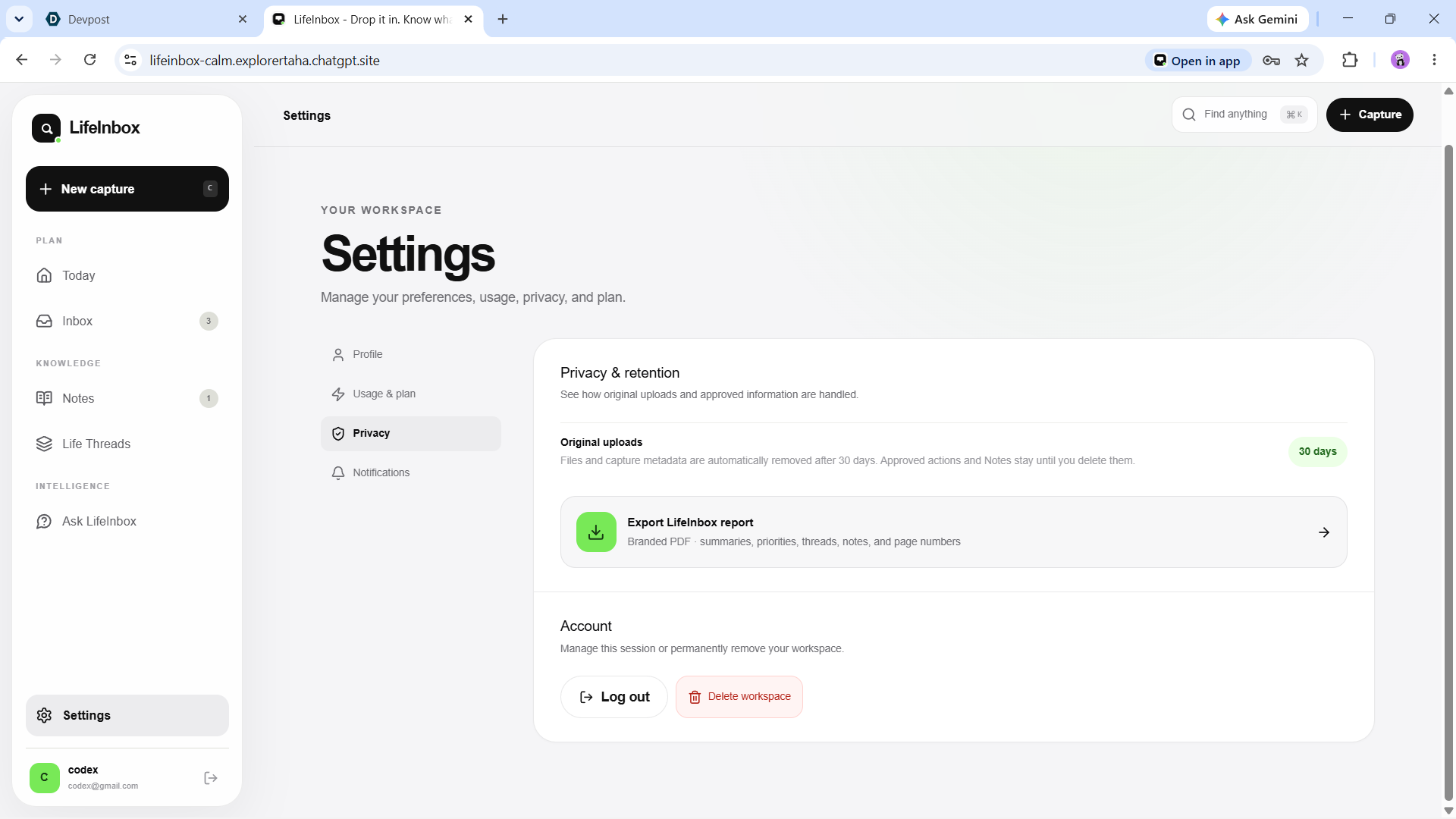
setting
-
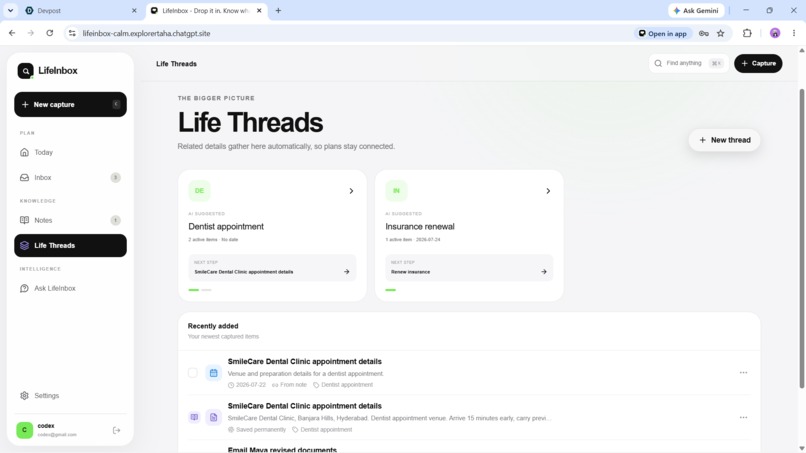
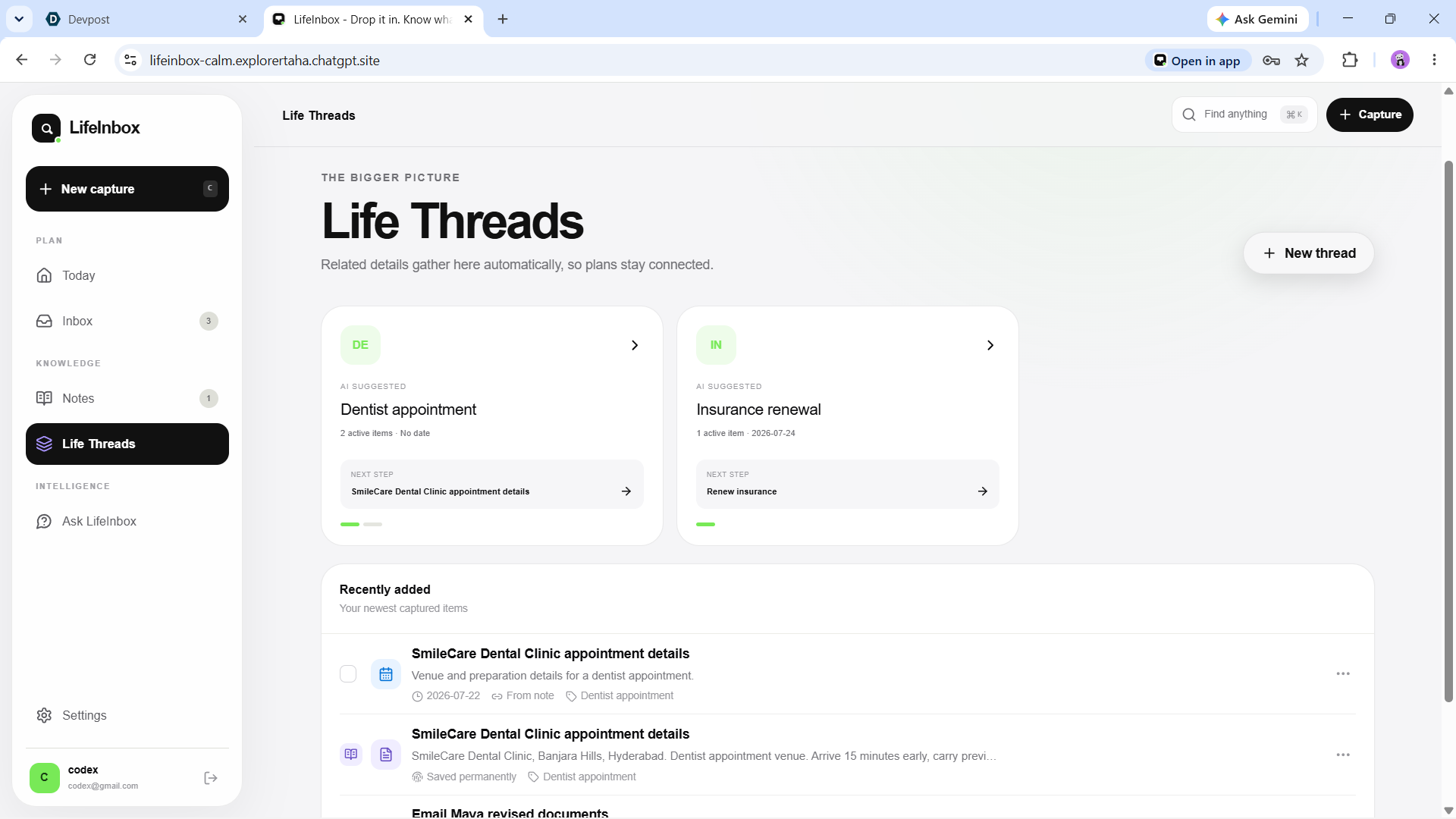
life thread section
-
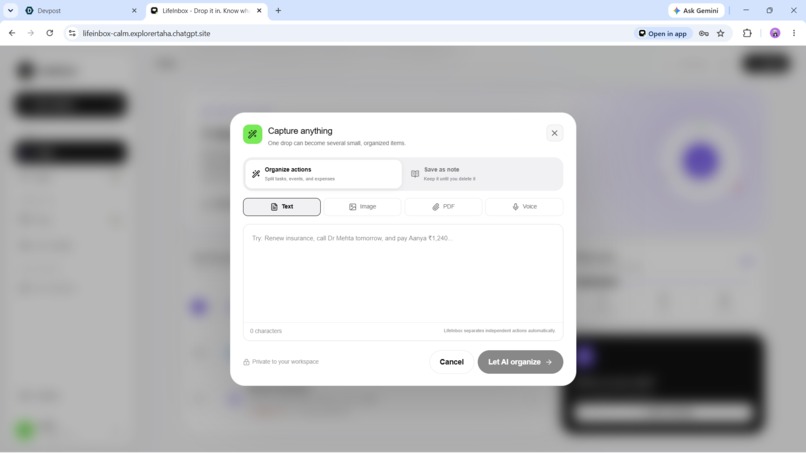
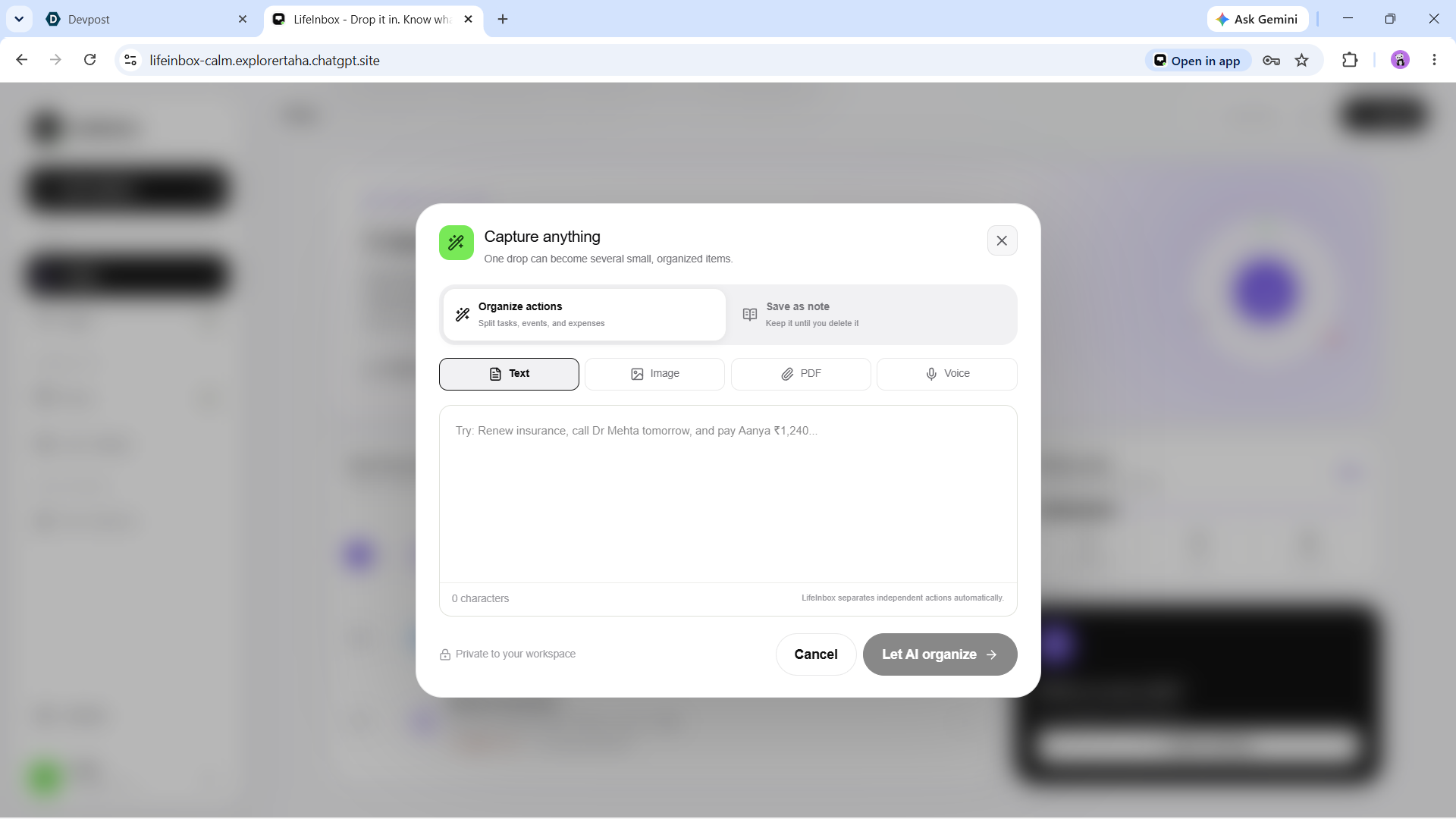
capture section
-
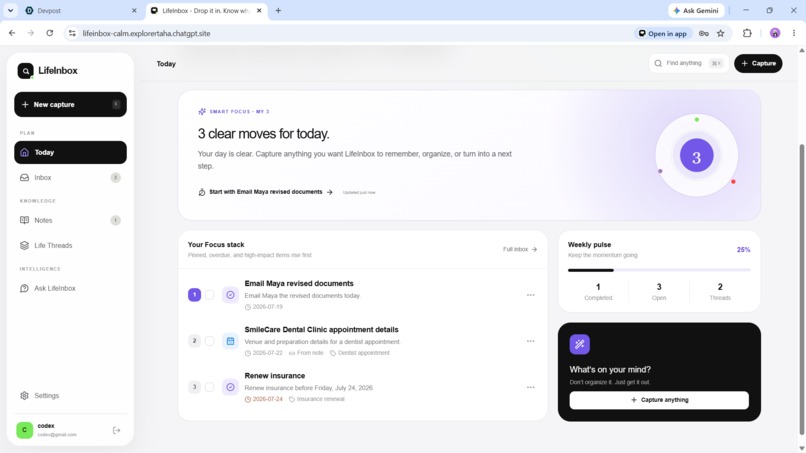
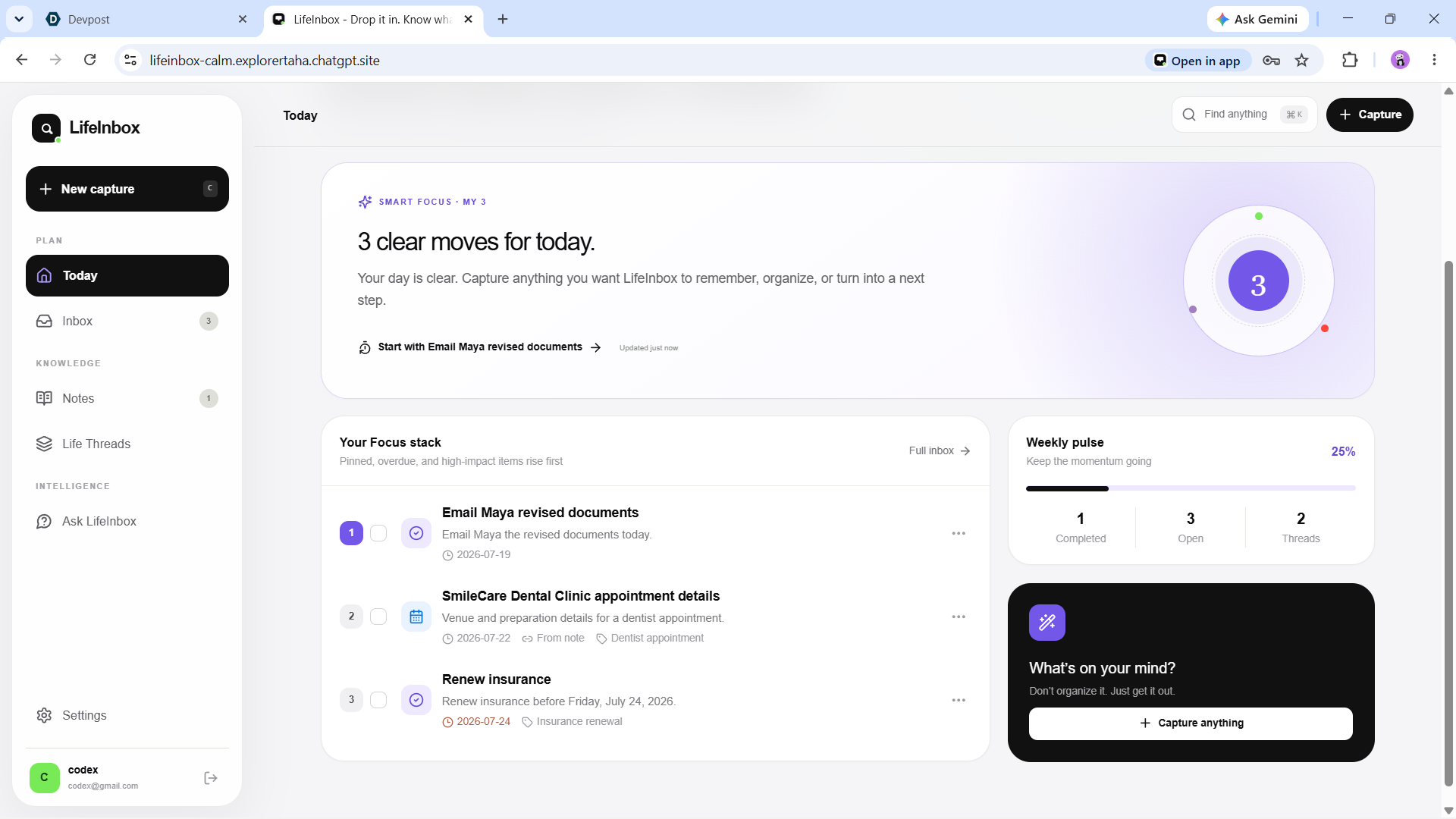
dashboard
-
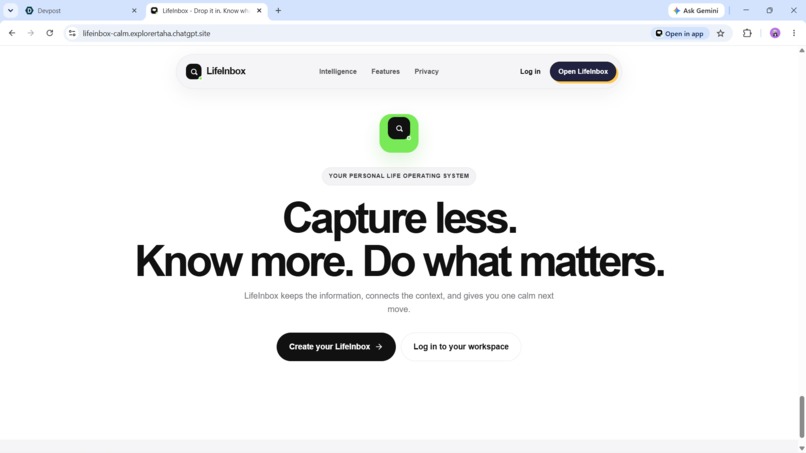
working
Inspiration
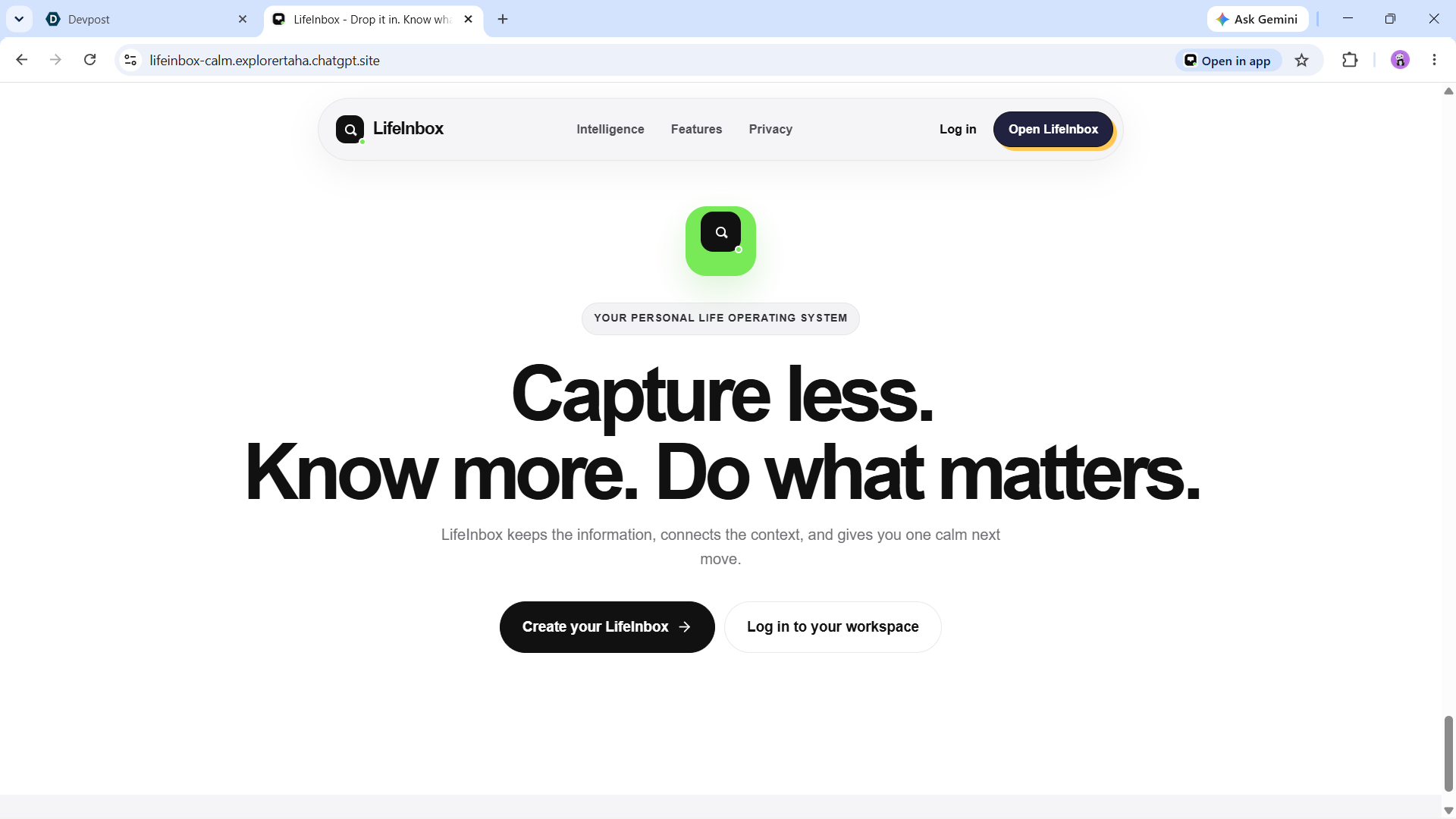
Life admin arrives everywhere: screenshots, receipts, PDFs, voice notes, messages, and half-finished thoughts. Most productivity tools expect people to organize that mess before it becomes useful. LifeInbox reverses the flow: capture first, understand instantly, review before saving.
What it does
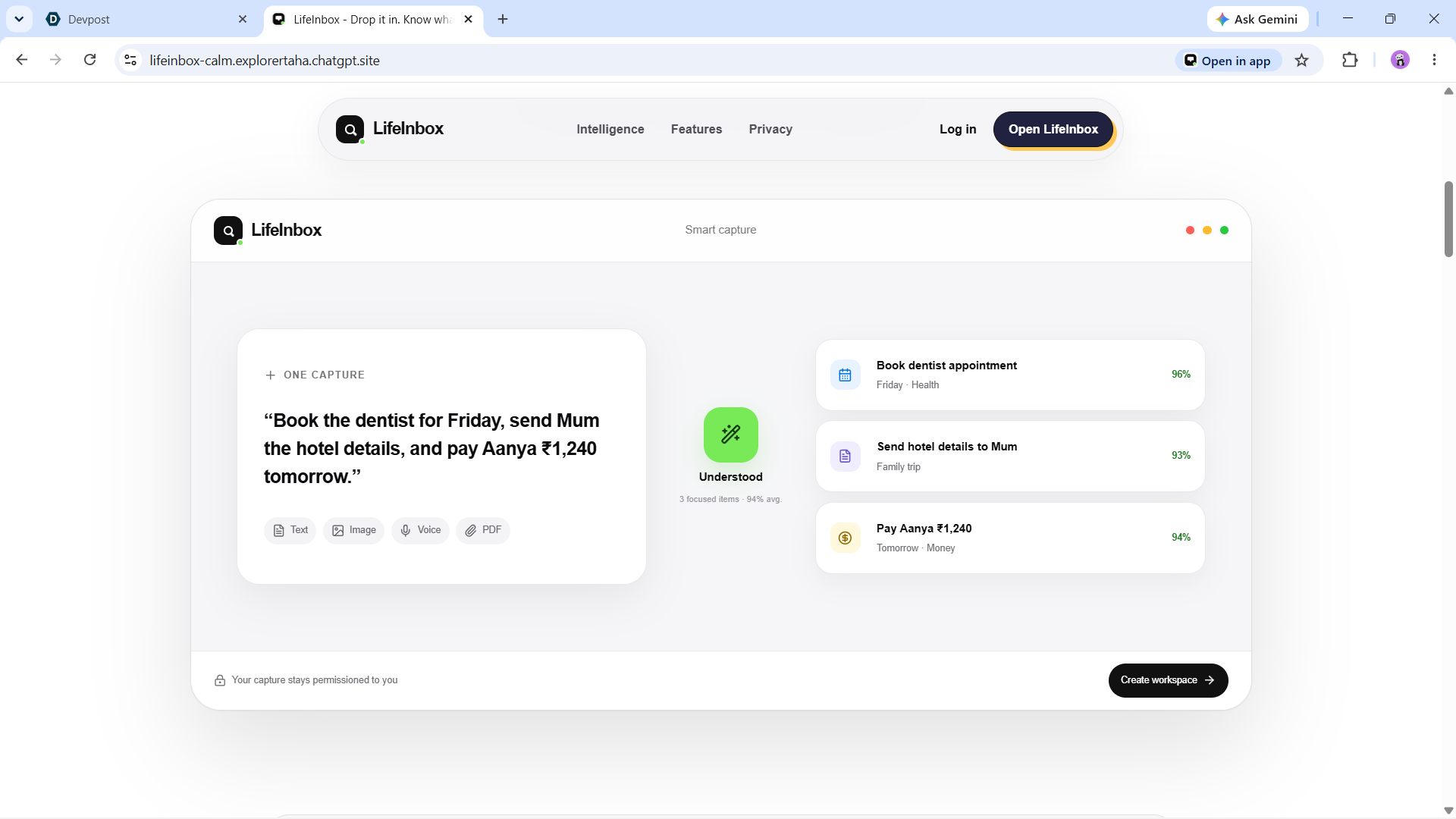
LifeInbox is an AI-assisted inbox for real life. A user can drop one capture containing several requests and LifeInbox separates it into small, actionable tasks, events, expenses, and notes.
- One capture → many atomic items. Compound input is split into clear next steps instead of one overloaded task.
- Multimodal intake. Capture text, images, PDFs, and recorded voice.
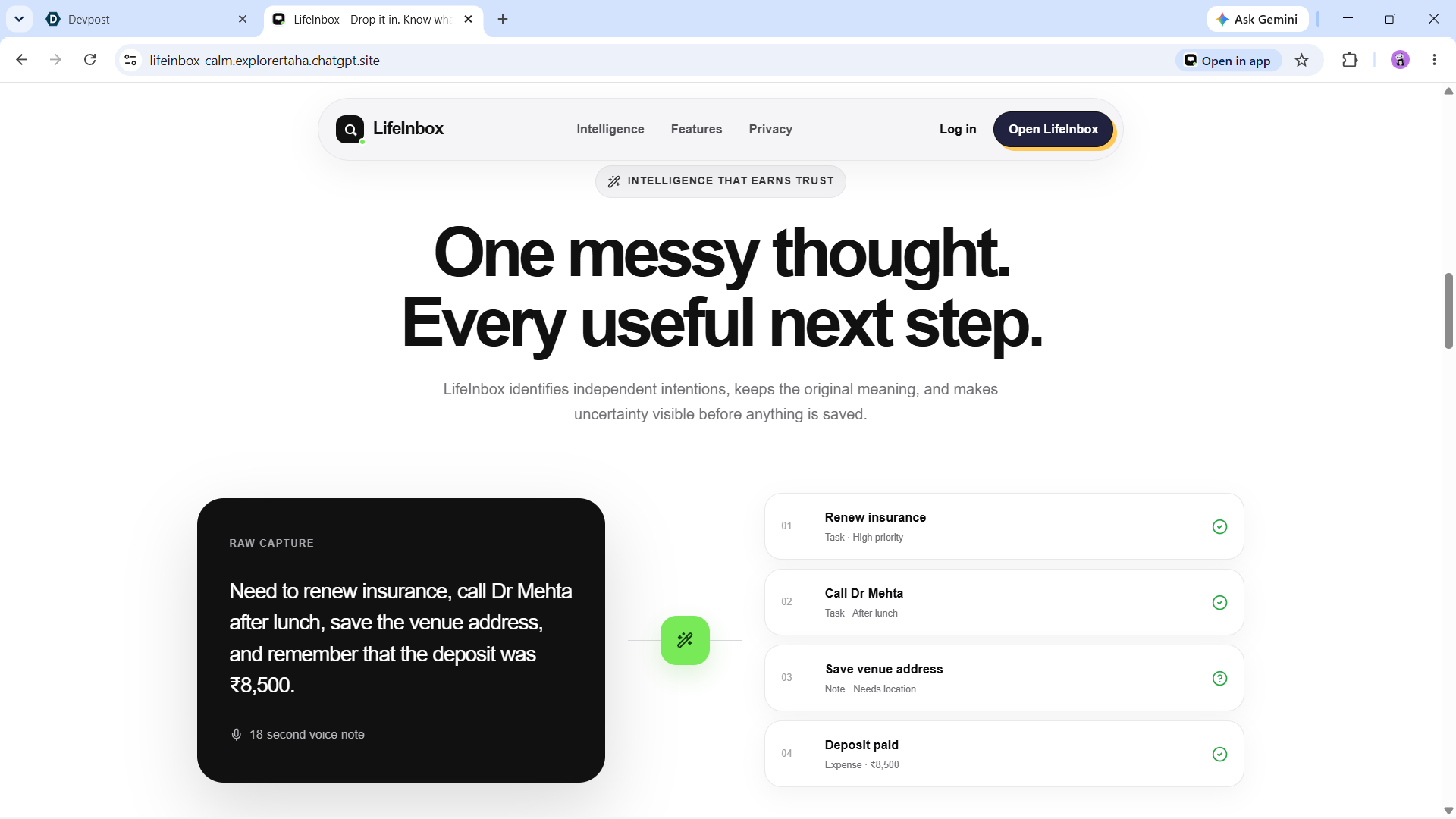
- Trust-first AI review. Every draft includes confidence, missing fields, a source excerpt, and editable details before it enters the workspace.
- Smart organization. Approved items are grouped into Life Threads so related work stays connected.
- Grounded intelligence. Daily Briefing and Ask LifeInbox answer from the user's saved records and link back to item-level citations.
- Designed PDF export. Users receive a polished, readable report grouped by Life Thread—not a raw JSON dump.
- Installable PWA. The interface is tailored for phone, tablet, and desktop with an iOS-inspired responsive design.
- Real ownership. Per-user Appwrite permissions, full workspace export, fixed 30-day original-upload cleanup, and account/data deletion are built in.
How we built it
The product uses Next.js, React, TypeScript, GSAP, and a progressive web app shell. Appwrite provides authentication, document storage, file storage, per-user permissions, and server functions. A same-origin session gateway keeps the Appwrite session in an HttpOnly cookie so browsers do not silently downgrade signed-in users to the guest role.
The AI orchestrator calls the OpenAI Responses API with GPT-5.6 Terra. Structured Outputs produce a strict array of life items, while server-side validation verifies dates, times, currency, evidence excerpts, duplicates, and required fields. Images use high-detail understanding; extraction uses high reasoning; malformed or incomplete responses receive a controlled retry.
A separate operations function handles retention and deletion. jsPDF builds a branded, multipage A4 export with summary metrics, focus items, thread-grouped cards, metadata, page numbers, and graceful pagination.
Making the AI accurate and trustworthy
Accuracy is not a single prompt. LifeInbox combines:
- A strict structured schema for up to 20 atomic items.
- Clear source-data boundaries that resist instructions hidden inside captures.
- Few-shot examples for ambiguous and compound input.
- Evidence-bound extraction: amounts, dates, people, and locations must come from the source.
- Confidence, missing-field, and review flags for uncertainty.
- Deterministic validation and duplicate removal.
- A conservative fallback that never invents money or deadlines.
- Human approval before persistence.
This means the user can drop messy information quickly while still staying in control of what becomes trusted data.
Challenges we ran into
The hardest failure was a model response that could spend its output budget without returning valid structured text. We solved it with explicit reasoning settings, larger output budgets, refusal and empty-output handling, schema validation, and one safe retry.
We also hardened persistence boundaries: Appwrite document IDs are normalized, multi-item saves are awaited, idempotency conflicts are handled safely, and PDF export paginates through the complete dataset instead of stopping at the first page of records.
Accomplishments we are proud of
- A complete, production-deployed experience rather than a single AI demo.
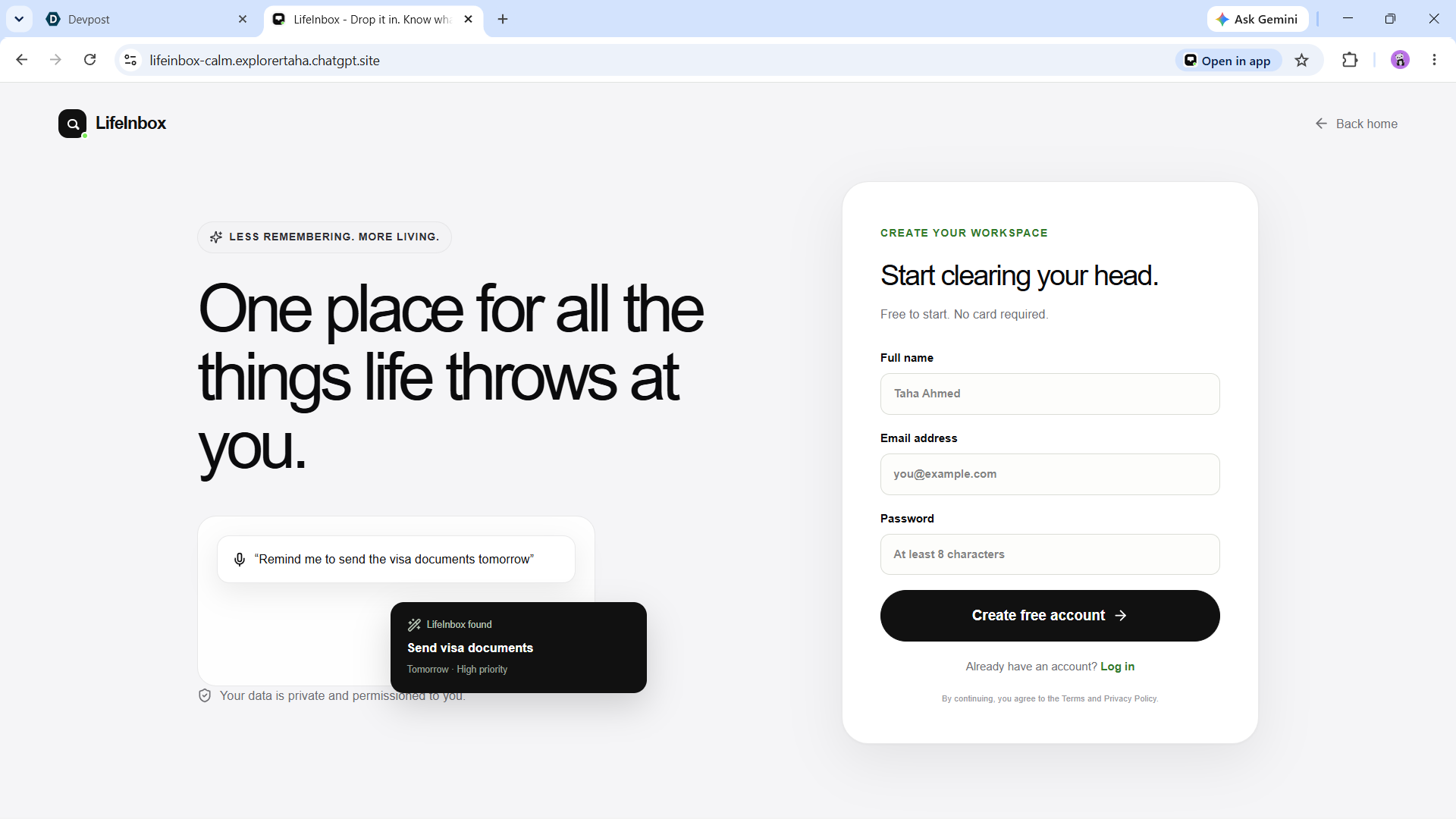
- Real authentication and private per-user persistence with no seeded demo workspace.
- One-shot compound capture splitting with editable review.
- Grounded answers with item-level citations.
- A polished iOS-inspired landing page and responsive app shell.
- A genuinely useful, designed PDF export.
- PWA installation, offline shell caching, and device-specific layouts.
- Verified lint, typecheck, production build, and automated product tests.
- Appwrite AI deployment and public Sites deployment from the same Git commit.
How we used Codex
Codex was the primary engineering collaborator. It translated the product direction into architecture, implemented and refactored the responsive UI, hardened the AI pipeline, provisioned and deployed Appwrite functions, diagnosed production failures, added automated tests, created the PWA assets and PDF exporter, prepared the Build Week documentation, and published the verified release.
Human direction shaped the capture-first workflow, review-before-save trust model, visual design, privacy boundaries, and product priorities.
What's next
Next steps include opt-in calendar and email connectors, richer recurring reminders, shared household Threads, notification delivery, encrypted exports, accessibility testing with more assistive technologies, and internationalization.
Built With
- appwrite
- codex
- gpt-5.6-terra
- gsap
- jspdf
- next.js
- openai-responses-api
- progressive-web-app
- react
- typescript