Inspiration
Drowning is one of those emergencies where a few seconds can completely change the outcome. It is also often much quieter and harder to notice than people expect. We wanted to explore whether computer vision could act as an additional layer of safety around pools by continuously watching for signs that a swimmer may be in distress.
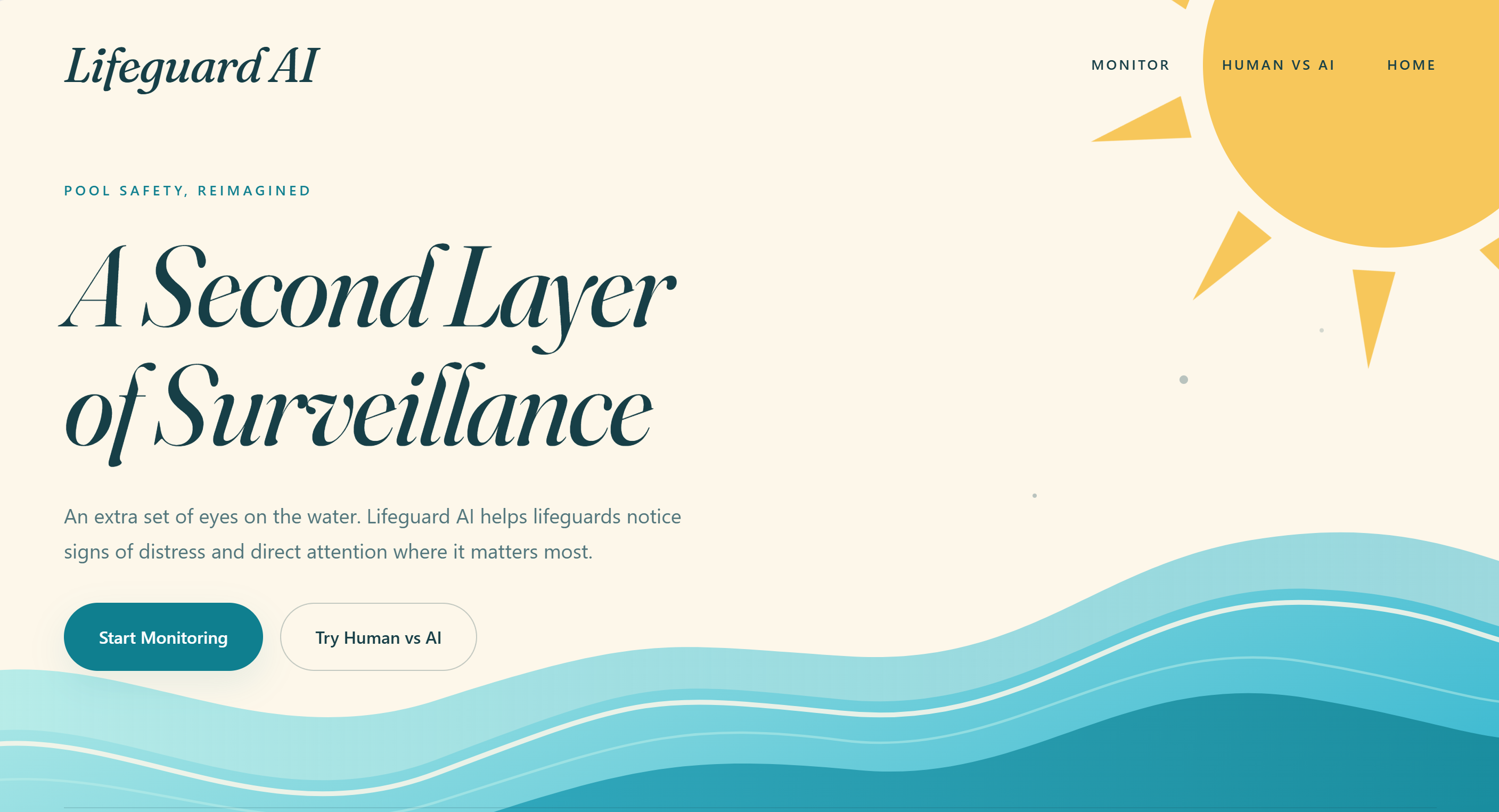
That idea became Lifeguard AI: a system designed to give lifeguards, parents, and pool operators an extra set of eyes on the water.
What it does
Lifeguard AI uses computer vision to monitor swimmers and identify behavior that may indicate someone is drowning or in distress.
The system analyzes a pool camera feed, tracks swimmers, and highlights individuals who may need attention. When potentially dangerous behavior is detected, Lifeguard AI can identify the swimmer and communicate where the incident is occurring so that someone can respond as quickly as possible.
We also built a Human vs. AI experience that demonstrates the concept interactively. A drowning scenario is shown to both the user and the AI, and each tries to identify the swimmer in distress as quickly as possible. The results make it easy to compare human reaction time with the system's detection.
How we built it
We built Lifeguard AI as a full-stack computer vision application.
The frontend was created as an interactive web application with separate experiences for monitoring the pool, viewing AI analysis, and running the Human vs. AI demonstration. We focused heavily on making the interface feel appropriate for an aquatic safety product rather than a traditional AI dashboard.
On the backend, video frames are processed through a computer vision pipeline that analyzes swimmers and their movement. The system uses detection and tracking information to determine where swimmers are located and provide structured information to the frontend.
For our hackathon demonstration, we designed the system so that prerecorded drowning scenarios could be played on one device while Lifeguard AI analyzes the scene and reports what it detects on another.
Challenges we ran into
One of our biggest challenges was defining what "drowning" looks like from the perspective of a computer vision system. Drowning is not always dramatic, and many of the visual signals can overlap with normal swimming behavior.
We also had to balance accuracy with speed. A safety system is much less useful if it correctly identifies an emergency only after a large delay, so real-time performance was an important consideration throughout development.
Another challenge was creating a convincing demonstration. Most judges are unlikely to have experience identifying real drowning behavior, and obviously we could not recreate an actual emergency. That led us to create the Human vs. AI challenge, where both the user and the system analyze the same controlled footage.
Integrating the frontend, backend, video processing, and live detection results within the time constraints of a hackathon was also a major engineering challenge.
Accomplishments that we're proud of
We are especially proud that Lifeguard AI became more than just a computer vision model. We were able to turn the concept into an interactive system that demonstrates how AI-assisted pool monitoring could actually work.
The Human vs. AI experience is one of our favorite parts of the project because it takes something technically complex and makes it immediately understandable. Instead of simply showing detection boxes or model statistics, people can directly experience the problem and compare their own reaction time against the AI.
We are also proud of the overall product design. We wanted Lifeguard AI to feel approachable, modern, and purpose-built for water safety rather than looking like a generic machine-learning dashboard.
What we learned
One of the biggest things we learned is that building a computer vision safety system requires much more than simply detecting objects in a video.
Context matters. The system has to understand movement over time, distinguish normal swimming from potentially dangerous behavior, and communicate its conclusions clearly enough that a human can react quickly.
We also learned how important demonstration design is. A technically impressive system can be difficult to appreciate if people cannot immediately understand what it is doing. Building the Human vs. AI experience forced us to think about the project from the perspective of someone seeing it for the first time.
Finally, we learned a lot about connecting real-time computer vision processing with a polished frontend and turning raw model output into something understandable and useful.
What's next for Lifeguard AI
The next step for Lifeguard AI is moving from a hackathon prototype toward a system that can operate reliably in real pool environments.
We would like to train and evaluate the detection system on a much larger and more diverse dataset containing different pools, camera angles, lighting conditions, swimmer ages, body types, and drowning scenarios.
We also want to improve swimmer tracking so the system can understand each person's behavior over longer periods of time instead of analyzing isolated moments.
Future versions could support multiple cameras around a pool, configurable monitoring zones, automatic emergency alerts, incident replay, and integrations with lifeguard stations or smart-home safety systems.
Ultimately, our goal is for Lifeguard AI to become an assistive safety system rather than a replacement for human supervision: another set of eyes that can continuously monitor the water and help people notice an emergency sooner.


Log in or sign up for Devpost to join the conversation.