Inspiration
I wanted a simple and clean way to manage my daily tasks. Most to-do apps are either too complex or filled with unnecessary features. I built LifeDashboard because I needed a fast, minimal, and beginner-friendly dashboard that helps organize the day without distractions. This inspired me to create a tool that anyone especially students can use easily.
What it does
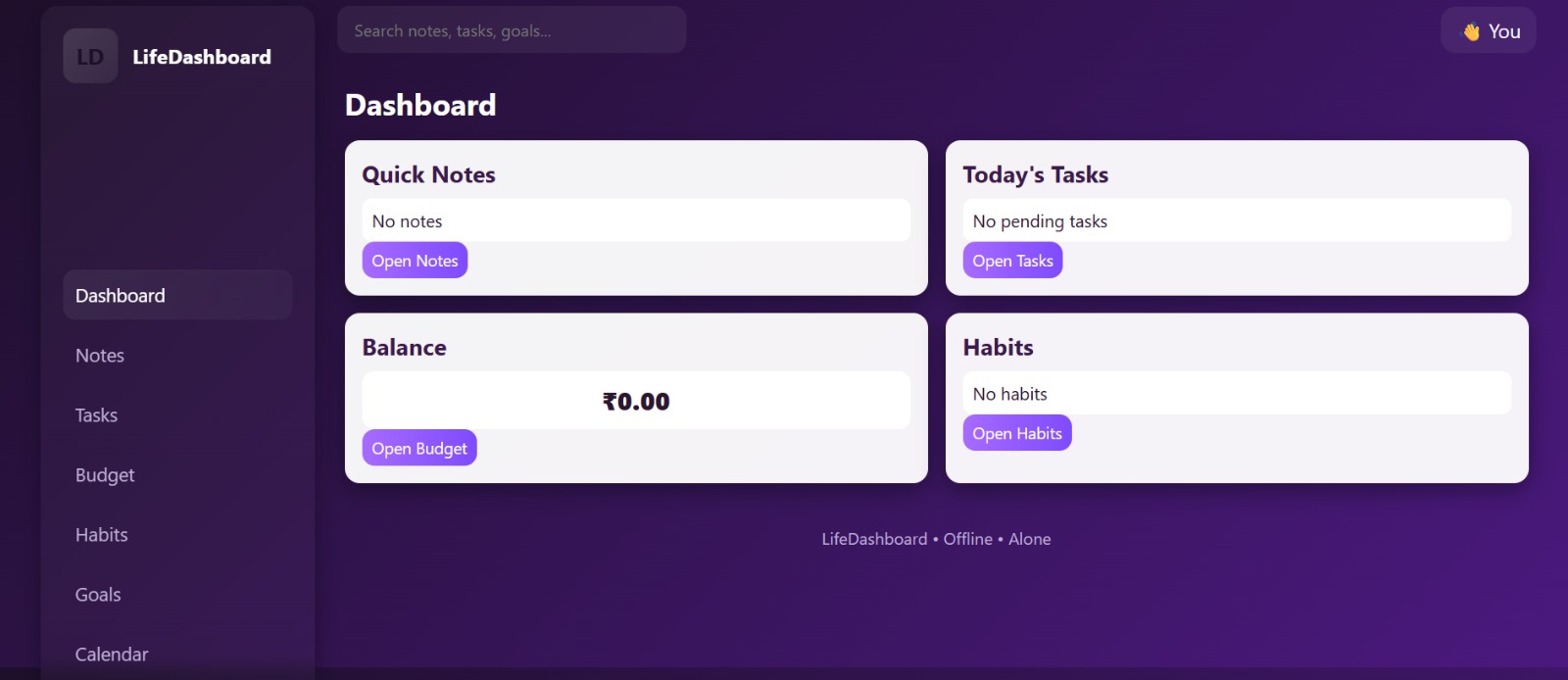
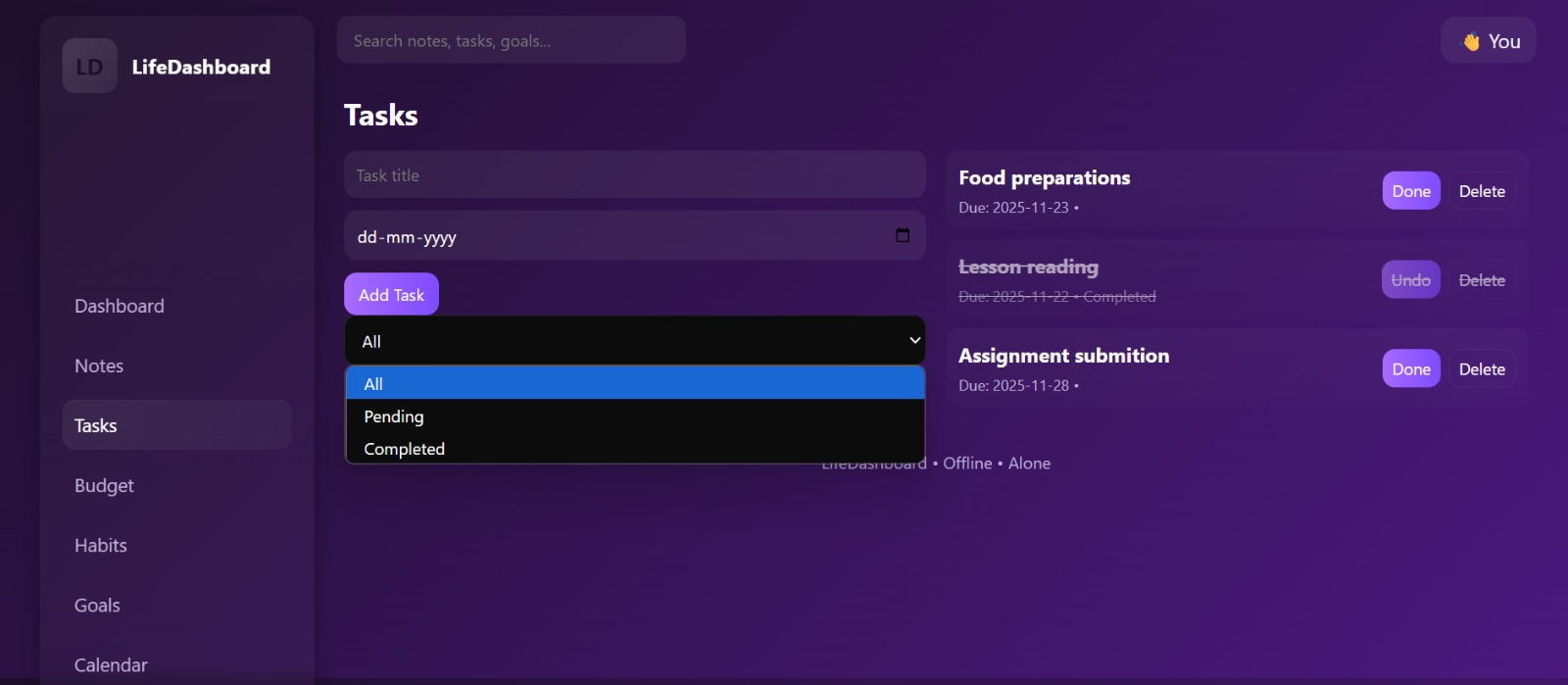
LifeDashboard is a productivity web app that allows users to: Add tasks
Edit tasks
Mark tasks as completed
Delete tasks
Filter tasks (All / Pending / Completed)
Save everything automatically with LocalStorage
How we built it
HTML for structure
CSS for styling, layout
JavaScript for all task functionality
LocalStorage to save tasks even after refreshing or closing the browser
Challenges we ran into
Some challenges I faced were:
Designing a UI that looks clean and modern
Handling task editing and updating without bugs
Making sure tasks remain saved even after page refresh
Creating a dashboard layout that works on all screen sizes
Accomplishments that we're proud of
Building a fully functional productivity dashboard from scratch
Designing a clean, minimal, and user-friendly interface
Implementing all core features: add, edit, delete, complete, and filter tasks
What we learned
How to structure a complete web application using HTML, CSS, and JavaScript
How to manage and update tasks dynamically using DOM manipulation
How LocalStorage works and how to save user data without a backend
How to design a clean and minimal UI that improves user experience
What's next for Lifedashboard
In the future, I want to add:
Notifications and reminders
Daily/weekly progress tracking
Task categories and priorities
Mobile app version
Cloud sync so tasks can be saved across devices

Log in or sign up for Devpost to join the conversation.