-
-
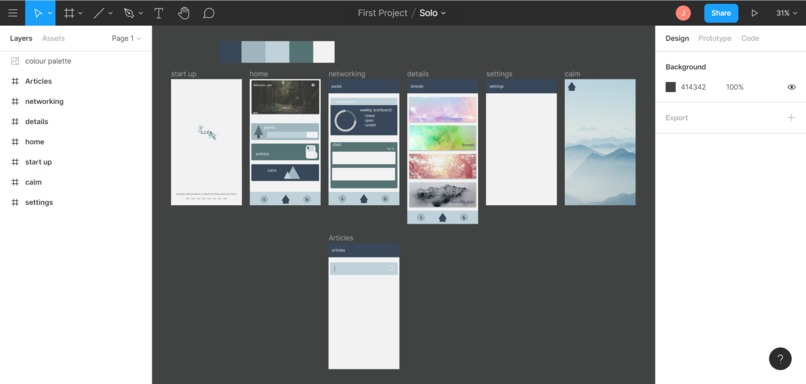
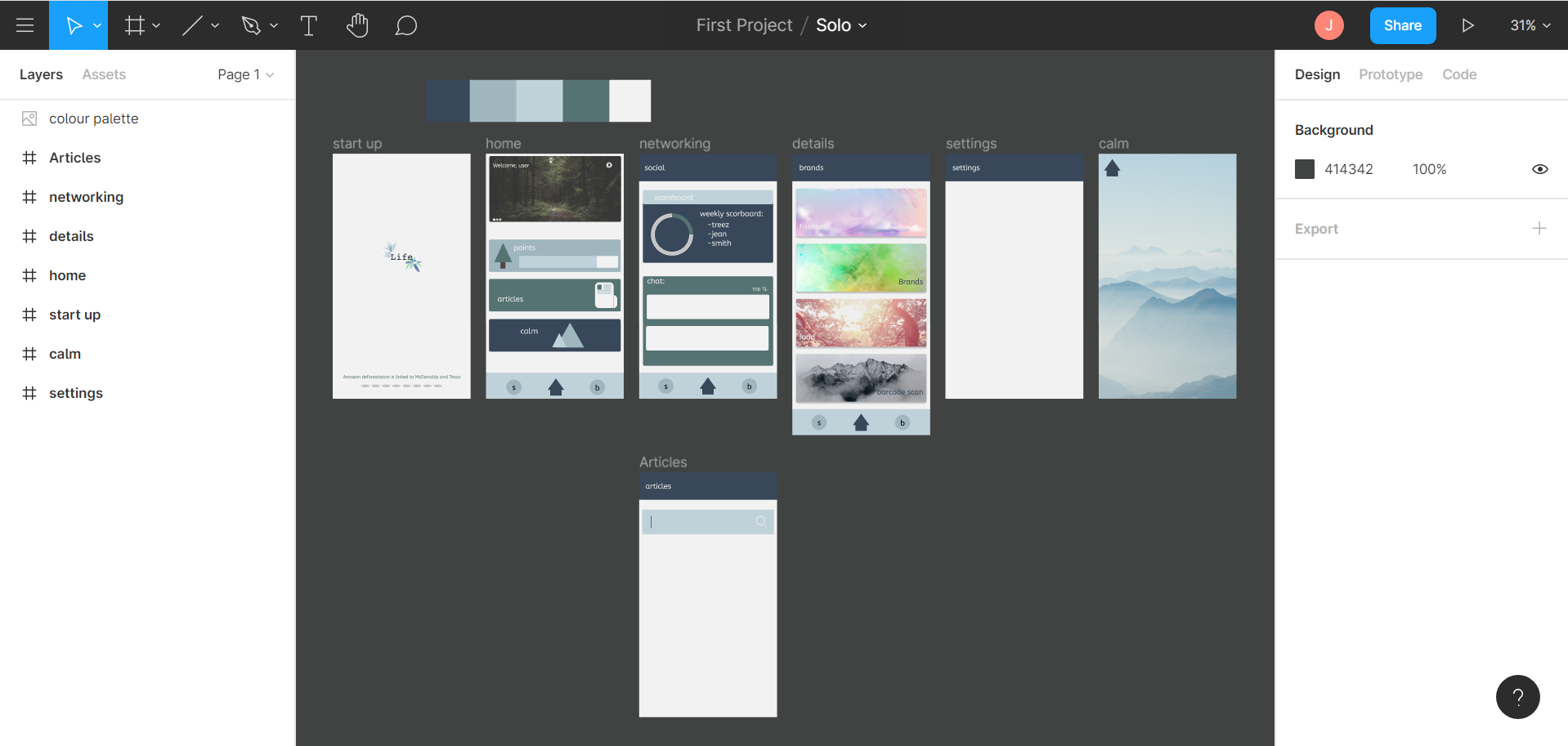
Prototype
-
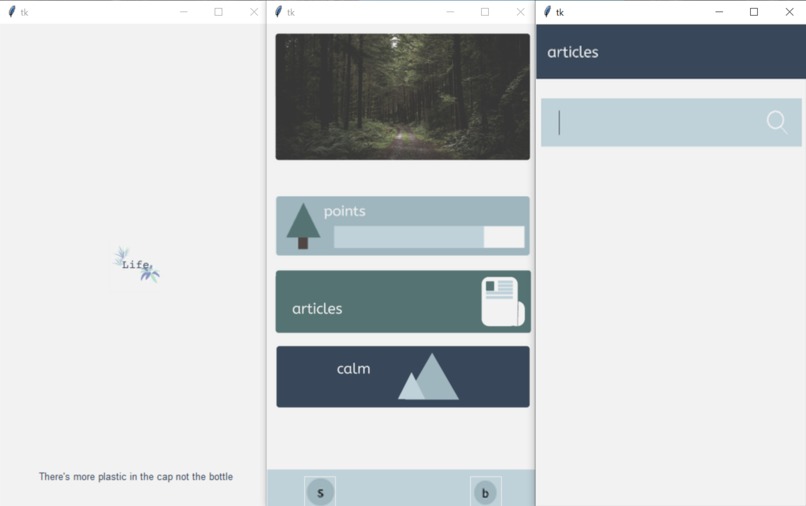
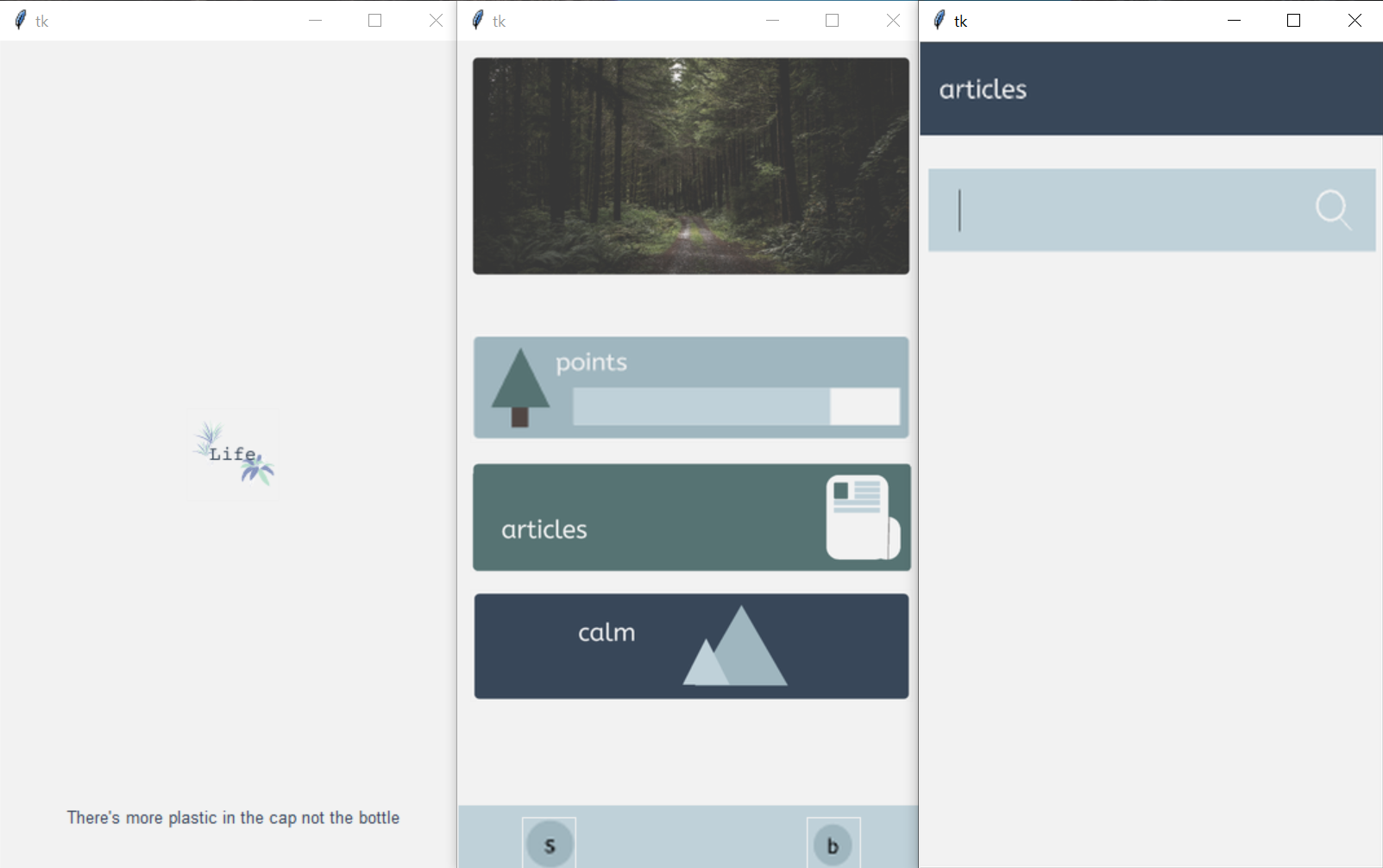
First three app pages
-
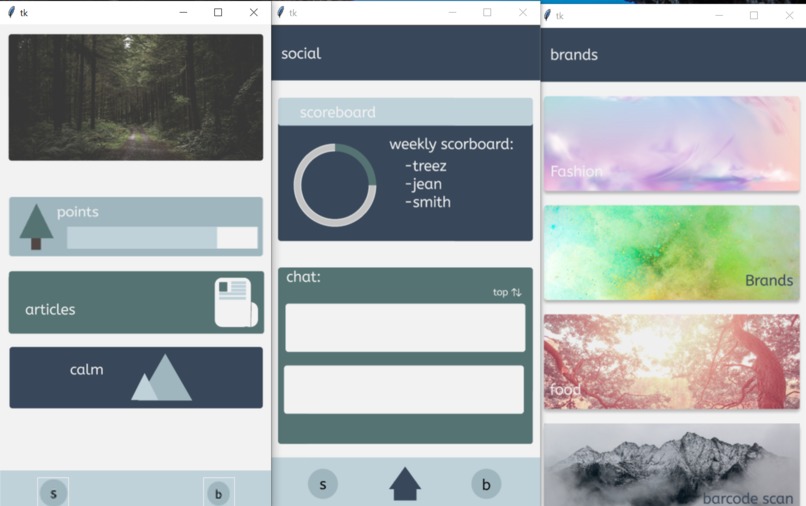
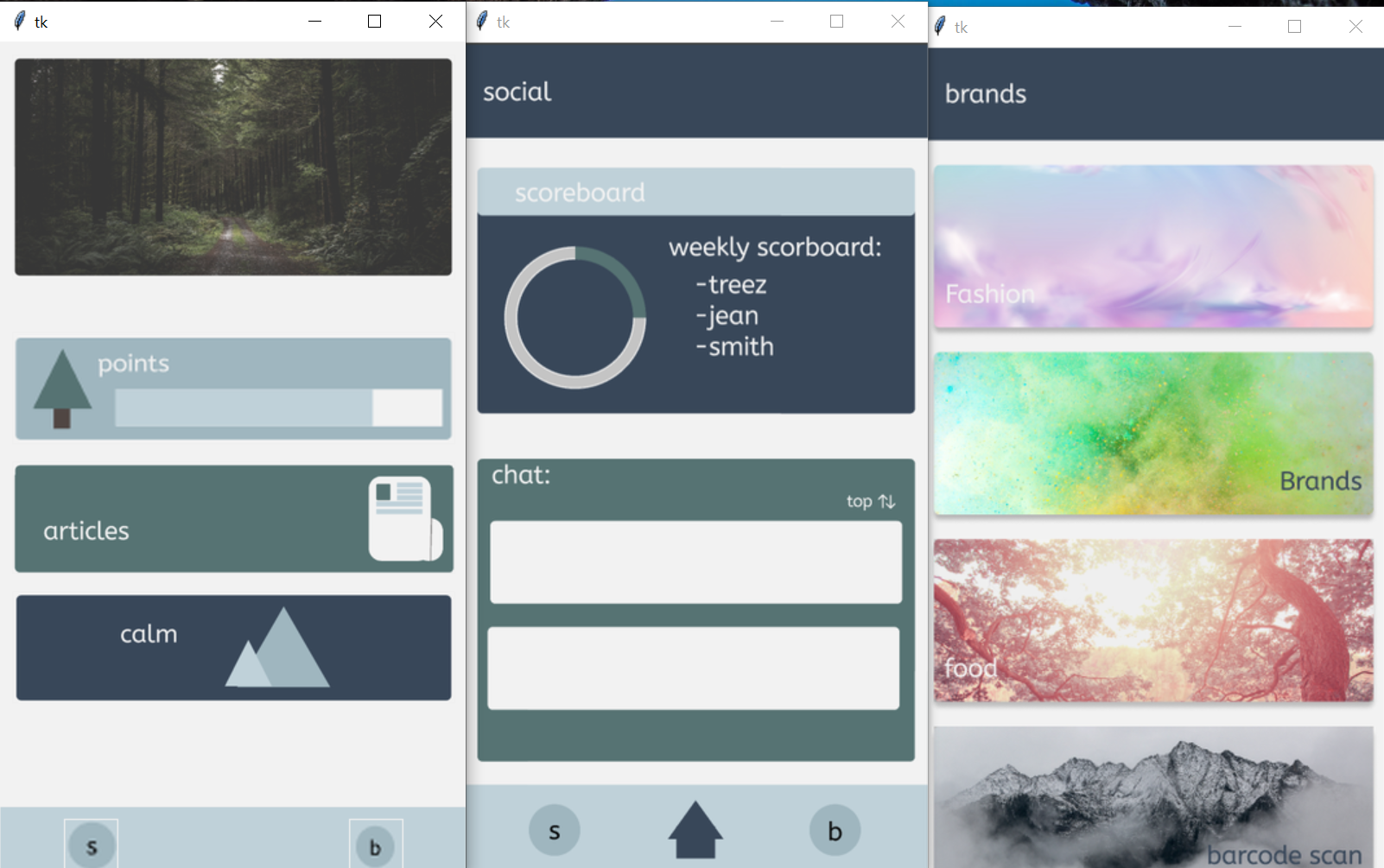
Second three app pages
-
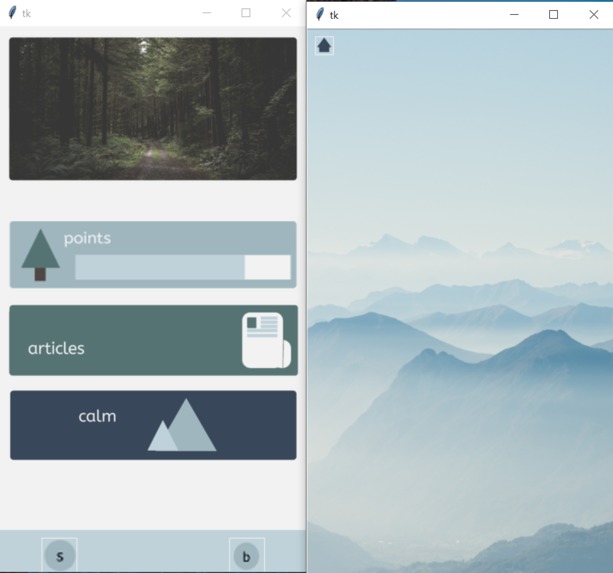
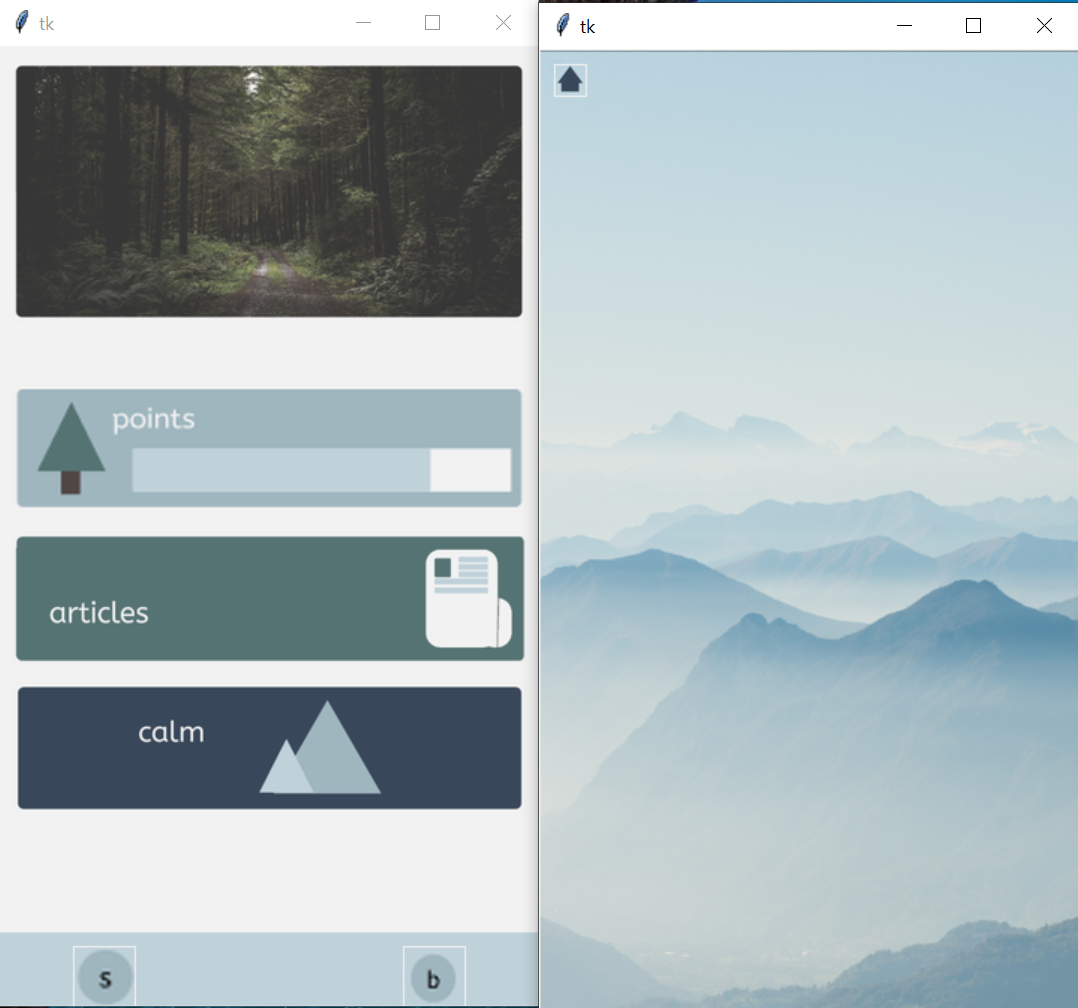
Last app pages
Inspiration:
It’s never been more important to play a part in saving the planet. With the ice caps melting at an unprecedented rate and the worst year on record for the Antarctica, humanity need to band together now and act. But how? People can cut out car rides or buy a reusable bottle but what about the other million little choices that you make on a day to day basis? My app aims to simplify this for users and helps them to make the cleanest choices for small day to day decisions that end up stacking up the most. (Paraphrased from my video introduction)
What it does:
Helps combat global warming by allowing users to make informed choices on products.
How I built it:
I spent the first day reading about BeeWare and the toga docs. It's simple catchphrase- 'write once deploy everywhere' appealed to me, as it meant my app could be used for Android, iOS etc. This was especially important as I want my app to have as far reach as possible. However, after designing the prototype in the second day, I realised that I couldn't build the app in the fashion I wanted (see 'Challenges I ran into' for more details) and thus had to change my entire approach. I ended up using Tkinter to build my app UI. This was so both the back-end and front-end could be in Python, the only coding language I have any experience on as of yet. I read the docs and built my app all in the last 2 hours of the hackathon, as my computer inopportunely running out of battery during a car ride meant I was out of commission for a day. TL;DR: Using Python and lots of documentation reading! :)
Challenges I ran into:
The BeeWare framework didn't implement features I wanted (e.g buttons with images, currently an open issue on git), had to learn a whole new framework (Tkinter), and code the entire project in 2 hours! (the why is mentioned above)
Accomplishments that I'm proud of:
-overcoming the failure of using BeeWare framework -learning Tkinter -learning and implementing functions (I started coding a month ago) -implementing UI designs by using adobe colour for theme, canva for logo and freepik for images -learning figma (a wireframe tool) to create a prototype
What I learned:
-How to use tkinter to develop a GUI -How to use figma -How to design a smooth visually pleasing UI -To always continue :) (and that snacks are absolutely great for motivation)
What's next for Life:
-implement the brands section- add an algorithm for allocating the 'Tree points' -use MySQL to create a database of users -implement the social section
Built With
- python
- tkinter


Log in or sign up for Devpost to join the conversation.