-
-
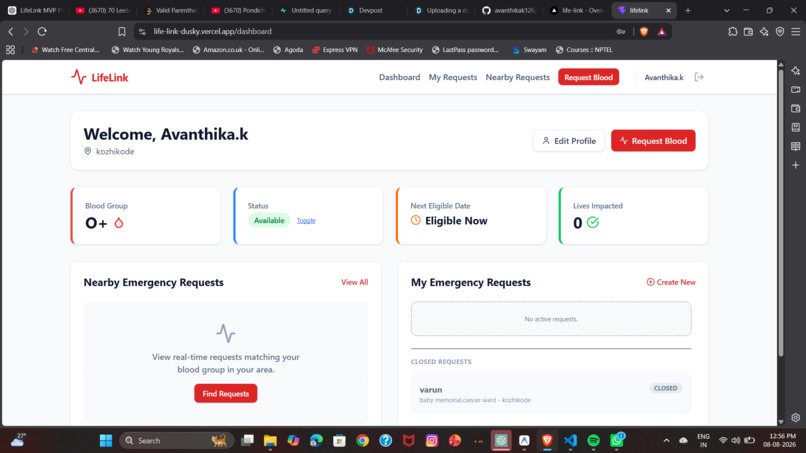
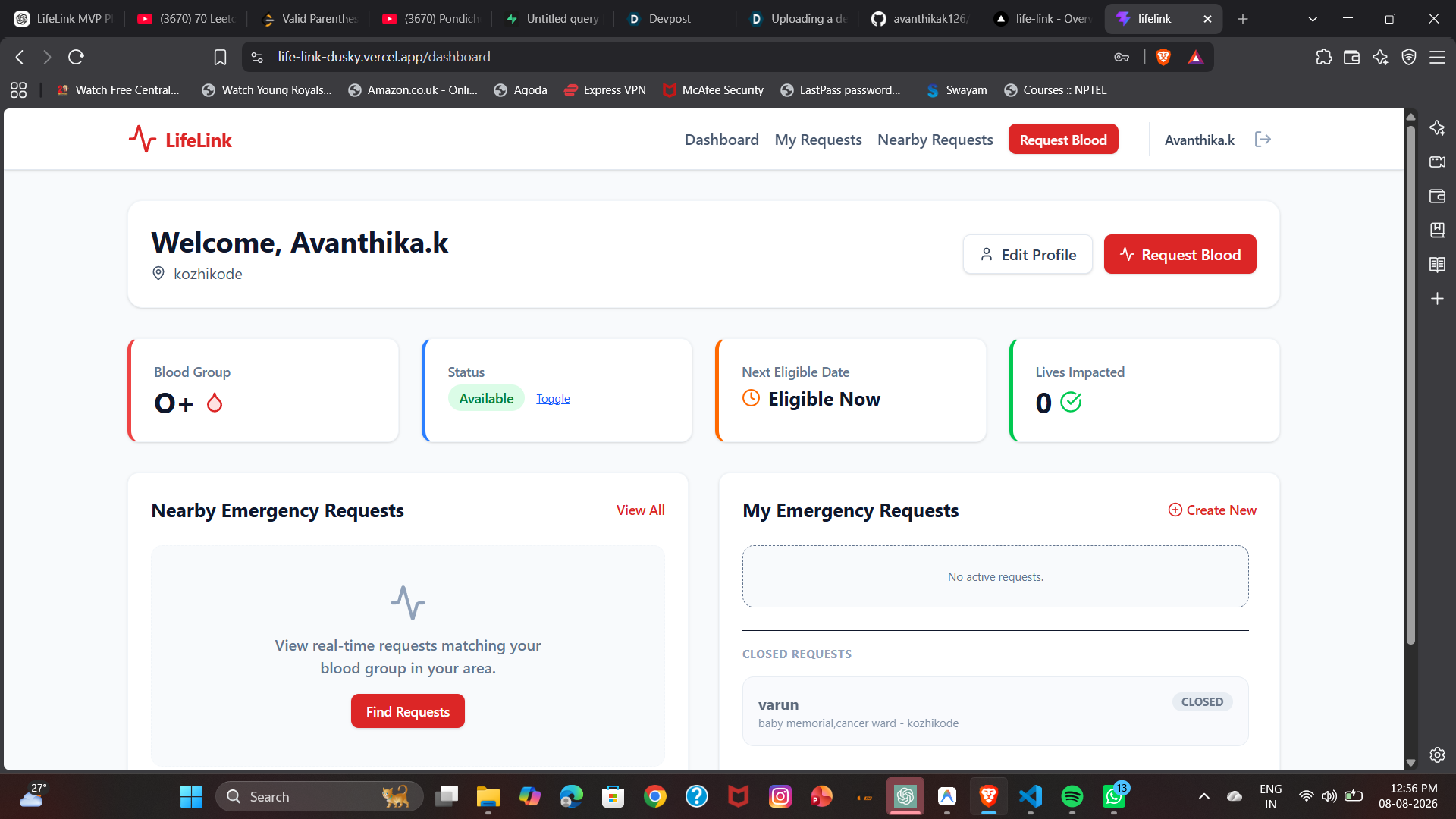
dashboard
-
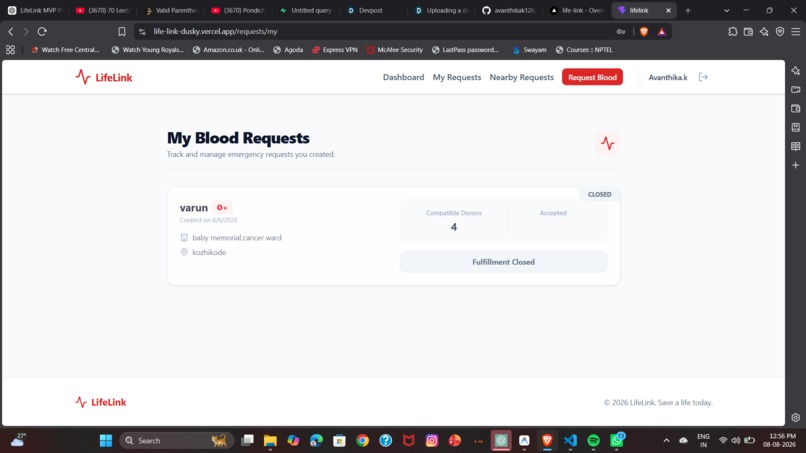
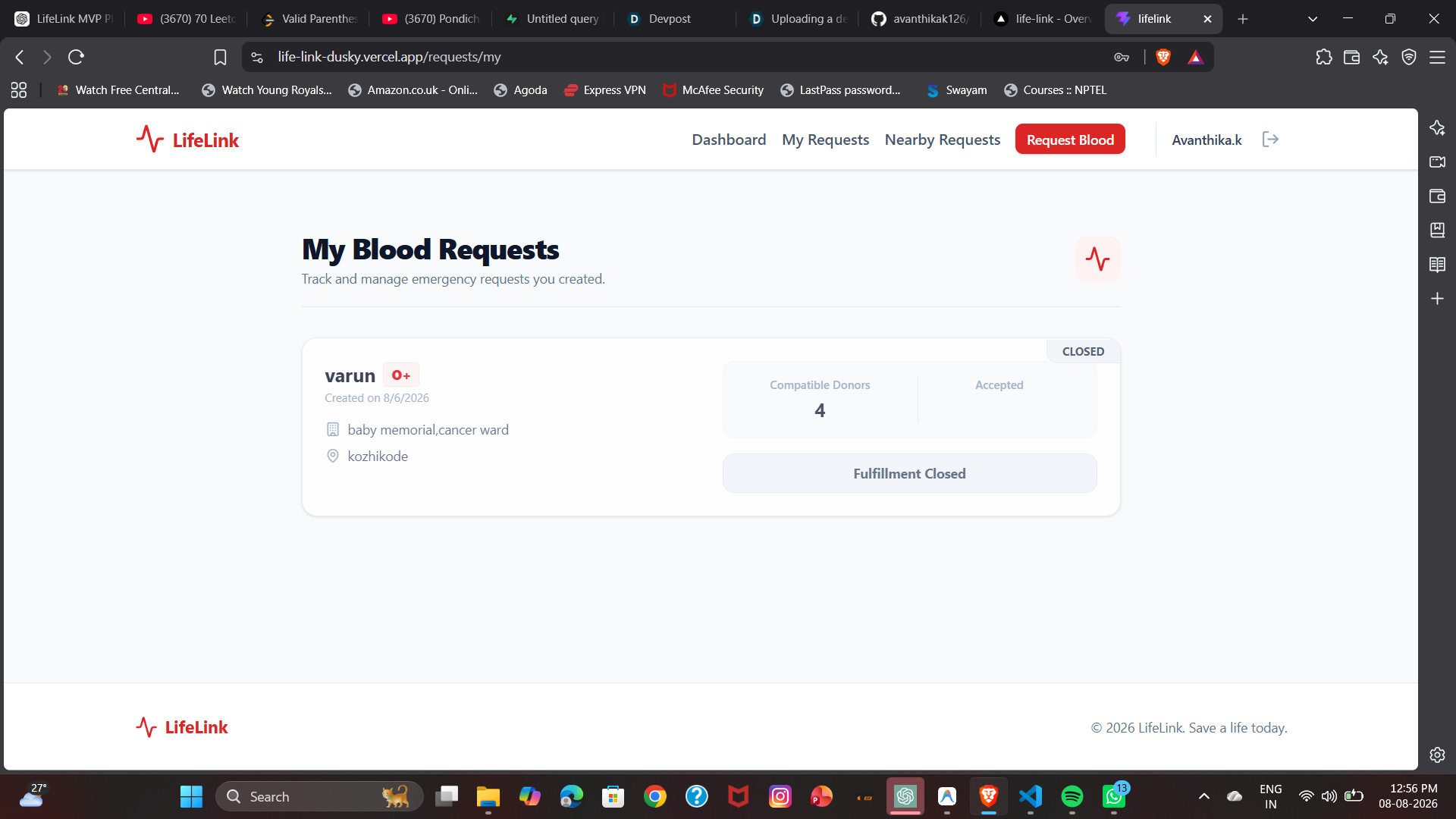
closed request
-
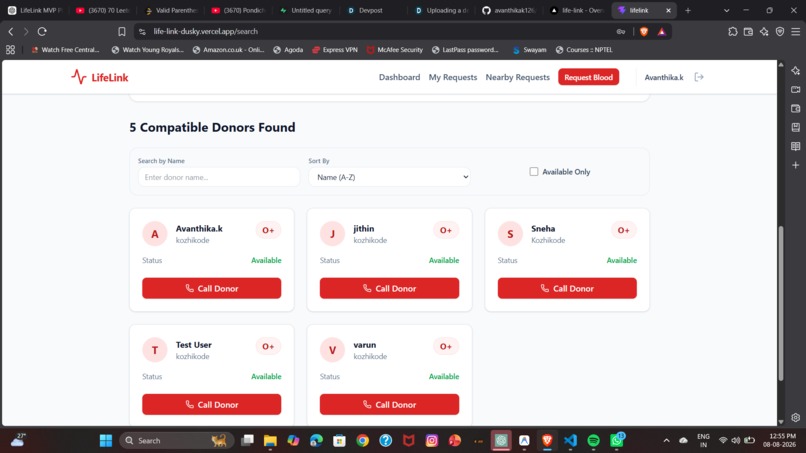
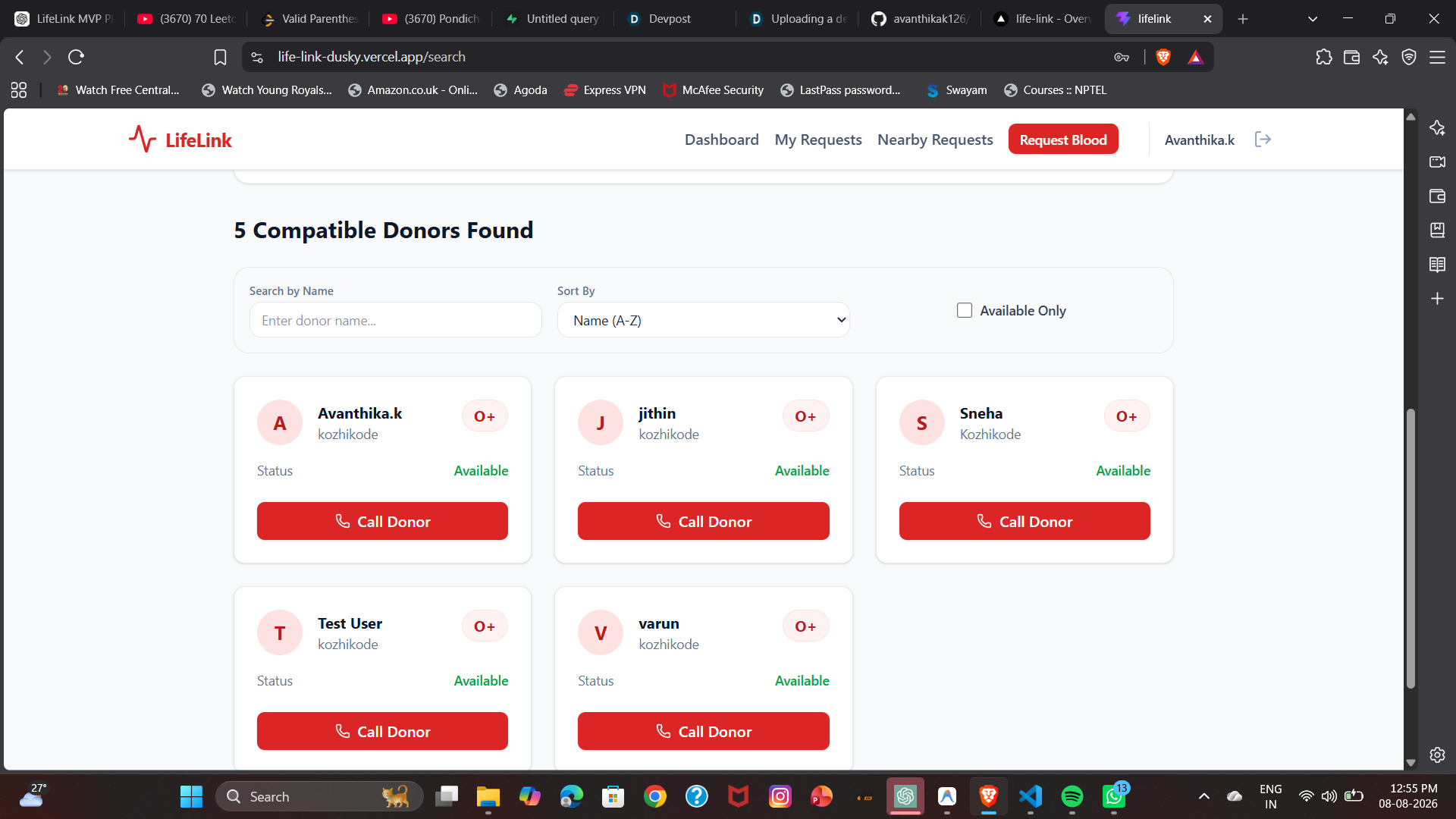
available donors
-
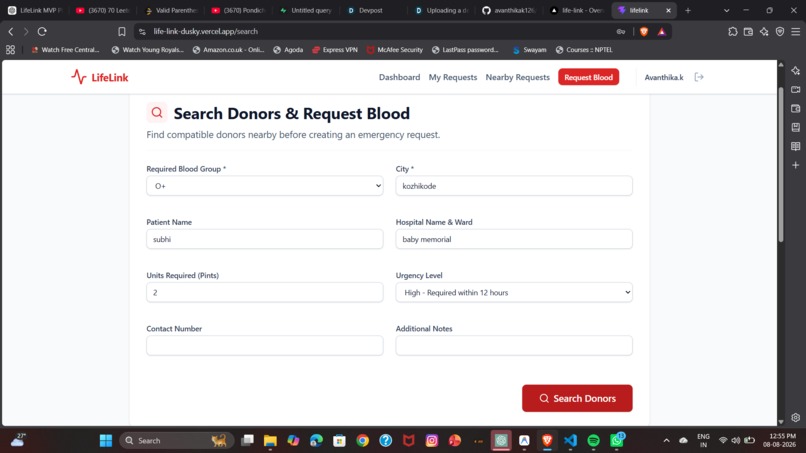
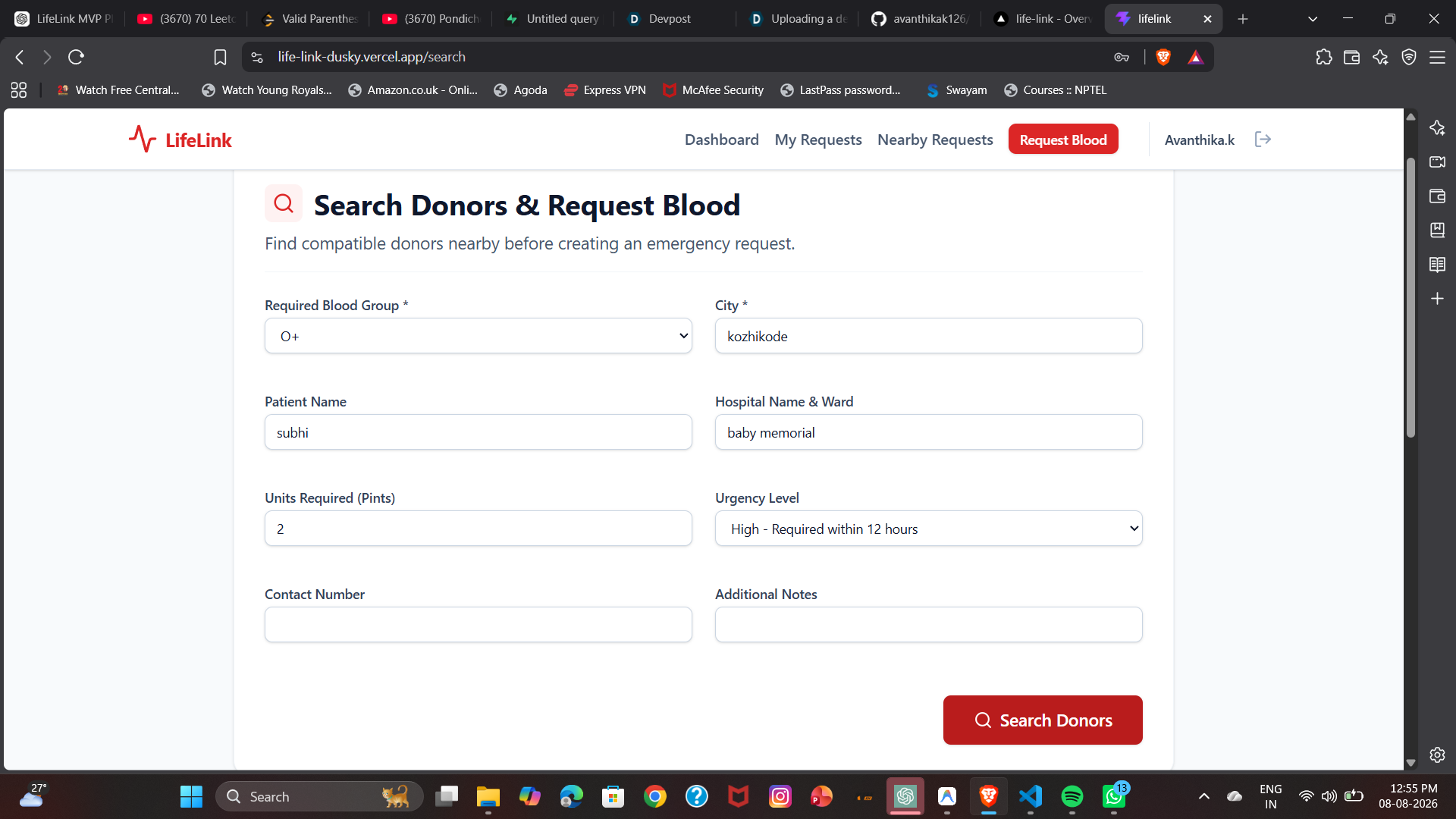
donor request
-
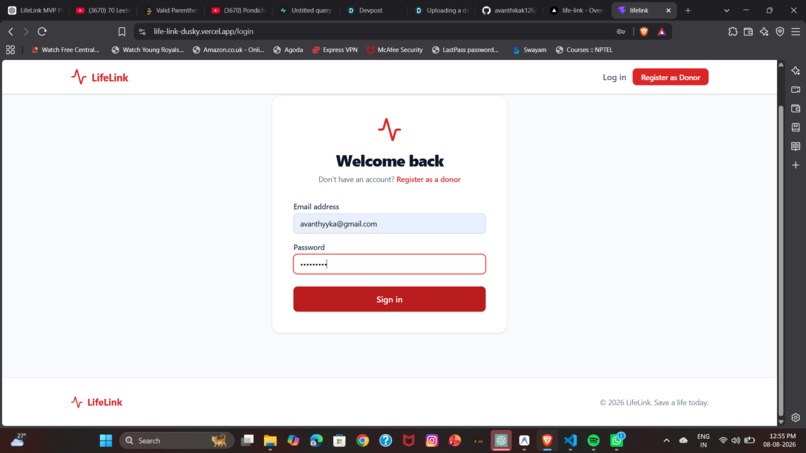
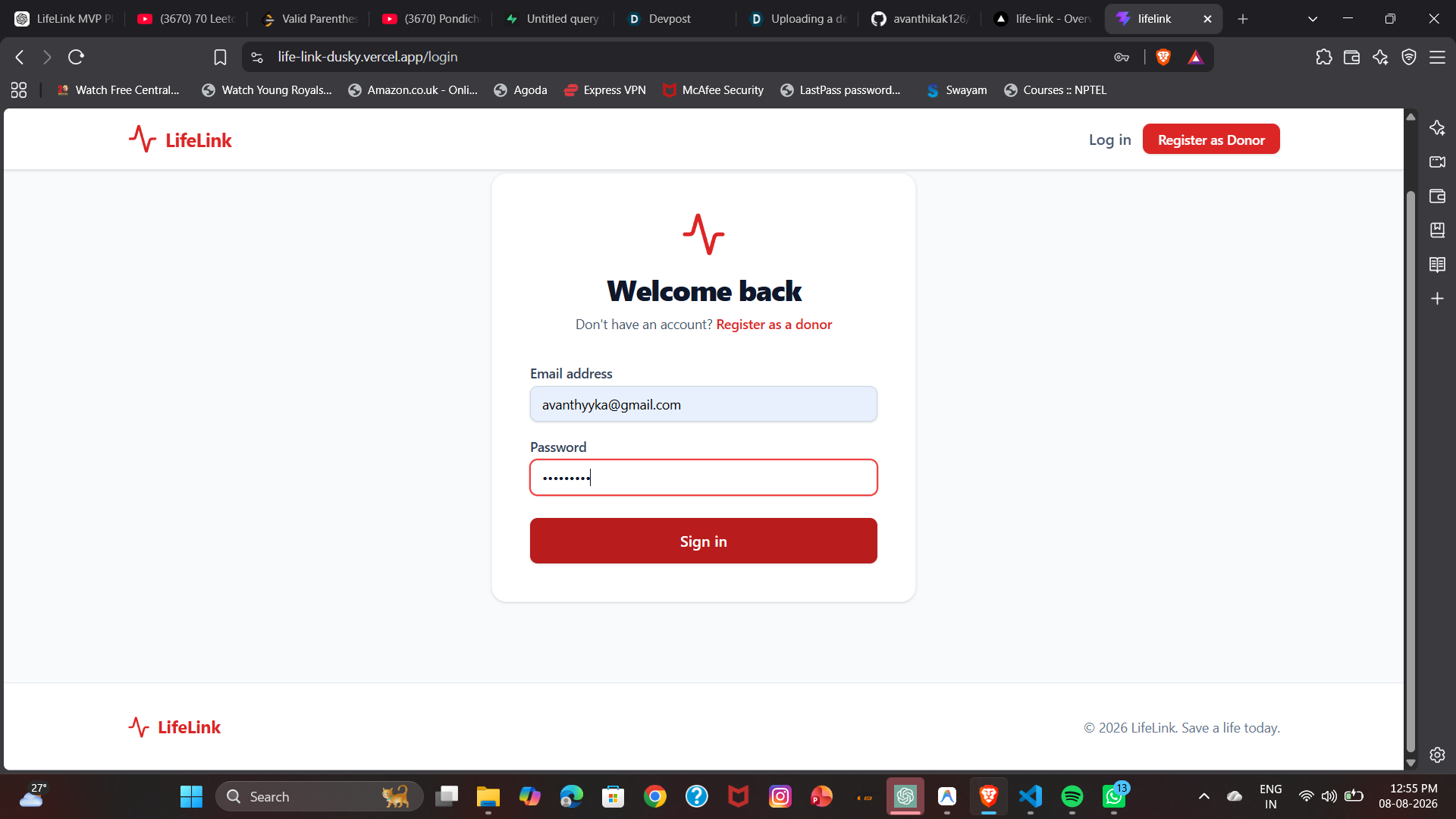
sign in
-
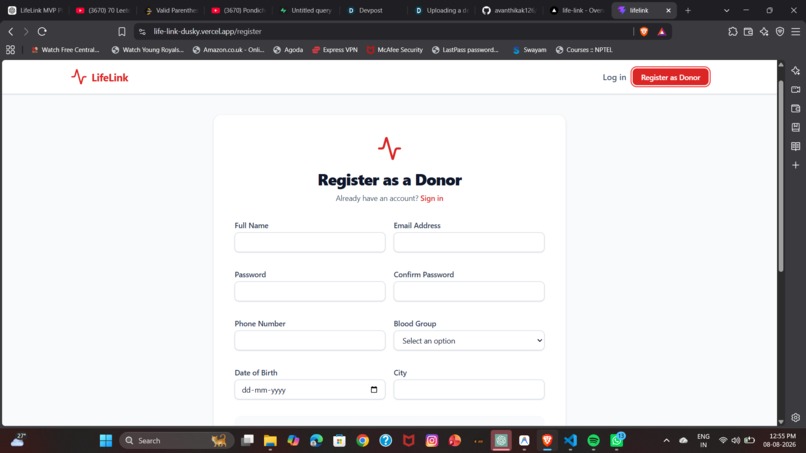
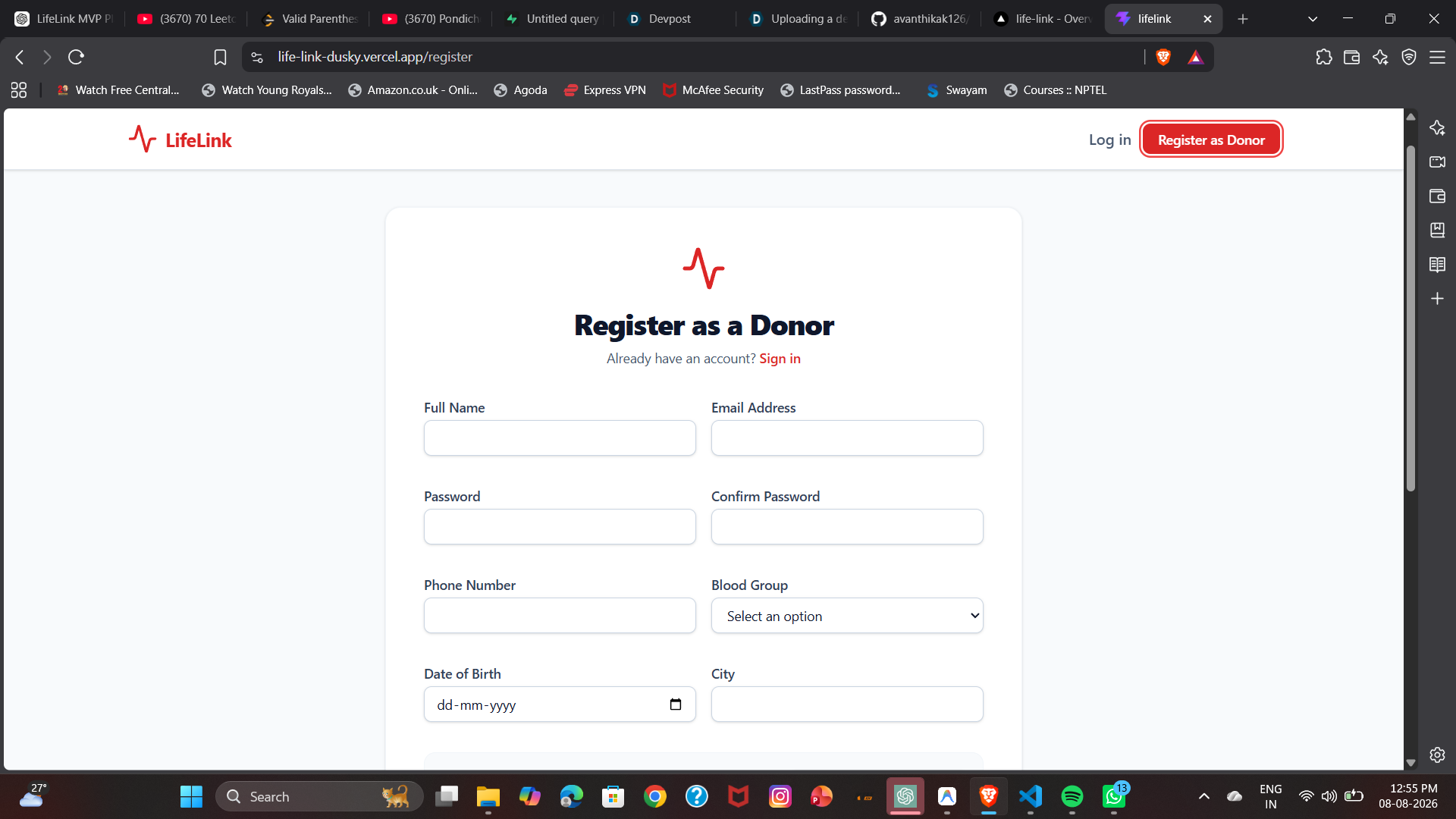
sign up
-
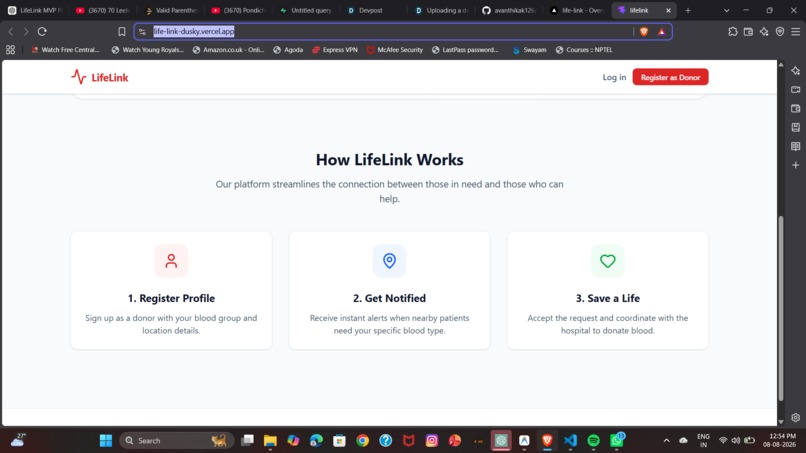
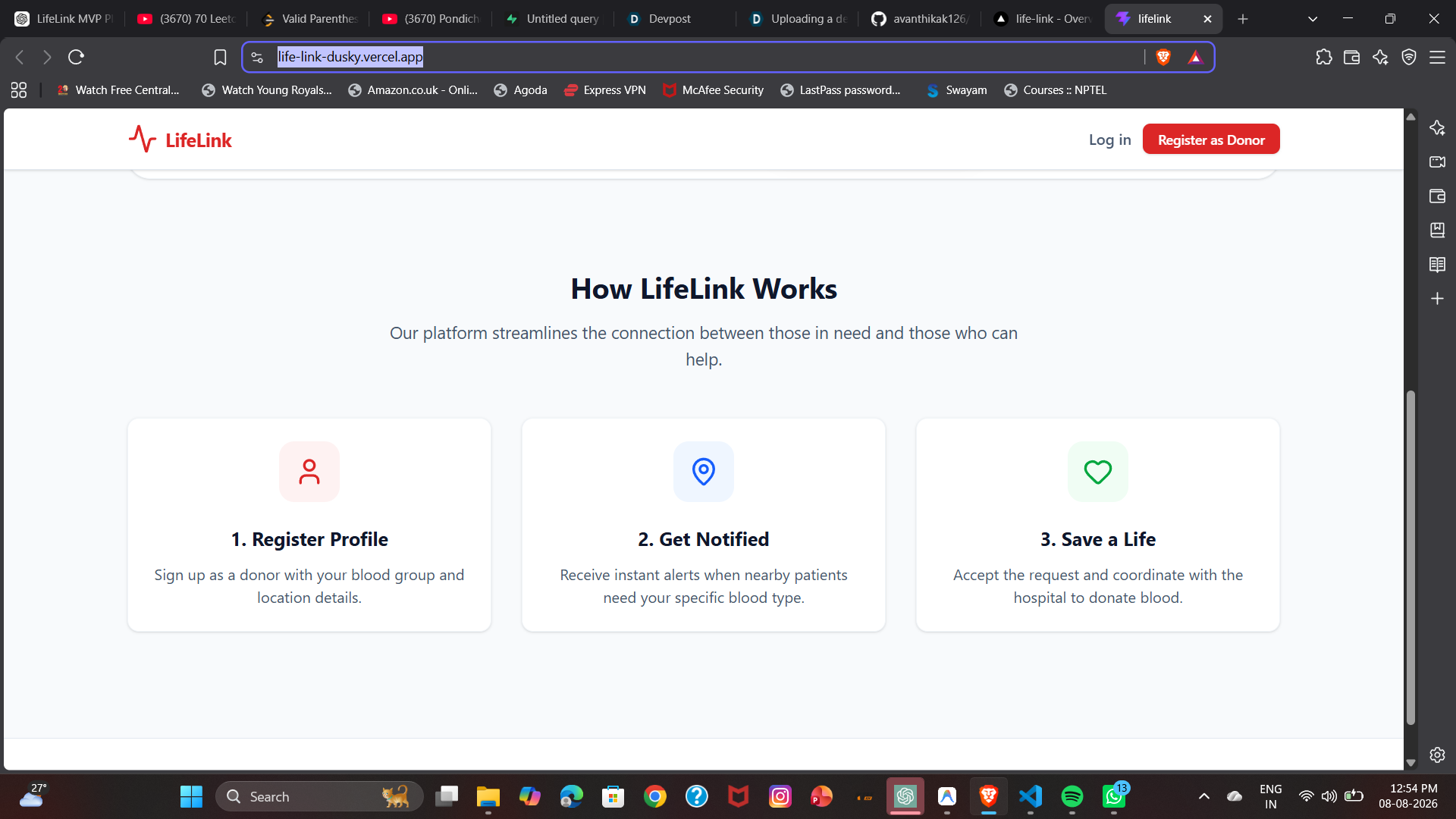
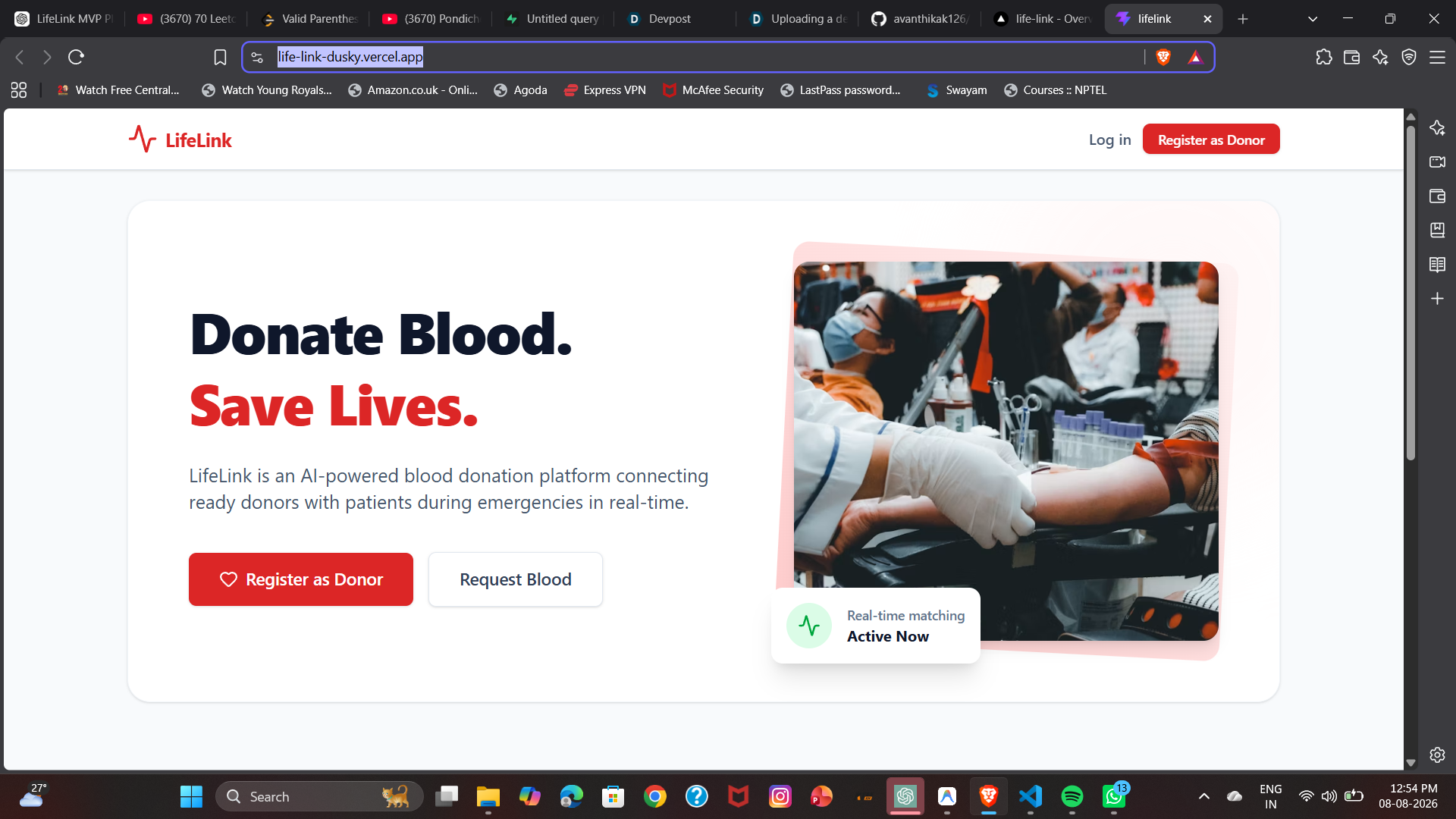
home page
-
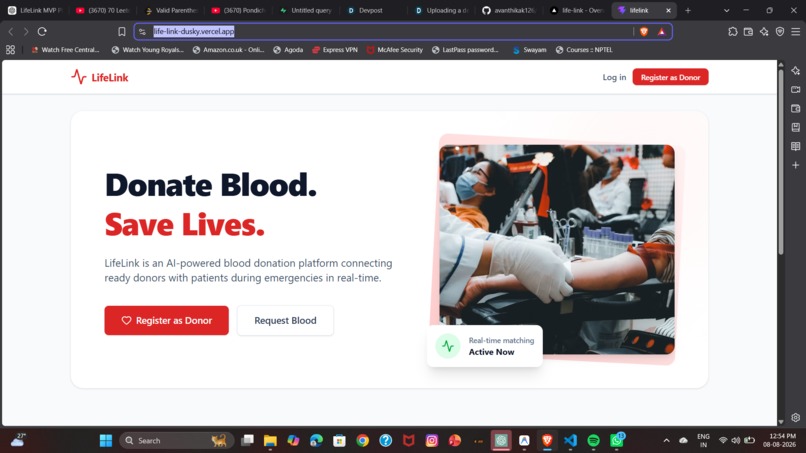
home page
Inspiration
The idea for LifeLink came from something I frequently noticed in my college WhatsApp groups, where urgent messages would be shared asking for blood donors or immediate help after accidents. Families and friends often had to rely on forwarding messages and hoping the right person would see them in time. Watching these situations made me realize how precious every minute is during a medical emergency and inspired me to build a platform that can instantly connect patients, hospitals, blood banks, and nearby eligible donors, making it faster and easier to find life-saving blood when it matters most.
What it does
LifeLink is an AI-powered emergency blood donation platform that connects patients, hospitals, blood banks, and voluntary blood donors in real time. During a medical emergency, users can create a blood request, and the platform instantly identifies nearby eligible donors based on blood group compatibility, location, and availability. LifeLink also helps users locate nearby blood banks and uses AI to prioritize the most suitable donors, reducing the time it takes to find life-saving blood. Our goal is to replace time-consuming social media forwards and phone calls with a faster, smarter, and more reliable emergency response system.
How we built it
Frontend: We used React 19 powered by Vite for a blazing-fast development experience and highly optimized production builds. For styling, we implemented a completely custom, responsive design system using Tailwind CSS v4. We prioritized a "mobile-first" approach, incorporating safe-area insets and bottom navigation bars so the web app feels exactly like a native mobile app when accessed on a phone. Backend & Database: We leveraged Supabase as our entire backend infrastructure. We designed a robust PostgreSQL schema to handle user profiles, location coordinates, and request lifecycles. We secured the data using Supabase's Row Level Security (RLS) policies to ensure users can only modify their own requests. Real-Time Magic: The core of LifeLink is its immediacy. We utilized Supabase Realtime (WebSocket subscriptions) to power the "Live Request Tracker." This allows the dashboard and request statuses to update instantly across all devices the moment a donor accepts a request, without anyone needing to refresh the page. Deployment: Finally, we deployed the frontend globally on Vercel, utilizing SPA rewrite rules to ensure seamless React Router navigation. The biggest technical achievement: Wiring up the trilateral real-time flow: Database Insert → Edge Function Trigger → Firebase Push Notification → Donor Acceptance → Supabase Realtime UI Update. Getting this entire pipeline to execute in under a second is what gives LifeLink its life-saving speed.
Challenges we ran into
Real-Time Synchronization: Ensuring that the UI updated instantaneously when a donor accepted a request was trickier than expected. We had to manage React state carefully alongside Supabase's WebSocket subscriptions to avoid race conditions and ghost UI states. Complex Notification Pipeline: Orchestrating the push notification flow involved multiple moving parts. We had to capture the browser FCM token, save it to PostgreSQL, write a Supabase Edge Function to filter compatible donors by blood type and city, and then interface with the Firebase Admin SDK to actually dispatch the payload. Debugging this cross-platform pipeline under a time limit was intense! Mobile Web Quirks: Since we wanted a native-app feel on the web, we battled with iOS Safari quirks—like the keyboard auto-zooming on inputs and the address bar overlapping our fixed bottom navigation. We solved this using strict CSS configurations and safe-area environment variables.
Accomplishments that we're proud of
The "Live Request Tracker": We are incredibly proud of the real-time visual tracker. Watching a request go from "Broadcasted" to "Accepted" instantly across two different screens without refreshing is a magical, satisfying experience. Flawless Mobile Experience: We successfully built a web app that genuinely feels like a native mobile application. The bottom navigation, responsive typography, and touch-optimized layout make it highly accessible for users on the go. Working End-to-End Flow: We successfully built a fully functioning, complex product in a short amount of time. Going from an empty repository to a platform handling authentication, relational databases, edge computing, and real-time sockets is a massive win for our team.
What we learned
Edge Computing: We learned how to write and deploy Supabase Edge Functions (Deno) and how powerful they are for handling backend business logic without needing a dedicated server. Advanced Postgres: We gained a much deeper understanding of PostgreSQL Row Level Security (RLS) policies to keep user data secure at the database layer. Resilient UI Design: We learned how to design with Tailwind CSS using a strictly "mobile-first" approach, ensuring the app looks beautiful on a 6-inch screen before scaling it up to desktop, rather than the other way around.
What's next for LIFE LINK
Integrated Maps & Routing: We plan to integrate Google Maps to show exactly where the hospital is and provide one-tap turn-by-turn navigation for the donor. Verification System: Implementing a badge or verification system for frequent donors and verified hospital accounts to increase trust and prevent spam. Native Mobile Apps: While our web app is highly responsive, we want to wrap the application using React Native or Capacitor to deploy it directly to the iOS App Store and Google Play Store for deeper OS integration. AI-Powered Matching: Implementing machine learning to predict regional blood shortages based on historical data, allowing us to proactively alert donors before a hospital hits critical levels.
Built With
- css3-backend-&-database:-supabase
- database
- edge-functions-styling-&-ui:-tailwindcss
- firebase-cloud-messaging
- frameworks-&-languages:-react
- html5
- javascript
- lucide-icons
- postgresql
- realtime
- responsive-design
- sql
- tailwind
- ui-design-infrastructure-&-real-time:-firebase
- vite
- websockets

Log in or sign up for Devpost to join the conversation.