-
-
Library Management System with Github-Copilot assistant
-
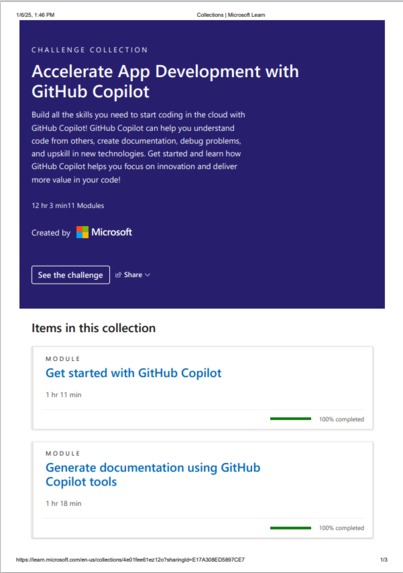
learning course ss-1
-
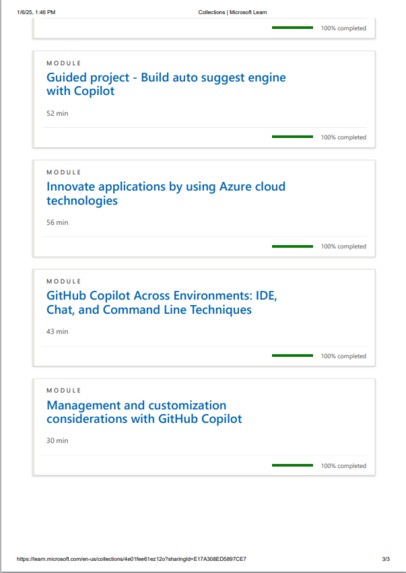
learning course ss-2
-
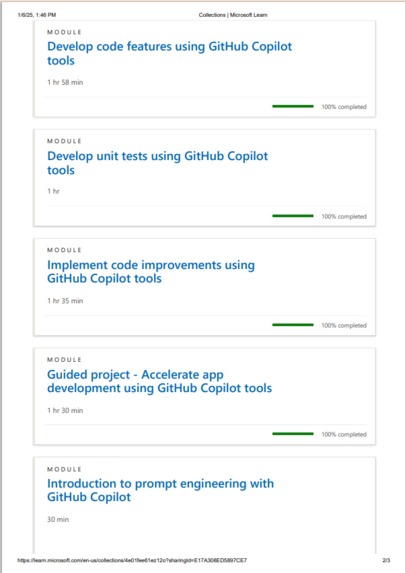
learning course ss-2
About the Project
Inspiration
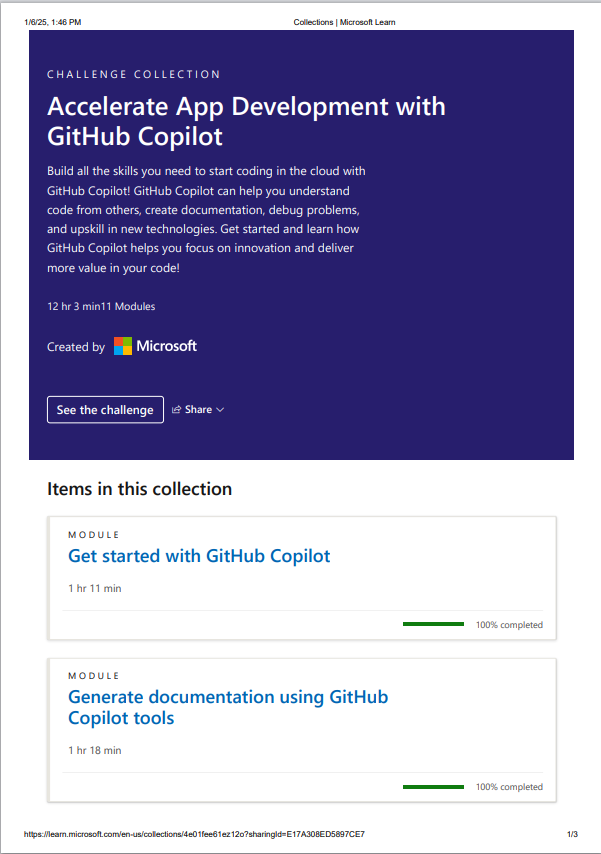
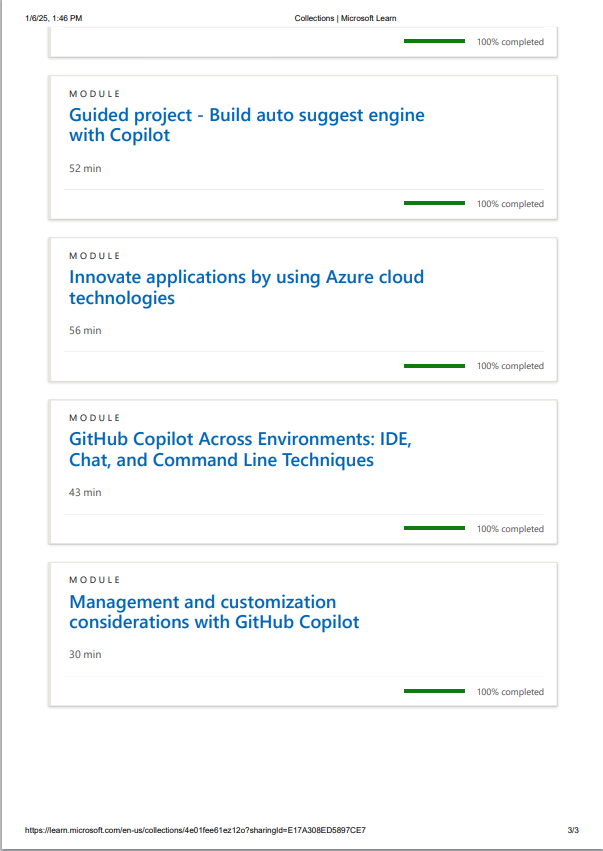
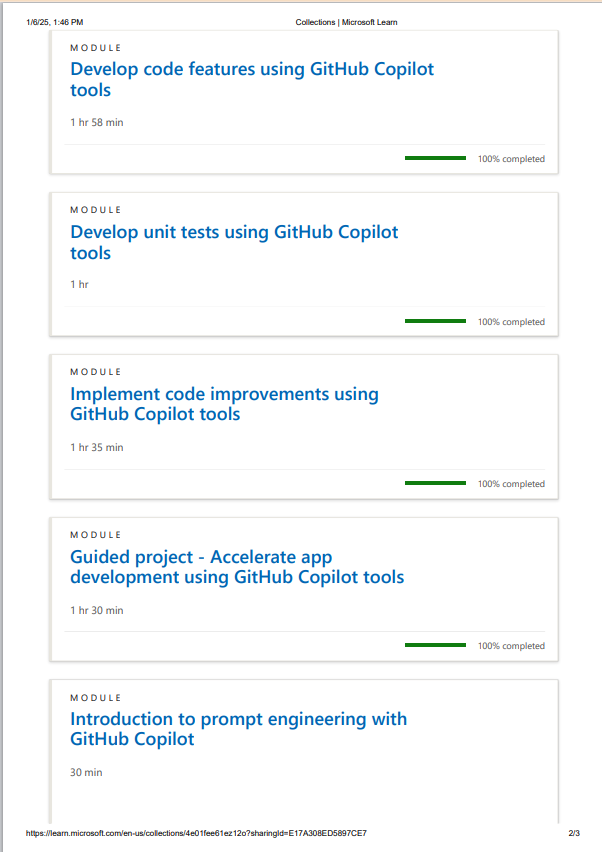
We began this project after completing the GitHub Copilot course, where we explored how to effectively use Copilot in all aspects of development. The experience inspired us to test its potential by implementing a complete Library Management System, leveraging Copilot's capabilities.
What We Learned
Through this journey, we learned how Copilot could significantly accelerate development by providing automated code completion suggestions and snippets. The process deepened our understanding of how Copilot interprets code structures and evolves to suggest increasingly relevant and complete code over time.
How We Built It
Backend Development
- We used GitHub Copilot in Visual Studio Code to implement the backend.
- Starting with one flow, from entity to service and service to controller, we saw Copilot automate code completion with remarkable accuracy.
- Once it understood the project's code structure, it began suggesting complete code directly in Copilot Chat, making backend development more efficient.
- We used GitHub Copilot in Visual Studio Code to implement the backend.
Frontend Development
- For the frontend, we created an Angular app using Visual Studio Code.
- With the Copilot extension, pressing
Ctrl+Ibecame a lifesaver, as it instantly provided relevant code snippets and suggestions.
- For the frontend, we created an Angular app using Visual Studio Code.
Challenges Faced
- While Copilot is undoubtedly the future for coders, it still requires significant improvements.
- Code Suggestions: Some suggestions were outdated or not entirely aligned with best practices.
- Coding Structure: Copilot sometimes struggled with complex or unconventional project structures.
Conclusion
GitHub Copilot made our development process smoother, offering smart suggestions and saving valuable time. With continuous updates and enhancements, it has the potential to revolutionize coding for developers worldwide.


Log in or sign up for Devpost to join the conversation.