-
-
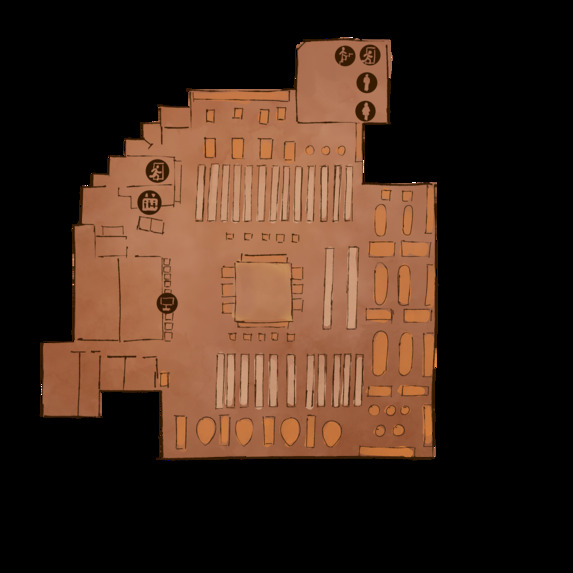
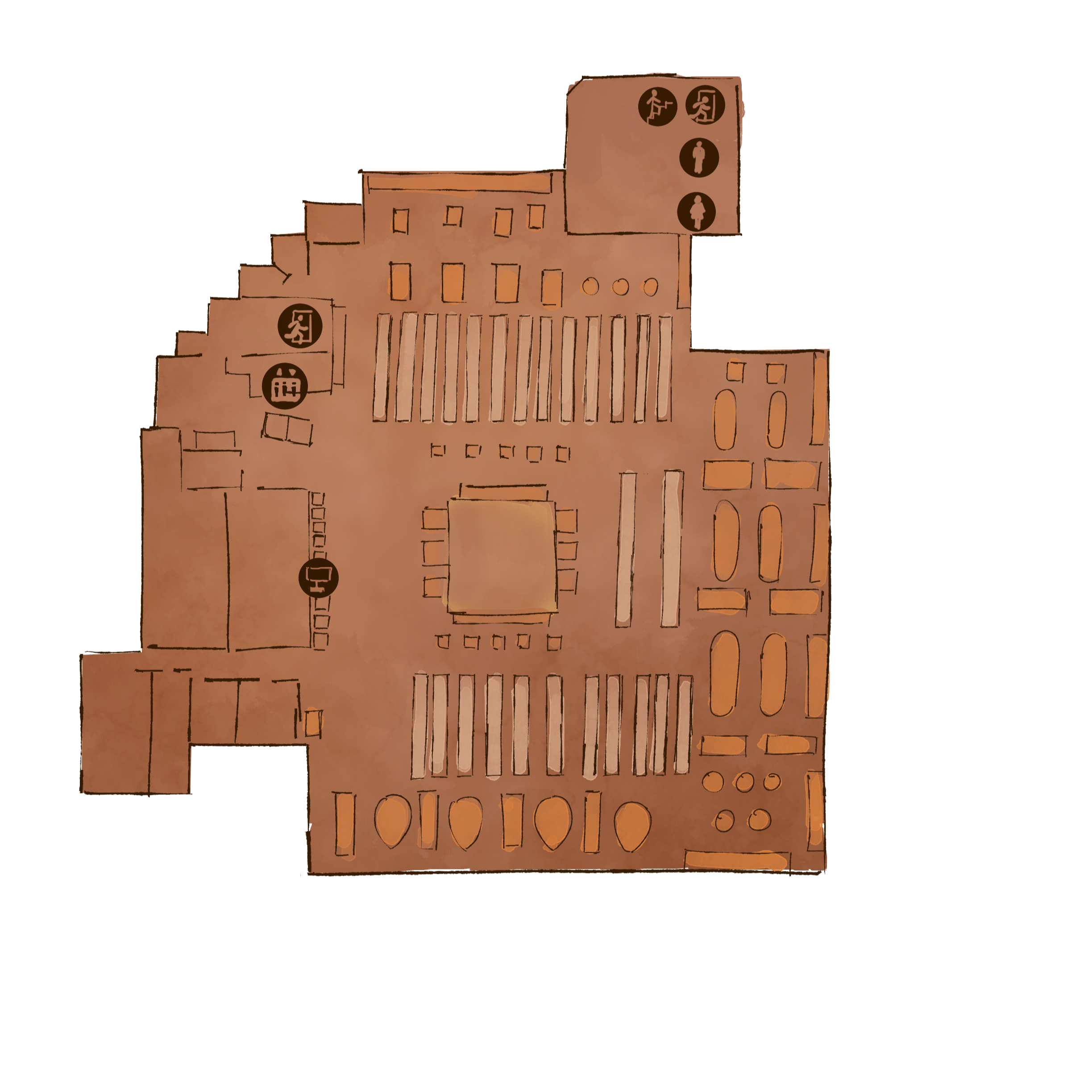
Minimap
-
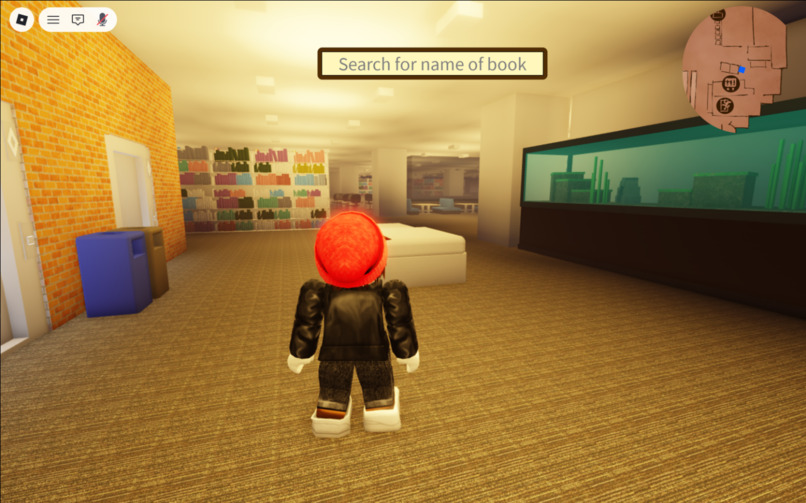
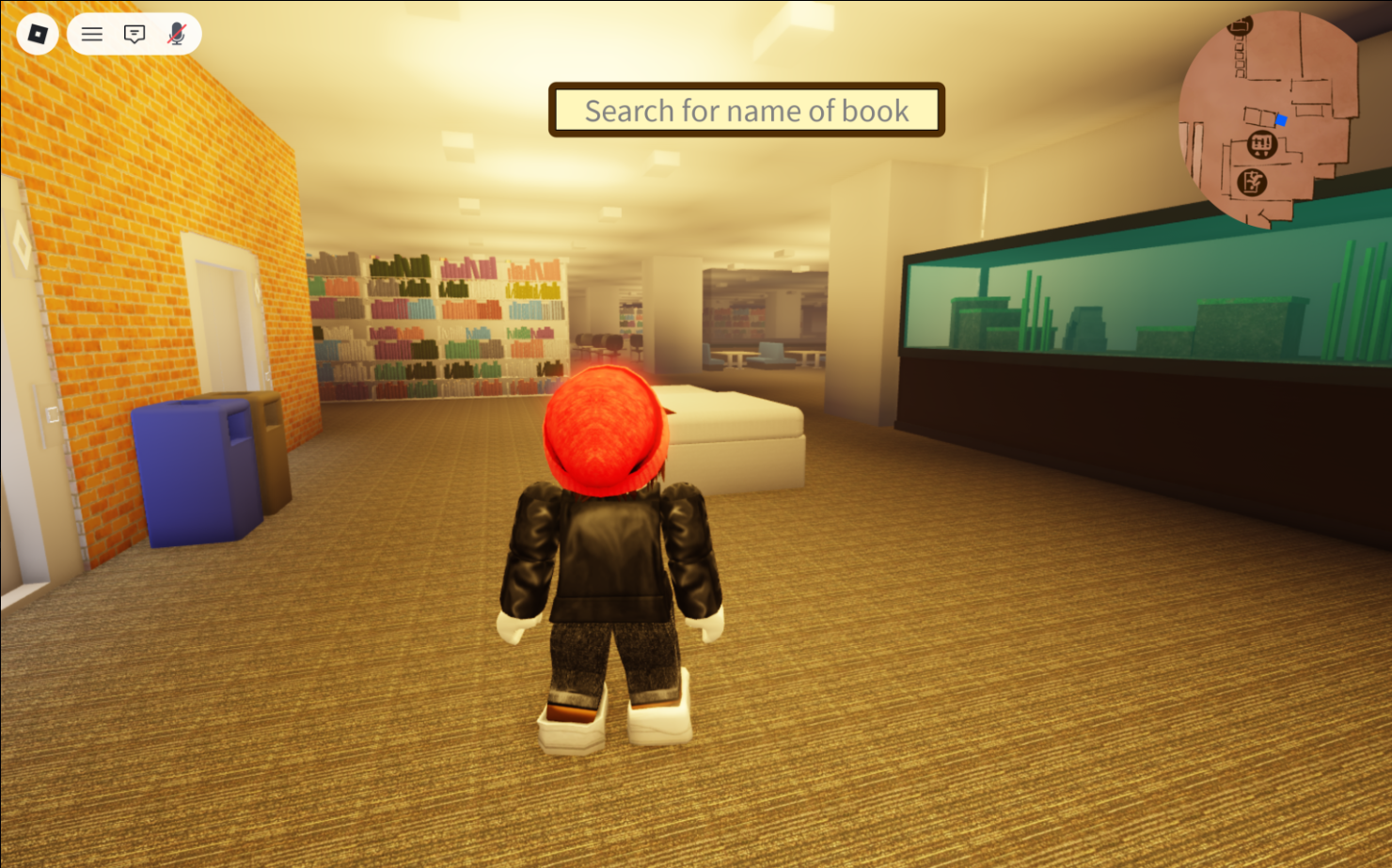
Spawn
-
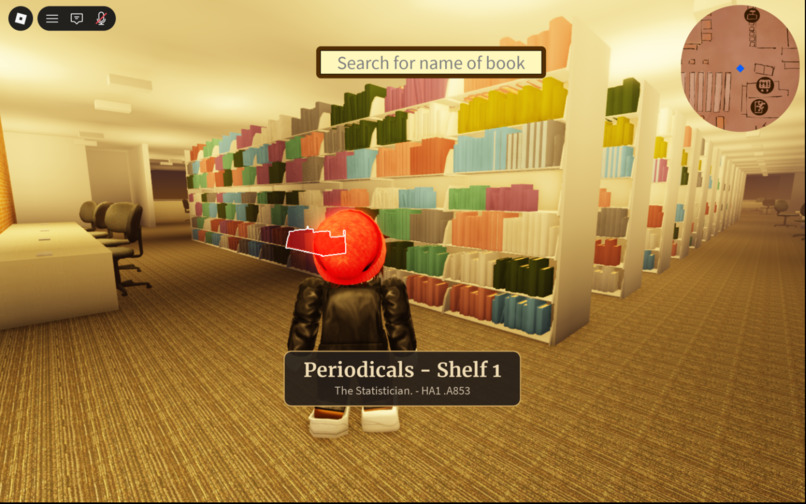
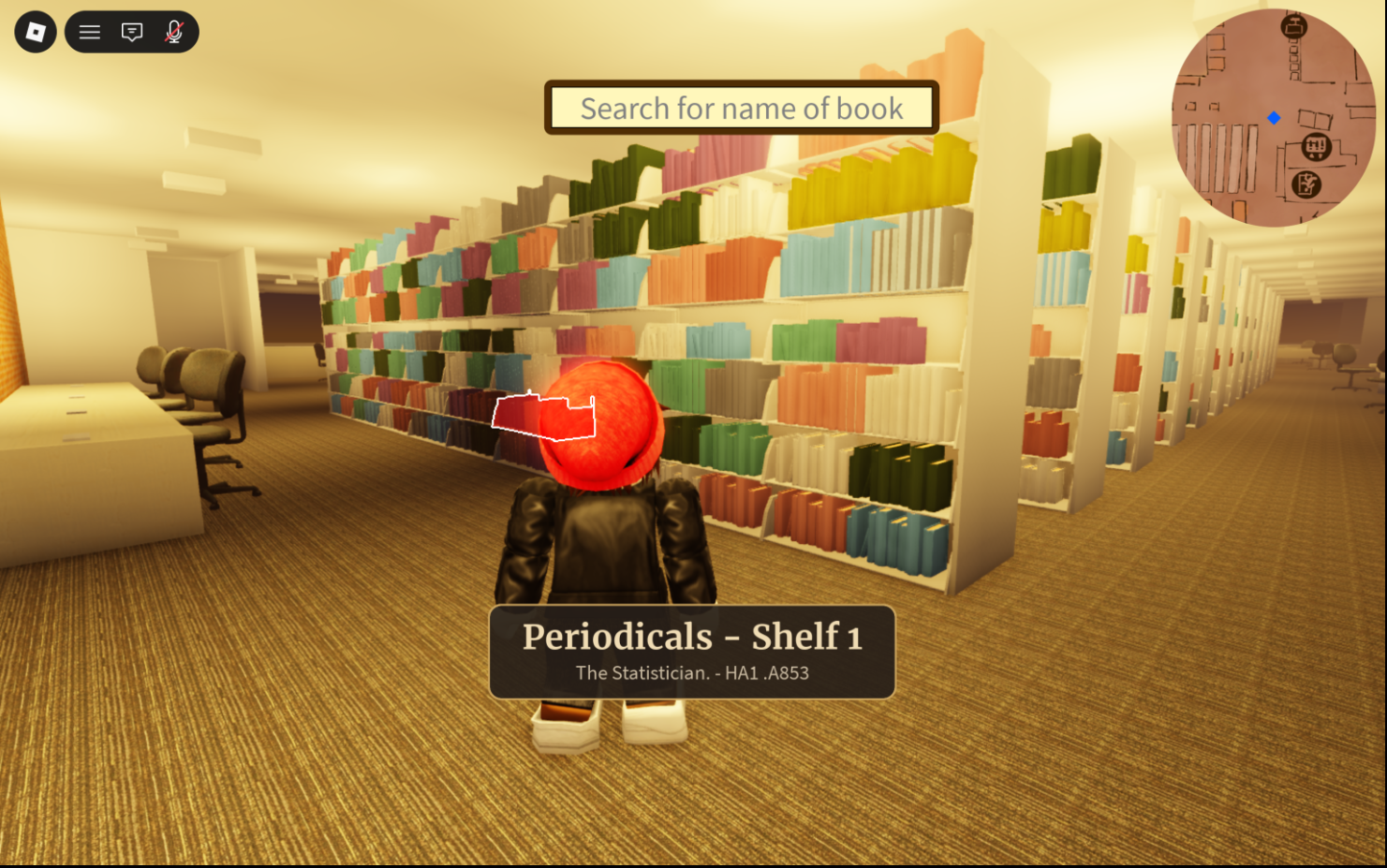
Searchbar
-
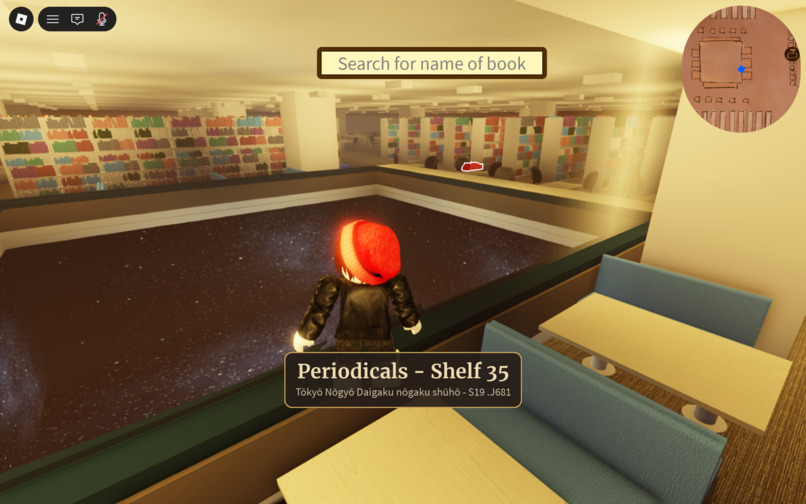
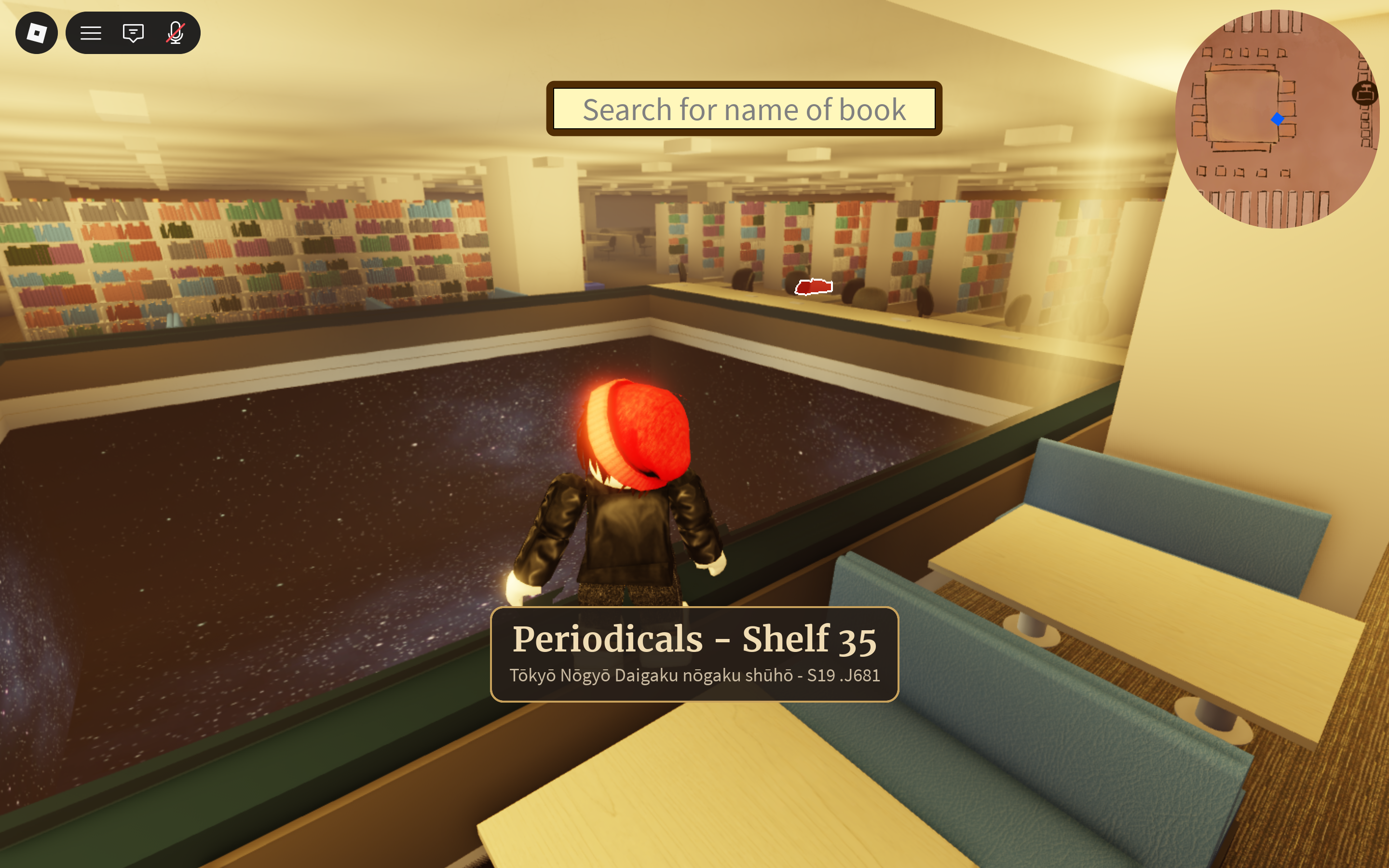
Searchbar (with scenery)
Inspiration
Searching for books in a library is really tedious, and this is because of library call signs. They're unnecessarily precise and add an extra barrier of entry to finding a book. We wanted to make an application that completely reduces this confusion by removing the need for call signs altogether with the hope of removing that barrier of entry.
What it does
- You type a book name into the UI and it'll highlight the position of that book in a replica of that book in the library (in this case being the third floor of the Marston library)
How we built it
- We got a floor plan of Marston and began planning our design off this
- We used blender and Roblox studio to build the bookshelves and other furniture items
- We used the API that the UF library site uses to get call numbers based off book titles and also determine the overall location of the book (whether it's at libwest or a specific floor of marston)
- We web scraped the ranges of each bookshelf to determine the density distribution of books (A shelf could be skewed towards one name)
- Using the web scraped ranges we used a binary search to compare the sent in library code to a Hashmap of the web scraped ranges. The position would then be determined based on the density distribution of the bookshelf and assigned.
Challenges we ran into
Data Collection: Because library call sign data is tedious to collect and the library is only open for certain times, gathering data proved a large challenge in this hackathon. We solved this by web scraping the library data using a python library.
Optimization: Since we have a lot of books across many different bookshelves, we struggled with keeping those books at a tri count that would allow for decent fps across all computers. We solved this by drastically reducing the variation of individual book textures, turning to more simple designs.
Replication: Since our project relies on mapping a physical library to a Roblox game state, we had to be very meticulous on getting a lot of the details right on the appearance of the library itself. To solve this we took the library floor plan and documented the locations of various furniture elements to determine how to model them in blender to build our replica.
Accomplishments that we're proud of
- Library-feel: We felt we were able to properly recreate the experience of being in the Marston library actually in the game world.
- Book Search: A huge accomplishment was when we were able to properly locate almost exactly where books were, where they'd have essentially the same location in Roblox and in the real library.
What we learned
- Simplicity vs. Detail: Going for excessively detailed book models was unnecessary, there are tens of thousands of books and just making more simple books would be unnoticeable to the vast majority of players. So we would want to more strongly consider performance and time usage on this aspect of a project.
- Planning: Spending the first couple of hours of the hackathon doing in person research with the physical floorplan was able to prepare us for future problems and also cut down a lot of time that would've otherwise likely been wasted. So planning at the beginning of a project can be a huge boon.
What's next for Library of Marston
- Expansion: If we're able to we could try to expand this idea to other library floors of Marston, other libraries at UF, or even other libraries altogether.
- Queries: We could allow someone to search for more types of queries like author, genre, etc.
- Descriptor: We could provide information on the book being shown such as with a thumbnail or a brief summary.


Log in or sign up for Devpost to join the conversation.