-
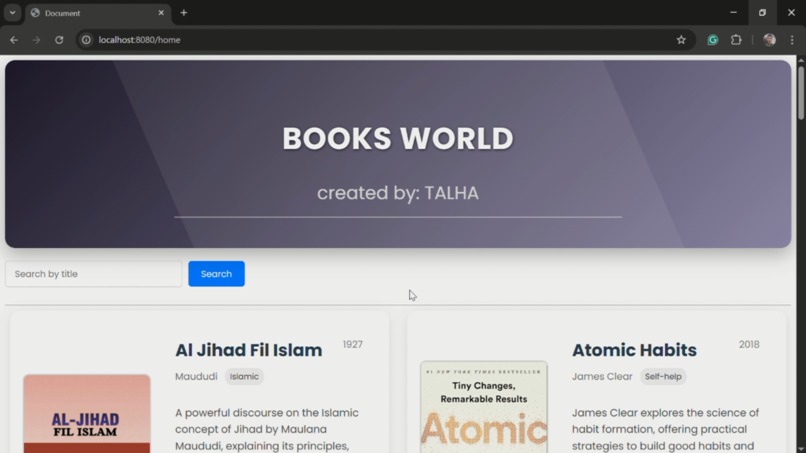
try it out, feel free to give any suggestions
Library Management System
This project is a comprehensive library management system that allows users to browse books, search for titles, and administrators to manage the book inventory through CRUD operations. Below you will find detailed documentation on how to set up, use, and contribute to this project.
Table of Contents
Introduction
The Library Management System is a Spring Boot application designed to facilitate the management of books in a library. It includes functionalities for user browsing, book searching, and administrative tasks such as adding, updating, and deleting books.
Prerequisites
Dependencies
The project relies on the following major dependencies:
- Spring Boot Starter Data JPA: For database access using Spring Data repositories
- Spring Boot Starter Thymeleaf: Template engine for server-side HTML rendering
- Spring Boot Starter Validation: For form validation
- Spring Boot Starter Web: For building web applications with Spring MVC
- Spring Boot Starter Security: For authentication and authorization
- MySQL Connector: Database driver for MySQL
- Lombok: For reducing boilerplate code
- Springdoc OpenAPI: For API documentation (Swagger UI available at
/swagger-ui.html)
Installation
- Clone the repository:
git clone https://github.com/yourusername/library-management-system.git
- Navigate to the project directory:
cd library-management-system
Set up the database:
- Create a MySQL database named
library_db - Update the database connection details in
application.propertiesfile:
spring.datasource.url=jdbc:mysql://localhost:3306/library_db
spring.datasource.username=your_username
spring.datasource.password=your_password
spring.jpa.hibernate.ddl-auto=update
spring.jpa.show-sql=true
- Build the project using Maven:
mvn clean install
- Run the application:
mvn spring-boot:run
or
java -jar target/library-0.0.1-SNAPSHOT.jar
Database Schema
The database schema includes the following main table:
books
| Column | Type | Description |
|---|---|---|
| id | BIGINT | Primary key, auto-incremented |
| title | VARCHAR(255) | Book title (not null) |
| author | VARCHAR(255) | Book author (not null) |
| year | VARCHAR(255) | Publication year |
| catagory | VARCHAR(255) | Book category (not null) |
| file | VARCHAR(255) | URL to the book file (not null) |
| image | VARCHAR(9000) | URL to the book cover image |
| description | VARCHAR(500) | Book description |
Hibernate automatically creates the schema when the application starts with spring.jpa.hibernate.ddl-auto=update.
Usage
User Interface
Home Page:
Access the system at
http://localhost:8080/Choose between User and Admin login
User Panel (accessible at
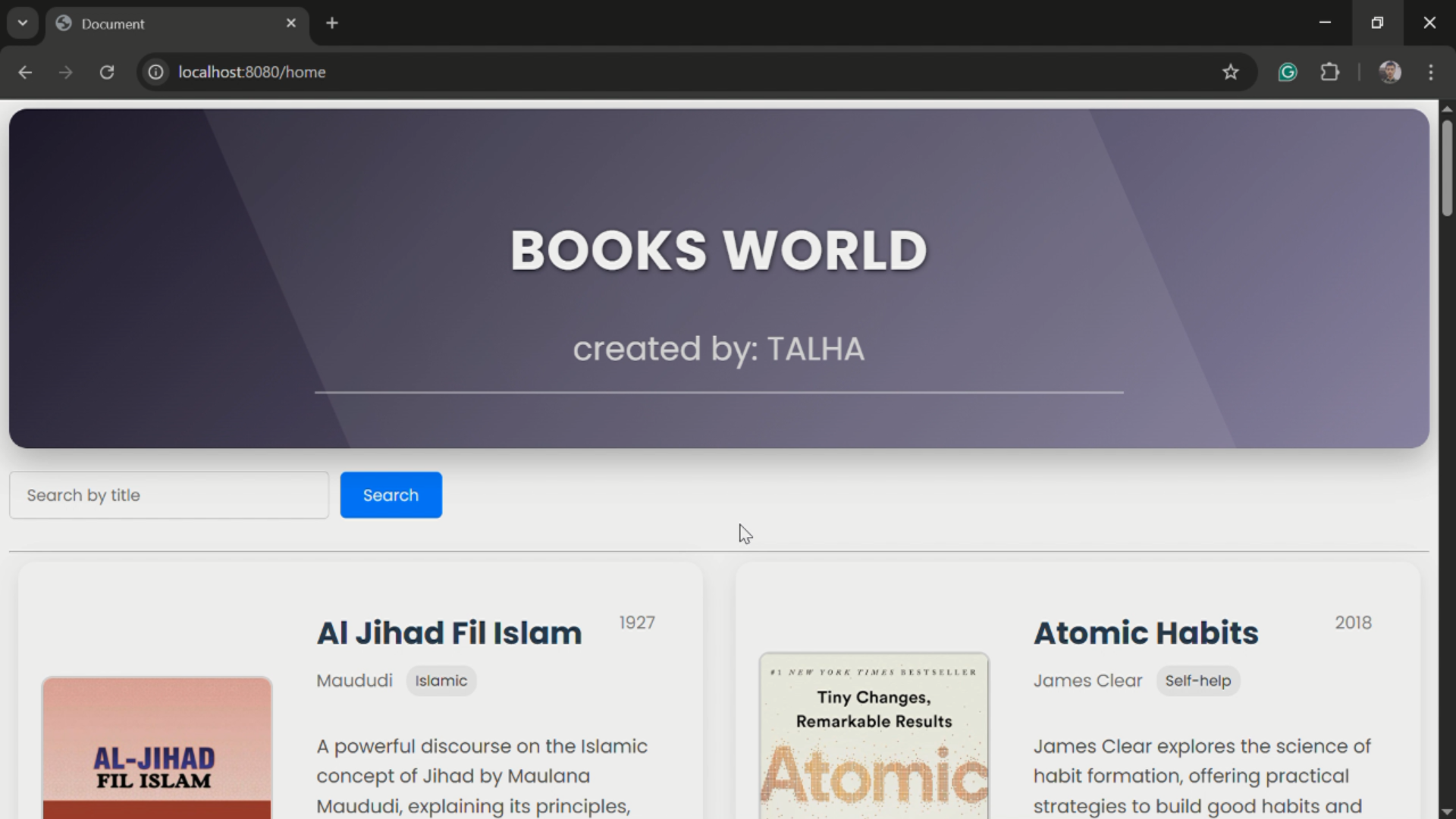
/home):Browse all available books
Search for books by title
View book details including cover image, author, category, and description
Access book files via the provided links
Admin Interface
Admin Panel (accessible at /AdminPanel):
Login with credentials:
Username: Talha
Password: 42155
Book Management:
- View all books in the library
- Add new books with details (title, author, year, category, image URL, file URL, description)
- Update existing book information
- Delete books from the library
- Search for specific books by title
Security:
- The admin panel is protected with authentication
- CSRF protection is enabled for form submissions
Technical Architecture
Spring MVC Architecture:
- Controllers handle HTTP requests and responses
- Services contain business logic
- Repositories manage data access
- Thymeleaf templates render the views
Exception Handling:
- Global exception handler for consistent error responses
- Custom exceptions for specific error scenarios
- Validation error handling for form submissions
Security:
- Spring Security for authentication and authorization
- In-memory user details for admin access
- Protected endpoints for administrative functions
Contributing
We welcome contributions! Please follow these steps:
- Fork the repository.
- Create a new branch (
git checkout -b feature-branch). - Commit your changes (
git commit -m 'Add some feature'). - Push to the branch (
git push origin feature-branch). - Create a new Pull Request.
Coding Standards
- Follow Java coding conventions
- Write unit tests for new features
- Update documentation as needed
Copyright
© 2025 Talha Tahir. All rights reserved.
Released under the MIT License. See the LICENSE file.
Built With
- css
- html
- java
- javascript
- springboot

Log in or sign up for Devpost to join the conversation.