
Inspiration
We were inspired by how hard it can be to follow foreign language audio online in real time. A lot of people watch foreign videos, lectures, and streams in their browser, but pausing constantly to translate breaks the learning experience. We wanted to build a tool that makes language learning feel natural by letting users understand and learn as they watch.
What it does
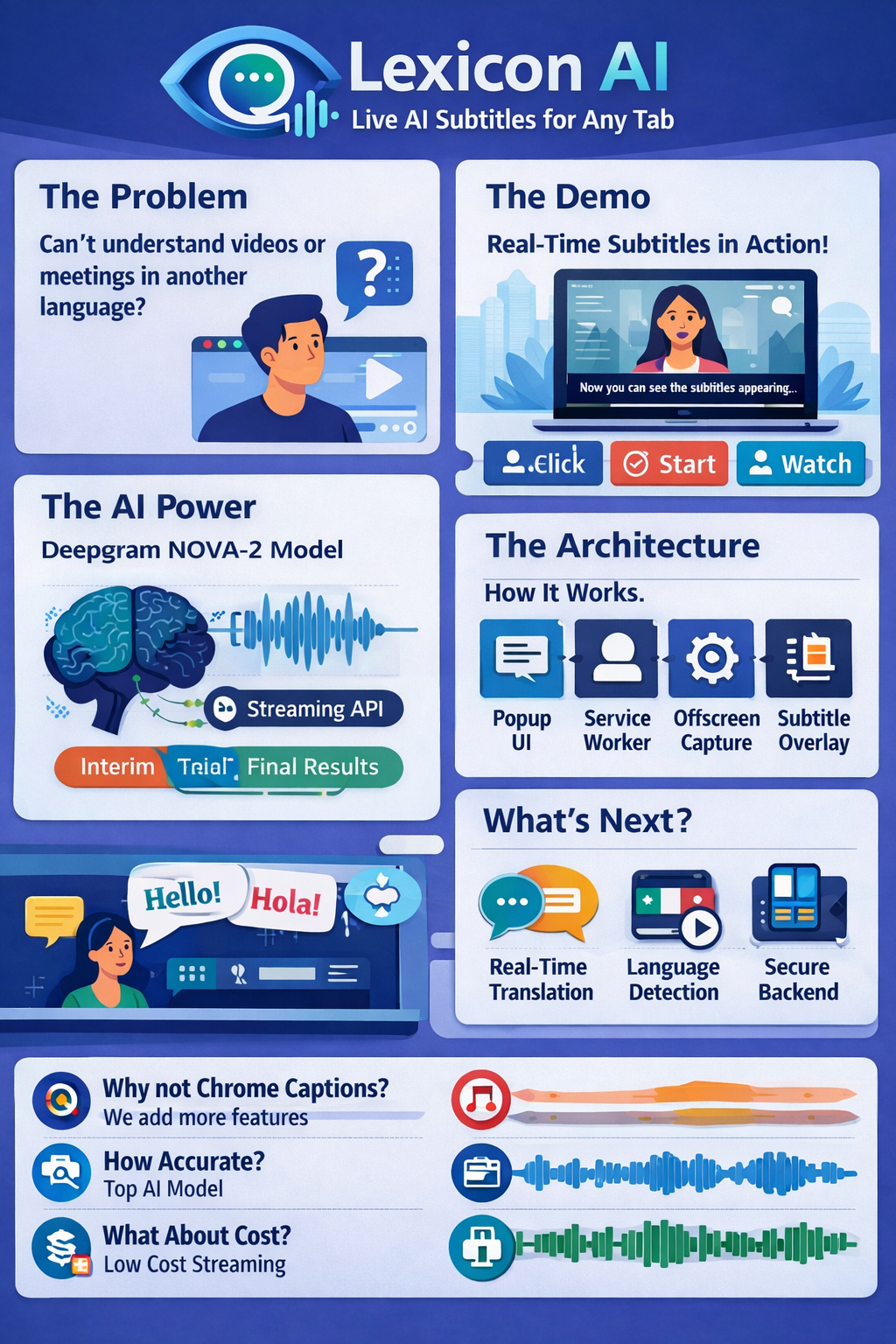
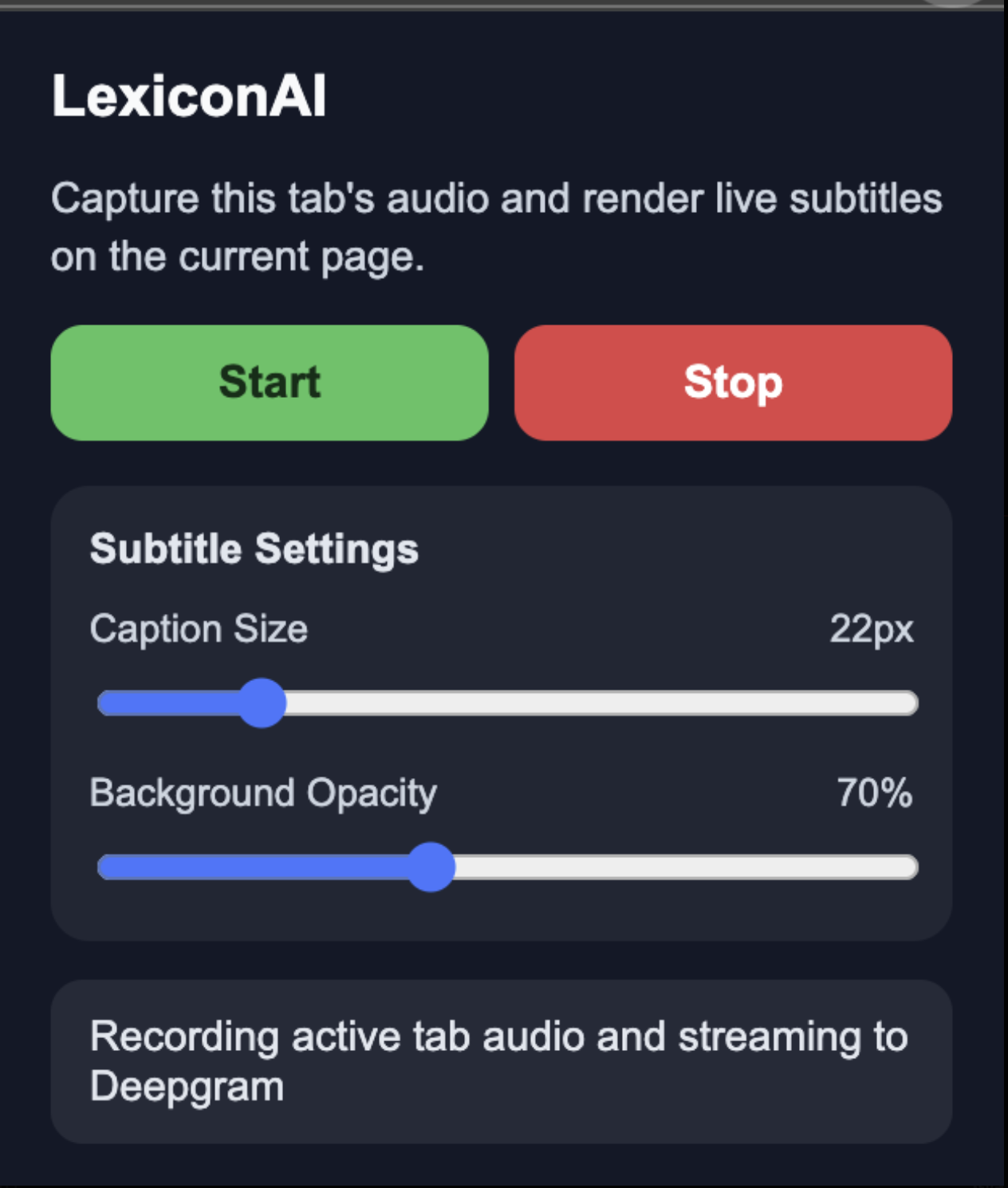
LexiconAI is a Chrome extension that listens to browser audio, transcribes spoken foreign in real time, translates it into English, and overlays live bilingual subtitles directly on the page. It helps users follow along with videos, streams, and lectures without leaving the content they are watching. We also explored features that make it more useful for language learners.
How we built it
We built LexiconAI as a Chrome extension using Manifest V3. The extension captures tab audio from the browser, streams it for speech recognition, and displays the resulting subtitles in a floating on page overlay. For transcription, we used Deepgram to process speech in near real time. For translation, we integrated a FastAPI backend with Argos Translate to convert text into English. On the frontend, we built a subtitle interface that renders both the original language transcript and the English translation in a clean, readable way.
What's next for LexiconAI
Next, we want to make LexiconAI more interactive and personalized for learners. We plan to improve word level alignment between different languages, add better color coded vocabulary matching, and let users save words or phrases for review later. We also want to support more languages, improve translation quality, add transcript history, and create a dedicated learning mode with features like hover to reveal translations and personalized vocabulary practice.
Built With
- argostranslate
- chrome
- css
- deepgram
- fastapi
- html
- javascript
- manifest


Log in or sign up for Devpost to join the conversation.