Project Name: LexiAssist
💡 Inspiration
We live in a world where information is abundant, yet accessibility remains a luxury. Traditional education follows a "one-size-fits-all" approach that relies heavily on dense textbooks and rigid testing formats. This system disproportionately fails the 1 in 5 students who have language-based learning differences like dyslexia.
We were inspired by the realization that intelligence is not the problem—the interface to learning is. We didn't just want to build another "study tool"; we wanted to build an empathetic companion that understands how neurodiverse minds work. LexiAssist was born from the desire to turn "I can't read this" into "I just learned this."
🧠 What it does
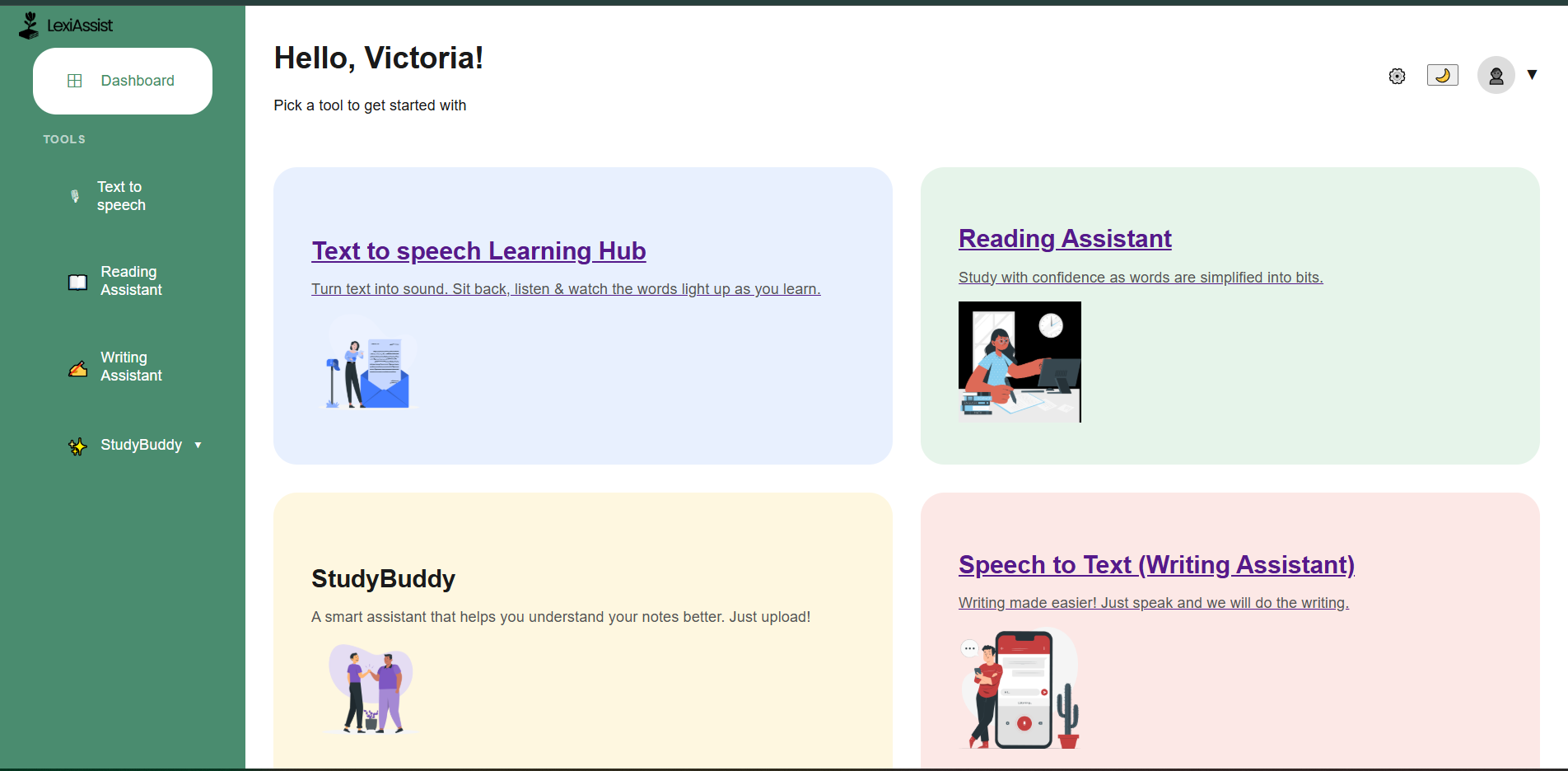
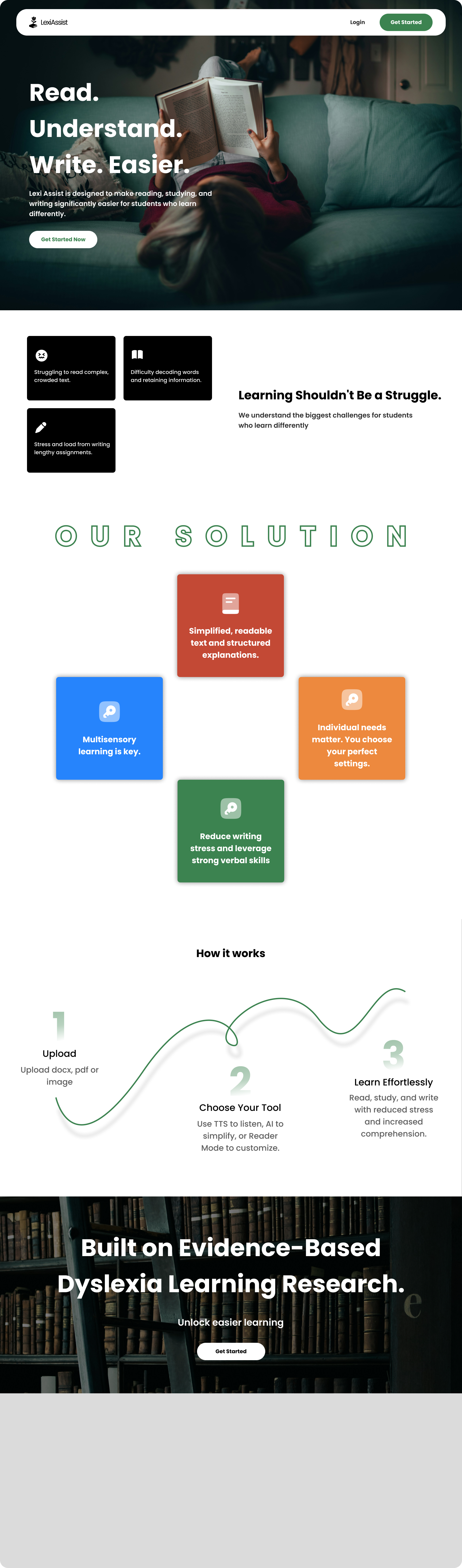
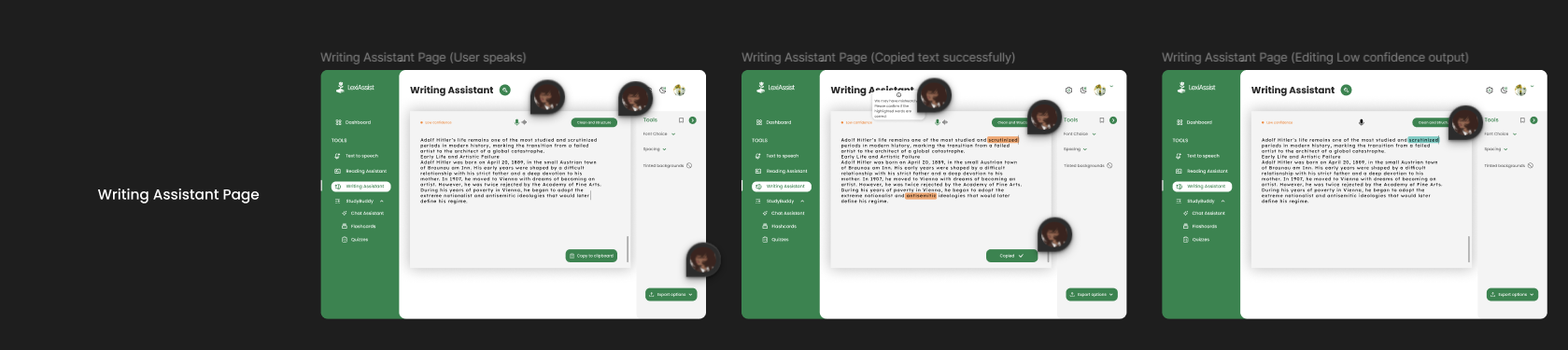
LexiAssist is a 24/7 AI-powered learning companion that adapts educational content to the user's needs. It transforms passive, static study materials into active, accessible formats:
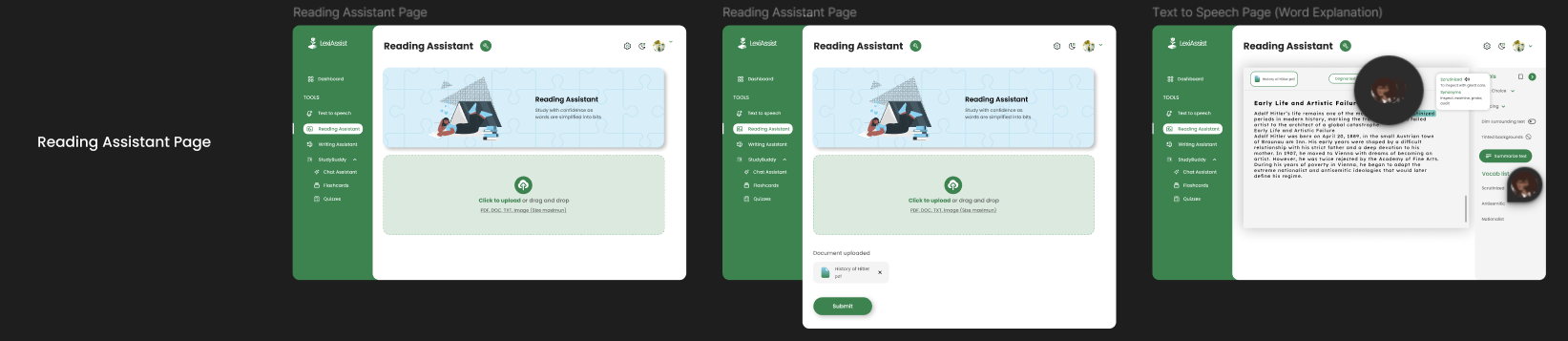
- 📄 Smart Simplification: Instantly summarizes complex academic papers into digestible, dyslexia-friendly language.
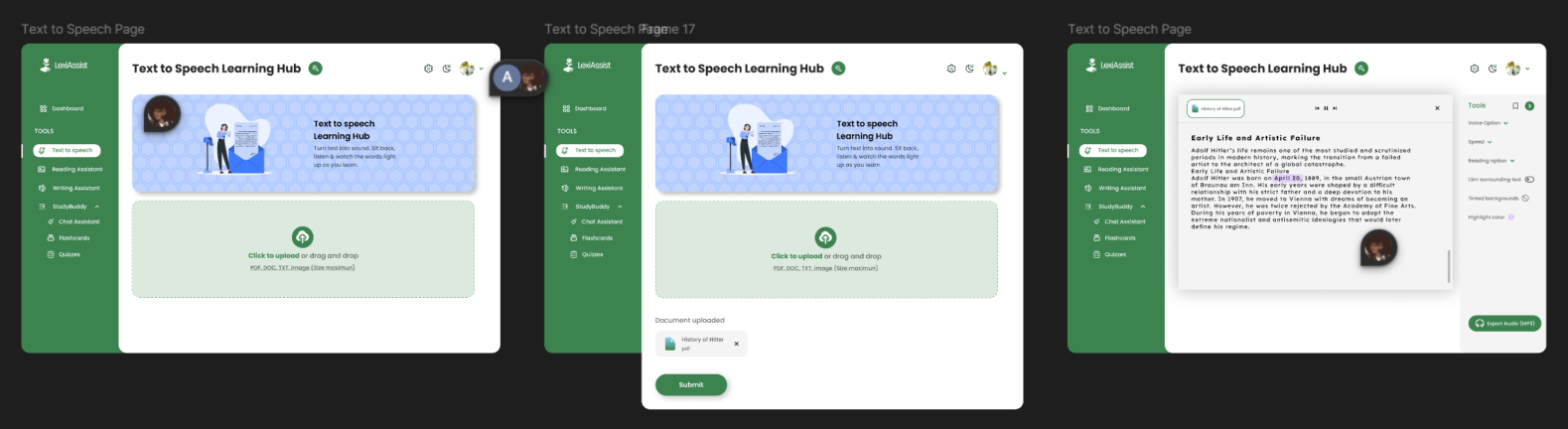
- 🗣️ Text-to-Speech (TTS): Converts written notes into audio, allowing students to learn through listening.
- ⚡ Automated Flashcards: Extracts key definitions from PDFs and creates interactive flip-cards for active recall.
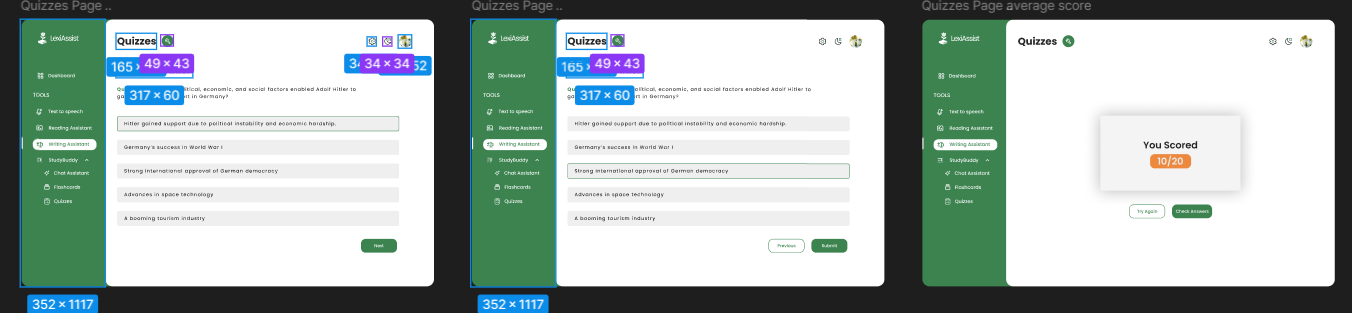
- 📝 Quiz Generator: Turns any uploaded document into a gamified multiple-choice test to check understanding.
- 🤖 Empathy-First Chat: A chatbot that answers questions without judgment, available to explain concepts 100 times if needed.
🔧 How we built it
We built LexiAssist as a robust web application using the Django 5.0 (Python) framework for the backend to ensure secure data handling and scalability. The frontend utilizes HTML5, CSS3, and JavaScript with a specific focus on WCAG accessibility guidelines (high-contrast themes and readable fonts).
The AI Engine
The core intelligence is powered by Google Gemini 2.5 Flash. We chose this model for its multimodal reasoning capabilities and low latency.
To ensure the "Quiz Generator" created high-quality questions, we implemented a custom Relevance Weighting Algorithm. Instead of randomly picking sentences, our system scores paragraphs based on information density ($D$) and keyword frequency ($K$) to determine if they are worth questioning:
$$ S_{relevance} = \frac{\alpha \cdot K_{freq} + \beta \cdot D_{density}}{1 + e^{-(L - \mu)}} $$
Where:
- $K_{freq}$ is the frequency of domain-specific keywords.
- $D_{density}$ represents the number of unique entities per sentence.
- $L$ is the sentence length (penalizing overly short or long segments).
- $\alpha$ and $\beta$ are tunable weights we adjusted during testing.
We used PyPDF2 to extract raw text from student uploads, which is then sanitized and passed to the Gemini API via a secure REST architecture.
🚧 Challenges we ran into
- Structured Output Consistency: One of our biggest hurdles was getting the AI to consistently return JSON data for the Flashcards. Early versions would return conversational text like "Here are your cards..." which broke our parser. We solved this by implementing "Strict Schema Validation" and few-shot prompting to force the AI into a pure JSON output mode.
- PDF Parsing Noise: Academic PDFs often contain headers, footers, and page numbers that confuse the AI. We had to write a custom pre-processing script to strip these artifacts before analysis.
- Latency vs. Quality: Balancing the depth of the AI's explanation with the need for speed. We optimized this by switching to the Gemini 2.5 Flash variant, which reduced response times by 40% without sacrificing accuracy.
🏆 Accomplishments that we're proud of
- Real-Time Processing: Successfully reducing the "Time-to-Quiz" for a 20-page document to under 15 seconds.
- The "Human" Touch: Tuning the Chat Assistant's system instructions to be empathetic and encouraging, rather than robotic. It actively validates the student's feelings (e.g., "It's okay to feel stuck, let's break this down together").
- Integration: Seamlessly connecting a Python backend with a state-of-the-art Generative AI model in a functional MVP.
📚 What we learned
- Prompt Engineering is Engineering: We learned that the difference between a bad answer and a brilliant one is often in the structure of the system prompt.
- Accessibility First: We learned that accessibility cannot be an afterthought; it dictates design choices like color contrast and font sizing from Day 1.
- MVT Architecture: We gained a deep understanding of Django's Model-View-Template pattern and how to manage state in a web app.
🚀 What's next for LexiAssist
- Mobile App (PWA): We are optimizing the platform for offline mobile access, as many students in our region rely on low-bandwidth data connections.
- School Partnerships: We plan to pilot LexiAssist in 3 local secondary schools to gather real-world data on student performance improvements.
- OCR Capability: Integrating optical character recognition to allow students to snap photos of physical textbooks and have them instantly simplified.
Built With
- django
- html&css
- javascript
- python


Log in or sign up for Devpost to join the conversation.