-
-
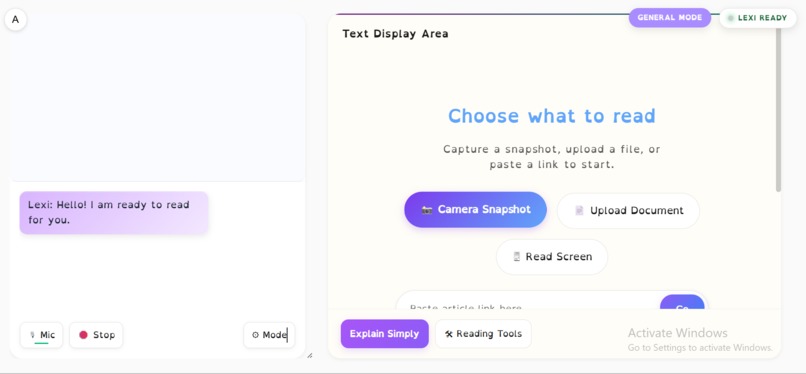
LexiLens — AI reading companion for people with dyslexia, powered by Gemini Live
-
-
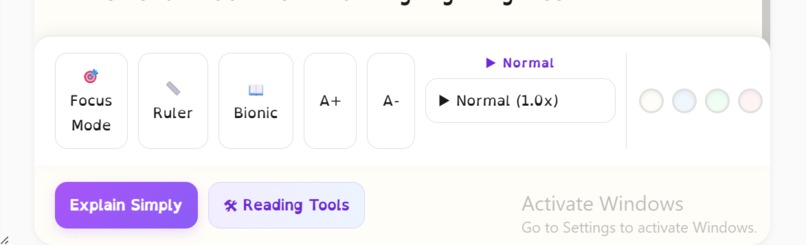
Reading tools
💡 Inspiration
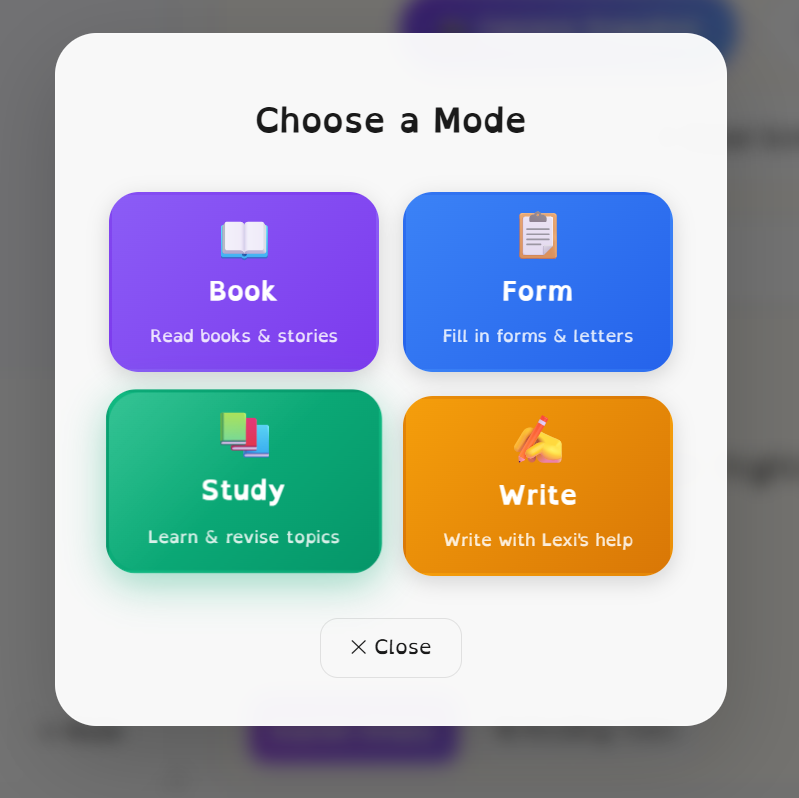
The inspiration for LexiLens came from observing the daily struggle people with dyslexia and cognitive reading difficulties face in a digital-first world. While the internet is full of tools to summarize text, few tools actively help users read and process information alongside them. We wanted to build something more than just a text-to-speech reader; we wanted an intelligent, patient, and context-aware reading companion. Lexi isn't just a voice; she is a tutor who can look at your physical books, read your screen, or patiently explain a complex PDF sentence by sentence.
🛠️ How we built it**
LexiLens is built on a modern, serverless architecture focusing heavily on low-latency multimodal AI capabilities.
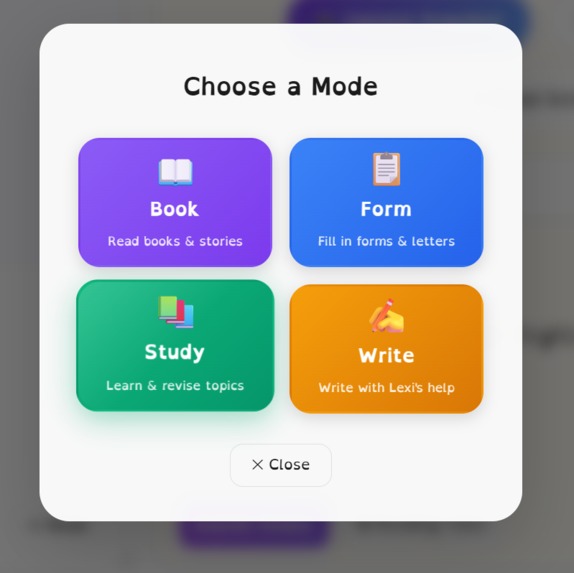
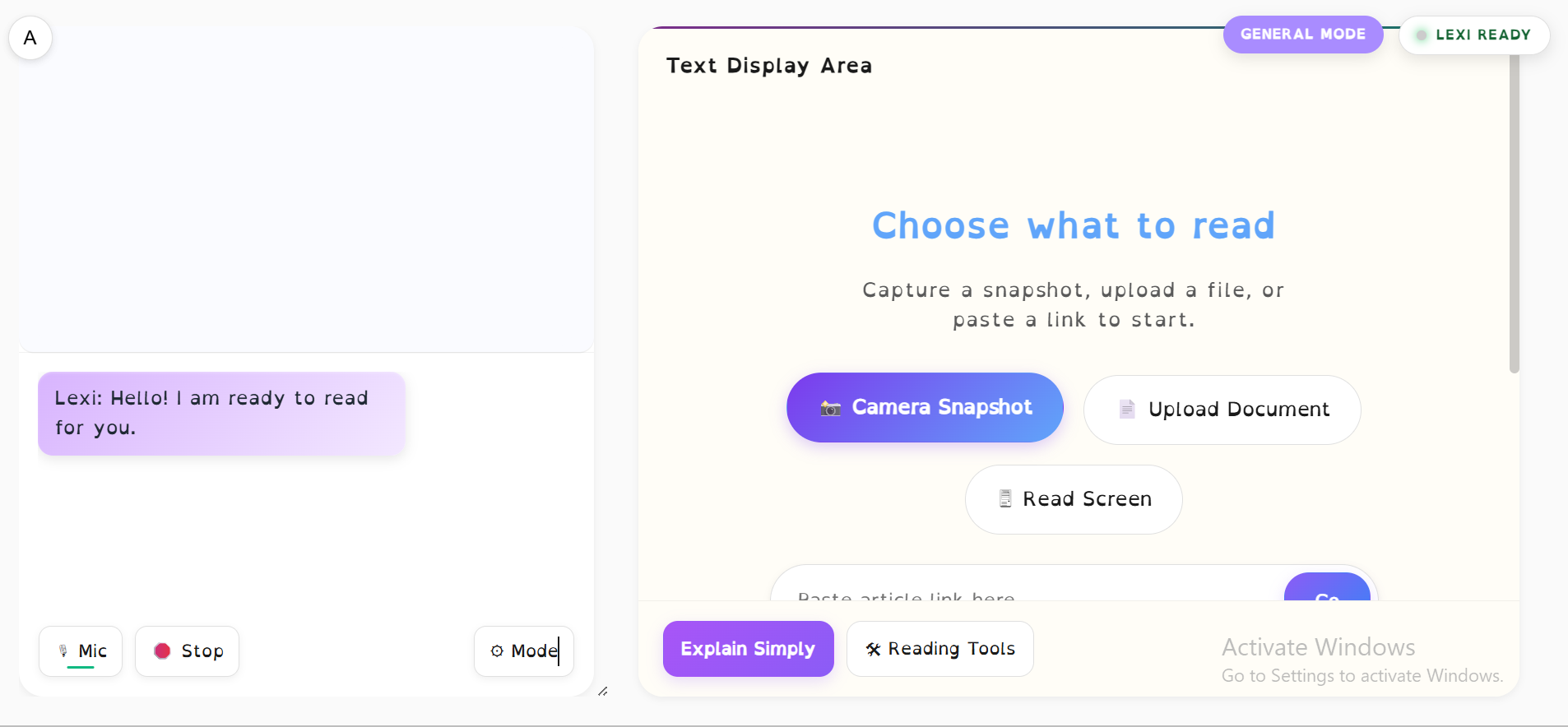
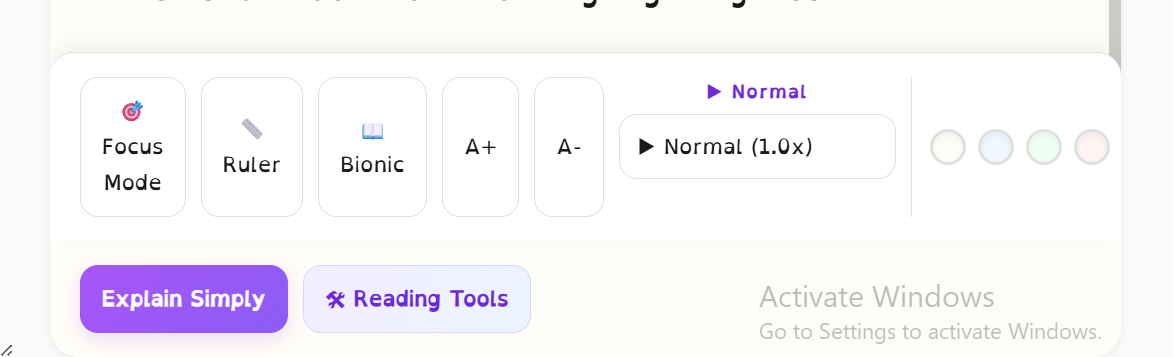
Frontend: A vanilla HTML/JS/CSS application designed with specific accessibility considerations in mind (e.g., OpenDyslexic fonts, high-contrast toggles, and bionic reading highlights). The UI is built to be a split-screen workspace, avoiding hidden menus to reduce cognitive load. Backend: A high-performance Python FastAPI application deployed on Google Cloud Run. The Intelligence: We deeply integrated the brand-new Google Gemini Live API. The frontend establishes a secure WebSocket connection to our FastAPI backend, which acts as a real-time proxy to Gemini. This allows for streaming PCM audio directly into the model for incredibly fast, conversational responses. Vision & Context: We used the Chrome Desktop Capture API alongside Gemini's Vision models to allow Lexi to "see" exactly what the user is looking at on their screen, enabling contextual assistance without needing to manually copy/paste text. Infrastructure: We used Google Cloud Firestore to manage background session states, and Google Secret Manager to keep API keys secure.
🧗 Challenges we ran into
Building a low-latency voice architecture wasn't easy!
WebSocket Proxying: Routing raw PCM audio from the browser, through our FastAPI server, and into the Gemini Live API over WebSockets required careful buffer management. We initially ran into issues with overlapping audio chunks causing Lexi's voice to stutter and break. We had to rewrite the frontend Web Audio API logic to meticulously track sequential playback times and implement a hard "stop" interrupt sequence to clear in-flight audio when the user pressed the Stop button. Cloud Run Rate Limiting: During deployment, we hit a snag where WebSocket connections would unexpectedly fail in production but work perfectly locally. We discovered that Google Cloud Run proxies connections, meaning our backend rate-limiter saw every user as coming from the same internal Google IP. We had to write custom logic to parse the X-Forwarded-For headers to correctly identify individual clients before the app would stabilize.
🧠 What we learned
We learned an incredible amount about handling streaming multimodal data. Working with WebSockets for bidirectional audio is vastly different than traditional REST APIs. We learned how to manipulate audio byte streams, manage concurrent asynchronous tasks in Python, and build a fault-tolerant proxy architecture. Furthermore, designing UI specifically for accessibility required us to rethink standard web design patterns, leading us to completely ditch complex navigation sliders in favor of persistent, on-screen controls.
🚀 What's next for LexiLens
We plan to expand Lexi's multimodal capabilities! Our immediate next steps include:
Mobile App Native Integration: Moving beyond the browser to build a native mobile app so users can point their smartphone cameras at physical documents for instant help. Custom Persona Tuning: Allowing users to adjust Lexi's personality, speaking speed, and explanation depth to specifically match an individual's learning style or neurodivergent needs. Long-term Memory: Implementing RAG (Retrieval-Augmented Generation) so Lexi can remember what a user struggled with previously and proactively adjust her teaching style.
Built With
- chrome-capture-api
- css
- docker
- fastapi
- gemini-live-api
- gemini-vision-api
- github
- google-cloud-firestore
- google-cloud-run
- google-secret-manager
- html
- javascript
- python
- web-audio-api
- websockets

Log in or sign up for Devpost to join the conversation.