-
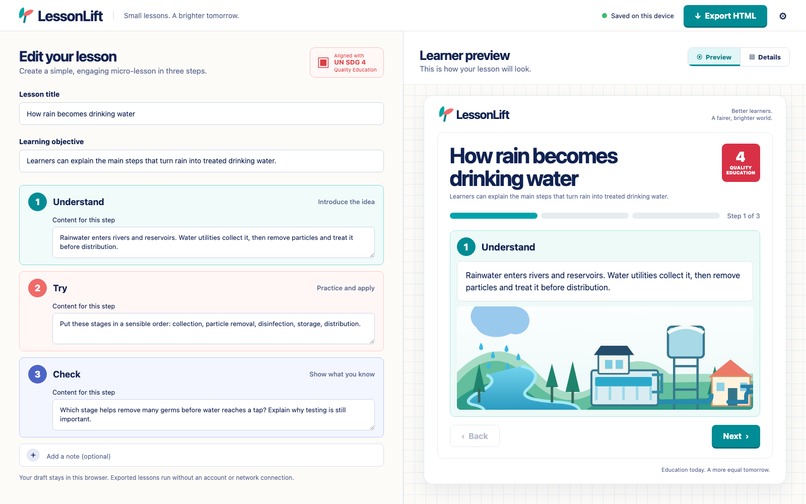
LessonLift editor and live learner preview
-
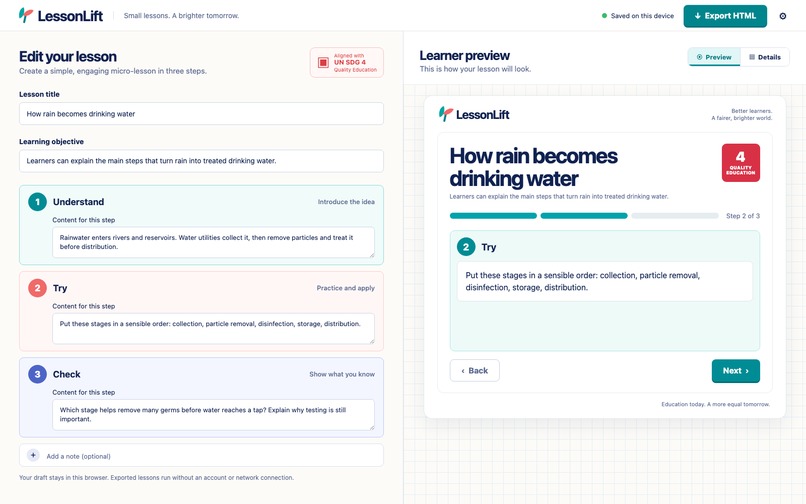
Second lesson step in the learner preview
-

Responsive mobile editor and learner preview
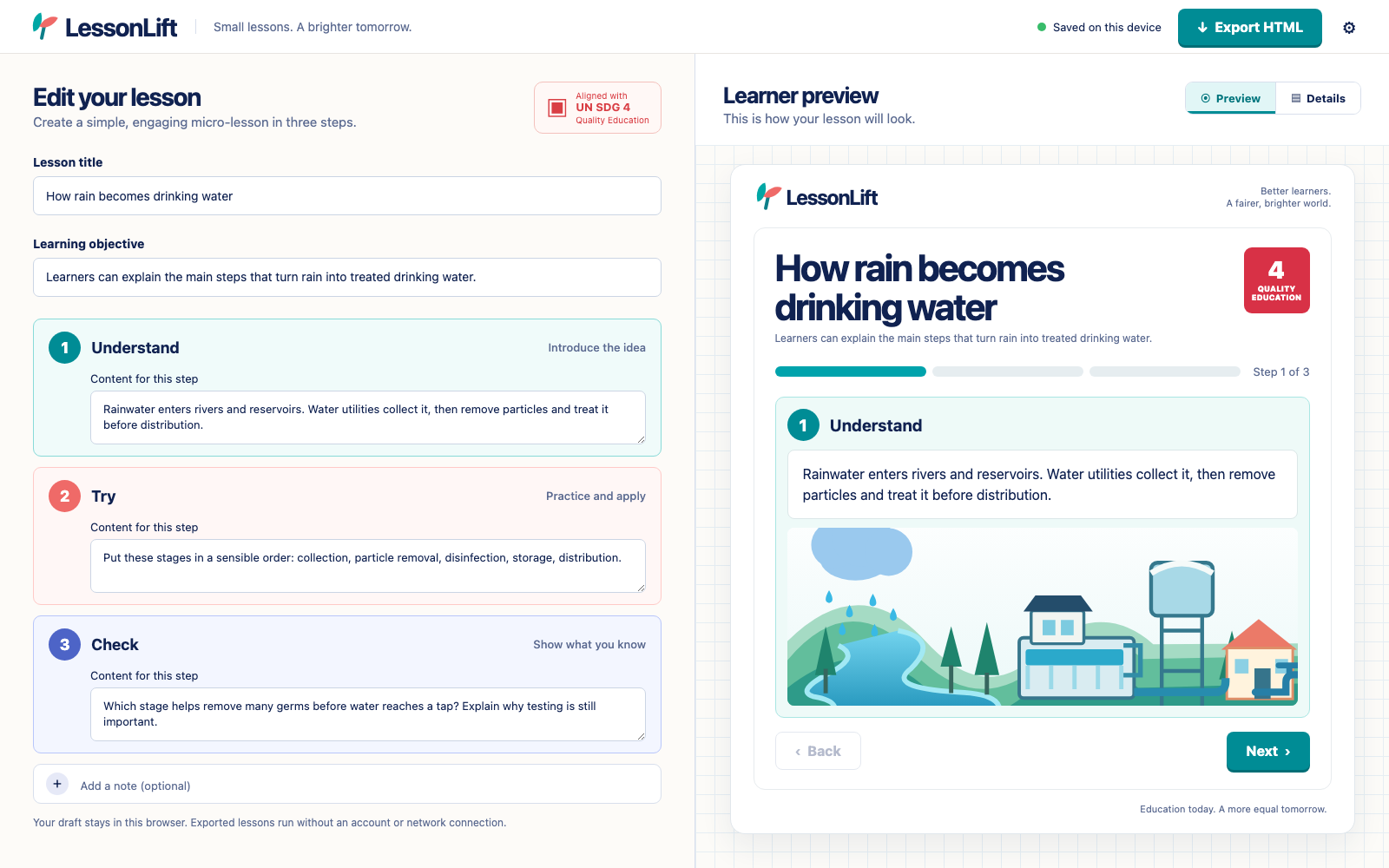
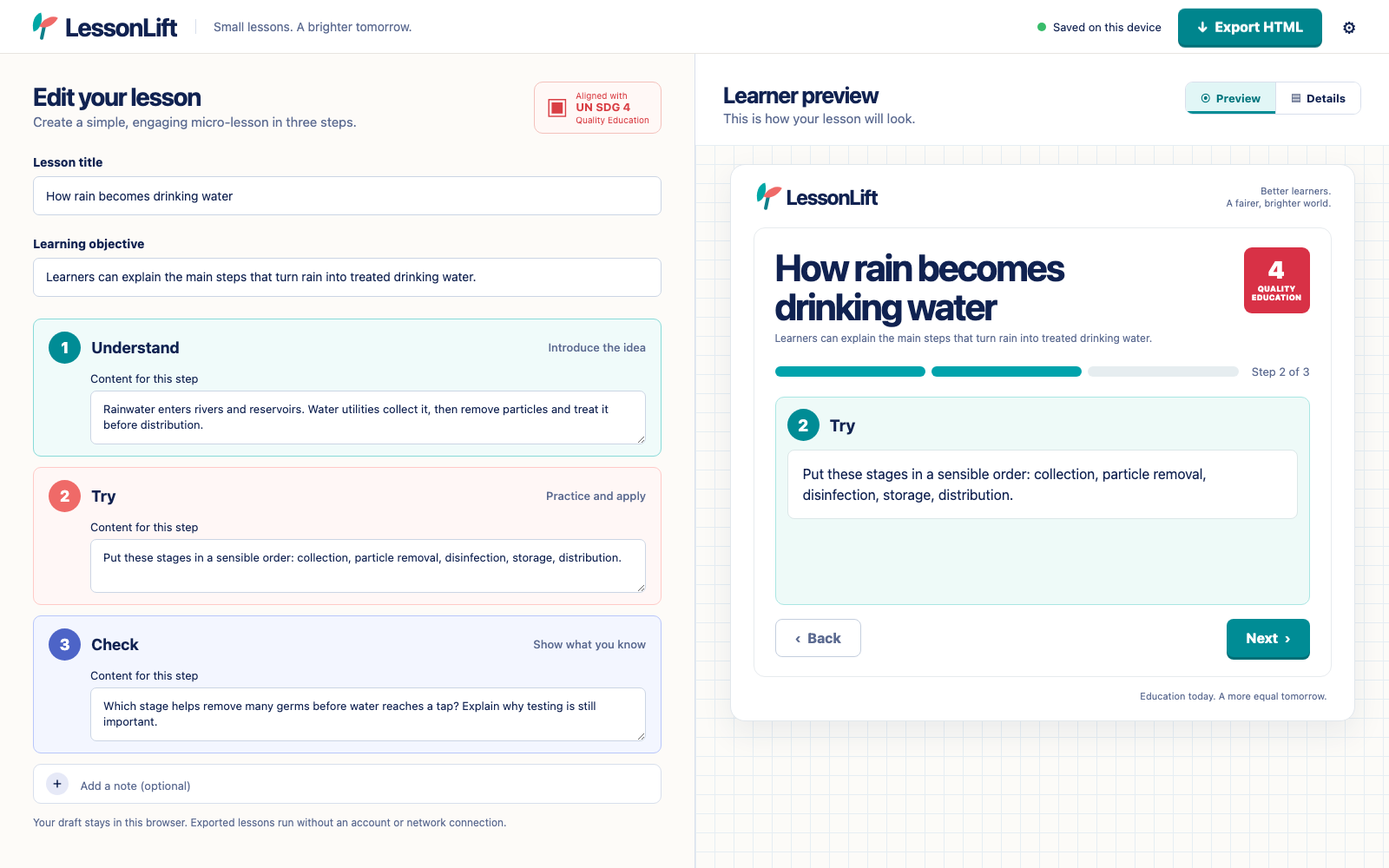

LessonLift
Tagline: Build a clear three-step lesson and share it as an offline HTML page.
UN Sustainable Development Goal: SDG 4 — Quality Education
Inspiration
A useful lesson should be easy to make, easy to read, and possible to share when a learner has unreliable connectivity. Many authoring tools start with an account or an online classroom. LessonLift explores a smaller unit: one learning objective, three short steps, and a file that can open in an ordinary browser without a service account.
What it does
LessonLift is a working browser-based micro-lesson builder. A teacher, tutor, student mentor, or community educator edits a title, learning objective, and three cards: Understand, Try, and Check. The learner preview updates as they type. Back and Next show the steps in order; a Details tab summarizes the objective and optional teacher note. A draft is saved in that browser's local storage. Export HTML downloads a standalone lesson with the same three-step navigation. The exported lesson works offline and does not collect learner data.
The app includes a sample lesson about water treatment so judges can try the full workflow immediately. The sample is illustrative, not guidance to drink untreated water. Users can replace every text field with their own topic.
SDG 4 connection
SDG 4 calls for inclusive, equitable quality education. LessonLift lowers the setup burden for a small learning resource: there is no account, paid API, or required network connection after the exported file is downloaded. The app offers readable text, visible focus states, responsive layouts, a larger learner-text setting, and plain HTML that can be opened on many devices. These are design choices, not a claim that the tool has undergone a certified accessibility audit or improved learning outcomes.
How it was built
The editor is a frontend-only HTML, CSS, and JavaScript application. It stores the draft in localStorage, updates the preview directly in the browser, validates required fields before export, escapes user text in the generated HTML, and uses a self-contained exported file for offline viewing. The sample illustration is an original SVG. No backend, analytics SDK, AI API, or paid service is used. The public app and complete source archive are linked below.
Challenges and next steps
The central challenge was keeping the editor simple while making the exported file genuinely independent of the app. The exported HTML includes its own styles and navigation script; it does not load the editor or contact a server. Browser testing covered desktop and mobile layout, live editing, persistence after refresh, step navigation, the Details tab, export, and reset. A next iteration would support multiple saved lessons and optional print layouts, then test the workflow with educators and learners before claiming any educational impact.
Project status: working prototype created during this hackathon; no classroom pilot or measured outcomes claimed. AI disclosure: Codex assisted with design, code, copy, and QA. The code and original visual asset remain available for inspection.
Live app: https://lessonlift-acodemic-2026-csig6f.v2.appdeploy.ai/
Source code: https://lessonlift-acodemic-2026-csig6f.v2.appdeploy.ai/source-code-v002.zip
Built With
- css3
- html5
- javascript
- svg
- vite

Log in or sign up for Devpost to join the conversation.