-
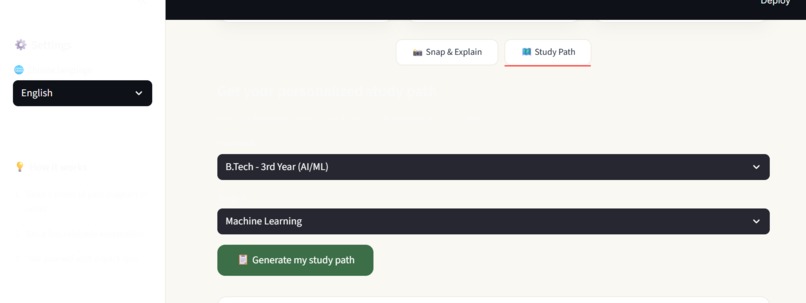
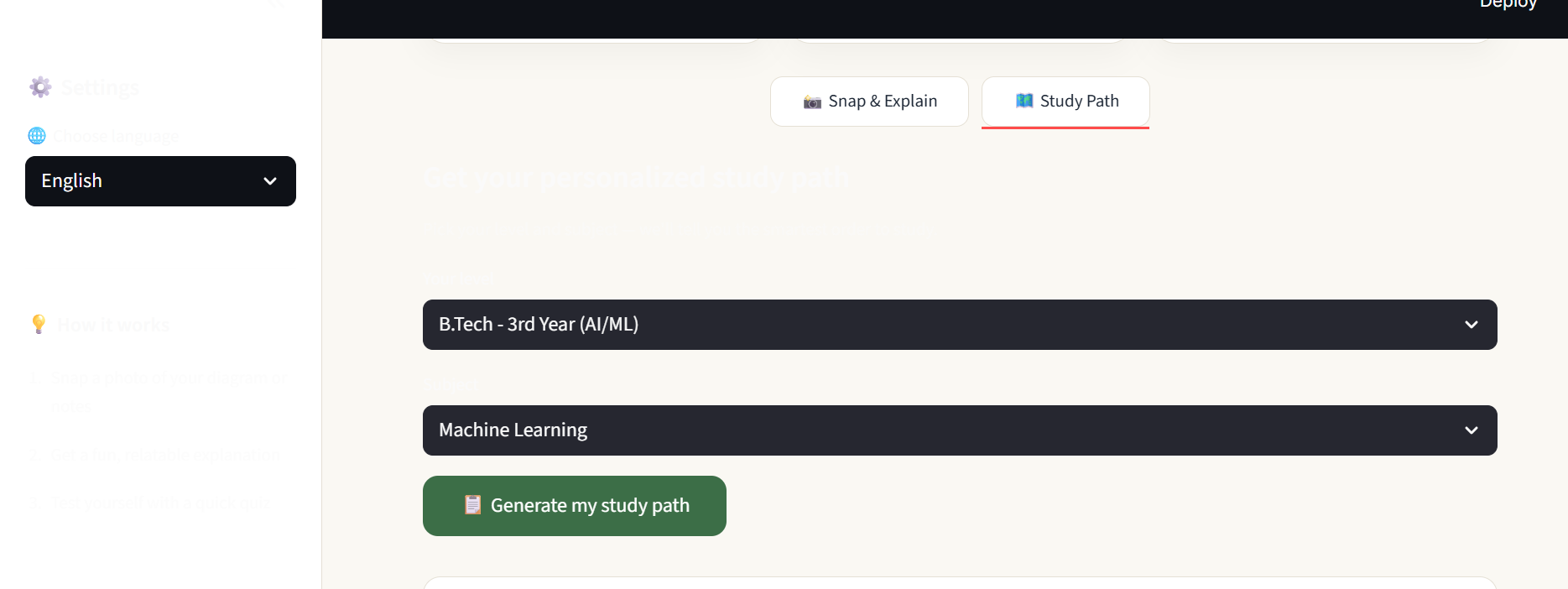
Students pick their academic level and subject to generate a personalized study order.
-
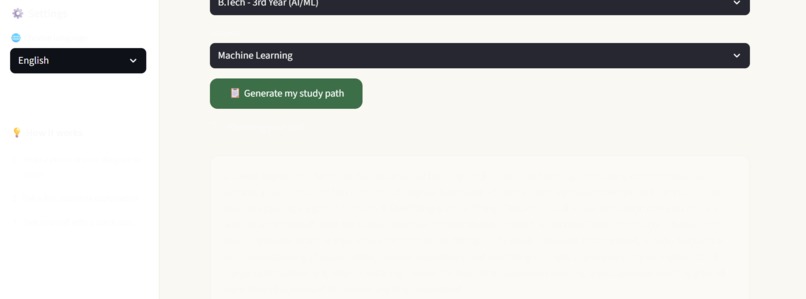
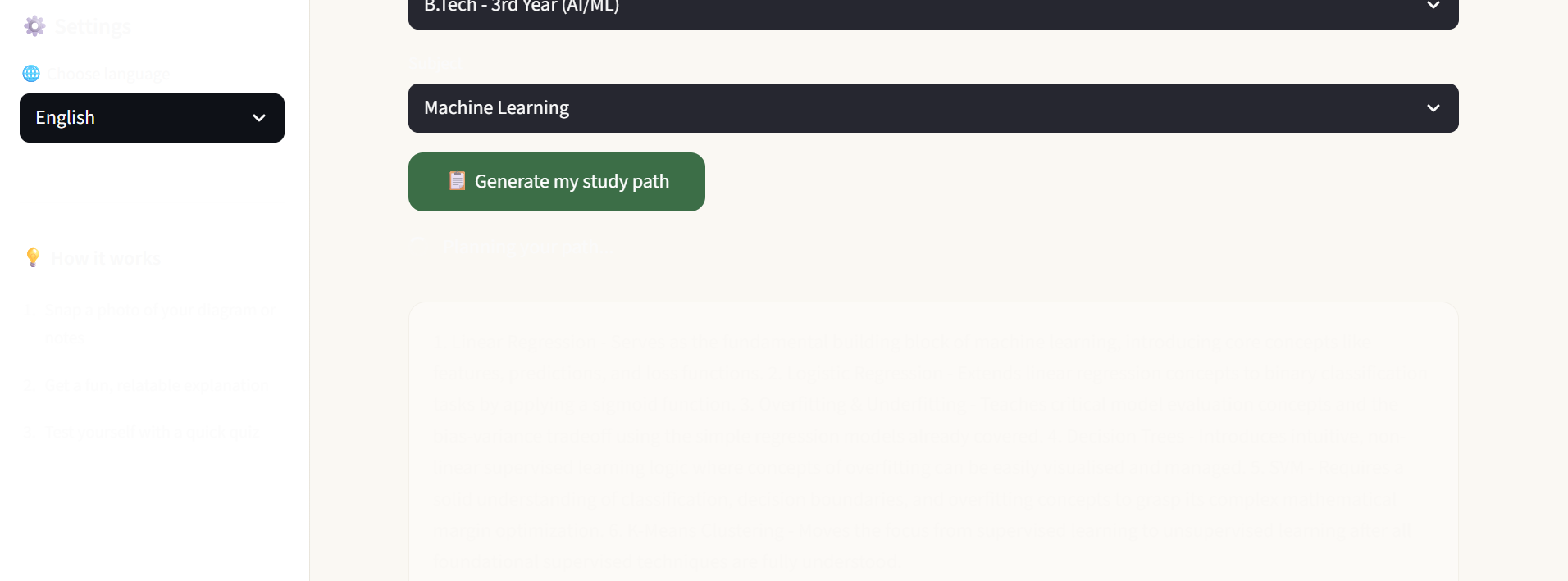
AI-generated study path for Machine Learning topics, with reasoning for each step's order.
-
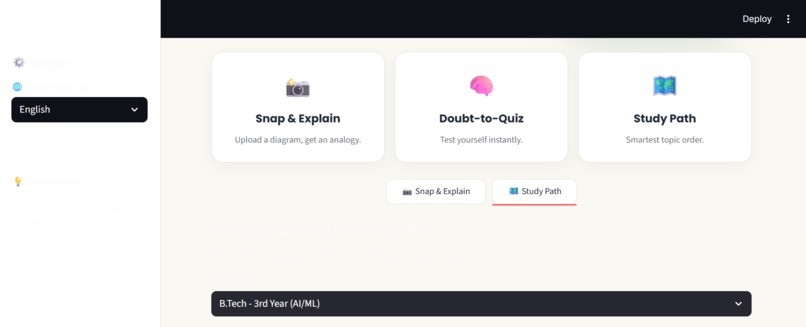
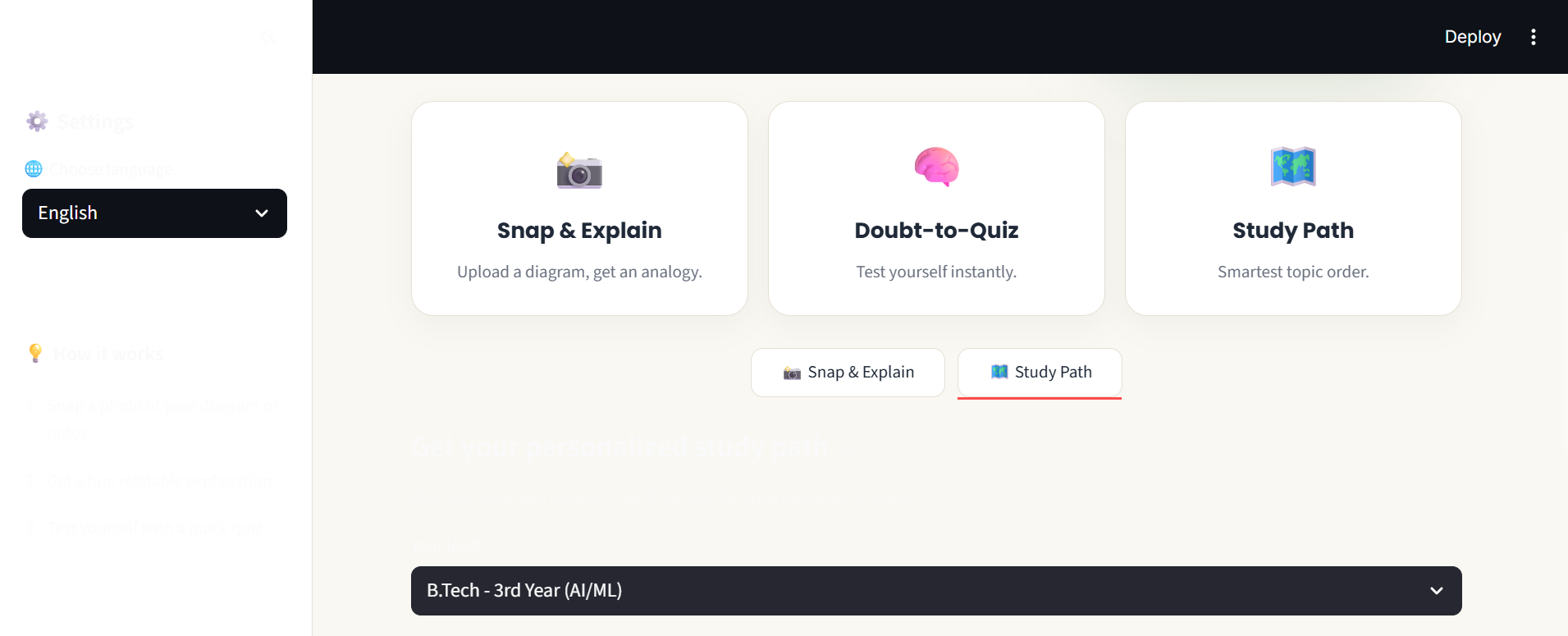
Three core features at a glance, with the Study Path tab open for level selection.
-
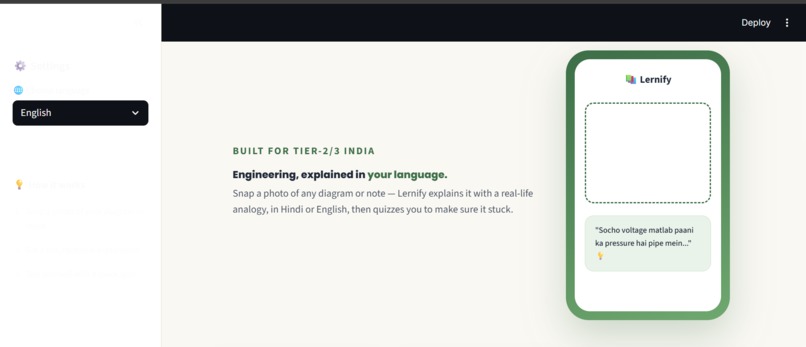
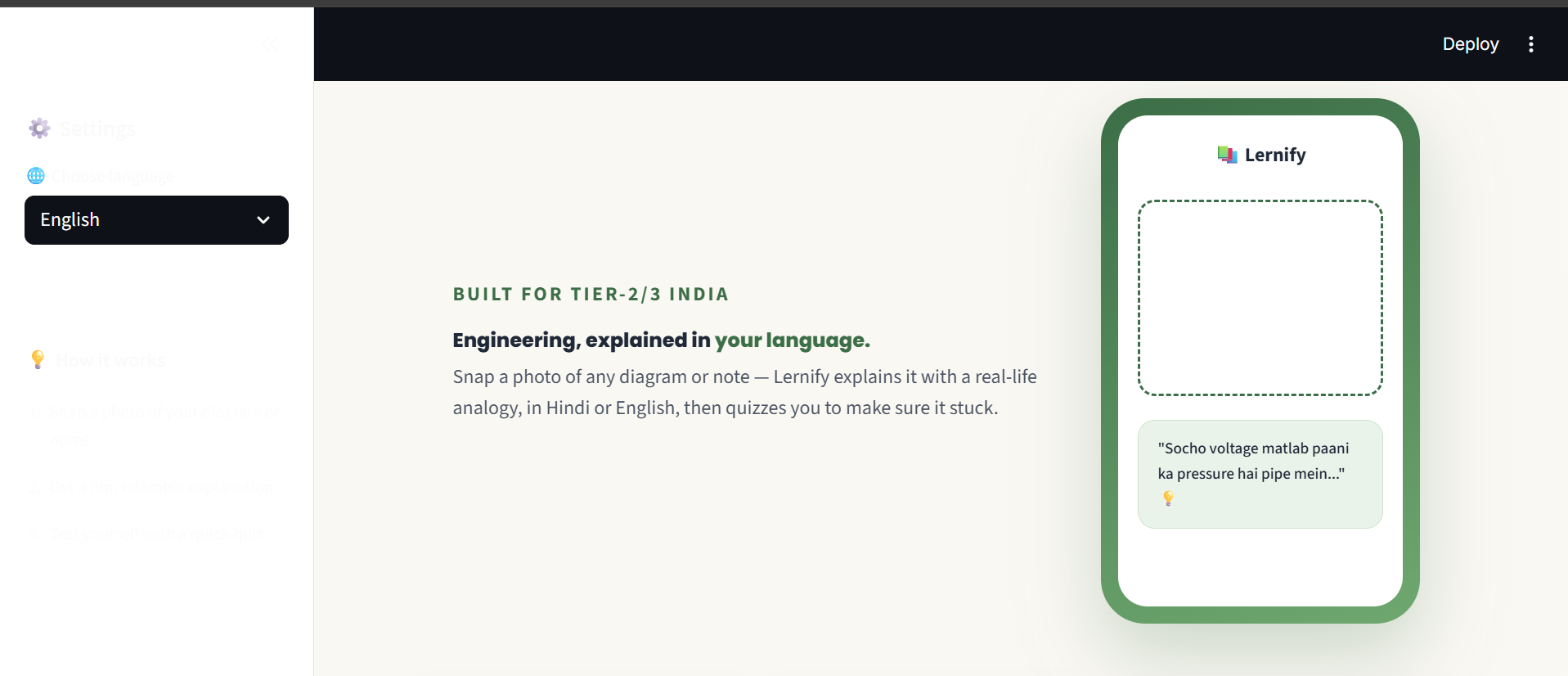
Lernify's homepage — a phone mockup showing how diagrams get explained with everyday analogies.
-
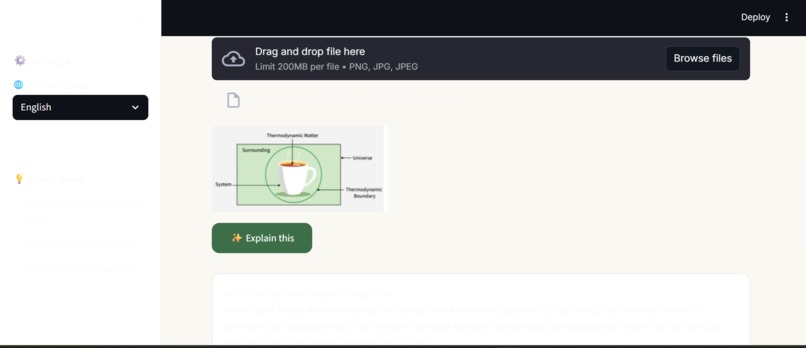
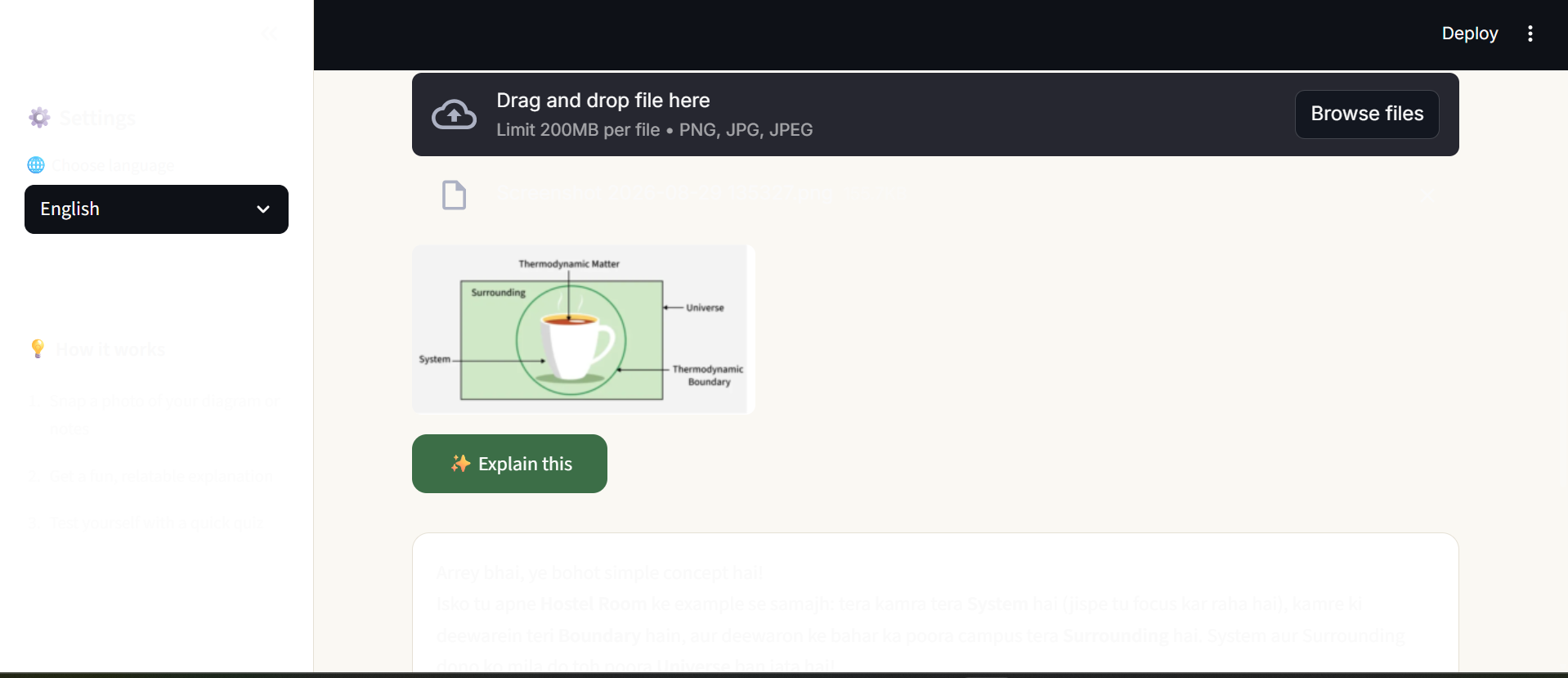
Uploading a thermodynamics diagram — one tap away from an AI-generated analogy explanation.
Inspiration
Millions of engineering students across Tier-2 and Tier-3 India think and speak fluently in Hindi or a regional language — but every textbook, lecture, and diagram they're handed is in English. That gap between how a student actually understands something and how it's taught to them isn't a small inconvenience — it's a real barrier that slows down learning for a huge number of students.
The idea for Lernify came from a simple question: what if a diagram could just be explained the way a senior would explain it to a junior — in their own language, with an analogy from everyday life?
What it does
Lernify is an AI-powered study companion with three connected features:
- 📸 Snap & Explain — Upload a photo of any diagram, formula, or handwritten note. Lernify reads it and explains the concept using a relatable, everyday analogy (a hostel room for thermodynamics, a cricket match for the same idea from a different angle), in Hindi or English.
- 🧠 Doubt-to-Quiz Loop — After every explanation, a quick quiz question checks whether it actually clicked. Get it wrong, and instead of repeating the same explanation, Lernify generates a completely different analogy — approaching the concept from a fresh angle.
- 🗺️ Personalized Study Path — Students pick their academic level (9th standard through B.Tech 4th year, with deep coverage of AI/ML specialization subjects) and subject, and Lernify suggests the smartest order to study their topics, explaining why each one builds on the last.
How we built it
Lernify is built with Streamlit for the interface and Google's Gemini API (gemini-3.6-flash) for both vision (reading diagrams) and text generation (explanations, quizzes, study paths). The core building blocks — explain_image(), generate_quiz(), reexplain_simpler(), and get_study_path() — were each prototyped and tested independently before being combined into one interactive app with session-state-managed quiz flow.
A custom topic database spanning school-level subjects through B.Tech AI/ML specialization powers the Study Path feature, letting students select their exact level and subject rather than typing anything manually.
Challenges we ran into
- Local hosting quirks: getting Streamlit to run reliably with stable interactivity (tabs, dropdowns) took some real debugging — websocket handling with tunneling tools was inconsistent, so we moved to local hosting for reliable testing.
- API key management: keeping the Gemini API key out of the codebase (using Streamlit secrets) while still making local development smooth took a few iterations to get right.
- Free-tier quota limits: hit Gemini's free-tier daily request limit while thoroughly testing the app — a good problem to have, since it meant the pipeline was working end-to-end.
What we learned
Building Lernify reinforced how much a relatable analogy does that a literal translation can't — the goal was never to translate word-for-word, but to make the underlying idea transfer. We also got hands-on experience with prompt design for consistent, structured AI outputs (JSON-formatted quizzes) and with building a real interactive loop, not just a single-shot AI response.
What's next for Lernify
- Expanding the topic database to cover more subjects and semesters
- Adding voice input/output for students who prefer speaking over typing
- Tracking progress across sessions so students can see which concepts they've mastered
Built With
- engineering
- gemini-vision
- google-gemini-api
- prompt
- python
- streamlit
