-
-
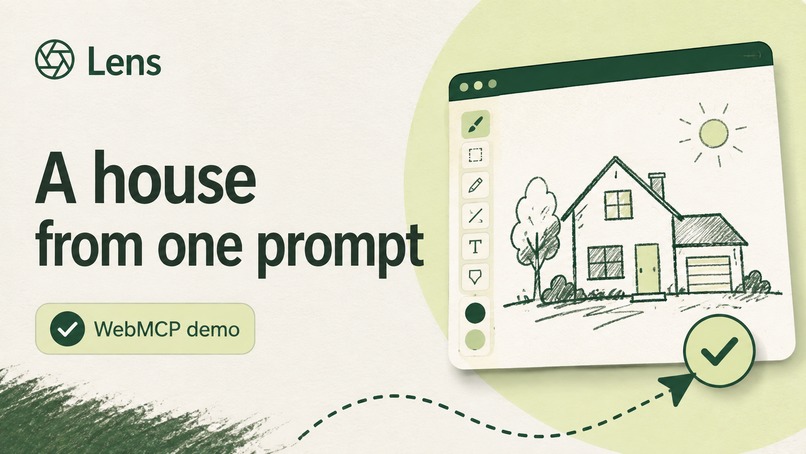
-
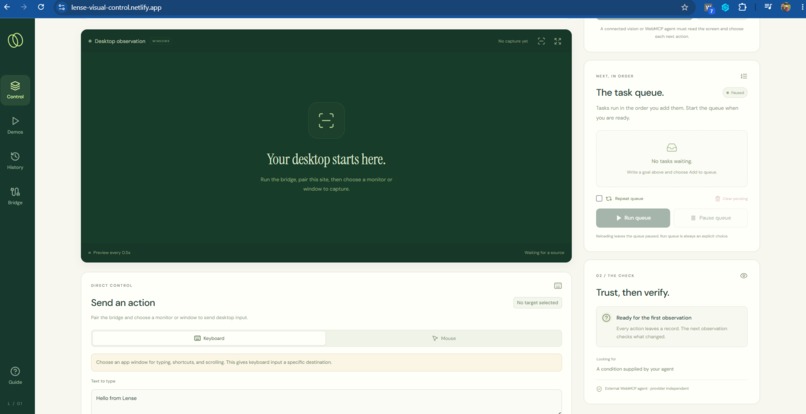
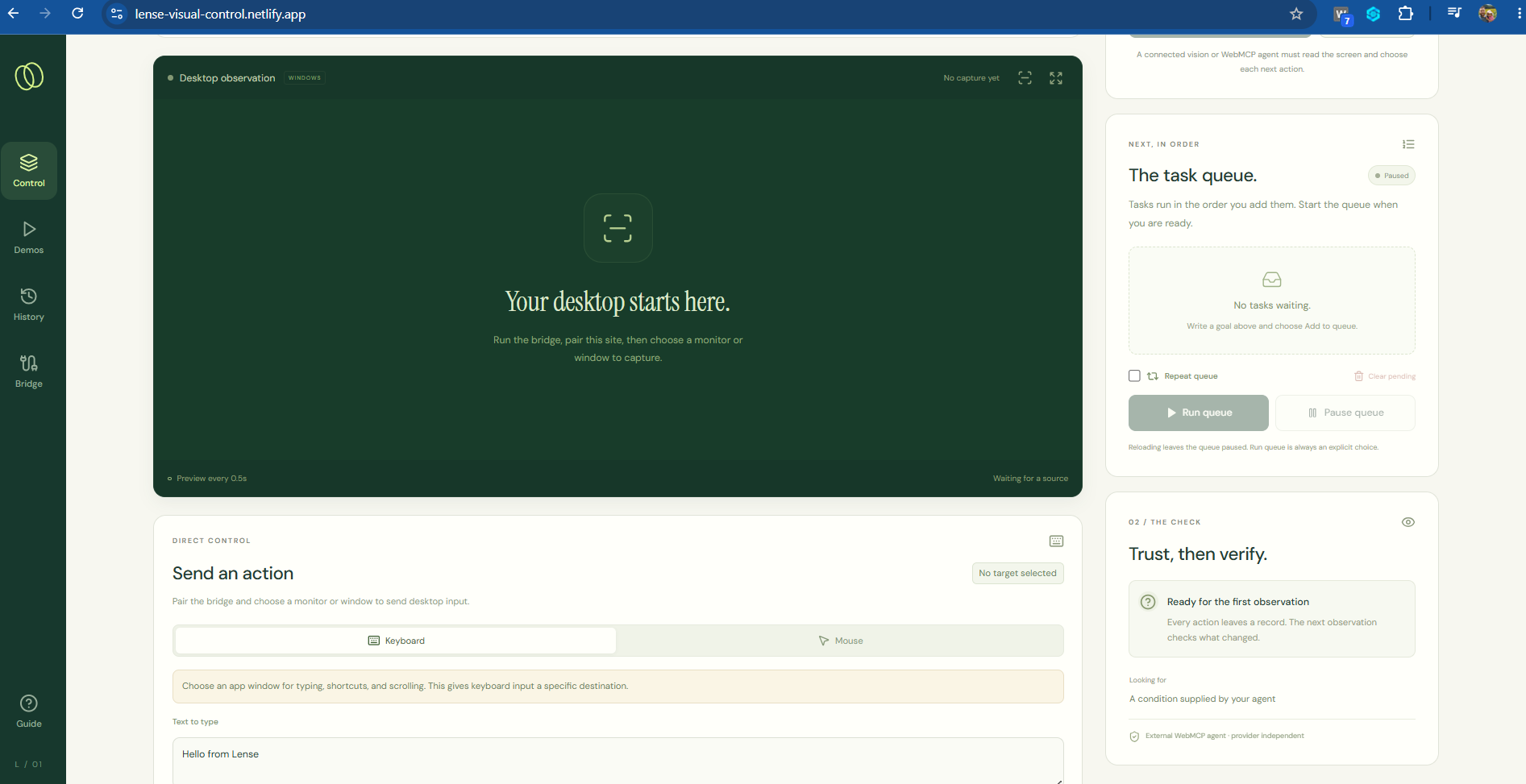
setup bridge
-
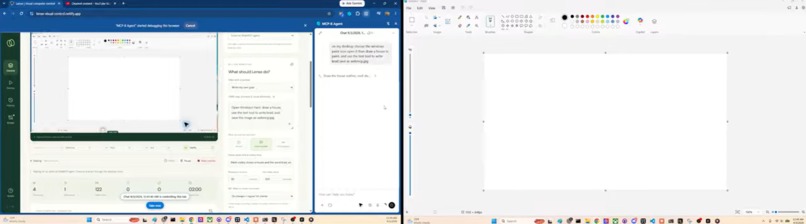
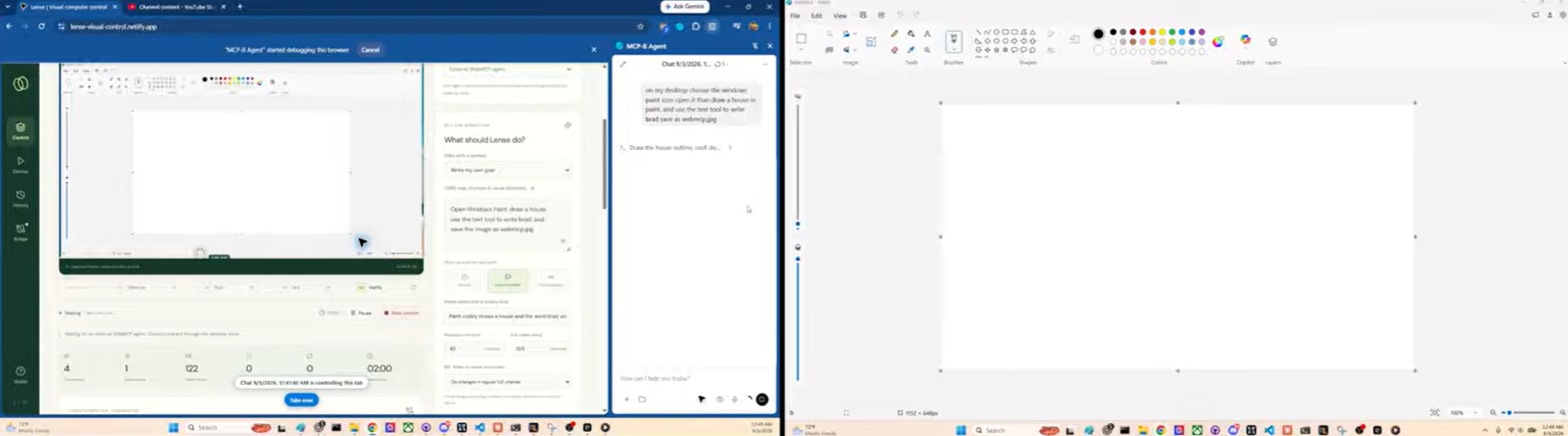
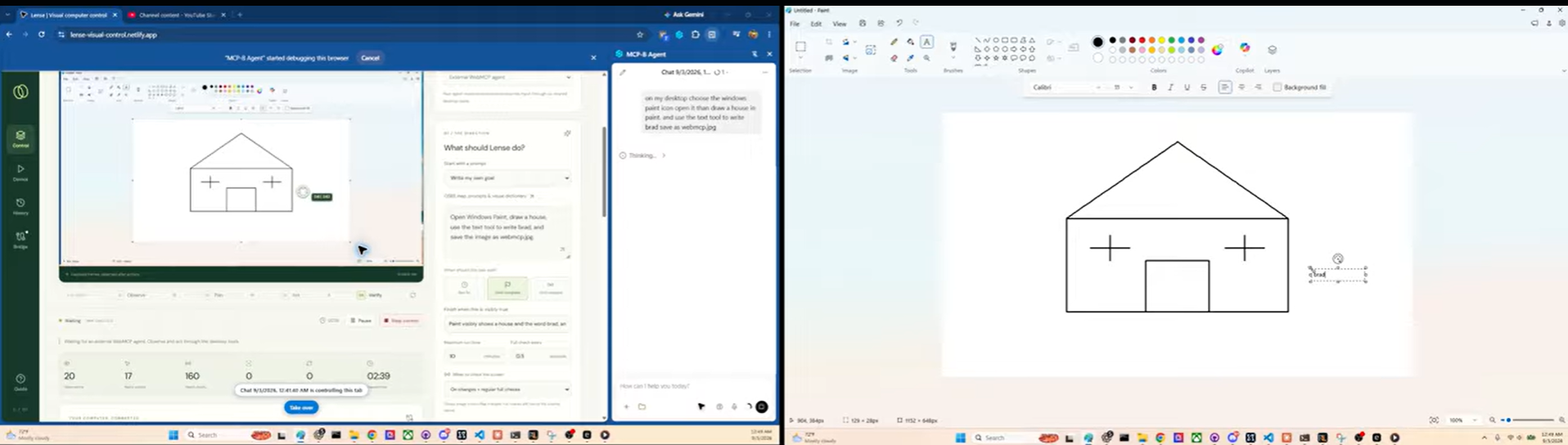
Drawing a picture of a house
-
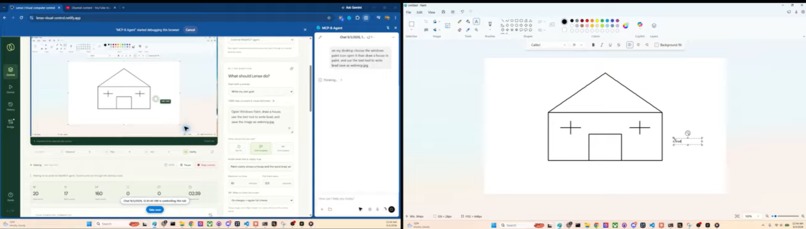
Drawing and Evaluating picture of house
-
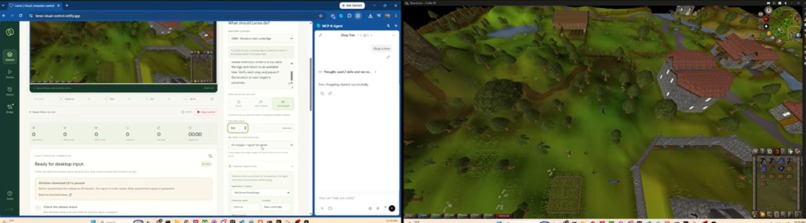
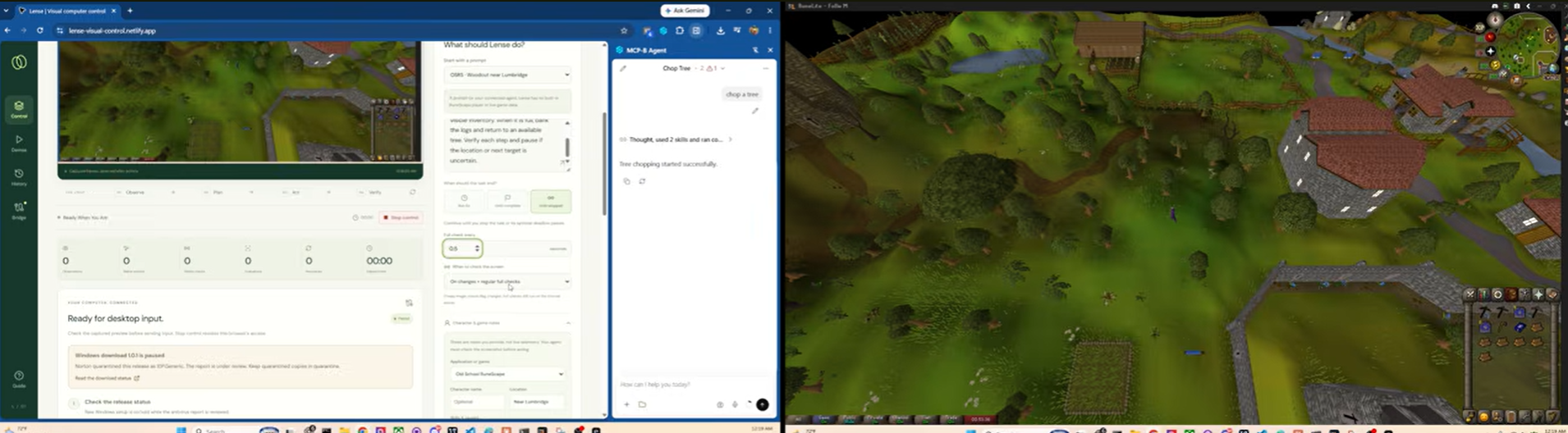
lense chopping wood
Inspiration
Lens explores what happens when WebMCP needs to reach beyond the webpage. It combines structured WebMCP tools, screen observation, explicit human approval, verification, an inspectable event log, and an optional paired local desktop bridge to create a controlled path from an agent in the browser to workflows running elsewhere on the computer.
WebMCP gives websites a powerful new capability: instead of making an AI agent infer what a site can do by looking at the interface, the site can expose structured tools directly.
That made me wonder:
What about software that isn't a website?
A huge amount of important software still runs as:
- Desktop applications
- Legacy enterprise applications
- Internal Windows tools
- Creative software
- Games
- Testing environments
- Operating-system interfaces
A normal webpage cannot and should not be allowed to arbitrarily control those applications.
Lens explores whether WebMCP can still act as the structured control plane while preserving that security boundary. It gave your web browser eyes.
What I Built
Lens is a local-first WebMCP application combining:
- Screen observation
- Structured action proposals
- Target resolution
- Policy checks
- Human approval
- Desktop action execution
- Post-action verification
- An inspectable event timeline
- Reusable workflows
- Deterministic Paint, Notepad, and Claims demonstrations
- An optional local native companion for bounded desktop input
The basic workflow is:
Observe → Propose → Approve → Act → Verify
Rather than sending a long blind macro, Lens can represent workflows as individual inspectable steps.
WebMCP Tools
Lens exposes structured WebMCP capabilities around the control loop.
The tools allow agents to interact with the same runtime used by the UI for operations involving:
- Session state
- Screen observations
- Planned actions
- Action sequences
- Approval state
- Execution
- Verification
- Clipboard workflows
- Reusable recorded workflows
- Demo scenarios
- Event history
The application currently contains 19 strict WebMCP tools when native WebMCP support is available.
The WebMCP documentation page derives directly from the tool definitions and includes example prompts and chained workflows.
Why WebMCP
Traditional desktop automation tends to fall into one of two categories.
One is a fixed macro.
The other is an autonomous computer-use system that attempts to understand the entire interface visually.
Lens explores something in between.
WebMCP provides a structured agent-facing control surface.
The application can then layer:
- policies
- approvals
- local capabilities
- observation providers
- verification
around those tools.
That means reasoning and permission do not have to be the same thing.
An agent may be capable of proposing an action without automatically being allowed to execute it.
The Local Bridge
Browsers intentionally cannot issue arbitrary operating-system mouse and keyboard commands.
Lens does not try to bypass that.
For real desktop input, the user explicitly runs and pairs a small local companion.
The companion provides a narrow local bridge for approved desktop operations.
The bridge is intentionally constrained.
It does not expose a general-purpose shell, unrestricted filesystem API, remote command server, or privilege escalation mechanism.
The user can pause or disconnect it, clear pairing, create a new pairing code, and use an emergency stop hotkey.
Screen sharing also requires explicit browser permission.
Human + Agent Collaboration
The human remains part of consequential workflows.
Lens is designed around visibility.
The user can see:
- what the agent observed
- what it proposed
- what action is waiting
- whether approval is required
- what was executed
- what changed afterward
This makes the automation inspectable instead of hiding it behind an autonomous loop.
The deterministic demonstrations make that architecture visible through scenarios such as drawing in Paint, typing in Notepad, and stopping before a fictional consequential claims submission.
How I Built It
The browser application is built with Vue, Pinia, TypeScript, IndexedDB, browser screen capture, and WebMCP.
A shared runtime coordinates:
- planning
- target resolution
- policy
- approval
- execution
- observation
- verification
The normal UI and WebMCP tools both use that same runtime.
The optional native companion is written in Rust and implements local desktop input backends.
The browser application remains the control surface while the bridge is intentionally limited to the local actions it has been designed to accept.
Challenges I Faced
The largest challenge was the browser security boundary.
There are good reasons a webpage cannot simply start controlling the user's desktop.
The solution had to make desktop capability explicit rather than trying to hide or bypass that limitation.
That led to pairing, origin checks, strict message formats, local-only communication, approvals, and emergency controls.
Another challenge was separating what is deterministic today from what could eventually be powered by more advanced semantic vision.
The submitted architecture does not need to pretend that arbitrary desktop applications can already be perfectly understood.
Richer observation systems can be added later while keeping the same policy and execution architecture.
What I Learned
The biggest lesson from Lens was:
Capability and permission should be modeled separately.
An agent being able to determine the next action should not automatically grant it permission to perform that action.
WebMCP provides a useful structured capability layer.
The application can then determine when those capabilities are safe to execute automatically and when the human should remain involved.
What's Next
The most interesting extension would be adding stronger semantic screen-understanding providers.
Those providers could improve how targets and state are identified while keeping the existing WebMCP interface, approval model, pairing system, execution engine, and verification loop.
The same architecture could potentially apply to:
- Legacy enterprise software
- Desktop QA
- Accessibility tools
- Creative applications
- Internal company software
- Remote support
- Specialized computer-use agents
The broader experiment is whether WebMCP can become a structured control plane for experiences that extend beyond the page itself.
Built With
- html
- indexeddb
- javascript
- json-schema
- netlify
- pinia
- playwright
- rust
- screen-capture-api
- typescript
- vite
- vue-3
- vue.js
- web-apis
- webmcp

