-
-
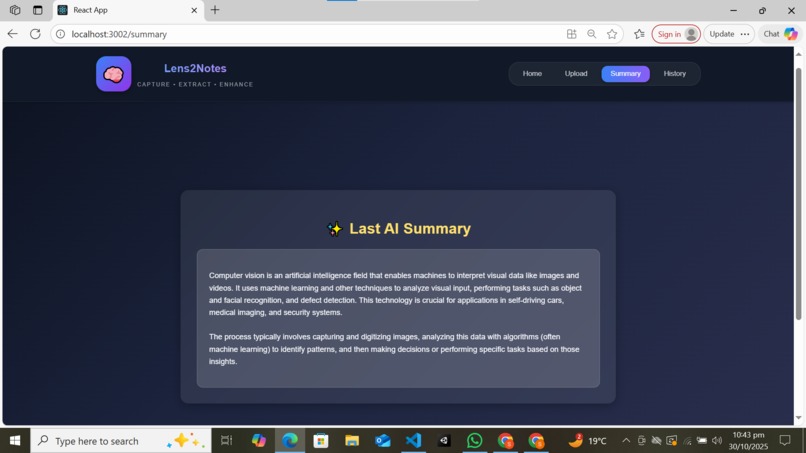
Summary page
-
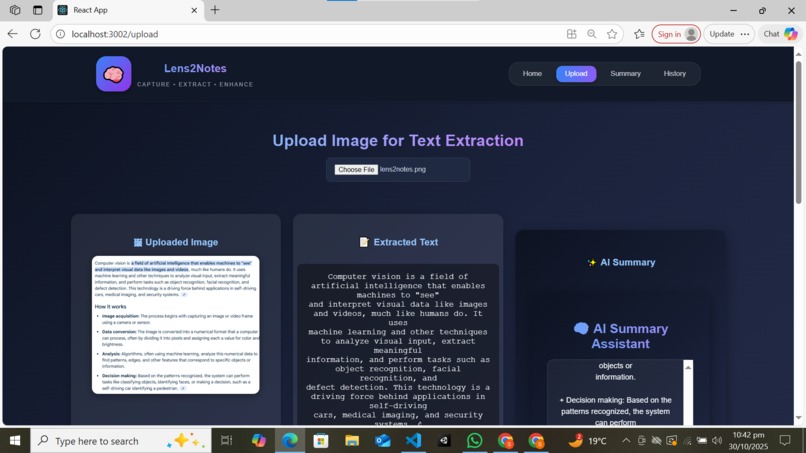
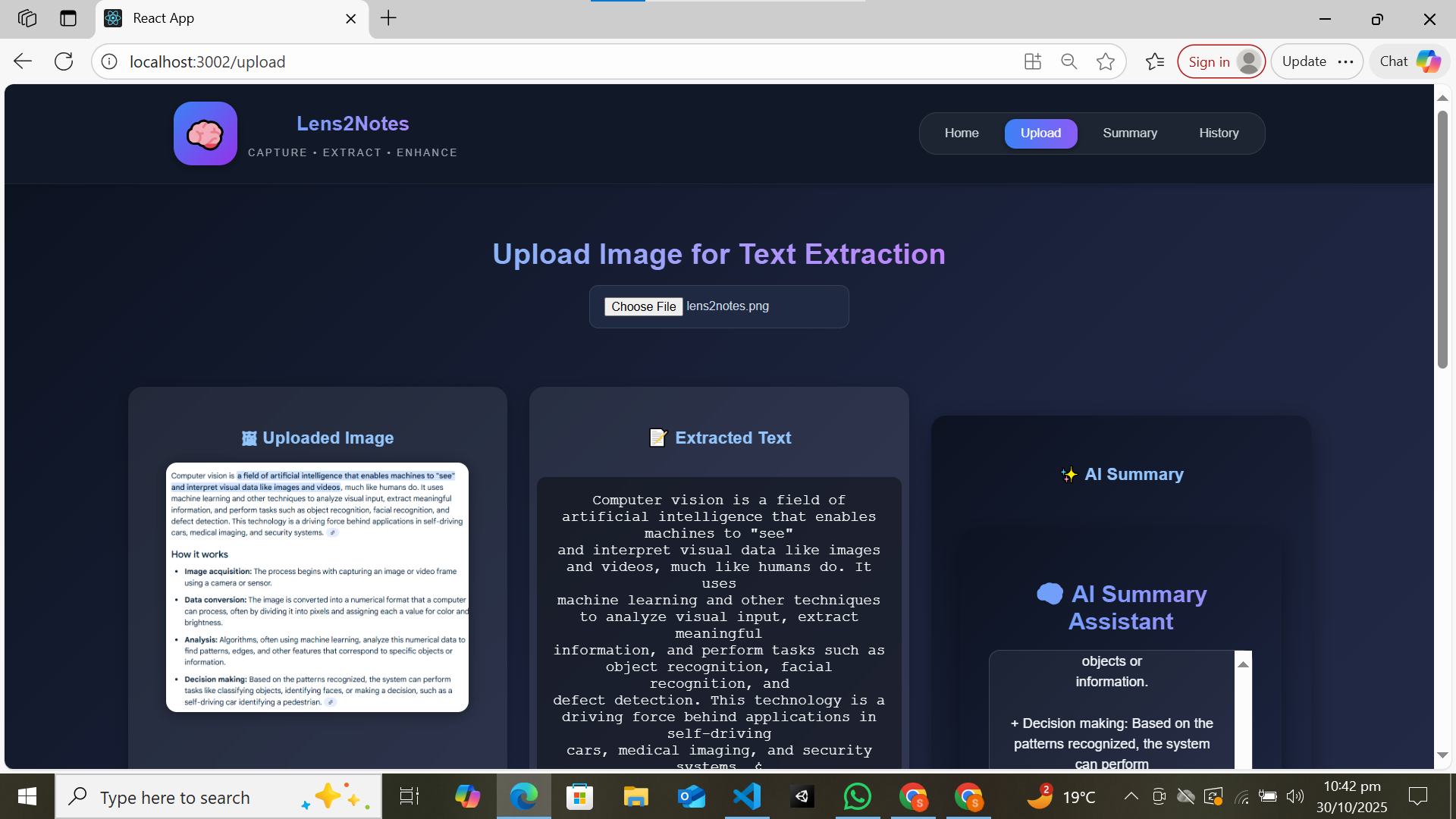
upload, extracted ,get summary
-
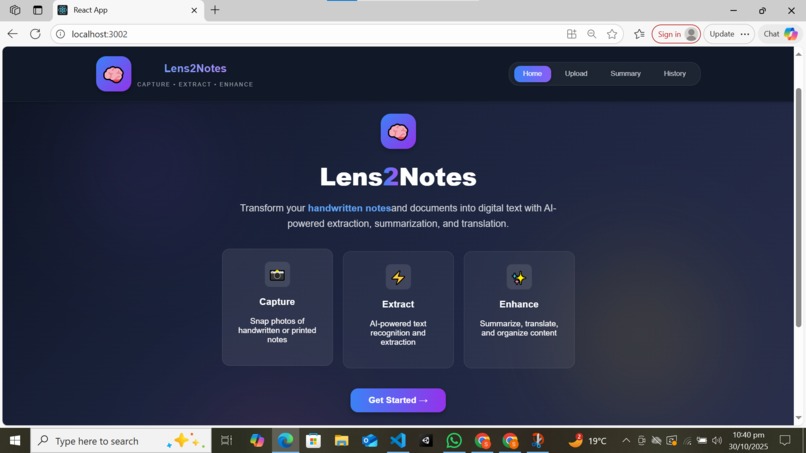
Home Page
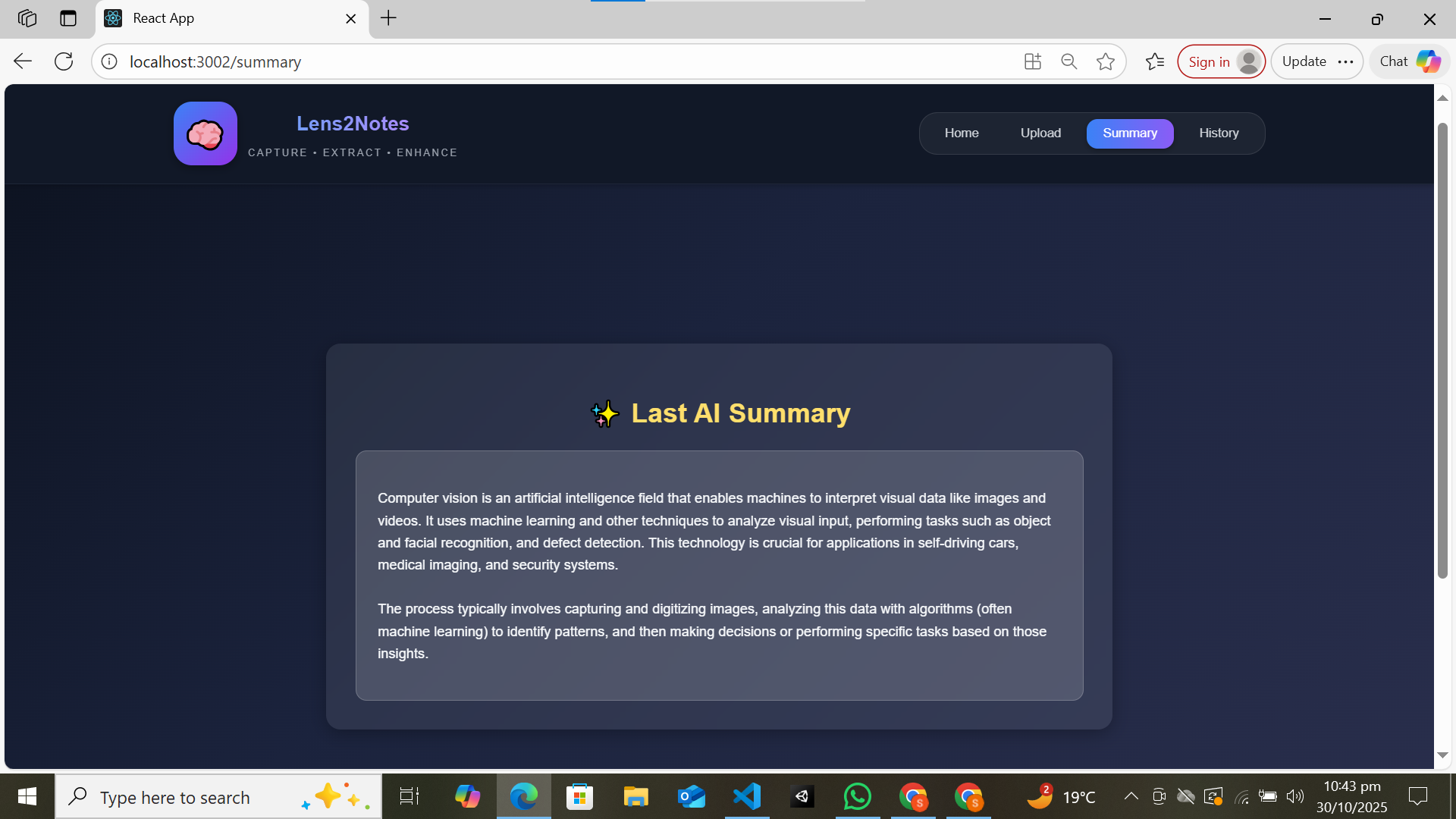
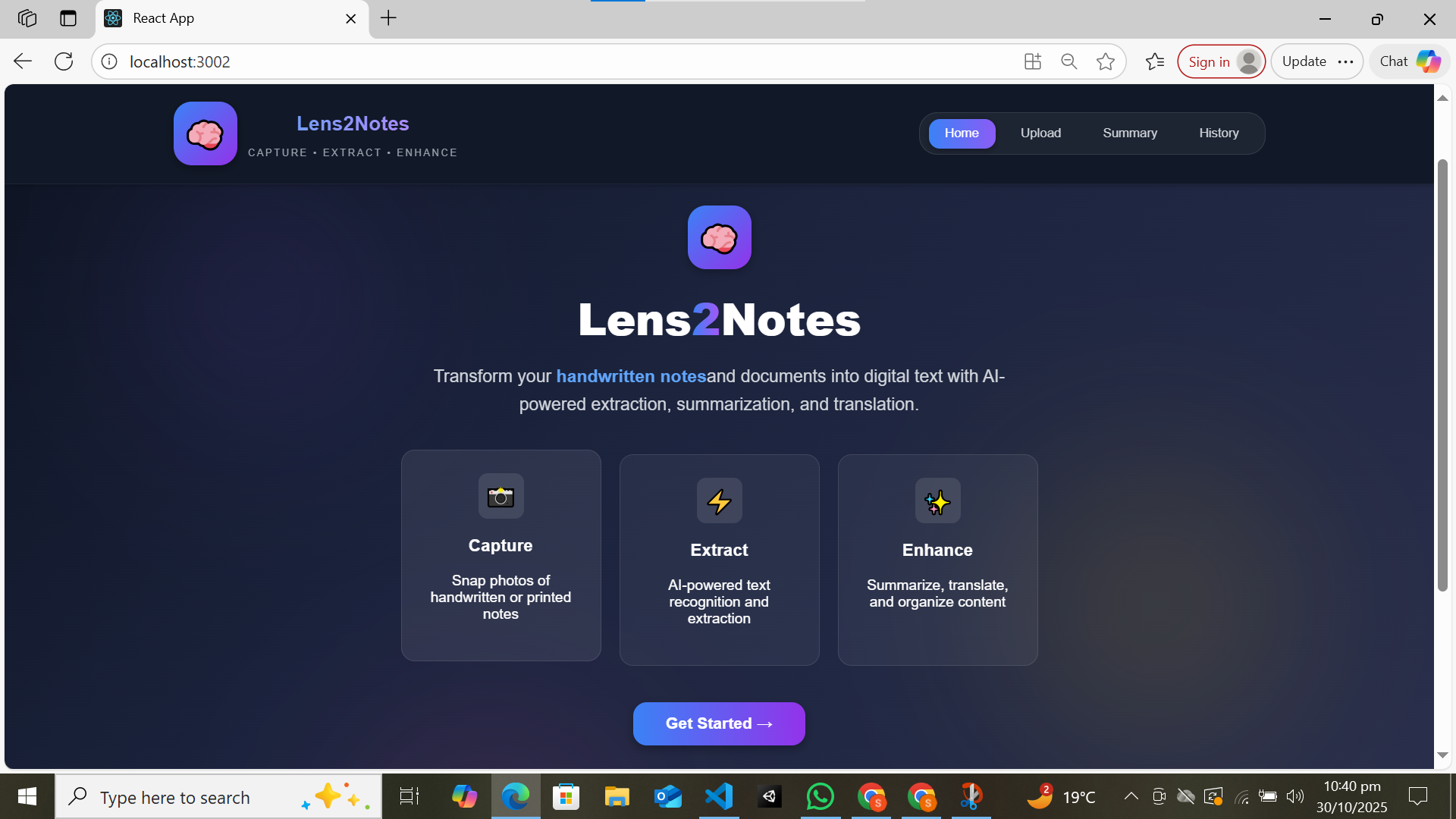
🧠 Lens2Notes — Capture. Extract. Summarize. 🌟 About the Project
Lens2Notes is an AI-powered web app that transforms handwritten or printed notes into clean, summarized digital text — right from your browser. It allows users to upload or capture an image, automatically extracts text using OCR, and then summarizes it using Google’s Gemini AI APIs, providing concise and meaningful insights.
💡 Inspiration
The idea was inspired by the daily struggle students and professionals face when digitizing handwritten notes, lecture summaries, or meeting records. We wanted to eliminate the tedious manual typing process by using AI and computer vision to make note management effortless and intelligent.
🧩 Tech Stack
Frontend: React.js (Image upload, UI/UX, and text visualization)
Backend: Node.js + Express (API communication and Gemini AI summarization)
OCR Engine: Tesseract.js (client-side text extraction from images)
AI Integration: Gemini API (text summarization and natural language understanding)
🏗️ How We Built It
Frontend (React):
Designed a clean, responsive interface for uploading and previewing images.
Divided the page into three sections: image preview, extracted text, and summary output.
OCR Processing (Tesseract.js):
Implemented client-side OCR to extract text from handwritten or printed notes.
Used OpenCV preprocessing to enhance image clarity and OCR accuracy.
Backend (Node.js + Express):
Set up a REST API endpoint (/api/summarize) that sends extracted text to Gemini AI for summarization.
Handled responses and displayed them neatly in the frontend.
AI Summarization (Gemini API):
Used Gemini’s generative model for concise and meaningful summaries of long text inputs.
🚀 What We Learned
How to integrate Google’s Gemini API for text generation and summarization.
Building a hybrid AI app that combines on-device OCR with cloud-based AI.
Importance of UX design for clear text visualization and workflow separation.
Managing API calls, error handling, and rate limits efficiently.
⚙️ Challenges We Faced
Optimizing OCR results for different handwriting styles and image lighting conditions.
Handling large text inputs within API rate limits.
Designing a responsive UI that displays image, text, and summary in a clean layout.
Debugging CORS and API key environment issues during backend integration.
🔮 Future Improvements
Integrate offline AI summarization using Chrome’s built-in Gemini Nano.
Add multilingual translation and note organization features.
Implement voice-based summaries for accessibility.
🧾 Summary of Architecture graph TD A[User Uploads Image] --> B[Frontend (React)] B --> C[Tesseract.js OCR Extraction] C --> D[Node.js + Express Backend] D --> E[Gemini API Summarization] E --> F[Summarized Text Displayed]
Built With
- ai-powered
- api
- express.js
- gemini
- node.js
- opencv.js
- react
- tesseract.js


Log in or sign up for Devpost to join the conversation.