-
-
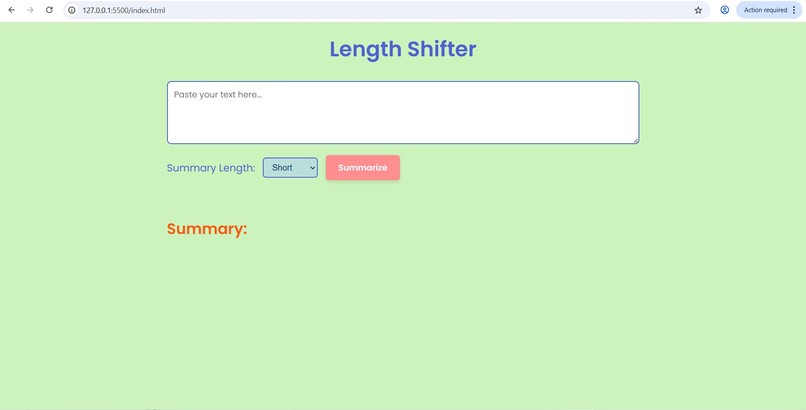
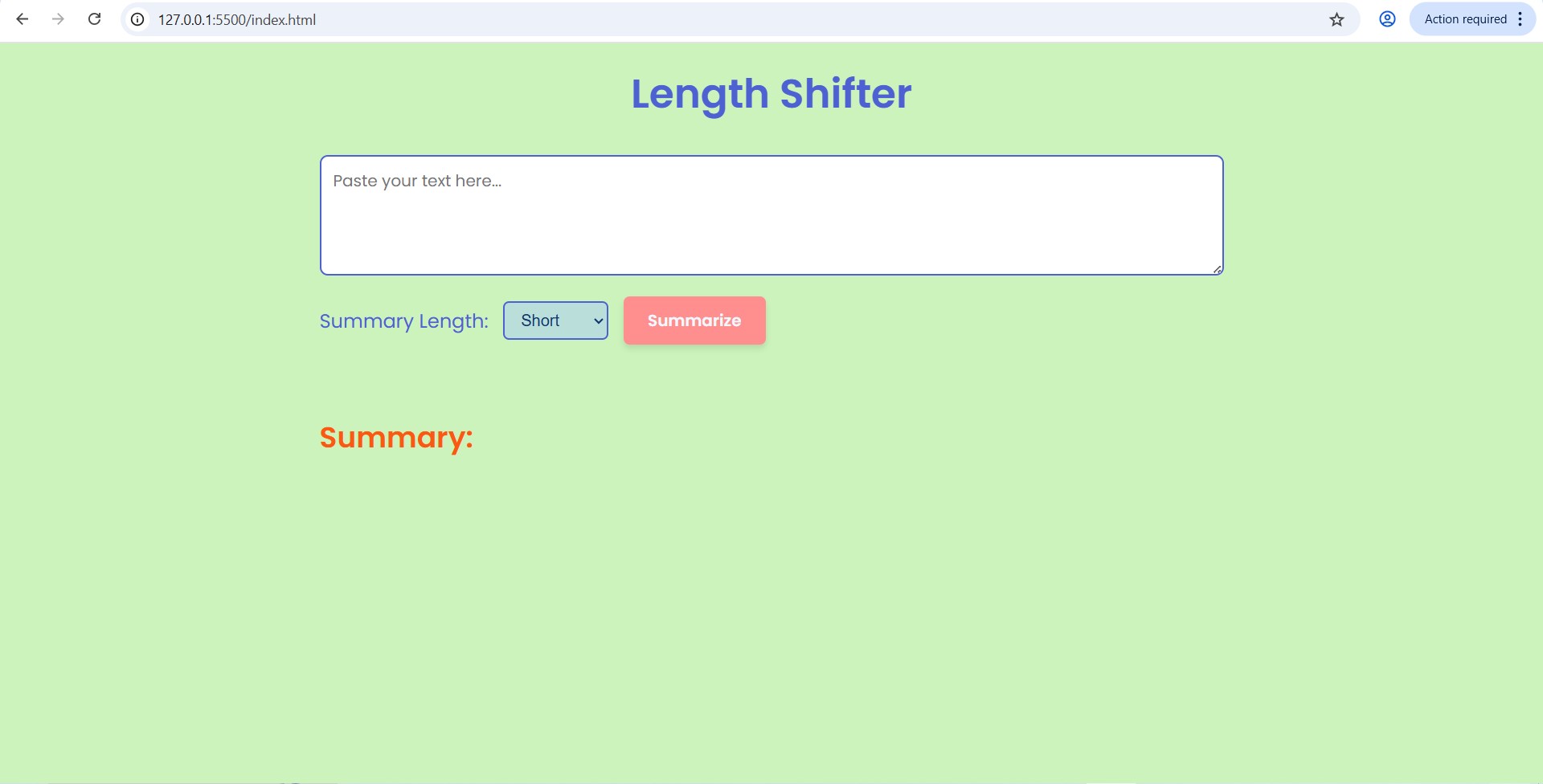
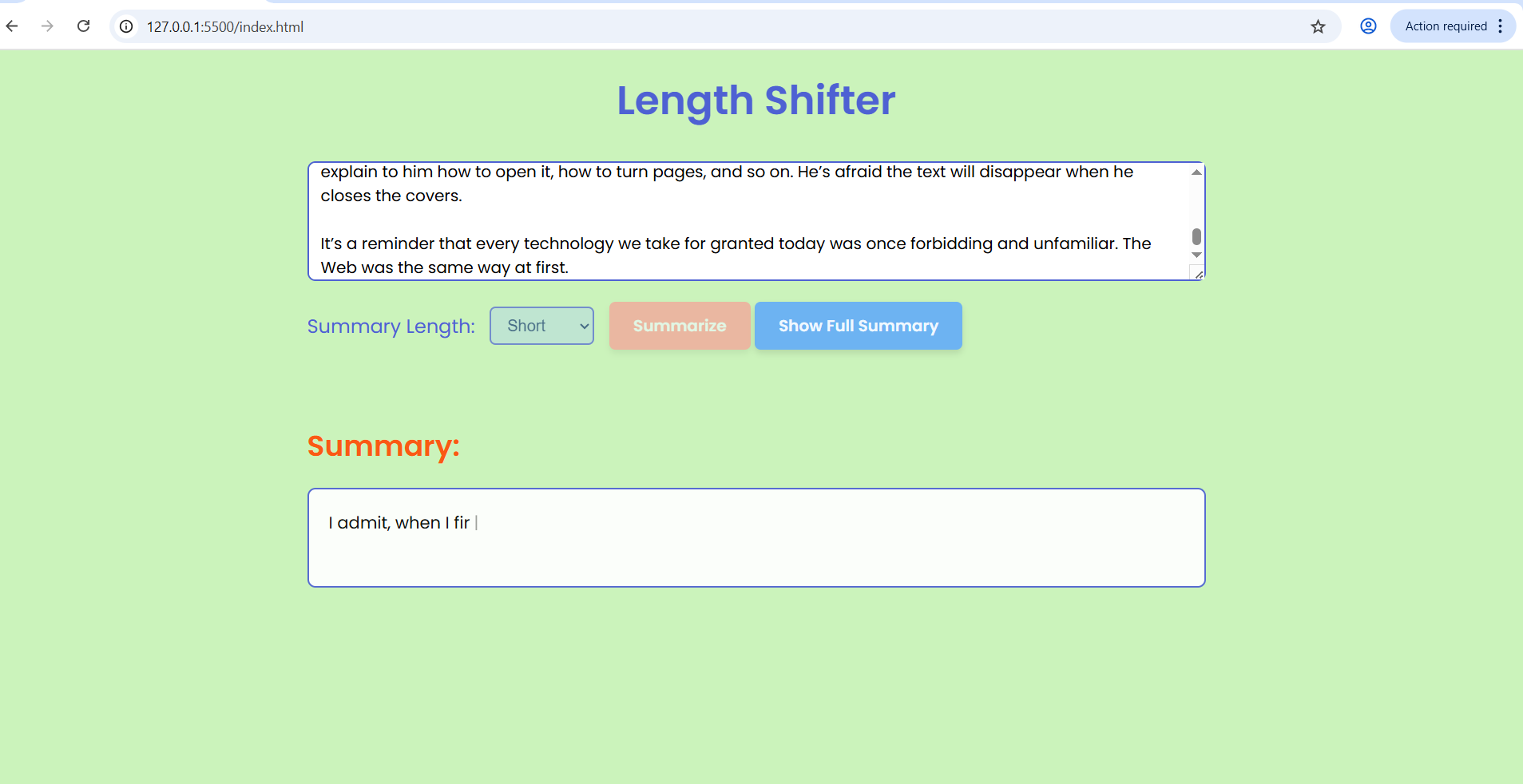
home page
-
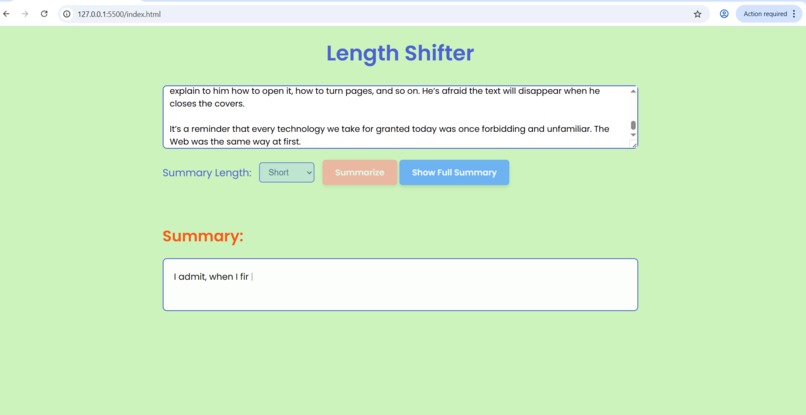
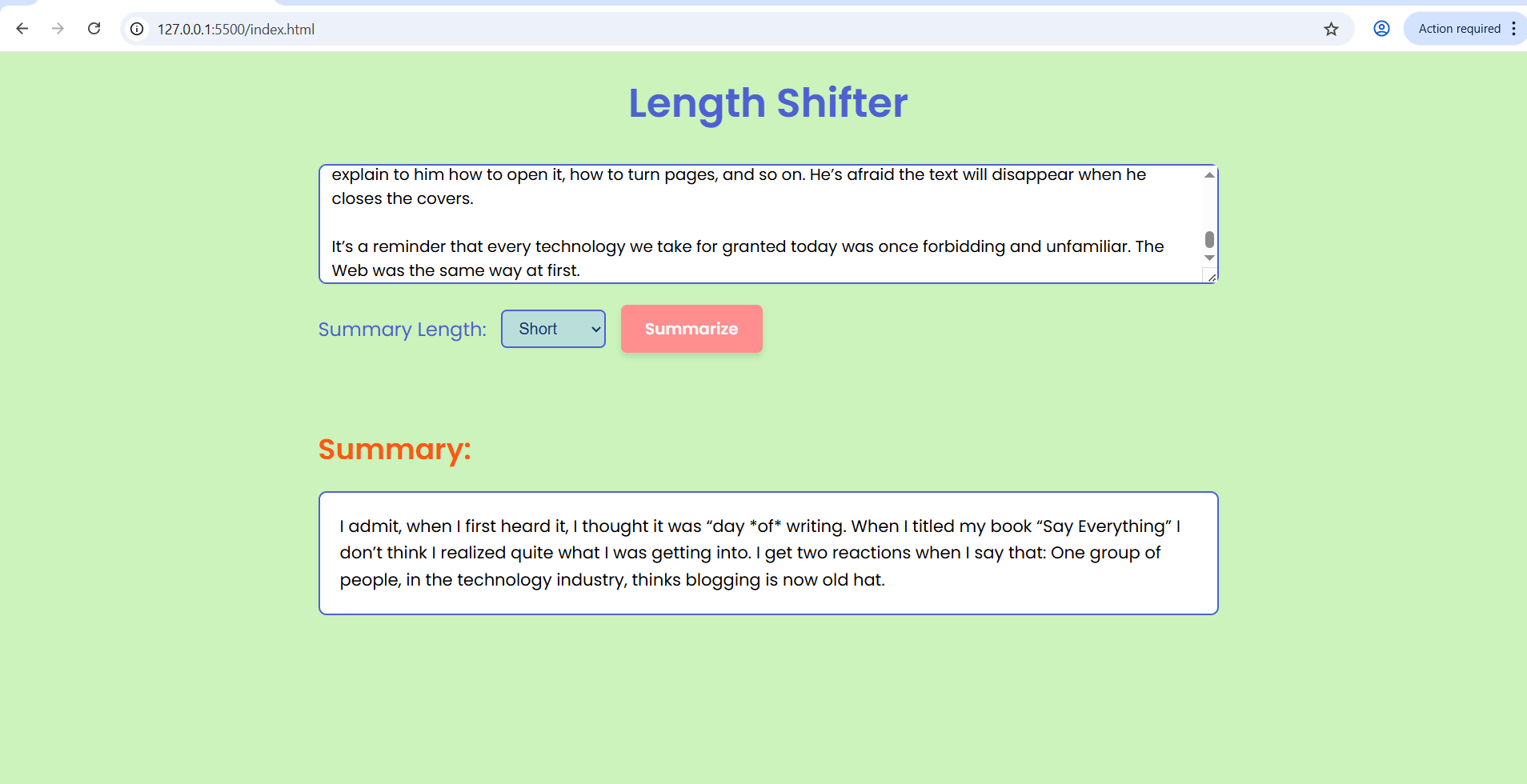
short summary
-
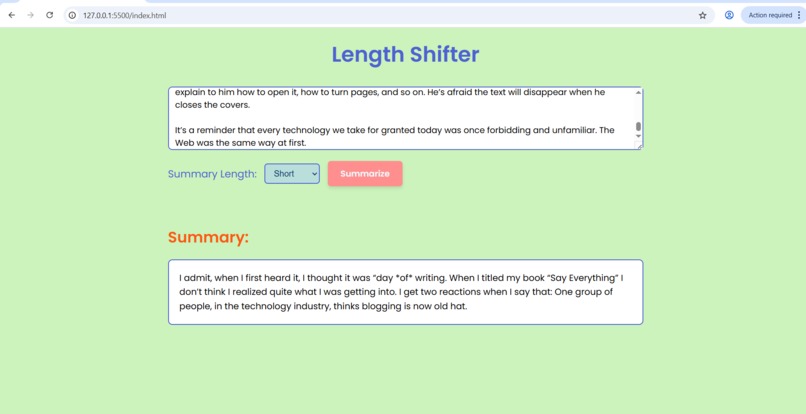
short summary output
-
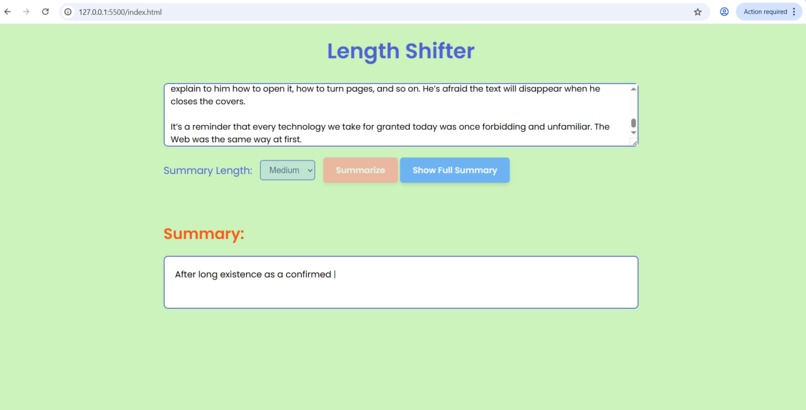
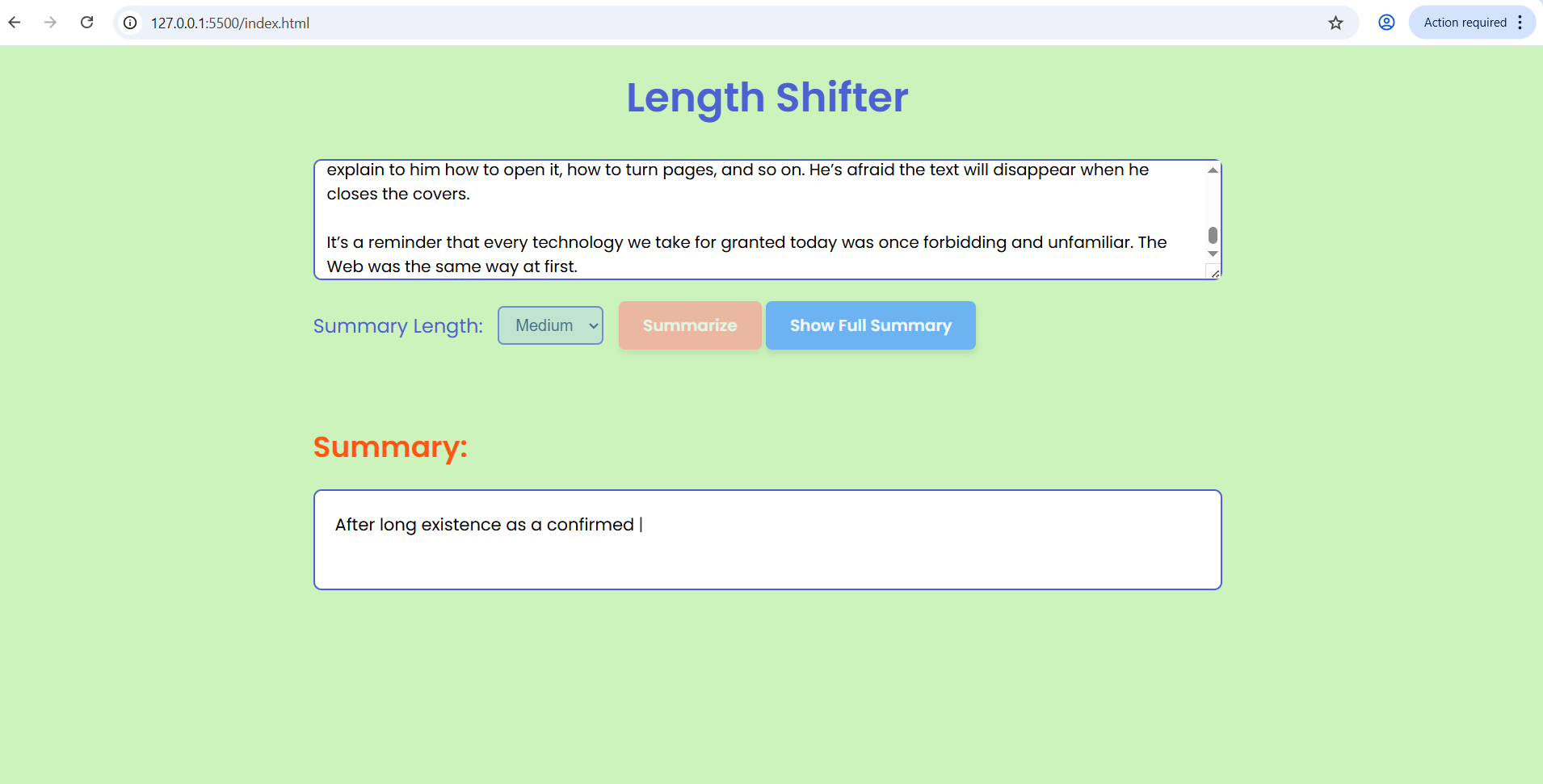
medium summary
-
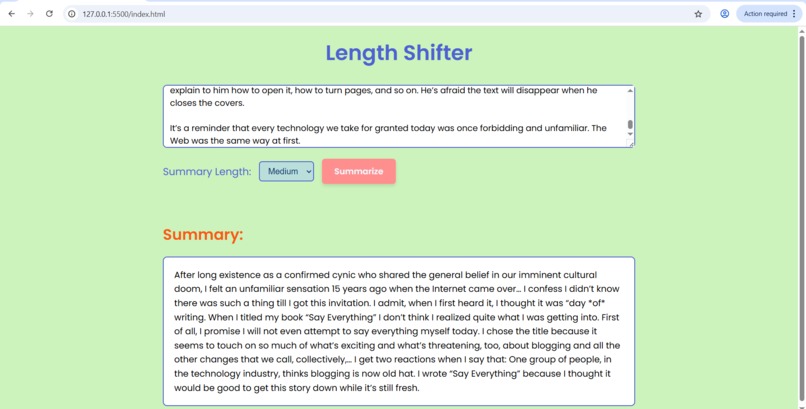
medium summary output
-
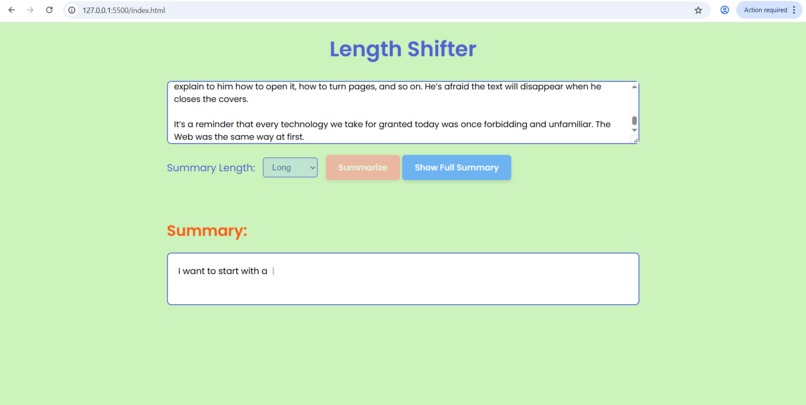
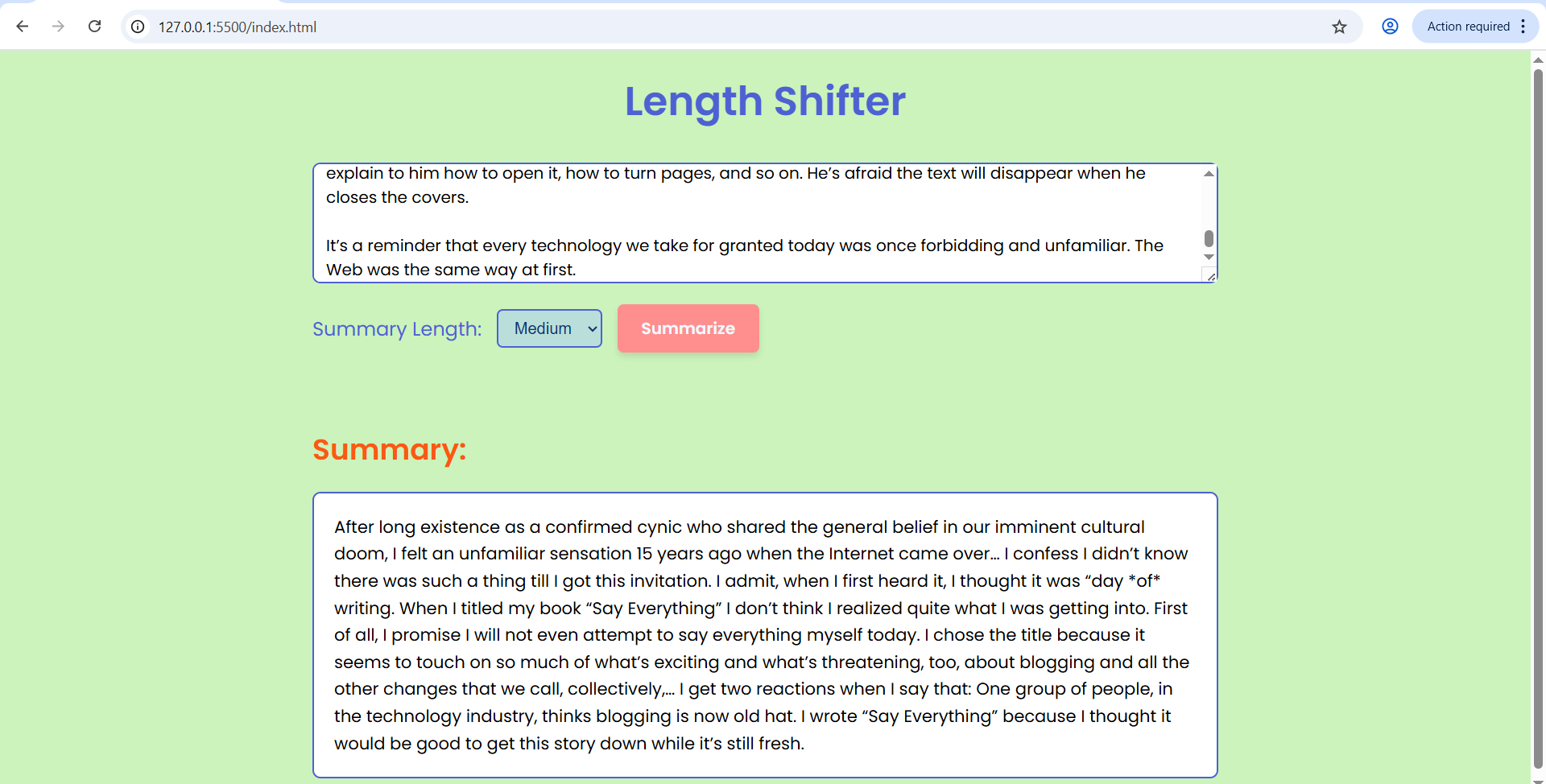
long summary
-
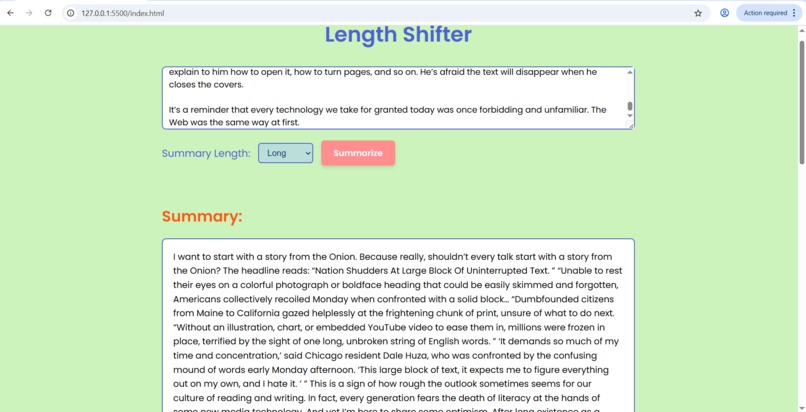
long summary output
Inspiration
While experimenting with Chrome’s new built-in AI capabilities, I wanted to explore how everyday tasks could feel simpler and more natural with local, on-device intelligence.
Reading long pieces of text — from articles to essays — felt like the perfect use case.
That’s how Length Shifter was born: a summarization tool that adapts the length of a summary to your needs, using Chrome’s AI Summarizer API when available, or a smart fallback when it isn’t.
What it does
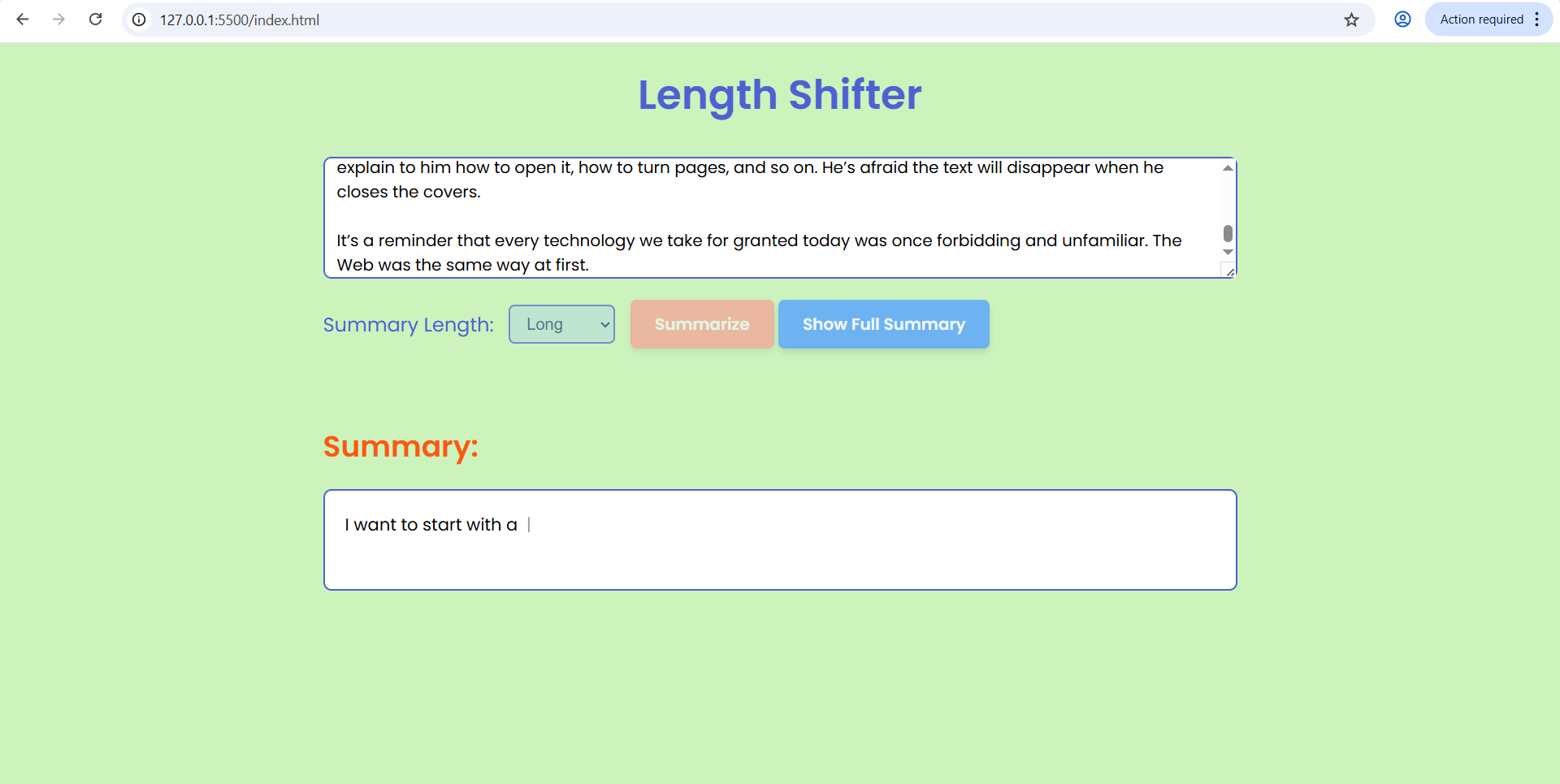
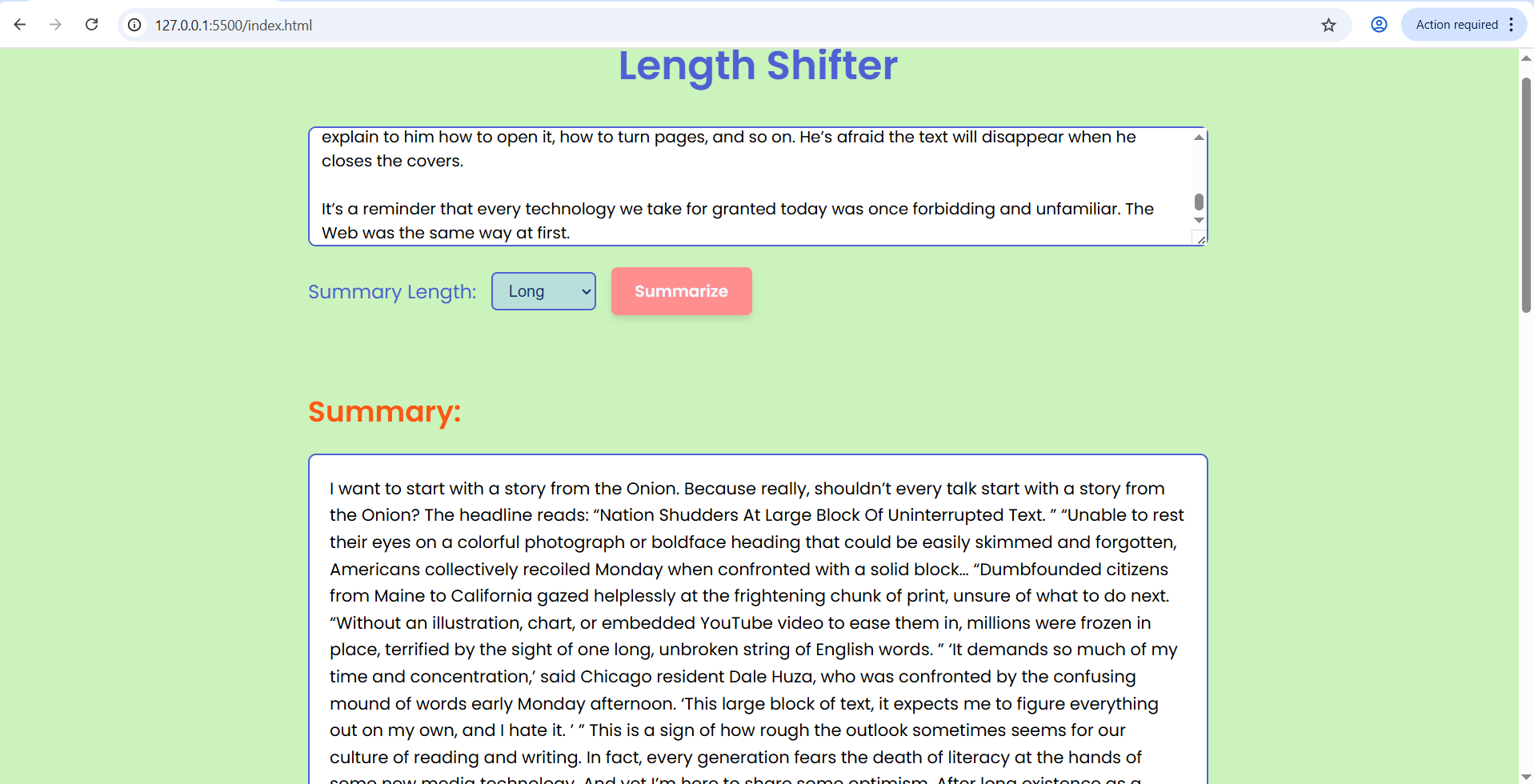
Length Shifter allows users to paste any text and instantly generate a summary in one of three modes — short, medium, or long.
If Chrome’s built-in AI summarization is supported, the app uses it to create accurate summaries locally and securely.
If not, a custom algorithm mimics summarization behavior for demo purposes, ensuring the experience remains seamless for all users.
The project includes:
- A clean, responsive web interface built with HTML, CSS, and JavaScript
- Smooth animations and a “typing effect” for an interactive feel
- Automatic detection of Chrome’s Summarizer API availability
How we built it
The project is entirely front-end, designed to run natively in Chrome without external servers or frameworks.
- HTML/CSS were used for structure and styling.
- JavaScript handled the AI integration, user interaction, and animation.
- The app checks for
window.ai.summarizerto decide between the Chrome API and a fallback summarizer function.
This approach demonstrates how Chrome’s local AI features can be integrated into lightweight, privacy-friendly apps.
Challenges we ran into
The main challenges were:
- Learning how Chrome’s Summarizer API works and how to safely integrate it into a web app.
- Building a fallback system that feels natural and doesn’t break user flow.
- Timing animations and transitions so the “summarizing” process feels smooth and intuitive.
Accomplishments that we're proud of
- Built my first full front-end AI integration completely from scratch using only HTML, CSS, and JavaScript — no frameworks, no backend.
- Designed a smooth, dynamic user experience, including animations that make the summarization process feel interactive and alive.
- Learned how to handle async JavaScript functions, API responses, and graceful error handling.
- Turned a simple idea into a real, functional web tool that shows how Chrome’s local AI can simplify something as everyday as reading.
What we learned
This project deepened my understanding of:
- JavaScript async operations and handling API responses.
- The structure of Chrome’s AI APIs, including how they manage local inference.
- Creating a user experience that feels dynamic, even when real AI responses aren’t available.
What's next for Length shifter
In the future, I’d like to:
- Expand the tool into a Chrome Extension that can summarize any webpage directly.
- Experiment with style-based summaries (e.g., formal, casual, bullet-style).
- Add Gemini Nano integration for offline summarization and enhanced text understanding.
Built With
- canva
- css
- html5
- javascript

Log in or sign up for Devpost to join the conversation.