-
-
sample image
Inspiration
LEGO has been present in all of our lives longer than we can remember. It was all of our first steps towards creating and it aided in making our dreams come to life. However, in recent years, LEGO has been piling up in our basements, collecting dust. LEGOLab gives them a new purpose.
What it does
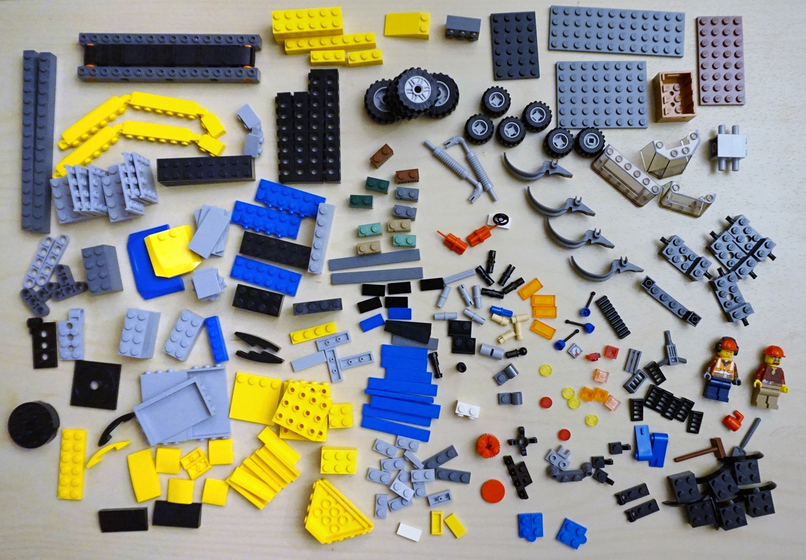
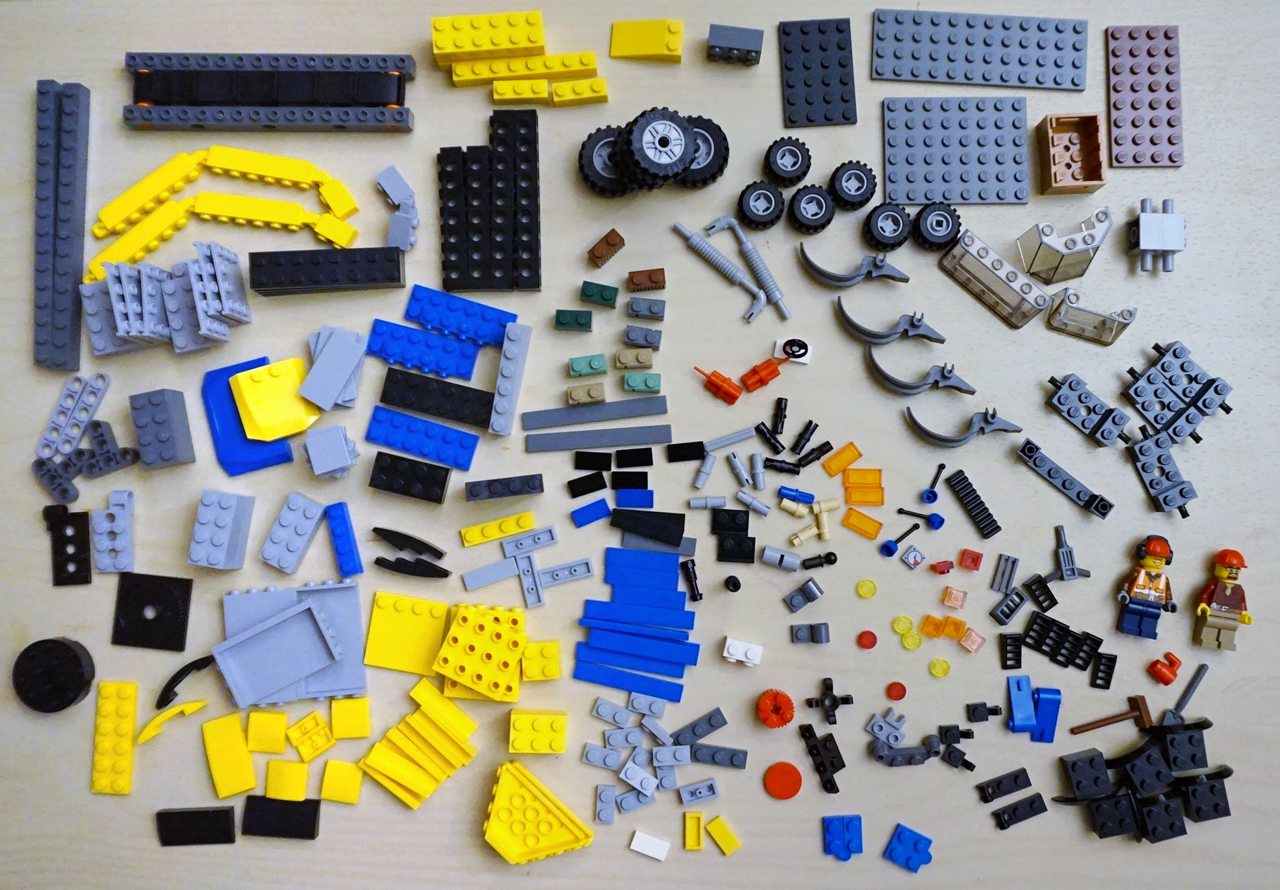
LEGOLab scans a pile of LEGO bricks and identifies the pieces you own. Once it knows your inventory, it generates a set of build manuals that show all the possibilities for a new invention. Instead of needing a full LEGO set or buying new pieces, LEGOLab helps you turn your random leftover bricks into real, buildable models.
How we built it
First, we tackled interfacing the frontend and the backend using FastAPI. This ensured clean and neat code. Then the backend used a mix of technologies, including OpenCV, Google Cloud Vision, and Rebrickable. The frontend of LEGOLab was built using Django, HTML, and CSS to create a simple, clean, and playful user experience. We designed the interface to feel approachable and LEGO‑inspired, while still keeping the workflow fast and intuitive.
Challenges we ran into
One of the biggest challenges we faced was managing our usage of the Google Cloud Vision API. Because each LEGO piece had to be cropped, processed, and individually identified, our API calls added up quickly. During development, we repeatedly hit our usage limits, which forced us to rethink how we handled image segmentation and when we sent requests. We had to optimize our pipeline, reduce unnecessary calls, and batch operations more efficiently to stay within the credit limits while still maintaining accurate brick detection.
Accomplishments that we're proud of
We’re proud that we were able to build a fully working pipeline that can take a messy pile of LEGO bricks, identify the individual pieces, and turn that into real build suggestions. Getting OpenCV, Google Cloud Vision, FastAPI, Django, and Rebrickable to all communicate smoothly was a huge win. We’re also proud of how clean and intuitive the final user experience feels — from the upload page to the LEGO‑themed loading animation to the final build manuals. Most of all, we’re proud that LEGOLab gives old LEGO bricks a new life and encourages creativity using pieces people already own.
What we learned
We learned a ton about computer vision and how challenging real‑world image segmentation can be, especially with overlapping objects and inconsistent lighting. We also learned how to optimize API usage (after running out of Google Vision credits more times than we’d like to admit). On the frontend side, we learned how to build a smooth user flow using Django templates and how much small touches like animations and clean UI, can improve the overall experience. And as always, we learned how to collaborate under pressure, divide tasks effectively, and adapt quickly when things didn’t work the first time.
What's next for LegoLab
Next, we want to expand LEGOLab’s capabilities by supporting more brick types, improving accuracy, and handling larger or more complex piles. We’d love to generate full 3D build instructions, not just 2D steps, and eventually create a “parts list” so users know exactly what they can build in real life. We also want to add a community feature where people can upload their own custom builds and share them with others. Long‑term, we imagine LEGOLab becoming a mobile app that can scan bricks in real time and instantly suggest builds on the spot.
Built With
- cloudvision
- fastapi
- google-cloud
- html
- np
- opencv
- python

Log in or sign up for Devpost to join the conversation.