-
-
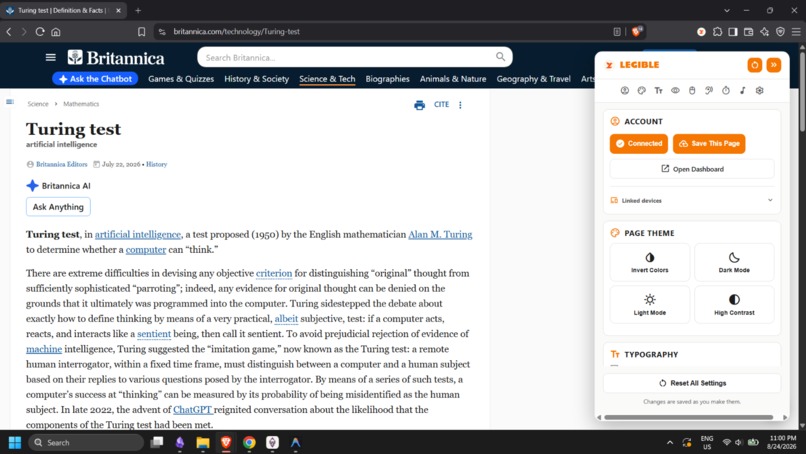
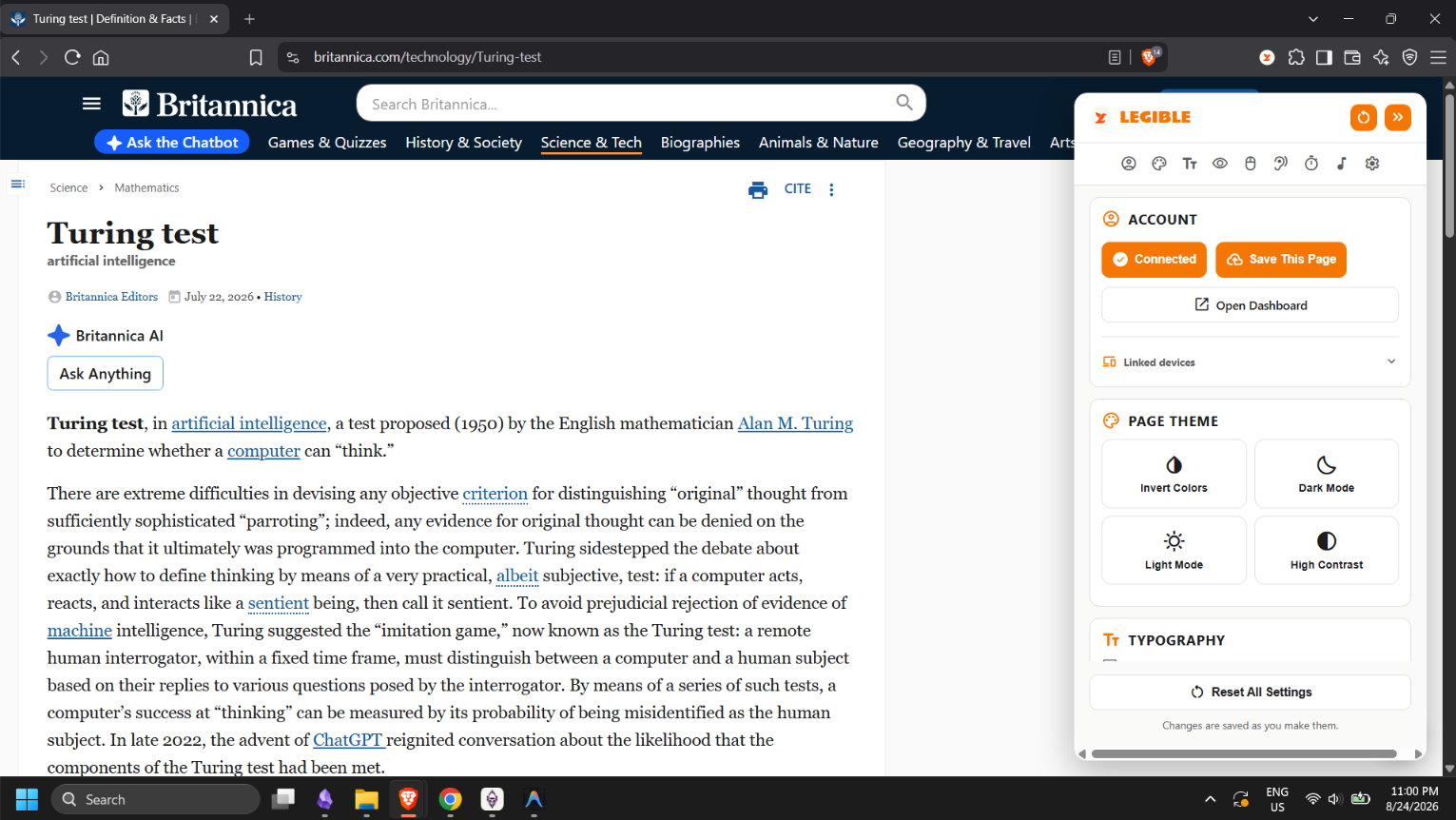
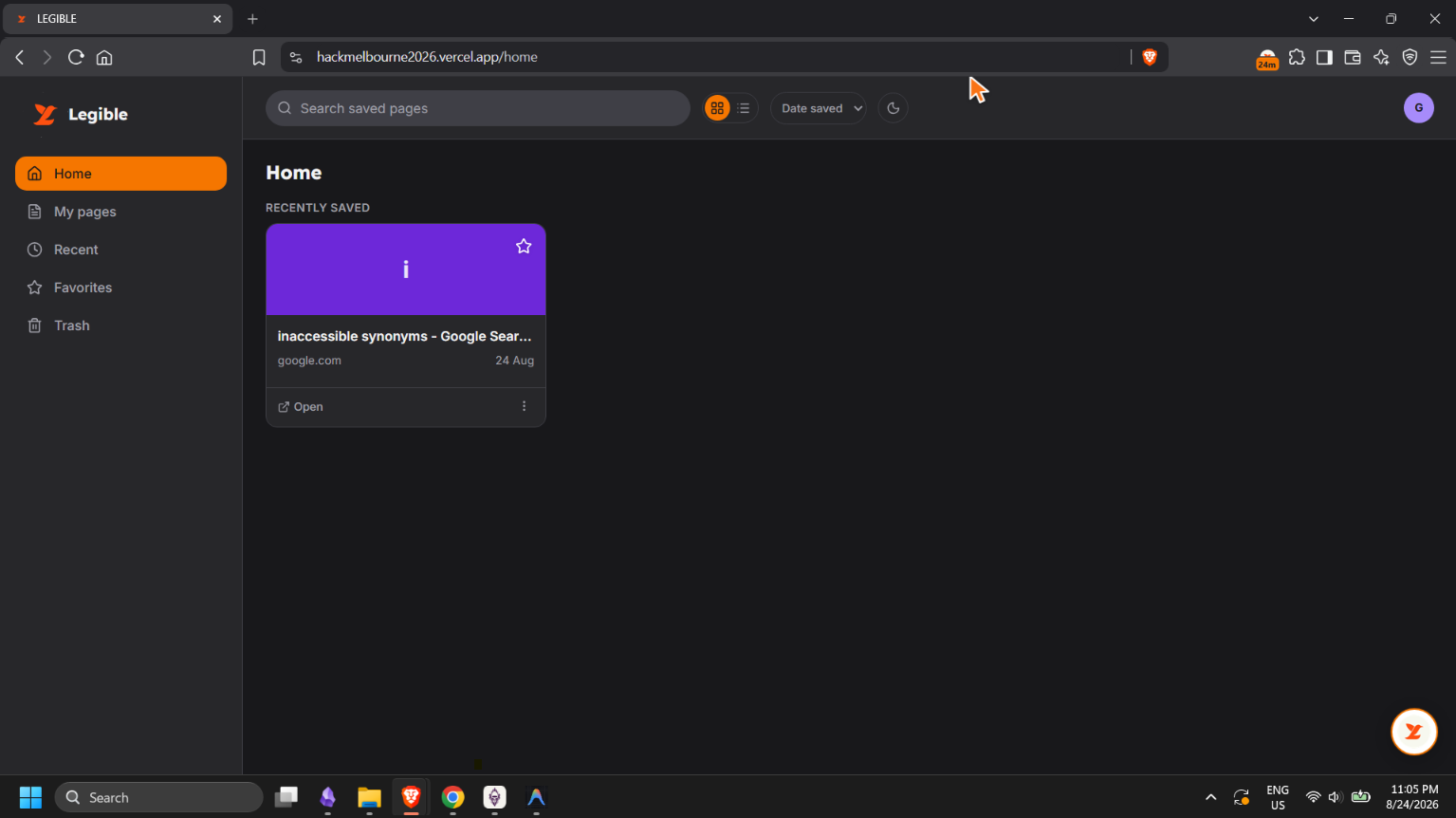
Dashboard Default
-
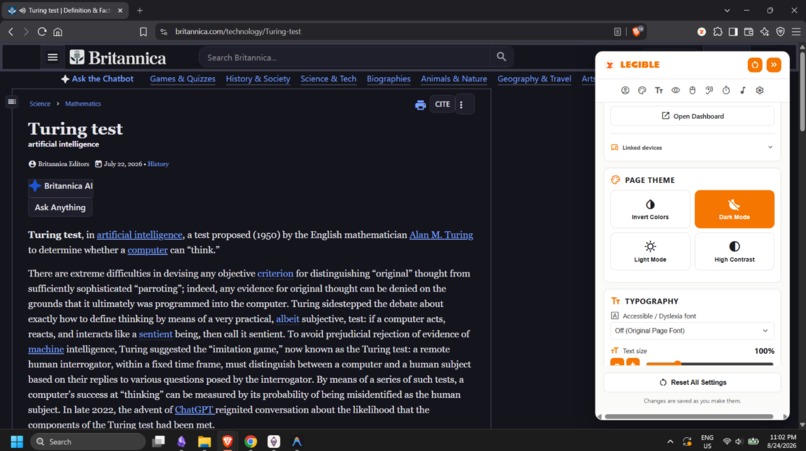
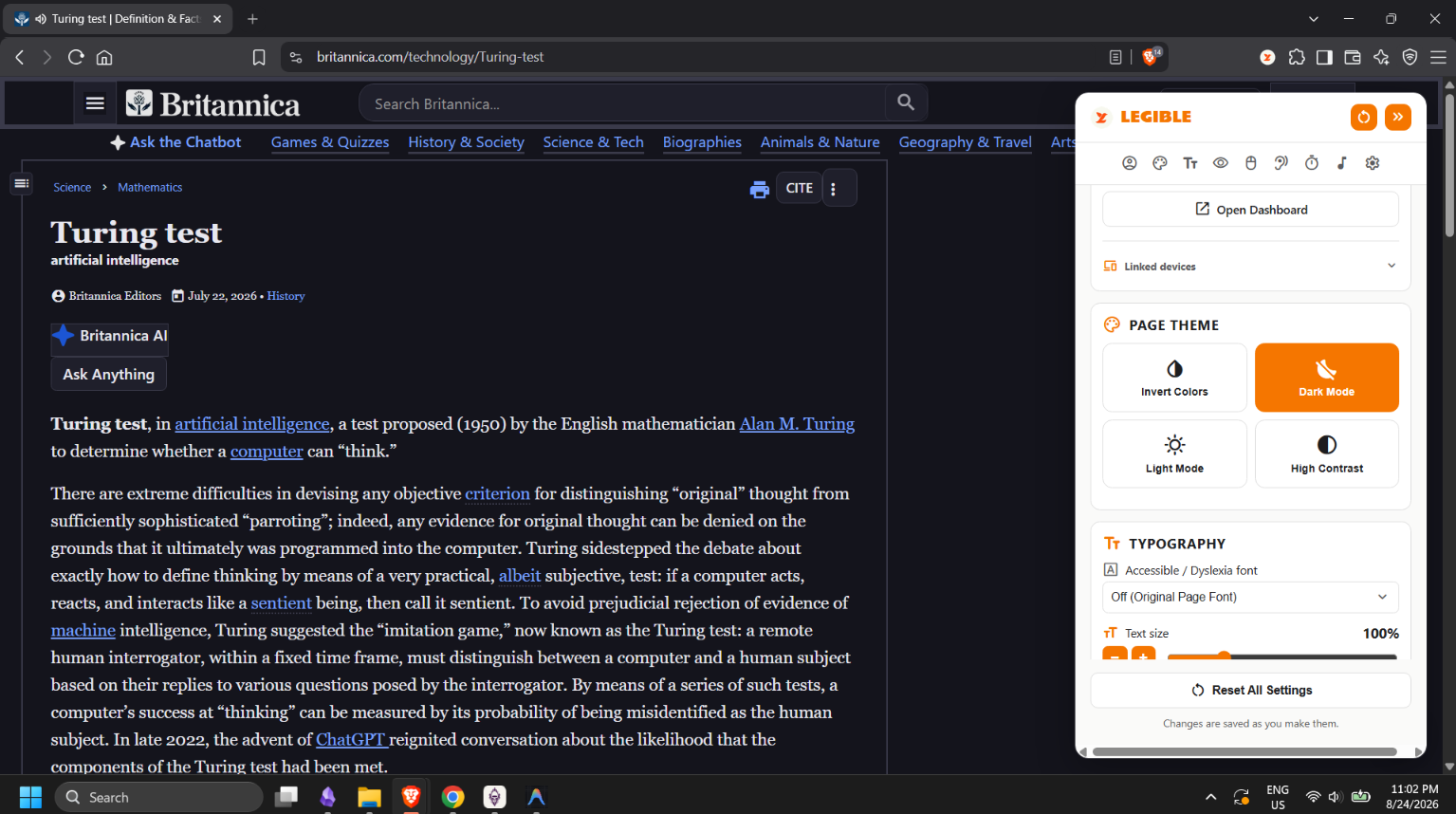
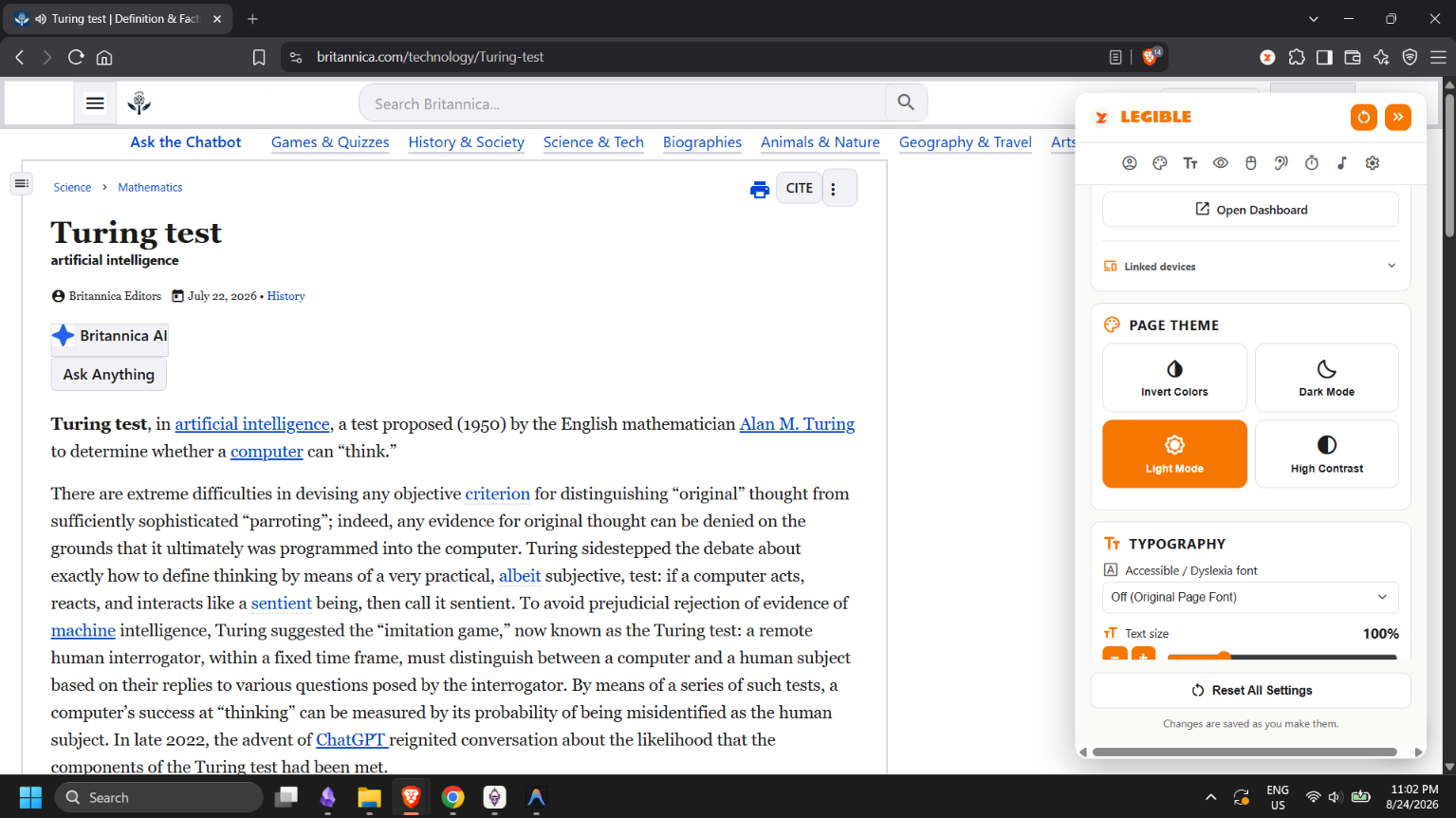
Dark Mode
-
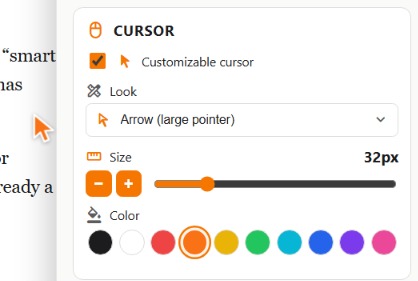
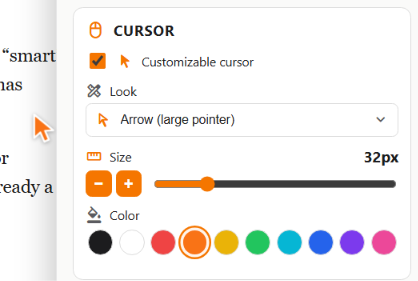
Cursor Feature
-
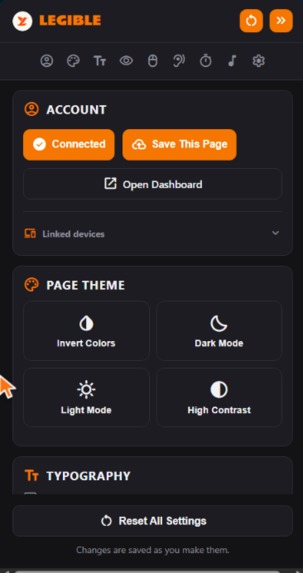
Dark Mode
-
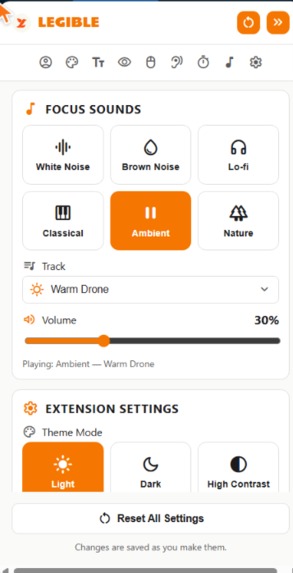
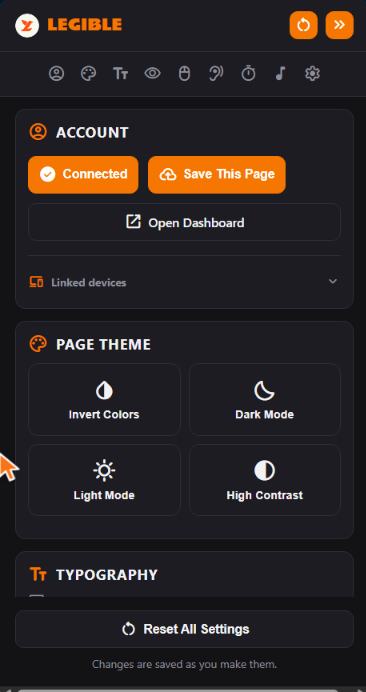
UI
-
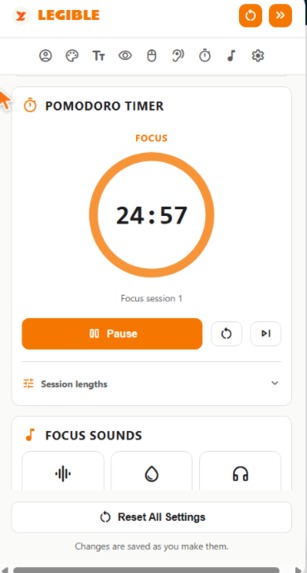
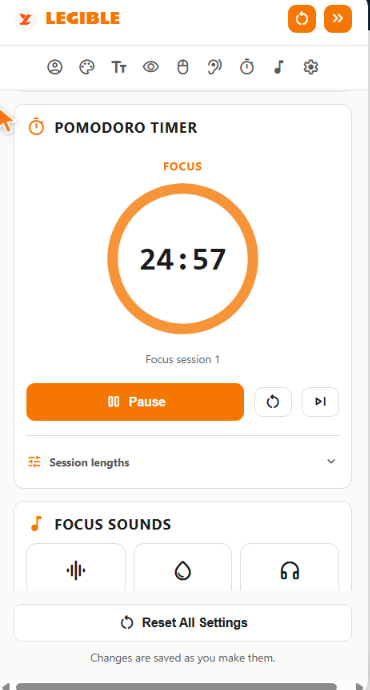
Pomodoro Timer
-
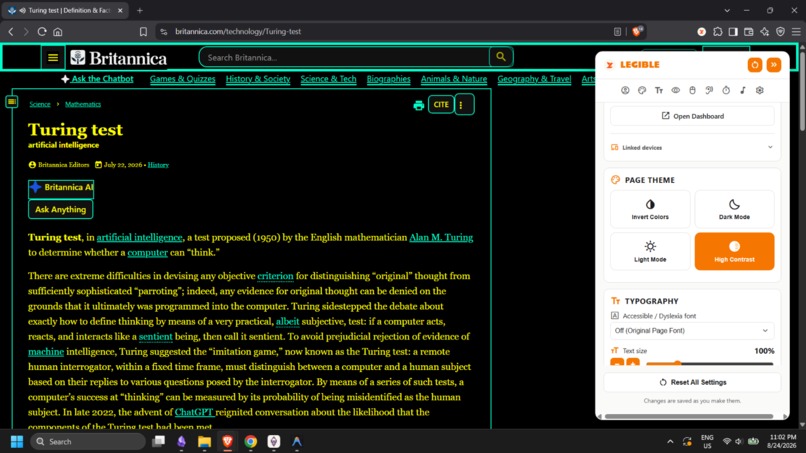
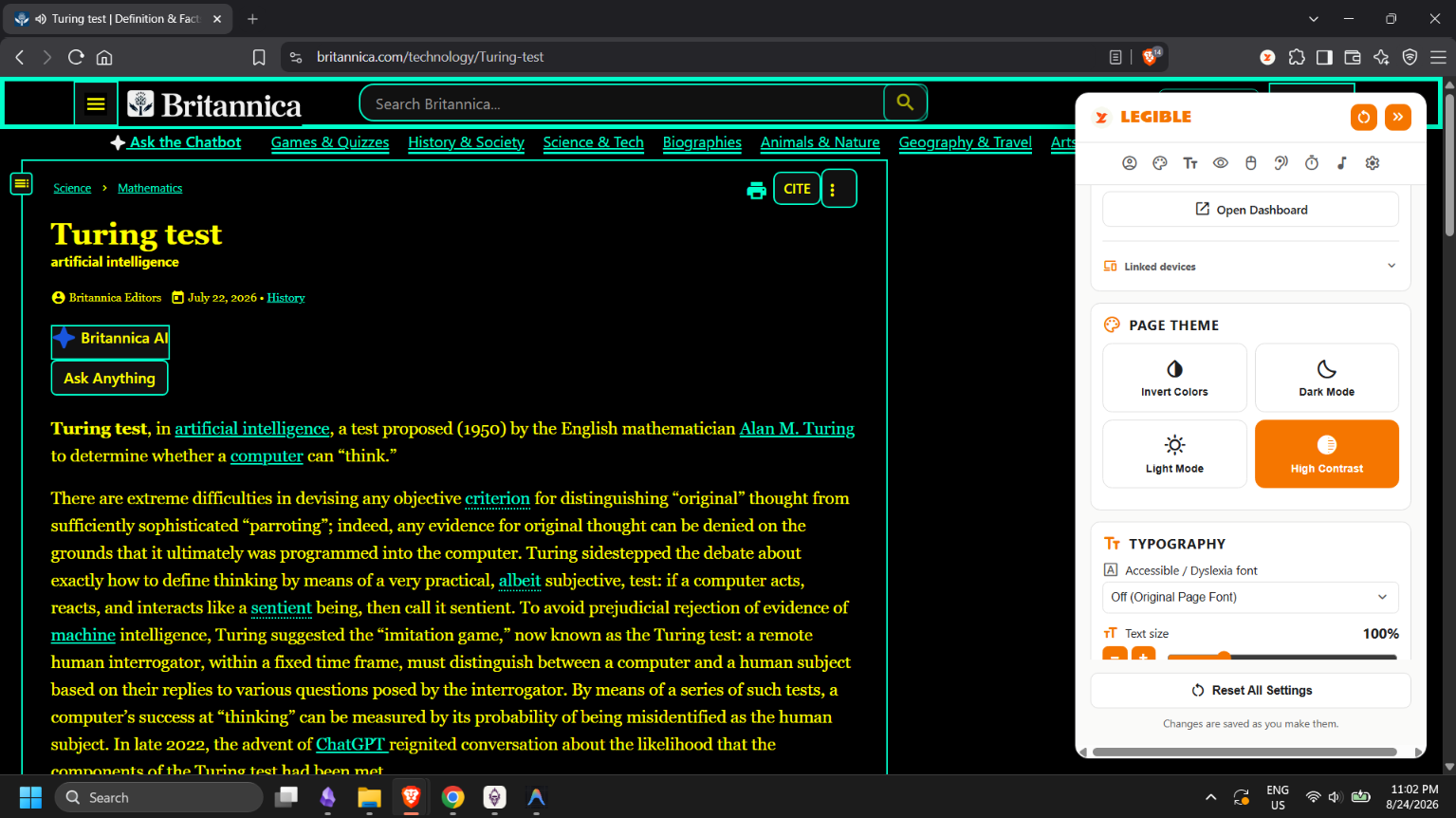
High Contrast Mode
-
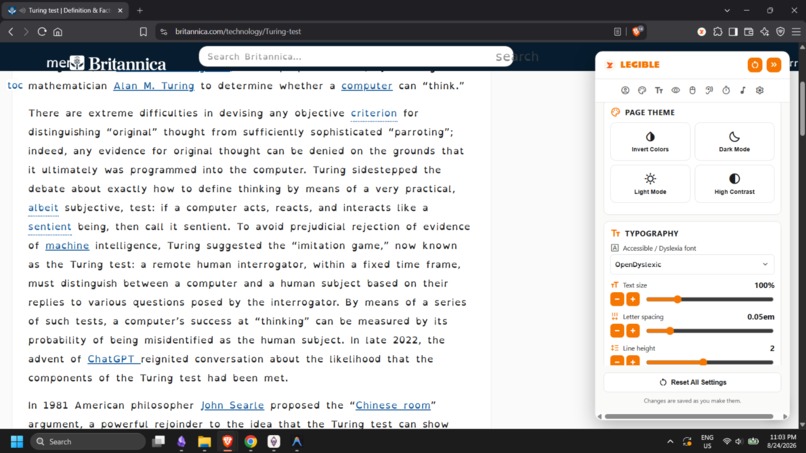
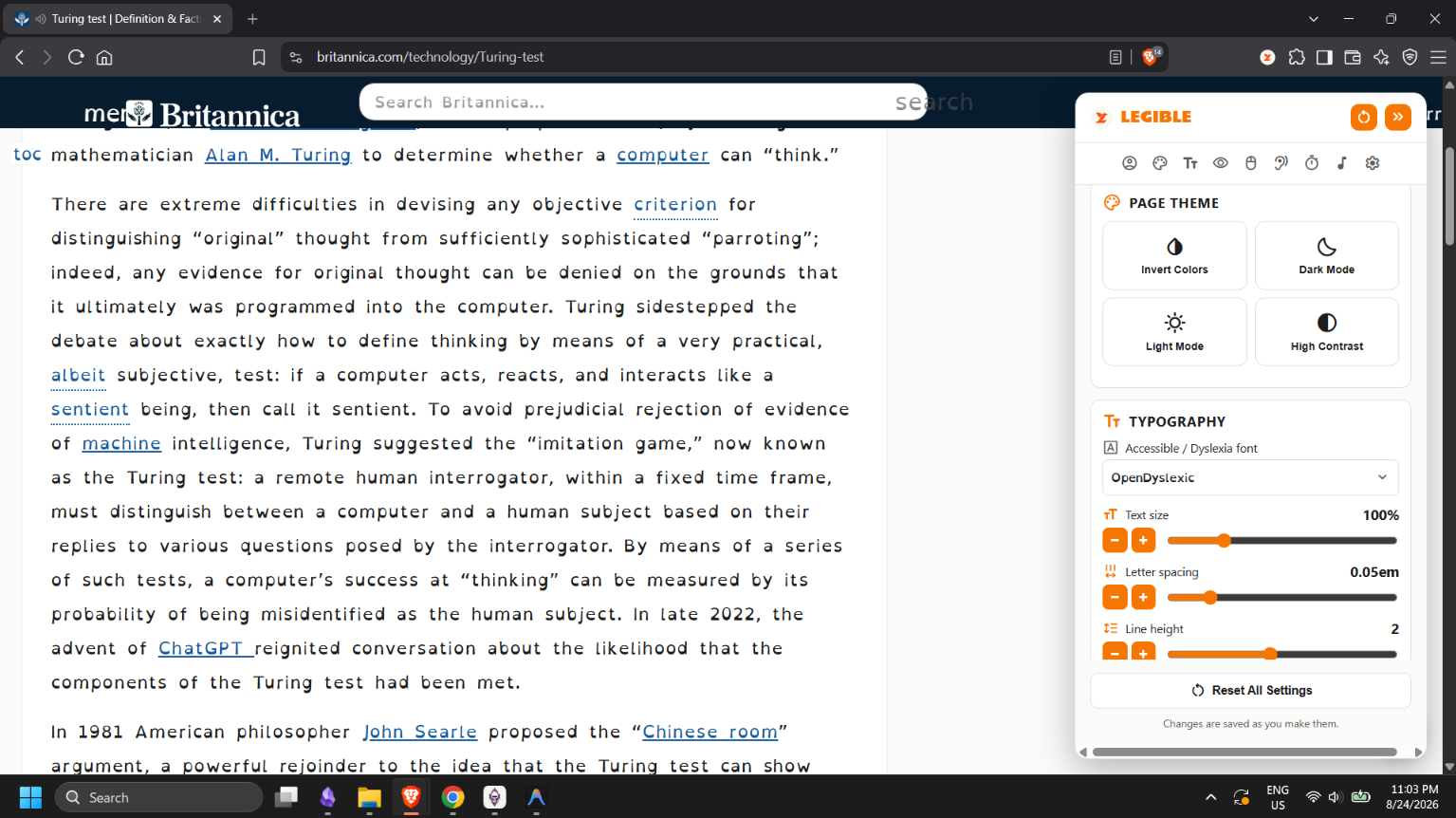
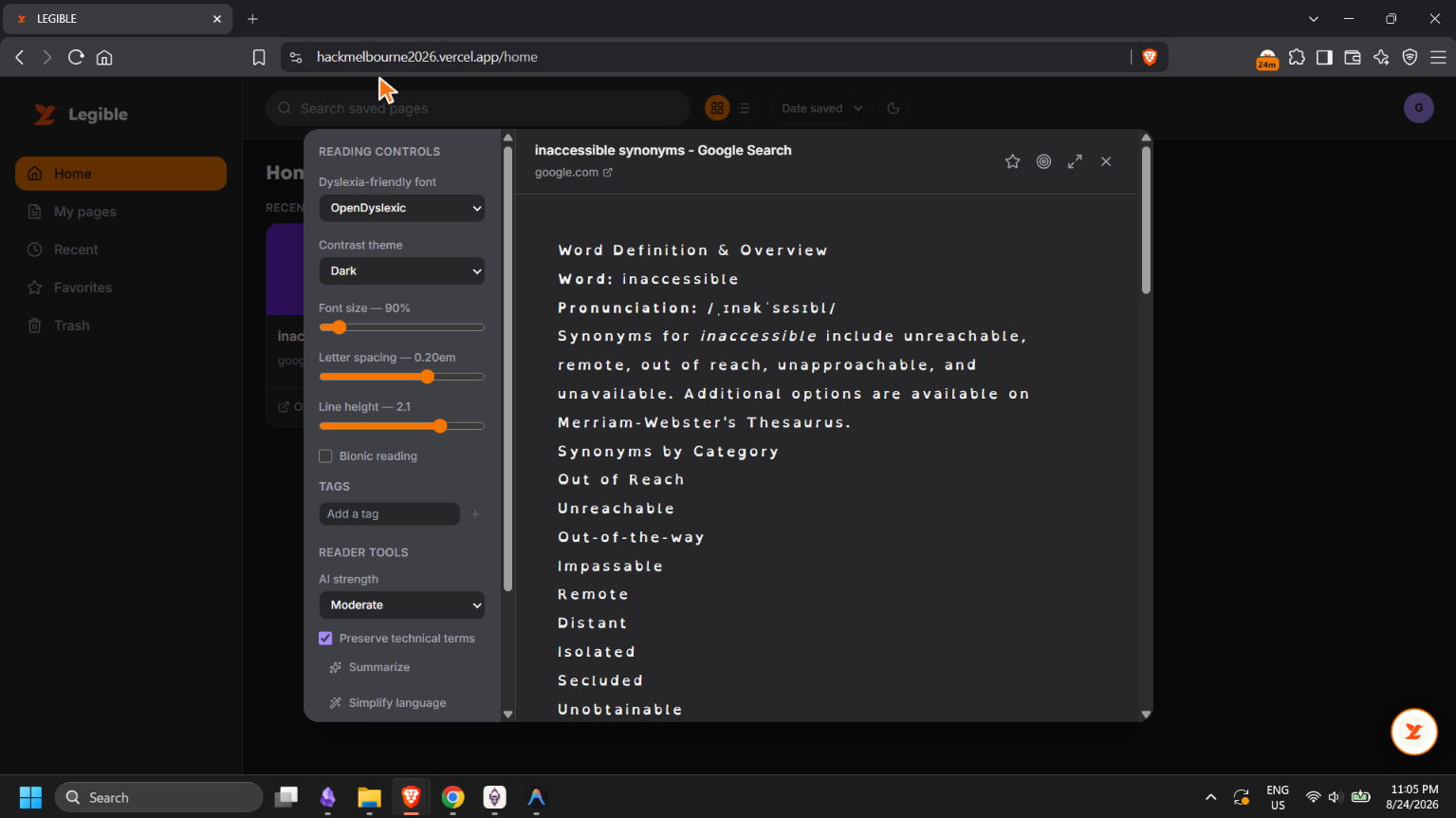
Changing Fonts to OpenDyslexic
-
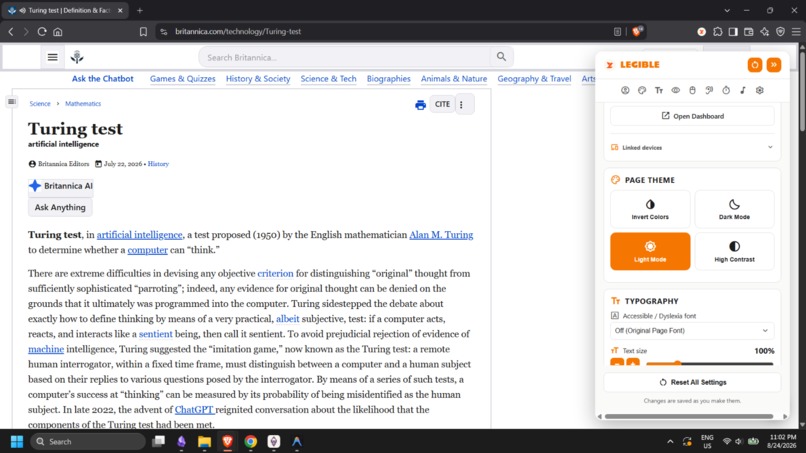
Light Mode
-
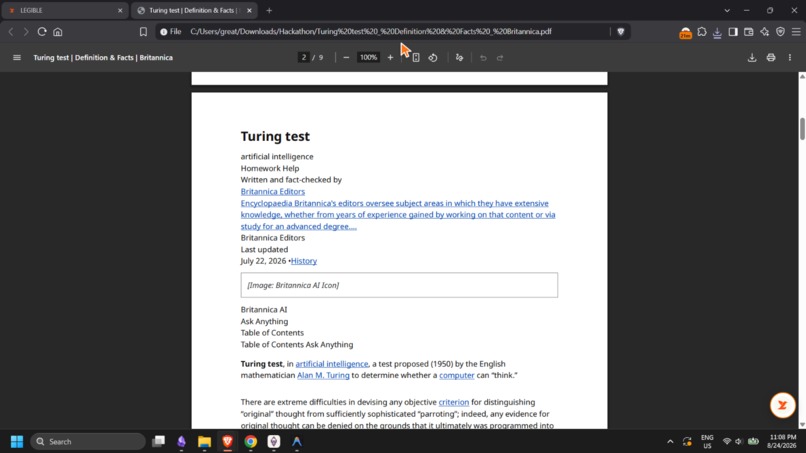
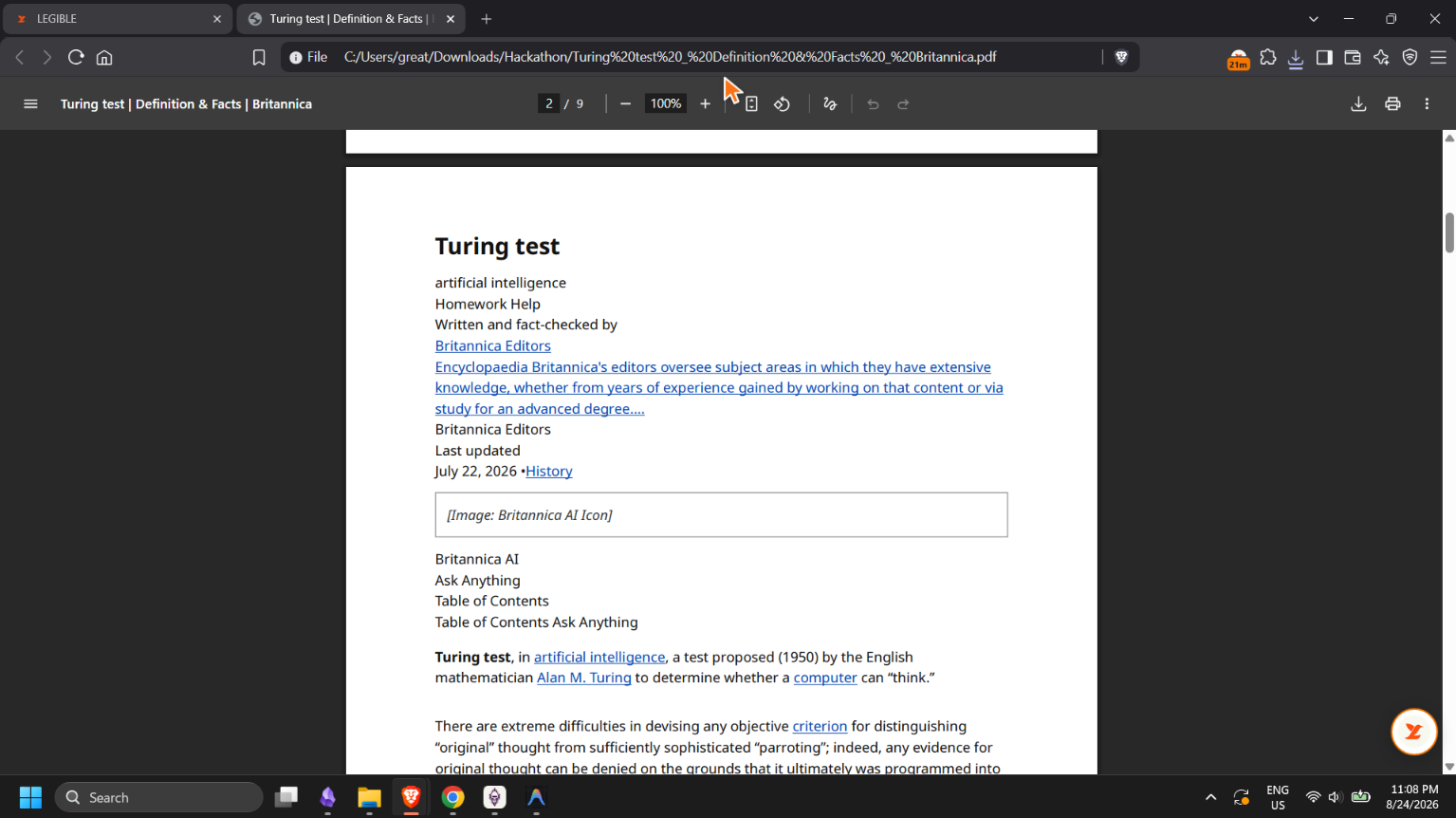
Website PDF Extracted
-
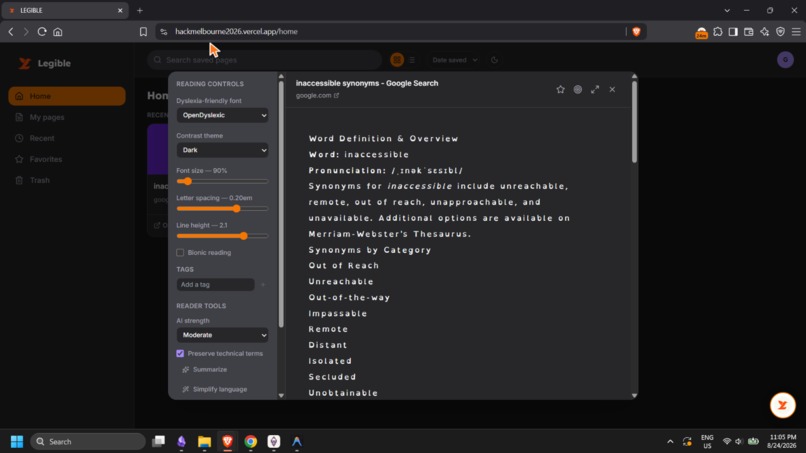
WebApp Reading Editor
-
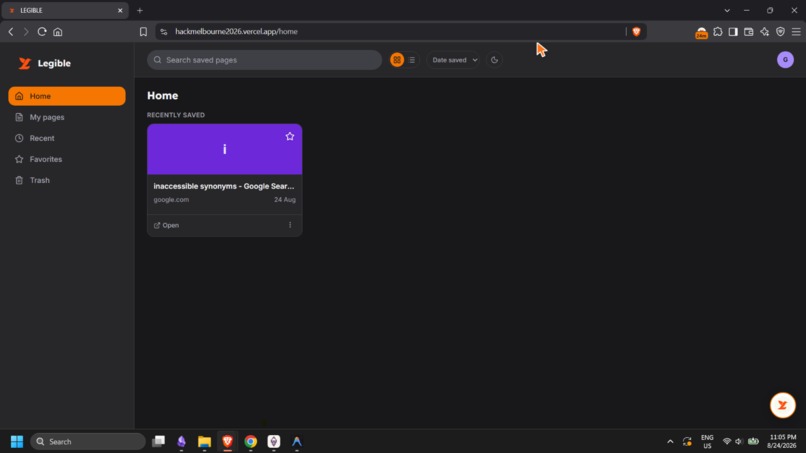
WebApp Dashboard
Inspiration
The modern internet can be visually overwhelming and inaccessible due to accessibility being an afterthought to many developers. And as someone with ASD me alongside millions of users including students or learners experience difficulty with cluttered layouts, color schemes, fonts, and missing alt-text which impact people with visual impairments, dyslexia, and ADHD. And other tools like screen readers, and font editors exist but don't talk to each other and more difficult to configure. LEGIBLE helps bridge this gap by removing distractions and offering additional tools to help them focus on the content and study what really matters. We don't want to just apply generic filters but have it customizable to each user's needs and applies it from site to site. Another feature is for the LEGIBLE extension to connect to the LEGIBLE webapp allowing users to export website as PDFs, summarize, and simplify the language to aid users in their education.
What it does
LEGIBLE Extension
- A Manifest V3 Chrome extension paired with a FastAPI backend and a React Dashboard
- Account: Allows users to connect to the WebApp, and Save certain pages to their own dashboard.
- Page Theme: Gives users the options to change the page theme (Invert Colors, Dark Mode, Light Mode, High Contrast)
- Typography: Allows users to switch any font into more legible fonts, edit text size, letter spacing and line height
- Visual Comfort: Adds a highlight to hyperlinks to make it easier to see, and reduce clutter by hiding images, pause animation and reduce clutter
- Cursor: Gives the users the ability to customize their cursor's look, size, and color on the browser making it easier for them to navigate the web.
- Screen Reader: Enables the user to access a screen reader
- Pomodoro Timer: Allows the user to set a time to focus help themselves focus and edit it's session lengths
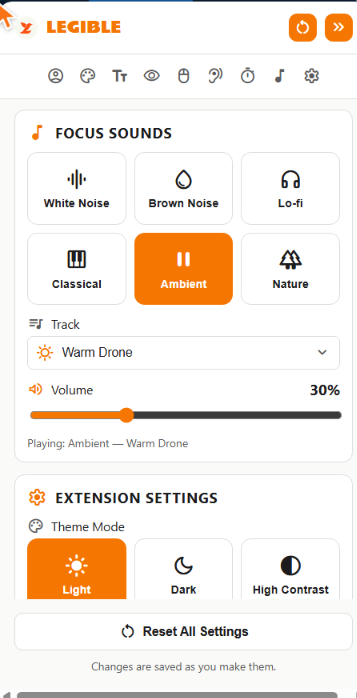
- Focus Sounds: Gives the user options to select from a wide range of music types to help themselves focus
- Extension Settings: Is for the user to edit the extension overlay's theme and font, show floating on page button and extension button/slider SFX. ## How we built it
- Chrome Extension (MV3): Built using vanilla JS and CSS for blazing speed, utilizing Chrome Service Workers for lifecycle management, Chrome Offscreen Documents for continuous Web Audio sound synthesis, and Content Scripts for DOM parsing and style injection.
- AI Engine: Google Gemini Flash API for multimodal image understanding, real-time alt-text generation, and semantic content processing.
- Backend API: Python & FastAPI deployed on Railway, backed by PostgreSQL (SQLAlchemy & Alembic) for guest sessions, HMAC-secured short-lived pairing codes, rate limiting, and headless PDF generation.
- Dashboard: React 18, TypeScript, Vite, and Tailwind CSS for managing saved articles, reading distraction-free, and pairing devices. ## Challenges we ran into
- For the extension service workers are terminated when idle we solved by implementing a Chrome Offscreen Document to keep it running in the background
- Secure device pairing, we wanted a no sign-up while keeping libraries secure and synchronized across devices, we ensure this feature is met using 8-character pairing using HMAC hashes with a strict 10-minute expiration ## Accomplishments that we're proud of As a team we're proud of the overall UI and UX experience for users. Enabling the users in need to As well as an anonymous streamlined pairing system with no password or email having a secure, linked but independent LEGIBLE extension and webapp. As well as study features like the pomodoro timer and Focus Sounds we personally all used to focus while working on the project. ## What we learned We learned how inaccessible or difficult certain websites can be from people with certain disabilities. Just thinking about how some people have to settle for incomplete certain other solutions are there to make websites more legible without LEGIBLE. Furthermore we learned the importance of planning, learning, and implementing changes as a team in order to complete the project in a short amount of time. ## What's next for Legible
- We've done a lot for LEGIBLE in a 3day window. More features like accessibility-profiles, implement more ai processing features, and cache image descriptions are ways to drive LEGIBLE forward.


Log in or sign up for Devpost to join the conversation.