-
-
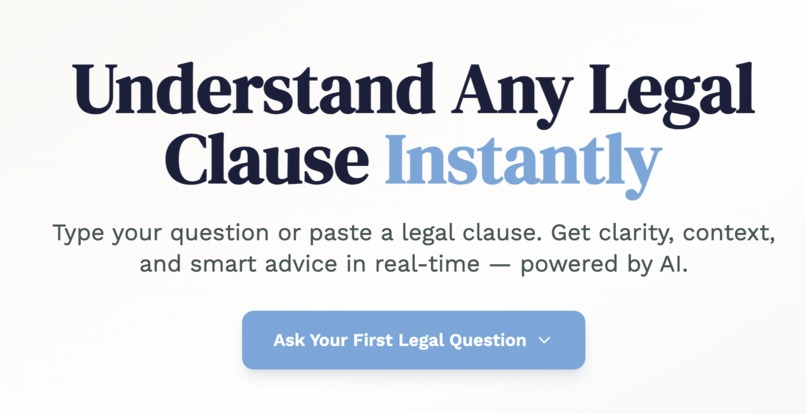
Landing Page
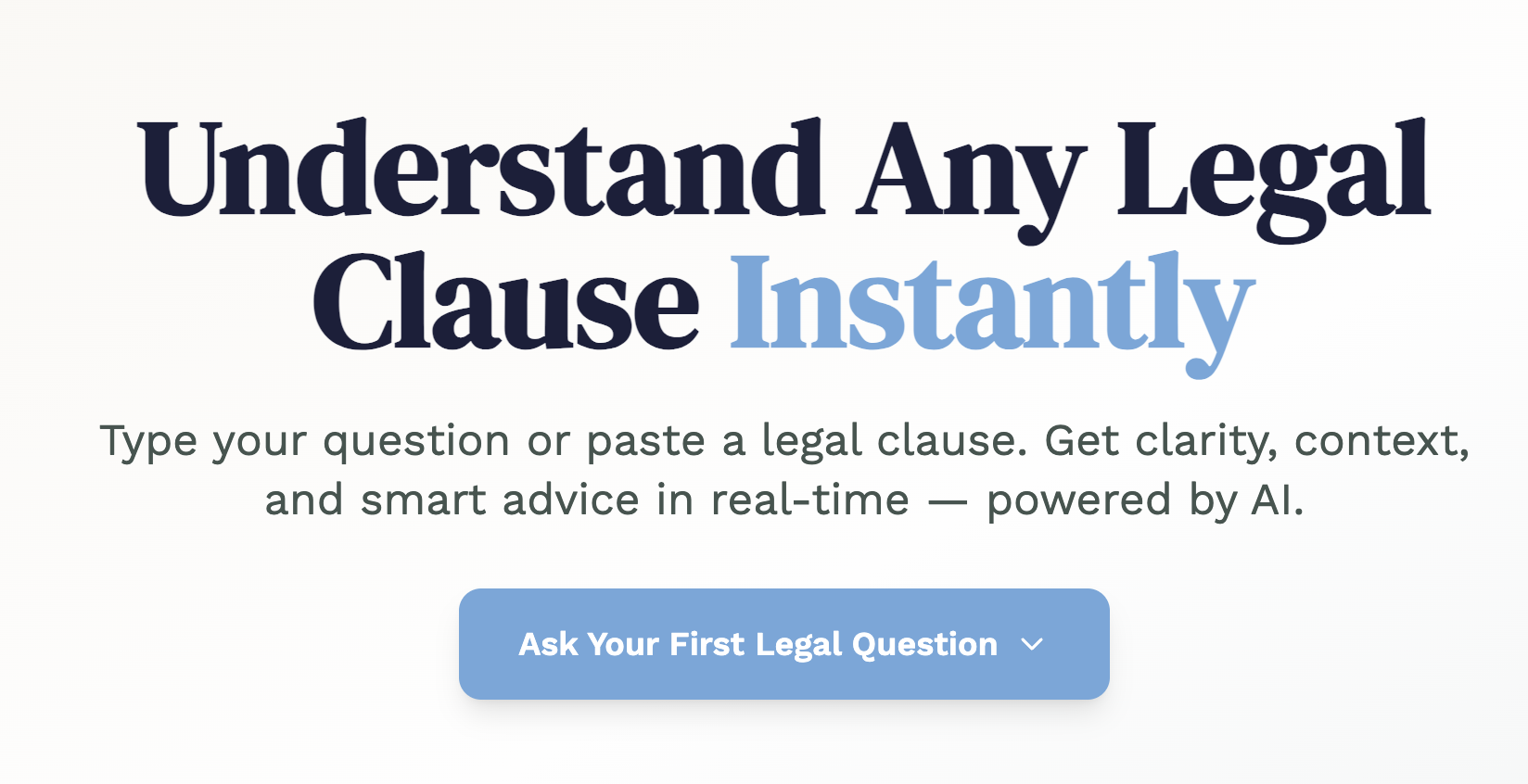
Inspiration Legal documents are everywhere — rental agreements, service contracts, NDAs, policies — but most people don’t understand what they’re signing. They’re often confusing, full of jargon, and stressful to navigate. We wanted to create something that strips away the complexity and empowers users to ask legal questions in plain language and receive instant, understandable, structured answers. The inspiration behind LegalEase was to make legal knowledge more accessible, conversational, and beautifully delivered.
What it does LegalEase is an AI-powered web app that simplifies legal language in real-time. Users can type or paste any legal clause, question, or concern, and the AI responds with a clean, structured explanation. The response includes: A plain-English summary A technical legal interpretation A fairness/risk assessment Suggested actions or responses Optional email or clause negotiation templates It also features an integrated AI chat assistant that helps users follow up, rephrase, or dive deeper into their legal questions.
How we built it We used Bolt.new with a single, highly detailed one-shot prompt. The app was structured using modular components and built with React, TailwindCSS, and Framer Motion. We designed a calming and intelligent UI using glassmorphism, neumorphism, and modern typographic choices to make the interface feel both elegant and accessible.
The AI functionality was implemented using the OpenAI API, allowing the assistant to break down complex legal input in real time. Structured responses are generated and displayed as expandable cards with smooth animations and call-to-action prompts.
Challenges we ran into Writing a single prompt that combined visual polish, multi-part AI output, and live chat behavior Ensuring the tone of the AI output felt accurate, helpful, and human — not robotic or overly technical Making the UX feel warm and reassuring while still being professional and structured Avoiding dashboard-like design and instead creating a layered, scrollable, website-like experience Structuring the AI output in a way that was readable, actionable, and adaptable to different question types
Accomplishments that we're proud of Created a complete legal AI interface with smart, contextual, real-time output using just one prompt Built an app that feels elegant, fast, useful, and emotionally accessible Designed a modular output layout that separates summary, risk, technical language, and next steps Built a custom AI chat assistant interface within the Bolt.new framework Developed a product that solves a real-world problem with broad accessibility and high potential impact
What we learned Structured and visual prompting is just as important as feature prompts when using Bolt.new OpenAI’s API is capable of nuanced legal reasoning and adaptable explanations when guided properly User trust in legal tools depends heavily on tone, layout, and clarity — not just accuracy A well-designed UI can make difficult content feel less intimidating and more empowering One-shot prompts can do more than prototype — they can deliver production-quality tools
What's next for LegalEase Integrate clause detection and highlighting for pasted multi-paragraph content Add support for multiple languages Offer a tone-adjustment toggle (e.g., friendly, legal, instructional) Implement live clause comparison or markup between user input and AI suggestion Expand the chat assistant with scenario training, contract templates, and Q&A history Launch a pro version with PDF annotation and email negotiation features


Log in or sign up for Devpost to join the conversation.