Inspiration
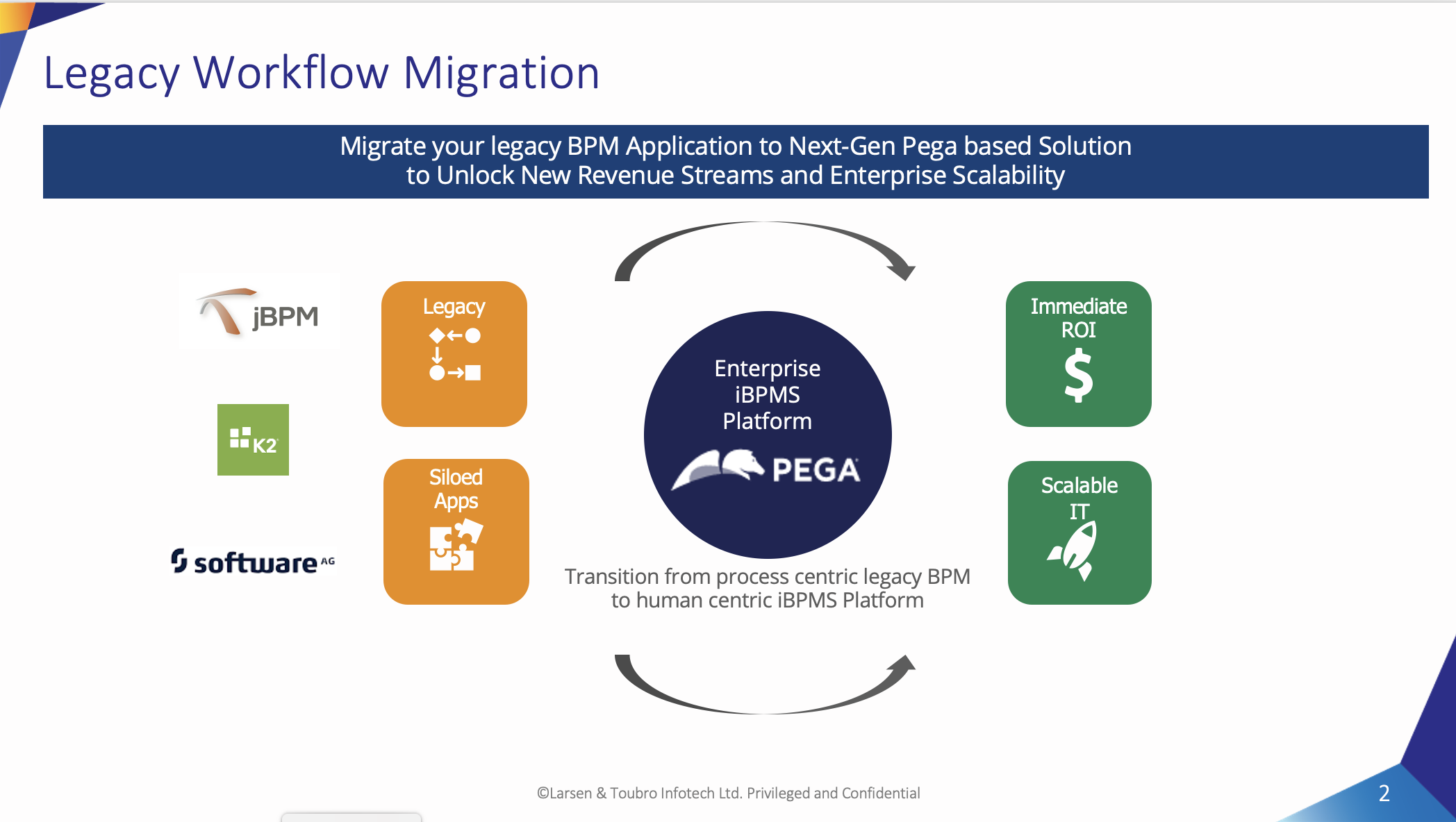
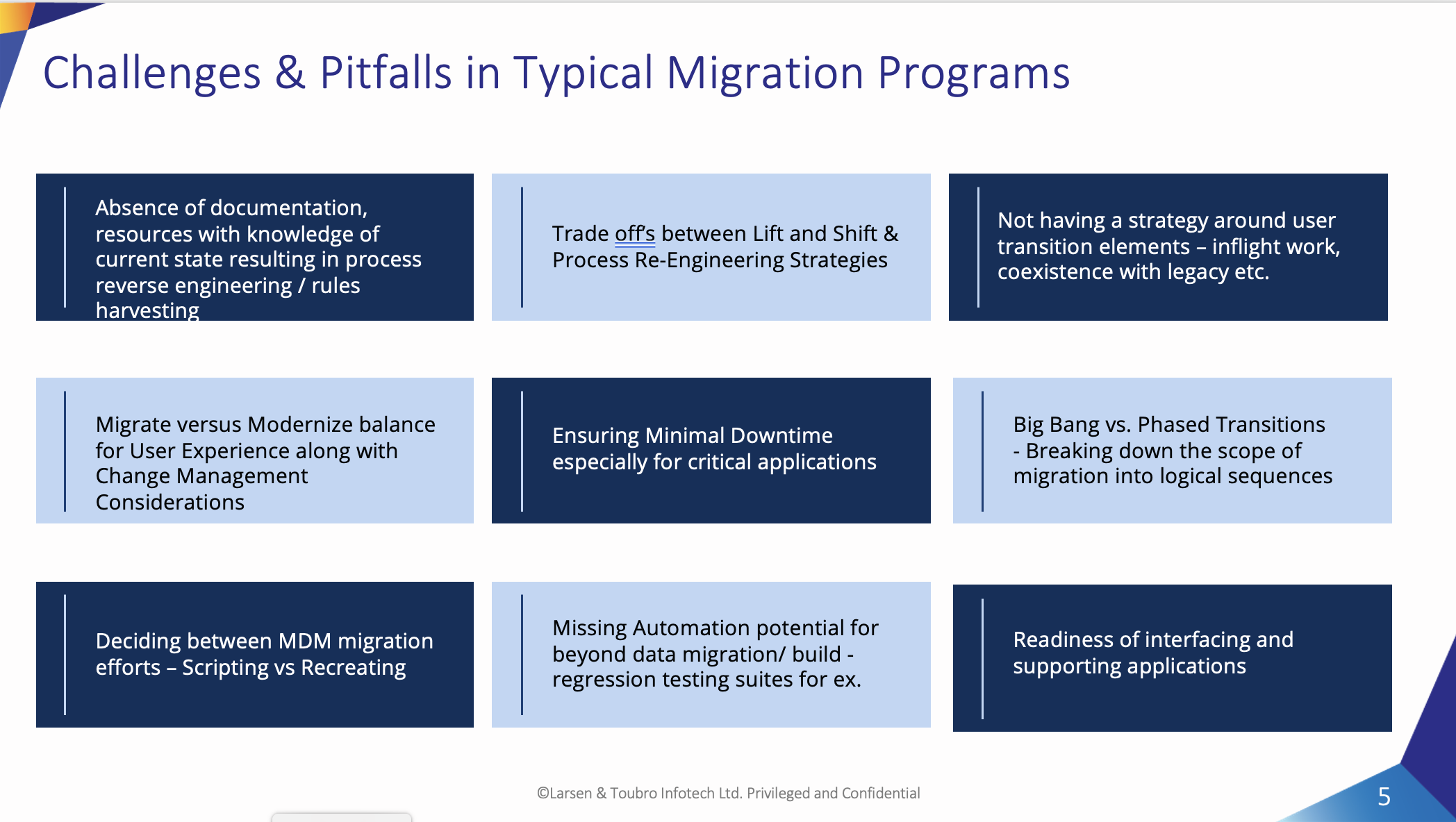
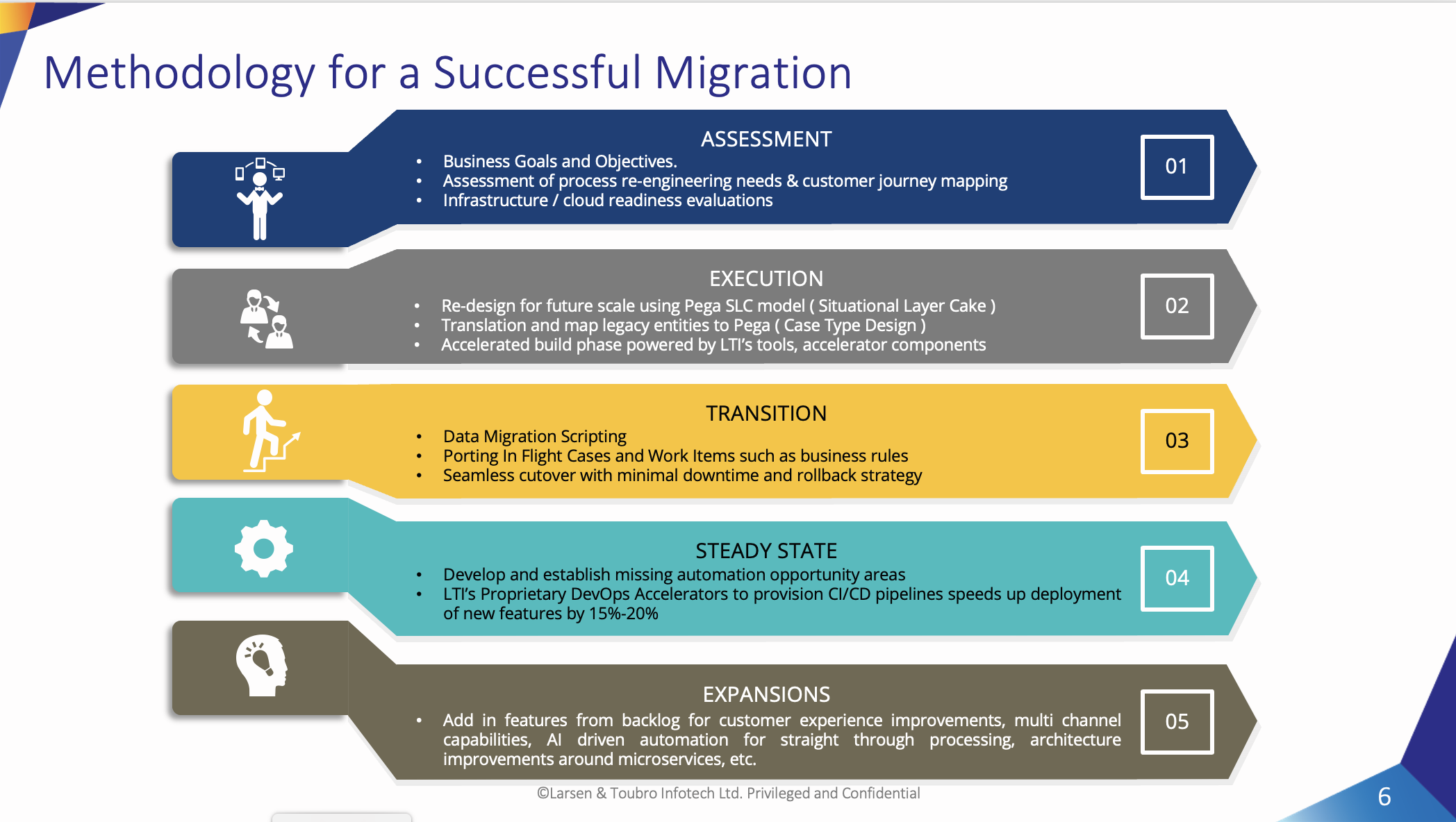
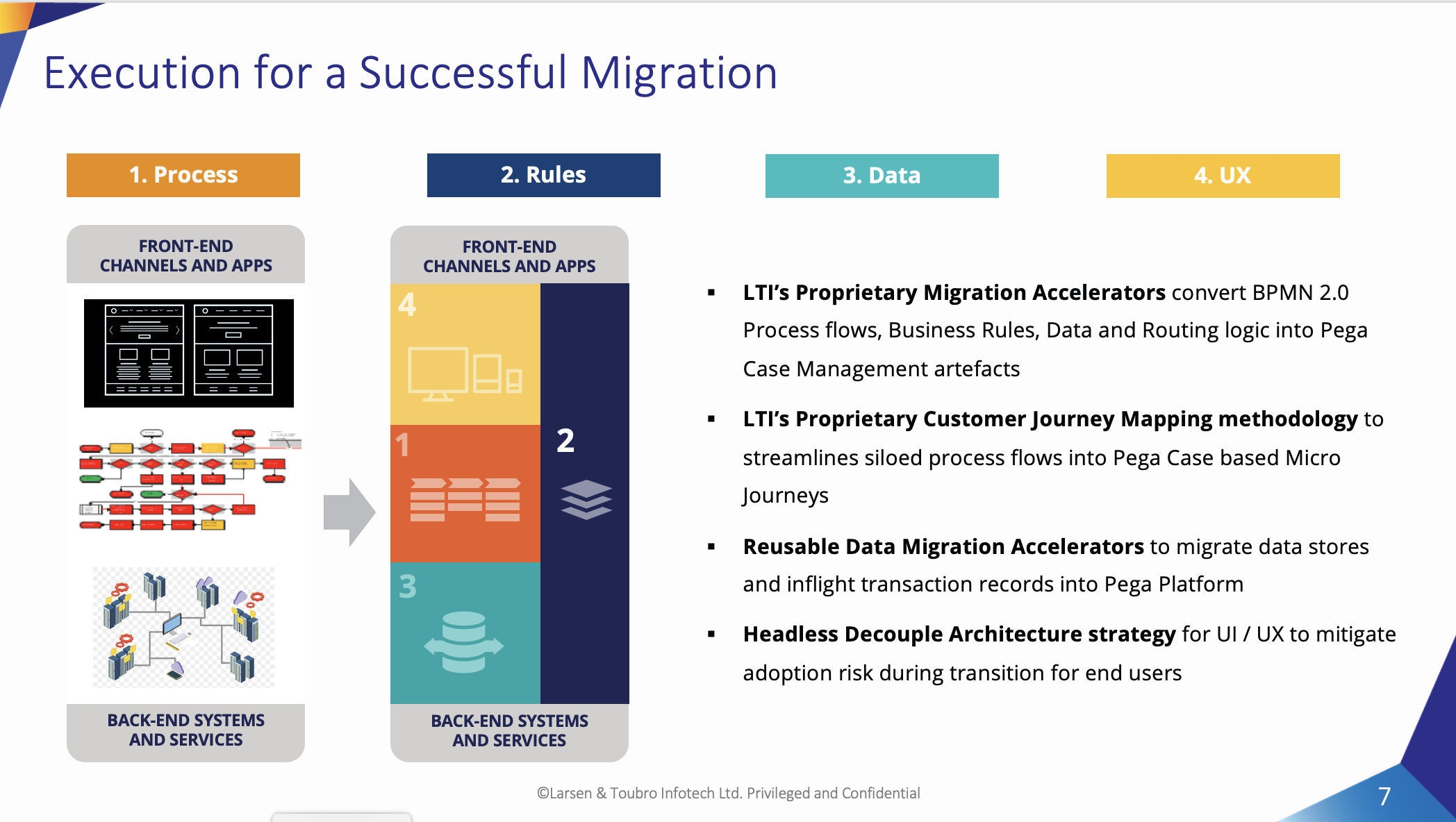
We have received customer requirement to migrate existing application from FileNet and JBPM to Pega. The ask was to accelerate the implementations understanding the existing process and UI which made us to think to bring a acceleration by implementing a solution to migrate the BPMN Notation processes in to Pega case types and UI properties defined in a spreadsheet to data modelling using App Studio.
What it does
This solution will accelerate to migrate the BPMN files, parse them and create a skeleton of case management by mapping the other technology process shapes in to Pega Smart Shapes. This is like 60% of manual effort reduction in creating the case type skeleton.
How we built it
The solution is built using Pega landing page where Pega LSA can upload BPMN files in to first screen of landing page then Pega File Listener will pickup BPMN xml to extract required data for case type rule.
Challenges we ran into
In Pega we tried to leverage OOTB migration tool which was not able to parse the PBMN xml or BPEL processes then we have to go for custom build to import the other BPMN processes.
The challenge here is we do not have any extensions for the case type rule creation at runtime. The way we do for survey case types. There is no easy way to model UI at runtime.
Accomplishments that we're proud of
We are able to show the flexibility of Pega and capability to accelerate the existing process and show business users the Pega Case Modelling to get quick signoff's and shown Build for Change capability using App Studio in design phase.
What we learned
We have learnt there is a capability to accelerate processes and data modelling and flexible to case type rule later on based on extensions required on the business process flow.
What's next for Legacy Process Migration
We are looking to get in to integrities on how to create UI skeletons like process migration using Case Type rule.


Log in or sign up for Devpost to join the conversation.