-
-
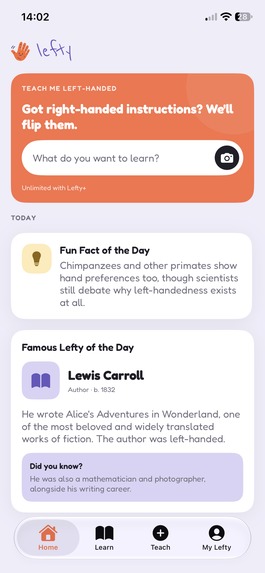
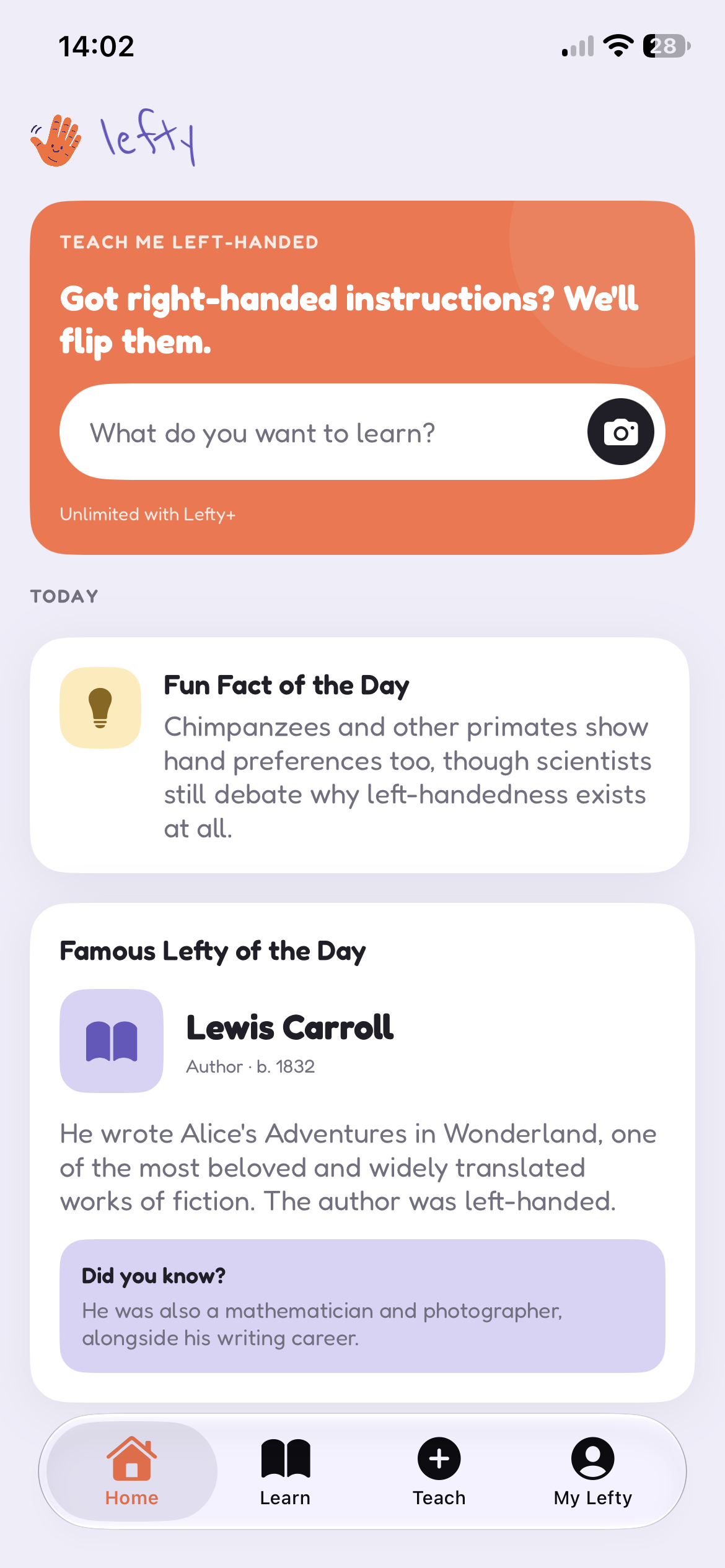
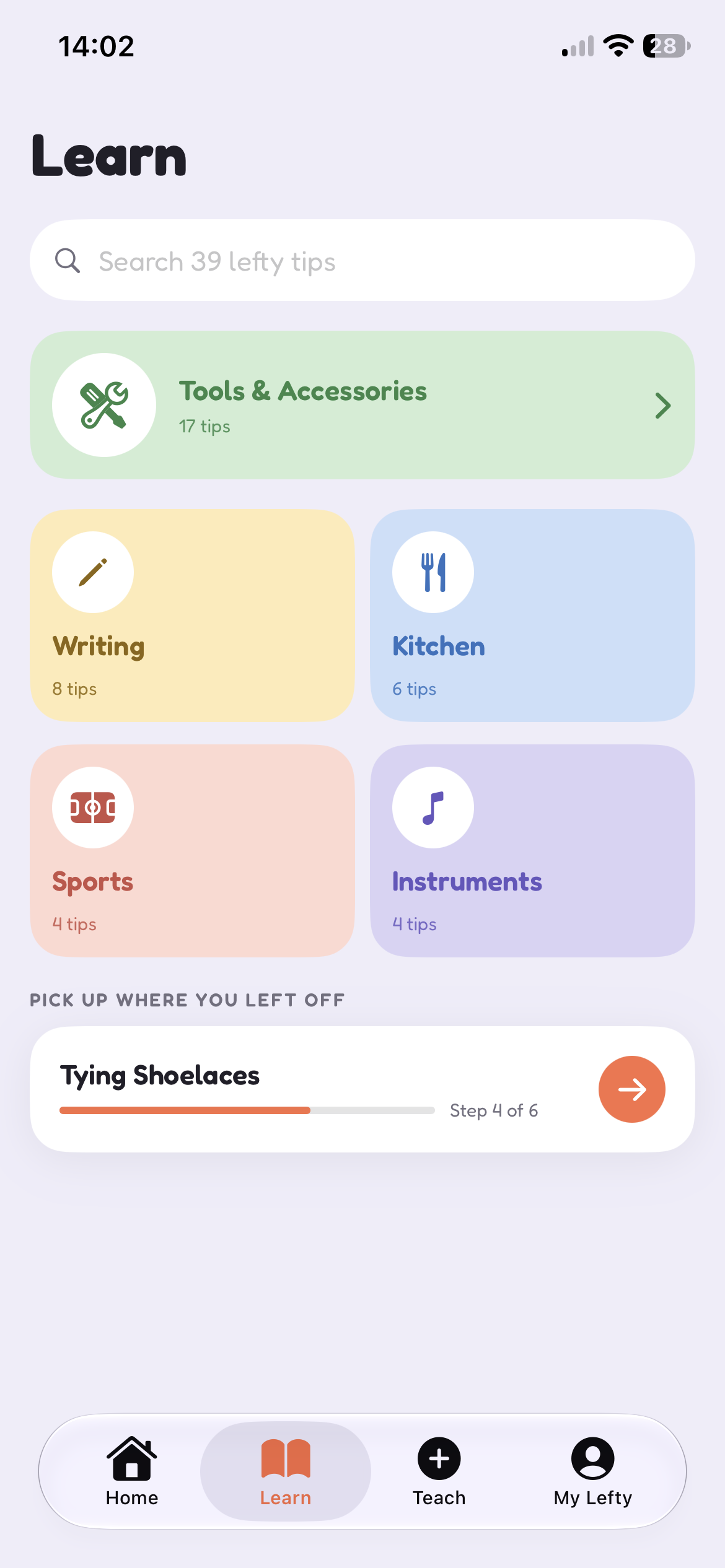
home page
-
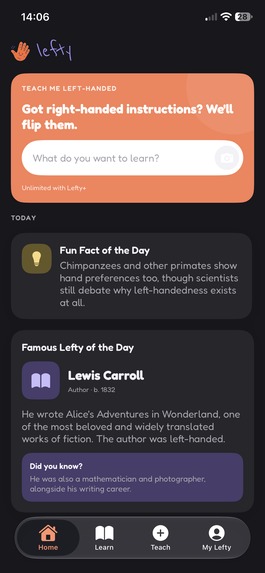
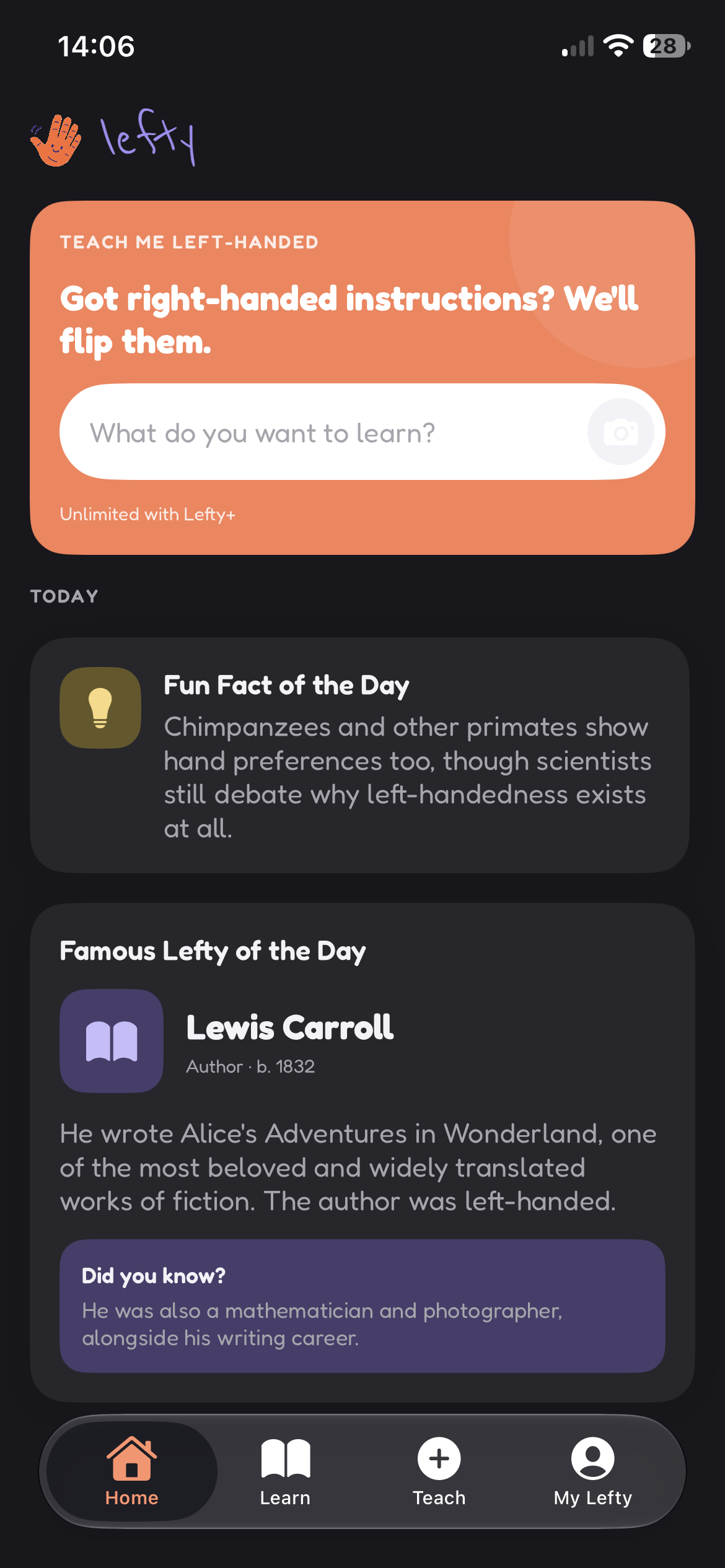
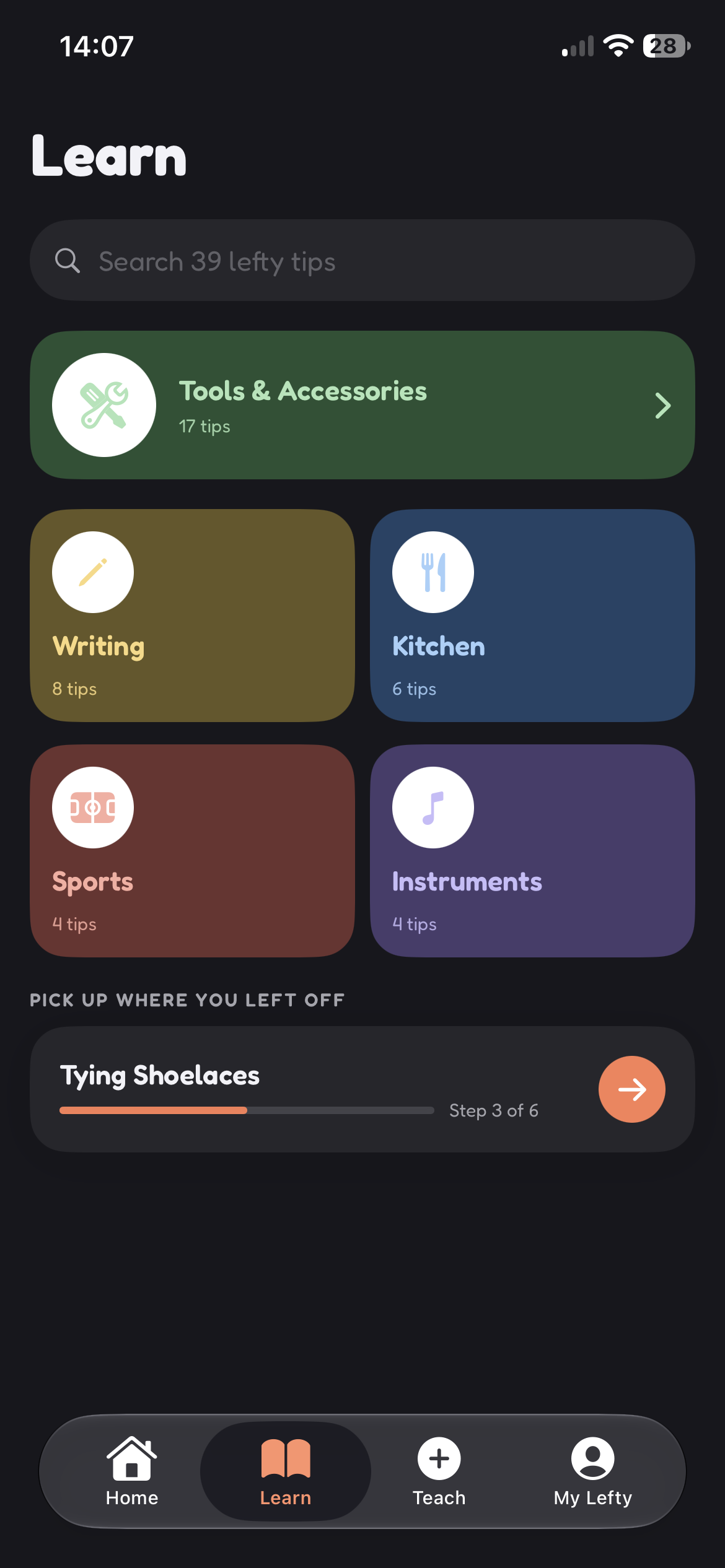
dark mode home page
-
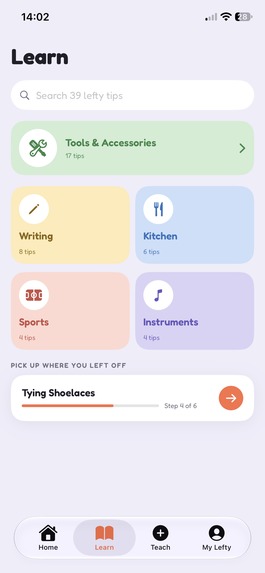
learn
-
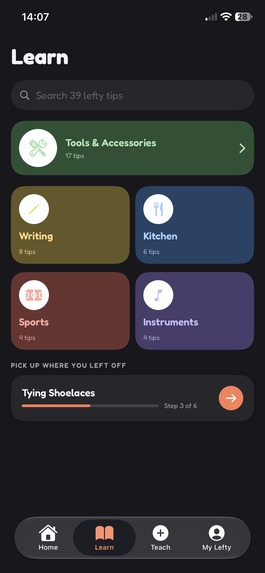
dark mode learn
-
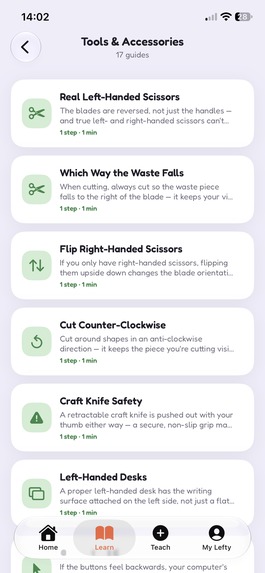
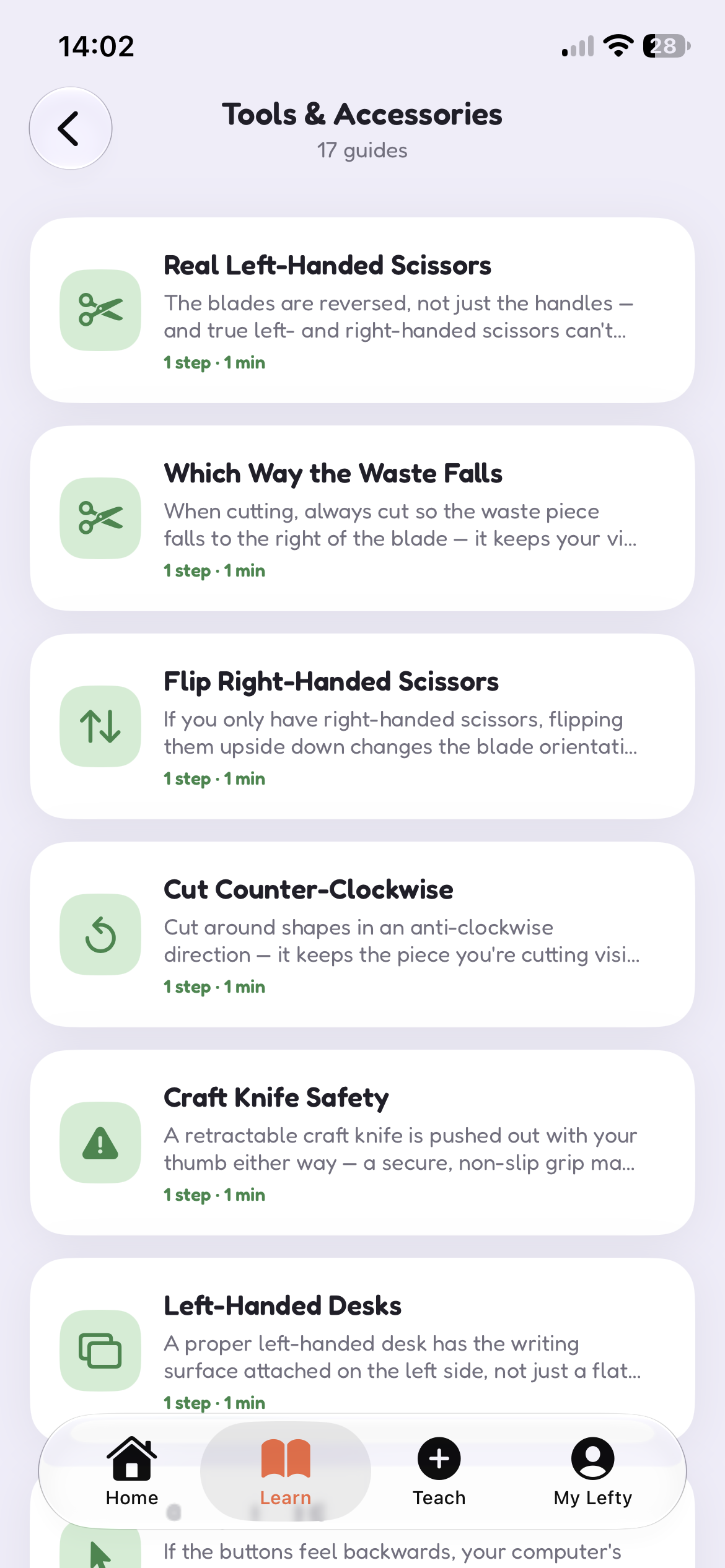
tips in tools & accessories
-
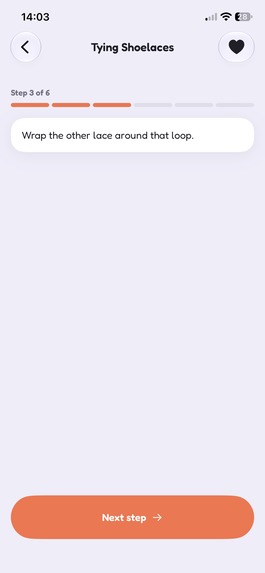
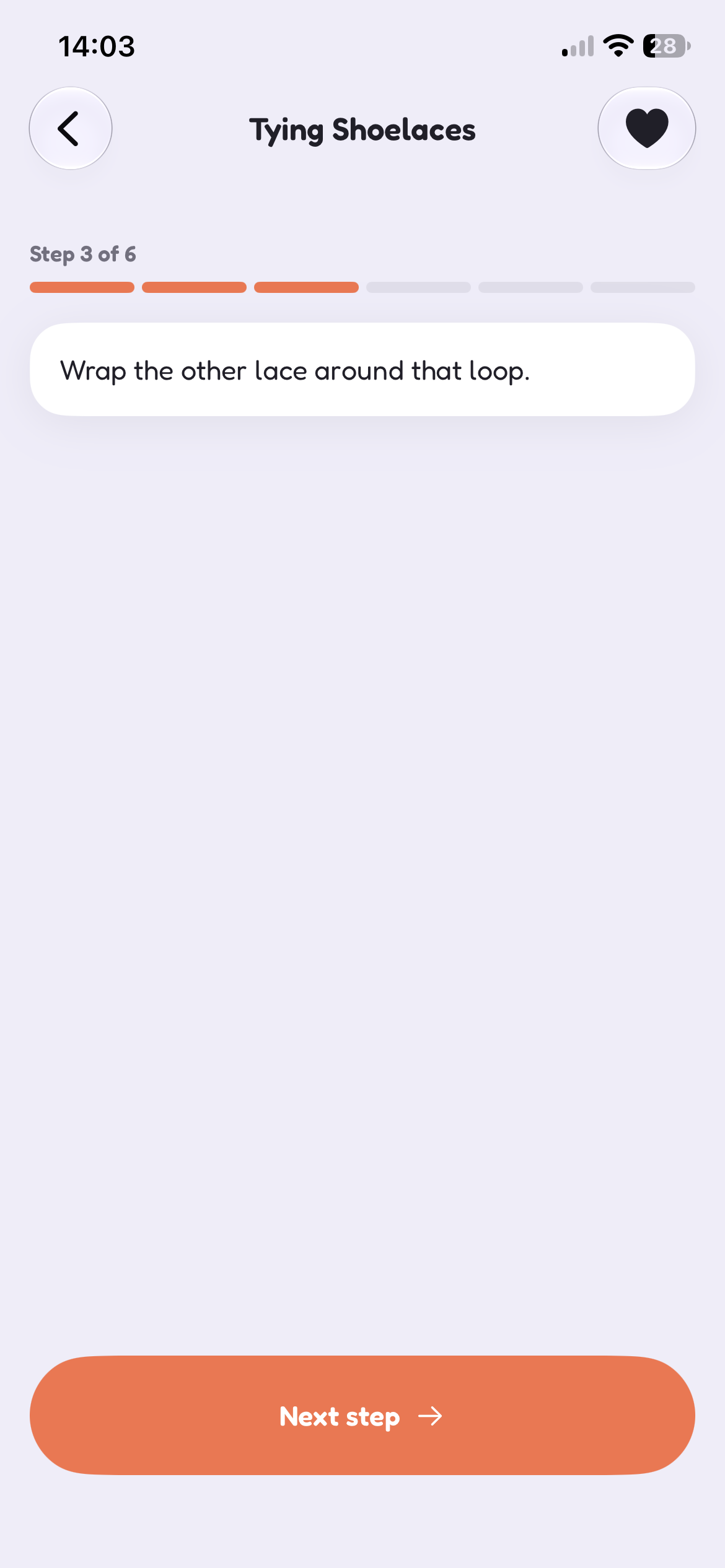
this tip shows how to tie shoelaces as a left-handed person
-
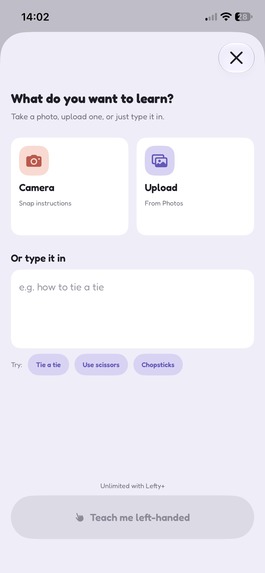
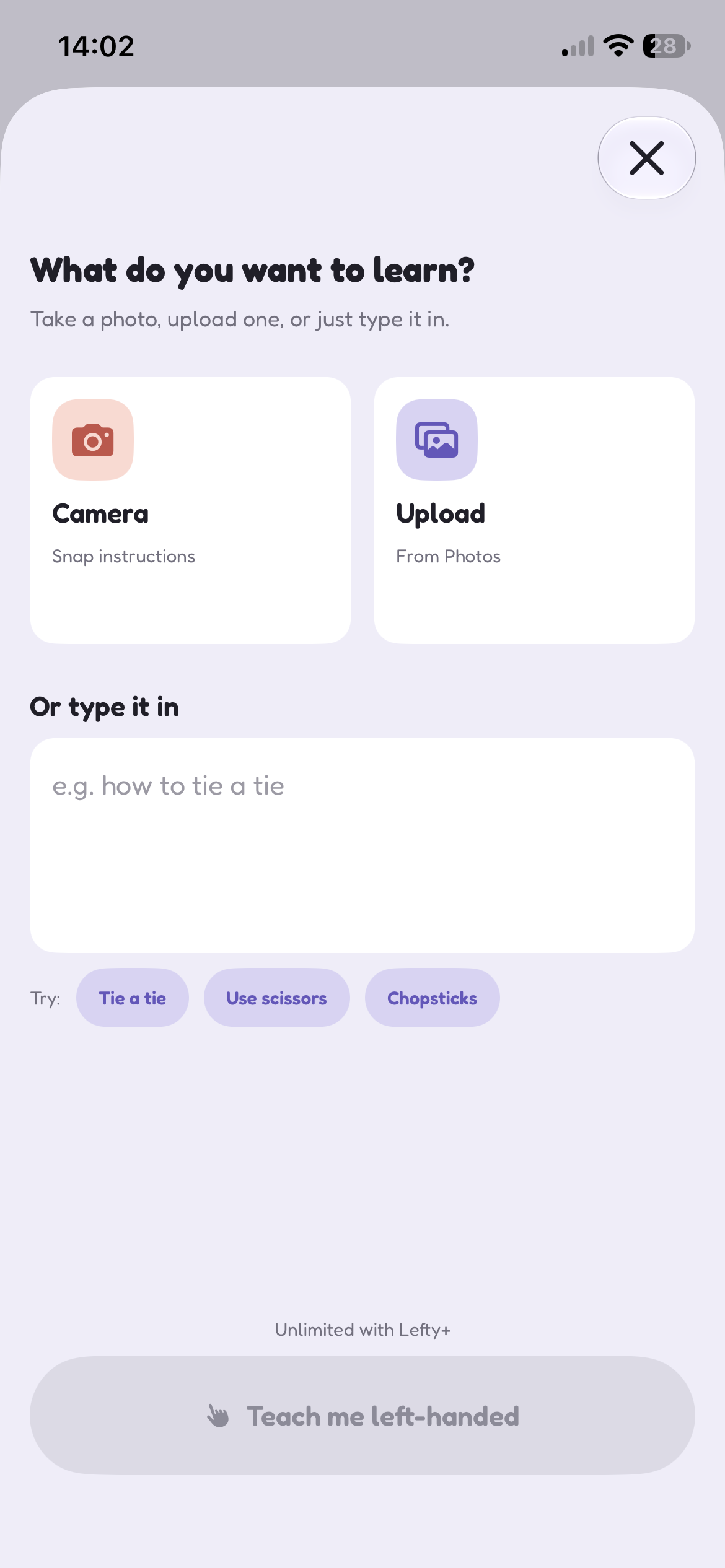
teach
-
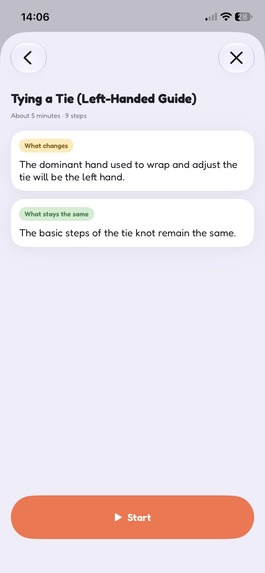
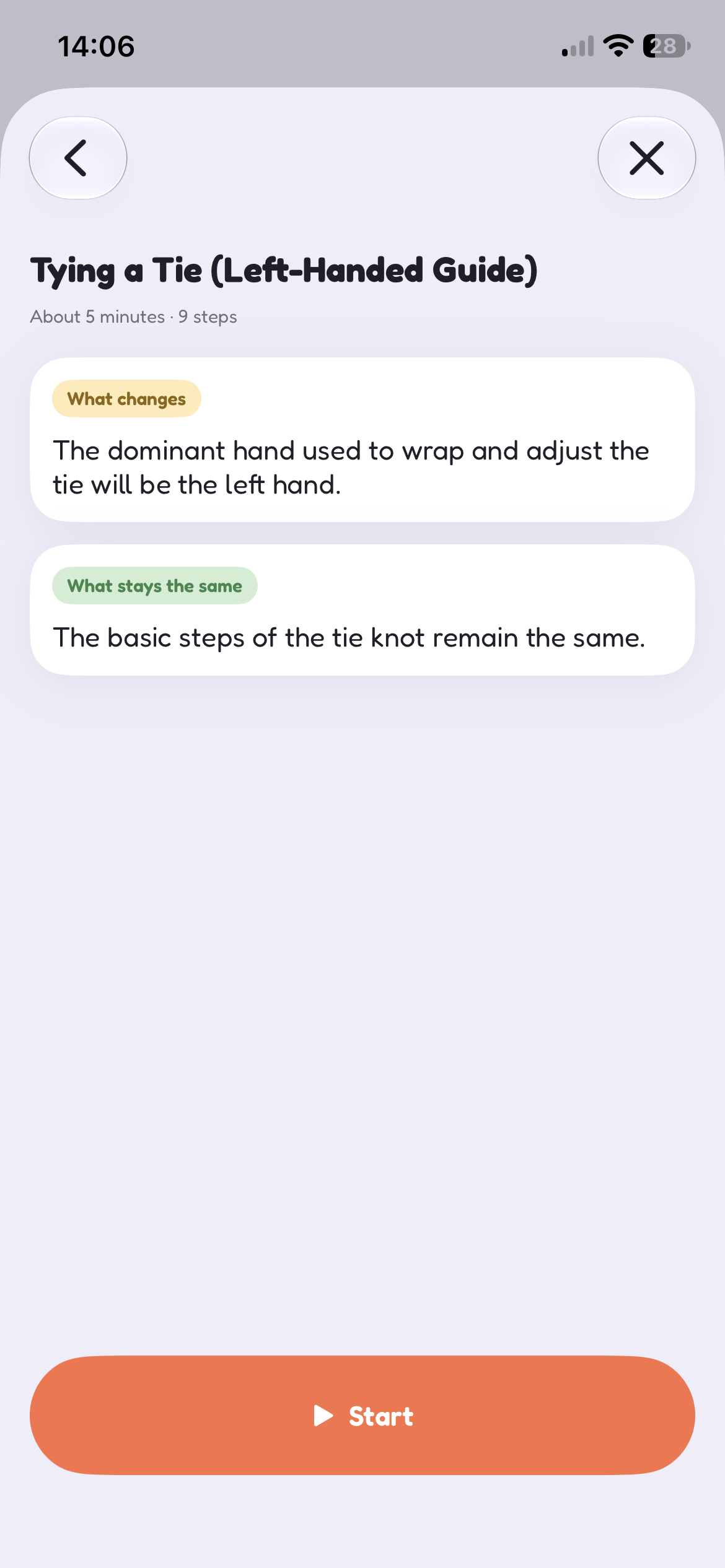
teach showing what changes and what stays the same
-
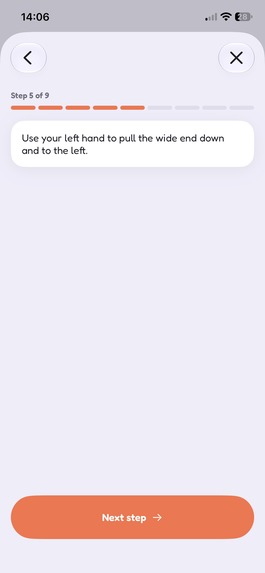
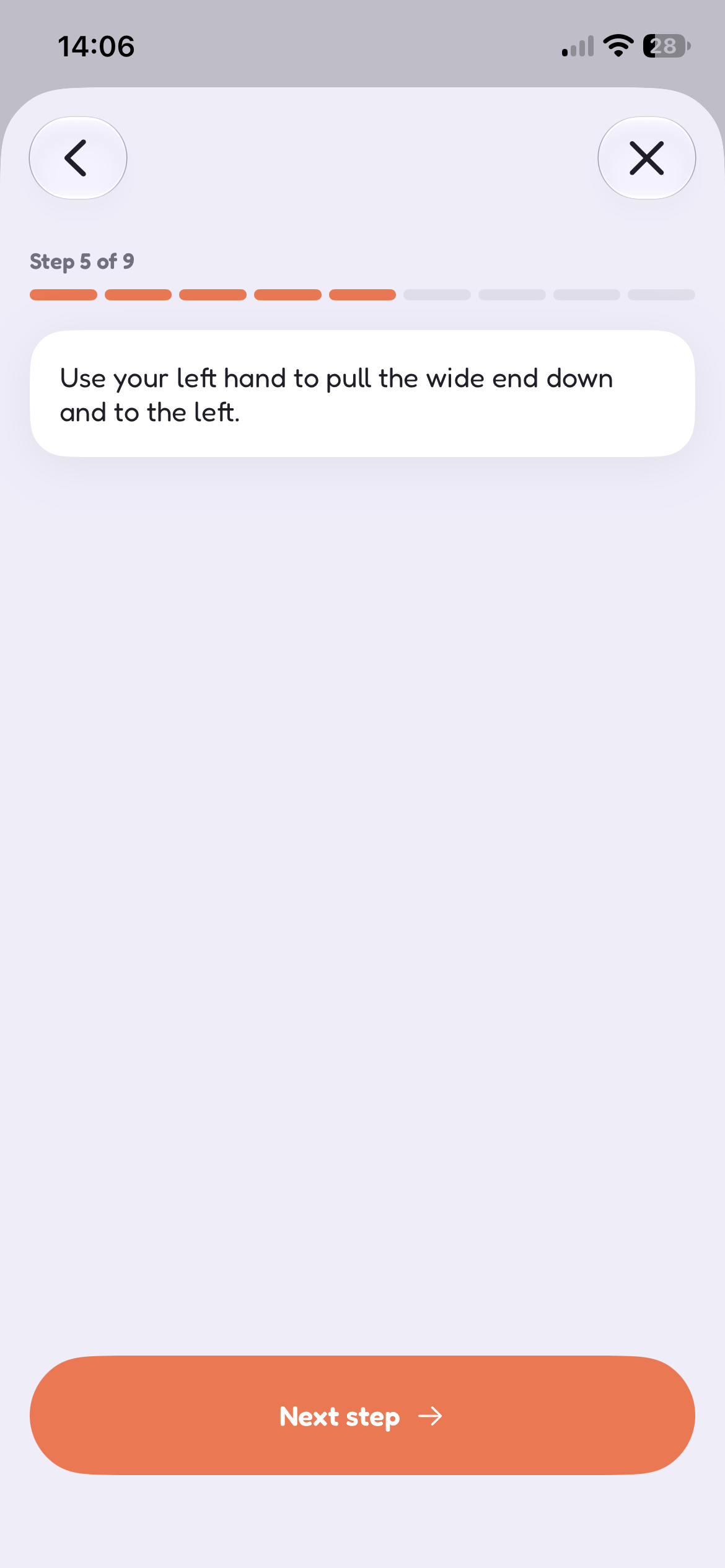
it gives you a step-by-step tutorial left-handedly
-
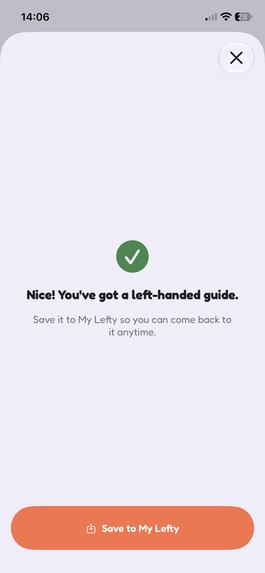
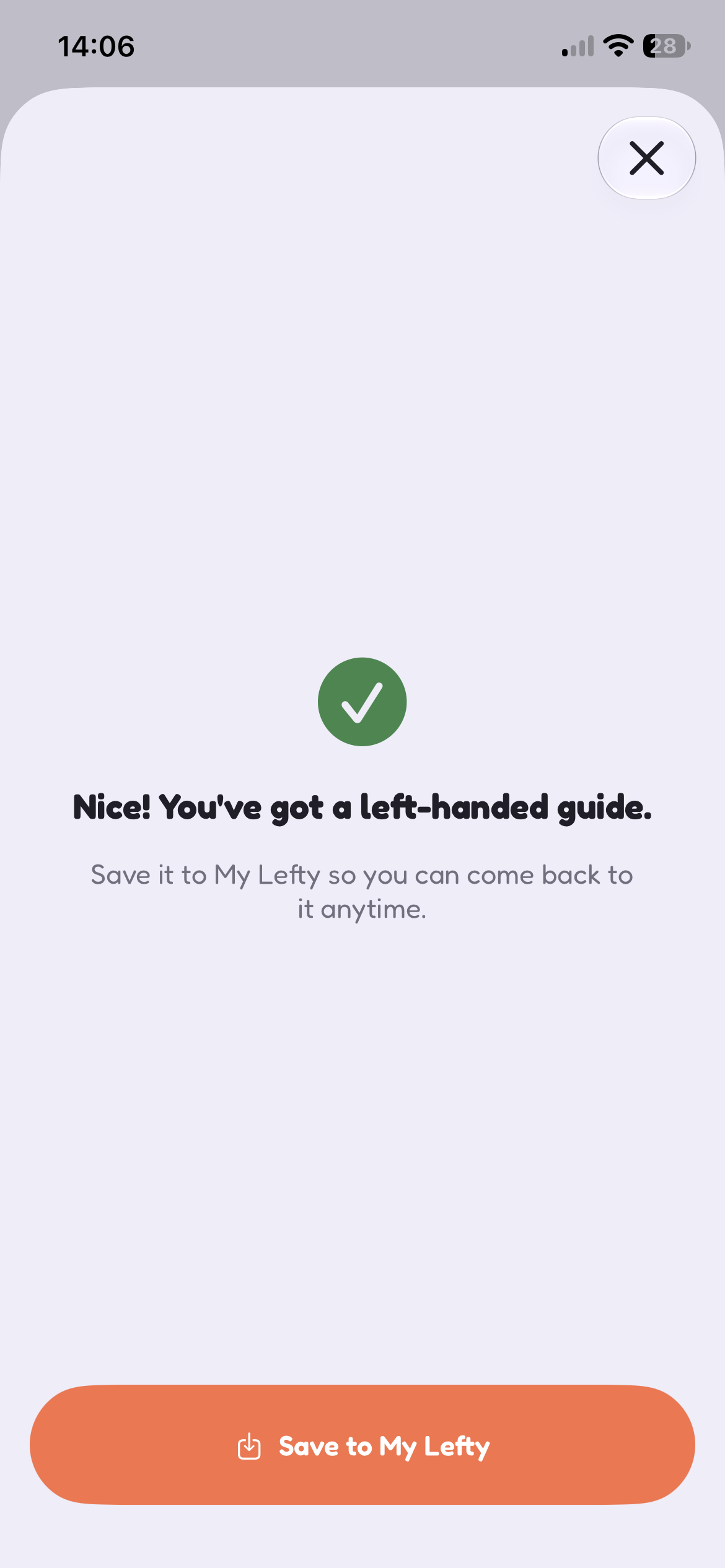
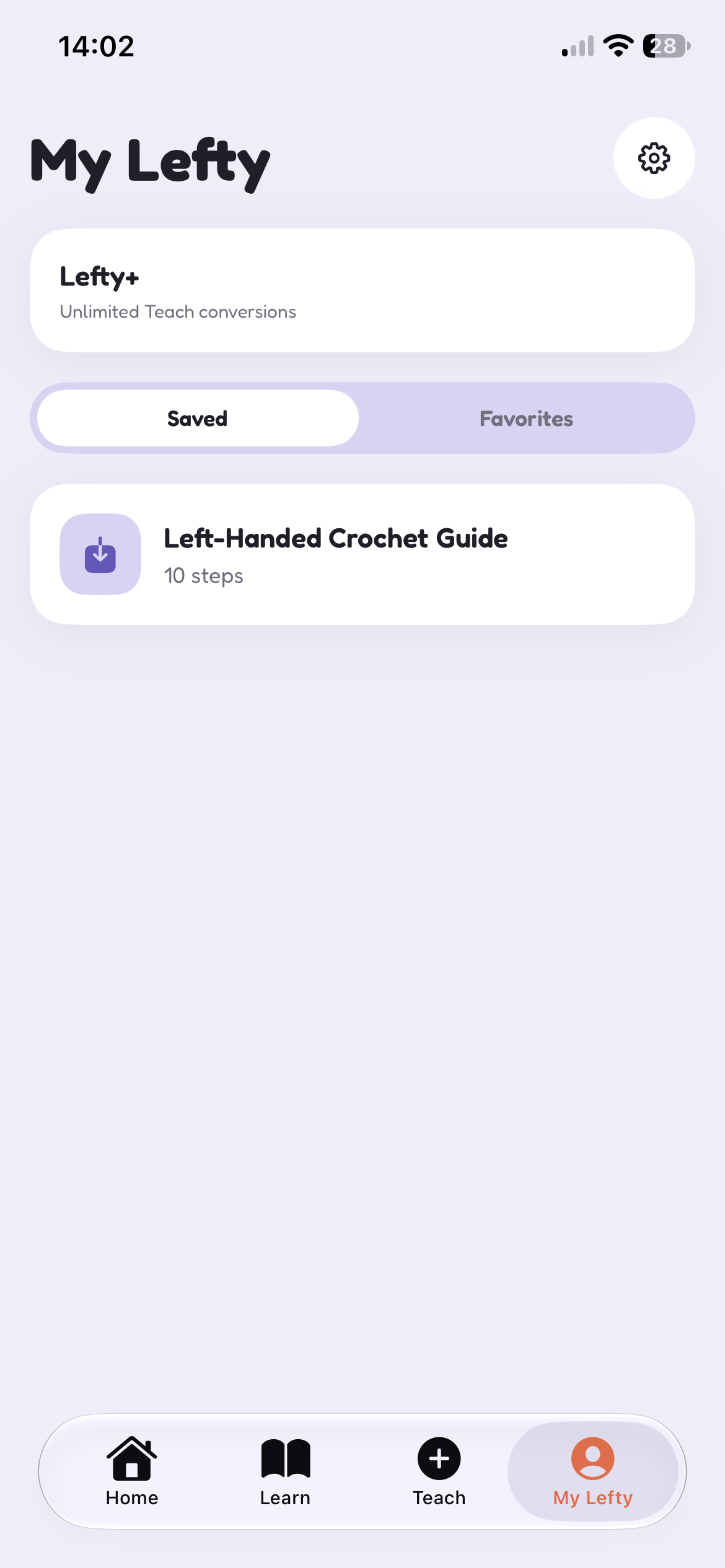
you can save the guide to my lefty
-
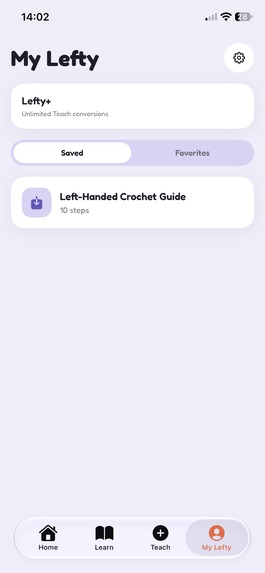
my lefty for teach
-
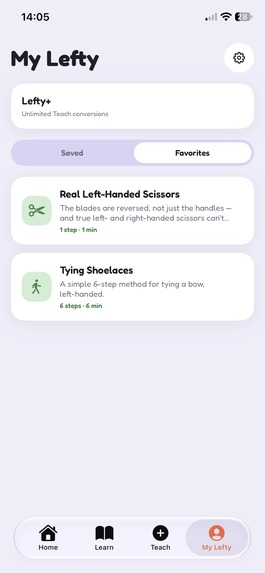
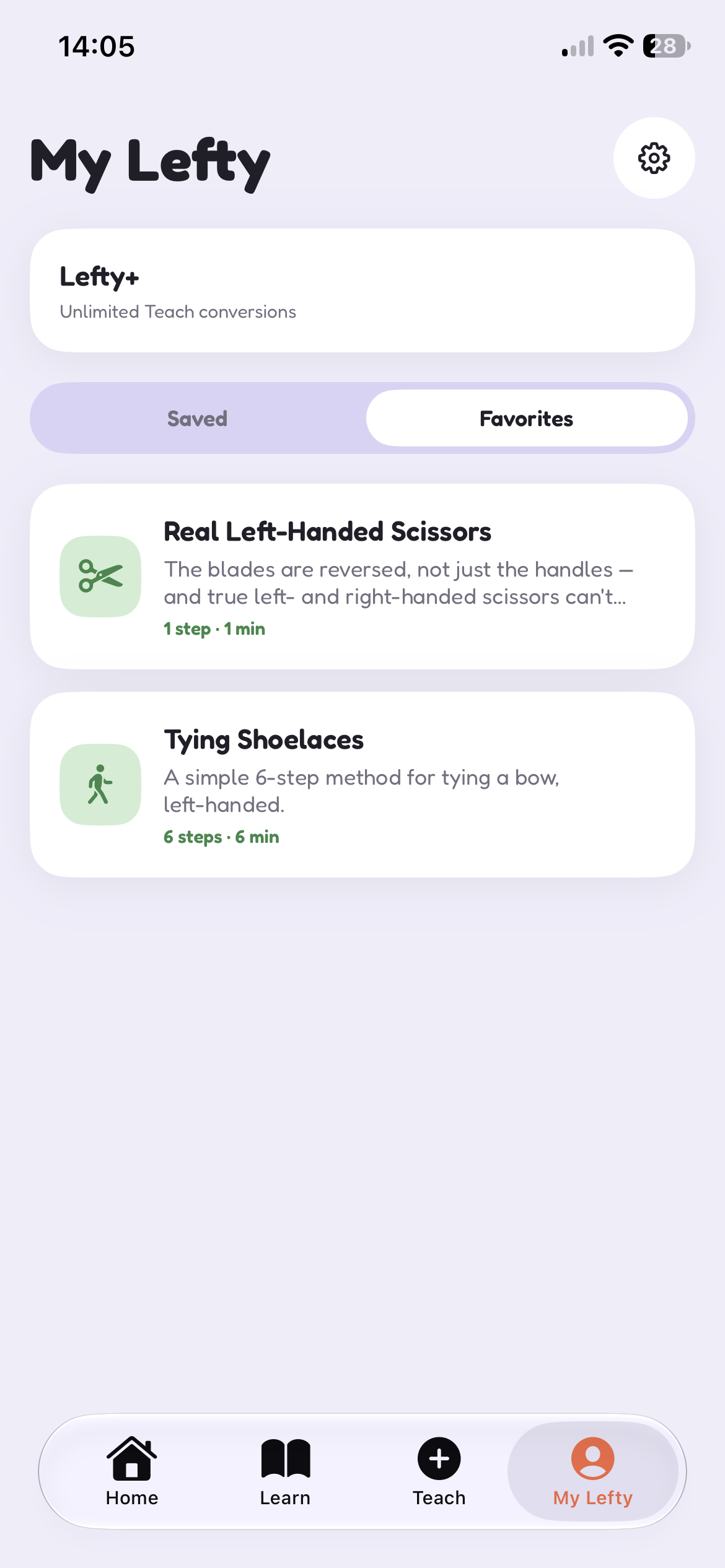
my lefty for learn
-
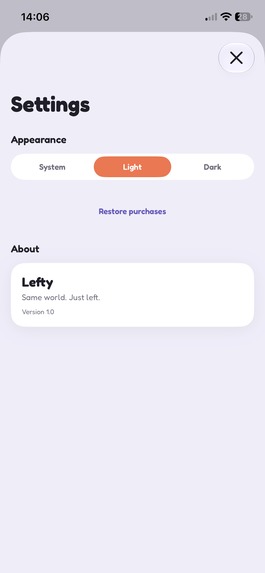
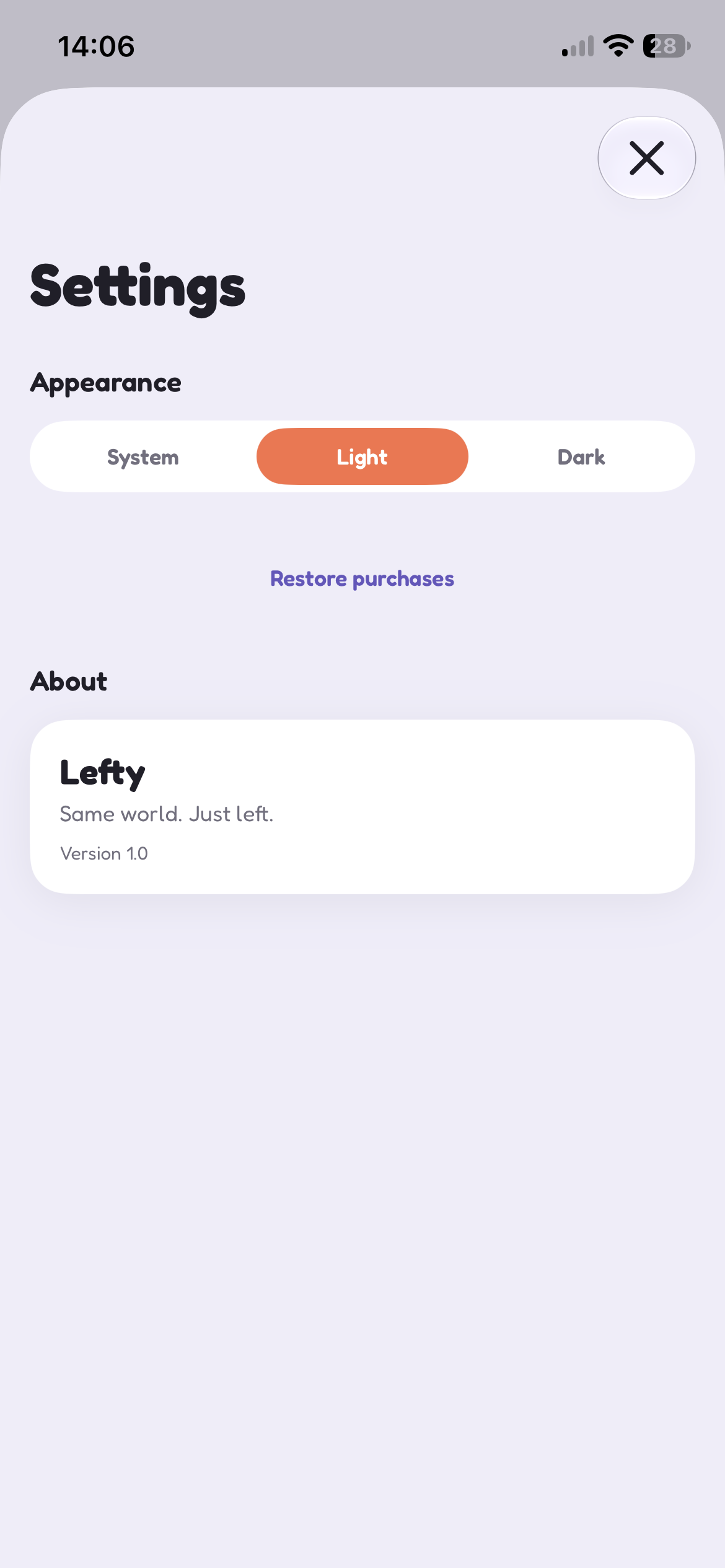
settings
-
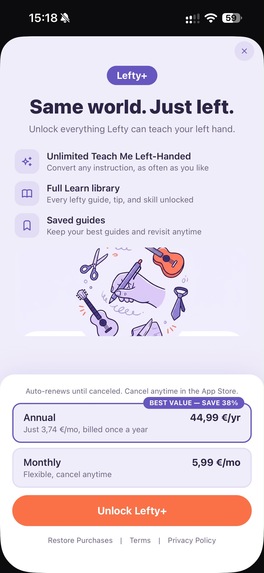
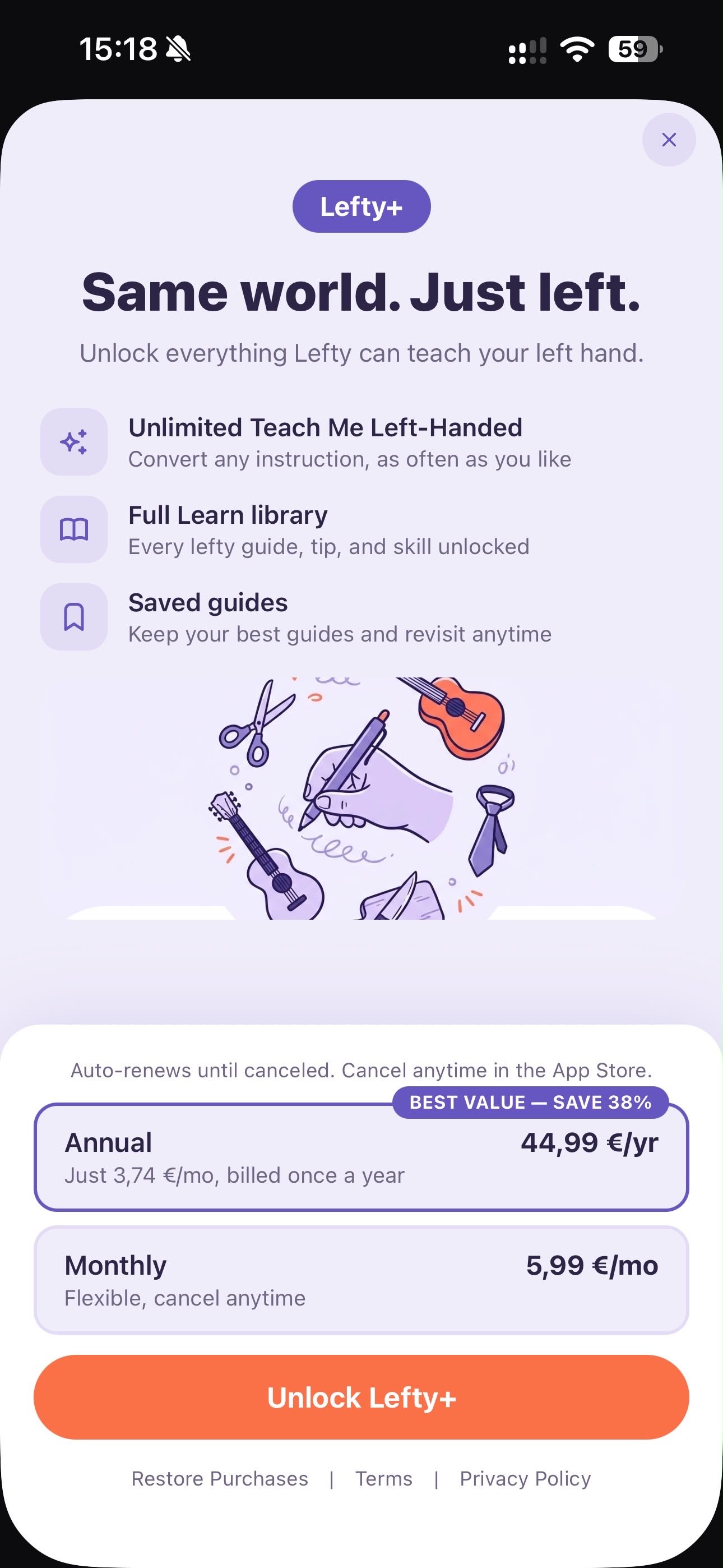
the paywall. 3 uses of learn a month for free and with lefty+ you get unlimited
-

app icon

Inspiration
We're both left-handed. That's really the whole starting point. We needed a project for the Shipaton, and instead of inventing a problem, we looked at something we deal with every day. Scissors, spiral notebooks, tying a tie, holding a pencil: none of it was written for us, and we've spent our whole lives quietly working around that without really thinking about it. We wanted to build the thing that does the working-around for you, so opening it feels less like using a tool and more like finally being welcomed somewhere that was built with you in mind.
What it does
Lefty is a native iOS app for left-handed people, or parents teaching a left-handed kid.
- Teach Me Left-Handed: snap a photo or type any task and the AI writes back left-handed steps. If it's not confident in the answer, it asks a follow-up question instead of guessing. If something looks genuinely dangerous (fire, power tools), it says so and tells you to get help from an adult instead.
- Learn: 39 tips we wrote across five categories (Writing, Tools and Accessories, Sports, Instruments, Kitchen), with search and a "pick up where you left off" card for longer guides.
- Home: a daily fun fact and a Famous Lefty of the day, plus a shortcut into Teach.
- My Lefty: everything you've saved or favorited.
- Lefty+: 3 free AI conversions a month, unlimited with a subscription through RevenueCat.
How we built it
Oliver built almost all of it: the SwiftUI app, the design system, Learn, Home, My Lefty, the Teach flow, all of it. Nina built the RevenueCat paywall and the AI integration, the Cloudflare Worker that connects Teach to OpenAI. SwiftUI and SwiftData, native iOS throughout. The AI calls don't go straight from the app to OpenAI. They route through Nina's Worker, which holds the API key on the server so it's never sitting inside the app bundle for anyone to pull out and rack up charges on.
Challenges we ran into
Keeping the OpenAI key off the device was the first real problem. The instinct is to call OpenAI directly from the app, then you realize anyone could pull the key out of a decompiled build and run up the bill. We moved everything behind the Worker instead.
There was also a SwiftUI bug where a custom tab bar didn't reserve space correctly for screens pushed on top of it, so buttons ended up rendering behind it, invisible. Switching to SwiftUI's native TabView fixed it.
The harder problem was AI safety. An app giving physical instructions can't just always answer confidently, so we built in a confidence system that lets it say "I'm not sure" or "don't do this alone" when that's the honest answer.
And figuring out what's fair to charge for: the AI feature costs us money per use, so that's what's gated. The tips library costs us nothing to serve, so that stays free.
Accomplishments that we're proud of
Teach and Learn are the two parts we're proudest of. Getting the AI generation actually working end to end, photo in, real left-handed steps out, was the moment the project stopped feeling like a hackathon idea and started feeling like a real app. The 39 tips in Learn started from real research (parenting resources on left-handed kids) and got rewritten into our own words. And the RevenueCat paywall is wired into a usage limit that's actually real, not just a UI mockup of one.
What we learned
A lot about designing AI guardrails that fail safely instead of failing wrong with confidence. A lot about how deep SwiftUI's safe-area and navigation bugs can go before you find the actual cause. And a fair amount about keeping a brand consistent when two people are building the same app at the same time.
What's next for Lefty
More multi-step guides with real illustrations instead of placeholders, broader category coverage, and eventually live camera guidance, where you point your phone at a task and get left-handed cues in real time. An Android version too, so this isn't stuck on one platform.
Built With
- chatgpt
- claude
- cursor
- swift

Log in or sign up for Devpost to join the conversation.