Inspiration

Many students work hard but still study inefficiently because they do not always know what they actually do not understand. A student might reread notes, highlight passages, or ask an AI tool for help, but still miss the one concept that is blocking everything else. This is especially true in reading-heavy and concept-heavy classes, where confusion builds quietly and students end up studying around the problem instead of fixing it.

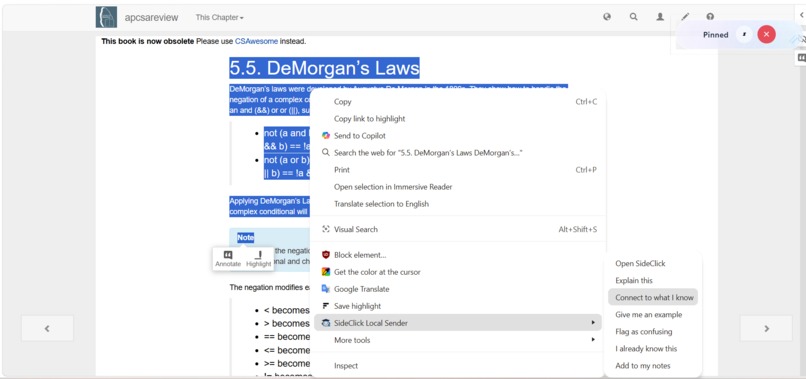
We were inspired in part by RightClick, an existing AI study tool that lets students highlight or right-click text for instant help. That interaction is useful because it fits naturally into a student’s workflow. But tools like that still tend to be reactive and context-blind: they respond to one moment at a time without understanding the student’s class, teacher, current unit, or repeated weak spots.

That inspired us to build SideKlick. We wanted to create something that keeps the speed and convenience of embedded AI support, but makes it more aware of the learner, more useful over time, and more focused on real understanding instead of one-off answers.

AI Ethics

Because SideKlick is designed for students, ethics had to be a core part of the project rather than an afterthought. Our goal was to build a tool that strengthens learning without weakening critical thinking.

SideKlick is designed to support understanding, not replace it. It helps students identify what is not clicking, gives explanations, and provides context-aware guidance, but it is not meant to complete assignments or produce work students can submit as their own. We wanted the product to act as a learning aid, not a shortcut around the learning process.

We also designed SideKlick with clear boundaries around academic integrity. It is intended for studying, review, and comprehension, not for use on tests or other restricted assessments. That distinction matters because a tool that helps a student learn ethically can become harmful if it is used to bypass evaluation instead.

Privacy was another major ethical consideration. Since SideKlick stores class context and patterns in misunderstanding, we believe students should own that data. As much information as possible should remain local, and the system should only retain what is necessary to make the experience more helpful over time.

Most importantly, we wanted the product to encourage critical thinking. Instead of simply giving answers, SideKlick is built to help students locate the missing concept, reflect on what they do not understand, and work toward real comprehension. For us, that is the ethical promise of AI in education: not doing the thinking for students, but helping them do it better.

What it does

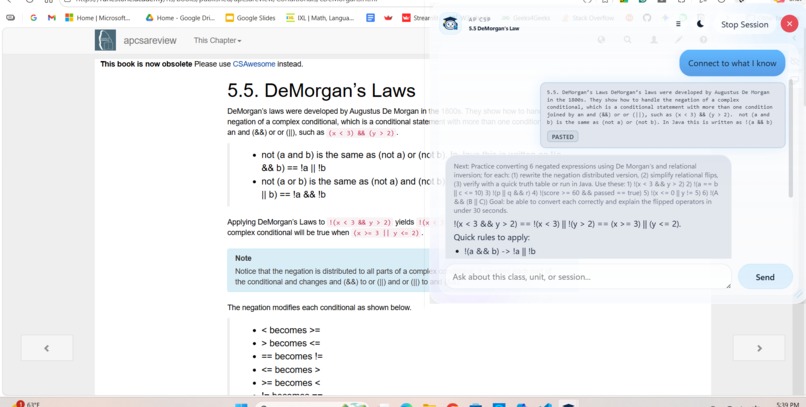
SideKlick is an always-on study overlay for students. Its target audience is middle school, high school, and college students who want help understanding difficult material more efficiently without leaving their workflow.

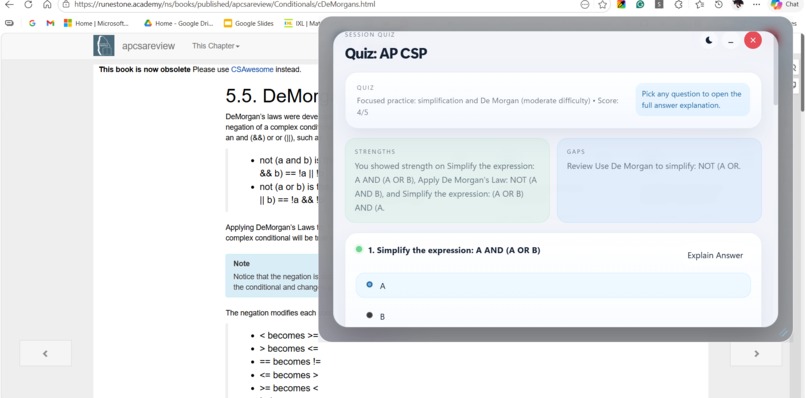
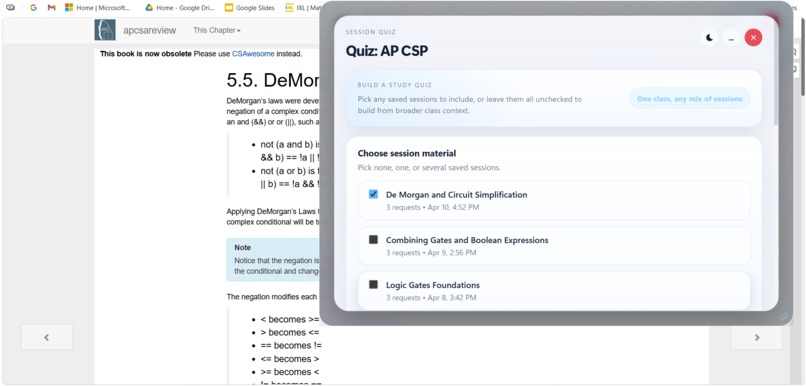
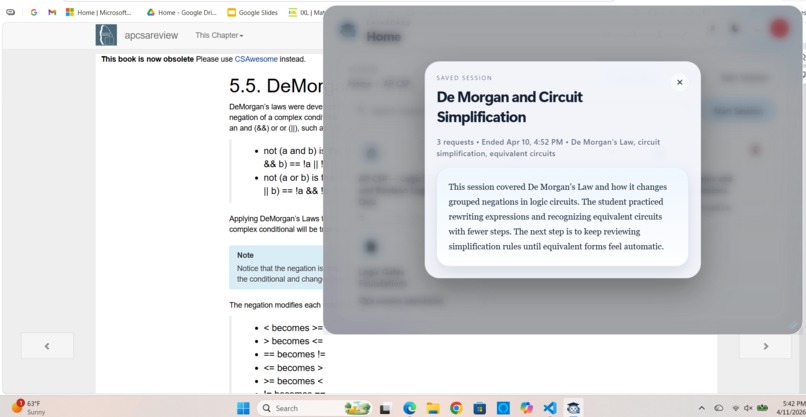
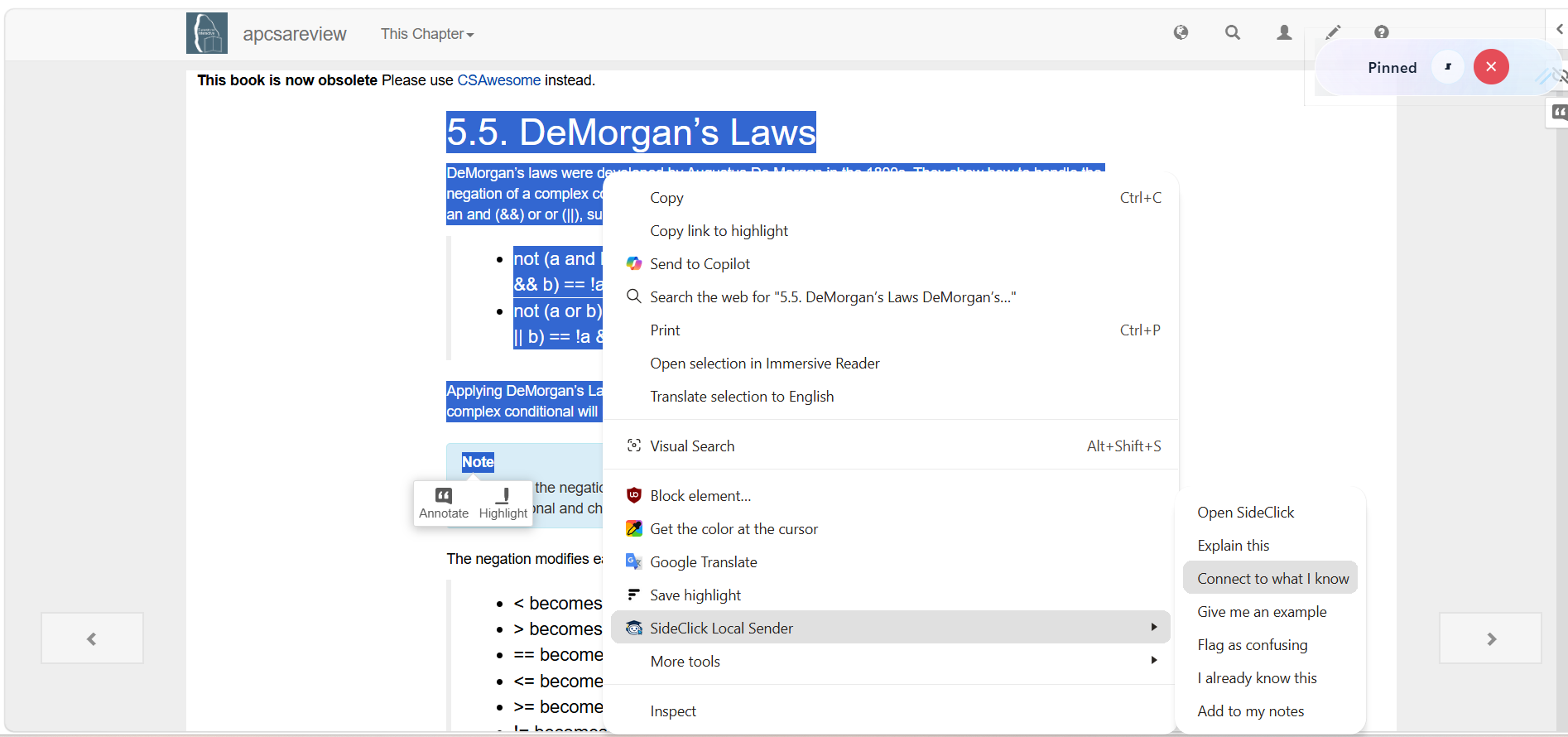
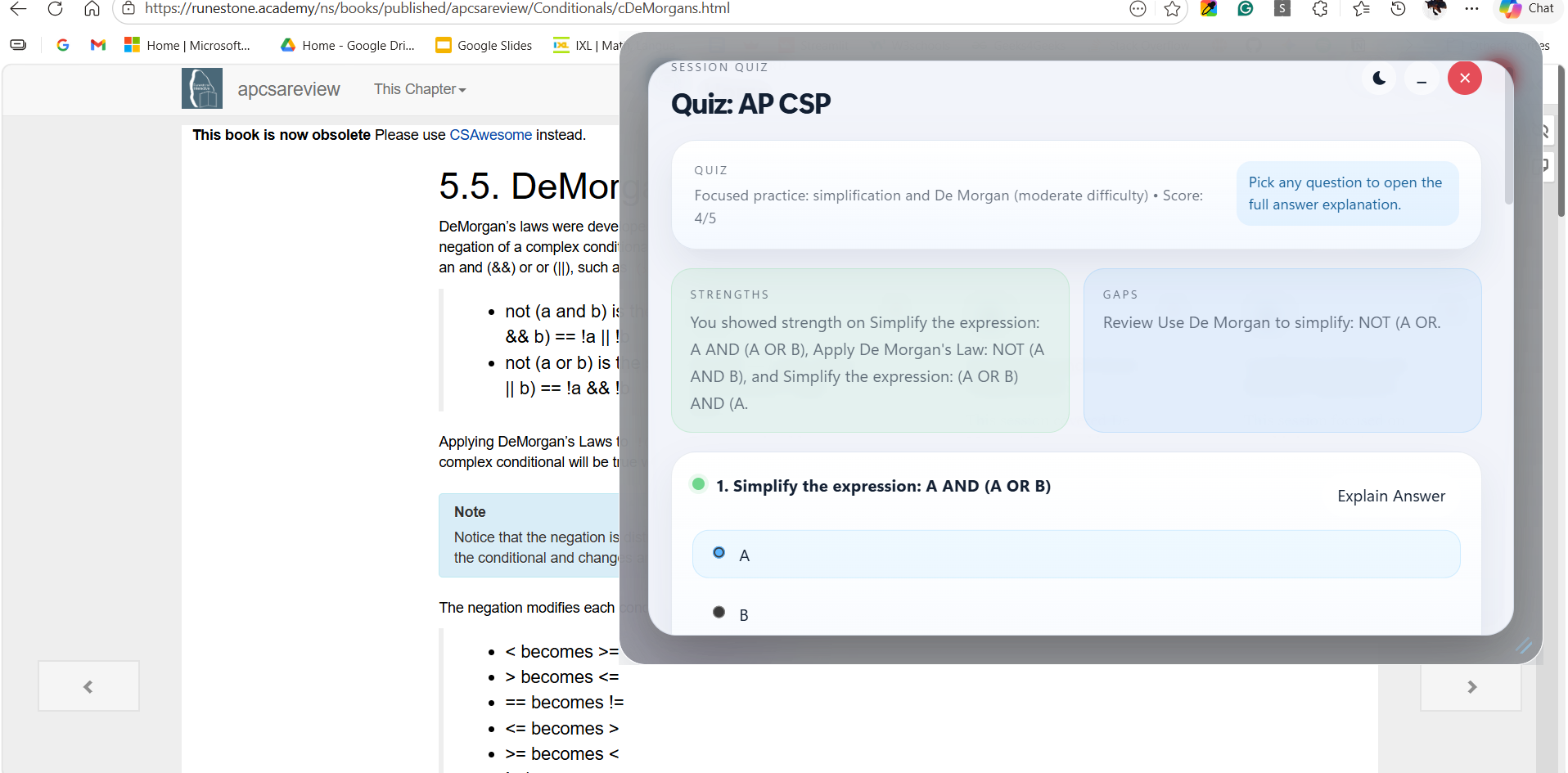
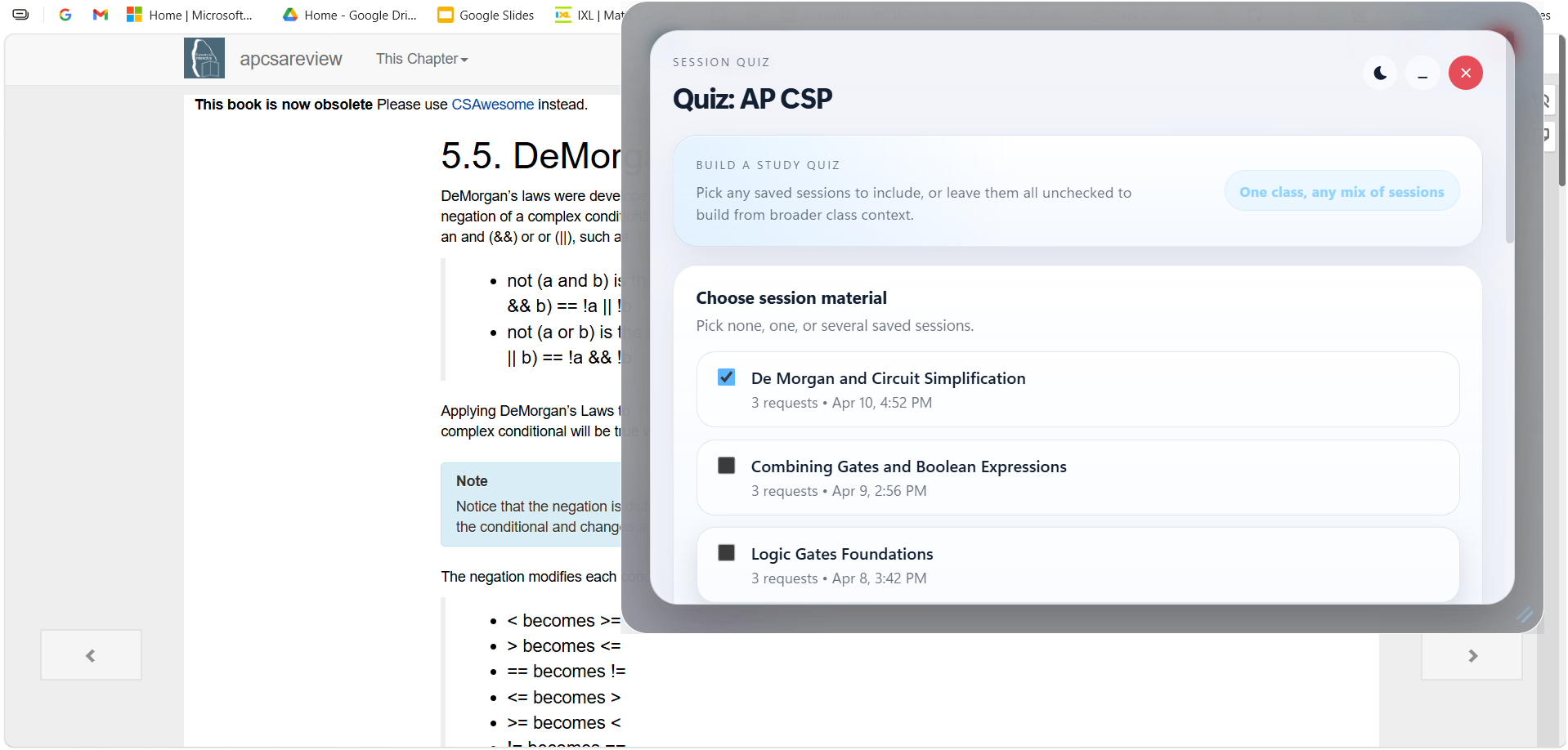
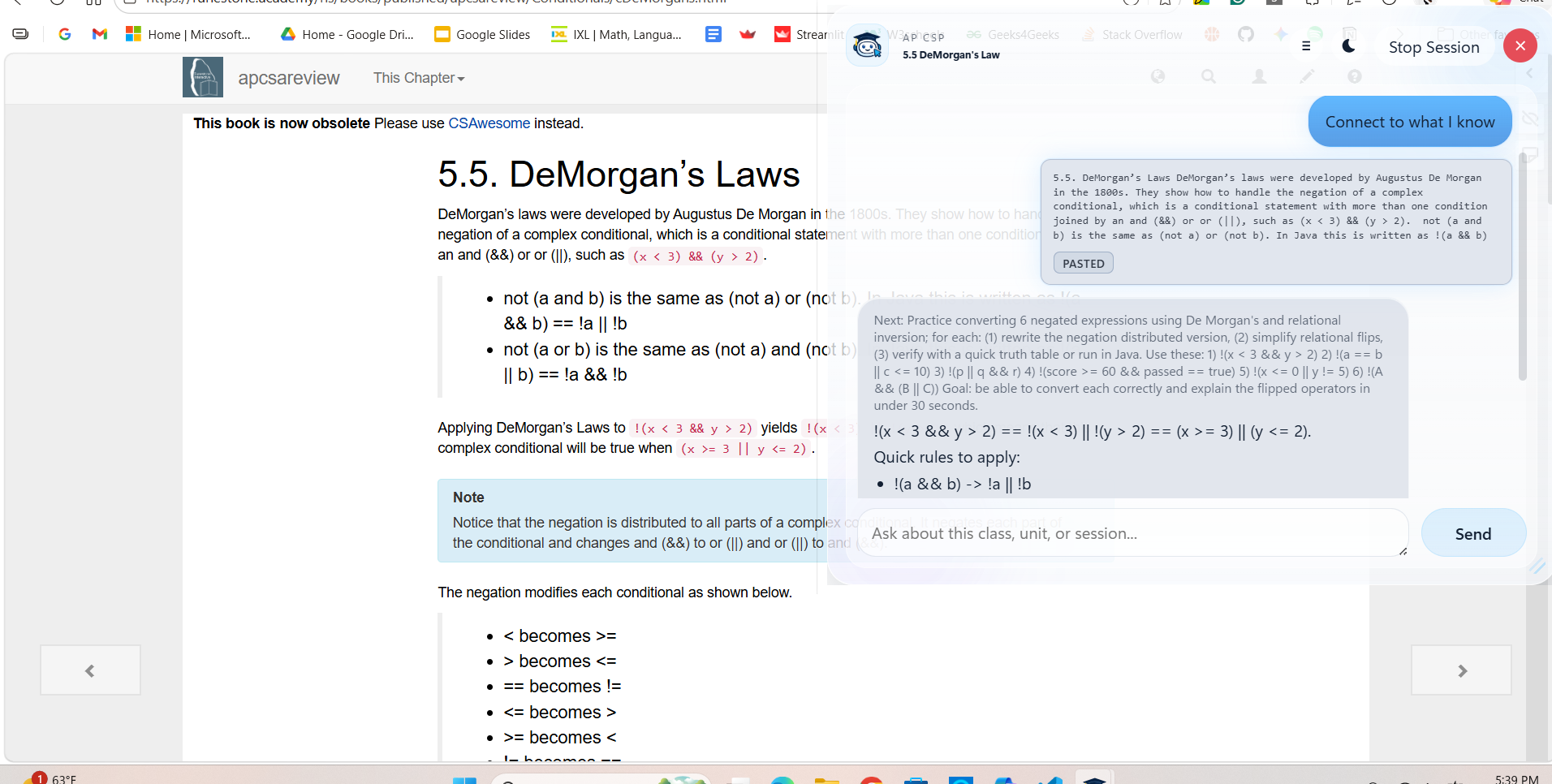
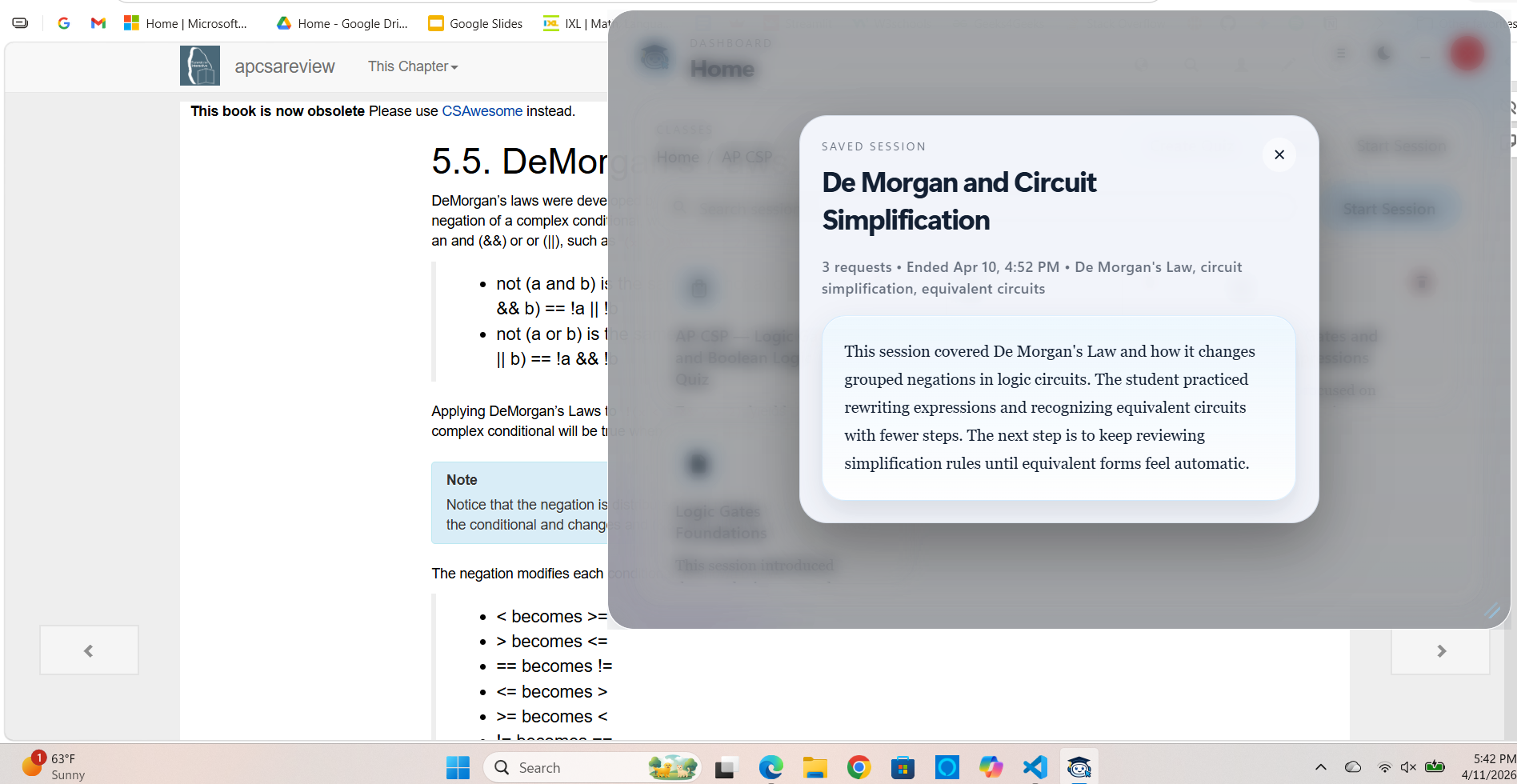
Instead of acting like a generic chatbot, SideKlick stays alongside the student while they work. It recognizes what they are viewing, stores class-specific context, and tracks concepts that are not clicking over time. It builds class profiles with information like the current unit, teacher emphasis, and important concepts, and it maintains a gap memory that records both concepts the student explicitly flags and concepts the system suspects may be weak.

This makes studying more targeted. Rather than simply answering isolated questions, SideKlick helps students identify the exact gap in understanding that is slowing them down. The design is lightweight, accessible, and easy to use because the student does not have to repeatedly paste context or explain their class every time they need support.

How we built it

We built SideKlick using a Chrome extension and an Electron overlay. The Chrome extension allows students to interact directly with what they are already reading by selecting or right-clicking text. The overlay stays on screen while they study, making support available without forcing them to switch apps or lose focus.

The two parts communicate over localhost, which allows fast handoff between browser activity and the overlay. On the backend, we built a system around class profiles, gap memory, and gap detection. Students can explicitly mark something as confusing, but the system can also detect possible gaps passively by returning likely misunderstandings and confidence scores after interactions. We then apply time decay, so recent struggles are weighted more heavily while older ones fade unless they continue to reappear.

In thinking about process, we also focused on the needs of our target audience. Students do not want another complicated tool to manage. They want something fast, low-friction, and built into the way they already work. That is why we centered the project around immediacy, continuity, and simplicity rather than a traditional chatbot interface.

Challenges we ran into

One of our biggest challenges was making sure SideKlick was not just “more features” on top of an existing idea. We had to make it meaningfully better for students, not just more complicated. That meant staying focused on the real problem: students often do not know what they are missing.

Another challenge was memory. A system that remembers past confusion can become very powerful, but only if that memory stays useful. We had to think carefully about how long a knowledge gap should matter, how much confidence to assign to passive detections, and how to avoid storing noisy or misleading information.

We also faced an ethical challenge. Because the target audience is students, we had to be careful that the product supports learning instead of bypassing it. That shaped both our design and our boundaries.

Accomplishments that we're proud of

We are proud that SideKlick addresses a real and current problem for students: inefficient studying caused by unclear understanding. Instead of just answering what the student asks, it helps them identify what is actually not clicking.

We are also proud of the gap-based system. The combination of class profiles, persistent memory, and passive gap detection makes the product feel more personalized and more educationally useful than a standard AI helper. It feels built for students rather than just adapted for them.

Most importantly, we are proud that the solution is accessible and easy to use. Students can get support directly in their workflow instead of having to constantly stop, re-explain context, and start over.

What we learned

We learned that speed alone is not enough. RightClick-style tools are appealing because they are immediate, but immediacy without memory still leaves the student doing too much of the work. The real upgrade comes from context.

We also learned that the most valuable study support is often not giving another explanation on demand. It is helping students identify the exact missing concept that keeps blocking their understanding. That shift in perspective changed the whole direction of the project.

Most of all, we learned that building a better version of an existing product means identifying the structural weakness in that product and solving that directly. For us, that weakness was not interface. It was blindness.

What's next for LeftClick

The next step is to make the gap model more accurate and more personalized. We want LeftClick to get better at detecting patterns in misunderstanding without requiring the user to constantly flag things manually.

We also want to deepen the class profile system so the product can better reflect how different courses are actually taught, including teacher emphasis, pacing, and assignment style. That would make LeftClick feel even more useful than a standard right-click helper because its support would be grounded in the student’s real academic environment.

Long term, the goal is to push beyond the reactive model that RightClick represents. We want LeftClick to become a study layer that does not just answer faster, but helps learners understand better over time.

Built With

Share this project:

Updates